2019 FORD EXPEDITION charging
[x] Cancel search: chargingPage 345 of 583
If you see any corrosion on the battery or
terminals, remove the cables from the
terminals and clean with a wire brush. You
can neutralize the acid with a solution of
baking soda and water.
Because your vehicle
’s engine is
electronically controlled by a computer,
some control conditions are maintained
by power from the battery. When the
battery is disconnected or a new battery
is installed, the engine must relearn its idle
and fuel trim strategy for optimum
driveability and performance. Flexible fuel
vehicles (FFV) must also relearn the
ethanol content of the fuel for optimum
driveability and performance.
To restore the settings, do the following:
1. Apply the parking brake.
2. Shift into park (P) or neutral (N).
3. Switch off all accessories.
4. Press the brake pedal and start your vehicle.
5. Run the engine until it reaches normal operating temperature. While the
engine is warming up, complete the
following: Reset the clock. Reset the
power windows bounce-back feature.
See Windows and Mirrors (page 100).
Reset the radio station presets. See
Audio System (page 398).
6. Allow the engine to idle for at least one
minute.
7. Drive the vehicle at least 10 mi (16 km)
to completely relearn the idle trim and
fuel trim strategy.
Note: If you do not allow the engine to
relearn the idle and fuel trim strategy, the
idle quality of your vehicle may be adversely
affected until the engine computer
eventually relearns the idle trim and fuel
trim strategy. Note:
For flexible fuel vehicles, if you are
operating on E85, you may experience poor
starts or an inability to start the engine and
driveability problems until the fuel trim and
ethanol content have been relearned.
Make sure that you dispose of old batteries
in an environmentally friendly way. Seek
advice from your local authority about
recycling old batteries.
If storing your vehicle for more than 30
days without recharging the battery, we
recommend that you disconnect the
negative battery cable to maintain battery
charge for quick starting.
Battery Management System
(If
Equipped)
The battery management system monitors
battery conditions and takes actions to
extend battery life. If excessive battery
drain is detected, the system temporarily
disables some electrical systems to
protect the battery.
Systems included are:
• Heated rear window.
• Heated seats.
• Climate control.
• Heated steering wheel.
• Audio unit.
• Navigation system.
A message may appear in the information
displays to alert you that battery
protection actions are active. These
messages are only for notification that an
action is taking place, and not intended to
indicate an electrical problem or that the
battery requires replacement.
342
Expedition (TB8) Canada/United States of America, enUSA, Edition date: 201808, Second-Printing Maintenance
Page 346 of 583
After battery replacement, or in some
cases after charging the battery with an
external charger, the battery management
system requires eight hours of vehicle sleep
time to relearn the battery state of charge.
During this time your vehicle must remain
fully locked with the ignition switched off.
Note:
Prior to relearning the battery state
of charge, the battery management system
may temporarily disable some electrical
systems.
Electrical Accessory Installation
To make sure the battery management
system works correctly, do not connect an
electrical device ground connection
directly to the battery negative post. This
can cause inaccurate measurements of
the battery condition and potential
incorrect system operation.
Note: If you add electrical accessories or
components to the vehicle, it may adversely
affect battery performance and durability.
This may also affect the performance of
other electrical systems in the vehicle.
CHECKING THE WIPER
BLADES Run the tip of your fingers over the edge of
the blade to check for roughness.
Clean the wiper blades with washer fluid
or water applied with a soft sponge or
cloth. CHANGING THE WIPER
BLADES
Note:
Do not hold the wiper blade when
lifting the wiper arm. 1. Pull the wiper blade and arm away
from the glass. 2.
Lift the wiper blade primary locking clip.
343
Expedition (TB8) Canada/United States of America, enUSA, Edition date: 201808, Second-Printing MaintenanceE142463 E165804 2E295620
Page 358 of 583
•
Cover interior trim to prevent fading.
• Keep all rubber parts free from oil and
solvents.
Engine
• Change the engine oil and filter prior to
storage because used engine oil
contains contaminates which may
cause engine damage.
• Start the engine every 15 days for a
minimum of 15 minutes. Run at fast idle
with the climate controls set to defrost
until the engine reaches normal
operating temperature.
• With your foot on the brake, shift
through all the gears while the engine
is running.
• We recommend that you change the
engine oil before you use your vehicle
again.
Fuel system
• Fill the fuel tank with high-quality fuel
until the first automatic shutoff of the
fuel pump nozzle.
Cooling system
• Protect against freezing temperatures.
• When removing your vehicle from
storage, check coolant fluid level.
Confirm that there are no cooling
system leaks and that fluid is at the
recommended level.
Battery
• Check and recharge as necessary. Keep
connections clean.
• If storing your vehicle for more than 30
days without recharging the battery,
we recommend that you disconnect
the battery cables to maintain battery
charge for quick starting. Note:
It is necessary to reset memory
features if battery cables are disconnected.
Brakes
• Make sure the brakes and parking brake
release fully.
Tires
• Maintain recommended air pressure.
Miscellaneous
• Make sure all linkages, cables, levers
and pins under your vehicle are covered
with grease to prevent rust.
• Move vehicles at least 25 ft (7.5 m)
every 15 days to lubricate working parts
and prevent corrosion.
Removing Vehicle From Storage
When your vehicle is ready to come out of
storage, do the following:
• Wash your vehicle to remove any dirt
or grease film build-up on window
surfaces.
• Check windshield wipers for any
deterioration.
• Check under the hood for any foreign
material that may have collected
during storage such as mice or squirrel
nests.
• Check the exhaust for any foreign
material that may have collected
during storage.
• Check tire pressures and set tire
inflation per the Tire Label.
• Check brake pedal operation. Drive
your vehicle
15 ft (4.5 m) back and
forth to remove rust build-up.
355
Expedition (TB8) Canada/United States of America, enUSA, Edition date: 201808, Second-Printing Vehicle Care
Page 567 of 583
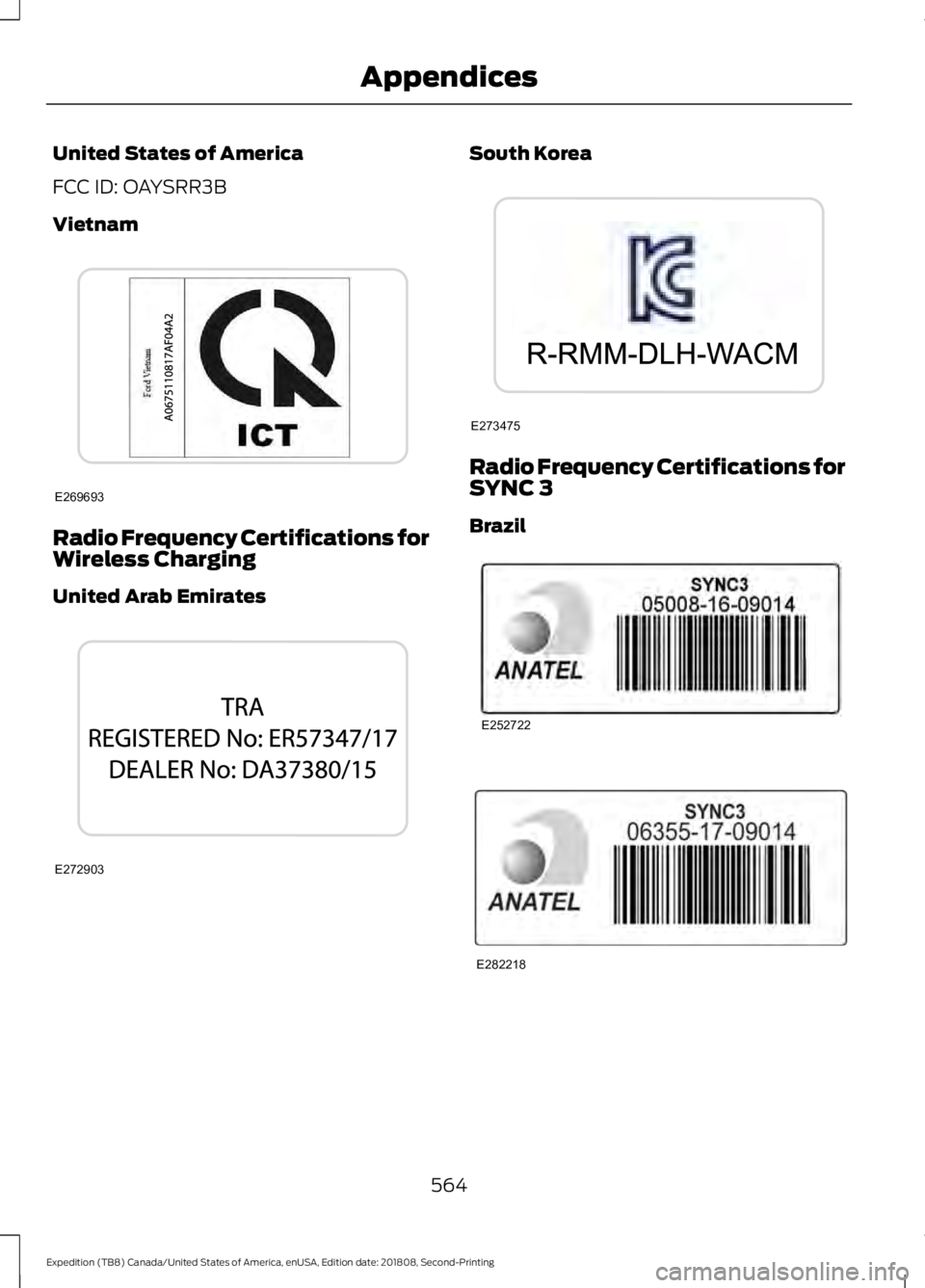
United States of America
FCC ID: OAYSRR3B
Vietnam
Radio Frequency Certifications for
Wireless Charging
United Arab Emirates South Korea
Radio Frequency Certifications for
SYNC 3
Brazil
564
Expedition (TB8) Canada/United States of America, enUSA, Edition date: 201808, Second-Printing AppendicesE269693 E272903 E273475 E252722 E282218
Page 576 of 583
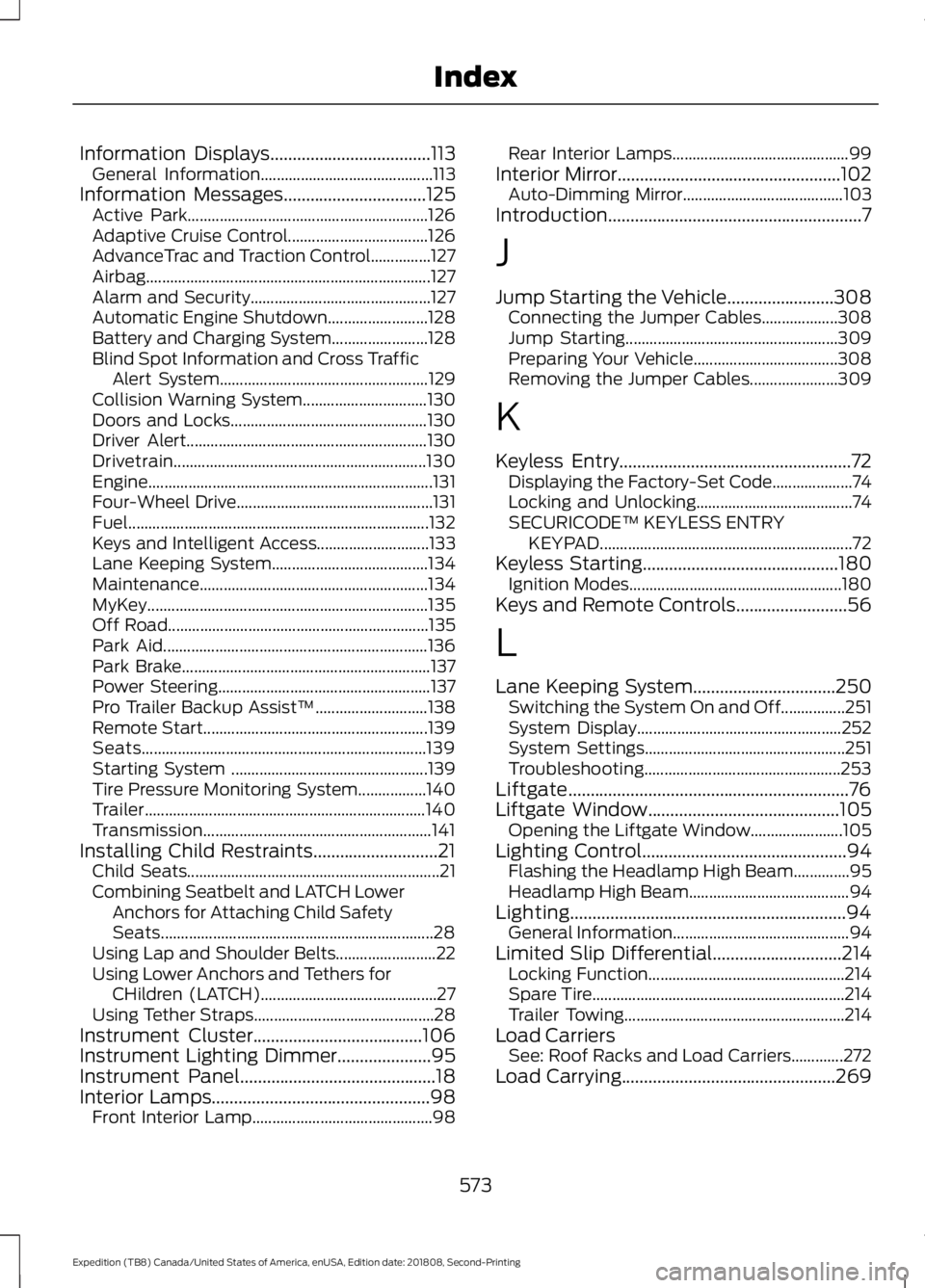
Information Displays....................................113
General Information........................................... 113
Information Messages
................................125
Active Park............................................................ 126
Adaptive Cruise Control................................... 126
AdvanceTrac and Traction Control...............127
Airbag....................................................................... 127
Alarm and Security............................................. 127
Automatic Engine Shutdown......................... 128
Battery and Charging System........................ 128
Blind Spot Information and Cross Traffic Alert System.................................................... 129
Collision Warning System............................... 130
Doors and Locks................................................. 130
Driver Alert............................................................ 130
Drivetrain............................................................... 130
Engine....................................................................... 131
Four-Wheel Drive................................................. 131
Fuel........................................................................\
... 132
Keys and Intelligent Access............................ 133
Lane Keeping System....................................... 134
Maintenance......................................................... 134
MyKey...................................................................... 135
Off Road................................................................. 135
Park Aid.................................................................. 136
Park Brake.............................................................. 137
Power Steering..................................................... 137
Pro Trailer Backup Assist™............................ 138
Remote Start........................................................ 139
Seats....................................................................... 139
Starting System ................................................. 139
Tire Pressure Monitoring System.................140
Trailer...................................................................... 140
Transmission......................................................... 141
Installing Child Restraints............................21 Child Seats............................................................... 21
Combining Seatbelt and LATCH Lower Anchors for Attaching Child Safety
Seats.................................................................... 28
Using Lap and Shoulder Belts......................... 22
Using Lower Anchors and Tethers for CHildren (LATCH)............................................ 27
Using Tether Straps............................................. 28
Instrument Cluster
......................................106
Instrument Lighting Dimmer.....................95
Instrument Panel
............................................18
Interior Lamps.................................................98 Front Interior Lamp............................................. 98Rear Interior Lamps............................................
99
Interior Mirror
..................................................102
Auto-Dimming Mirror........................................ 103
Introduction.........................................................7
J
Jump Starting the Vehicle........................308 Connecting the Jumper Cables................... 308
Jump Starting..................................................... 309
Preparing Your Vehicle.................................... 308
Removing the Jumper Cables...................... 309
K
Keyless Entry
....................................................72
Displaying the Factory-Set Code.................... 74
Locking and Unlocking....................................... 74
SECURICODE™ KEYLESS ENTRY KEYPAD............................................................... 72
Keyless Starting
............................................180
Ignition Modes..................................................... 180
Keys and Remote Controls.........................56
L
Lane Keeping System
................................250
Switching the System On and Off................251
System Display................................................... 252
System Settings.................................................. 251
Troubleshooting................................................. 253
Liftgate...............................................................76
Liftgate Window
...........................................105
Opening the Liftgate Window....................... 105
Lighting Control
..............................................94
Flashing the Headlamp High Beam..............95
Headlamp High Beam........................................ 94
Lighting..............................................................94 General Information............................................ 94
Limited Slip Differential.............................214 Locking Function................................................. 214
Spare Tire............................................................... 214
Trailer Towing....................................................... 214
Load Carriers See: Roof Racks and Load Carriers.............272
Load Carrying
................................................269
573
Expedition (TB8) Canada/United States of America, enUSA, Edition date: 201808, Second-Printing Index
Page 581 of 583
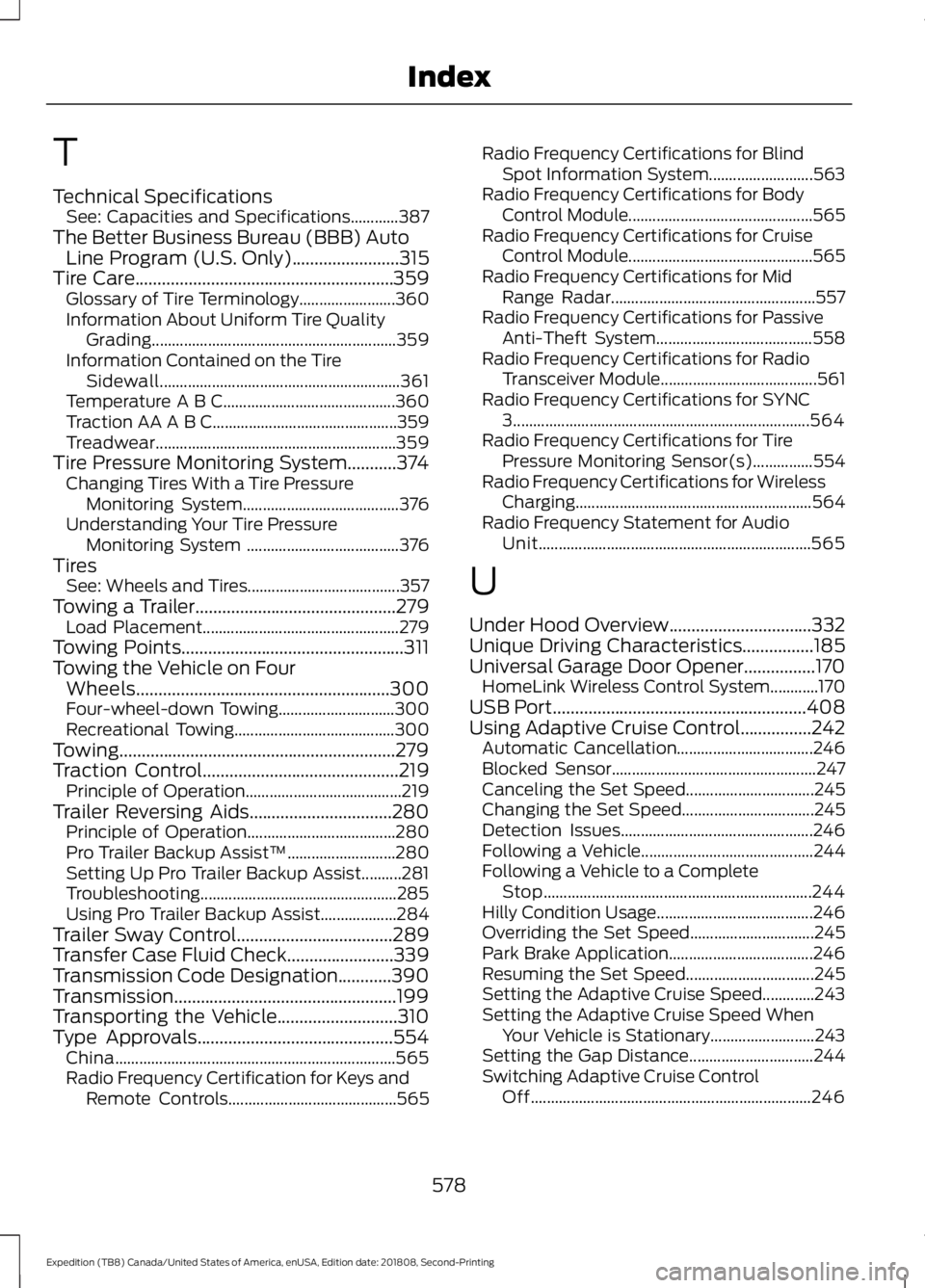
T
Technical Specifications
See: Capacities and Specifications............387
The Better Business Bureau (BBB) Auto Line Program (U.S. Only)........................315
Tire Care..........................................................359 Glossary of Tire Terminology........................ 360
Information About Uniform Tire Quality Grading............................................................. 359
Information Contained on the Tire Sidewall............................................................ 361
Temperature A B C........................................... 360
Traction AA A B C.............................................. 359
Treadwear............................................................ 359
Tire Pressure Monitoring System...........374 Changing Tires With a Tire Pressure
Monitoring System....................................... 376
Understanding Your Tire Pressure Monitoring System ...................................... 376
Tires See: Wheels and Tires...................................... 357
Towing a Trailer.............................................279 Load Placement................................................. 279
Towing Points
..................................................311
Towing the Vehicle on Four Wheels.........................................................300
Four-wheel-down Towing............................. 300
Recreational Towing........................................ 300
Towing..............................................................279
Traction Control............................................219 Principle of Operation....................................... 219
Trailer Reversing Aids................................280 Principle of Operation..................................... 280
Pro Trailer Backup Assist™........................... 280
Setting Up Pro Trailer Backup Assist..........281
Troubleshooting................................................. 285
Using Pro Trailer Backup Assist................... 284
Trailer Sway Control...................................289
Transfer Case Fluid Check........................339
Transmission Code Designation............390
Transmission..................................................199
Transporting the Vehicle
...........................310
Type Approvals............................................554
China...................................................................... 565
Radio Frequency Certification for Keys and Remote Controls.......................................... 565Radio Frequency Certifications for Blind
Spot Information System.......................... 563
Radio Frequency Certifications for Body Control Module.............................................. 565
Radio Frequency Certifications for Cruise Control Module.............................................. 565
Radio Frequency Certifications for Mid Range Radar................................................... 557
Radio Frequency Certifications for Passive Anti-Theft System....................................... 558
Radio Frequency Certifications for Radio Transceiver Module....................................... 561
Radio Frequency Certifications for SYNC 3........................................................................\
.. 564
Radio Frequency Certifications for Tire Pressure Monitoring Sensor(s)...............554
Radio Frequency Certifications for Wireless Charging........................................................... 564
Radio Frequency Statement for Audio Unit.................................................................... 565
U
Under Hood Overview
................................332
Unique Driving Characteristics................185
Universal Garage Door Opener................170 HomeLink Wireless Control System............170
USB Port
.........................................................408
Using Adaptive Cruise Control................242 Automatic Cancellation.................................. 246
Blocked Sensor................................................... 247
Canceling the Set Speed................................ 245
Changing the Set Speed................................. 245
Detection Issues................................................ 246
Following a Vehicle........................................... 244
Following a Vehicle to a Complete Stop................................................................... 244
Hilly Condition Usage....................................... 246
Overriding the Set Speed............................... 245
Park Brake Application.................................... 246
Resuming the Set Speed................................ 245
Setting the Adaptive Cruise Speed.............243
Setting the Adaptive Cruise Speed When Your Vehicle is Stationary.......................... 243
Setting the Gap Distance............................... 244
Switching Adaptive Cruise Control Off...................................................................... 246
578
Expedition (TB8) Canada/United States of America, enUSA, Edition date: 201808, Second-Printing Index
Page 583 of 583
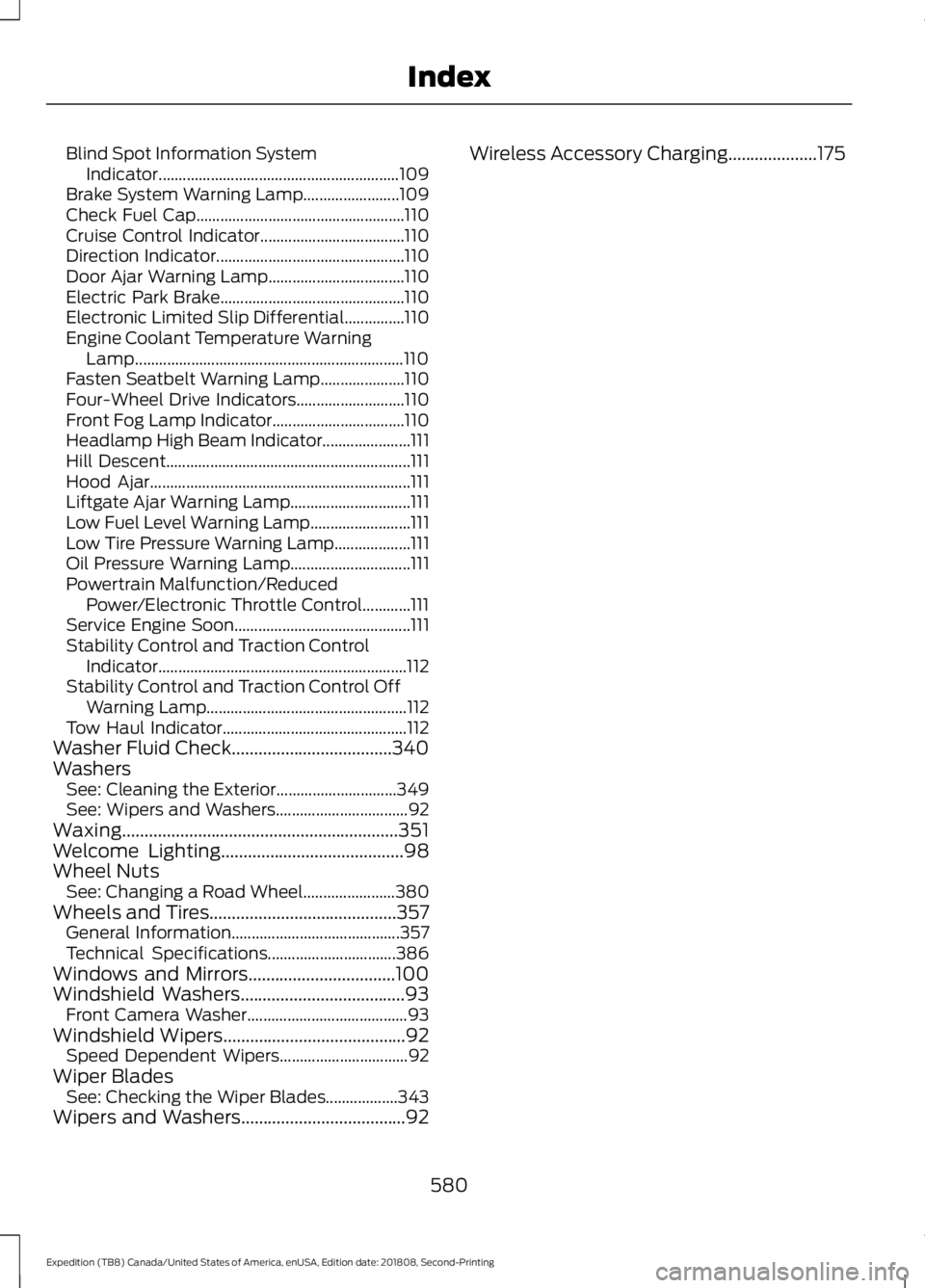
Blind Spot Information System
Indicator............................................................ 109
Brake System Warning Lamp........................ 109
Check Fuel Cap.................................................... 110
Cruise Control Indicator.................................... 110
Direction Indicator............................................... 110
Door Ajar Warning Lamp.................................. 110
Electric Park Brake.............................................. 110
Electronic Limited Slip Differential...............110
Engine Coolant Temperature Warning Lamp................................................................... 110
Fasten Seatbelt Warning Lamp..................... 110
Four-Wheel Drive Indicators........................... 110
Front Fog Lamp Indicator................................. 110
Headlamp High Beam Indicator...................... 111
Hill Descent............................................................. 111
Hood Ajar................................................................. 111
Liftgate Ajar Warning Lamp.............................. 111
Low Fuel Level Warning Lamp......................... 111
Low Tire Pressure Warning Lamp................... 111
Oil Pressure Warning Lamp.............................. 111
Powertrain Malfunction/Reduced Power/Electronic Throttle Control............111
Service Engine Soon............................................ 111
Stability Control and Traction Control Indicator.............................................................. 112
Stability Control and Traction Control Off Warning Lamp.................................................. 112
Tow Haul Indicator.............................................. 112
Washer Fluid Check
....................................340
Washers See: Cleaning the Exterior.............................. 349
See: Wipers and Washers................................. 92
Waxing..............................................................351
Welcome Lighting
.........................................98
Wheel Nuts See: Changing a Road Wheel....................... 380
Wheels and Tires
..........................................357
General Information.......................................... 357
Technical Specifications................................ 386
Windows and Mirrors.................................100
Windshield Washers
.....................................93
Front Camera Washer........................................ 93
Windshield Wipers
.........................................92
Speed Dependent Wipers................................ 92
Wiper Blades See: Checking the Wiper Blades.................. 343
Wipers and Washers
.....................................92 Wireless Accessory Charging....................175
580
Expedition (TB8) Canada/United States of America, enUSA, Edition date: 201808, Second-Printing Index