Page 10 of 598
FRONT VIEW
Front View
1 — Doors4 — Wheels/Tires
2 — Exterior Mirrors 5 — Hood/Engine Compartment
3 — Windshield 6 — Headlights
8 GRAPHICAL TABLE OF CONTENTS
Page 13 of 598
INTERIOR
Interior
1 — Door Locks4 — Seats
2 — Window Switches 5 — Gear Selector
3 — Door Handles 6 — USB/AUX Media Hub
2
GRAPHICAL TABLE OF CONTENTS 11
Page 15 of 598

GETTING TO KNOW YOUR VEHICLE
CONTENTS
�VEHICLE USER GUIDE — IF EQUIPPED .......17
� KEYS .................................19
▫ KeyFob..............................19
� IGNITION SWITCH .......................24
▫ Keyless Push Button Ignition ...............24
▫ Ignition Or Accessory On Message ...........25
▫ Dead Key Fob Battery ....................26
� REMOTE START — IF EQUIPPED .............26
▫ How To Use Remote Start .................26
▫ Remote Start Abort Message — If Equipped ....27
▫ To Enter Remote Start Mode ................28
▫ To Exit Remote Start Mode Without Driving The
Vehicle ...............................28
▫ To Exit Remote Start Mode And Drive The
Vehicle ...............................28 ▫
Remote Start Comfort Systems — If Equipped . . .29
▫ General Information .....................29
� SENTRY KEY ...........................29
▫ Key Programming ......................30
▫ Replacement Keys .......................30
▫ General Information .....................30
� VEHICLE SECURITY ALARM — IF EQUIPPED . . .31
▫ To Arm The System .....................31
▫ To Disarm The System ...................31
▫ Rearming Of The System ..................32
▫ Tamper Alert ...........................33
� DOORS ...............................33
▫ Manual Door Locks .....................33
▫ Power Door Locks ......................343
Page 16 of 598
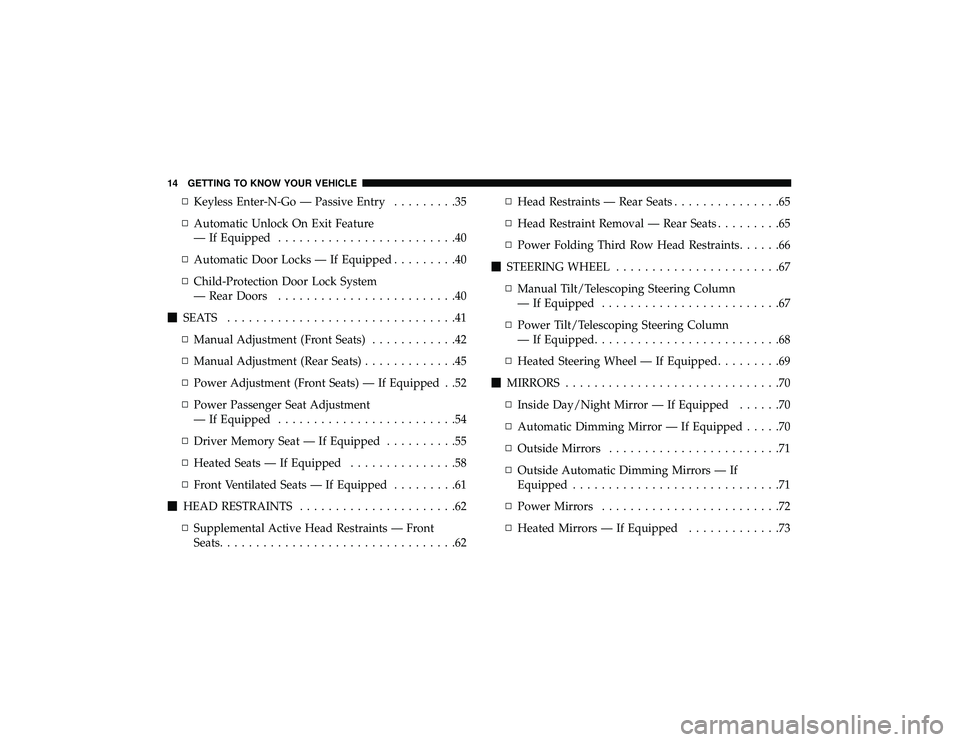
▫Keyless Enter-N-Go — Passive Entry .........35
▫ Automatic Unlock On Exit Feature
— If Equipped .........................40
▫ Automatic Door Locks — If Equipped .........40
▫ Child-Protection Door Lock System
— Rear Doors .........................40
� SEATS ................................41
▫ Manual Adjustment (Front Seats) ............42
▫ Manual Adjustment (Rear Seats) .............45
▫ Power Adjustment (Front Seats) — If Equipped . .52
▫ Power Passenger Seat Adjustment
— If Equipped .........................54
▫ Driver Memory Seat — If Equipped ..........55
▫ Heated Seats — If Equipped ...............58
▫ Front Ventilated Seats — If Equipped .........61
� HEAD RESTRAINTS ......................62
▫ Supplemental Active Head Restraints — Front
Seats .................................62 ▫
Head Restraints — Rear Seats ...............65
▫ Head Restraint Removal — Rear Seats .........65
▫ Power Folding Third Row Head Restraints ......66
� STEERING WHEEL .......................67
▫ Manual Tilt/Telescoping Steering Column
— If Equipped .........................67
▫ Power Tilt/Telescoping Steering Column
— If Equipped ..........................68
▫ Heated Steering Wheel — If Equipped .........69
� MIRRORS ..............................70
▫ Inside Day/Night Mirror — If Equipped ......70
▫ Automatic Dimming Mirror — If Equipped .....70
▫ Outside Mirrors ........................71
▫ Outside Automatic Dimming Mirrors — If
Equipped .............................71
▫ Power Mirrors .........................72
▫ Heated Mirrors — If Equipped .............73
14 GETTING TO KNOW YOUR VEHICLE
Page 18 of 598

▫Opening Sunroof .......................108
▫ Closing Sunroof ....................... .108
▫ Wind Buffeting ....................... .108
▫ Sunshade Operation ................... .109
▫ Pinch Protect Feature ................... .109
▫ Sunroof Maintenance ................... .109
▫ Ignition Off Operation .................. .109
▫ Calibration Procedure ................... .109
� HOOD ...............................110
▫ Opening The Hood ......................110
▫ Closing The Hood ......................111
� LIFTGATE .............................111
▫ Power Liftgate — If Equipped .............111
▫ Cargo Area Features ....................113
� GARAGE DOOR OPENER — IF EQUIPPED ....115
▫ Before You Begin Programming HomeLink .....116▫
Programming A Rolling Code ..............117
▫ Programming A Non-Rolling Code ...........118
▫ Canadian/Gate Operator Programming .......119
▫ Using HomeLink .......................120
▫ Security ............................. .120
▫ Troubleshooting Tips ................... .120
▫ General Information .....................121
� INTERNAL EQUIPMENT ..................122
▫ Storage ............................. .122
▫ Cupholders ......................... .127
▫ Electrical Power Outlets ..................130
▫ Power Inverter — If Equipped .............134
▫ Sunglasses Bin
Door................... .135
� ROOF LUGGAGE RACK — IF EQUIPPED ......135
▫ Deploying The Crossbars .................136
▫ Stowing The Crossbars .................. .139
16 GETTING TO KNOW YOUR VEHICLE
Page 22 of 598

NOTE:You can insert the double-sided emergency key
into the lock cylinders with either side up.
NOTE: In case the ignition switch does not change with the
push of a button, the key fob may have a low or dead
battery. In this situation, a back up method can be used to
operate the ignition switch. Put the nose side of the key fob
(side opposite of the Emergency Key) against the ENGINE
START/STOP button and push to operate the ignition
switch.
To Unlock The Doors And Liftgate
Push and release the unlock button on the key fob once to
unlock the driver’s door or twice within five seconds to
unlock all doors and the liftgate.
All doors can be programmed to unlock on the first push of
the unlock button. Refer to “Uconnect Settings” in “Multi-
media” for further information.
NOTE: If the vehicle is unlocked by a key fob, and no door
is opened within 60 seconds, the vehicle will re-lock and if
equipped, the security alarm will arm.
The turn signal lights will flash twice to acknowledge the
unlock signal. The illuminated entry system will be acti-
vated. 1st Push Of Key Fob Unlock Button
This feature lets you program the system to unlock either
the driver’s door or all doors on the first push of the unlock
button on the key fob. To change the current setting, refer
to “Uconnect Settings” in “Multimedia” for further infor-
mation.
NOTE:
If the vehicle is equipped with Passive Entry, refer
to “Keyless Enter-N-Go — Passive Entry” located in
“Doors” in “Getting To Know Your Vehicle” for further
information.To Lock The Doors And Liftgate
Push and release the lock button on the key fob to lock all
doors and liftgate.
The turn signal lights will flash and the horn will chirp to
acknowledge the signal. Refer to “Uconnect Settings”
located in “Multimedia” for further programmable infor-
mation.
If the vehicle is equipped with Passive Entry, refer to
“Keyless Enter-N-Go — Passive Entry” located in “Doors”
in “Getting To Know Your Vehicle” for further information.
20 GETTING TO KNOW YOUR VEHICLE
Page 23 of 598
Vehicles Equipped With Keyless Enter-N-Go — Passive
Entry
If one or more doors are open, or the liftgate is open, the
doors will lock. The doors will unlock again automatically
if the key is left inside the passenger compartment, other-
wise the doors will stay locked.
Replacing The Battery In The Key With Remote
Control
The recommended replacement battery is one CR2032
battery.
NOTE:
•Perchlorate Material — special handling may apply. See
www.dtsc.ca.gov/hazardouswaste/perchlorate for fur-
ther information.
• Do not touch the battery terminals that are on the back
housing or the printed circuit board. 1. Remove the emergency key by sliding the mechanical
latch on the back of the key fob sideways with your
thumb and pull the emergency key out with your other
hand.
Emergency Key Removal
1 — Emergency Key Release Button
2 — Emergency Key
3
GETTING TO KNOW YOUR VEHICLE 21
Page 25 of 598

3. Remove the battery by turning the back cover over(battery facing downward) and tapping it lightly on a
solid surface such as a table or similar and replace the
battery. When replacing the battery, match the + sign on
the battery to the + sign on the inside of the battery clip,
located on the back cover. Avoid touching the new
battery with your fingers. Skin oils may cause battery
deterioration. If you touch a battery, clean it with
rubbing alcohol.
4. To assemble the key fob case, snap the two halves together.
Programming Additional Key Fobs
Programming the key fob may be performed by an autho-
rized dealer.
NOTE: Once a key fob is programmed to a vehicle, it
cannot be repurposed and reprogrammed to another ve-
hicle.
Request For Additional Remote Controls
NOTE: Only key fobs that are programmed to the vehicle
electronics can be used to start and operate the vehicle.
Once a key fob is programmed to a vehicle, it cannot be
programmed to any other vehicle.
WARNING!
• Always remove the key fobs from the vehicle and
lock all doors when leaving the vehicle unattended.
• For vehicles equipped with Keyless Enter-N-Go —
Ignition, always remember to place the ignition in
the OFF mode.
Duplication of key fobs may be performed at an authorized
dealer. This procedure consists of programming a blank
key fob to the vehicle electronics. A blank key fob is one
that has never been programmed.
Key Fob Battery Replacement
3
GETTING TO KNOW YOUR VEHICLE 23


