Page 473 of 532
•Steering Wheel Angle:
Steering Wheel Angle utilizes the steering angle sensor to
measure the degree of the steering wheel relative to zero.
The zero degree measurement indicates a steering wheel
straight ahead position. When the steering angle value is
negative, this indicates a turn to the left, and when the
steering angle value is positive, a turn to the right.
The friction circle display shows instantaneous G-Force as
a highlight and previous G-Force as dots within the circle.
The system records previous G-Force for three minutes. If
there are multiple samples at a given point, the color of the
dot will darken from blue to red. Vectors more frequent
will show in red; infrequent vectors will show in blue.Engine
When selected, this screen displays the following values:
• Vehicle Speed
Shows the actual vehicle speed.
• Engine Power
Shows the instantaneous power.
Engine
10
MULTIMEDIA 471
Page 484 of 532
STEERING WHEEL AUDIO CONTROLS —
IF EQUIPPED
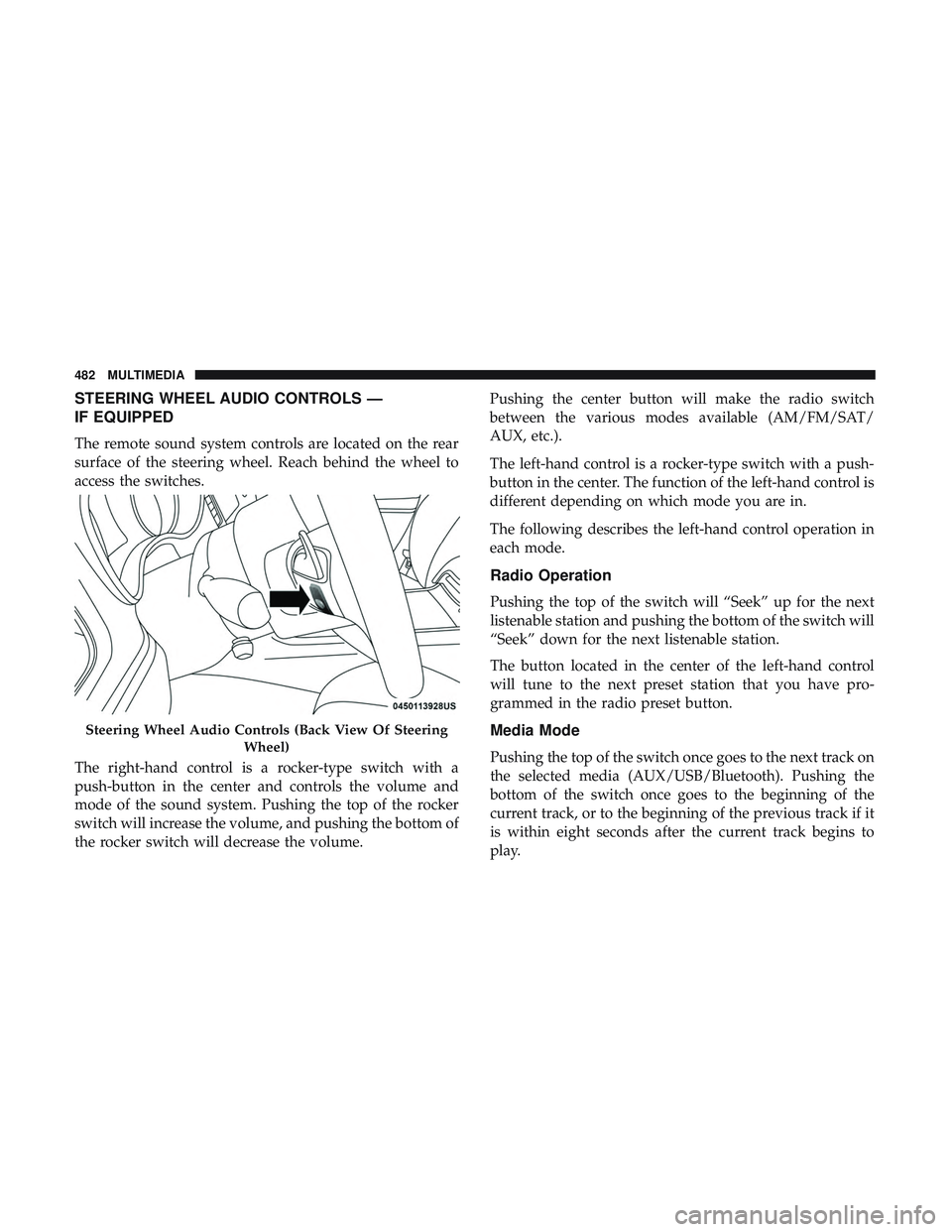
The remote sound system controls are located on the rear
surface of the steering wheel. Reach behind the wheel to
access the switches.
The right-hand control is a rocker-type switch with a
push-button in the center and controls the volume and
mode of the sound system. Pushing the top of the rocker
switch will increase the volume, and pushing the bottom of
the rocker switch will decrease the volume.Pushing the center button will make the radio switch
between the various modes available (AM/FM/SAT/
AUX, etc.).
The left-hand control is a rocker-type switch with a push-
button in the center. The function of the left-hand control is
different depending on which mode you are in.
The following describes the left-hand control operation in
each mode.
Radio Operation
Pushing the top of the switch will “Seek” up for the next
listenable station and pushing the bottom of the switch will
“Seek” down for the next listenable station.
The button located in the center of the left-hand control
will tune to the next preset station that you have pro-
grammed in the radio preset button.
Media Mode
Pushing the top of the switch once goes to the next track on
the selected media (AUX/USB/Bluetooth). Pushing the
bottom of the switch once goes to the beginning of the
current track, or to the beginning of the previous track if it
is within eight seconds after the current track begins to
play.
Steering Wheel Audio Controls (Back View Of Steering
Wheel)
482 MULTIMEDIA
Page 490 of 532
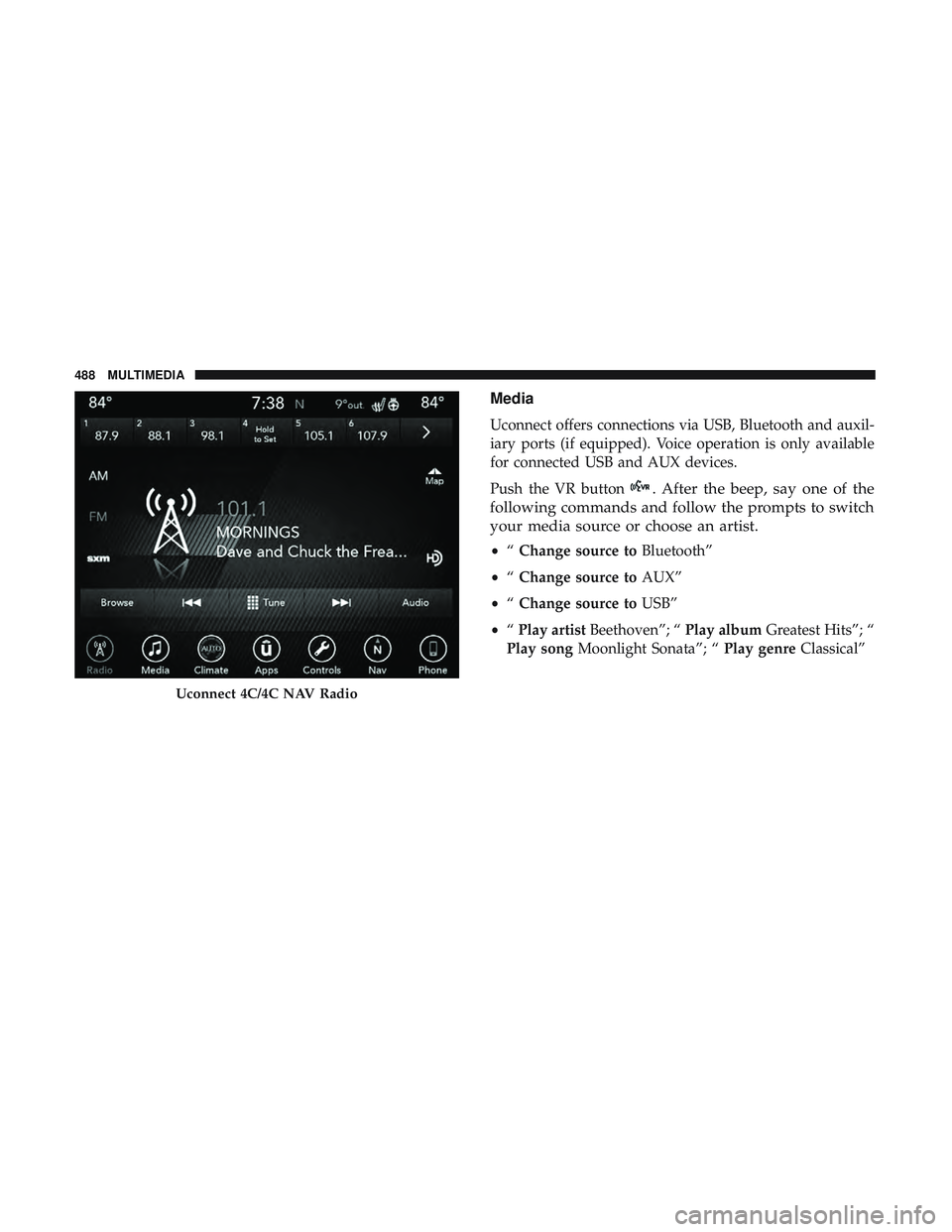
Media
Uconnect offers connections via USB, Bluetooth and auxil-
iary ports (if equipped). Voice operation is only available
for connected USB and AUX devices.
Push the VR button
. After the beep, say one of the
following commands and follow the prompts to switch
your media source or choose an artist.
• “Change source to Bluetooth”
• “Change source to AUX”
• “Change source to USB”
• “Play artist Beethoven”; “ Play albumGreatest Hits”; “
Play song Moonlight Sonata”; “ Play genreClassical”
Uconnect 4C/4C NAV Radio
488 MULTIMEDIA
Page 494 of 532
TIP:Your mobile phone must have the full implementation
of the Message Access Profile (MAP) to take advantage of
this feature. For details about MAP, visit
UconnectPhone.com.
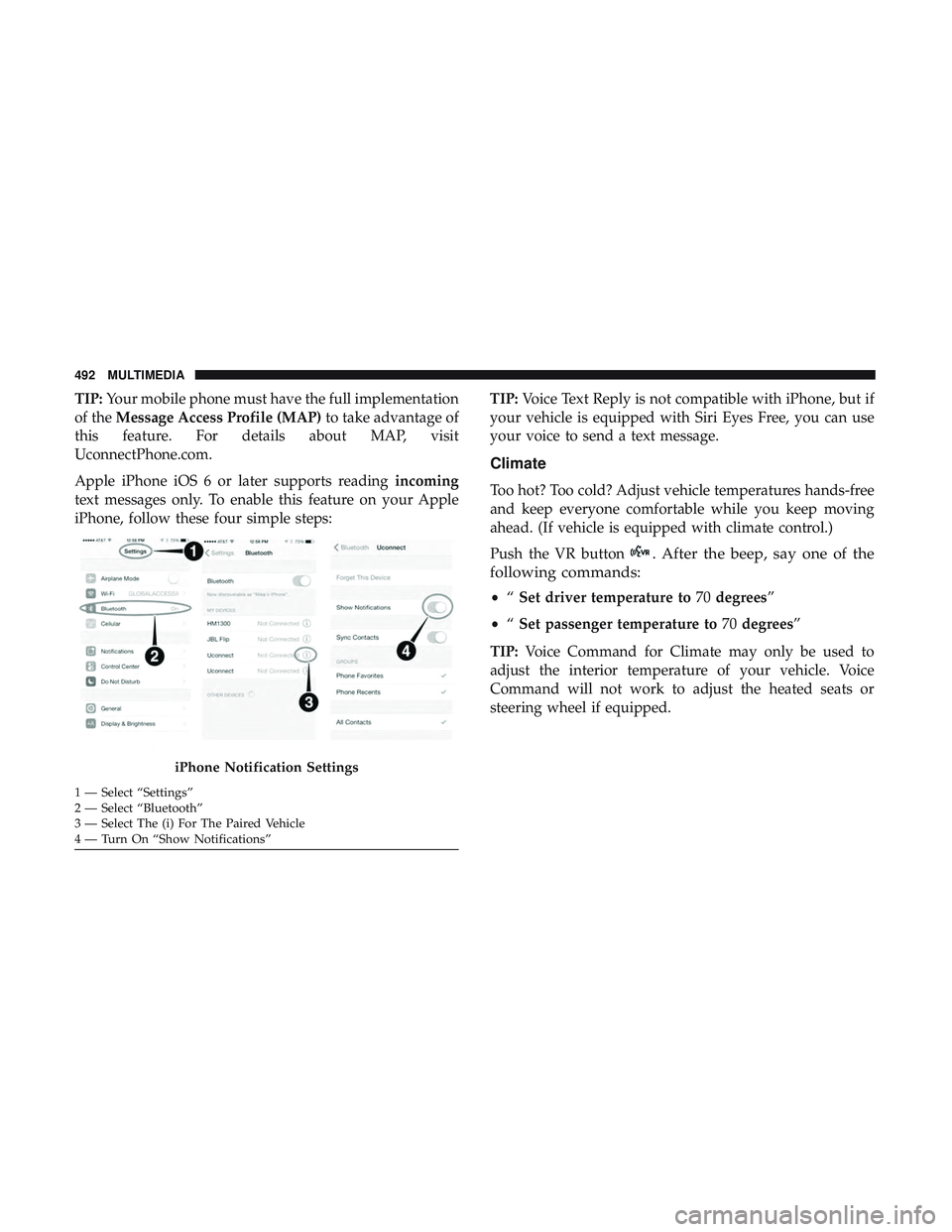
Apple iPhone iOS 6 or later supports reading incoming
text messages only. To enable this feature on your Apple
iPhone, follow these four simple steps: TIP:
Voice Text Reply is not compatible with iPhone, but if
your vehicle is equipped with Siri Eyes Free, you can use
your voice to send a text message.
Climate
Too hot? Too cold? Adjust vehicle temperatures hands-free
and keep everyone comfortable while you keep moving
ahead. (If vehicle is equipped with climate control.)
Push the VR button
. After the beep, say one of the
following commands:
• “Set driver temperature to 70degrees”
• “Set passenger temperature to 70degrees”
TIP: Voice Command for Climate may only be used to
adjust the interior temperature of your vehicle. Voice
Command will not work to adjust the heated seats or
steering wheel if equipped.
iPhone Notification Settings
1 — Select “Settings”
2 — Select “Bluetooth”
3 — Select The (i) For The Paired Vehicle
4 — Turn On “Show Notifications” 492 MULTIMEDIA
Page 501 of 532
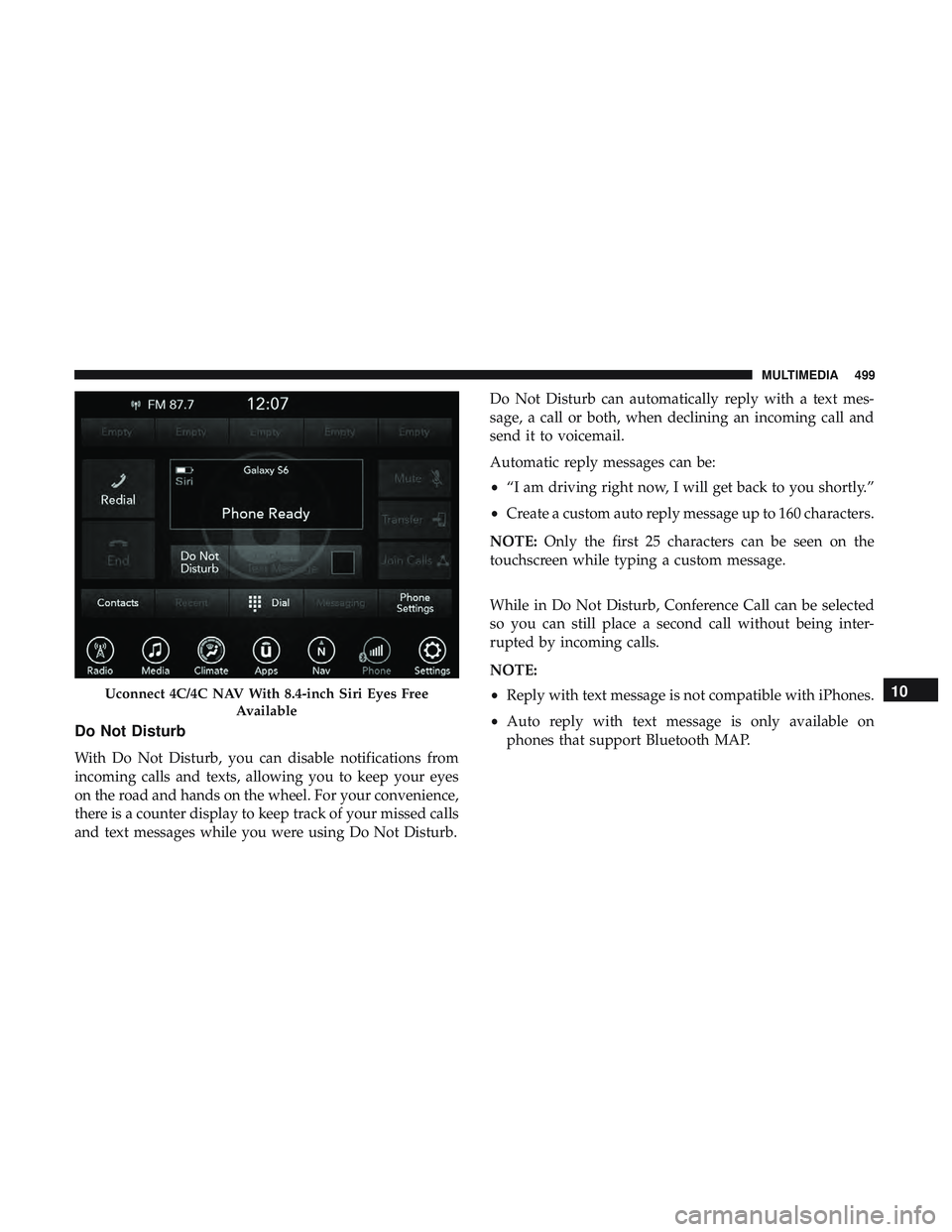
Do Not Disturb
With Do Not Disturb, you can disable notifications from
incoming calls and texts, allowing you to keep your eyes
on the road and hands on the wheel. For your convenience,
there is a counter display to keep track of your missed calls
and text messages while you were using Do Not Disturb.Do Not Disturb can automatically reply with a text mes-
sage, a call or both, when declining an incoming call and
send it to voicemail.
Automatic reply messages can be:
•
“I am driving right now, I will get back to you shortly.”
• Create a custom auto reply message up to 160 characters.
NOTE: Only the first 25 characters can be seen on the
touchscreen while typing a custom message.
While in Do Not Disturb, Conference Call can be selected
so you can still place a second call without being inter-
rupted by incoming calls.
NOTE:
• Reply with text message is not compatible with iPhones.
• Auto reply with text message is only available on
phones that support Bluetooth MAP.
Uconnect 4C/4C NAV With 8.4-inch Siri Eyes Free
Available10
MULTIMEDIA 499
Page 520 of 532
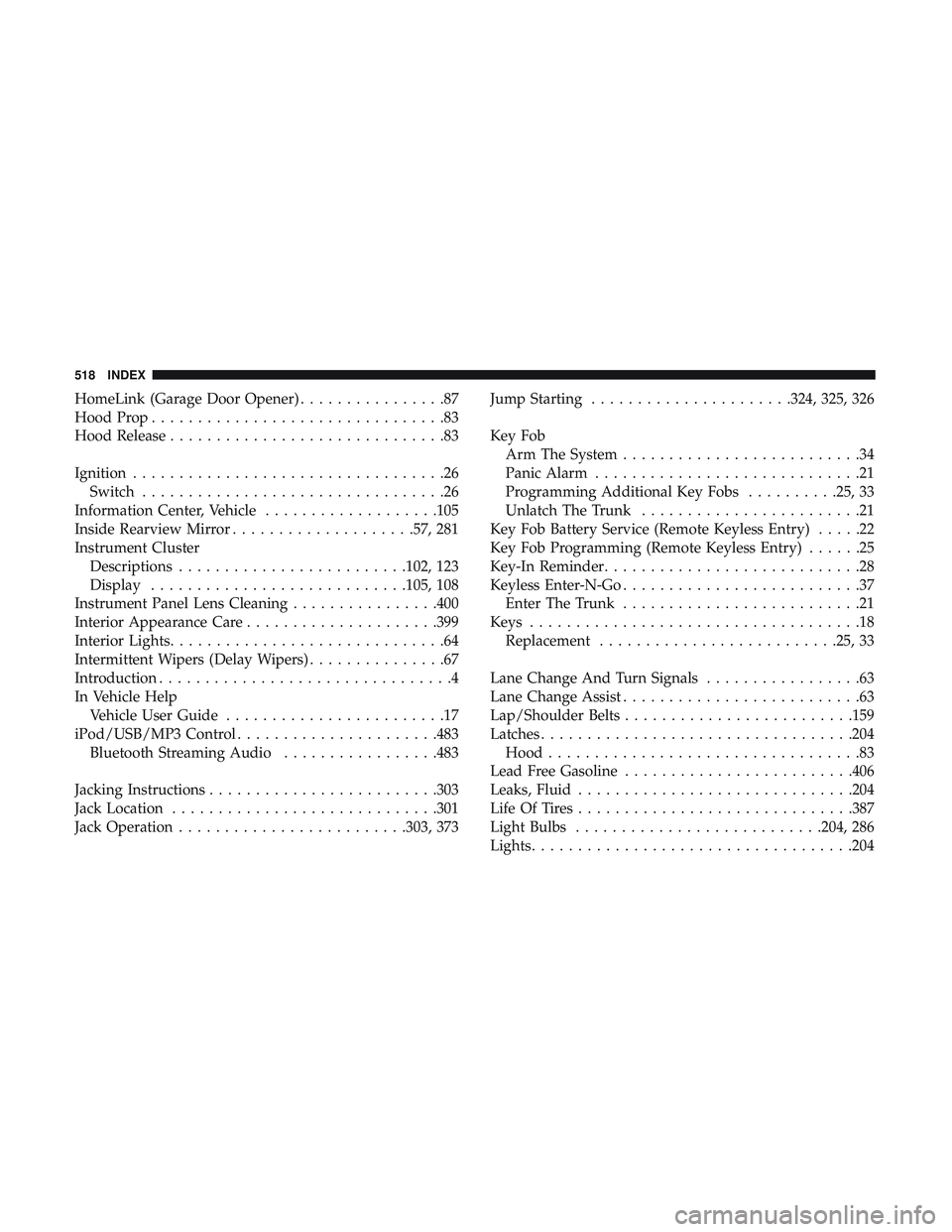
HomeLink (Garage Door Opener)................87
Hood Prop ................................83
Hood Release ..............................83
Ignition ..................................26
Switch .................................26
Information Center, Vehicle ...................105
Inside Rearview Mirror ....................57, 281
Instrument Cluster Descriptions ........................ .102, 123
Display ........................... .105, 108
Instrument Panel Lens Cleaning ................400
Interior Appearance Care .....................399
Interior Lights ..............................64
Intermittent Wipers (Delay Wipers) ...............67
Introduction ................................4
In Vehicle Help Vehicle User Guide ........................17
iPod/USB/MP3 Control ..................... .483
Bluetooth Streaming Audio .................483
Jacking Instructions ........................ .303
Jack Location ............................ .301
Jack Operation ........................ .303, 373Jump Starting
..................... .324, 325, 326
Key Fob Arm The System ..........................34
Panic Alarm .............................21
Programming Additional Key Fobs ..........25, 33
Unlatch The Trunk ........................21
Key Fob Battery Service (Remote Keyless Entry) .....22
Key Fob Programming (Remote Keyless Entry) ......25
Key-In Reminder ............................28
Keyless Enter-N-Go ..........................37
Enter The Trunk ..........................21
Keys ....................................18
Replacement ......................... .25, 33
Lane Change And Turn Signals .................63
Lane Change Assist ..........................63
Lap/Shoulder Belts ........................ .159
Latches ................................. .204
Hood ..................................83
Lead Free Gasoline ........................ .406
Leaks, Fluid ............................. .204
Life Of Tires ............................. .387
Light
Bulbs .......................... .204, 286
Lights .................................. .204
518 INDEX
Page:
< prev 1-8 9-16 17-24