Page 403 of 718
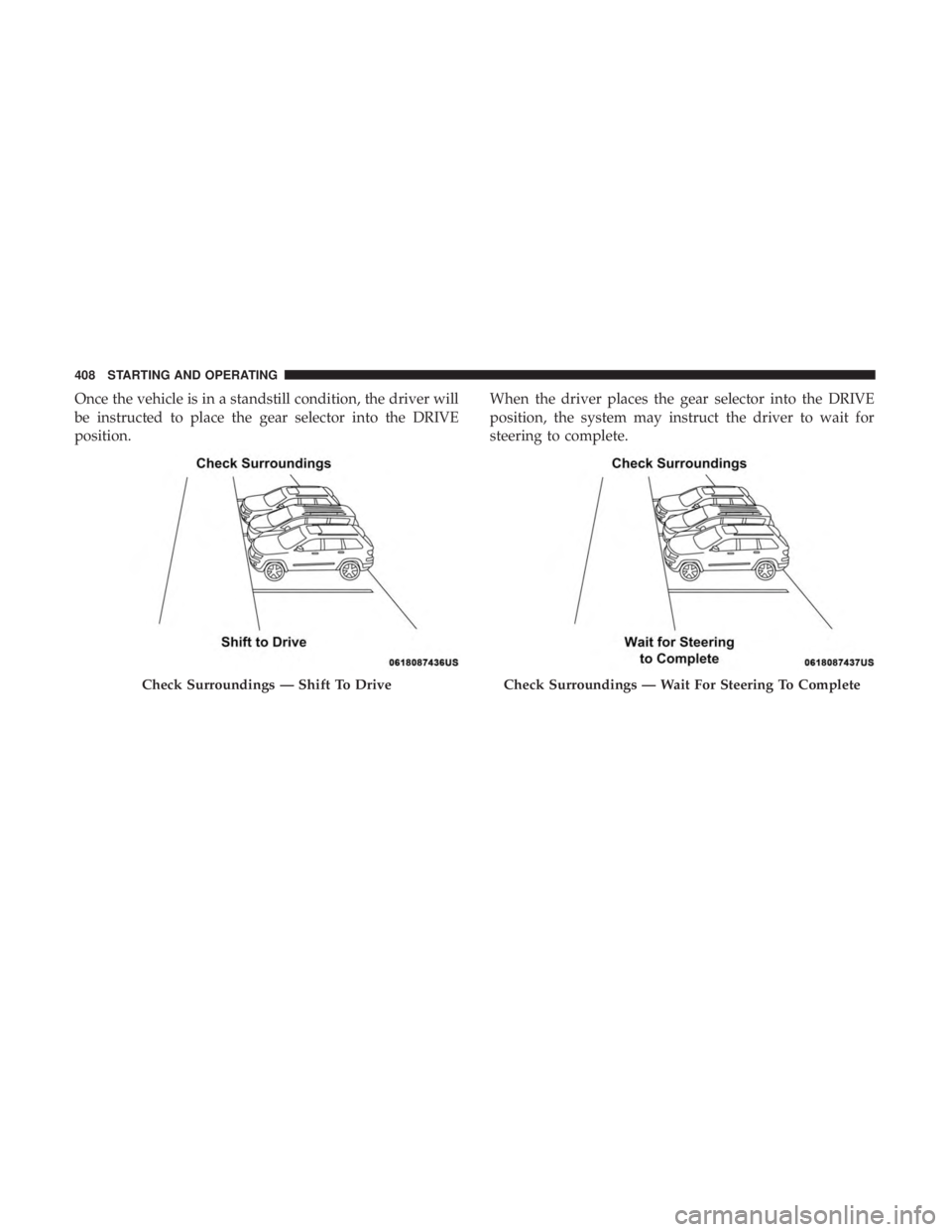
Once the vehicle is in a standstill condition, the driver will
be instructed to place the gear selector into the REVERSE
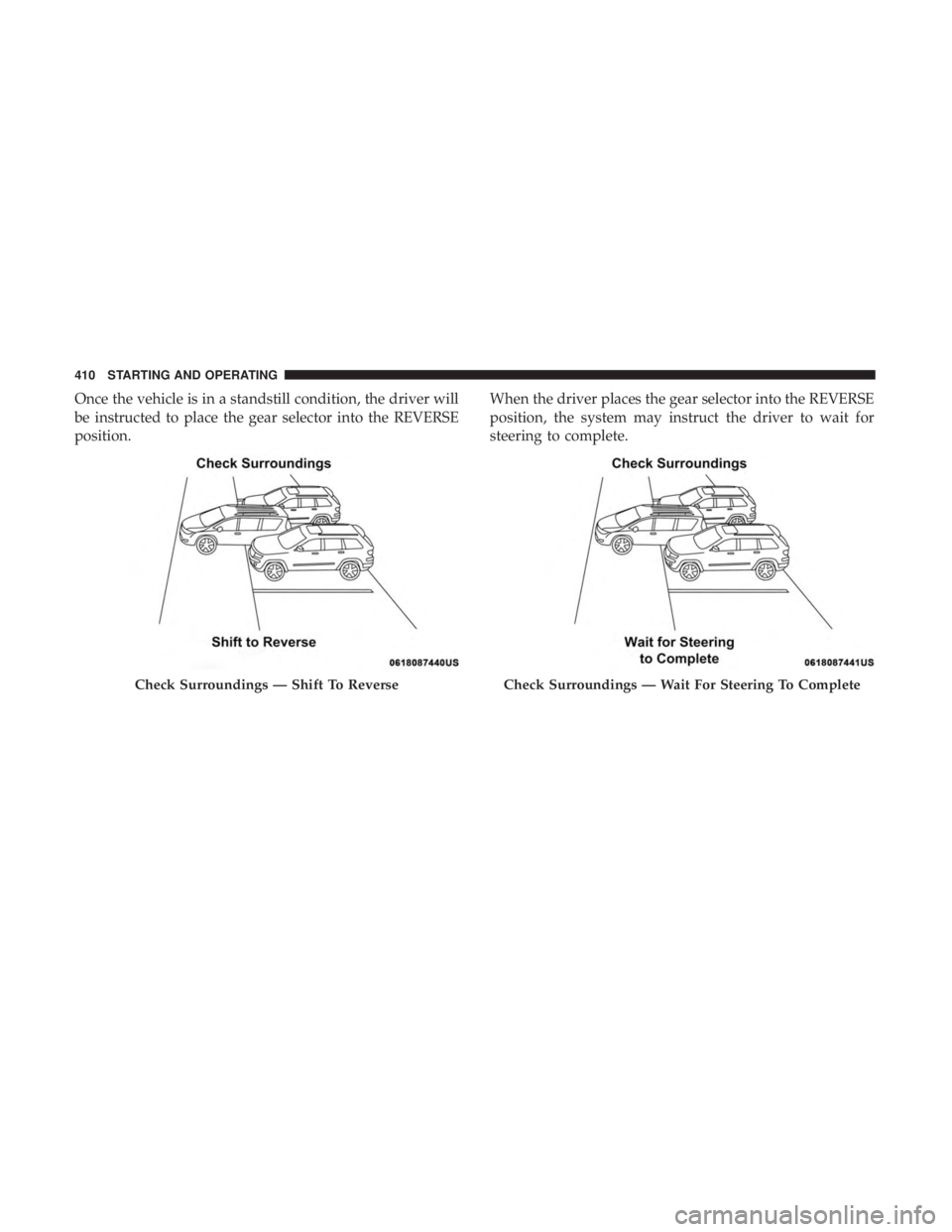
position.When the driver places the gear selector into the REVERSE
position, the system may instruct the driver to wait for
steering to complete.
Check Surroundings — Shift To ReverseCheck Surroundings — Wait For Steering To Complete
6
STARTING AND OPERATING 401
Page 405 of 718
Perpendicular Parking Space Assistance
Operation/Display
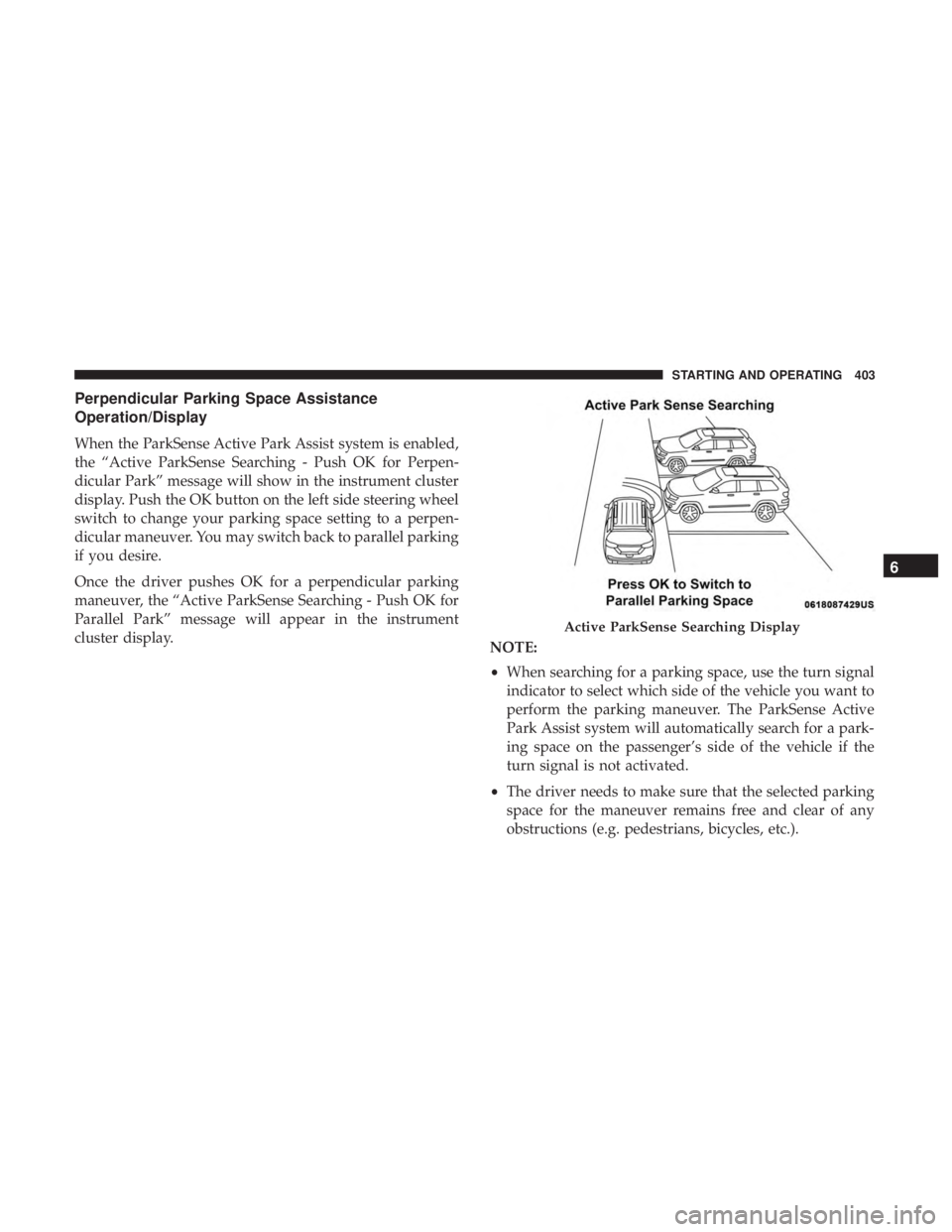
When the ParkSense Active Park Assist system is enabled,
the “Active ParkSense Searching - Push OK for Perpen-
dicular Park” message will show in the instrument cluster
display. Push the OK button on the left side steering wheel
switch to change your parking space setting to a perpen-
dicular maneuver. You may switch back to parallel parking
if you desire.
Once the driver pushes OK for a perpendicular parking
maneuver, the “Active ParkSense Searching - Push OK for
Parallel Park” message will appear in the instrument
cluster display.NOTE:
•When searching for a parking space, use the turn signal
indicator to select which side of the vehicle you want to
perform the parking maneuver. The ParkSense Active
Park Assist system will automatically search for a park-
ing space on the passenger’s side of the vehicle if the
turn signal is not activated.
• The driver needs to make sure that the selected parking
space for the maneuver remains free and clear of any
obstructions (e.g. pedestrians, bicycles, etc.).
Active ParkSense Searching Display
6
STARTING AND OPERATING 403
Page 407 of 718
Once the vehicle is in position, you will be instructed to
stop the vehicle’s movement and remove your hands from
the steering wheel.Once the vehicle is at a standstill with your hands removed
from the steering wheel, you will be instructed to place the
gear selector into the REVERSE position.
Parking Space Found — Stop And Remove Hands From
WheelParking Space Found — Shift To Reverse
6
STARTING AND OPERATING 405
Page 408 of 718
When the driver places the gear selector into the REVERSE
position, the system may instruct the driver to wait for
steering to complete.The system will then instruct the driver to check their
surroundings and move backward.
NOTE:
•
It is the driver ’s responsibility to use the brake and
accelerator during the semi-automatic parking maneu-
ver.
• When the system instructs the driver to remove their
hands from the steering wheel, the driver should check
their surroundings and begin to back up slowly.
Check Surroundings — Wait For Steering To Complete
Check Surroundings — Move Backwards
406 STARTING AND OPERATING
Page 409 of 718
•The ParkSense Active Park Assist system will allow a
maximum of eight shifts between DRIVE or REVERSE.
If the maneuver cannot be completed within eight shifts,
the system will cancel and the instrument cluster display
will instruct the driver to complete the maneuver manu-
ally.
• The system will cancel the maneuver if the vehicle speed
exceeds 5 mph (7 km/h) during active steering guidance
into the parking space. The system will provide a
warning to the driver at 3 mph (5 km/h) that tells them
to slow down. The driver is then responsible for com-
pleting the maneuver if the system is canceled.
• If the system is canceled during the maneuver for any
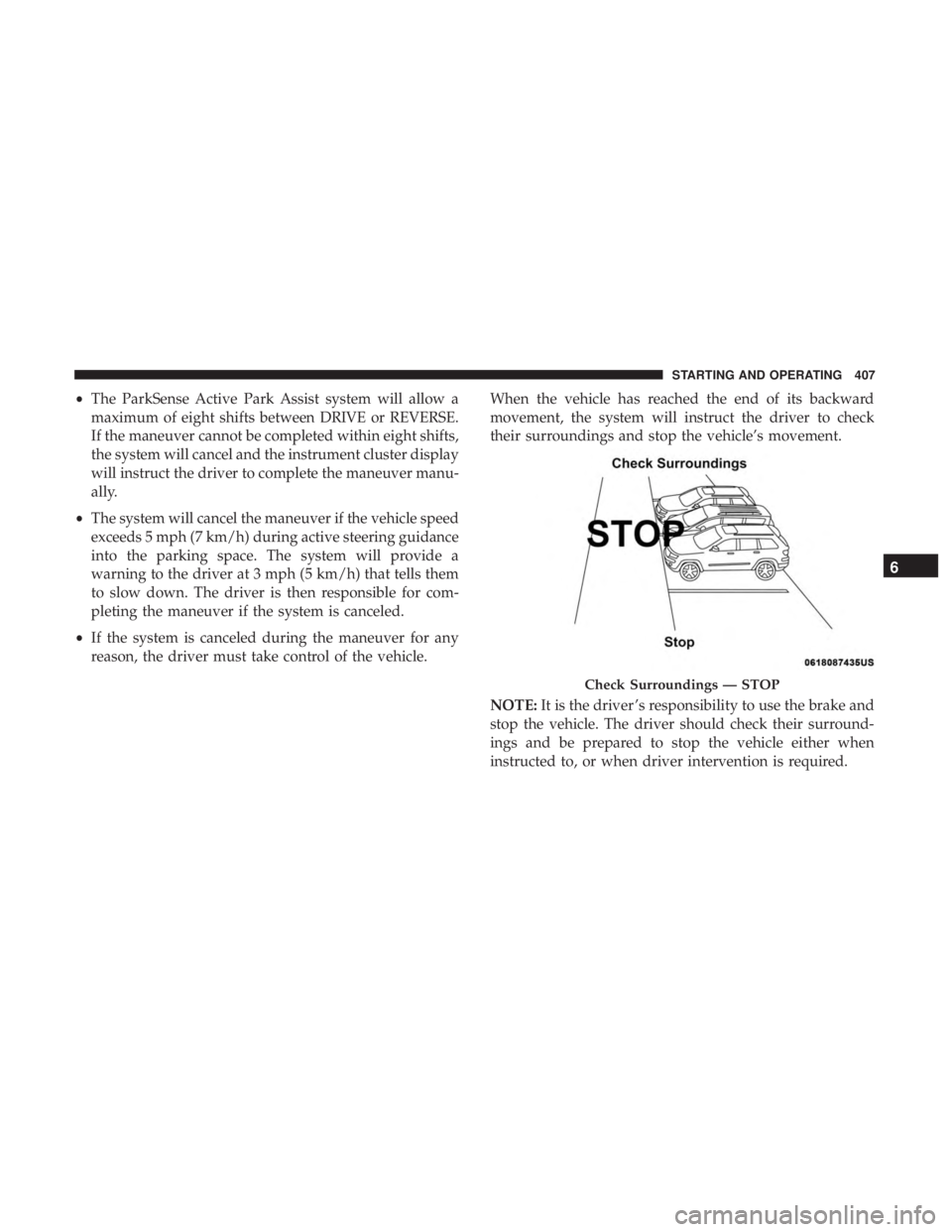
reason, the driver must take control of the vehicle. When the vehicle has reached the end of its backward
movement, the system will instruct the driver to check
their surroundings and stop the vehicle’s movement.
NOTE:
It is the driver ’s responsibility to use the brake and
stop the vehicle. The driver should check their surround-
ings and be prepared to stop the vehicle either when
instructed to, or when driver intervention is required.
Check Surroundings — STOP
6
STARTING AND OPERATING 407
Page 410 of 718
Once the vehicle is in a standstill condition, the driver will
be instructed to place the gear selector into the DRIVE
position.When the driver places the gear selector into the DRIVE
position, the system may instruct the driver to wait for
steering to complete.
Check Surroundings — Shift To DriveCheck Surroundings — Wait For Steering To Complete
408 STARTING AND OPERATING
Page 412 of 718
Once the vehicle is in a standstill condition, the driver will
be instructed to place the gear selector into the REVERSE
position.When the driver places the gear selector into the REVERSE
position, the system may instruct the driver to wait for
steering to complete.
Check Surroundings — Shift To ReverseCheck Surroundings — Wait For Steering To Complete
410 STARTING AND OPERATING
Page 414 of 718

WARNING!(Continued)
and blind spots before backing up and moving for-
ward. You are responsible for safety and must continue
to pay attention to your surroundings. Failure to do so
can result in serious injury or death.
CAUTION!
•The ParkSense Active Park Assist system is only a
parking aid and it is unable to recognize every
obstacle, including small obstacles. Parking curbs
might be temporarily detected or not detected at all.
Obstacles located above or below the sensors will
not be detected when they are in close proximity.
• The vehicle must be driven slowly when using the
ParkSense Active Park Assist system in order to be
able to stop in time when an obstacle is detected. It is
recommended that the driver looks over his/her
shoulder when using the ParkSense Active Park
Assist system.
LANESENSE — IF EQUIPPED
LaneSense Operation
The LaneSense system is operational at speeds above
37 mph (60 km/h) and below 112 mph (180 km/h). It uses
a forward looking camera to detect lane markings and
measure vehicle position within the lane boundaries.
When both lane markings are detected and the driver
unintentionally drifts out of the lane (no turn signal
applied), the LaneSense system provides a haptic warning
in the form of torque applied to the steering wheel to
prompt the driver to remain within the lane boundaries.
The LaneSense system will also provide a visual warning
through the instrument cluster display to prompt the
driver to remain within the lane boundaries.
The driver may manually override the haptic warning by
applying torque into the steering wheel at any time.
When only a single lane marking is detected and the driver
unintentionally drifts across that lane marking (no turn
signal applied), the LaneSense system provides a visual
warning through the instrument cluster display to prompt
the driver to remain within the lane. When only a single
lane marking is detected, a haptic (torque) warning will not
be provided.
412 STARTING AND OPERATING