Page 119 of 718
IconDescription
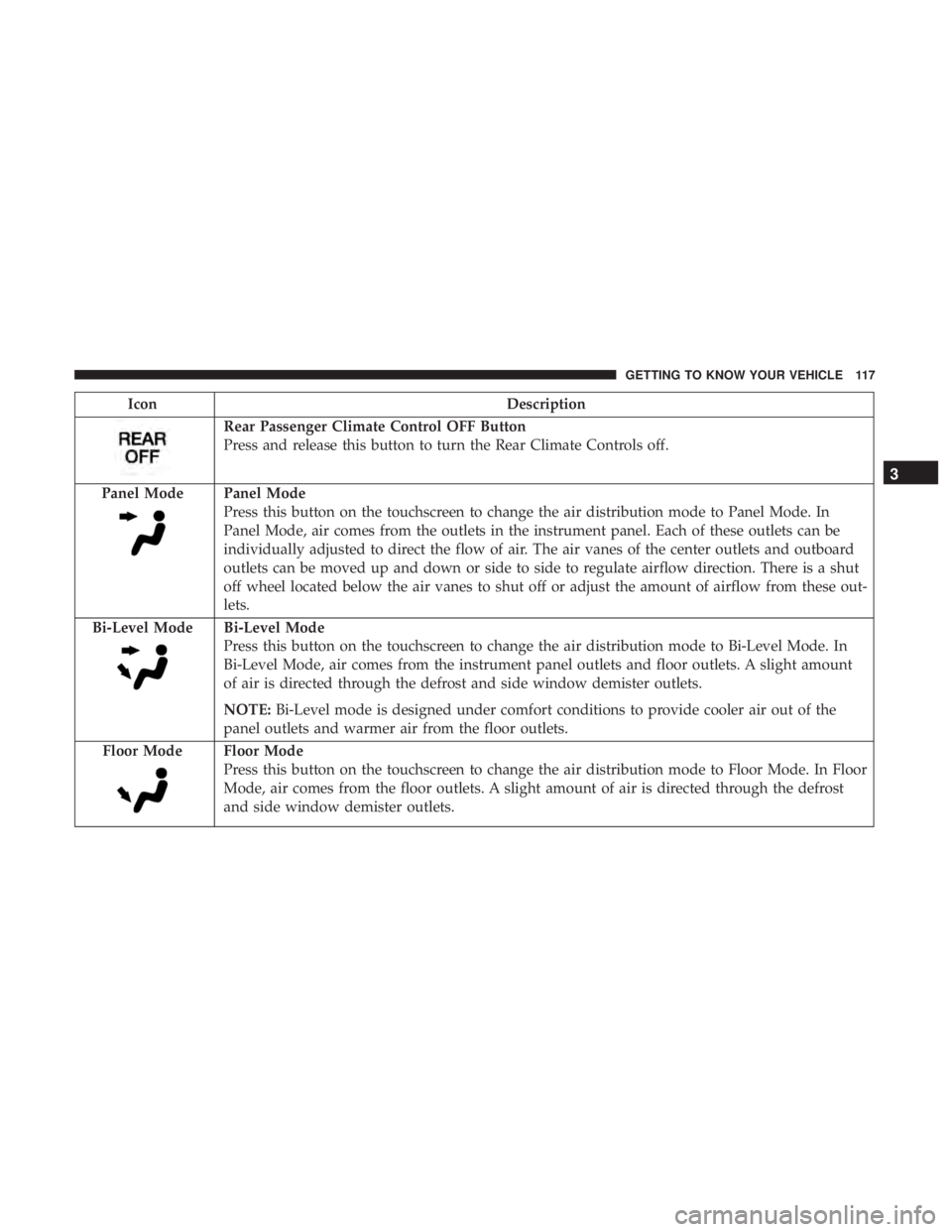
Rear Passenger Climate Control OFF Button
Press and release this button to turn the Rear Climate Controls off.
Panel Mode
Panel Mode
Press this button on the touchscreen to change the air distribution mode to Panel Mode. In
Panel Mode, air comes from the outlets in the instrument panel. Each of these outlets can be
individually adjusted to direct the flow of air. The air vanes of the center outlets and outboard
outlets can be moved up and down or side to side to regulate airflow direction. There is a shut
off wheel located below the air vanes to shut off or adjust the amount of airflow from these out-
lets.
Bi-Level Mode
Bi-Level Mode
Press this button on the touchscreen to change the air distribution mode to Bi-Level Mode. In
Bi-Level Mode, air comes from the instrument panel outlets and floor outlets. A slight amount
of air is directed through the defrost and side window demister outlets.
NOTE: Bi-Level mode is designed under comfort conditions to provide cooler air out of the
panel outlets and warmer air from the floor outlets.
Floor Mode
Floor Mode
Press this button on the touchscreen to change the air distribution mode to Floor Mode. In Floor
Mode, air comes from the floor outlets. A slight amount of air is directed through the defrost
and side window demister outlets.
3
GETTING TO KNOW YOUR VEHICLE 117
Page 120 of 718
Rear Manual Temperature Control
The rear MTC system has floor air outlets at the rear right
side of the 3rd Row seats and overhead outlets at each
outboard rear seating position. The system provides heated
air through the floor outlets or cool, dehumidified air
through the headliner outlets.
The rear system temperature control buttons are located on
the headliner on the passenger side of the vehicle.
IconDescription
Rear Mode Control
Push this button on the Rear Climate Hard Controls to change the air distribution mode for the
rear passengers to one of the following:
Panel Mode
Panel Mode
Air comes from the outlets in the headliner. Each of these outlets can be individually adjusted to
direct the flow of air. Moving the air vanes of the outlets to one side will shut off the airflow.
Rear Manual Climate Controls
118 GETTING TO KNOW YOUR VEHICLE
Page 122 of 718
IconDescription
Rear Climate Control/Blower Off
To manually set the rear blower controls to off, press the Rear Climate Control/Blower Off button.
CAUTION!
Interior air enters the Rear Automatic Temperature
Control System through an intake grille, located in
floor under the passengers’ seats. Do not block or place
objects directly in front of the inlet grille or heater
outlets. The electrical system could overload causing
damage to the blower motor.
120 GETTING TO KNOW YOUR VEHICLE
Page 123 of 718
Automatic Uconnect 4 Climate Control Overview
Uconnect 4 With 7–inch Display Automatic Temperature Controls
3
GETTING TO KNOW YOUR VEHICLE 121
Page 124 of 718
Automatic Uconnect 4C/4C NAV Climate Control Overview
Uconnect 4C/4C With 8.4–inch Display NAV Automatic Climate Controls
122 GETTING TO KNOW YOUR VEHICLE
Page 125 of 718

Automatic Climate Control Descriptions
IconDescription
MAX A/C Button
Press and release to change the current setting, the indicator illuminates when MAX A/C is ON.
Performing this function again will cause the MAX A/C operation to switch into manual mode
and the MAX A/C indicator will turn off.
NOTE:The MAX A/C setting is only available on the touchscreen.
A/C Button
Press and release to change the current setting, the indicator illuminates when A/C is ON.
Recirculation Button
Press and release this button to change the system between recirculation mode and outside air.
Recirculation can be used when outside conditions such as smoke, odors, dust, or high humid-
ity are present. Recirculation can be used in all modes. Recirculation may be unavailable (button
on the touchscreen greyed out) if conditions exist that could create fogging on the inside of the
windshield. The A/C can be deselected manually without disturbing the mode control selection.
Continuous use of Recirculation mode may make the inside air stuffy and window fogging may
occur. Extended use of this mode if not recommended.
3
GETTING TO KNOW YOUR VEHICLE 123
Page 126 of 718

IconDescription
AUTO Button
Automatically controls the interior cabin temperature by adjusting airflow distribution and
amount. Performing this function will cause the system to switch between manual mode and
automatic modes. Refer to “Automatic Operation” within this section for more information.
Front Defrost Button
Press and release to change the current airflow setting to Defrost mode. The indicator illumi-
nates when this feature is ON. Air comes from the windshield and side window demist outlets.
When the defrost button is selected, the blower level may increase. Use Defrost mode with
maximum temperature settings for best windshield and side window defrosting and defogging.
Performing this function will cause the ATC to switch into manual mode. If the front defrost
mode is turned off the climate system will return the previous setting.
Rear Defrost Button
Push and release the Rear Defrost Control button to turn ON the rear window defroster and the
heated outside mirrors (if equipped). An indicator will illuminate when the rear window de-
froster is ON. The rear window defroster automatically turns OFF after ten minutes.
Rear Climate Rear Climate Control Button Press and release this button to access the rear climate controls. The indicator will illuminate
when the rear climate controls are ON.
124 GETTING TO KNOW YOUR VEHICLE
Page 127 of 718

IconDescription
Driver And Passenger Temperature UP And DOWN Buttons
Provides the driver and passenger with independent temperature control. Push the red button
on the faceplate or touchscreen or press and slide the temperature bar towards the red arrow
button on the touchscreen for warmer temperature settings. Push the blue button on the face-
plate or touchscreen or press and slide the temperature bar towards the blue arrow button on
the touchscreen for cooler temperature settings.
SYNC Button
Press the Sync button on the touchscreen to toggle the Sync feature On/Off. The Sync indicator
is illuminated when this feature is enabled. SYNC is used to synchronize the front and rear pas-
senger temperature settings. Changing the front or rear passenger temperature setting while in
SYNC will automatically exit this feature.
NOTE:The SYNC setting is only available on the touchscreen.
Faceplate Knob
Touchscreen Buttons
Blower Control
Blower Control is used to regulate the amount of air forced through the climate system. There
are seven blower speeds available. The speeds can be selected using either the blower control
knob on the faceplate or the buttons on the touchscreen.
• Faceplate: The blower speed increases as you turn the blower control knob clockwise from
the lowest blower setting. The blower speed decreases as you turn the blower control knob
counterclockwise.
• Touchscreen: Use the small blower icon to reduce the blower setting and the large blower
icon to increase the blower setting. Blower speed can also be selected by pressing the blower
bar area between the icons. 3
GETTING TO KNOW YOUR VEHICLE 125