Page 7 of 292

HOW TO USE THIS MANUAL
Essential Information
Consult the Table of Contents to determine which
section contains the information you desire.
Since the specification of your vehicle depends on the
items of equipment ordered, certain descriptions and
illustrations may differ from your vehicle’s equipment.
The detailed index at the back of this Owner’s Manual
contains a complete listing of all subjects.
Symbols
Some vehicle components have colored labels whose
symbols indicate precautions to be observed when
using this component. Refer to “Warning Lights and
Messages” in “Getting To Know Your Instrument
Panel” for further information on the symbols used in
your vehicle.
WARNINGS AND CAUTIONS
This Owner ’s Manual containsWARNINGSagainst
operating procedures that could result in a collision,
bodily injury and/or death. It also contains CAU-
TIONS against procedures that could result in damage
to your vehicle. If you do not read this entire Owner ’s
Manual, you may miss important information. Observe
all Warnings and Cautions.
VEHICLE MODIFICATIONS/ALTERATIONS
WARNING!
Any modifications or alterations to this vehicle
could seriously affect its roadworthiness and safety
and may lead to a collision resulting in serious
injury or death.
1
INTRODUCTION 5
Page 10 of 292
FRONT VIEW
Front View
1 — Headlights
2 — Windshield
3 — Wheels/Tires4 — Exterior Mirrors
5 — Doors
8 GRAPHICAL TABLE OF CONTENTS
Page 11 of 292
REAR VIEW
Rear View
1 — Rear Lights2 — Decklid
2
GRAPHICAL TABLE OF CONTENTS 9
Page 15 of 292

GETTING TO KNOW YOUR VEHICLE
CONTENTS
�KEYS ...............................15
▫ KeyFob ...........................15
� IGNITION SWITCH ....................18
▫ Ignition Key Removal ..................18
▫ Key-In-Ignition Reminder ...............19
� SENTRY KEY .........................19
▫ Replacement Keys ....................20
▫ General Information ...................20
� VEHICLE SECURITY ALARM SYSTEM —
IF EQUIPPED .........................20
▫ To Arm The System ...................21
▫ To Disarm The System .................22
� DOORS .............................22
▫ Central Door Locking/Unlocking ..........22▫
Emergency Door Locking Device ..........24
� SEATS ..............................25
▫ Manual Front Seats ....................25
� HEAD RESTRAINTS ....................26
▫ Non-Adjustable Head Restraints ..........26
� STEERING WHEEL .....................27
▫ Tilt/Telescoping Steering Column .........27
� MIRRORS ...........................28
▫ Automatic Dimming Mirror With Rear View
Camera Display ......................28
▫ Outside Mirrors ......................28
▫ Heated Mirrors ......................30
� EXTERIOR LIGHTS .....................30
▫ Multifunction Lever ....................303
Page 16 of 292

▫Headlights ..........................31
▫ Daytime Running Lights ................31
▫ High Beams .........................31
▫ Flash-To-Pass ........................31
▫ Parking Lights .......................31
▫ Follow Me Home/Headlight Delay .........32
▫ Turn Signals .........................32
▫ Lane Change Assist ...................32
� INTERIOR LIGHTS .....................32
▫ Interior Light ........................32
� WINDSHIELD WIPERS AND WASHERS .....34
▫ Windshield Wiper Operation .............34
� CLIMATE CONTROLS ..................35
▫ Climate Controls Overview ..............35 ▫
Climate Control Functions ...............39
� WINDOWS ..........................41
▫ Power Windows ......................41
� REMOVABLE SOFT TOP .................43
▫ Removing The Soft Top .................43
▫ Installing The Soft Top ..................45
� DECKLID ............................50
▫ To Open The Decklid ..................50
▫ To Close The Decklid ...................52
� INTERNAL EQUIPMENT .................53
▫ Storage ............................53
▫ Cupholder ..........................56
▫ Power Outlets .......................57
14 GETTING TO KNOW YOUR VEHICLE
Page 17 of 292
KEYS
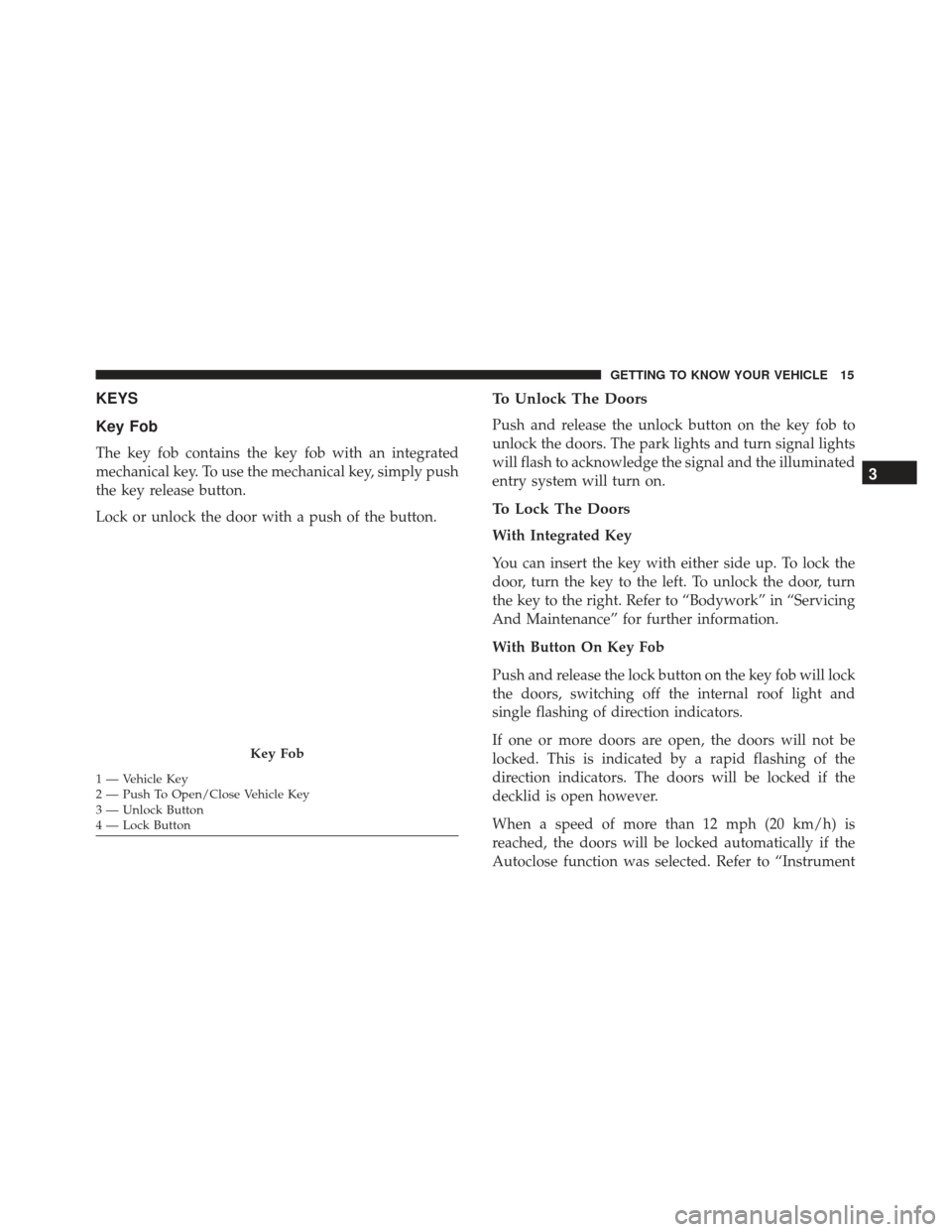
Key Fob
The key fob contains the key fob with an integrated
mechanical key. To use the mechanical key, simply push
the key release button.
Lock or unlock the door with a push of the button.
To Unlock The Doors
Push and release the unlock button on the key fob to
unlock the doors. The park lights and turn signal lights
will flash to acknowledge the signal and the illuminated
entry system will turn on.
To Lock The Doors
With Integrated Key
You can insert the key with either side up. To lock the
door, turn the key to the left. To unlock the door, turn
the key to the right. Refer to “Bodywork” in “Servicing
And Maintenance” for further information.
With Button On Key Fob
Push and release the lock button on the key fob will lock
the doors, switching off the internal roof light and
single flashing of direction indicators.
If one or more doors are open, the doors will not be
locked. This is indicated by a rapid flashing of the
direction indicators. The doors will be locked if the
decklid is open however.
When a speed of more than 12 mph (20 km/h) is
reached, the doors will be locked automatically if the
Autoclose function was selected. Refer to “Instrument
Key Fob
1 — Vehicle Key
2 — Push To Open/Close Vehicle Key
3 — Unlock Button
4 — Lock Button
3
GETTING TO KNOW YOUR VEHICLE 15
Page 32 of 292
Folding Mirrors
The exterior mirrors are hinged to allow the mirror to
pivot forward or rearward to help avoid damage. The
mirror has three detent positions: full forward, full
rearward and normal.
Heated Mirrors
These mirrors are heated to melt frost or ice.
This feature can be activated whenever you
turn on the mirror defroster. The Door
Demist/Defrost button is located in the
switch bank above the Climate Controls.
EXTERIOR LIGHTS
Multifunction Lever
The multifunction lever, located on the left side of the
steering wheel, controls the operation of the headlights,
headlight high beams, lane change assist and turn
signals.
NOTE: The external lights can only be turned on with
the ignition in the ON/RUN position.
Folding Mirrors
Multifunction Lever
30 GETTING TO KNOW YOUR VEHICLE
Page 33 of 292

Headlights
Rotate the end of the multifunction lever upward to the
first detent for headlight operation.
NOTE:When the headlights are turned on, the Daytime
Running Lights will be deactivated.
Daytime Running Lights
To activate the Daytime Running Lights (DRL), rotate
the end of the multifunction lever to the Osymbol.
NOTE: The low beams and side/tail lights will not be
on with DRL.
High Beams
With the low beams activated, pull the multifunction
lever towards the steering wheel to turn on the high
beams. A high beam symbol will illuminate in the
cluster to indicate the high beams are on. Pull the
multifunction lever a second time to switch the head-
lights back to low beam.
NOTE: If the vehicle’s ignition is turned OFF, both high
and low beam headlights will also turn off.
Flash-To-Pass
You can signal another vehicle with your headlights by
partially pulling the multifunction lever toward the
steering wheel. This will cause the high beam head-
lights to turn on until the lever is released.
Parking Lights
To turn on the parking lights, remove the key or turn
the ignition to OFF/LOCK position and turn on the
headlights.
Headlight Operation
3
GETTING TO KNOW YOUR VEHICLE 31