Page 210 of 772
2103. Instrument cluster
PRIUS PHV_OM_OM47C99E_(EE)
Rear fog light indicator P. 375
Security indicator P. 75, 88
“READY” indicator P. 351
Shift position indicators P. 357
*1, 2Slip indicator light P. 519
*1, 3VSC OFF indicator P. 520
Cruise control indicator P. 432
Radar cruise control indicator P. 422
Cruise control “SET” indicator P. 422
*1, 3PCS warning light P. 399
LDA indicator P. 410
Steering control indicator P. 411
Adaptive High-beam System indicator P. 370
“BSM” indicator (if equipped) P. 442
Toyota parking assist-sensor indicator
(if equipped) P. 459
IndicatorsPages
Page 213 of 772

2133. Instrument cluster
3
Instrument cluster
PRIUS PHV_OM_OM47C99E_(EE)■
Multi-information display (symbol display*)
*: These symbols are displayed along with a message. Also, the symbol dis-
plays listed here are only an example, and different symbols may be dis-
played according to the contents of the multi-information display.
■BSM (Blind Spot Monitor) outside rear view mirror indicators
(if equipped) (P. 442)
• When the BSM function is enabled on the screen of the multi-infor-
mation display, the power switch is turned to ON mode.
If the system is functioning correctly, the BSM outside rear view mirror indi-
cators will turn off after a few seconds.
If the BSM outside rear view mirror indicators do not illuminate or do not
turn off, there may be a malfunction in the system.
If this occurs, have the vehicle inspected by any authorized Toyota retailer
or Toyota authorized repairer, or any reliable repairer.
Symbol displayPages
Smart entry & start system P. 351
Brake Override System/Drive-Start Control/
Intelligent Clearance Sonar (if equipped)P. 676
LDA (Lane Departure Alert with steering con-
trol) systemP. 416
P. 416
●Indicators are also displayed on the out-
side rear view mirrors.
●In order to confirm operation, the BSM
outside rear view mirror indicators illumi-
nate in the following situations:
• When the power switch is in ON
mode, the BSM function is enabled
on the screen of the multi-infor-
mation display.
Page 224 of 772

2243. Instrument cluster
PRIUS PHV_OM_OM47C99E_(EE)
*: When there is a warning message that can be displayed, the color of
changes to amber.
Menu iconsContentsPages
Drive information
The energy monitor that shows the operation
status of the hybrid system, or other informa-
tion such as electricity consumption and fuel
consumption are displayed.P. 225
Navigation system-linked display
The information related to the navigation sys-
tem is displayed.P. 244
Audio system-linked display
The audio system settings can be changed.P. 244
Air conditioning system settings screen
The air conditioning system settings can be
changed.
P. 245
Driving assist system information
The information related to driving assist sys-
tems such as the LDA (Lane Departure Alert
with steering control) and dynamic radar
cruise control with full-speed range is dis-
played.
P. 249
Warning message display*
The warning messages are displayed.P. 249
Settings display
The settings of the vehicle functions, meter
display, etc. can be changed.
P. 250
Page 250 of 772

2503. Instrument cluster
PRIUS PHV_OM_OM47C99E_(EE)
The operation contents of the driving support systems and settings
related to the combination meter display can be changed.
Driving support systems such as the PCS (Pre-Crash Safety system) and
Blind Spot Monitor (if equipped) is turned on and off by simply pressing
. Make sure not to cancel the systems accidentally.
■
Setting procedure
Press or of the meter control switches on the steering
wheel and select .
Press or of the meter control switches and select the
item to change, and then press .
If the function is turned on and
off or the sensitivity, etc. is
changed on the setting screen,
the setting is changed each time
the is pressed.
For functions that allow opera-
tion contents, display contents,
etc., of a function to be selected,
the setting screen is displayed.
When the setting screen is displayed, select the setting or
desired value (time, etc.) with the meter control switches.
*1, 2
For selectable operation con-
tents and setting values, select
the desired setting or value, and
then press .
To stop the selection, press .
When the setting check screen
is displayed, select proceed or
cancel and press .
*1: Depending on the items, a subsequent setting screen may be dis-
played after selecting an item.
*2: For items which set the adjustment level or time, after the item is set,
the setting screen remains displayed until is pressed.
Settings display
1
2
3
Page 251 of 772

2513. Instrument cluster
3
Instrument cluster
PRIUS PHV_OM_OM47C99E_(EE)■
Settings table
ItemSettingsSetting result
“On”
Turns the LDA system steering control
function on and off. (P. 416)
“Off”
“High”Switches the LDA system lane deviation
sensitivity. (P. 416)
“Standard”
“On”
Turns the PCS (Pre-Crash Safety system)
on and off. (P. 399)
“Off”
Far
Switches the PCS (Pre-Crash Safety sys-
tem) warning timing. (P. 399)Middle
Near
*1“On”Turns the Toyota parking assist-sensor on
and off. (P. 459)
“Off”
*1“On”Turns the Intelligent Clearance Sonar on
and off. (P. 472)
“Off”
*1“On”Turns the Blind Spot Monitor on and off.
(P. 443)
“Off”
“On”
Turns the LDA system vehicle sway warn-
ing on and off. (P. 416)
“Off”
“High”
Switches the LDA system vehicle sway
warning sensitivity. (P. 416)“Standard”
“Low”
Clock setting
Adjusts the clock. (P. 204)
Sets the minutes to “00”. (P. 204)
*1HeightChanges the display position and bright-
ness of the head-up display. (P. 260)
Brightness
“On”
Turns the RSA (Road Sign Assist) system
on and off. (P. 421)
“Off”
Page 261 of 772

2613. Instrument cluster
3
Instrument cluster
PRIUS PHV_OM_OM47C99E_(EE)■
Insert displays of the driving support systems
Insert displays are linked with the operation of the following sys-
tems and used to show some of the information shown on the multi-
information display on the head-up display.
*: If equipped
■
Master warning light insert display
When the master warning light
(P. 674) is illuminated or
flashing, an insert display is
shown on the head-up display
to inform the driver.
When the master warning light
is illuminated or flashing, check
the message displayed on the
multi-information display and
perform the corresponding trou-
bleshooting procedure.
(P. 680)
Right-hand drive vehicles:
The master warning light display appears under the vehicle speed dis-
play.
Insert display
SystemDisplayed information
PCS (Pre-Crash Safety system)
(P. 395)Pre-crash warning
LDA (Lane Departure Alert with steering
control) (P. 407)
Lane departure alert function
display
Hands off steering wheel alert
Vehicle sway warning function
display
Dynamic radar cruise control with full-
speed range (P. 422)Approach warning display
RSA (Road Sign Assist) (P. 417)Road signs, supplemental mark,
etc.
Intelligent Clearance Sonar* (P. 470)Operation display
(symbol display)
Page 271 of 772
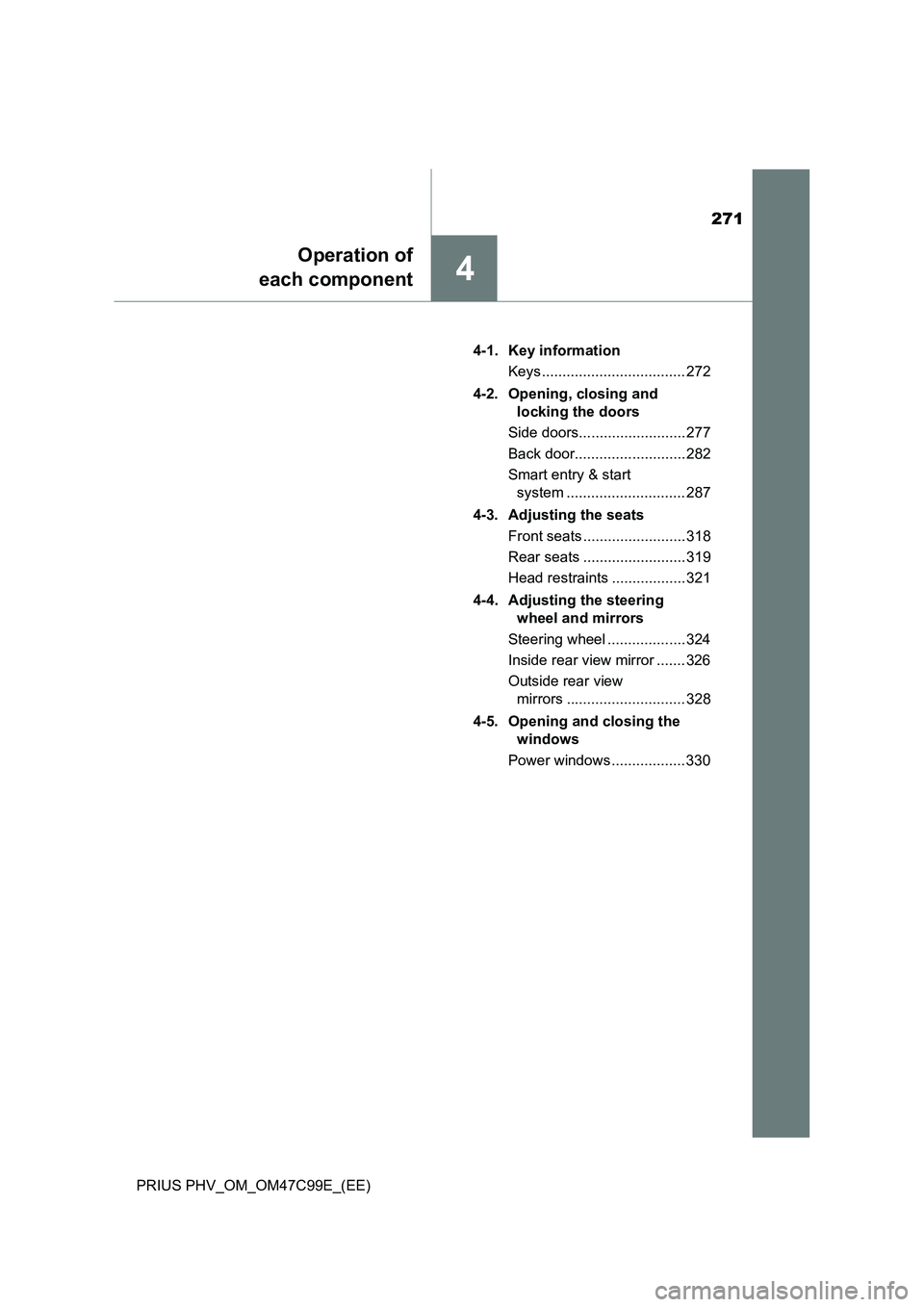
271
4
Operation of
each component
PRIUS PHV_OM_OM47C99E_(EE)4-1. Key information
Keys ................................... 272
4-2. Opening, closing and
locking the doors
Side doors.......................... 277
Back door........................... 282
Smart entry & start
system ............................. 287
4-3. Adjusting the seats
Front seats ......................... 318
Rear seats ......................... 319
Head restraints .................. 321
4-4. Adjusting the steering
wheel and mirrors
Steering wheel ................... 324
Inside rear view mirror ....... 326
Outside rear view
mirrors ............................. 328
4-5. Opening and closing the
windows
Power windows .................. 330
Page 324 of 772
3244-4. Adjusting the steering wheel and mirrors
PRIUS PHV_OM_OM47C99E_(EE)
Steering wheel
Hold the steering wheel and
push the lever down.
Adjust to the ideal position by
moving the steering wheel hori-
zontally and vertically.
After adjustment, pull the lever up
to secure the steering wheel.
To sound the horn, press on or
close to the mark.
■ After adjusting the steering wheel
Make sure that the steering wheel is securely locked.
The horn may not sound if the steering wheel is not securely locked.
Adjustment procedure
IO44PH004
1
IO44PH005
2
Horn