2018 Seat Ateca warning lights
[x] Cancel search: warning lightsPage 100 of 348

Emergencies
they should be changed if they are damaged,
or c l
e
aned if they are dirty ››› .
Dam ag
ed w
indscreen wiper blades should be
replaced immediately. These are available
from qualified workshops. WARNING
Worn or dirty windscreen wiper blades reduce
vi s
ibility and increase the risk of accident
and serious injury.
● Always replace damaged or worn wind-
scr
een wiper blades or blades that no longer
clean the windscreen properly. CAUTION
● Damag ed or dir
ty windscreen wipers could
scratch the glass.
● If products containing solvents, rough
spong
es or sharp objects are used to clean
the blades, the graphite layer will be dam-
aged.
● Never use fuel, nail varnish remover, paint
thinner or simil
ar products to clean the win-
dows.
● In icy conditions, always check that the
wiper bl
ades are not frozen to the glass be-
fore using the wipers. In cold weather, it may
help to leave the vehicle parked with the wip-
ers in service position ›››
page 71. CAUTION
● To pr ev
ent damage to the bonnet and the
wiper arms, only leave them in the service
position.
● Before driving, always lower the wiper
arms. Tow-starting and towing
Introduction Tow-starting me
an
s
starting the engine of
the vehicle while another pulls it.
Towing means one vehicle pulling another
that is not roadworthy.
Always consider the legal provisions relating
to tow-starting and towing.
For technical reasons, towing a vehicle with a
discharged battery is not allowed. The jump
start should be used instead ›››
page 69.
If the vehicle comes with the Keyless Access
system, towing is only allowed with the igni-
tion on!
The vehicle battery drains if the vehicle is
towed with the engine switched off and the
ignition connected. Depending on the battery
charge status, the drop in voltage may be so
large, even after just a few minutes, that no
electrical device in the vehicle may work e.g. the hazard warning lights. In vehicles with
the Keyle
ss Access system, the steering
wheel could lock ››› .
WARNING
A vehicle with no power should never be tow-
ed.
● During towing, never switch off the ignition
with the s t
arter button. Otherwise, the elec-
tronic lock of the steering column could sud-
denly get blocked and it would be impossible
to steer the vehicle. This could cause an acci-
dent, serious injury and loss of control of the
vehicle.
● If during towing the vehicle runs out of
power
, stop towing immediately and request
the assistance of specialist personnel. WARNING
Vehicle handling and braking capacity
ch an
ge considerably during towing. Please
observe the following instructions to mini-
mise the risk of serious accidents and injury:
● As the driver of the vehicle being towed:
– You shoul
d depress the brake much hard-
er as the brake servo does not operate.
Pay the utmost attention to avoid crash-
ing into the towing vehicle.
– More strength is required at the steering
wheel as the power steering does not op-
erate when the engine is switched off.
● As the driver of the towing vehicle: 98
Page 104 of 348

Emergencies
CAUTION
● The to w
ing eye must always be completely
and firmly tightened. Otherwise, it could be
released while towing and tow-starting.
● If the vehicle is factory-equipped with a
tow
ing bracket, it is only allowed to tow with
a tow bar if this has been specially designed
to be installed with a tow hitch. If an unsuita-
ble tow bar is used, both the tow hitch and
the vehicle may be damaged. Instead, a tow
rope should be used. Driving tips for towing
Towing requires some expertise and experi-
enc
e, e
s
pecially when using a tow rope. Both
drivers should be familiar with the difficulties
involved in towing. For this reason, inexper-
ienced drivers should abstain from towing.
During towing, it should be ensured that no
impermissible tractive forces or shocks are
generated. When towing on an unpaved
road, there is always a risk of overloading
and damaging the anchorage points.
During towing, the towing vehicle can signal
the change of direction even with the hazard
warning lights turned on. To do so, at the
same time, the turn signal lever must be op-
erated with ignition switched on. Meanwhile,
the hazard warning lights will go off. When
the turn signal lever is returned to the rest position, the hazard warning lights will be
automatic
ally reactivated.
Notes for the driver of the towed vehicle ● Leave the ignition on, so that the steering
is not
blocked, and the electronic parking
brake may be deactivated and the turn sig-
nals and wash/wipe operated.
● More strength is required at the steering
wheel as
the power steering does not oper-
ate when the engine is switched off.
● You should depress the brake much harder
as the br
ake servo does not operate. Avoid
hitting the towing vehicle.
● Bear in mind the information and instruc-
tions in the m
anual of the vehicle to be tow-
ed.
Notes for the driver of the towing vehicle
● Accelerate with particular care and caution.
Avoid sh
arp manoeuvres.
● Brake earlier than usual and smoothly.
● Bear in mind the information and instruc-
tions in the m
anual of the towed vehicle. Fuses and bulbs
F u
se
s
Introduction In general, a fuse can be assigned to various
electric
al
components. Likewise, an electrical
component can be protected by several
fuses.
Only replace fuses when the cause of the
problem has been solved. If a newly inserted
fuse blows after a short time, you must have
the electrical system checked by a special-
ised workshop as soon as possible. WARNING
The high voltages in the electrical system can
give seriou s
electrical shocks, causing burns
and even death!
● Never touch the electrical wiring of the igni-
tion syst
em.
● Take care not to cause short circuits in the
electrica
l system. WARNING
Using unsuitable fuses, repairing fuses or
bridging a c urr
ent circuit without fuses can
cause a fire and serious injury. 102
Page 108 of 348

Emergencies
●
Ple a
se note that the above lists, while cor-
rect at the time of printing, are subject to
change. Changing a bulb
Topic intr
oductionRead the additional information carefully
›› ›
page 62.
Changing bulbs requires a certain degree of
practical skill.
If you choose to change the engine compart-
ment lamps yourself, remember that it is a
dangerous area ››› in Working in the en-
gine c omp
ar
tment on page 299.
Always use identical bulbs with the same
designation. The name can be found on the
base of the bulb holder.
Depending on how equipped the vehicle is,
there are different sets of headlights and tail
lights:
● Halogen headlights.
● Full-LED main headlights*
● Rear bulb light
● LED rear light* Full-LED headlight system*
Ful
l-LED headlights handle all light functions
(daylight, side light, turn signal, dipped
beam and route light) with light emitting di-
odes (LEDs) as a light source.
Full-LED headlights are designed to last the
lifetime of the car and light bulbs cannot be
replaced. In case of headlight failure, go to
an authorised workshop to have it replaced. WARNING
● Tak e p
articular care when working on com-
ponents in the engine compartment if the en-
gine is warm. Risk of burns.
● Bulbs are highly sensitive to pressure. The
glas
s can break when you touch the bulb,
causing injury.
● When changing bulbs, please take care not
to injure
yourself on sharp edges, in particu-
lar on the headlight housing. CAUTION
● Remo v
e the ignition key before working on
the electric system. Otherwise, a short circuit
could occur.
● Switch off the lights and the parking light
before c
hanging a bulb.
● Take good care to avoid damaging any com-
ponents. For the sake of the environment
Please ask your specialist retailer how to dis-
pose of u
sed bulbs in the proper manner. Note
● Ple a
se check at regular intervals that all
lighting (especially the exterior lighting) on
your vehicle is functioning properly. This is
not only in the interest of your own safety,
but also that of all other road users.
● Before changing a bulb, make sure you
have the c
orrect new bulb.
● Do not touch the glass part of the bulb with
your bar
e hands, use a cloth or paper towel
instead, since the fingerprints left on the
glass will vaporise as a result of the heat gen-
erated by the bulb, they will be deposited on
the reflector and will impair its surface.
● Depending on the level of equipment fitted
in the vehic
le, LEDs may be used for part or
all of the interior and/or exterior lighting.
LEDs have an estimated life that exceeds than
that of the car. If an LED light fails, go to an
authorised workshop for its replacement. 106
Page 122 of 348
Operation
Introduction to the Easy
C onnect
sy
stem*
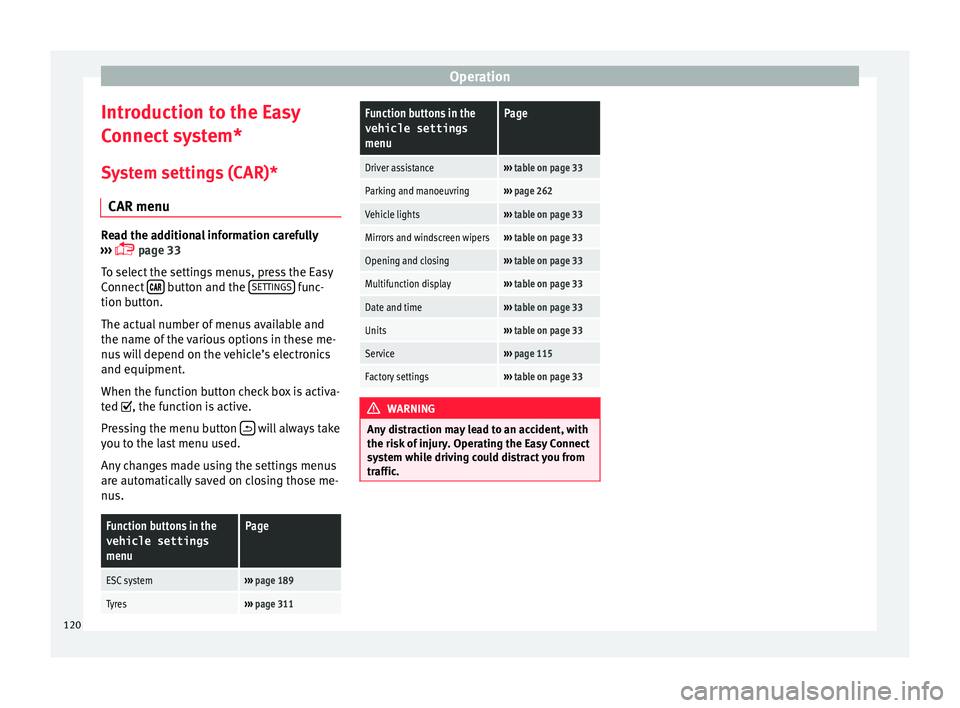
System settings (CAR)* CAR menu Read the additional information carefully
›› ›
page 33
To select the settings menus, press the Easy
Connect button and the
S
ET
TINGS func-
tion b utt
on.
The act
ual number of menus available and
the name of the various options in these me-
nus will depend on the vehicle’s electronics
and equipment.
When the function button check box is activa-
ted , the function is active.
Pressing the menu button will always take
y ou t
o the l
ast menu used.
Any changes made using the settings menus
are automatically saved on closing those me-
nus.
Function buttons in the vehicle settings
menuPage
ESC system››› page 189
Tyres››› page 311
Function buttons in the
vehicle settings
menuPage
Driver assistance››› table on page 33
Parking and manoeuvring››› page 262
Vehicle lights››› table on page 33
Mirrors and windscreen wipers››› table on page 33
Opening and closing››› table on page 33
Multifunction display››› table on page 33
Date and time››› table on page 33
Units››› table on page 33
Service››› page 115
Factory settings››› table on page 33 WARNING
Any distraction may lead to an accident, with
the risk of
injury. Operating the Easy Connect
system while driving could distract you from
traffic. 120
Page 130 of 348

Operation
Adjusting the central locking You can use Easy Connect* to select which
doors
ar
e unlocked with the central locking
system. Using the radio or the Easy Connect*
system, you can select whether the vehicle
automatically closes with the “Auto Lock”
programme at speeds of more than 15 km/h
(9 mph).
Programming the unlocking of the doors (ve-
hicles with Easy Connect)
– Select: button > SETTINGS
fu
nction
b
utton > Opening and closing > Cen-
tral locking > Unlocking doors .
Programming the Auto Lock (vehicles with
radio)
– Select: SETUP button > control button
Central locking > Locking while
driving .
Pr ogr
ammin
g the Auto Lock (vehicles with
Easy Connect)
– Select: button > SETTINGS
fu
nction
b
utton > Opening and closing > Cen-
tral locking > Locking while
driving .
Unlocking doors
You can choose to unlock all the doors or
only the driver door when you unlock the vehicle. In all
the options, the fuel
tank flap
is also unlocked.
With the Driver setting, when you press the
button on the remote control key once, on-
ly the driver door is unlocked. If that button is
pressed twice, the rest of the doors and the
rear lid will be unlocked.
In vehicles with a conventional key, turn the
key in the door lock, in the direction of open-
ing, twice within 2 seconds.
If the button is pressed, all the vehicle
doors are locked. At the same time, a confir-
mation signal* is heard.
Auto Lock while driving
If you select on, all the vehicle doors are
locked at speeds above 15 km/h (9 mph).
Central locking switch Read the additional information carefully
› ›
›
page 15
Please note the following when using the
central locking switch to lock your vehicle:
● It is not possible to open the doors or the
rear lid fr
om the outside (for safety reasons,
e.g. when stopped at traffic lights).
● The LED in the central locking switch lights
up when all the door
s are closed and locked. ●
You can open the door
s individually from
the inside by pulling the inside door handle.
● In the event of an accident in which the air-
bags
inflate, doors locked from the inside will
be automatically unlocked to facilitate access
and assistance. WARNING
● The centr a
l locking switch also operates
when the ignition is switched off and auto-
matically locks all the vehicle doors when the
button is pressed.
● The central locking switch does not operate
if the v
ehicle is locked from the outside and
the anti-theft security system is switched on.
● Locked doors could delay assistance in an
emergency
, potentially putting lives at risk.
Do not leave anyone, especially children, in
the vehicle. Note
Your vehicle will lock automatically when it
re ac
hes a speed of about 15 km/h (9 mph)
(Auto Lock) ››› page 125. You can unlock the
vehicle again using the button on the cen-
tral locking switch. 128
Page 140 of 348
Operation
If you press one of the butt
on s again, the
rear lid will move again in the original direc-
tion.
If the rear lid is met with resistance or an ob-
stacle during the automatic opening or clos-
ing, opening or closing will be interrupted
immediately. For the closing process, the rear
lid opens again slightly.
● Check why it has not been possible to open
or close the r
ear lid.
● Try to open or close the rear lid again.
● If necessary, the rear lid can be opened or
closed b
y hand using reasonable force.
Special feature for pulling a trailer
If the factory-fitted towing bracket is electri-
cally connected to a trailer ››› page 273, the
electric rear lid can only be opened or closed
with the buttons on the rear lid itself.
Acoustic warnings
Throughout the process of opening or closing
the rear lid, acoustic warnings can be heard.
Exception: when the rear lid is opened man-
ually using the handle or the Easy Open func-
tion with the movement of the foot or closed
using the button on the rear lid itself
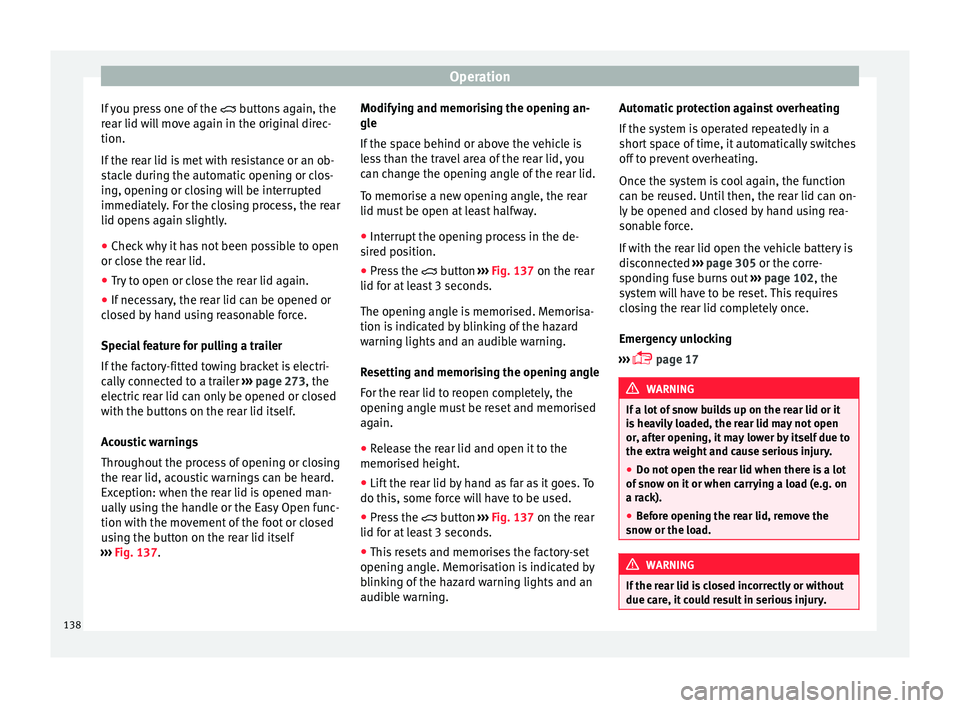
››› Fig. 137. Modifying and memorising the opening an-
gle
If the s
pace behind or above the vehicle is
less than the travel area of the rear lid, you
can change the opening angle of the rear lid.
To memorise a new opening angle, the rear
lid must be open at least halfway.
● Interrupt the opening process in the de-
sired po
sition.
● Press the button ›
›› Fig. 137 on the rear
lid for at least 3 seconds.
The opening angle is memorised. Memorisa-
tion is indicated by blinking of the hazard
warning lights and an audible warning.
Resetting and memorising the opening angle
For the rear lid to reopen completely, the
opening angle must be reset and memorised
again.
● Release the rear lid and open it to the
memorised height.
● Lif
t the rear lid by hand as far as it goes. To
do this, some for
ce will have to be used.
● Press the button ›
›› Fig. 137 on the rear
lid for at least 3 seconds.
● This resets and memorises the factory-set
opening angl
e. Memorisation is indicated by
blinking of the hazard warning lights and an
audible warning. Automatic protection against overheating
If the sys
tem is operated repeatedly in a
short space of time, it automatically switches
off to prevent overheating.
Once the system is cool again, the function
can be reused. Until then, the rear lid can on-
ly be opened and closed by hand using rea-
sonable force.
If with the rear lid open the vehicle battery is
disconnected ››› page 305 or the corre-
sponding fuse burns out ››› page 102, the
system will have to be reset. This requires
closing the rear lid completely once.
Emergency unlocking
››› page 17 WARNING
If a lot of snow builds up on the rear lid or it
is he
avily loaded, the rear lid may not open
or, after opening, it may lower by itself due to
the extra weight and cause serious injury.
● Do not open the rear lid when there is a lot
of sno
w on it or when carrying a load (e.g. on
a rack).
● Before opening the rear lid, remove the
snow or the lo
ad. WARNING
If the rear lid is closed incorrectly or without
due car e, it
could result in serious injury.138
Page 141 of 348

Opening and closing
●
Never l e
ave the vehicle unattended or allow
children to play inside or next to it, especially
if the rear lid is open. Children could enter
the luggage compartment, close the rear lid
and become trapped. A locked vehicle can
reach extremely high and low temperatures,
depending on the time of year, thus causing
serious injuries, illness or even death. CAUTION
Before opening or closing the rear lid, make
s ur e th
at there is enough space to open or
close it, e.g. when pulling a trailer or in a ga-
rage. Rear lid automatic locking
Where the vehicle has been locked by press-
in
g the b
utt
on on the remote control with
the rear lid open, the rear lid will lock auto-
matically when closed.
The automatic rear lid locking time extension
function can be activated. Where this func-
tion is activated and once the rear lid has
been unlocked by pressing the button on
the remote control key ››› page 127, the rear
lid can be re-opened for a certain length of
time.
Where required, the automatic tailgate lock-
ing time extension function can be activated
or deactivated at an Authorised SEAT Service, which will provide all the necessary informa-
tion.
Befor
e the vehicle locks automatically, there
is a risk of intruders getting into the vehicle.
Therefore, we recommend you always lock
the vehicle by pressing the button on the
remote control or by using the central locking
button. WARNING
Observe the safety warnings ›››
in Intro-
duction on pag e 97
.
● Always close the rear lid properly. Risk of
accident
or injury.
● The rear lid must not be opened when the
rever
se or rear fog lights are lit. This may
damage the tail lights.
● Do not close the rear lid by pushing it down
with y
our hand on the rear window. The glass
could smash. Risk of injury!
● Ensure the rear lid is locked after closing it.
If not, it m
ay open unexpectedly while driv-
ing.
● Closing the rear lid without observing and
ensurin
g it is clear could cause serious injury
to you and to third parties. Make sure that no
one is in the path of the rear lid.
● Never drive with the rear lid open or half-
closed, e
xhaust gases may penetrate into the
interior of the vehicle. Danger of poisoning!
● If you only open the rear lid, do not leave
the key in
side. The vehicle cannot be opened
if the key is left inside. Controls for the windows
El ectric
openin
g and closing of win-
dows Fig. 139
Detail of the driver door: controls for
the w indo
w
s. Read the additional information carefully
› ›
›
page 18
The front and rear electric windows can be
operated by using the controls on the driver
door. The other doors each have a switch for
their own window.
Always close the windows fully if you park
the vehicle or leave it unattended ››› .
Y ou c
an u
se the electric windows for approx.
10 minutes after switching off the ignition if
neither the driver door nor the front passen-
ger door has been opened and the key has
not been removed from the ignition. »
139
Technical data
Advice
Operation
Emergencies
Safety
Page 142 of 348
Operation
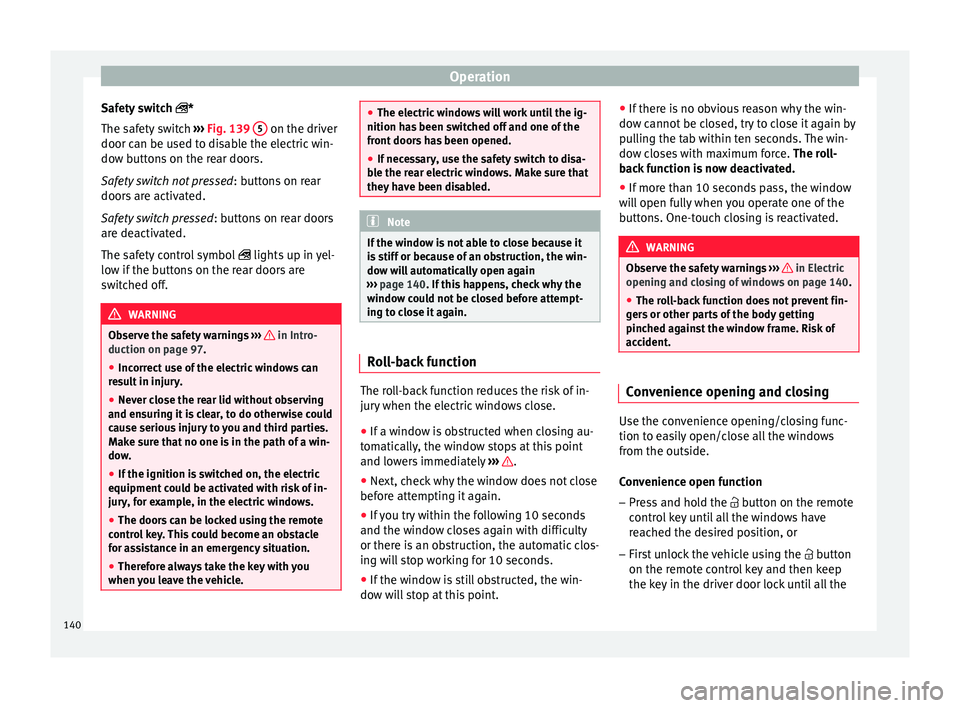
Safety switch *
The s af
ety
switch ››› Fig. 139 5 on the driver
door c an be u
sed t
o disable the electric win-
dow buttons on the rear doors.
Safety switch not pressed : buttons on rear
doors are activated.
Safety switch pressed : buttons on rear doors
are deactivated.
The safety control symbol lights up in yel-
low if the buttons on the rear doors are
switched off. WARNING
Observe the safety warnings ›››
in Intro-
duction on pag e 97
.
● Incorrect use of the electric windows can
res
ult in injury.
● Never close the rear lid without observing
and ensurin
g it is clear, to do otherwise could
cause serious injury to you and third parties.
Make sure that no one is in the path of a win-
dow.
● If the ignition is switched on, the electric
equipment cou
ld be activated with risk of in-
jury, for example, in the electric windows.
● The doors can be locked using the remote
contro
l key. This could become an obstacle
for assistance in an emergency situation.
● Therefore always take the key with you
when you l
eave the vehicle. ●
The electric w
indows will work until the ig-
nition has been switched off and one of the
front doors has been opened.
● If necessary, use the safety switch to disa-
ble the r
ear electric windows. Make sure that
they have been disabled. Note
If the window is not able to close because it
i s s
tiff or because of an obstruction, the win-
dow will automatically open again
››› page 140. If this happens, check why the
window could not be closed before attempt-
ing to close it again. Roll-back function
The roll-back function reduces the risk of in-
jur
y
when the el
ectric windows close.
● If a window is obstructed when closing au-
tomatic
ally, the window stops at this point
and lowers immediately ››› .
● Next, check why the window does not close
bef or
e att
empting it again.
● If you try within the following 10 seconds
and the window c
loses again with difficulty
or there is an obstruction, the automatic clos-
ing will stop working for 10 seconds.
● If the window is still obstructed, the win-
dow wi
ll stop at this point. ●
If there i
s no obvious reason why the win-
dow cannot be closed, try to close it again by
pulling the tab within ten seconds. The win-
dow closes with maximum force. The roll-
back function is now deactivated.
● If more than 10 seconds pass, the window
wil
l open fully when you operate one of the
buttons. One-touch closing is reactivated. WARNING
Observe the safety warnings ›››
in Electric
opening and c lo
sing of windows on page 140.
● The roll-back function does not prevent fin-
gers
or other parts of the body getting
pinched against the window frame. Risk of
accident. Convenience opening and closing
Use the convenience opening/closing func-
tion t
o e
a
sily open/close all the windows
from the outside.
Convenience open function
– Press and hold the button on the r
emote
control key until all the windows have
reached the desired position, or
– First unlock the vehicle using the button
on the r
emote control key and then keep
the key in the driver door lock until all the
140