2018 NISSAN VERSA display
[x] Cancel search: displayPage 207 of 354
∙ “Phone Number” — Speak this com-
mand to place a call by inputting num-
bers. For 7– to 10–digit phone number,
speak the numbers. Say “Correction” at
any time in the process to correct a
misspoken or misinterpreted number.
For phone numbers with more digits or
special characters, say “Special Num-
ber”, then speak the digits. Up to 24 dig-
its can be entered. Available special
characters are “start”, “pound”, “plus”,
and “pause”. When finished, say “Dial” to
initiate the call. Say “Correction” at any
time in the process to correct a misspo-
ken or misinterpreted number or char-
acter.
∙ “Redial” – Speak this command to dial
the number of the last outgoing call.
The system will display “Re-dialing
phonebook entry will be displayed if it
available, otherwise the number being
re-dialed will be displayed.∙ “Call Back” – Speak this command to
dial the number of the last incoming
call. The system will display “Calling
back
the phonebook entry will be displayed if
it available, otherwise the number be-
ing called back will be displayed.
RECEIVING A CALL
When a call is received by the phone con-
nected to the vehicle’s Bluetooth® Hands-
Free Phone System, the call information is
displayed on the control panel display.
Press the
button to accept the call.
Press the
button to reject the call.
DURING A CALL
While a call is active, press thebutton
to access additional options. Speak one of
the following commands:
∙ “(numbers)” – Speak numbers and then
say “Send” or say “Correction” to change
the numbers entered.
∙ “Mute On” or “Mute Off ” – Speak the
command to mute or unmute the sys-
tem.∙ “Transfer Call” – Speak this command to
transfer the call to the handset. To
transfer the call back from the handset
to the Bluetooth® Hands-Free Phone
System, press the
button and
confirm when prompted.
If supported by the phone, the Bluetooth®
Hands-Free Phone System allows for call
waiting functionality. If a call is received
while another call is already active, a mes-
sage will be displayed on the screen. Press
the
button to hold the active call and
switch to the second call. Press the
button to reject the second call.
While the second call is active, pressing
the
button will allow the same com-
mands that are available during any call
and additional commands:
∙ “Switch Call” – Speak this command to
hold the second call and switch back to
the original call.
∙ “End Other Call” – Speak this command
to stay with the second call and end the
original call.
Press the
button to accept the call.
Press the
button to reject the call.
4-72Display screen, heater, air conditioner, audio and phone systems
Page 208 of 354
ENDING A CALL
To end an active call, press thebut-
ton.
TEXT MESSAGING (if so equipped)
WARNING
∙ Laws in some jurisdictions may re-
strict the use of “Text-to-Speech.”
Check local regulations before using
the feature.
∙ Laws in some jurisdictions may re-
strict the use of some of the applica-
tions and features, such as social net-
working and texting. Check local
regulations for any requirements.
∙ Use the text messaging feature af ter
stopping your vehicle in a safe loca-
tion. If you have to use the feature
while driving, exercise extreme cau-
tion at all times so full attention may
be given to vehicle operation.
∙ If you are unable to devote full atten-
tion to vehicle operation while using
the text messaging feature, pull off
the road to a safe location and stop
your vehicle.NOTE:
This feature is automatically disabled if
the connected device does not support
the Message Access Profile (MAP). For
additional information, refer to the
phone’s Owner’s Manual for details and
instructions.
Many phones may require special per-
mission to enable text messaging. Check
the phone’s screen during Bluetooth®
pairing. For some phones, you may need
to enable ‘Notifications’ in the phone’s
Bluetooth menu for text messages to
appear on the headunit. For additional
information, refer to your phone’s Own-
er’s Manual.
Text message integration requires that the
phone support MAP (Message Access Pro-
file) for both receiving and sending text
messages. Some phones may not support
all text messaging features. Please see
www.nissanusa.com/bluetooth or
www.nissan.ca/bluetooth for compatibility
information, as well as your device’s Own-
er’s Manual.
The system allows for the sending and re-
ceiving of text messages through the ve-
hicle interface.Sending a text message:
1. Press the
button.
2. Say “Messaging”.
3. The system will prompt you for a com-
mand. Say “Send Text”.
4. The system will provide a list of avail-
able commands in order to determine
the recipient of the text message.
Choose from the following:
∙ (a name)
∙ Number
∙ Incoming Calls
∙ Outgoing Calls
∙ Missed Calls
For additional information, refer to
“Voice commands” in this section.
Display screen, heater, air conditioner, audio and phone systems4-73
Page 209 of 354
BLUETOOTH® SETTINGS
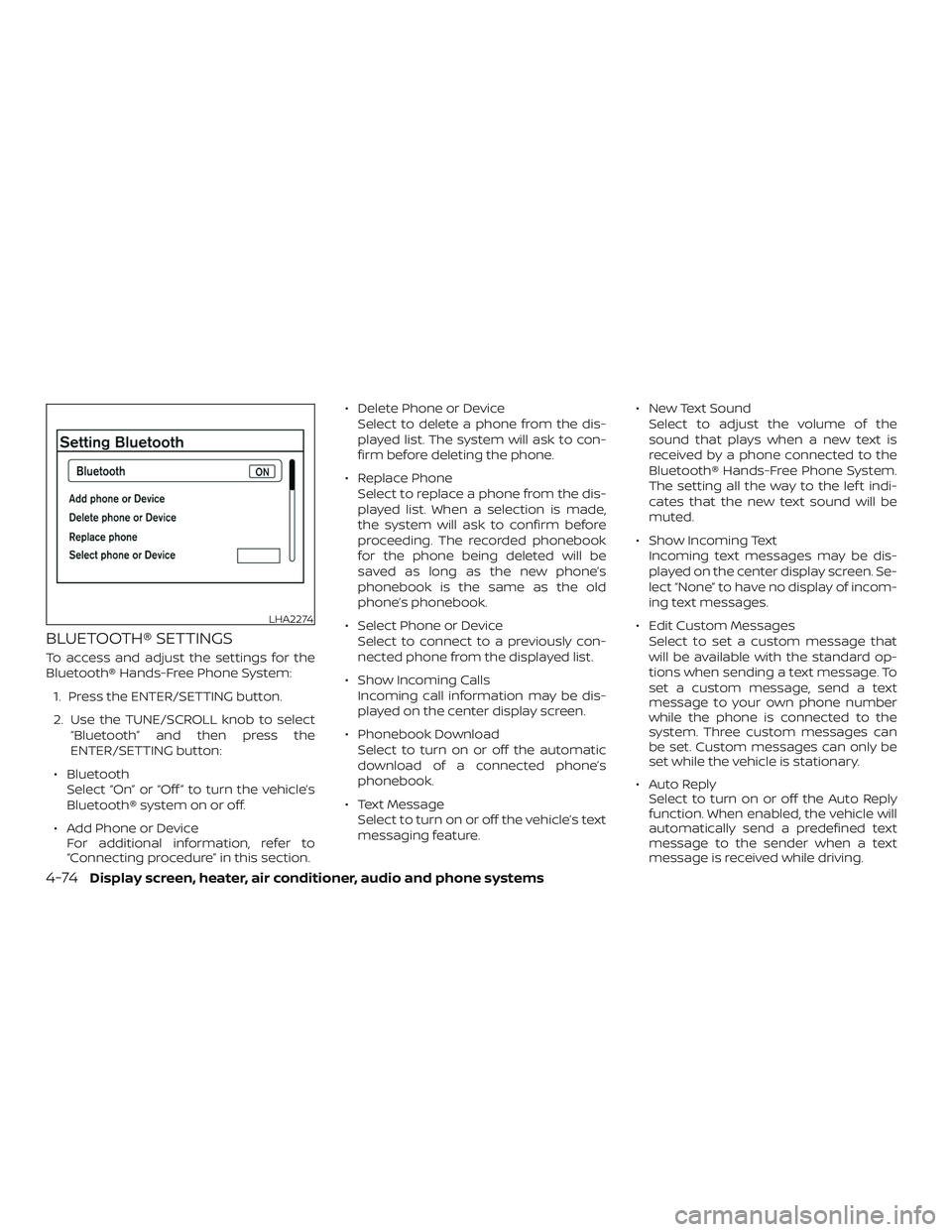
To access and adjust the settings for the
Bluetooth® Hands-Free Phone System:
1. Press the ENTER/SETTING button.
2. Use the TUNE/SCROLL knob to select
“Bluetooth” and then press the
ENTER/SETTING button:
∙ Bluetooth
Select “On” or “Off ” to turn the vehicle’s
Bluetooth® system on or off.
∙ Add Phone or Device
For additional information, refer to
“Connecting procedure” in this section.∙ Delete Phone or Device
Select to delete a phone from the dis-
played list. The system will ask to con-
firm before deleting the phone.
∙ Replace Phone
Select to replace a phone from the dis-
played list. When a selection is made,
the system will ask to confirm before
proceeding. The recorded phonebook
for the phone being deleted will be
saved as long as the new phone’s
phonebook is the same as the old
phone’s phonebook.
∙ Select Phone or Device
Select to connect to a previously con-
nected phone from the displayed list.
∙ Show Incoming Calls
Incoming call information may be dis-
played on the center display screen.
∙ Phonebook Download
Select to turn on or off the automatic
download of a connected phone’s
phonebook.
∙ Text Message
Select to turn on or off the vehicle’s text
messaging feature.∙ New Text Sound
Select to adjust the volume of the
sound that plays when a new text is
received by a phone connected to the
Bluetooth® Hands-Free Phone System.
The setting all the way to the lef t indi-
cates that the new text sound will be
muted.
∙ Show Incoming Text
Incoming text messages may be dis-
played on the center display screen. Se-
lect “None” to have no display of incom-
ing text messages.
∙ Edit Custom Messages
Select to set a custom message that
will be available with the standard op-
tions when sending a text message. To
set a custom message, send a text
message to your own phone number
while the phone is connected to the
system. Three custom messages can
be set. Custom messages can only be
set while the vehicle is stationary.
∙ Auto Reply
Select to turn on or off the Auto Reply
function. When enabled, the vehicle will
automatically send a predefined text
message to the sender when a text
message is received while driving.
LHA2274
4-74Display screen, heater, air conditioner, audio and phone systems
Page 210 of 354
∙ Auto Reply Message
Select to choose the message that is
sent when the Auto Reply function is
enabled. Choose from “I’m Driving” or
one of the three custom messages
stored in the system.
∙ Vehicle Signature On/Off
Select to choose whether or not the
vehicle signature is added to outgoing
text messages from the vehicle. This
message cannot be changed or cus-
tomized.
MANUAL CONTROL
While using the Voice Recognition system,
it is possible to select menu options by
using the steering wheel controls instead
of speaking voice commands. The manual
control mode does not allow dialing a
phone number by digits. The user may se-
lect an entry from the Phonebook or Re-
cent Calls lists. To re-activate Voice Recog-
nition, exit the manual control mode by
pressing and holding the
PHONE/END
button. At that time,
pressing the PHONE/SEND
button
will start the Hands Free Phone System.
Display screen, heater, air conditioner, audio and phone systems4-75
Page 211 of 354

MEMO
4-76Display screen, heater, air conditioner, audio and phone systems
Page 215 of 354
Additional information:
∙ When replacing a wheel without the
TPMS such as the spare tire, the TPMS
does not monitor the tire pressure of
the spare tire.
∙ The TPMS will activate only when the
vehicle is driven at speeds above
16 mph (25 km/h). Also, this system may
not detect a sudden drop in tire pres-
sure (for example, a flat tire while driv-
ing).
∙ The low tire pressure warning light does
not automatically turn off when the tire
pressure of your tires are adjusted. Af ter
the tires are inflated to the recom-
mended pressure, the vehicle must be
driven at speeds above 16 mph
(25 km/h) to activate the TPMS and turn
off the low tire pressure warning light.
Use a tire pressure gauge to check the
tire pressure.
∙ The CHECK TIRE PRES (pressure) warn-
ing message is displayed in the odom-
eter when the low tire pressure warning
light is illuminated and low tire pressure
is detected. The CHECK TIRE PRES warn-
ing message turns off when the low tire
pressure warning light turns off.∙ The low tire pressure warning light re-
mains illuminated until the tires are in-
flated to the recommended COLD tire
pressure. The CHECK TIRE PRES warning
message is displayed each time the ig-
nition switch is placed in the ON posi-
tion as long as the
low tire pres-
sure warning light remains illuminated.
∙ The CHECK TIRE PRES warning mes-
sage is not displayed if the low tire pres-
sure warning light illuminates to indi-
cate a TPMS malfunction.
∙ Tire pressure rises and falls depending
on the heat caused by the vehicle’s op-
eration and the outside temperature.
Do not reduce the tire pressure af ter
driving because the tire pressure rises
af ter driving. Low outside temperature
can lower the temperature of the air
inside the tire which can cause a lower
tire inflation pressure. This may cause
the low tire pressure warning light to
illuminate. If the warning light illumi-
nates, check the tire pressure for all four
tires.
∙ The Tire and Loading Information label
is located in the driver’s door opening.For additional information, refer to “Low tire
pressure warning light” in the “Instruments
and controls” section and “Tire Pressure
Monitoring System (TPMS)” in the “In case of
emergency” section of this manual.WARNING
∙ Radio waves could adversely affect
electric medical equipment. Those
who use a pacemaker should contact
the electric medical equipment
manufacturer for possible influences
before use.
5-4Starting and driving
Page 245 of 354
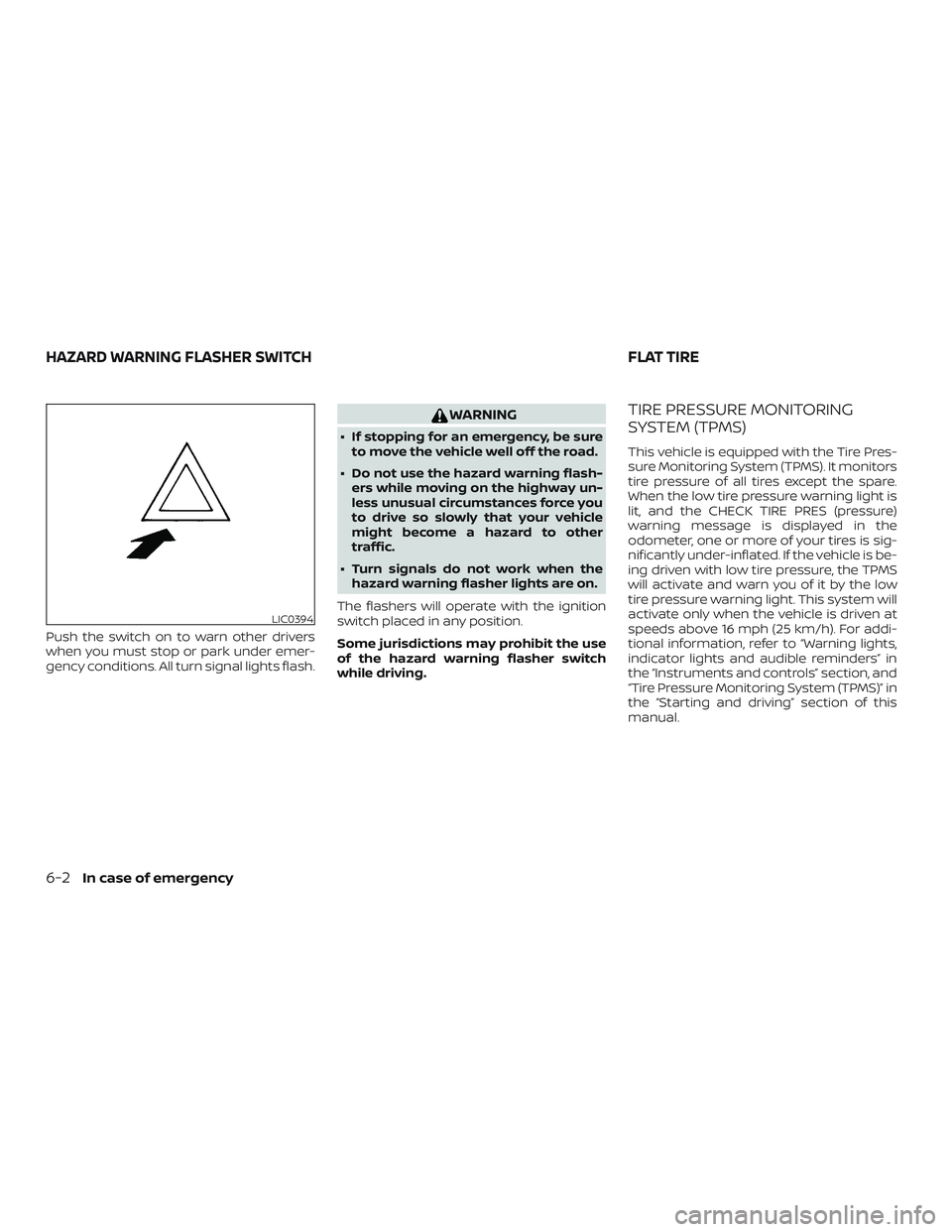
Push the switch on to warn other drivers
when you must stop or park under emer-
gency conditions. All turn signal lights flash.
WARNING
∙ If stopping for an emergency, be sure
to move the vehicle well off the road.
∙ Do not use the hazard warning flash-
ers while moving on the highway un-
less unusual circumstances force you
to drive so slowly that your vehicle
might become a hazard to other
traffic.
∙ Turn signals do not work when the
hazard warning flasher lights are on.
The flashers will operate with the ignition
switch placed in any position.
Some jurisdictions may prohibit the use
of the hazard warning flasher switch
while driving.
TIRE PRESSURE MONITORING
SYSTEM (TPMS)
This vehicle is equipped with the Tire Pres-
sure Monitoring System (TPMS). It monitors
tire pressure of all tires except the spare.
When the low tire pressure warning light is
lit, and the CHECK TIRE PRES (pressure)
warning message is displayed in the
odometer, one or more of your tires is sig-
nificantly under-inflated. If the vehicle is be-
ing driven with low tire pressure, the TPMS
will activate and warn you of it by the low
tire pressure warning light. This system will
activate only when the vehicle is driven at
speeds above 16 mph (25 km/h). For addi-
tional information, refer to “Warning lights,
indicator lights and audible reminders” in
the “Instruments and controls” section, and
“Tire Pressure Monitoring System (TPMS)” in
the “Starting and driving” section of this
manual.
LIC0394
HAZARD WARNING FLASHER SWITCH FLAT TIRE
6-2In case of emergency