2018 NISSAN TITAN brake
[x] Cancel search: brakePage 126 of 650

4–Wheel Drive (4WD) warning light (if so
equipped)Low fuel warning light (if so equipped)Front fog light indicator light
(if so equipped)
orAnti-lock Braking System
(ABS) warning lightLow tire pressure warning lightFront passenger air bag status light
(if so equipped)
Automatic Transmission check warning
lightLow windshield washer fluid warning light
(if so equipped)High beam indicator light (blue)
Automatic Transmission oil temperature
warning lightMalfunction warning light (red) (if so
equipped)Hill descent control system ON indicator
light (if so equipped)
Automatic Transmission park warning
light (model)Master warning light (if so equipped)Malfunction Indicator Light (MIL) (yellow)
orBrake warning lightNISSAN Intelligent Key® warning light
(if so equipped)Security indicator light
Charge warning lightP position selecting warning light
(if so equipped)Side light and headlight indicator light
(green) (if so equipped)
Diesel Particulate Filter (DPF) warning
light (if so equipped)Passenger seat belt warning light
(if so equipped)Slip indicator light
Door open warning lightSupplemental air bag warning lightTOW mode ON indicator light
WARNING LIGHTS, INDICATOR LIGHTS
AND AUDIBLE REMINDERS
Instruments and controls2-21
Page 127 of 650

Driver seat belt warning light and chimeWater in Fuel warning light
(if so equipped)Turn signal/hazard indicator lights
Engine oil pressure warning lightElectronic locking rear differential (E-Lock)
system ON indicator light (if so equipped)Vehicle Dynamic Control (VDC) OFF
indicator light
Low DEF warning light (if so equipped)Engine start operation indicator light
(if so equipped)
CHECKING LIGHTS
With all doors closed, apply the parking
brake, fasten the seat belts and place the
ignition switch in the ON position without
starting the engine. The following lights (if
so equipped) will come on:
,,,or
The following lights (if so equipped) will
come on briefly and then go off:
or,,,,,
,, ATP ,
If any light does not come on or operate in
a way other than described, it may indicate
a burned-out bulb and/or a system mal-
function. Have the system checked. It isrecommended that you visit a NISSAN
dealer for this service.
Some indicators and warnings are also dis-
played on the vehicle information display
between the speedometer and tachom-
eter. For additional information, refer to “Ve-
hicle information display” in this section.
WARNING LIGHTS
For additional information, refer to “Vehicle
information display” in this section.
4–Wheel Drive (4WD)
warning light (if so
equipped)
The 4WD warning light comes on when the
key switch is turned to ON. It turns off soon
af ter the engine is started. If the engine or vehicle is not functioning
properly, the warning light will either re-
main illuminated or blink. For additional in-
formation, refer to “Using 4–Wheel Drive
(4WD)” in the “Starting and driving” section
of this manual.
CAUTION
∙ If the warning light comes on or blinks
during operation, have your vehicle
checked. It is recommended that you
visit a NISSAN dealer for this service.
∙ Do not drive on dry hard surface roads in the 4H or 4LO position. If the 4WD
warning light turns on when you are
driving on dry hard surface roads:
– in the 4H position, shif t the 4WD shif t switch to 2WD.
2-22Instruments and controls
Page 128 of 650

– in the 4LO position, stop the ve-hicle, move the shif t lever to the N
(Neutral) position with the brake
pedal depressed, and shif t the
4WD shif t switch to 2WD.
∙ If the warning light is still on af ter the above operation, have your vehicle
checked. It is recommended that you
visit a NISSAN dealer for this service as
soon as possible.
orAnti-lock Braking
System (ABS)
warning light
When the ignition switch is placed in the ON
position, the ABS warning light illuminates
and then turns off. This indicates the ABS is
operational.
If the ABS warning light illuminates while
the engine is running or while driving, it
may indicate the ABS is not functioning
properly. Have the system checked. It is
recommended that you visit a NISSAN
dealer for this service.
If an ABS malfunction occurs, the anti-lock
function is turned off. The brake system
then operates normally but without anti-
lock assistance. For additional information, refer to “Brake system” in the “Starting and
driving” section of this manual.
Automatic Transmission
check warning light
When the ignition switch is placed in the ON
position, the light comes on for about
2 seconds. If the light comes on at any
other time, it may indicate the automatic
transmission system is not functioning
properly. Have the system checked. It is
recommended that you visit a NISSAN
dealer for this service.
Automatic Transmission oiltemperature warning light
This light comes on when the automatic
transmission oil temperature is too high. If
the light comes on while driving, reduce the
vehicle speed as soon as safely possible
until the light turns off.
CAUTION
Continued vehicle operation when the
A/T oil temperature warning light is on
may damage the automatic
transmission.
Automatic Transmissionpark warning light (
model)
WARNING
∙ If the 4WD mode indicator is off or the ATP warning light is on, this indicates
that the automatic transmission P
(Park) position will not function and
could result in the vehicle moving un-
expectedly, causing serious personal
injury or property damage. Always set
the parking brake. For additional in-
formation, refer to “Using 4–wheel
drive (4WD)” in the “Starting and driv-
ing” section of this manual.
∙ If the ATP light is on, this indicates that the automatic transmission P (Park)
position will not function and the
transfer case is in neutral.
∙ When parking, always make sure that the 4WD shif t indicator light illumi-
nates and the parking brake is set.
Failure to engage the transfer posi-
tion in 2WD, 4H or 4LO could result in
the vehicle moving unexpectedly, re-
sulting in serious personal injury or
property damage.
Instruments and controls2-23
Page 129 of 650

∙ Shif t the 4WD switch into the 2WD, 4Hor 4LO position again to turn off the
ATP warning light when the shif t lever
is in the P position and the ATP warn-
ing light is on. (Before shif ting the
4WD switch into the 4LO position,
move the shif t lever to the N position
once, shif t the shif t lever into P again
and make sure the ATP warning light
is off.)
This light indicates that the automatic
transmission parking function is not en-
gaged. If the transfer control is not secured
in any drive position while the shif t lever is
in the P (Park) position, the transmission will
disengage and the drive wheels will not
lock.
orBrake warning light
This light functions for both the parking
brake and the foot brake systems.
Parking brake indicator
When the ignition switch is placed in the ON
position, the light comes on when the park-
ing brake is applied. Low brake fluid warning light
When the ignition switch is placed in the ON
position, the light warns of a low brake fluid
level. If the light comes on while the engine
is running, with the parking brake not ap-
plied, stop the vehicle and perform the fol-
lowing:
1. Check the brake fluid level. Add brake fluid as necessary. For additional infor-
mation, refer to “Brake fluid” in the “Do-
it-yourself ” section of this manual.
2. If the brake fluid level is correct, have the warning system checked. It is rec-
ommended that you visit a NISSAN
dealer for this service.
WARNING
∙ Your brake system may not be work-ing properly if the warning light is on.
Driving could be dangerous. If you
judge it to be safe, drive carefully to
the nearest service station for repairs.
Otherwise, have your vehicle towed
because driving it could be
dangerous. ∙ Pressing the brake pedal with the en-
gine stopped and/or a low brake fluid
level may increase your stopping dis-
tance and braking will require greater
pedal effort and pedal travel.
∙ If the brake fluid level is below the MINIMUM or MIN mark on the brake
fluid reservoir, do not drive until the
brake system has been checked. It is
recommended that you visit a NISSAN
dealer for this service.
Anti-lock Braking System (ABS) warning
indicator
When the parking brake is released and the
brake fluid level is sufficient, if both the
brake warning light and the ABS warning
light illuminate, it may indicate the ABS is
not functioning properly. Have the brake
system checked and, if necessary, repaired.
It is recommended that you visit a NISSAN
dealer for this service. Avoid high-speed
driving and abrupt braking. For additional
information, refer to “Anti-lock Braking Sys-
tem (ABS) warning light” in this section.
2-24Instruments and controls
Page 133 of 650
CAUTION
∙ Continuing vehicle operation withoutproper servicing of the engine control
system could lead to poor driveability,
reduced fuel economy, and damage
to the engine control system, which
may affect the vehicle’s warranty
coverage.
∙ Failure to drain the water from the fuel filter can cause serious damage
to the engine. It is recommended that
you contact a NISSAN dealer as soon
as possible.
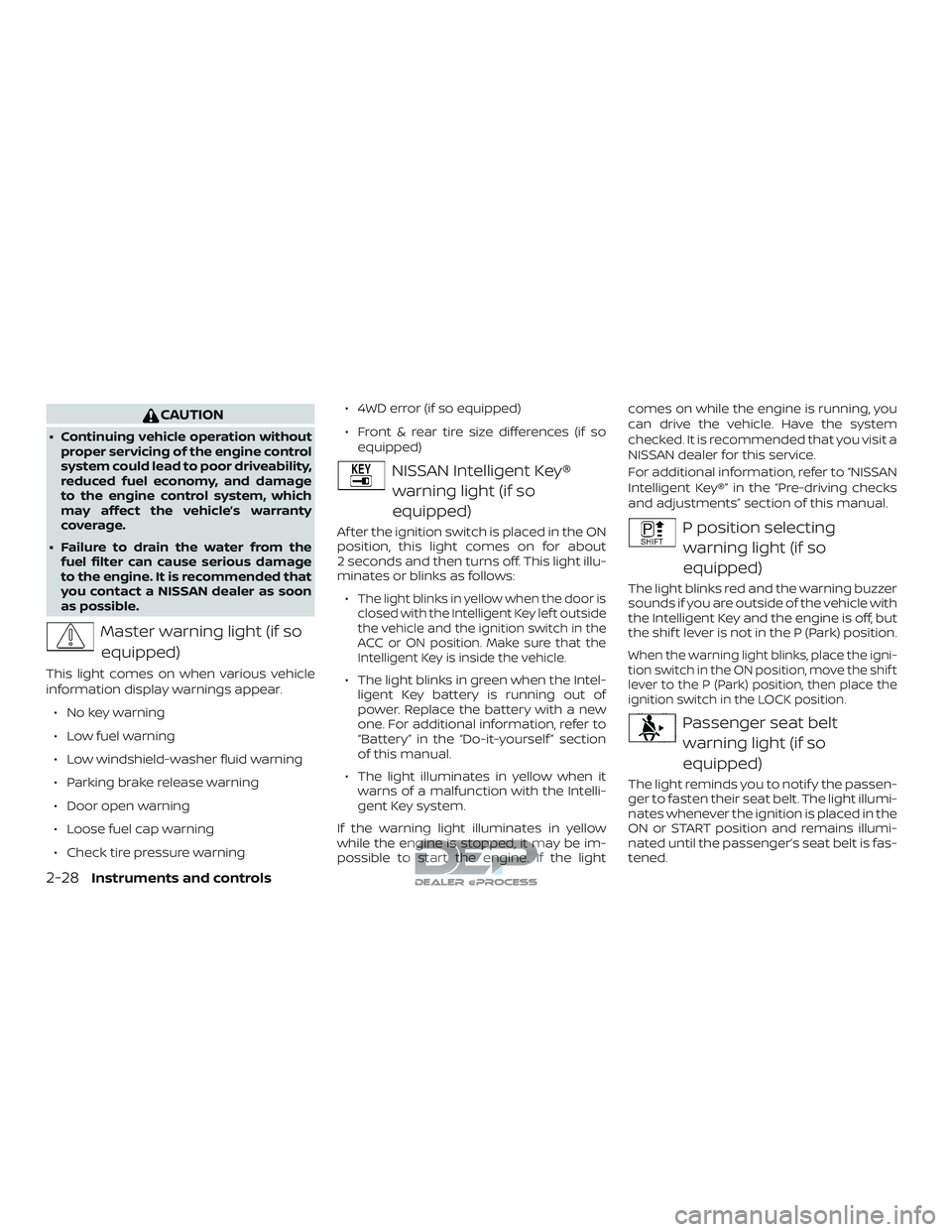
Master warning light (if so
equipped)
This light comes on when various vehicle
information display warnings appear.
∙ No key warning
∙ Low fuel warning
∙ Low windshield-washer fluid warning
∙ Parking brake release warning
∙ Door open warning
∙ Loose fuel cap warning
∙ Check tire pressure warning ∙ 4WD error (if so equipped)
∙ Front & rear tire size differences (if so
equipped)
NISSAN Intelligent Key®
warning light (if so
equipped)
Af ter the ignition switch is placed in the ON
position, this light comes on for about
2 seconds and then turns off. This light illu-
minates or blinks as follows:
∙
The light blinks in yellow when the door is
closed with the Intelligent Key lef t outside
the vehicle and the ignition switch in the
ACC or ON position. Make sure that the
Intelligent Key is inside the vehicle.
∙ The light blinks in green when the Intel- ligent Key battery is running out of
power. Replace the battery with a new
one. For additional information, refer to
“Battery” in the “Do-it-yourself ” section
of this manual.
∙ The light illuminates in yellow when it warns of a malfunction with the Intelli-
gent Key system.
If the warning light illuminates in yellow
while the engine is stopped, it may be im-
possible to start the engine. If the light comes on while the engine is running, you
can drive the vehicle. Have the system
checked. It is recommended that you visit a
NISSAN dealer for this service.
For additional information, refer to “NISSAN
Intelligent Key®” in the “Pre-driving checks
and adjustments” section of this manual.
P position selecting
warning light (if so
equipped)
The light blinks red and the warning buzzer
sounds if you are outside of the vehicle with
the Intelligent Key and the engine is off, but
the shif t lever is not in the P (Park) position.
When the warning light blinks, place the igni-
tion switch in the ON position, move the shif t
lever to the P (Park) position, then place the
ignition switch in the LOCK position.
Passenger seat beltwarning light (if so
equipped)
The light reminds you to notif y the passen-
ger to fasten their seat belt. The light illumi-
nates whenever the ignition is placed in the
ON or START position and remains illumi-
nated until the passenger’s seat belt is fas-
tened.
2-28Instruments and controls
Page 135 of 650

Engine start operationindicator light (if so
equipped)
This indicator illuminates when the ignition
switch is in the ACC or ON position with the
shif t lever in the P (Park) position.
Automatic transmission models: This in-
dicator means that the engine will start by
pushing the push-button ignition switch
with the brake pedal depressed.
Front fog light indicator
light (if so equipped)
The front fog light indicator light illumi-
nates when the front fog lights are on. For
additional information, refer to “Fog light
switch” in this section.
Front passenger air bagstatus light (if so equipped)
The front passenger air bag status light will
be lit and the passenger front air bag will be
off depending on how the front passenger
seat is being used.
For additional information, refer to “Front
passenger air bag and status light” in the
“Safety — Seats, seat belts and supplemen-
tal restraint system” section of this manual.
High beam indicator light
(blue)
This blue light comes on when the head-
light high beams are on and goes out when
the low beams are selected.
The high beam indicator light also comes
on when the passing signal is activated.
Hill descent control systemON indicator light (if so
equipped)
When the ignition switch is placed in the ON
position, this light comes on briefly and
then turns off.
The light comes on when the hill descent
control system is activated.
If the hill descent control switch is on and
the indicator light blinks, the system may
be disabled.
You may feel or hear the system working;
this is normal.
If the indicator light does not come on
when the hill descent switch is on, the sys-
tem may not be functioning properly. Have
the system checked. It is recommended
that you visit a NISSAN dealer for this ser-
vice. For additional information, refer to “Hill de-
scent control system ON indicator light” in
this section and “Hill descent control sys-
tem” in the “Starting and driving” section of
this manual.
Malfunction Indicator Light
(MIL) (yellow)
If this indicator light comes on steady or
blinks while the engine is running, it may
indicate a potential emission control mal-
function.
If this indicator light comes on steady for
20 seconds and then blinks for 10 seconds
when the engine is not running, it indicates
that the vehicle is not ready for an emission
control system inspection/maintenance
test. For additional information, refer to
“Readiness for inspection/maintenance
(I/M) test” in the “Technical and consumer
information” section of this manual.
2-30Instruments and controls
Page 137 of 650

Vehicle Dynamic Control(VDC) OFF indicator light
This indicator light comes on when the
VDC OFF switch is pushed to off. This indi-
cates the VDC system is not operating.
Push the VDC OFF switch again or restart
the engine and the system will operate
normally. For additional information, refer
to “Vehicle Dynamic Control (VDC) system”
in the “Starting and driving” section of this
manual.
The VDC light also comes on when you
place the ignition switch in the ON position.
The light will turn off af ter about 2 seconds
if the system is operational. If the light stays
on or comes on along with the
indi-
cator light while you are driving, have the
VDC system checked. It is recommended
that you visit a NISSAN dealer for this ser-
vice.
While the VDC system is operating, you
might feel a slight vibration or hear the sys-
tem working when starting the vehicle or
accelerating, but this is normal.
AUDIBLE REMINDERS
Brake pad wear warning
The disc brake pads have audible wear
warnings. When a disc brake pad requires
replacement, it makes a high pitched
scraping sound when the vehicle is in mo-
tion, whether or not the brake pedal is de-
pressed. Have the brakes checked as soon
as possible if the warning sound is heard.
Light reminder chime
With the ignition switch placed in the OFF
position, a chime sounds when the driver’s
door is opened if the headlights or parking
lights are on.
Turn the headlight control switch off before
leaving the vehicle.
NISSAN Intelligent Key® door
buzzer
The Intelligent Key door buzzer sounds if
the Intelligent Key is lef t inside the vehicle
when locking the doors. When the buzzer
sounds, be sure to check both the vehicle
and the Intelligent Key. For additional infor-
mation, refer to “NISSAN Intelligent Key®” in
the “Pre-driving checks and adjustments”
section of this manual. The vehicle information display is located
to the lef t of the speedometer. It displays
such items as:
∙ Vehicle settings
∙ Trip computer information
∙ Drive system warnings and settings (if so equipped)
∙ Cruise control system information
∙ Blind Spot Warning (BSW) system (if so equipped)
∙ Rear Cross Traffic Alert (RCTA) system (if so equipped)
LIC2630
VEHICLE INFORMATION DISPLAY (if
so equipped)
2-32Instruments and controls
Page 143 of 650

Maintenance
The maintenance menu allows the user to
set reminders for various vehicle mainte-
nance items.
WARNING
The tire replacement indicator is not a
substitute for regular tire checks, in-
cluding tire pressure checks. For addi-
tional information, refer to “Changing
wheels and tires” in the “Do-it-yourself ”
section of this manual. Many factors in-
cluding tire inflation, alignment, driving
habits and road conditions affect tire
wear and when tires should be re-
placed. Setting the tire replacement in-
dicator for a certain driving distancedoes not mean your tires will last that
long. Use the tire replacement indicator
as a guide only and always perform
regular tire checks. Failure to perform
regular tire checks, including tire pres-
sure checks could result in tire failure.
Serious vehicle damage could occur
and may lead to a collision, which could
result in serious personal injury or
death.
Menu item
Result
Maintenance Allows user to cycle through various maintenance items and set reminders to perform maintenance at spe-
cific intervals.
Oil Control System (if so equipped) Allows user to view the oil control system maintenance interval.
Oil Filter (if so equipped) Allows user to set an oil filter reminder at a specific interval or reset the current one.
Oil and Filter (if so equipped) Allows user to set an oil and filter reminder at a specific interval or reset the current one.
Air Filter Allows user to set an air filter reminder at a specific interval or reset the current one.
Tire Allows user to set a tire reminder at a specific interval or reset the current one.
Brake Pad Allows user to set a brake pad reminder at a specific interval or reset the current one.
Brake Fluid Allows user to set a brake fluid reminder at a specific interval or reset the current one.
Battery Allows user to set a battery reminder at a specific interval or reset the current one.
Transmission Fluid Allows user to set a transmission fluid reminder at a specific interval or reset the current one.
Engine Coolant Allows user to set an engine coolant reminder at a specific interval or reset the current one.
DEF Level (if so equipped) Allows user to set a DEF level reminder at a specific interval or reset the current one.
Spark Plug (if so equipped) Allows user to set a spark plug reminder at a specific interval or reset the current one.
Other Allows user to set a reminder, other than for the maintenance items listed above, at a specific interval or re-
set the current one.
2-38Instruments and controls