Page 360 of 570
Driving your vehicle
68
5
✽
✽
NOTICE
• During normal cruise control
operation, when the SET switch is
activated or reactivated after
applying the brakes, the cruise
control will energize after approx-
imately 3 seconds. This delay is
normal.
• To activate cruise control, depress the brake pedal at least once after
turning the ignition switch to the
ON position or starting the engine.
This is to check if the brake switch
which is important part to cancel
cruise control is in normal condi-
tion.
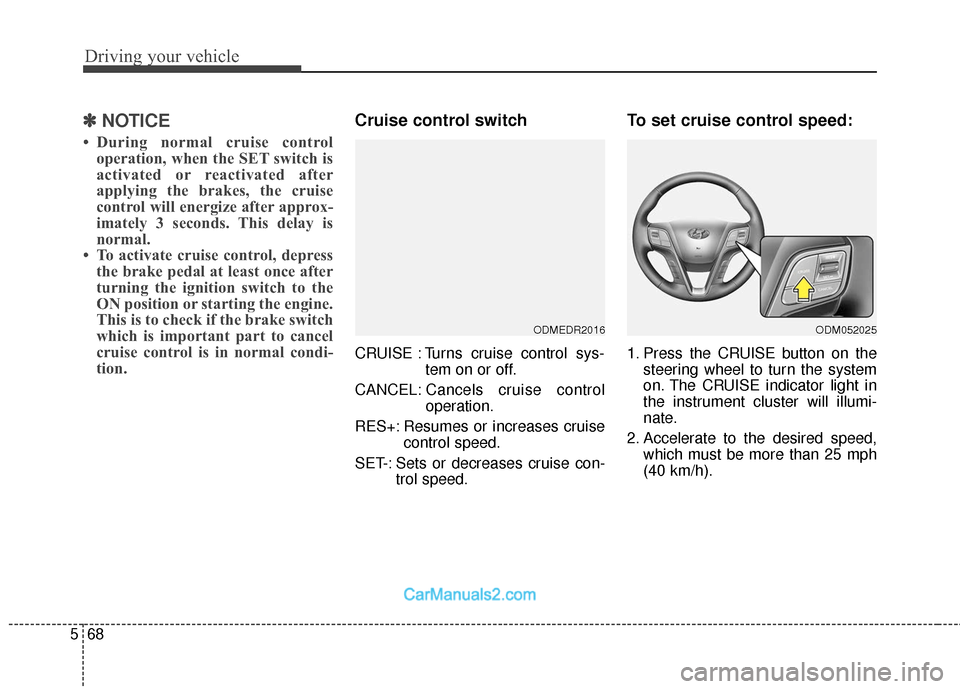
Cruise control switch
CRUISE : Turns cruise control sys-
tem on or off.
CANCEL: Cancels cruise control
operation.
RES+: Resumes or increases cruise control speed.
SET-: Sets or decreases cruise con- trol speed.
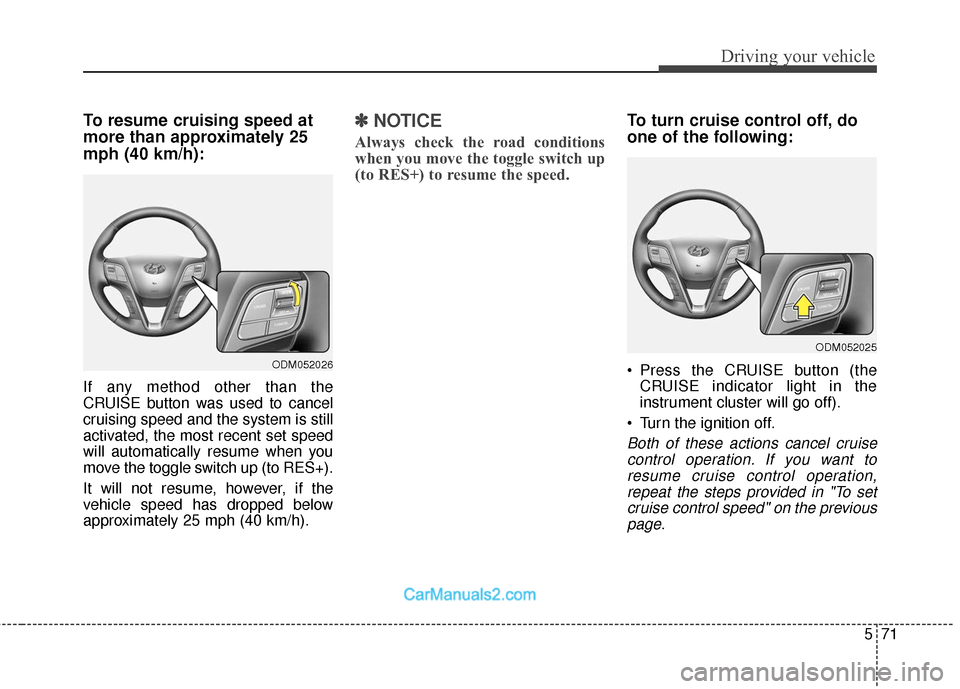
To set cruise control speed:
1. Press the CRUISE button on thesteering wheel to turn the system
on. The CRUISE indicator light in
the instrument cluster will illumi-
nate.
2. Accelerate to the desired speed, which must be more than 25 mph
(40 km/h).
ODMEDR2016ODM052025
Page 363 of 570
571
Driving your vehicle
To resume cruising speed at
more than approximately 25
mph (40 km/h):
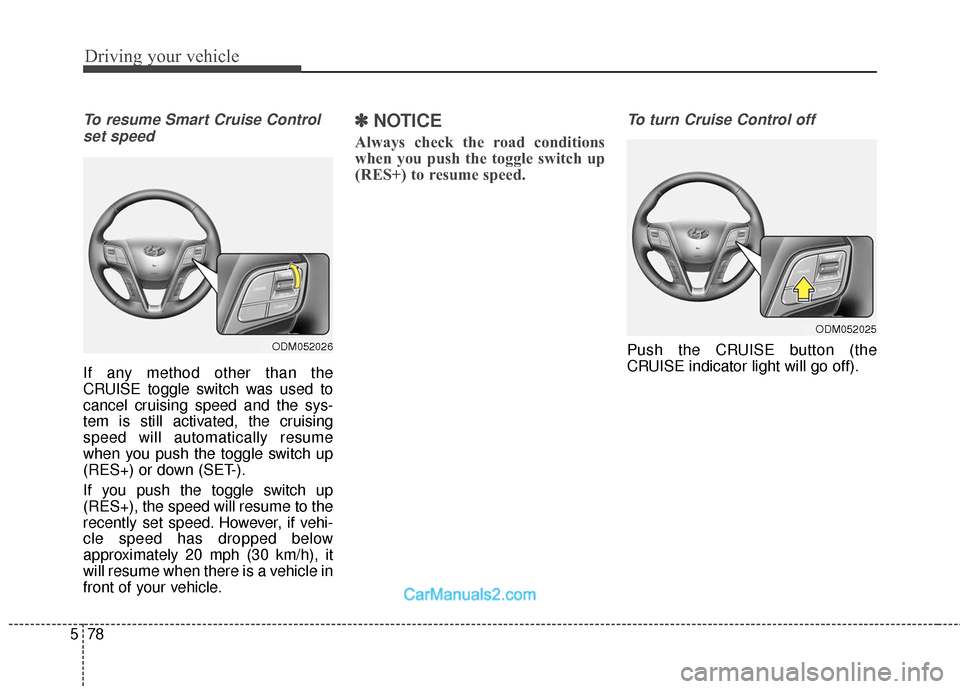
If any method other than the
CRUISE button was used to cancel
cruising speed and the system is still
activated, the most recent set speed
will automatically resume when you
move the toggle switch up (to RES+).
It will not resume, however, if the
vehicle speed has dropped below
approximately 25 mph (40 km/h).
✽ ✽NOTICE
Always check the road conditions
when you move the toggle switch up
(to RES+) to resume the speed.
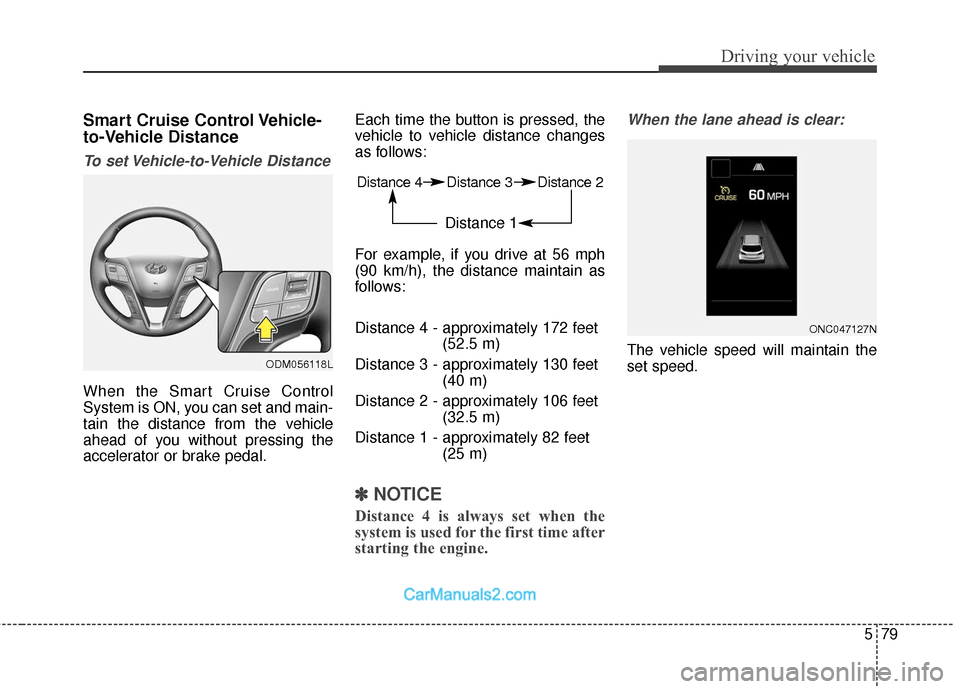
To turn cruise control off, do
one of the following:
Press the CRUISE button (the
CRUISE indicator light in the
instrument cluster will go off).
Turn the ignition off.
Both of these actions cancel cruise control operation. If you want toresume cruise control operation,repeat the steps provided in "To setcruise control speed" on the previouspage.
ODM052026
ODM052025
Page 366 of 570
Driving your vehicle
74
5
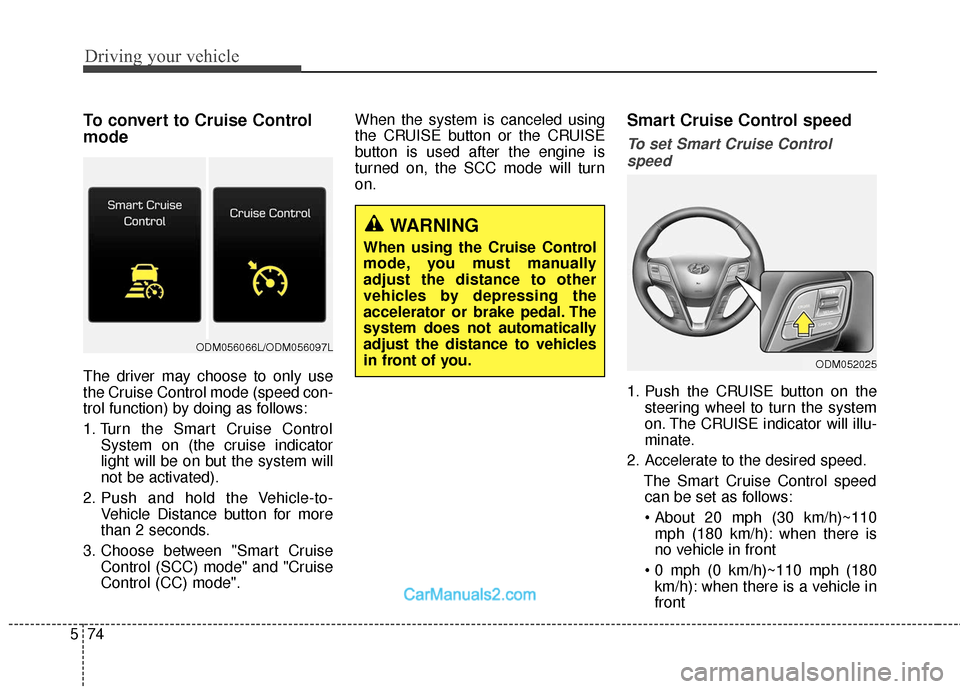
To convert to Cruise Control
mode
The driver may choose to only use
the Cruise Control mode (speed con-
trol function) by doing as follows:
1. Turn the Smart Cruise Control
System on (the cruise indicator
light will be on but the system will
not be activated).
2. Push and hold the Vehicle-to- Vehicle Distance button for more
than 2 seconds.
3. Choose between "Smart Cruise Control (SCC) mode" and "Cruise
Control (CC) mode". When the system is canceled using
the CRUISE button or the CRUISE
button is used after the engine is
turned on, the SCC mode will turn
on.
Smart Cruise Control speed
To set Smart Cruise Control
speed
1. Push the CRUISE button on the steering wheel to turn the system
on. The CRUISE indicator will illu-
minate.
2. Accelerate to the desired speed. The Smart Cruise Control speedcan be set as follows:
mph (180 km/h): when there is
no vehicle in front
km/h): when there is a vehicle in
front
WARNING
When using the Cruise Control
mode, you must manually
adjust the distance to other
vehicles by depressing the
accelerator or brake pedal. The
system does not automatically
adjust the distance to vehicles
in front of you.
ODM052025
ODM056066L/ODM056097L
Page 368 of 570
Driving your vehicle
76
5
To temporarily accelerate with the
Smart Cruise Control on
If you want to speed up temporarily
when the Smart Cruise Control is on,
depress the accelerator pedal.
Increased speed will not interfere
with Smart Cruise Control operation
or change the set speed.
To return to the set speed, take your
foot off the accelerator.
If you push the toggle switch down
(SET-) at increased speed, the cruis-
ing speed will be set again.
✽ ✽ NOTICE
Be careful when accelerating tem-
porarily, because the speed is not
controlled automatically at this
time even if there is a vehicle in front
of you.
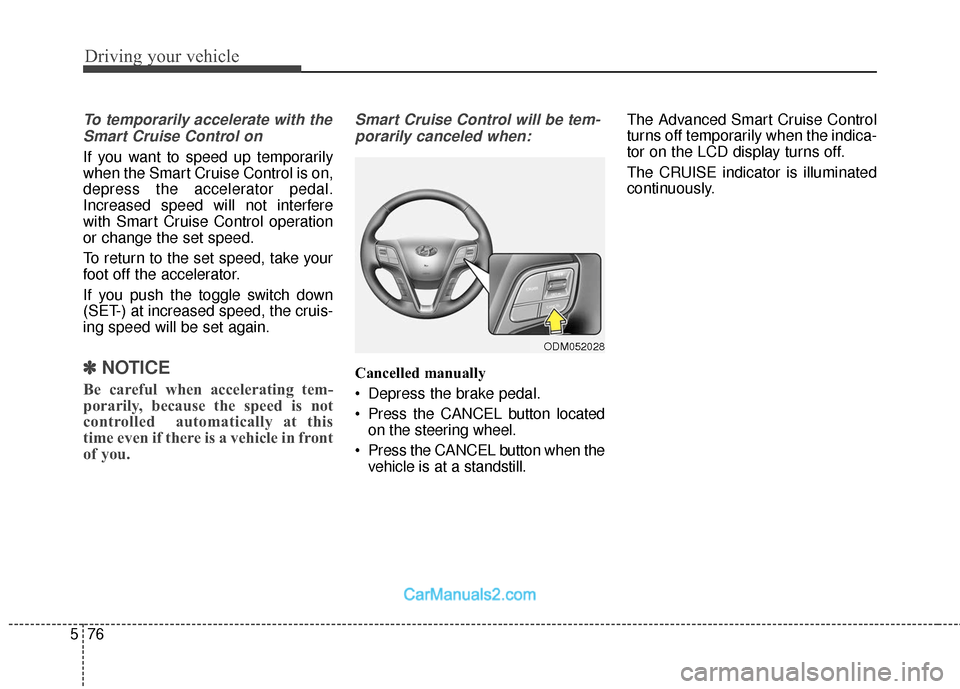
Smart Cruise Control will be tem-
porarily canceled when:
Cancelled manually
Depress the brake pedal.
Press the CANCEL button located on the steering wheel.
Press the CANCEL button when the vehicle is at a standstill. The Advanced Smart Cruise Control
turns off temporarily when the indica-
tor on the LCD display turns off.
The CRUISE indicator is illuminated
continuously.
ODM052028
Page 370 of 570
Driving your vehicle
78
5
To resume Smart Cruise Control
set speed
If any method other than the
CRUISE toggle switch was used to
cancel cruising speed and the sys-
tem is still activated, the cruising
speed will automatically resume
when you push the toggle switch up
(RES+) or down (SET-).
If you push the toggle switch up
(RES+), the speed will resume to the
recently set speed. However, if vehi-
cle speed has dropped below
approximately 20 mph (30 km/h), it
will resume when there is a vehicle in
front of your vehicle.
✽ ✽ NOTICE
Always check the road conditions
when you push the toggle switch up
(RES+) to resume speed.
To turn Cruise Control off
Push the CRUISE button (the
CRUISE indicator light will go off).ODM052026
ODM052025
Page 371 of 570
579
Driving your vehicle
Smart Cruise Control Vehicle-
to-Vehicle Distance
To set Vehicle-to-Vehicle Distance
When the Smart Cruise Control
System is ON, you can set and main-
tain the distance from the vehicle
ahead of you without pressing the
accelerator or brake pedal.Each time the button is pressed, the
vehicle to vehicle distance changes
as follows:
For example, if you drive at 56 mph
(90 km/h), the distance maintain as
follows:
Distance 4 - approximately 172 feet
(52.5 m)
Distance 3 - approximately 130 feet (40 m)
Distance 2 - approximately 106 feet (32.5 m)
Distance 1 - approximately 82 feet (25 m)
✽ ✽NOTICE
Distance 4 is always set when the
system is used for the first time after
starting the engine.
When the lane ahead is clear:
The vehicle speed will maintain the
set speed.
ONC047127N
Distance 4 Distance 3 Distance 2
Distance 1
ODM056118L
Page 389 of 570
597
Driving your vehicle
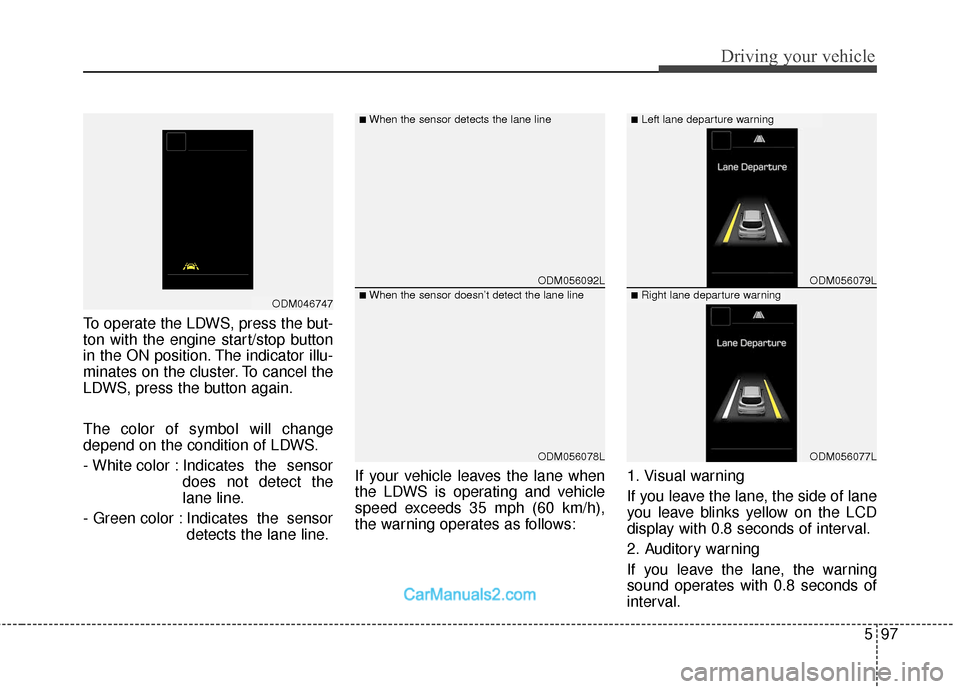
To operate the LDWS, press the but-
ton with the engine start/stop button
in the ON position. The indicator illu-
minates on the cluster. To cancel the
LDWS, press the button again.
The color of symbol will change
depend on the condition of LDWS.
- White color : Indicates the sensordoes not detect the
lane line.
- Green color : Indicates the sensor detects the lane line. If your vehicle leaves the lane when
the LDWS is operating and vehicle
speed exceeds 35 mph (60 km/h),
the warning operates as follows:
1. Visual warning
If you leave the lane, the side of lane
you leave blinks yellow on the LCD
display with 0.8 seconds of interval.
2. Auditory warning
If you leave the lane, the warning
sound operates with 0.8 seconds of
interval.
ODM056092L
ODM056078L
ODM056079L
ODM056077L
■When the sensor detects the lane line■Left lane departure warning
■When the sensor doesn’t detect the lane line■Right lane departure warningODM046747
Page 392 of 570
Driving your vehicle
100
5
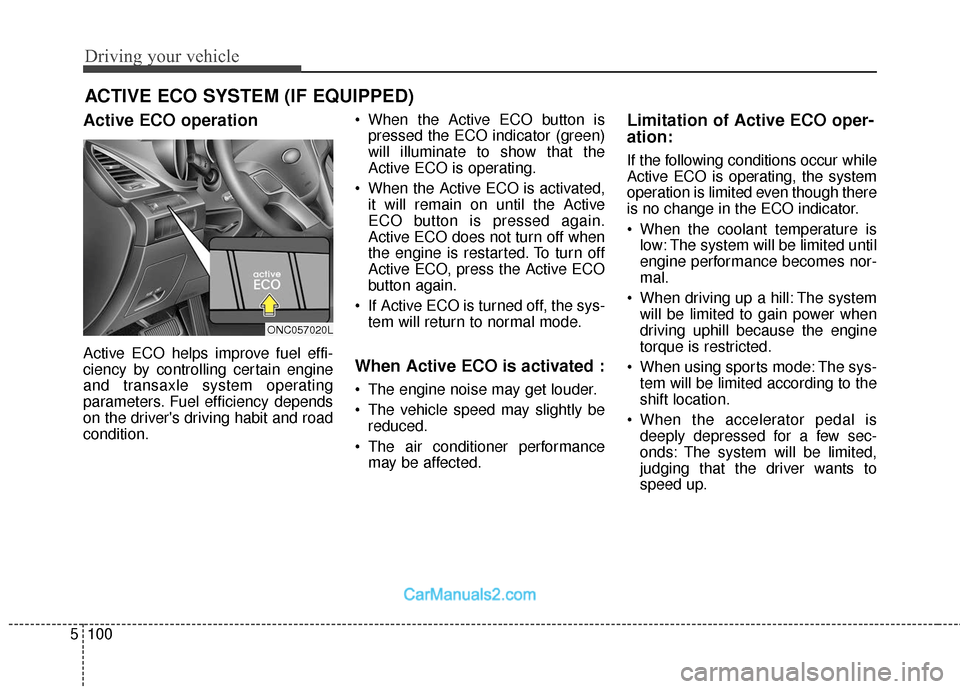
Active ECO operation
Active ECO helps improve fuel effi-
ciency by controlling certain engine
and transaxle system operating
parameters. Fuel efficiency depends
on the driver's driving habit and road
condition. When the Active ECO button is
pressed the ECO indicator (green)
will illuminate to show that the
Active ECO is operating.
When the Active ECO is activated, it will remain on until the Active
ECO button is pressed again.
Active ECO does not turn off when
the engine is restarted. To turn off
Active ECO, press the Active ECO
button again.
If Active ECO is turned off, the sys- tem will return to normal mode.When Active ECO is activated :
The engine noise may get louder.
The vehicle speed may slightly bereduced.
The air conditioner performance may be affected.
Limitation of Active ECO oper-
ation:
If the following conditions occur while
Active ECO is operating, the system
operation is limited even though there
is no change in the ECO indicator.
When the coolant temperature islow: The system will be limited until
engine performance becomes nor-
mal.
When driving up a hill: The system will be limited to gain power when
driving uphill because the engine
torque is restricted.
When using sports mode: The sys- tem will be limited according to the
shift location.
When the accelerator pedal is deeply depressed for a few sec-
onds: The system will be limited,
judging that the driver wants to
speed up.
ACTIVE ECO SYSTEM (IF EQUIPPED)
ONC057020L