Page 152 of 442
3-74
Convenient features of your vehicle
Assist mode
Tire Pressure
This mode displays information relat-
ed to Tire Pressure.
For more information, refer to
"Tire Pressure Monitoring System
(TPMS)" in chapter 6.
Cruise control
This mode displays the state of the
cruise control.
For more information, refer to
Cruise control system information
in chapter 5.
Warning mode
If one of followings occurs, warning
messages will be displayed on the
LCD display for several seconds.
- Lower washer fluid (if equipped)
- Tire Pressure Monitoring System(TPMS) malfunction
- Forward Collision-avoidance Assist (FCA)
User settings mode
In this mode, you can change the
settings of the instrument cluster,
doors, lamps, etc.
1. Driving Assist
2. Door
3. Lights
4. Convenience
5. Service Interval
6. Other
7. Reset
The information provided may differ
depending on which functions are
applicable to your vehicle.OHCA067007
OHCA047719
Page 286 of 442

5-34
Driving your vehicle
The drive mode may be selected
according to the driver's preference
or road condition.
The system resets to be in the NOR-
MAL mode, when the engine is
restarted.
Information
If there is a problem with the instru-
ment cluster, the drive mode will be in
NORMAL mode and may not change
to SPORT mode. The mode changes, as below, when-
ever the DRIVE MODE button is
pressed.
NORMAL mode
In NORMAL mode the engine and
transmission control logic work
together to provide regular daily driv-
ing performance with some fuel effi-
ciency.
When NORMAL mode is selected,
it is not displayed on the instrument
cluster.
SPORT mode
SPORT mode manages
the driving dynamics by
automatically adjusting the
steering effort, and the
engine and transmission control
logic for enhanced driving perform-
ance.
When SPORT mode is selected by pressing the DRIVE MODE button,
the SPORT indicator will illuminate.
Whenever the engine is restarted, the Drive Mode will revert back to
NORMAL mode. If SPORT mode is
desired, re-select SPORT mode
from the DRIVE MODE button.
When SPORT mode is activated: - The engine rpm will tend toremain raised over a certain
length of time even after releas-
ing the accelerator
- Upshifts are delayed when accel- erating
Information
In SPORT mode, the fuel efficiency
may decrease.
i
i
D D R
RI
IV
V E
E
M
M O
OD
DE
E
I
IN
N T
TE
EG
G R
RA
A T
TE
ED
D
C
C O
O N
NT
TR
R O
O L
L
S
S Y
Y S
ST
T E
EM
M
(
( I
IF
F
E
E Q
Q U
UI
IP
P P
PE
ED
D )
)
OHCA057027
NORMAL SPORT
Page 298 of 442

5-46
Driving your vehicle
Cruise Control operation
1. Cruise indicator
2. SET indicator
The Cruise Control system allows
you to drive at speeds above 20 mph
(30 km/h) without depressing the
accelerator pedal.During cruise-speed driving of a
manual transmission vehicle, do
not shift into neutral without
depressing the clutch pedal, since
the engine will be overrevved. If
this happens, depress the clutch
pedal or press the cruise control
ON / OFF button.
NOTICE
C C
R
R U
U I
IS
S E
E
C
C O
O N
NT
TR
R O
O L
L
(Continued)
Do not use when:
- Driving in heavy traffic or
when traffic conditions make
it difficult to drive at a con-
stant speed
- Driving on rainy, icy, or snow-covered roads
- Driving on hilly or windy roads
- Driving in windy areas
- Driving with limited view (possibly due to bad weather
such as fog, snow, rain and
sandstorm)
OHCI057021
Take the following precautions:
Always set the vehicle speed
under the speed limit.
If the Cruise Control is left on,
(cruise indicator light in the
instrument cluster is illumi-
nated) the Cruise Control can
be activated unintentionally.
Keep the Cruise Control sys-
tem off (cruise indicator light
OFF) when the Cruise Control
is not in use, to avoid inadver-
tently setting a speed.
Use the Cruise Control sys-
tem only when traveling on
open highways in good
weather.
Do not use the Cruise Control
when it may be unsafe to keep
the vehicle at a constant
speed.
(Continued)
WARNING
Page 301 of 442

5-49
Driving your vehicle
5
To temporarily accelerate withthe Cruise Control ON
Depress the accelerator pedal. When
you take your foot off the accelerator,
the vehicle will return to the previ-
ously set speed.
If you push the toggle switch down
(SET-) at the increased speed, the
Cruise Control will maintain the
increased speed.
Cruise Control will be canceledwhen:
Depressing the brake pedal.
Depressing the clutch pedal.
(for manual transmission vehicle)
Pressing the CANCEL button located on the steering wheel.
Pressing the CRUISE button. Both the cruise indicator and the "SET"
indicator will turn OFF.
Moving the shift lever into N (Neutral). (for automatic transmis-
sion)
Decreasing the vehicle speed to less than approximately 20 mph
(30 km/h). The ESC (Electronic Stability
Control) is operating.
Downshifting to the 2nd gear in manual shift mode. (for automatic
transmission)
Information
Each of the above actions will cancel
Cruise Control operation (the "SET"
indicator in the instrument cluster will
go off), but only pressing the CRUISE
button will turn the system off. If you
wish to resume Cruise Control opera-
tion, push the toggle switch up (RES+)
located on your steering wheel. You
will return to your previously preset
speed, unless the system was turned off
using the CRUISE button.
i
OHCA057026
Page 323 of 442
6-8
What to do in an emergency
T
TI
IR
R E
E
P
P R
R E
ES
SS
SU
U R
RE
E
M
M O
ON
NI
IT
T O
O R
RI
IN
N G
G
S
S Y
Y S
ST
T E
EM
M
(
( T
T P
P M
M S
S)
)
(1) Low Tire Pressure / TPMS
Malfunction Indicator Lamp
(2) Low Tire Pressure / Tire Pressure Monitor /
TPMS Malfunction Display
(shown on the cluster LCD dis-
play)
Check Tire Pressure
You can check the tire pressure inthe Assist mode on the cluster.
Refer to the "LCD Display Mode"
section in chapter 3.
A "Drive to display" message will appear for the first few minutes of
driving after initial engine start up.
If the tire pressure is not displayed
after a few minutes of driving,
check the tire pressures. The displayed tire pressure may
differ from those measured with a
tire pressure gage.
You can change the tire pressure unit in the User Settings mode on
the cluster.
- psi, kpa, bar (Refer to the "User
Settings Mode" section in
chapter 3).
OHCA067021
OHCA067005
OHCA067007
Page 325 of 442

6-10
What to do in an emergency
If any of the below happens, have
the system checked by an author-
ized HYUNDAI dealer.
1. The Low Tire Pressure TPMS Malfunction Indicator does not
illuminate for 3 seconds when
the ignition switch is placed to
the ON position or engine is
running.
2. The TPMS Malfunction Indicator remains illuminated after blink-
ing for approximately 1 minute.
3. The Low Tire Pressure LCD dis- play remains illuminated
Low Tire Pressure
Telltale
Low Tire Pressure LCD
Display with Position Indicator
When the tire pressure monitoring
system warning indicators are illumi-
nated and the warning message is
displayed on the cluster LCD display,
one or more of your tires is signifi-
cantly under-inflated. The LCD posi-
tion indicator will indicate which tire
is significantly under-inflated by illu-
minating the corresponding position
light. If any of your tire pressures are indi-
cated as being low, immediately
reduce your speed, avoid hard cor-
nering, and anticipate increased
stopping distances. You should stop
and check your tires as soon as pos-
sible. Inflate the tires to the proper
pressure as indicated on the vehi-
cle’s placard or tire inflation pressure
label located on the driver's side cen-
ter pillar outer panel.
If you cannot reach a service station
or if the tire cannot hold the newly
added air, replace the low pressure
tire with the spare tire.
The Low Tire Pressure LCD position
indicator will remain on and the
TPMS Malfunction Indicator may
blink for one minute and then remain
illuminated until you have the low
pressure tire repaired and replaced
on the vehicle.
The spare tire is not equipped with
a tire pressure sensor.
NOTICE
NOTICE
OHCA067005
Page 326 of 442
6-11
What to do in an emergency
6
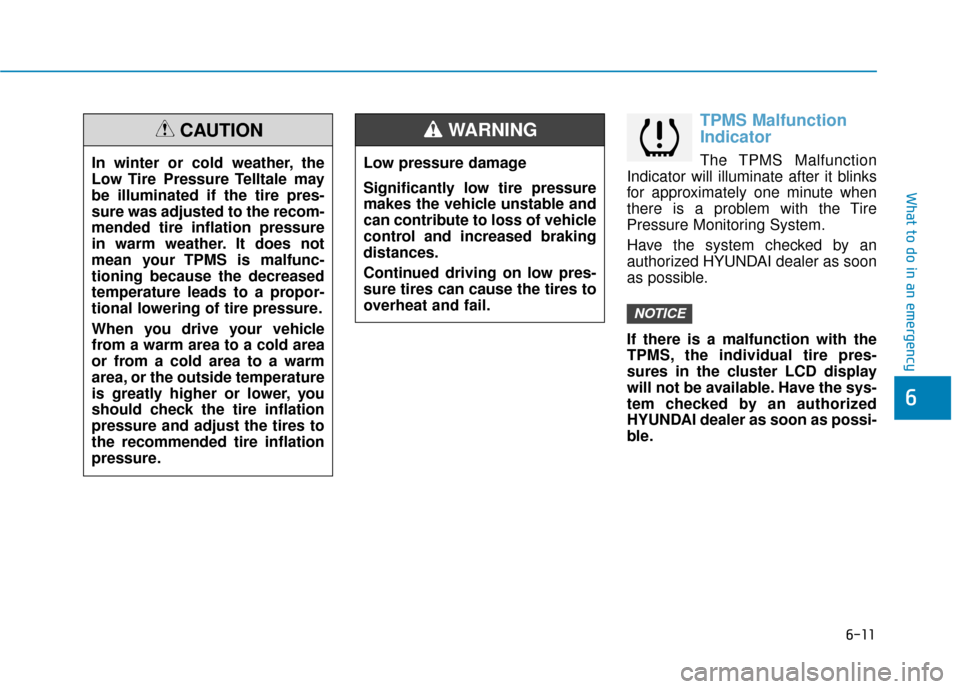
TPMS Malfunction
Indicator
The TPMS Malfunction
Indicator will illuminate after it blinks
for approximately one minute when
there is a problem with the Tire
Pressure Monitoring System.
Have the system checked by an
authorized HYUNDAI dealer as soon
as possible.
If there is a malfunction with the
TPMS, the individual tire pres-
sures in the cluster LCD display
will not be available. Have the sys-
tem checked by an authorized
HYUNDAI dealer as soon as possi-
ble.
NOTICE
In winter or cold weather, the
Low Tire Pressure Telltale may
be illuminated if the tire pres-
sure was adjusted to the recom-
mended tire inflation pressure
in warm weather. It does not
mean your TPMS is malfunc-
tioning because the decreased
temperature leads to a propor-
tional lowering of tire pressure.
When you drive your vehicle
from a warm area to a cold area
or from a cold area to a warm
area, or the outside temperature
is greatly higher or lower, you
should check the tire inflation
pressure and adjust the tires to
the recommended tire inflation
pressure.
CAUTION
Low pressure damage
Significantly low tire pressure
makes the vehicle unstable and
can contribute to loss of vehicle
control and increased braking
distances.
Continued driving on low pres-
sure tires can cause the tires to
overheat and fail.
WARNING
Page 393 of 442
7-54
Maintenance
Fuse NameFuse RatingCircuit Protected
MODULE17.5ABCM, SLM, Key Interlock
SMART KEY25ASmart Key Control Module
A/C27.5A-
WIPER RR15AMultifunction Switch, Rear Wiper Motor, Rear Wiper Relay
WIPER FRT25AMultifunction Switch, Front Wiper Motor, E/R Junction Block(Wiper Lo Relay)
ACC10AI/P Junction Block(Power Outlet Relay), BCM, SLM, Audio,
Key Interlock Power Outside Mirror Switch, Smart Key Control Module, USB Charging Connecto
SPARE320ASpare
A/BAG IND7.5AInstrument Cluster, A/C Control Module
CLUSTER7.5AInstrument Cluster
MDPS27.5AMDPS Unit
AUDIO20AAudio
ROOM LP10AI/P Junction Block(Room Lamp Relay), Overhead Console Lamp , A/C Control Module, SLM, BCM,
Auto Light & Photo Sensor, TPMS Unit ,Instrument Cluster, Data Link Connector, Room Lamp,
Trunk Room Lamp, Electro Chromic Mirror


