2018 FORD POLICE INTERCEPTOR manual transmission
[x] Cancel search: manual transmissionPage 5 of 364
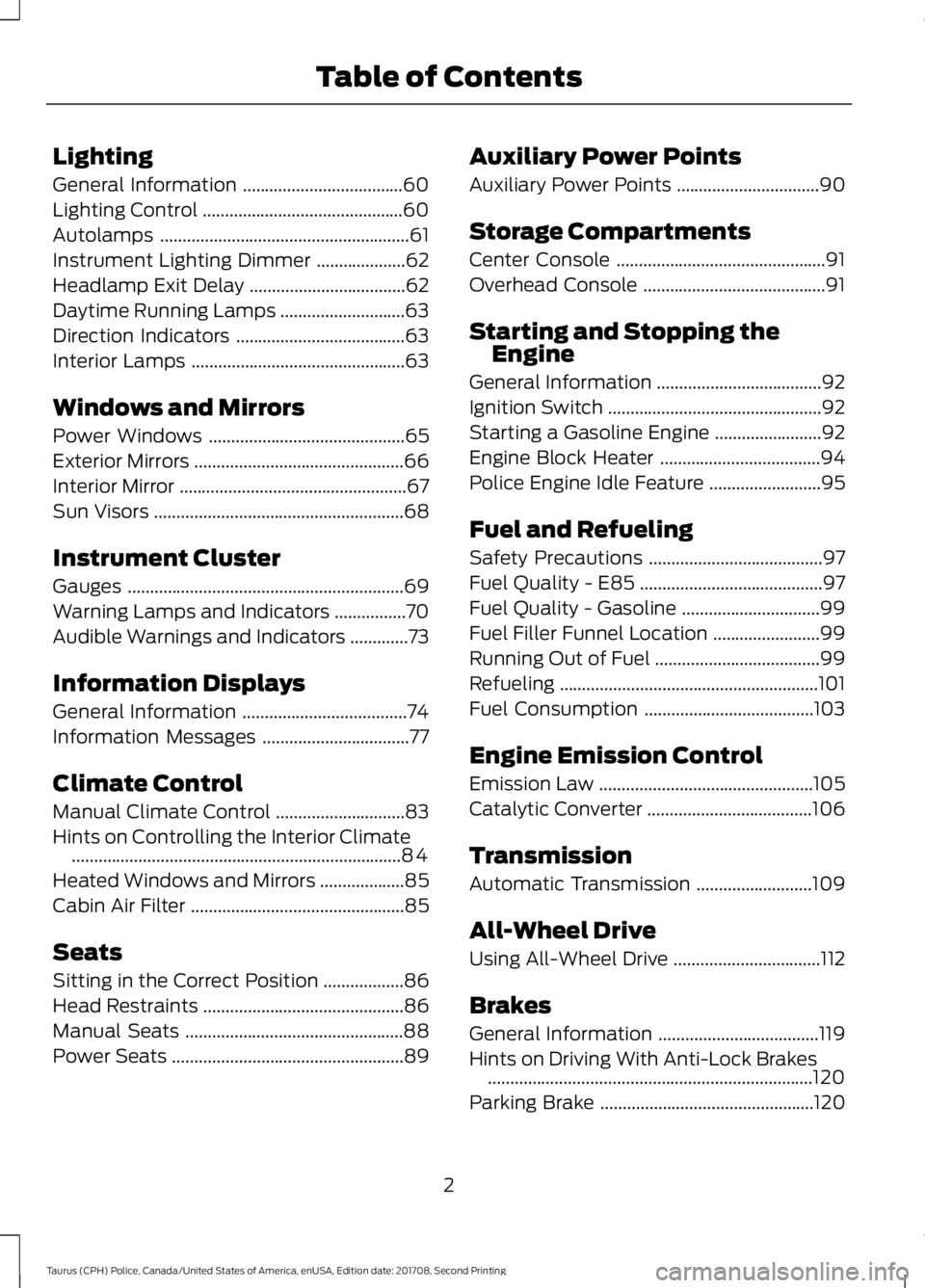
Lighting
General Information
....................................60
Lighting Control .............................................
60
Autolamps ........................................................
61
Instrument Lighting Dimmer ....................
62
Headlamp Exit Delay ...................................
62
Daytime Running Lamps ............................
63
Direction Indicators ......................................
63
Interior Lamps ................................................
63
Windows and Mirrors
Power Windows ............................................
65
Exterior Mirrors ...............................................
66
Interior Mirror ...................................................
67
Sun Visors ........................................................
68
Instrument Cluster
Gauges ..............................................................
69
Warning Lamps and Indicators ................
70
Audible Warnings and Indicators .............
73
Information Displays
General Information .....................................
74
Information Messages .................................
77
Climate Control
Manual Climate Control .............................
83
Hints on Controlling the Interior Climate ........................................................................\
..
84
Heated Windows and Mirrors ...................
85
Cabin Air Filter ................................................
85
Seats
Sitting in the Correct Position ..................
86
Head Restraints .............................................
86
Manual Seats .................................................
88
Power Seats ....................................................
89Auxiliary Power Points
Auxiliary Power Points
................................
90
Storage Compartments
Center Console ...............................................
91
Overhead Console .........................................
91
Starting and Stopping the Engine
General Information .....................................
92
Ignition Switch ................................................
92
Starting a Gasoline Engine ........................
92
Engine Block Heater ....................................
94
Police Engine Idle Feature .........................
95
Fuel and Refueling
Safety Precautions .......................................
97
Fuel Quality - E85 .........................................
97
Fuel Quality - Gasoline ...............................
99
Fuel Filler Funnel Location ........................
99
Running Out of Fuel .....................................
99
Refueling ..........................................................
101
Fuel Consumption ......................................
103
Engine Emission Control
Emission Law ................................................
105
Catalytic Converter .....................................
106
Transmission
Automatic Transmission ..........................
109
All-Wheel Drive
Using All-Wheel Drive .................................
112
Brakes
General Information ....................................
119
Hints on Driving With Anti-Lock Brakes ........................................................................\
.
120
Parking Brake ................................................
120
2
Taurus (CPH) Police, Canada/United States of America, enUSA, Edition date: 201708, Second Printing Table of Contents
Page 124 of 364

The system activates on any slope that
causes your vehicle to roll.
Note:
There is no warning light to indicate
the system is either on or off.
Using Hill Start Assist
1. Press the brake pedal to bring your vehicle to a complete standstill.Keep
the brake pedal pressed and shift into
first gear when facing uphill or reverse
(R) when facing downhill.
2. If the sensors detect that your vehicle is on a slope, the system activates
automatically.
3. When you remove your foot from the brake pedal, your vehicle remains on
the slope without rolling away for
about two to three seconds. This hold
time automatically extends if you are
in the process of driving off.
4. Drive off in the normal manner. The system releases the brakes
automatically.
Note: When you remove your foot from the
brake pedal and press the pedal again when
the system is active, you will experience
significantly reduced brake pedal travel. This
is normal.
Switching the System On and Off
Vehicles with Manual Transmission
You can switch this feature on or off in the
information display. The system
remembers the last setting when you start
your vehicle.
Vehicles with Automatic Transmission
You cannot turn the system on or off.
When you switch the ignition on, the
system automatically turns on.
121
Taurus (CPH) Police, Canada/United States of America, enUSA, Edition date: 201708, Second Printing Brakes
Page 133 of 364

BLIND SPOT INFORMATION
SYSTEM
WARNING
Never use the Blind Spot
Information System as a
replacement for using the interior
and exterior mirrors or looking over your
shoulder before changing lanes. The Blind
Spot Information System is not a
replacement for careful driving. The Blind Spot Information System is
designed to aid you in detecting vehicles
that may have entered the blind spot zone
(A). The detection area is on both sides of
your vehicle, extending rearward from the
exterior mirrors to approximately
10 ft
(3 m) beyond the bumper. The system is
designed to alert you if certain vehicles
enter the blind spot zone while driving.
Note: The Blind Spot Information System
does not prevent contact with other vehicles
or objects; nor detect parked vehicles,
people, animals or infrastructure (fences,
guardrails, trees). It’ s only designed to alert
you to vehicles in the blind spot zones. Note:
When a vehicle passes quickly
through the blind spot zone, typically fewer
than two seconds, the system does not
trigger.
Using the System
The Blind Spot Information System turns
on when you start the engine and you drive
your vehicle forward above
3 mph
(5 km/h).
For automatic transmissions, the Blind
Spot Information System remains on while
the transmission is in drive (D). If shifted
into reverse (R) or park (P) the Blind Spot
Information System turns off. Once shifted
back into drive (D), the Blind Spot
Information System turns back on when
you drive your vehicle above
3 mph
(5 km/h).
For manual transmissions, the Blind Spot
Information System is on for all gears
except the reverse (R).
Note: The Blind Spot Information System
does not function in reverse (R) or park (P).
System Lights and Messages The Blind Spot Information System
illuminates an amber alert indicator in the
outside mirror on the side of your vehicle
the approaching vehicle is coming from.
The alert indicator dims when the system
detects nighttime darkness.
130
Taurus (CPH) Police, Canada/United States of America, enUSA, Edition date: 201708, Second Printing Driving AidsA
A
E124788 E142442
Page 145 of 364

TOWING A TRAILER
WARNINGS
Towing trailers beyond the
maximum recommended
gross trailer weight exceeds the
limit of your vehicle and could
result in engine damage,
transmission damage, structural
damage, loss of vehicle control,
vehicle rollover and personal
injury. Do not exceed the GVWR or
the GAWR specified on the
certification label. Note:
See Recommended
Towing Weights (page 143).
Your vehicle may have electrical
items, such as fuses or relays,
related to towing. See
Fuses
(page 163).
Your vehicle's load capacity
designation is by weight, not by
volume, so you cannot necessarily
use all available space when
loading a vehicle or trailer.
Towing a trailer places an extra
load on your vehicle's engine,
transmission, axle, brakes, tires
and suspension. Inspect these
components periodically during,
and after, any towing operation. Load Placement
To help minimize how trailer
movement affects your vehicle
when driving:
•
Load the heaviest items closest
to the trailer floor.
• Load the heaviest items
centered between the left and
right side trailer tires.
• Load the heaviest items above
the trailer axles or just slightly
forward toward the trailer
tongue. Do not allow the final
trailer tongue weight to go
above or below 10-15% of the
loaded trailer weight.
• Select a ball mount with the
correct rise or drop and load
capacity. When both the
loaded vehicle and trailer are
connected, the trailer frame
should be level, or slightly
angled down toward your
vehicle, when viewed from the
side.
When driving with a trailer or
payload, a slight takeoff vibration
or shudder may be present due to
the increased payload weight.
Additional information regarding
proper trailer loading and setting
your vehicle up for towing is
located in another chapter of this
manual. See
Load Limit (page
136).
You can also find information in
the
RV & Trailer Towing Guide
available at your authorized
dealer, or online.
142
Taurus (CPH) Police, Canada/United States of America, enUSA, Edition date: 201708, Second Printing Towing
Page 272 of 364

USING SYNC™ WITH YOUR
PHONE
Hands-free calling is one of the main
features of SYNC. While the system
supports a variety of features, many are
dependent on your cell phone's
functionality. At a minimum, most cell
phones with Bluetooth wireless technology
support the following functions:
•
Answering an incoming call.
• Ending a call.
• Using privacy mode.
• Dialing a number.
• Redialing.
• Call waiting notification.
• Caller identification. Other features, such as text messaging
using Bluetooth and automatic phonebook
download, are cell phone-dependent
features. To check your cell phone's
compatibility, see your cell phone's manual
and visit www.SYNCMyRide.com,
www.SYNCMyRide.ca or
www.syncmaroute.ca.
Pairing Your Cell Phone for the
First Time
Note:
SYNC can support downloading up
to approximately 1000 entries per
Bluetooth-enabled cell phone.
Note: Make sure to switch on the ignition
and the radio. Put the transmission in
position park (P) (automatic transmission)
or neutral with the parking brake applied
(manual transmission).
Note: To scroll through the menus, press
the up and down arrows on your audio
system.
Wirelessly pairing your cell phone with
SYNC allows you to make and receive
hands-free calls.
Press the phone button. When the display indicates there is no cell phone paired,
do the following: Action and Description
Message
Press the
OK button.
NO PHONE
FIND SYNC 1. Press the
OK button.
2. Put your cell phone into Bluetooth discovery mode. See your device's manual if necessary.
3. When prompted on your cell phone's display, enter the six-digit PIN provided by SYNC in the radio display. The
display indicates when the pairing is successful.
269
Taurus (CPH) Police, Canada/United States of America, enUSA, Edition date: 201708, Second Printing SYNC™
Page 273 of 364

Depending on your cell phone's capability
and your market, the system may prompt
you with questions, such as setting the
current cell phone as the primary cell
phone (the cell phone SYNC automatically
tries to connect with first upon vehicle
start-up) and downloading your
phonebook.
Pairing Subsequent Cell Phones
Note:
To scroll through the menus, press
the up and down arrows on your audio
system.
Note: Make sure to switch on the ignition
and the radio. Put the transmission in
position park (P) (automatic transmission)
or neutral with the parking brake applied
(manual transmission).
Press the phone button, then scroll to: Action
Message
Press the
OK button.
PHONE SETNGS
Press the
OK button.
BT DEVICES
Press the
OK button. When the following message appears
in the display.
ADD DEVICE
FIND SYNC
1. Press the
OK button.
2. Put your cell phone into Bluetooth discovery mode. See your device's manual if necessary.
3. When prompted on your cell phone's display, enter the six-digit PIN provided by SYNC in the radio display. The
display indicates when the pairing is successful.
The system then prompts with questions, such as if you would like to set the current cell
phone as the primary cell phone (the cell phone SYNC automatically tries to connect
with first upon vehicle start-up) or download your phonebook.
Phone Voice Commands
Press the voice icon and say: Voice Commands
Phone
You can then say any of the following
commands.
Call History Incoming
Call History Missed
Call History Outgoing Voice Commands
Phonebook ___
Phonebook ___ at Home
Phonebook ___ at Work
Phonebook ___ in Office
Phonebook ___ on Cell
___ is a dynamic listing that should be the
name of a contact in your phonebook. For
example you could say "Call Mom".
270
Taurus (CPH) Police, Canada/United States of America, enUSA, Edition date: 201708, Second Printing SYNC™
Page 356 of 364

A
A/C
See: Climate Control........................................... 83
About This Manual...........................................7
ABS See: Brakes............................................................ 119
ABS driving hints See: Hints on Driving With Anti-Lock
Brakes................................................................ 120
Accessories See: Replacement Parts
Recommendation............................................ 12
Adjusting the Headlamps..........................192 Horizontal Aim Adjustment............................ 193
Vertical Aim Adjustment.................................. 192
Adjusting the Pedals.....................................58
Adjusting the Steering Wheel
...................56
Airbag Disposal...............................................49
Air Conditioning See: Climate Control........................................... 83
Air Filter See: Changing the Engine Air Filter.............196
Alarm See: Anti-Theft Alarm........................................ 55
All-Wheel Drive...............................................112
Anti-Theft Alarm
............................................55
Alarm System........................................................ 55
Arming the Alarm................................................. 55
Disarming the Alarm........................................... 55
Triggering the Alarm............................................ 55
Appendices....................................................326
At a Glance........................................................16
Audible Warnings and Indicators..............73 Headlamps On Warning Chime...................... 73
Key in Ignition Warning Chime......................... 73
Parking Brake On Warning Chime.................. 73
Audio Control..................................................56 Auxiliary Steering Wheel Controls.................57
Audio Input Jack...........................................262
Audio System................................................256 General Information......................................... 256
Audio Unit.......................................................257 Menu Structure................................................... 259
Autolamps.........................................................61 Windshield Wiper Activated
Headlamps......................................................... 61Automatic Transmission
...........................109
Automatic Transmission Adaptive
Learning............................................................... 111
Brake-Shift Interlock......................................... 109
If Your Vehicle Gets Stuck In Mud or Snow..................................................................... 111
Understanding the Positions of Your Automatic Transmission............................ 109
Automatic Transmission Fluid Check - 2.0L EcoBoost™........................................185
6F35 Transmission............................................ 185
Automatic Transmission Fluid Check - 3.5L Duratec/3.5L Ecoboost™/
3.7L..................................................................185
6F50/6F55 Transmission............................... 185
Adjusting Automatic Transmission Fluid Levels.................................................................. 187
Checking the fluid level.................................... 187
Moving the Air Filter Assembly (Accessing the Dipstick).................................................... 186
Reinstalling The Air Filter Assembly...........188
Auxiliary Power Points.................................90 12 Volt DC Power Point...................................... 90
Locations................................................................ 90
AWD See: All-Wheel Drive........................................... 112
B
Battery See: Changing the 12V Battery...................... 189
Blind Spot Information System..............130 Switching the System Off and On.................131
System Errors........................................................ 131
System Limitations............................................. 131
Using the System............................................... 130
BLIS See: Blind Spot Information System..........130
Bonnet Lock See: Opening and Closing the Hood............174
Booster Seats..................................................25 Types of Booster Seats...................................... 26
Brake Fluid Check
........................................188
Brakes................................................................119 General Information........................................... 119
Breaking-In......................................................147
Bulb Specification Chart...........................194
353
Taurus (CPH) Police, Canada/United States of America, enUSA, Edition date: 201708, Second Printing Index