2018 FORD FUSION advance
[x] Cancel search: advancePage 436 of 539
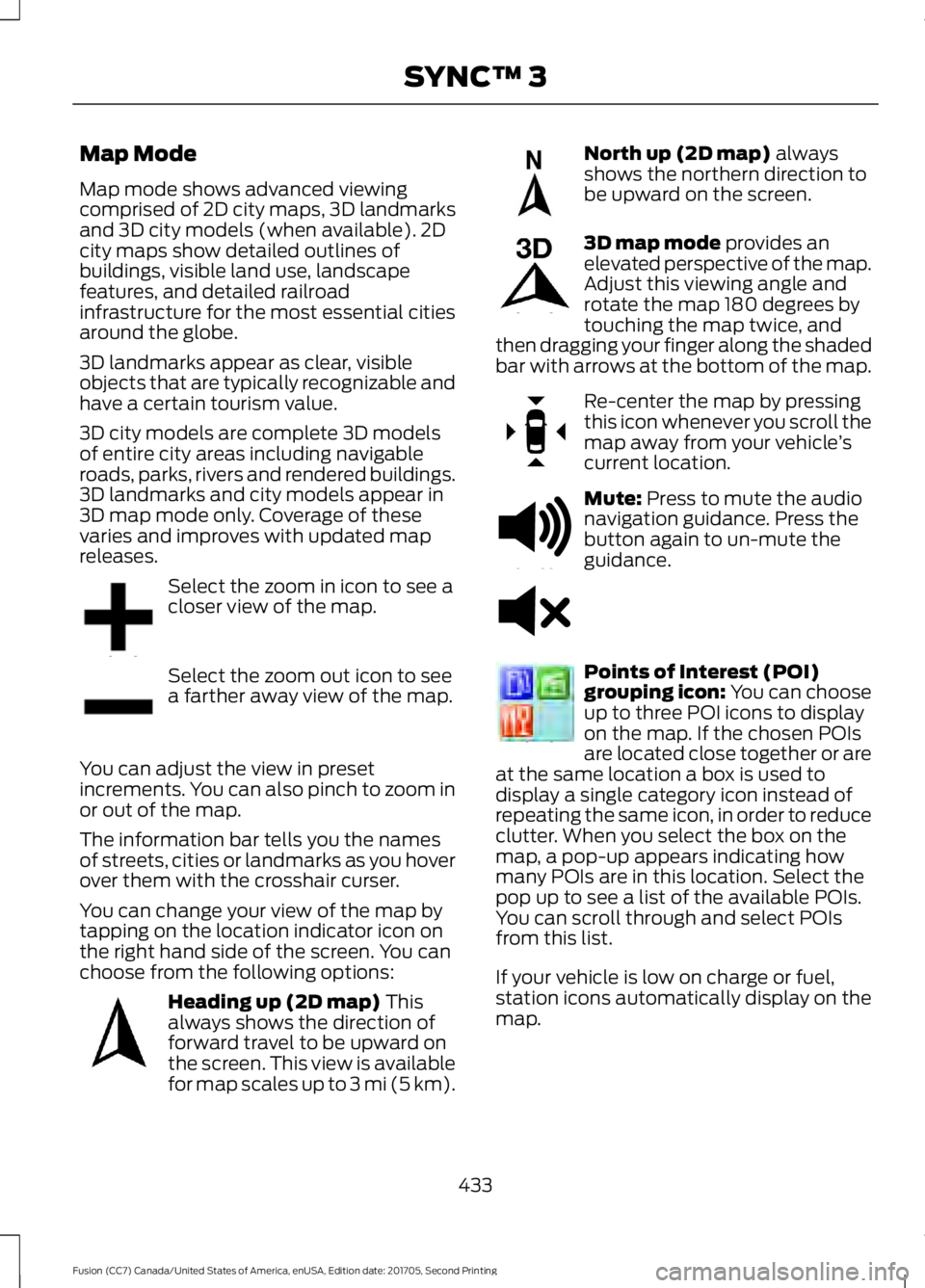
Map Mode
Map mode shows advanced viewing
comprised of 2D city maps, 3D landmarks
and 3D city models (when available). 2D
city maps show detailed outlines of
buildings, visible land use, landscape
features, and detailed railroad
infrastructure for the most essential cities
around the globe.
3D landmarks appear as clear, visible
objects that are typically recognizable and
have a certain tourism value.
3D city models are complete 3D models
of entire city areas including navigable
roads, parks, rivers and rendered buildings.
3D landmarks and city models appear in
3D map mode only. Coverage of these
varies and improves with updated map
releases.
Select the zoom in icon to see a
closer view of the map.
Select the zoom out icon to see
a farther away view of the map.
You can adjust the view in preset
increments. You can also pinch to zoom in
or out of the map.
The information bar tells you the names
of streets, cities or landmarks as you hover
over them with the crosshair curser.
You can change your view of the map by
tapping on the location indicator icon on
the right hand side of the screen. You can
choose from the following options: Heading up (2D map) This
always shows the direction of
forward travel to be upward on
the screen. This view is available
for map scales up to
3 mi (5 km). North up (2D map)
always
shows the northern direction to
be upward on the screen. 3D map mode
provides an
elevated perspective of the map.
Adjust this viewing angle and
rotate the map 180 degrees by
touching the map twice, and
then dragging your finger along the shaded
bar with arrows at the bottom of the map. Re-center the map by pressing
this icon whenever you scroll the
map away from your vehicle
’s
current location. Mute:
Press to mute the audio
navigation guidance. Press the
button again to un-mute the
guidance. Points of Interest (POI)
grouping icon: You can choose
up to three POI icons to display
on the map. If the chosen POIs
are located close together or are
at the same location a box is used to
display a single category icon instead of
repeating the same icon, in order to reduce
clutter. When you select the box on the
map, a pop-up appears indicating how
many POIs are in this location. Select the
pop up to see a list of the available POIs.
You can scroll through and select POIs
from this list.
If your vehicle is low on charge or fuel,
station icons automatically display on the
map.
433
Fusion (CC7) Canada/United States of America, enUSA, Edition date: 201705, Second Printing SYNC™ 3E207752 E207753 E207750 E207749 E207748 E207751 E251780 E251779 E207754
Page 459 of 539

Onboard Modem Serial Number (ESN)
Selecting this button on the settings menu
shows you the ESN number for your
system. You need this number for certain
registrations such as Satellite Radio.
Display
To make adjustments using the touchscreen, select: Action and Description
Menu Item
The screen goes black and does not display anything. To switch the
screen back on, simply tap the screen.
Display Off
Make the screen display brighter or dimmer.
Brightness
You can select:
Mode
The screen automatically switches between day and
night modes based on the outside light level.
Auto
The screen displays with a light background to enhance
daytime viewing.
Day
The screen displays with a darker background to make
nighttime viewing easier.
Night
Enable this option to automatically dim the display brightness based
on ambient lighting conditions.
Auto Dim
Voice Control
You can adjust the voice control settings
by selecting the following options. Menu Item
Enable this option to remove additional voice prompts
and confirmations.
Advanced Mode
Enable this option to have the system confirm a contacts
name with you before making a call.
Phone Confirmation
Enable this option to have the system display a list of
available voice commands when the voice button is
pressed.
Voice Command List
456
Fusion (CC7) Canada/United States of America, enUSA, Edition date: 201705, Second Printing SYNC™ 3
Page 507 of 539

2. Account Information
You agree: (a) when registering the
TeleNav Software, to provide TeleNav with
true, accurate, current, and complete
information about yourself, and (b) to
inform TeleNav promptly of any changes
to such information, and to keep it true,
accurate, current and complete.
3. Software License
•
Subject to your compliance with the
terms of this Agreement, TeleNav
hereby grants to you a personal,
non-exclusive, non-transferable license
(except as expressly permitted below
in connection with your permanent
transfer of the TeleNav Software
license), without the right to
sublicense, to use the TeleNav
Software (in object code form only) in
order to access and use the TeleNav
Software. This license shall terminate
upon any termination or expiration of
this Agreement. You agree that you will
use the TeleNav Software only for your
personal business or leisure purposes,
and not to provide commercial
navigation services to other parties.
3.1 License Limitations
• (a) reverse engineer, decompile,
disassemble, translate, modify, alter
or otherwise change the TeleNav
Software or any part thereof;
(b)
attempt to derive the source code,
audio library or structure of the
TeleNav Software without the prior
express written consent of TeleNav;
(c)
remove from the TeleNav
Software, or alter, any of TeleNav's or
its suppliers' trademarks, trade names,
logos, patent or copyright notices, or
other notices or markings;
(d) distribute, sublicense or otherwise
transfer the TeleNav Software to
others, except as part of your
permanent transfer of the TeleNav
Software; or
(e) use the TeleNav
Software in any manner that
I. infringes the intellectual property or
proprietary rights, rights of publicity or
privacy or other rights of any party,
ii. violates any law, statute, ordinance or
regulation, including but not limited to laws
and regulations related to spamming,
privacy, consumer and child protection,
obscenity or defamation, or
iii. is harmful, threatening, abusive,
harassing, tortuous, defamatory, vulgar,
obscene, libelous, or otherwise
objectionable; and (f) lease, rent out, or
otherwise permit unauthorized access by
third parties to the TeleNav Software
without advanced written permission of
TeleNav.
4. Disclaimers
• To the fullest extent permissible
pursuant to applicable law, in no event
will TeleNav, its licensors and suppliers,
or agents or employees of any of the
foregoing, be liable for any decision
made or action taken by you or anyone
else in reliance on the information
provided by the TeleNav Software.
TeleNav also does not warrant the
accuracy of the map or other data used
for the TeleNav Software. Such data
may not always reflect reality due to,
among other things, road closures,
construction, weather, new roads and
other changing conditions. You are
responsible for the entire risk arising
out of your use of the TeleNav
Software. For example but without
limitation, you agree not to rely on the
TeleNav Software for critical
navigation in areas where the
well-being or survival of you or others
504
Fusion (CC7) Canada/United States of America, enUSA, Edition date: 201705, Second Printing Appendices
Page 533 of 539

Hints on Driving With Anti-Lock
Brakes.............................................................175
Home Screen................................................405
Hood Lock See: Opening and Closing the Hood..........255
I
In California (U.S. Only)............................238
Information Display Control
.......................73
Information Displays....................................96 General Information........................................... 96
Information Messages
................................105
Active Park............................................................ 105
Adaptive Cruise Control.................................. 106
AdvanceTrac®..................................................... 106
Airbag...................................................................... 107
Alarm....................................................................... 107
All-Wheel Drive................................................... 109
Automatic Engine Shutdown........................ 109
Auto Start-Stop................................................... 107
Battery and Charging System......................... 110
Blind Spot Information and Cross Traffic Alert System..................................................... 110
Doors and Locks.................................................... 111
Driver Alert............................................................... 111
Fuel........................................................................\
..... 111
Hill Start Assist...................................................... 111
Keys and Intelligent Access............................. 112
Lane Keeping System......................................... 113
Maintenance.......................................................... 113
MyKey....................................................................... 114
Park Aid................................................................... 115
Park Brake............................................................... 115
Power Steering..................................................... 116
Pre-Collision Assist............................................. 116
Remote Start......................................................... 116
Seats........................................................................\
. 117
Starting System ................................................... 117
Tire Pressure Monitoring System................... 117
Traction Control................................................... 118
Transmission......................................................... 118
Installing Child Restraints............................19 Child Seats............................................................... 19
Using Lap and Shoulder Belts......................... 20
Using Lower Anchors and Tethers for CHildren (LATCH)........................................... 24
Using Tether Straps............................................. 26Instrument Cluster
........................................89
Instrument Lighting Dimmer......................77 Vehicles With Front Fog Lamps...................... 78
Vehicles Without Front Fog Lamps...............78
Instrument Panel Overview........................16
Interior Lamps
.................................................80
Front Interior Lamps........................................... 80
Rear Interior Lamps.............................................. 81
Interior Luggage Compartment Release...........................................................66
Interior Mirror
...................................................86
Automatic Dimming Mirror.............................. 86
Manual Dimming Mirror..................................... 86
Introduction.........................................................7
J
Jump Starting the Vehicle........................233 Connecting the Jumper Cables.................... 233
Jump Starting...................................................... 234
Preparing Your Vehicle..................................... 233
Removing the Jumper Cables....................... 234
K
Keyless Entry
...................................................64
SECURICODE™ Keyless Entry
Keypad................................................................ 64
Keyless Starting
.............................................147
Ignition Modes...................................................... 147
Keys and Remote Controls........................50
L
Lane Keeping System
................................205
Switching the System On and Off..............206
Lighting Control
..............................................76
Headlamp Flasher................................................ 77
Headlamp High Beam........................................ 76
Lighting...............................................................76 General Information............................................ 76
Load Carrying.................................................218
Load Limit........................................................218 Special Loading Instructions for Owners of
Pick-up Trucks and Utility-type
Vehicles............................................................. 222
Vehicle Loading - with and without a Trailer.................................................................. 218
530
Fusion (CC7) Canada/United States of America, enUSA, Edition date: 201705, Second Printing Index