2018 FORD FOCUS ELECTRIC tire type
[x] Cancel search: tire typePage 211 of 375
or suspected have the tire
inspected by a tire professional.
Tires can be damaged during
off-road use, so inspection after
off-road use is also
recommended.
Age
WARNING
Tires degrade over time
depending on many factors
such as weather, storage
conditions, and conditions of use
(such as load, speed, inflation
pressure, etc.) the tires experience
throughout their lives.
In general, tires should be
replaced after six years regardless
of tread wear. However, heat
caused by hot climates or
frequent high loading conditions
can accelerate the aging process
and may require tires to be
replaced more frequently.
You should replace your spare tire
when you replace the road tires or
after six years due to aging even if
it has not been used. U.S. DOT Tire Identification
Number
Both United States and Canada
Federal regulations require tire
manufacturers to place
standardized information on the
sidewall of all tires. This
information identifies and describes the fundamental
characteristics of the tire and also
provides a United States DOT Tire
Identification Number for safety
standard certification and in case
of a recall.
This begins with the letters DOT
and indicates that the tire meets
all federal standards. The next
two numbers or letters are the
plant code designating where it
was manufactured, the next two
are the tire size code and the last
four numbers represent the week
and year the tire was built. For
example, the numbers 317 mean
the 31st week of 1997. After 2000
the numbers go to four digits. For
example, 2501 means the 25th
week of 2001. The numbers in
between are identification codes
used for traceability. This
information is used to contact
customers if a tire defect requires
a recall.
Tire Replacement
Requirements
Your vehicle is equipped with tires
designed to provide a safe ride
and handling capability.
WARNINGS
Only use replacement tires
and wheels that are the same
size, load index, speed rating and
type (such as P-metric versus
LT-metric or all-season versus
all-terrain) as those originally
provided by Ford. The
recommended tire and wheel size
208
2018 Focus (CDH) Battery Electric Vehicle (BEV), Canada/United States of America, JM5J 19A321 RA enUSA, Edition date: 201706, First Printing Wheels and Tires
Page 264 of 375
Map Mode
Map mode shows advanced viewing
comprised of 2D city maps, 3D landmarks
and 3D city models (when available). 2D
city maps show detailed outlines of
buildings, visible land use, landscape
features, and detailed railroad
infrastructure for the most essential cities
around the globe.
3D landmarks appear as clear, visible
objects that are typically recognizable and
have a certain tourism value.
3D city models are complete 3D models
of entire city areas including navigable
roads, parks, rivers and rendered buildings.
3D landmarks and city models appear in
3D map mode only. Coverage of these
varies and improves with updated map
releases.
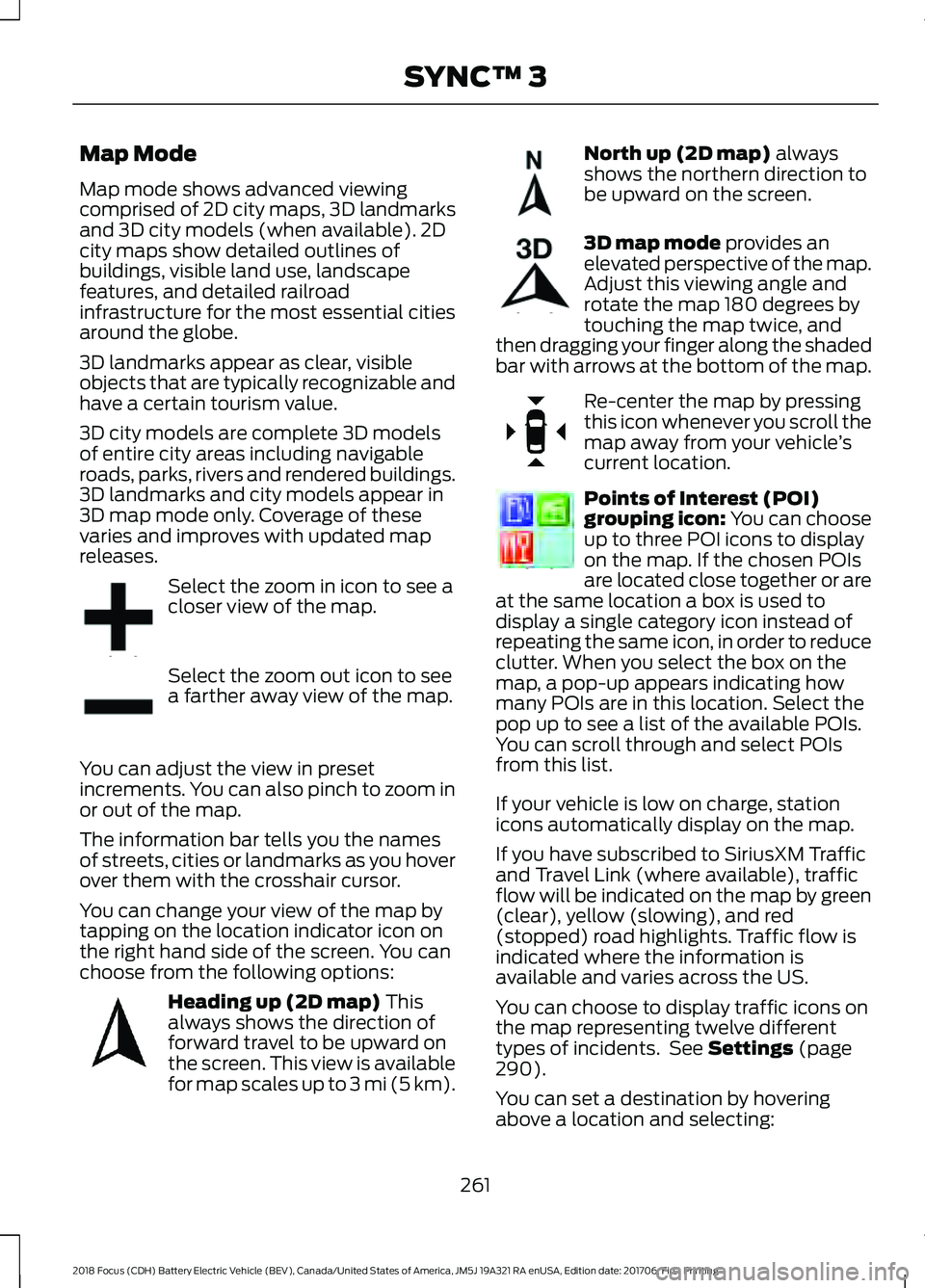
Select the zoom in icon to see a
closer view of the map.
Select the zoom out icon to see
a farther away view of the map.
You can adjust the view in preset
increments. You can also pinch to zoom in
or out of the map.
The information bar tells you the names
of streets, cities or landmarks as you hover
over them with the crosshair cursor.
You can change your view of the map by
tapping on the location indicator icon on
the right hand side of the screen. You can
choose from the following options: Heading up (2D map) This
always shows the direction of
forward travel to be upward on
the screen. This view is available
for map scales up to
3 mi (5 km). North up (2D map)
always
shows the northern direction to
be upward on the screen. 3D map mode
provides an
elevated perspective of the map.
Adjust this viewing angle and
rotate the map 180 degrees by
touching the map twice, and
then dragging your finger along the shaded
bar with arrows at the bottom of the map. Re-center the map by pressing
this icon whenever you scroll the
map away from your vehicle
’s
current location. Points of Interest (POI)
grouping icon: You can choose
up to three POI icons to display
on the map. If the chosen POIs
are located close together or are
at the same location a box is used to
display a single category icon instead of
repeating the same icon, in order to reduce
clutter. When you select the box on the
map, a pop-up appears indicating how
many POIs are in this location. Select the
pop up to see a list of the available POIs.
You can scroll through and select POIs
from this list.
If your vehicle is low on charge, station
icons automatically display on the map.
If you have subscribed to SiriusXM Traffic
and Travel Link (where available), traffic
flow will be indicated on the map by green
(clear), yellow (slowing), and red
(stopped) road highlights. Traffic flow is
indicated where the information is
available and varies across the US.
You can choose to display traffic icons on
the map representing twelve different
types of incidents. See
Settings (page
290).
You can set a destination by hovering
above a location and selecting:
261
2018 Focus (CDH) Battery Electric Vehicle (BEV), Canada/United States of America, JM5J 19A321 RA enUSA, Edition date: 201706, First Printing SYNC™ 3E207752 E207753 E207750 E207749 E207748 E207751 E207754
Page 364 of 375
5. Service Continuity and Reception of
the SUNA Traffic Channel
We will use reasonable endeavours to
provide the SUNA Traffic Channel 24 hours
a day, 365 days a year. The SUNA Traffic
Channel may occasionally be unavailable
for technical reasons or for planned
maintenance. We will try to perform
maintenance at times when congestion is
light. We reserve the right to withdraw
SUNA Products and/or Services at any
time.
Also, we cannot assure the uninterrupted
reception of the SUNA Traffic Channel
RDS-TMC signal at any particular location.
6. Limitation of Liability
Neither Intelematics (nor its suppliers or
the manufacturer of your device (the
“Suppliers”)) shall be liable to you or to
any third party for any damages either
direct, indirect, incidental, consequential
or otherwise arising out of the use of or
inability to use SUNA Products and/or
Services even if Intelematics or a Supplier
has been advised of the possibility of such
damages. You also acknowledge that the
neither Intelematics nor any Supplier
guarantees nor make any warranties that
relate to the availability, accuracy or
completeness of SUNA Products and/or
Services, and to the extent which it is
lawful to do so, both Intelematics and each
Supplier excludes any warranties which
might otherwise be implied by any State
or Federal legislation in relation to SUNA
Products and/or Services.
7. Please Note
Great care has been taken in preparing this
manual. Constant product development
may mean that some information is not
entirely up-to-date. The information in this
document is subject to change without
notice. WARNING
Driving while distracted can result in
loss of vehicle control, crash and
injury. We strongly recommend that
you use extreme caution when using any
device that may take your focus off the
road. Your primary responsibility is the safe
operation of your vehicle. We recommend
against the use of any hand-held device
while driving and encourage the use of
voice-operated systems when possible.
Make sure you are aware of all applicable
local laws that may affect the use of
electronic devices while driving. TYPE APPROVALS
Canada
361
2018 Focus (CDH) Battery Electric Vehicle (BEV), Canada/United States of America, JM5J 19A321 RA enUSA, Edition date: 201706, First Printing AppendicesE207834 E207823
Page 371 of 375
Hill Start Assist..............................................122
Switching the System On and Off................122
Using Hill Start Assist........................................ 122
Hints on Controlling the Interior Climate............................................................95
General Hints......................................................... 95
Improving Vehicle Drive Range....................... 96
Recommended Settings for Cooling............96
Side Window Defogging in Cold Weather.............................................................. 96
Hints on Driving With Anti-Lock Brakes..............................................................121
Home Screen................................................238
Hood Lock See: Opening and Closing the Hood...........170
I
In California (U.S. Only).............................150
Information Display Control.......................63 Multimedia Controls........................................... 63
Information Displays....................................80 General Information........................................... 80
Information Messages
..................................87
AdvanceTrac®....................................................... 87
Alarm System........................................................ 88
Battery and Charging System (High Voltage).............................................................. 88
Door Ajar................................................................. 89
Hill Start Assist..................................................... 90
Keys and Intelligent Access............................. 90
Lighting.................................................................... 90
Maintenance........................................................... 91
MyKey........................................................................\
91
Parking Aid.............................................................. 92
Parking Brake......................................................... 92
Power Steering...................................................... 92
Remote Start......................................................... 93
Tire Pressure Monitoring System................... 93
Traction Control.................................................... 93
Transmission.......................................................... 93
Installing Child Restraints
............................16
Child Restraints...................................................... 16
Using Lap and Shoulder Belts.......................... 17
Using Lower Anchors and Tethers for Children (LATCH)............................................. 19
Using Tether Straps.............................................. 21
Instrument Cluster.........................................75 Instrument Lighting Dimmer.....................68
Instrument Panel Overview.........................13
Interior Lamps
.................................................69
Front Interior Lamps (If Equipped)...............69
Interior Mirror
....................................................73
Introduction........................................................5
J
Jump Starting the Vehicle.........................145 To Connect the Booster Cables.................... 146
To Start Your Vehicle......................................... 146
K
Keys and Remote Controls.........................44
L
Lighting Control..............................................66 Headlamp Flasher................................................ 67
High Beams............................................................ 66
Parking Lamps...................................................... 66
Lighting..............................................................66 General Information........................................... 66
Load Carrying
.................................................134
Load Limit........................................................134
Special Loading Instructions for Owners of
Pick-up Trucks and Utility-type
Vehicles............................................................. 139
Vehicle Loading - with and without a Trailer.................................................................. 134
Locking and Unlocking
.................................53
Activating Intelligent Access............................ 54
Autolock................................................................... 55
Autounlock............................................................. 55
Battery Saver......................................................... 56
Disabled Intelligent Access Keys.................... 55
Illuminated Entry.................................................. 56
Illuminated Exit..................................................... 56
Opening the Liftgate........................................... 56
Power Door Locks................................................ 53
Remote Control..................................................... 53
Smart Unlocks for Intelligent Access Keys...................................................................... 55
Lug Nuts See: Changing a Road Wheel........................ 216
Lug Nuts
............................................................217
368
2018 Focus (CDH) Battery Electric Vehicle (BEV), Canada/United States of America, JM5J 19A321 RA enUSA, Edition date: 201706, First Printing Index
Page 374 of 375
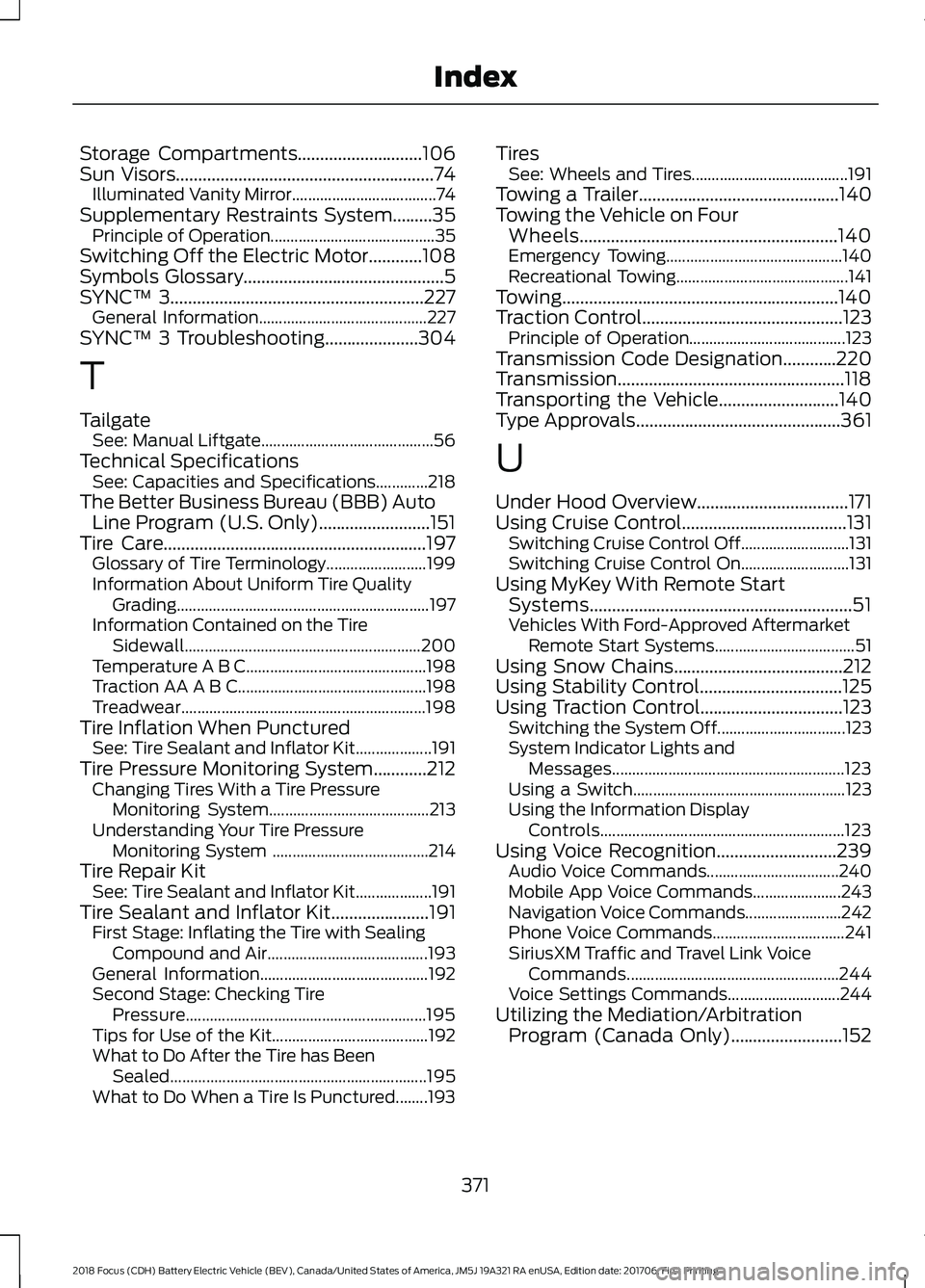
Storage Compartments............................106
Sun Visors..........................................................74
Illuminated Vanity Mirror.................................... 74
Supplementary Restraints System.........35 Principle of Operation......................................... 35
Switching Off the Electric Motor............108
Symbols Glossary.............................................5
SYNC™ 3.........................................................227 General Information.......................................... 227
SYNC™ 3 Troubleshooting.....................304
T
Tailgate See: Manual Liftgate........................................... 56
Technical Specifications See: Capacities and Specifications.............218
The Better Business Bureau (BBB) Auto Line Program (U.S. Only).........................151
Tire Care...........................................................197 Glossary of Tire Terminology......................... 199
Information About Uniform Tire Quality Grading............................................................... 197
Information Contained on the Tire Sidewall........................................................... 200
Temperature A B C............................................. 198
Traction AA A B C............................................... 198
Treadwear............................................................. 198
Tire Inflation When Punctured See: Tire Sealant and Inflator Kit...................191
Tire Pressure Monitoring System............212 Changing Tires With a Tire Pressure
Monitoring System........................................ 213
Understanding Your Tire Pressure Monitoring System ....................................... 214
Tire Repair Kit See: Tire Sealant and Inflator Kit...................191
Tire Sealant and Inflator Kit
......................191
First Stage: Inflating the Tire with Sealing
Compound and Air........................................ 193
General Information.......................................... 192
Second Stage: Checking Tire Pressure............................................................ 195
Tips for Use of the Kit....................................... 192
What to Do After the Tire has Been Sealed................................................................ 195
What to Do When a Tire Is Punctured........193 Tires
See: Wheels and Tires....................................... 191
Towing a Trailer
.............................................140
Towing the Vehicle on Four Wheels..........................................................140
Emergency Towing............................................ 140
Recreational Towing........................................... 141
Towing..............................................................140
Traction Control
.............................................123
Principle of Operation....................................... 123
Transmission Code Designation............220
Transmission...................................................118
Transporting the Vehicle...........................140
Type Approvals
..............................................361
U
Under Hood Overview..................................171
Using Cruise Control
.....................................131
Switching Cruise Control Off........................... 131
Switching Cruise Control On........................... 131
Using MyKey With Remote Start Systems
...........................................................51
Vehicles With Ford-Approved Aftermarket
Remote Start Systems................................... 51
Using Snow Chains......................................212
Using Stability Control................................125
Using Traction Control................................123 Switching the System Off................................ 123
System Indicator Lights and Messages.......................................................... 123
Using a Switch..................................................... 123
Using the Information Display Controls............................................................. 123
Using Voice Recognition
...........................239
Audio Voice Commands................................. 240
Mobile App Voice Commands...................... 243
Navigation Voice Commands........................ 242
Phone Voice Commands................................. 241
SiriusXM Traffic and Travel Link Voice Commands..................................................... 244
Voice Settings Commands............................ 244
Utilizing the Mediation/Arbitration Program (Canada Only)
.........................152
371
2018 Focus (CDH) Battery Electric Vehicle (BEV), Canada/United States of America, JM5J 19A321 RA enUSA, Edition date: 201706, First Printing Index