2018 FORD F-350 climate settings
[x] Cancel search: climate settingsPage 515 of 660

Description
Voice command
Play Podcast ___
Play Song ___
Play Audiobook ___ For USB audio only, you can say the name of an
artist, album, or a genre to browse by that selec-
tion. Your system must finish indexing before this
option is available. For example you can say
"Browse The Beatles" or "Browse folk".
Browse ___
1 This option may not be available in all markets or may require a subscription.
Climate Voice Commands
You can control the temperature of the
vehicle using voice commands. ___ is a dynamic listing, meaning that for
climate voice commands it can be the
desired degrees for the temperature
setting.
To adjust the temperature, say: Description
Voice command
Adjust the temperature between 60–85°F
(15.5– 29.5°C).
Set Temperature ___
Phone Voice Commands
Pairing a Phone
You can use voice commands to connect
your Bluetooth enabled phone to the
system.
To pair your phone, press the voice button and when prompted, say: Description
Voice command
Follow the on-screen instructions to complete the pairingprocess. See
Settings (page 546).
Pair Phone
Making Calls
___ is a dynamic listing, meaning that for
phone voice commands it can be the name
of the contact you wish to call or the digits
you want to dial. 512
Super Duty (TFE) Canada/United States of America, enUSA, Edition date: 201709, Second Printing SYNC™ 3
(If Equipped)
Page 519 of 660

You can say the following commands to access SiriusXM Traffic and Travel Link:
Description
Voice command
Displays a list of traffic incidents.
Show Traffic
Displays the current weather map.
Show Weather Map
Displays a list of fuel prices.
Show Fuel Prices
Displays the 5 day weather forecast.
Show 5 Day Fore-
cast
Help
Voice Settings Commands
You can say the following commands to access the voice settings: Description
Voice command
Allows you to enter the voice settings functionality.
Voice Settings
Sets standard prompting with longer prompts.
Interaction Mode
Standard
Sets advanced prompting with shorter prompts.
Interaction Mode
Advanced
Allows the system to confirm before making a phone call.
Call Confirmation On
The system does not confirm before placing a call.
Call Confirmation Off
The system displays a short list of available commands.
Voice Command Lists On
The system does not display the list of commands.
Voice Command Lists Off
You can use the volume control to adjust
the volume of the system voice prompts.
While prompt is active, adjust the volume
control up or down to your desired setting. Note:
Depending on the current climate
control settings, the fan speed may
automatically go down while issuing voice
commands or while making and receiving
phone calls via SYNC to reduce the amount
of background noise in the vehicle. The fan
speed will automatically return to normal
operation once the voice session ends. Fan
speed can also be adjusted normally during
a voice session, simply press fan buttons (or
turn fan knob) to increase or decrease fan
speed to desired setting.
516
Super Duty (TFE) Canada/United States of America, enUSA, Edition date: 201709, Second Printing SYNC™ 3 (If Equipped)
Page 530 of 660

Supported USB file systems include: FAT,
exFAT, and NTFS.
SYNC 3 is also able to organize the media
from your USB device by metadata tags.
Metadata tags, which are descriptive
software identifiers embedded in the
media files, provide information about the
file.
If your indexed media files contain no
information embedded in these metadata
tags, SYNC 3 may classify the empty
metadata tags as unknown.
SYNC 3 is capable of indexing up to
50,000 songs per USB device, for up to 10
devices.
CLIMATE
Touch the climate button on the
touchscreen to access your climate control
features. Depending on your vehicle line
and option package, your climate screen
may look different from one of the screens
shown below. Your screen may not contain
all of the features shown.
Note:
You can switch temperature units
between Fahrenheit and Celsius. See
Settings (page 546). 527
Super Duty (TFE) Canada/United States of America, enUSA, Edition date: 201709, Second Printing SYNC™ 3
(If Equipped)E206820
Page 531 of 660

Driver temperature: Touch up
or down to adjust the
temperature.
A
Heated steering wheel: Touch
this icon to switch the heated
steering wheel on and off. It
takes about 5 minutes to warm
the steering wheel to 74°F
(23°C) in temperatures as low
B
as -4°F (-22°C). The wheel
maintains an approximate
temperature of 90°F (32°C) and
operates independently from the
heated seats and other
climate-control functions. The
heating element is in between
the leather covering and foam
core to help provide maximum
heat without adversely affecting
the feel of the steering wheel.
Note:
This feature only
functions when you switch the
engine on.
Note: The heated steering wheel
may remain on after remote
starting the vehicle, based on
your remote start settings. The
heated steering wheel may also
turn on when you start your
vehicle, if it was on when you
switched your vehicle off.
Note:
For steering wheels with
wood trim, the heating feature
will not heat the wheel between
the 10 and 2 o'clock positions.
Defrost:
A pop up appears on
the screen to display the defrost
options.
C
MAX Defrost: Touch the button
to maximize defrosting. Air flows
through the windshield vents,
the fan automatically adjusts to
the highest speed and the driver
and passenger temperatures are set to HI. You can use this setting
to defog or clear a thin covering
of ice from the windshield. The
heated rear window also
automatically turns on when you
select MAX Defrost.
Defrost:
Distributes air through
the windshield defroster vents
and demister vents.
AUTO:
Touch the button to
switch on automatic operation.
Select the desired temperature
using the temperature control.
The system adjusts fan speed,
air distribution, air conditioning
operation, and selects outside
air or recirculated air to heat or
cool the vehicle in order to
maintain the desired
temperature.
D
Power:
Touch the button to
switch the system on and off.
Switching off the climate control
system prevents outside air from
entering the vehicle.
E
DUAL:
This button lights up
when the passenger controls are
active. To switch it off and link
the passenger temperature to
the driver temperature, touch the
DUAL button.
F
Note:
the passenger side
temperature and the DUAL
indication automatically turn on
when you or your passenger
adjust the passenger
temperature.
Passenger temperature:
Touch up or down to adjust the
temperature.
G
Fan speed:
Touch up or down
to increase or decrease the
volume of air that circulates in
your vehicle.
H
528
Super Duty (TFE) Canada/United States of America, enUSA, Edition date: 201709, Second Printing SYNC™ 3
(If Equipped)
Page 650 of 660

Changing the 12V Battery.........................353
Battery Management System...................... 354
Changing the Crankcase Vent Filter Element........................................................336
Changing the Engine Air Filter - 6.2L/ 6.8L
................................................................362
Changing the Engine Air Filter - 6.7L Diesel.............................................................363
Air Filter Restriction Gauge............................ 364
Changing the Engine-Mounted and Diesel Fuel Conditioner Module Fuel
Filters - 6.7L Diesel
...................................365
Diesel Fuel Conditioner Module
Filter................................................................... 365
Engine-mounted Fuel Filter.......................... 368
Changing the Engine Oil and Oil Filter...............................................................335
Engine lubrication for severe service operation..........................................................336
Changing the Wiper Blades
.....................355
Checking MyKey System Status...............65 MyKey Distance.................................................... 65
Number of Admin Keys...................................... 65
Number of MyKeys.............................................. 65
Checking the Wiper Blades
......................355
Child Restraint and Seatbelt Maintenance.................................................44
Child Restraint Positioning
.........................34
Child Safety.......................................................19
General Information............................................. 19
Child Safety Locks
.........................................35
Left-Hand Side..................................................... 36
Right-Hand Side................................................... 36
Cleaning Leather Seats
..............................375
With King Ranch Edition................................. 376
Without King Ranch Edition........................... 375
Cleaning Products
.......................................370
Materials............................................................... 370
Cleaning the Engine
....................................372
Cleaning the Exhaust - 6.7L Diesel........372
Cleaning the Exterior
..................................370
Cleaning the Headlamps................................. 371
Exterior Chrome Parts....................................... 371
Exterior Plastic Parts.......................................... 371
Stripes or Graphics............................................. 371
Underbody............................................................. 371
Under Hood........................................................... 371Cleaning the Instrument Panel and
Instrument Cluster Lens
.........................375
Cleaning the Interior....................................373
Cleaning the Wheels...................................377
Cleaning the Windows and Wiper Blades............................................................373
Clearing All MyKeys.......................................65
Climate.............................................................527
Climate Control
.............................................146
Climate Controlled Seats..........................163 Cooled Seats........................................................ 164
Heated Seats........................................................ 163
Collision Warning System.........................261 Principle Of Operation...................................... 261
Coolant Check See: Engine Coolant Check - 6.2L/6.8L.....338
See: Engine Coolant Check - 6.7L
Diesel................................................................. 342
Crash Sensors and Airbag Indicator.......54
Creating a MyKey...........................................64 Programming or Changing Configurable
Settings............................................................... 64
Cross Traffic Alert.........................................257 False Alerts.......................................................... 259
Switching the System Off and On..............259
System Errors...................................................... 259
System Lights, Messages and Audible Alerts................................................................. 258
System Limitations........................................... 259
Using the System............................................... 257
Cruise Control
.................................................84
Principle of Operation...................................... 243
Cruise control See: Using Cruise Control............................... 243
Customer Assistance
..................................310
D
Data Recording
................................................10
Event Data Recording.......................................... 10
Service Data Recording...................................... 10
Daytime Running Lamps..............................91 Type One - Conventional
(Non-Configurable)........................................ 91
Type Two - Configurable.................................... 91
Diesel Particulate Filter.............................202 Oxidation Catalytic Converter and Diesel
Particulate Filter System........................... 203
647
Super Duty (TFE) Canada/United States of America, enUSA, Edition date: 201709, Second Printing Index
Page 653 of 660

Turbo Boost Gauge...........................................
108
Type 1 and 2.......................................................... 105
Type 3..................................................................... 106
Gearbox See: Transmission............................................. 208
General Information on Radio Frequencies...................................................56
Intelligent Access................................................. 56
General Maintenance Information........581 Multi-Point Inspection..................................... 583
Owner Checks and Services.......................... 582
Protecting Your Investment............................ 581
Why Maintain Your Vehicle?.......................... 581
Why Maintain Your Vehicle at Your Dealership?...................................................... 581
Getting Assistance Outside the U.S. and Canada..........................................................313
Getting the Services You Need...............310 Away From Home.............................................. 310
Global Opening..............................................99
Opening the Windows....................................... 99
H
Handbrake See: Parking Brake............................................. 227
Hazard Flashers...........................................304
HDC See: Using Hill Descent Control.................... 233
Headlamp Adjusting See: Adjusting the Headlamps..................... 355
Headrest See: Head Restraints......................................... 154
Head Restraints
............................................154
Adjusting the Head Restraint......................... 155
Heated Exterior Mirrors...............................152
Heated Rear Window..................................152
Heated Seats
..................................................162
Rear Heated Seats............................................. 163
Heated Steering Wheel...............................85
Heating See: Climate Control......................................... 146
Hill Start Assist..............................................227 Switching the System On and Off..............228
Using Hill Start Assist....................................... 228Hints on Controlling the Interior
Climate..........................................................149
Defogging the Side Windows in Cold Weather.............................................................. 151
General Hints....................................................... 149
Quickly Cooling the Interior.............................. 151
Quickly Heating the Interior............................ 150
Recommended Settings for Cooling............151
Recommended Settings for Heating..........150
Hints on Driving With Anti-Lock Brakes............................................................227
Home Screen
................................................509
Hood Lock See: Opening and Closing the Hood..........328
I
Ignition Switch
................................................175
In California (U.S. Only)...............................311
Information Display Control......................85
Information Displays
....................................113
General Information........................................... 113
Information Messages
................................129
4WD........................................................................\
. 145
Active Park............................................................ 129
Adaptive Cruise Control................................... 130
Adaptive Steering............................................... 130
AdvanceTrac and Traction Control...............131
Airbag....................................................................... 131
Alarm and Security.............................................. 131
Automatic Engine Shutdown......................... 132
Battery and Charging System........................ 132
Blind Spot Information and Cross Traffic Alert System.................................................... 133
Collision Warning System............................... 134
Diesel Messages.................................................. 134
Doors and Locks................................................. 136
Driver Alert............................................................. 137
Drivetrain................................................................ 137
Engine...................................................................... 137
Fuel........................................................................\
.. 138
Keys and Intelligent Access............................ 138
Lane Keeping System....................................... 139
Maintenance........................................................ 139
MyKey..................................................................... 140
Off Road................................................................ 140
Park Aid................................................................... 141
Park Brake.............................................................. 141
650
Super Duty (TFE) Canada/United States of America, enUSA, Edition date: 201709, Second Printing Index
Page 659 of 660
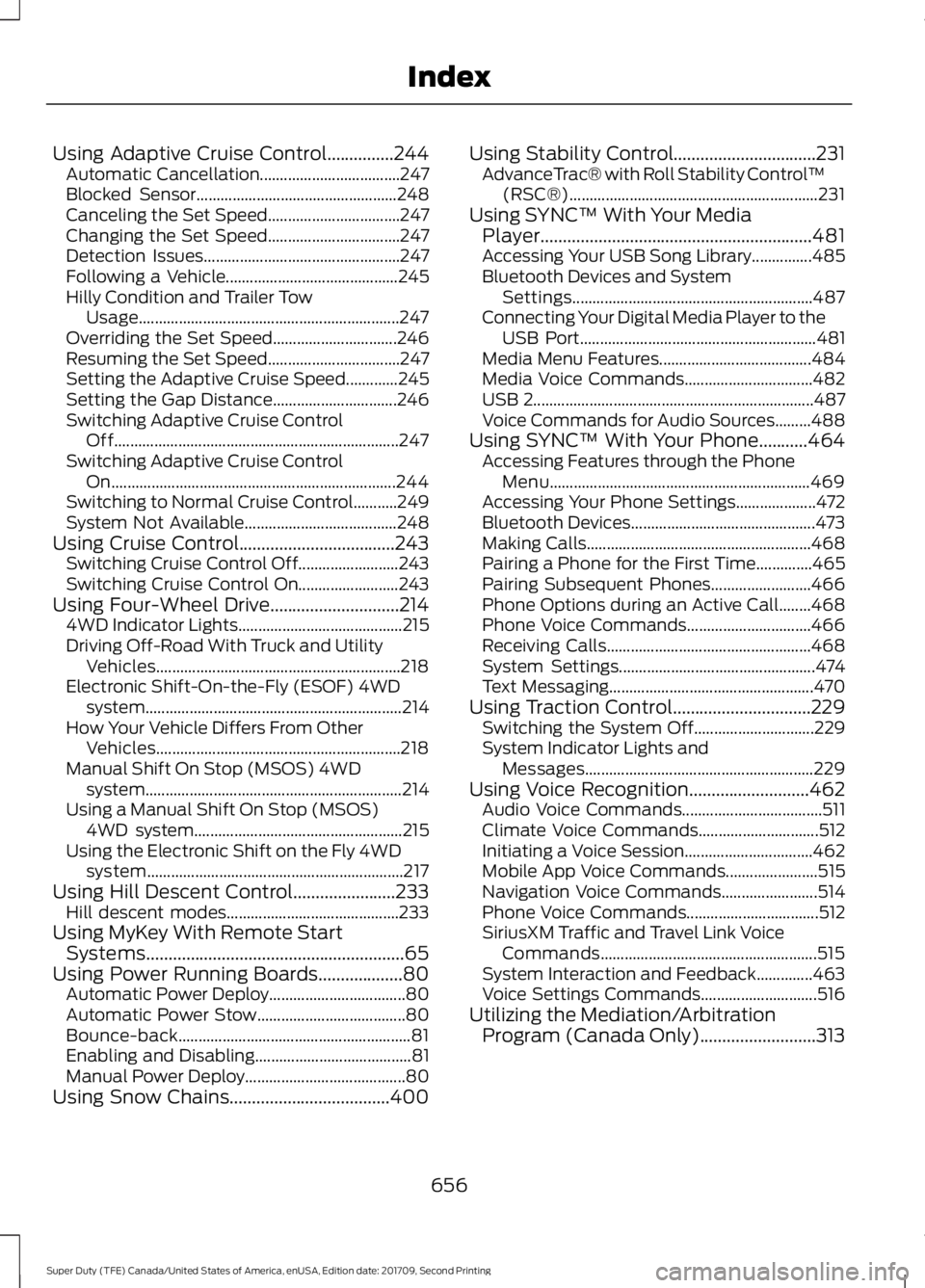
Using Adaptive Cruise Control...............244
Automatic Cancellation................................... 247
Blocked Sensor.................................................. 248
Canceling the Set Speed................................. 247
Changing the Set Speed................................. 247
Detection Issues................................................. 247
Following a Vehicle........................................... 245
Hilly Condition and Trailer Tow Usage................................................................. 247
Overriding the Set Speed............................... 246
Resuming the Set Speed................................. 247
Setting the Adaptive Cruise Speed.............245
Setting the Gap Distance............................... 246
Switching Adaptive Cruise Control Off....................................................................... 247
Switching Adaptive Cruise Control On....................................................................... 244
Switching to Normal Cruise Control...........249
System Not Available...................................... 248
Using Cruise Control...................................243 Switching Cruise Control Off......................... 243
Switching Cruise Control On......................... 243
Using Four-Wheel Drive.............................214 4WD Indicator Lights......................................... 215
Driving Off-Road With Truck and Utility Vehicles............................................................. 218
Electronic Shift-On-the-Fly (ESOF) 4WD system................................................................ 214
How Your Vehicle Differs From Other Vehicles............................................................. 218
Manual Shift On Stop (MSOS) 4WD system................................................................ 214
Using a Manual Shift On Stop (MSOS) 4WD system.................................................... 215
Using the Electronic Shift on the Fly 4WD system................................................................ 217
Using Hill Descent Control.......................233
Hill descent modes........................................... 233
Using MyKey With Remote Start Systems..........................................................65
Using Power Running Boards
...................80
Automatic Power Deploy.................................. 80
Automatic Power Stow..................................... 80
Bounce-back.......................................................... 81
Enabling and Disabling....................................... 81
Manual Power Deploy........................................ 80
Using Snow Chains....................................400 Using Stability Control................................231
AdvanceTrac® with Roll Stability Control ™
(RSC®).............................................................. 231
Using SYNC™ With Your Media Player.............................................................481
Accessing Your USB Song Library...............485
Bluetooth Devices and System Settings............................................................ 487
Connecting Your Digital Media Player to the USB Port........................................................... 481
Media Menu Features...................................... 484
Media Voice Commands................................ 482
USB 2...................................................................... 487
Voice Commands for Audio Sources.........488
Using SYNC™ With Your Phone...........464 Accessing Features through the Phone
Menu................................................................. 469
Accessing Your Phone Settings.................... 472
Bluetooth Devices.............................................. 473
Making Calls........................................................ 468
Pairing a Phone for the First Time..............465
Pairing Subsequent Phones......................... 466
Phone Options during an Active Call........468
Phone Voice Commands............................... 466
Receiving Calls................................................... 468
System Settings................................................. 474
Text Messaging................................................... 470
Using Traction Control
...............................229
Switching the System Off.............................. 229
System Indicator Lights and Messages......................................................... 229
Using Voice Recognition...........................462 Audio Voice Commands................................... 511
Climate Voice Commands.............................. 512
Initiating a Voice Session................................ 462
Mobile App Voice Commands....................... 515
Navigation Voice Commands........................ 514
Phone Voice Commands................................. 512
SiriusXM Traffic and Travel Link Voice Commands...................................................... 515
System Interaction and Feedback..............463
Voice Settings Commands............................. 516
Utilizing the Mediation/Arbitration Program (Canada Only)
..........................313
656
Super Duty (TFE) Canada/United States of America, enUSA, Edition date: 201709, Second Printing Index