Page 397 of 696
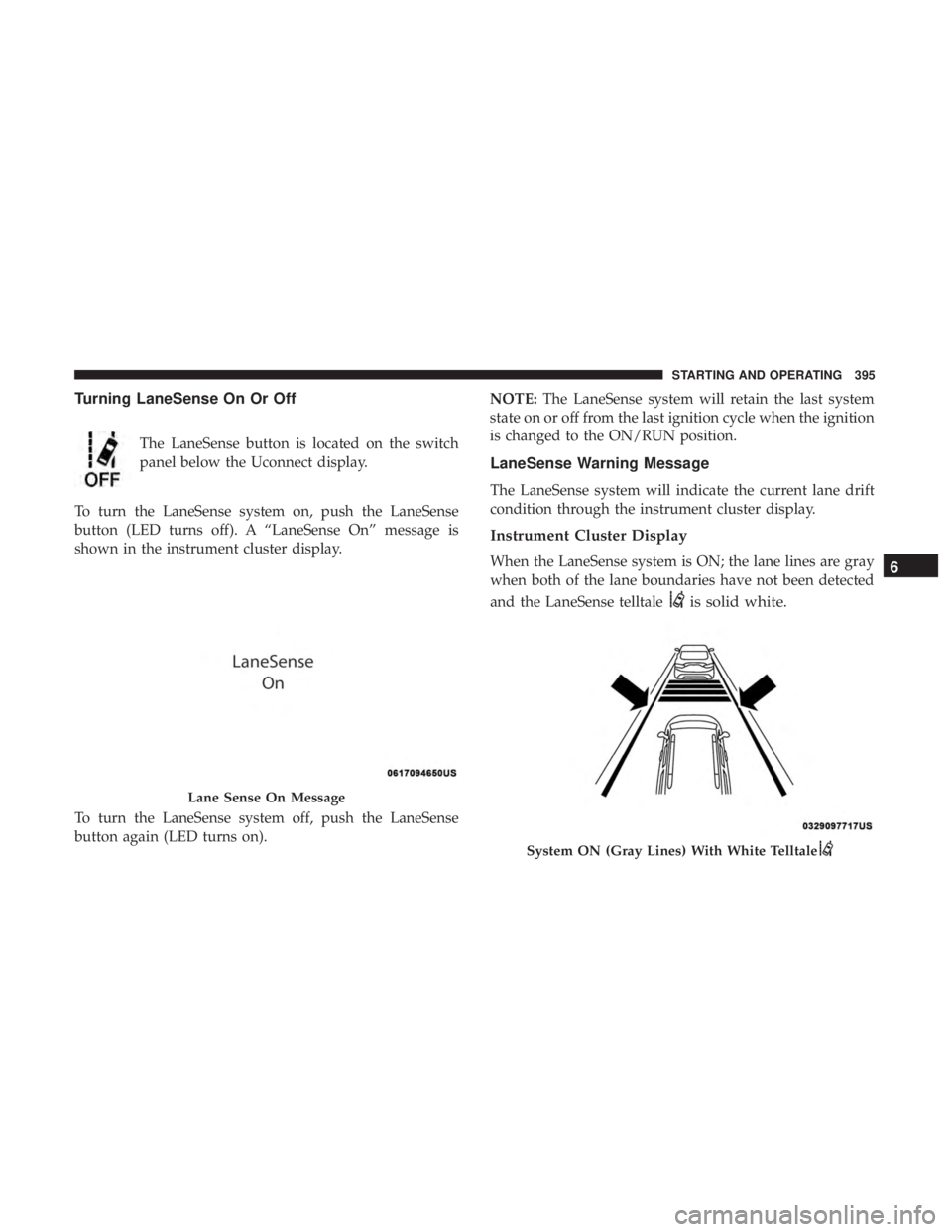
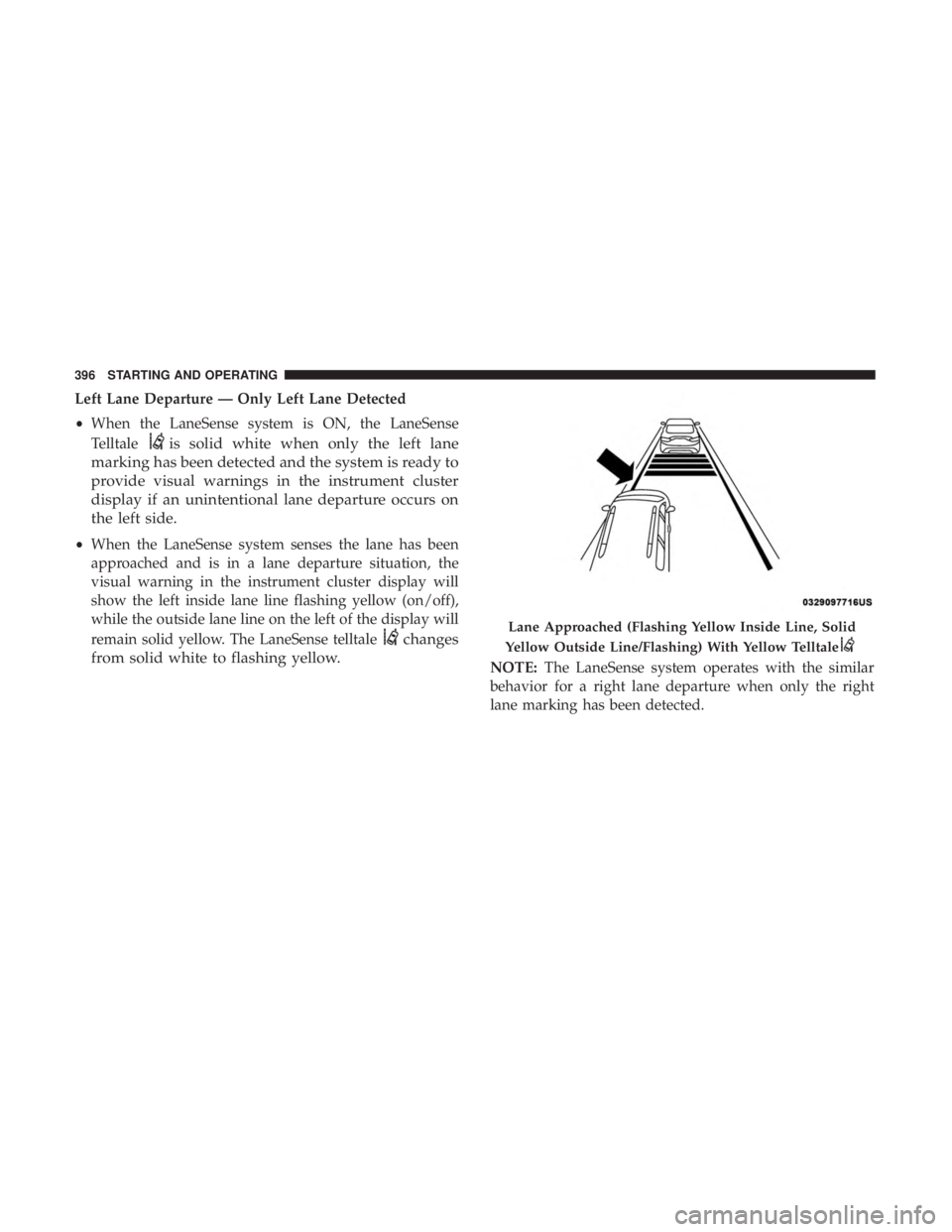
Turning LaneSense On Or Off
The LaneSense button is located on the switch
panel below the Uconnect display.
To turn the LaneSense system on, push the LaneSense
button (LED turns off). A “LaneSense On” message is
shown in the instrument cluster display.
To turn the LaneSense system off, push the LaneSense
button again (LED turns on). NOTE:
The LaneSense system will retain the last system
state on or off from the last ignition cycle when the ignition
is changed to the ON/RUN position.
LaneSense Warning Message
The LaneSense system will indicate the current lane drift
condition through the instrument cluster display.
Instrument Cluster Display
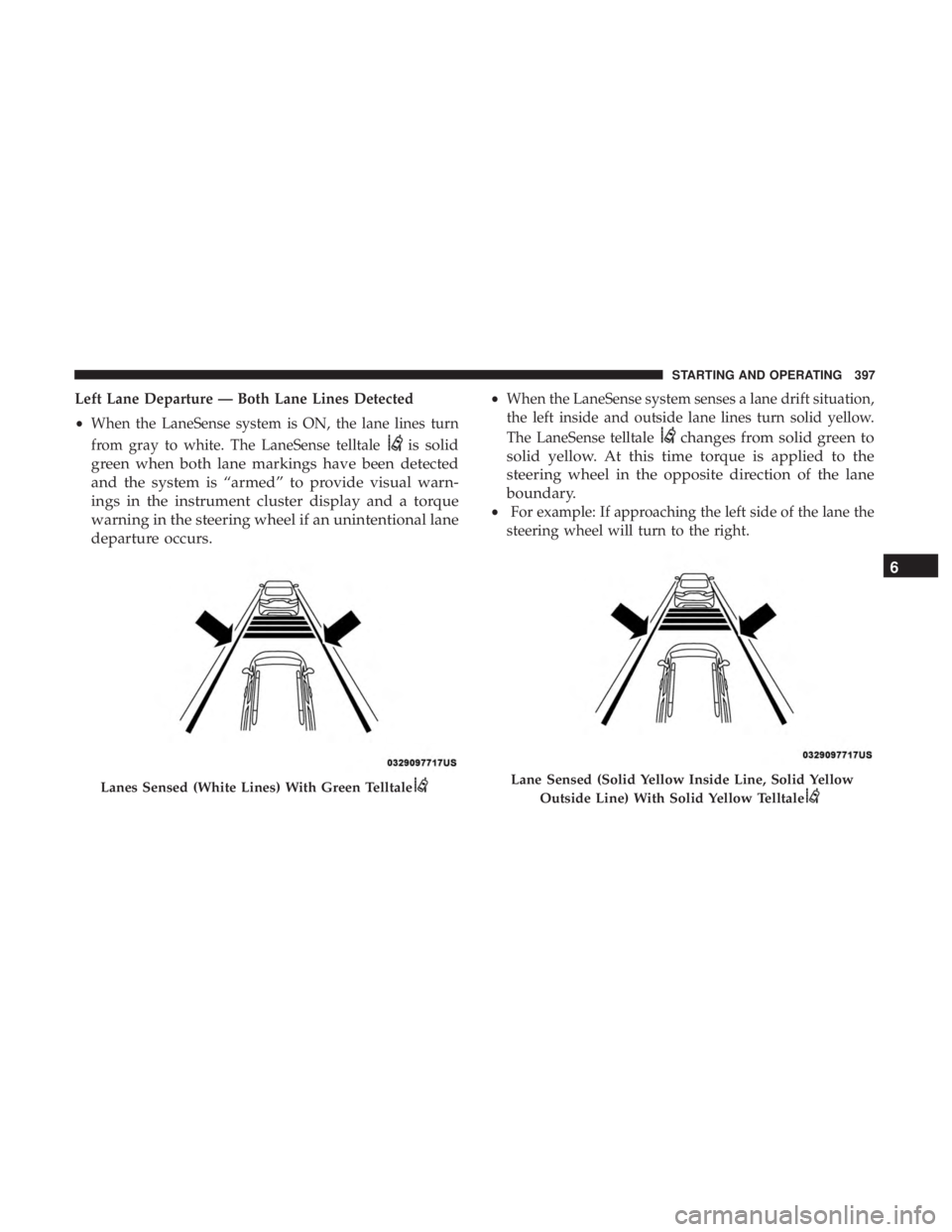
When the LaneSense system is ON; the lane lines are gray
when both of the lane boundaries have not been detected
and the LaneSense telltale
is solid white.
Lane Sense On Message
System ON (Gray Lines) With White Telltale
6
STARTING AND OPERATING 395
Page 398 of 696
Left Lane Departure — Only Left Lane Detected
•When the LaneSense system is ON, the LaneSense
Telltale
is solid white when only the left lane
marking has been detected and the system is ready to
provide visual warnings in the instrument cluster
display if an unintentional lane departure occurs on
the left side.
• When the LaneSense system senses the lane has been
approached and is in a lane departure situation, the
visual warning in the instrument cluster display will
show the left inside lane line flashing yellow (on/off),
while the outside lane line on the left of the display will
remain solid yellow. The LaneSense telltale
changes
from solid white to flashing yellow.
NOTE: The LaneSense system operates with the similar
behavior for a right lane departure when only the right
lane marking has been detected.
Lane Approached (Flashing Yellow Inside Line, Solid
Yellow Outside Line/Flashing) With Yellow Telltale
396 STARTING AND OPERATING
Page 399 of 696
Left Lane Departure — Both Lane Lines Detected
•When the LaneSense system is ON, the lane lines turn
from gray to white. The LaneSense telltale
is solid
green when both lane markings have been detected
and the system is “armed” to provide visual warn-
ings in the instrument cluster display and a torque
warning in the steering wheel if an unintentional lane
departure occurs.
• When the LaneSense system senses a lane drift situation,
the left inside and outside lane lines turn solid yellow.
The LaneSense telltale
changes from solid green to
solid yellow. At this time torque is applied to the
steering wheel in the opposite direction of the lane
boundary.
• For example: If approaching the left side of the lane the
steering wheel will turn to the right.
Lanes Sensed (White Lines) With Green TelltaleLane Sensed (Solid Yellow Inside Line, Solid Yellow
Outside Line) With Solid Yellow Telltale
6
STARTING AND OPERATING 397
Page 400 of 696
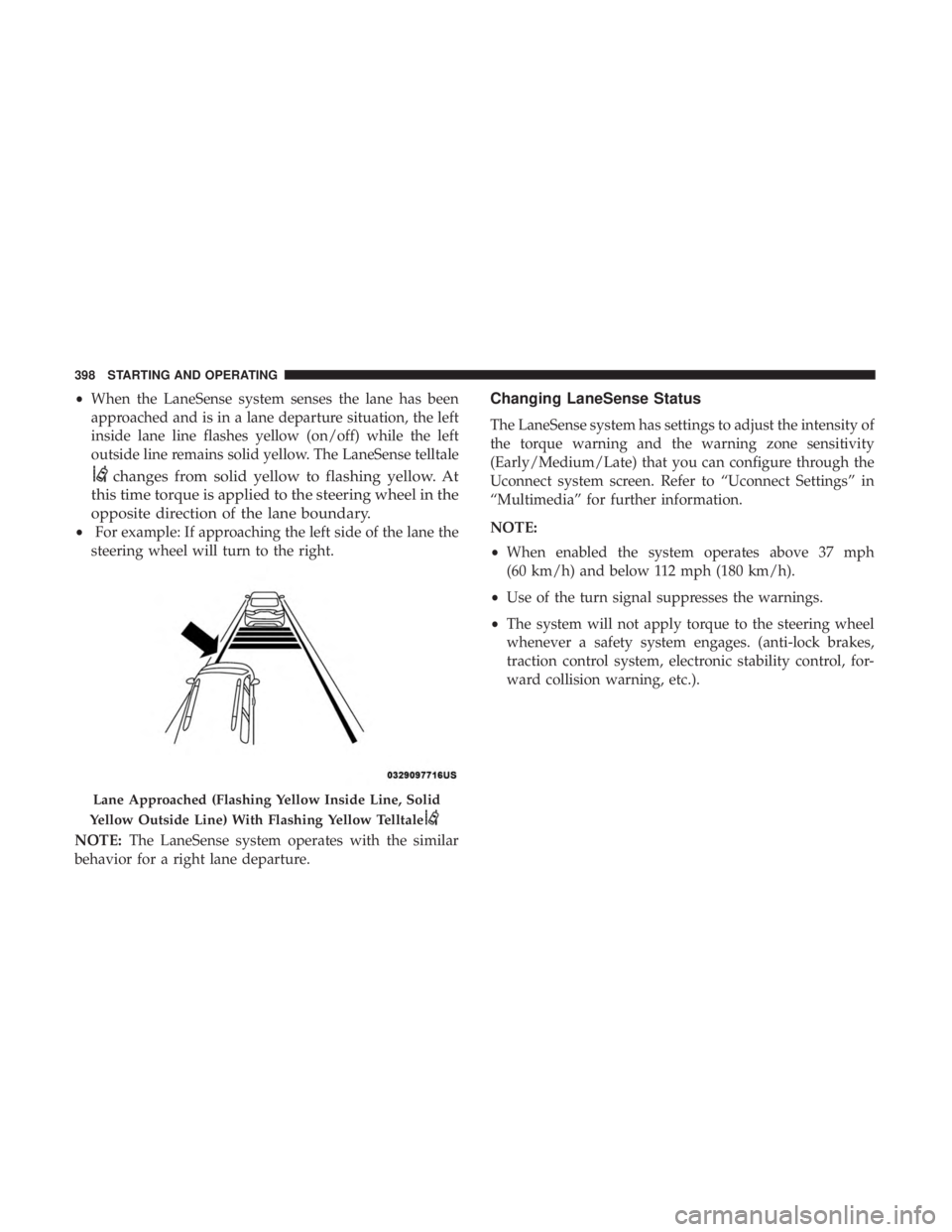
•When the LaneSense system senses the lane has been
approached and is in a lane departure situation, the left
inside lane line flashes yellow (on/off) while the left
outside line remains solid yellow. The LaneSense telltale
changes from solid yellow to flashing yellow. At
this time torque is applied to the steering wheel in the
opposite direction of the lane boundary.
• For example: If approaching the left side of the lane the
steering wheel will turn to the right.
NOTE: The LaneSense system operates with the similar
behavior for a right lane departure.
Changing LaneSense Status
The LaneSense system has settings to adjust the intensity of
the torque warning and the warning zone sensitivity
(Early/Medium/Late) that you can configure through the
Uconnect system screen. Refer to “Uconnect Settings” in
“Multimedia” for further information.
NOTE:
• When enabled the system operates above 37 mph
(60 km/h) and below 112 mph (180 km/h).
• Use of the turn signal suppresses the warnings.
• The system will not apply torque to the steering wheel
whenever a safety system engages. (anti-lock brakes,
traction control system, electronic stability control, for-
ward collision warning, etc.).
Lane Approached (Flashing Yellow Inside Line, Solid
Yellow Outside Line) With Flashing Yellow Telltale
398 STARTING AND OPERATING
Page 577 of 696
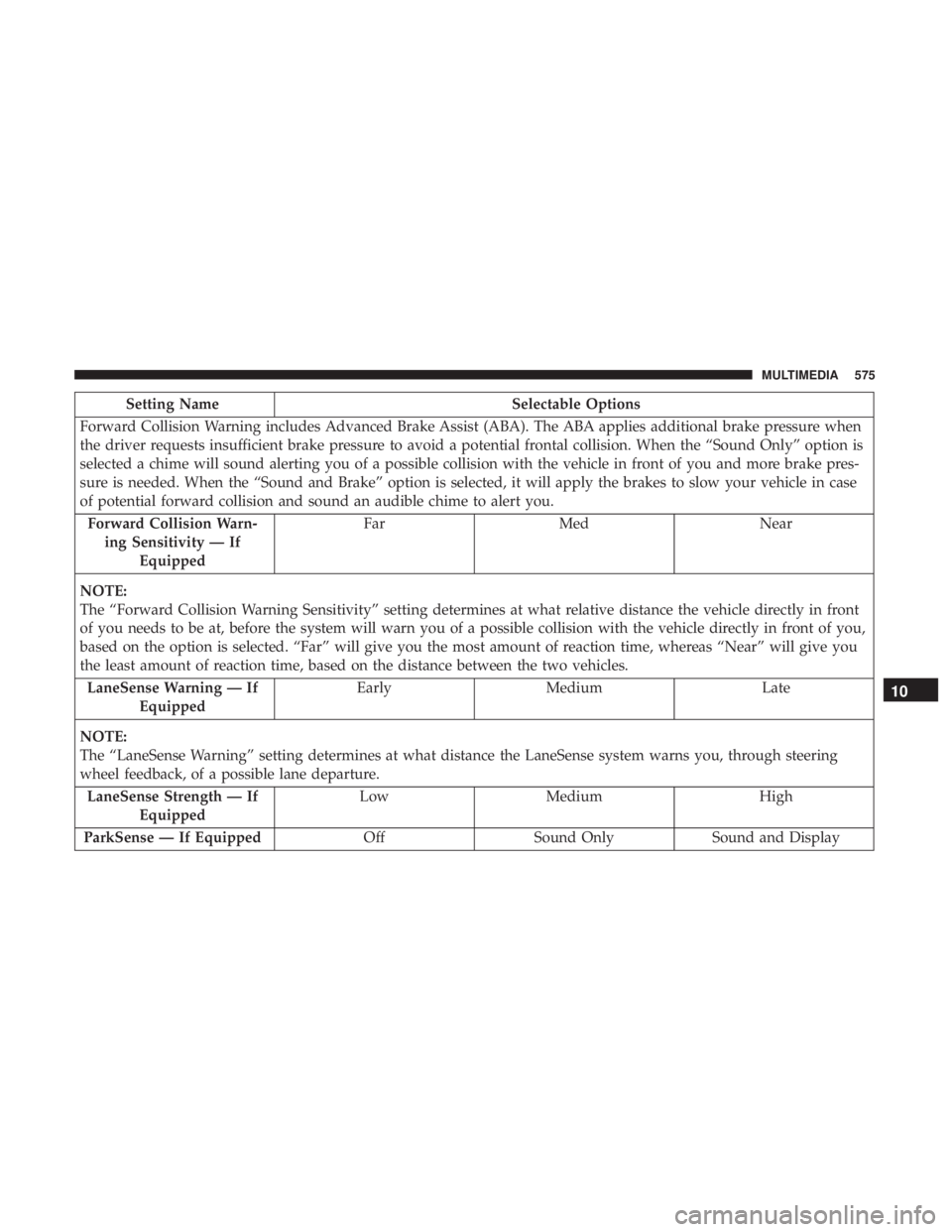
Setting NameSelectable Options
Forward Collision Warning includes Advanced Brake Assist (ABA). The ABA applies additional brake pressure when
the driver requests insufficient brake pressure to avoid a potential frontal collision. When the “Sound Only” option is
selected a chime will sound alerting you of a possible collision with the vehicle in front of you and more brake pres-
sure is needed. When the “Sound and Brake” option is selected, it will apply the brakes to slow your vehicle in case
of potential forward collision and sound an audible chime to alert you. Forward Collision Warn- ing Sensitivity — If Equipped Far
Med Near
NOTE:
The “Forward Collision Warning Sensitivity” setting determines at what relative distance the vehicle directly in front
of you needs to be at, before the system will warn you of a possible collision with the vehicle directly in front of you,
based on the option is selected. “Far” will give you the most amount of reaction time, whereas “Near” will give you
the least amount of reaction time, based on the distance between the two vehicles. LaneSense Warning — If Equipped Early
Medium Late
NOTE:
The “LaneSense Warning” setting determines at what distance the LaneSense system warns you, through steering
wheel feedback, of a possible lane departure. LaneSense Strength — If Equipped Low
Medium High
ParkSense — If Equipped OffSound Only Sound and Display
10
MULTIMEDIA 575
Page 604 of 696
Setting NameSelectable Options
ParkSense — If Equipped Sound Only Sound and Display
NOTE:
The “ParkSense” system setting will scan for objects behind the vehicle when the transmission gear selector is in RE-
VERSE and the vehicle speed is less than 7 mph (11 km/h), when enabled. It will provide an alert (audible and/or
visual) to indicate the proximity to other objects. The system can be enabled with “Sound Only,” or “Sound and Dis-
play.” Front ParkSense Volume LowMedium High
Rear ParkSense Volume LowMedium High
Sliding Door Alert — If Equipped On
Off
NOTE:
When the “Sliding Door Alert” feature is selected, a chime plays when the sliding door reverses or an obstacle is
sensed. LaneSense Warning — If Equipped Early
Medium Late
NOTE:
The “LaneSense Warning” setting determines at what distance the LaneSense system will warn you, through steering
wheel feedback, of a possible lane departure. LaneSense Strength — If Equipped Low
Medium High
602 MULTIMEDIA
Page 686 of 696

Ignition..................................26
Switch .................................26
Inside Rearview Mirror ....................89, 425
Instrument Cluster ..........................183
Descriptions ............................207
Display ...............................185
Menu Items ............................189
Instrument Panel Lens Cleaning ................545
Interior And Instrument Lights ..................98
Interior Appearance Care .....................544
Interior Lights ..............................98
Intermittent Wipers (Delay Wipers) ..............102
Introduction ................................4
Inverter Power ............................... .171
Jack Location ............................ .446
Jack Operation ........................ .446, 517
Jump Starting ............................ .475
KeyFob..................................18 Arm The System ..........................33
Disarm The Alarm ........................34
Programming Additional Key Fobs ..........24, 32
Key Fob Battery Service (Remote Keyless Entry) .....22Key Fob Programming (Remote Keyless Entry)
......24
Keys ....................................18
Replacement .............................32
Lane Change And Turn Signals .................94
Lane Change Assist .......................94, 98
LaneSense ............................... .394
Lap/Shoulder Belts ........................ .242
Latches ................................. .304
Hood .................................139
Lead Free Gasoline ........................ .550
Leaks, Fluid ............................. .304
Life Of Tires ............................. .531
Liftgate ................................. .141
Power ............................... .142
Light Bulbs .......................... .303, 435
Lighter Cigar ................................ .172
Lights .................................. .303
A i
rBag .........................198, 257, 301
Battery Saver ............................98
Brake Assist Warning ..................... .220
Brake Warning ..........................198
Bulb Replacement .....................431, 435
Center Mounted Stop ..................... .437
684 INDEX