AUDIO AND MEDIA
}}
* Option/accessory.463
Settings for text messages
Settings for text messages on connected phone.
Message1. Press Settings in top view.
2. Press
CommunicationText Messagesand select settings:
•
Notification in centre display - shows
message notifications in the centre dis- play's status bar.
•
Notification in driver display - shows
notifications in the driver display. When notifications in the driver display areactive, it is possible to manage incomingmessages with the steering wheel's right-hand keypad.
•
Text message tone - select tone for
incoming text message.
Related information
• Phone (p. 456)
• Connect phone (p. 457)
• Managing text messages (p. 461)
• Settings for phone (p. 462)
Bluetooth settings
Settings for Bluetooth-connected phone.
Bluetooth1. Press Settings in top view.
2. Press
CommunicationBluetooth
Devices and select settings:
•
Previously paired devices - lists con-
nected devices.
Remove device - removes the connected
device.
Allowed services for this device - phone
usage options: calling, sending/receiving messages, streaming media and as Internetconnection.
•
Internet connection - option for connecting
the car to the Internet via the device's Bluetooth connection.
•
Add device - starts the pairing of a new
device.
Related information
• Online car
* (p. 463)
• Phone (p. 456)
• Connect phone (p. 457)
• Media player (p. 442)
Online car
*
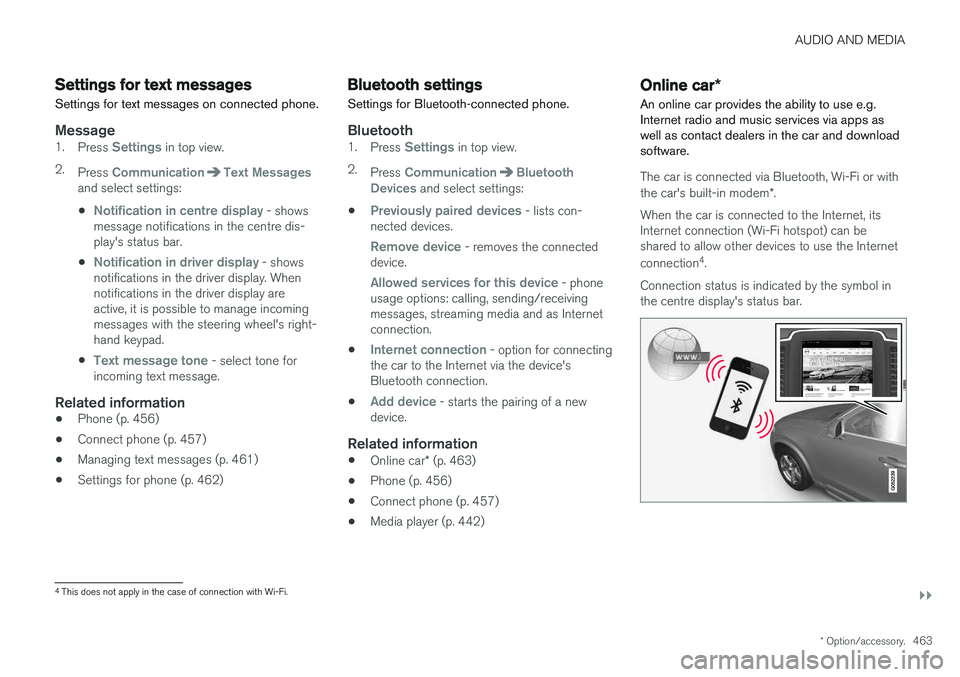
An online car provides the ability to use e.g. Internet radio and music services via apps aswell as contact dealers in the car and downloadsoftware.
The car is connected via Bluetooth, Wi-Fi or with the car's built-in modem *.
When the car is connected to the Internet, its Internet connection (Wi-Fi hotspot) can beshared to allow other devices to use the Internet connection 4
.
Connection status is indicated by the symbol in the centre display's status bar.
4 This does not apply in the case of connection with Wi-Fi.