2017 TOYOTA CAMRY steering
[x] Cancel search: steeringPage 214 of 568
2144-5. Using the driving support systems
CAMRY_U (OM33C64U)
◆ABS (Anti-lock Brake System)
Helps to prevent wheel lock when the brakes are applied suddenly,
or if the brakes are applied while driving on a slippery road surface
◆Brake assist
Generates an increased level of braking force after the brake pedal
is depressed when the system detects a panic stop situation
◆VSC (Vehicle Stability Control)
Helps the driver to control skidding when swerving suddenly or
turning on slippery road surfaces
◆TRAC (Traction Control)
Helps to maintain drive power and prevent the drive wheels from
spinning when starting the vehicle or accelerating on slippery roads
◆EPS (Electric Power Steering)
Employs an electric motor to reduce the amount of effort needed to
turn the steering wheel
◆PCS (Pre-Collision System) (if equipped)
P. 2 1 9
◆BSM (Blind Spot Monitor) (if equipped)
P. 2 2 6
Driving assist systems
To help enhance driving safety and performance, the following
systems operate automatically in response to various driving
situations. Be aware, however, that these systems are supple-
mentary and should not be relied upon too heavily when operat-
ing the vehicle.
Page 216 of 568

2164-5. Using the driving support systems
CAMRY_U (OM33C64U)
■Turning off both TRAC and VSC systems
To turn the TRAC and VSC systems off, press and hold for more than 3
seconds while the vehicle is stopped.
The VSC OFF indicator light will come on and the “TRAC OFF” and a mes-
sage will be shown on the multi-information display
*.
Press again to turn the systems back on.
*: On vehicles with pre-collision system, pre-collision brake assist and pre- collision braking will also be disabled. The pre-collision system warning
light will come on and the message will be shown on the multi-information
display. ( P. 222)
■ When the message is displayed on th e multi-information display show-
ing that TRAC has been disable d even if has not been pressed
TRAC cannot be operated. Contact your Toyota dealer.
■ Sounds and vibrations caused by the ABS, brake assist, TRAC and VSC
systems
● A sound may be heard from the engine compartment when the brake pedal
is depressed repeatedly, when the engine is started or just after the vehicle
begins to move. This sound does not indicate that a malfunction has
occurred in any of these systems.
● Any of the following conditions may occur when the above systems are
operating. None of these indicates that a malfunction has occurred.
• Vibrations may be felt through the vehicle body and steering.
• A motor sound may be heard after the vehicle comes to a stop.
• The brake pedal may pulsate slightly after the ABS is activated.
• The brake pedal may move down slightly after the ABS is activated.
■ EPS operation sound
When the steering wheel is operated, a motor sound (whirring sound) may be
heard. This does not indicate a malfunction.
Page 217 of 568
2174-5. Using the driving support systems
4
Driving
CAMRY_U (OM33C64U)■
Automatic reactivation of TRAC and VSC systems
After turning the TRAC and VSC systems off, the systems will be automati-
cally re-enabled in the following situations:
● When the engine switch is turned off
● If only the TRAC system is turned off, the TRAC will turn on when vehicle
speed increases
If both the TRAC and VSC systems are turned off, automatic re-enabling will
not occur when vehicle speed increases
■ Reduced effectiveness of the EPS system
The effectiveness of the EPS system is reduced to prevent the system from
overheating when there is frequent steering input over an extended period of
time. The steering wheel may feel heavy as a result. Should this occur, refrain
from excessive steering input or stop the vehicle and turn the engine off. The
EPS system should return to normal within 10 minutes.
WARNING
■The ABS does not operate effectively when
● The limits of tire gripping performance have been exceeded (such as
excessively worn tires on a snow covered road).
● The vehicle hydroplanes while driving at high speed on wet or slick roads.
■ Stopping distance when the ABS is operating may exceed that of nor-
mal conditions
The ABS is not designed to shorten the vehicle’s stopping distance. Always
maintain a safe distance from the vehicle in front of you, especially in the
following situations:
● When driving on dirt, gravel or snow-covered roads
● When driving with tire chains
● When driving over bumps in the road
● When driving over roads with potholes or uneven surfaces
■ TRAC may not operat e effectively when
Directional control and power may not be achievable while driving on slip-
pery road surfaces, even if the TRAC system is operating.
Drive the vehicle carefully in conditions where stability and power may be
lost.
■ When the VSC is activated
The slip indicator light flashes. Always drive carefully. Reckless driving may
cause an accident. Exercise particular care when the indicator light flashes.
■ When the TRAC/VSC systems are turned off
Be especially careful and drive at a speed appropriate to the road condi-
tions. As these are the systems to help ensure vehicle stability and driving
force, do not turn the TRAC/VSC systems off unless necessary.
Page 224 of 568

2244-5. Using the driving support systems
CAMRY_U (OM33C64U)
WARNING
■Limitations of the pre-collision system
The driver is solely responsible for safe driving. Always drive safely, taking
care to observe your surroundings.
Do not use the pre-collision system instead of normal braking operations
under any circumstances. This system will not prevent collisions or lessen
damage or injuries in all cases. Do not overly rely on this system. Failure to
do so may cause an accident, resulting in death or serious injury.
This system has been designed to help avoid and reduce the impact of col-
lisions.
However, the system operates differently depending on the situation ( P.
221). As a result, the same level of performance may not be expected in all
cases. Also, the pre-collision brakes may not operate if the driver is
depressing the brake pedal or turning the steering wheel, as the system will
determine such conditions as collision avoidance operations.
■ Handling the radar sensor
Observe the following to ensure the pre-collision system can function effec-
tively.
Otherwise, the system may not function correctly and could result in an
accident.
● Keep the sensor and grille cover clean at all times.
Clean the sensor and grille cover with a soft cloth so you do not mark or
damage them.
● Do not subject the sensor or surrounding area to a strong impact.
If the sensor moves even slightly off position, the system may not work
normally or malfunction. If the sensor or surrounding area is subject to a
strong impact, always have the area inspected and adjusted by your
Toyota dealer.
● Do not disassemble the sensor.
● Do not attach accessories or stickers to the sensor, grille cover or sur-
rounding area.
● Do not modify or paint the sensor and grille cover.
● If the radar sensor needs to be replaced, contact your Toyota dealer.
Page 236 of 568
2364-6. Driving tips
CAMRY_U (OM33C64U)
WARNING
■Driving with snow tires
Observe the following precautions to reduce the risk of accidents.
Failure to do so may result in a loss of vehicle control and cause death or
serious injury.
● Use tires of the size specified.
● Maintain the recommended level of air pressure.
● Do not drive in excess of 75 mph (120 km/h), regardless of the type of
snow tires being used.
● Use snow tires on all, not just some wheels.
■ Driving with tire chains
Observe the following precautions to reduce the risk of accidents.
Failure to do so may result in the vehicle being unable to be driven safely,
and may cause death or serious injury.
● Do not drive in excess of the speed limit specified for the tire chains being
used, or 30 mph (50 km/h), whichever is lower.
● Avoid driving on bumpy road surfaces or over potholes.
● Avoid sudden acceleration, abrupt steering, sudden braking and shifting
operations that cause sudden engine braking.
● Slow down sufficiently before entering a curve to ensure that vehicle con-
trol is maintained.
● Vehicles with LDA (Lane Departure Alert) system:
Do not use LDA (Lane Departure Alert) system.
NOTICE
■ Repairing or replacing snow tires
Request repairs or replacement of snow tires from Toyota dealers or legiti-
mate tire retailers.
This is because the removal and attachment of snow tires affects the opera-
tion of the tire pressure warning valves and transmitters.
■ Fitting tire chains
The tire pressure warning valves and transmitters may not function correctly
when tire chains are fitted.
Page 238 of 568
238
CAMRY_U (OM33C64U)5-1. Basic Operations
Audio system types ........... 240
Audio system .................... 242
Steering wheel audio switches .......................... 244
USB port/AUX port ............ 245
Basic audio operations...... 247
5-2. Setup Setup menu....................... 249
General settings ................ 250
Audio settings ................... 252
Display settings ................. 253
Voice settings.................... 254
5-3. Using the Multimedia system
Selecting the audio source ............................. 255
List screen operation......... 256
Optimal use of the multimedia system .......... 258
5-4. Using the radio Radio operation................. 259
5-5. Playing an audio CD and MP3/WMA/AAC discs
CD player operation .......... 261
5Audio system
Page 239 of 568
239
5Audio system
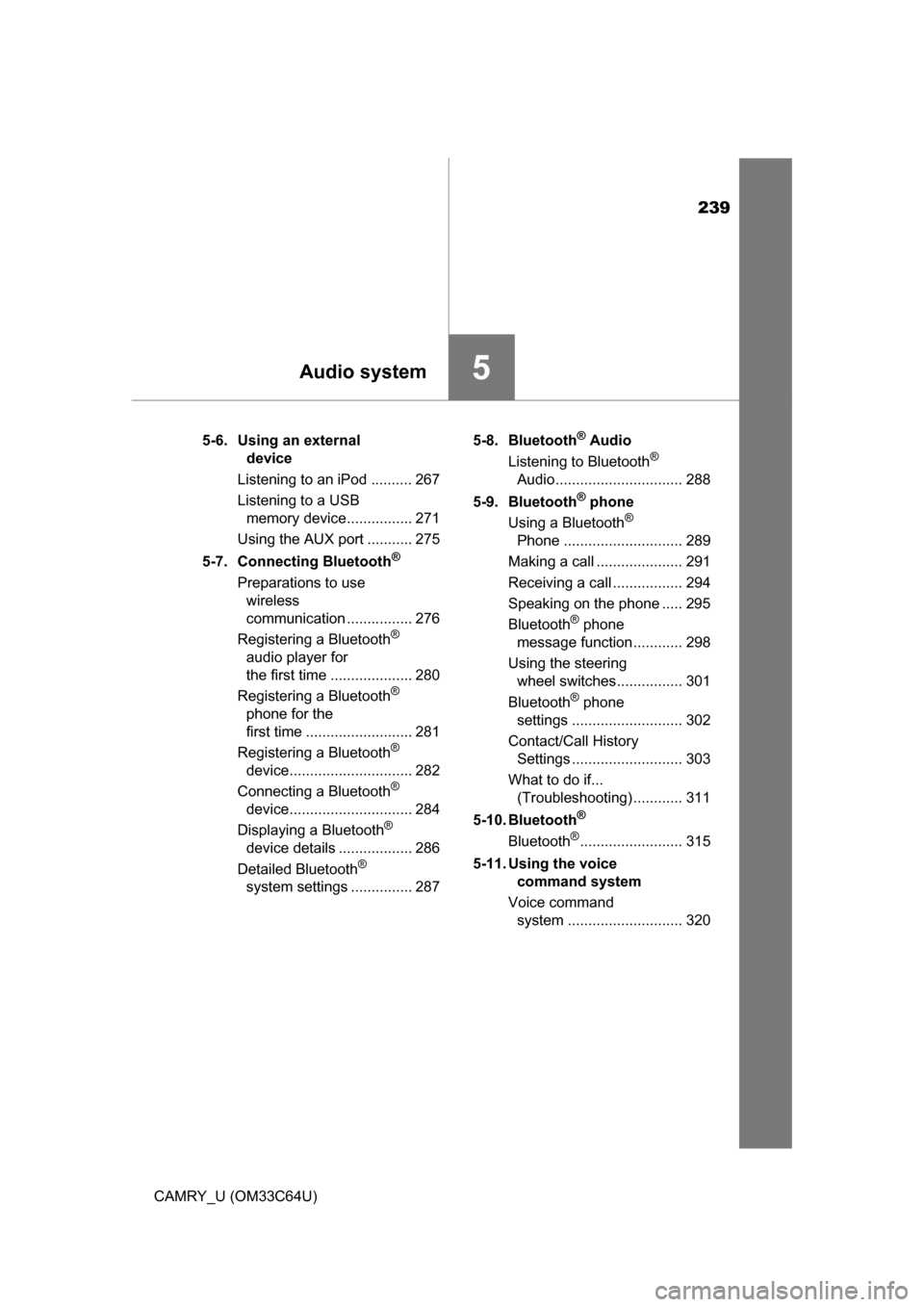
CAMRY_U (OM33C64U)5-6. Using an external
device
Listening to an iPod .......... 267
Listening to a USB memory device................ 271
Using the AUX port ........... 275
5-7. Connecting Bluetooth
®
Preparations to use wireless
communication ................ 276
Registering a Bluetooth
®
audio player for
the first time .................... 280
Registering a Bluetooth
®
phone for the
first time .......................... 281
Registering a Bluetooth
®
device.............................. 282
Connecting a Bluetooth
®
device.............................. 284
Displaying a Bluetooth
®
device details .................. 286
Detailed Bluetooth
®
system settings ............... 287 5-8. Bluetooth
® Audio
Listening to Bluetooth®
Audio............................... 288
5-9. Bluetooth
® phone
Using a Bluetooth®
Phone ............................. 289
Making a call ..................... 291
Receiving a call ................. 294
Speaking on the phone ..... 295
Bluetooth
® phone
message function ............ 298
Using the steering wheel switches ................ 301
Bluetooth
® phone
settings ........................... 302
Contact/Call History Settings ........................... 303
What to do if... (Troubleshooting) ............ 311
5-10. Bluetooth
®
Bluetooth®......................... 315
5-11. Using the voice command system
Voice command system ............................ 320
Page 244 of 568

2445-1. Basic Operations
CAMRY_U (OM33C64U)
Volume switch• Increases/decreases volume
• Press and hold: Continuously increases/decreases volume
Back switch • Returns to the previous screen
Cursor switch • Selects (radio stations/radio presets/tracks/files/songs)
• Moves cursor
• Press and hold: Seek up/down (radio stations)
• Fast up/down (tracks/files)
Enter switch • Displays the preset/list screen
• Selects items
“MODE/HOLD” switch • Changes audio source
• Press and hold this switch to mute or pause the current operation To cancel the mute or pause, press and hold.
Steering wheel audio switches
Some audio features can be controlled using the switches on
the steering wheel.
Operation may differ depending on the type of multimedia sys-
tem or navigation system. For details, refer to the manual pro-
vided with the multimedia system or navigation system.
Operating the multimedia system using the steering wheel
switches
1
12
3
4
5
WARNING
■ To reduce the risk of an accident
Exercise care when operating the audio switches on the steering wheel.