2017 Ram ProMaster City maintenance
[x] Cancel search: maintenancePage 3 of 345
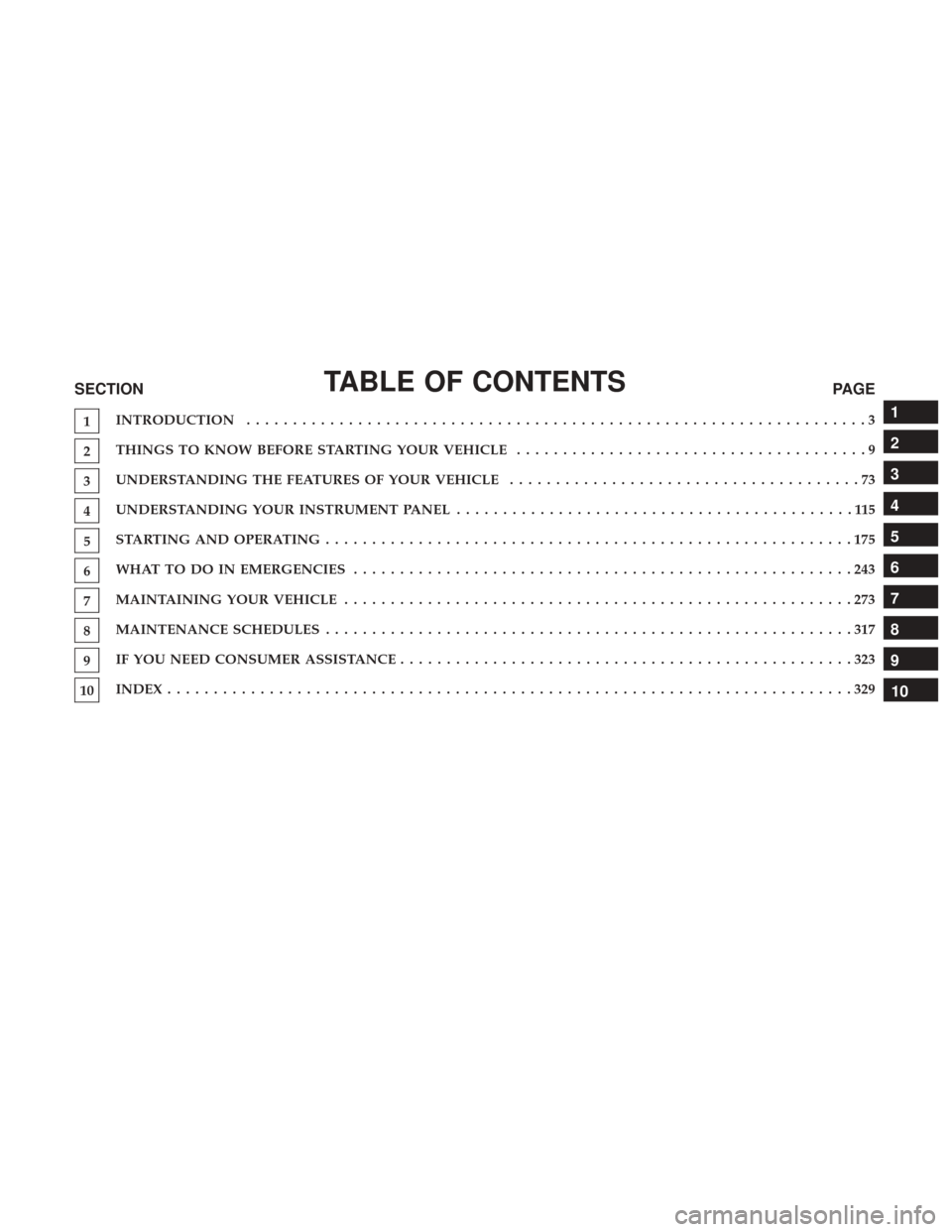
TABLE OF CONTENTSSECTIONPAGE
1INTRODUCTION
...................................................................3
2THINGS TO KNOW BEFORE STARTING YOUR VEHICLE
......................................9
3UNDERSTANDING THE FEATURES OF YOUR VEHICLE
......................................73
4UNDERSTANDING YOUR INSTRUMENT PANEL
...........................................115
5STARTINGANDOPERATING.........................................................175
6WHATTODOINEMERGENCIES ......................................................243
7MAINTAININGYOURVEHICLE .......................................................273
8MAINTENANCE SCHEDULES
.........................................................317
9IF YOU NEED CONSUMER ASSISTANCE
.................................................323
10INDEX........................................................................\
..329
1
2
3
4
5
6
7
8
9
10
Page 6 of 345

INTRODUCTION
Congratulations on selecting your new FCA US LLC ve-
hicle. Be assured that it represents precision workmanship,
distinctive styling, and high quality.
This Owner’s Manual has been prepared with the assis-
tance of service and engineering specialists to acquaint you
with the operation and maintenance of your vehicle. It is
supplemented by Warranty Information, and various
customer-oriented documents. Please take the time to read
these publications carefully. Following the instructions and
recommendations in this manual will help assure safe and
enjoyable operation of your vehicle.
NOTE: After reviewing the owner information, it should
be stored in the vehicle for convenient referencing, and
remain with the vehicle when sold.
When it comes to service, remember that your authorized
dealer knows your vehicle best, has factory-trained techni-
cians and genuine MOPAR® parts, and cares about your
satisfaction.
HOW TO USE THIS MANUAL
Consult the Table of Contents to determine which section
contains the information you desire.
Since the specification of your vehicle depends on the items
of equipment ordered, certain descriptions and illustra-
tions may differ from your vehicle’s equipment.
The detailed index at the back of this Owner’s Manual
contains a complete listing of all subjects.
Consult the following table for a description of the symbols
that may be used on your vehicle or throughout this
Owner’s Manual:
4 INTRODUCTION
Page 14 of 345

WARNING!
•Before exiting a vehicle, always shift the transmis-
sion into PARK, apply the parking brake, and re-
move the key fob from the vehicle. When leaving the
vehicle, always lock your vehicle. In case you switch
off the vehicle and the transmission is not in PARK
position, a warning message will appear on the
cluster which suggests you to shift the transmission
into PARK position and, then, you can remove the
key within 15 seconds. If 15 seconds expire, you have
to rotate the key from OFF/LOCK position to ON/
RUN position and come back to OFF/LOCK position
in order to remove the key.
• Never leave children alone in a vehicle, or with
access to an unlocked vehicle. Allowing children to
be in a vehicle unattended is dangerous for a number
of reasons. A child or others could be seriously or
fatally injured. Children should be warned not to
touch the parking brake, brake pedal or the gear
selector.
(Continued)
WARNING! (Continued)
•Do not leave the key fob in or near the vehicle, or in
a location accessible to children. A child could oper-
ate power windows, other controls, or move the
vehicle.
• Do not leave children or animals inside parked
vehicles in hot weather. Interior heat build-up may
cause serious injury or death.
CAUTION!
An unlocked vehicle is an invitation. Always remove
the key from the ignition and lock all the doors when
leaving the vehicle unattended.
Locking Doors With A Key
You can insert the key with either side up. To lock the door,
turn the key to the right. To unlock the door, turn the key
to the left. Refer to “Body Lubrication” in “Maintaining
Your Vehicle” for maintenance procedures.
Key-In-Ignition Reminder
Opening the driver’s door when the key is in the ignition
and the ignition switch position is OFF/LOCK sounds a
signal to remove the key.
12 THINGS TO KNOW BEFORE STARTING YOUR VEHICLE
Page 48 of 345

Air Bag Warning Light
The air bags must be ready to inflate for your
protection in a collision. The Occupant Restraint
Controller (ORC) monitors the internal circuits
and interconnecting wiring associated with air
bag system electrical components.
The ORC monitors the readiness of the electronic parts of
the air bag system whenever the ignition switch is in the
AVV/START or MAR/ACC/ON/RUN position. If the
ignition switch is in the STOP/OFF/LOCK position the air
bag system is not on and the air bags will not inflate.
The ORC contains a backup power supply system that may
deploy the air bags even if the battery loses power or it
becomes disconnected prior to deployment.
The ORC turns on the Air Bag Warning Light in the
instrument panel for approximately four to eight seconds
for a self-check when the ignition switch is in the MAR/
ACC/ON/RUN position. After the self-check, the Air Bag
Warning Light will turn off. If the ORC detects a malfunc-
tion in any part of the system, it turns on the Air Bag
Warning Light, either momentarily or continuously. A
single chime will sound to alert you if the light comes on
again after initial startup. The ORC also includes diagnostics that will illuminate the
instrument panel Air Bag Warning Light if a malfunction is
detected that could affect the air bag system. The diagnos-
tics also record the nature of the malfunction. While the air
bag system is designed to be maintenance free, if any of the
following occurs, have an authorized dealer service the air
bag system immediately.
•
The Air Bag Warning Light does not come on during the
four to eight seconds when the ignition switch is first in
the MAR/ACC/ON/RUN position.
• The Air Bag Warning Light remains on after the four to
eight-second interval.
• The Air Bag Warning Light comes on intermittently or
remains on while driving.
NOTE: If the speedometer, tachometer, or any engine
related gauges are not working, the Occupant Restraint
Controller (ORC) may also be disabled. In this condition
the air bags may not be ready to inflate for your protection.
Have an authorized dealer service the air bag system
immediately.
46 THINGS TO KNOW BEFORE STARTING YOUR VEHICLE
Page 128 of 345

2. When you have made the required settings, push theMENU button briefly to go back to the submenu screen
or hold the MENUbutton down to go back to the main
menu screen without saving.
3. Hold the MENUbutton down again to return to the
standard screen or to the main menu according to where
you are in the menu.
Language
Display messages can be shown in different languages. To
set the desired language, proceed as follows:
1. Push the MENUbutton, the previously set language
will flash on the display.
2. Push and release the UP
orDOWNarrow
button to select.
3. Push the MENUbutton to return to the menu screen or
hold the MENUbutton down to return to the standard
screen without storing.
Buzzer Volume
With this function, the volume of the acoustic signal which
accompanies the display of failure/warning can be ad-
justed according to 8 levels. To set the desired volume:
1. Push the
MENUbutton, the previously set volume level
will flash on the display.
2. Push and release the UP
orDOWNarrow
button to adjust.
3. Push the MENUbutton to return to the menu screen or
hold the MENUbutton down to return to the standard
screen without storing.
Service
Using this function you can display information about the
mileage intervals for vehicle servicing.
To consult the information:
1. Push the MENUbutton, which makes the display show
the service interval in mi or km according to the
previous setting.
2. Push the MENUbutton to go back to the menu screen or
hold the MENUbutton down to go back to the standard
screen.
NOTE: The “Scheduled Servicing Plan” includes vehicle
maintenance at fixed intervals. Refer to “Maintenance
Schedules” for further information.
126 UNDERSTANDING YOUR INSTRUMENT PANEL
Page 129 of 345

Exit Menu
This is the last function that closes the cycle of settings
listed in the menu screen.
1. Pushing theMENUbutton briefly will return the dis-
play to the standard screen without storing.
2. Push the DOWN
arrow button to return to the first
menu item on the display.
Change Engine Oil Indicator System
Change Engine Oil
Your vehicle may be equipped with an engine oil change
indicator system. The “Change Engine Oil” message will
display in the Instrument Cluster Display. The engine oil
change indicator system is duty cycle based, which means
the engine oil change interval may fluctuate, dependent
upon your personal driving style.
Unless reset, this message will continue to display each
time you turn the ignition switch to the ON/RUN position.
To turn off the message temporarily, push and release the
MENU button. To reset the oil change indicator system
(after performing the scheduled maintenance), refer to the
following procedure. 1. Turn the ignition switch to the ON position (do not start
the engine).
2. Fully push the accelerator pedal slowly, three times, within 10 seconds.
3. Turn the ignition switch to the OFF/LOCK position.
NOTE: If the indicator message illuminates when you
start the vehicle, the oil change indicator system did not
reset. If necessary, repeat this procedure.Trip Computer
The Trip Computer is located in the instrument cluster. It
features a driver-interactive display (displays information
such as trip information, range, fuel consumption, average
speed, and travel time).
Trip Button
The TRIP button, located on the right steering column
stalk, can be used to display and to reset the previously
described values.
• A short button push displays the different values.
• A long button push resets the system and then starts a
new trip.
4
UNDERSTANDING YOUR INSTRUMENT PANEL 127
Page 142 of 345

Each tire, including the spare (if provided), should be
checked monthly when cold and inflated to the inflation
pressure recommended by the vehicle manufacturer on the
vehicle placard or tire inflation pressure label. If your
vehicle has tires of a different size than the size indicated
on the vehicle placard or tire inflation pressure label, you
should determine the proper tire inflation pressure for
those tires.
As an added safety feature, your vehicle has been
equipped with a Tire Pressure Monitoring System (TPMS)
that illuminates a low tire pressure telltale when one or
more of your tires is significantly under-inflated. Accord-
ingly, when the low tire pressure telltale illuminates, you
should stop and check your tires as soon as possible and
inflate them to the proper pressure. Driving on a signifi-
cantly under-inflated tire causes the tire to overheat and
can lead to tire failure. Under-inflation also reduces fuel
efficiency and tire tread life, and may affect the vehicle’s
handling and stopping ability.
Please note that the TPMS is not a substitute for proper tire
maintenance, and it is the driver ’s responsibility to main-
tain correct tire pressure, even if under-inflation has not
reached the level to trigger illumination of the TPMS low
tire pressure telltale.Your vehicle has also been equipped with a TPMS
malfunction indicator to indicate when the system is not
operating properly. The TPMS malfunction indicator is
combined with the low tire pressure telltale. When the
system detects a malfunction, the telltale will flash for
approximately one minute and then remain continu-
ously illuminated. This sequence will continue upon
subsequent vehicle start-ups as long as the malfunction
exists. When the malfunction indicator is illuminated,
the system may not be able to detect or signal low tire
pressure as intended. TPMS malfunctions may occur for
a variety of reasons, including the installation of re-
placement or alternate tires or wheels on the vehicle that
prevent the TPMS from functioning properly. Always
check the TPMS malfunction telltale after replacing one
or more tires or wheels on your vehicle, to ensure that
the replacement or alternate tires and wheels allow the
TPMS to continue to function properly.
CAUTION!
The TPMS has been optimized for the original equip-
ment tires and wheels. TPMS pressures and warning
have been established for the tire size equipped on
(Continued)
140 UNDERSTANDING YOUR INSTRUMENT PANEL
Page 167 of 345

System Maintenance
In winter, the climate control system must be turned on at
least once a month for about 10 minutes.
Have the system inspected at a Ram dealership before the
summer.
CAUTION!
Failure to follow these cautions can cause damage to
the heating elements:
•Use care when washing the inside of the rear win-
dow. Do not use abrasive window cleaners on the
interior surface of the window. Use a soft cloth and a
mild washing solution, wiping parallel to the heat-
ing elements. Labels can be peeled off after soaking
with warm water.
• Do not use scrapers, sharp instruments, or abrasive
window cleaners on the interior surface of the win-
dow.
• Keep all objects a safe distance from the window.
Climate Control Functions
A/C (Air Conditioning)
The Air Conditioning (A/C) button allows the operator to
manually activate or deactivate the air conditioning sys-
tem. When the air conditioning system is turned on, cool
dehumidified air will flow through the outlets into the
cabin. For improved fuel economy, press the A/C button to
turn off the air conditioning and manually adjust the
blower and airflow mode settings. Also, make sure to select
only Panel, Bi-Level or Floor modes.
NOTE:
• If fog or mist appears on the windshield or side glass,
select Defrost mode and increase blower speed if
needed.
• If your air conditioning performance seems lower than
expected, check the front of the A/C condenser (located
in front of the radiator), for an accumulation of dirt or
insects. Clean with a gentle water spray from the front of
the radiator and through the condenser.
4
UNDERSTANDING YOUR INSTRUMENT PANEL 165