Page 272 of 542
Setting NameSelectable Options
Passive Entry — If Equipped
NOTE:
The “Passive Entry” feature allows you to lock and unlock the vehicle’s door(s) without having to push the key fob
lock or unlock buttons.
Personal Settings Linked To Key Fob — IfEquipped
NOTE:
•The “Personal Settings Linked To Key Fob” feature provides automatic driver seat positioning to enhance driver
mobility when entering and exiting the vehicle.
•The seat will return to the memorized seat location (if “Personal Settings Linked To Key Fob” is set to on) when
the key fob is used to unlock the door.
Auto Comfort Systems — If Equipped
After pressing the “Auto-On Comfort” button on the touchscreen, the following settings will be available:
Setting Name Selectable Options
Auto-On Driver Heated/
Ventilated Seat & Steering Wheel With Vehicle Start — If Equipped Off
Remote Start All Starts
270 UNDERSTANDING YOUR INSTRUMENT PANEL
Page 283 of 542

Manual Climate Control Descriptions
IconDescription
MAX A/C Setting
Rotate the Temperature Control Knob counterclockwise until it is set to MAX A/C. This is the
coldest setting and will put the A/C to its maximum power.
A/C Button
Push the A/C button to engage the Air Conditioning (A/C). A LED will illuminate when the
A/C system is engaged.
Recirculation Button
Push and release this button to change the system between recirculation mode and outside air
mode. Recirculation can be used when outside conditions such as smoke, odors, dust, or high
humidity are present.
NOTE:
•Continuous use of the Recirculation mode may make the inside air stuffy and window fog-
ging may occur. Extended use of this mode is not recommended.
•The use of the Recirculation mode in cold or damp weather could cause windows to fog on
the inside, because of moisture buildup inside the vehicle. Select the outside air position for
maximum defogging.
•Recirculation can be used in all modes except for Defrost.
•The A/C can be deselected manually without disturbing the mode control selection.
4
UNDERSTANDING YOUR INSTRUMENT PANEL 281
Page 284 of 542

IconDescription
Front Defrost Setting
Turn the Mode Control knob to the Defrost mode. Air comes from the windshield and side win-
dow demist outlets. When the defrost setting is selected, the blower level will increase. Use De-
frost mode with maximum temperature settings for best windshield and side window defrosting
and defogging.
Rear Defrost Button
Push and release the Rear Defrost Control button to turn on the rear window defroster and the
heated outside mirrors (if equipped). An indicator will illuminate when the rear window de-
froster is on. The rear window defroster automatically turns off after ten minutes.
Temperature Control
Use this control knob to regulate the temperature of the air inside the passenger compartment.
Rotating the knob counterclockwise, from top center into the blue area of the scale, indicates
cooler temperatures. Rotating the knob clockwise, into the red area, indicates warmer tempera-
tures.
Blower Control
There are seven blower speeds. Use this control knob to regulate the amount of air forced
through the system in any mode you select. The blower speed increases as you move the con-
trol clockwise from the off position.
NOTE:Depending on the configuration, your vehicle may be equipped with four blower
speeds.
282 UNDERSTANDING YOUR INSTRUMENT PANEL
Page 293 of 542
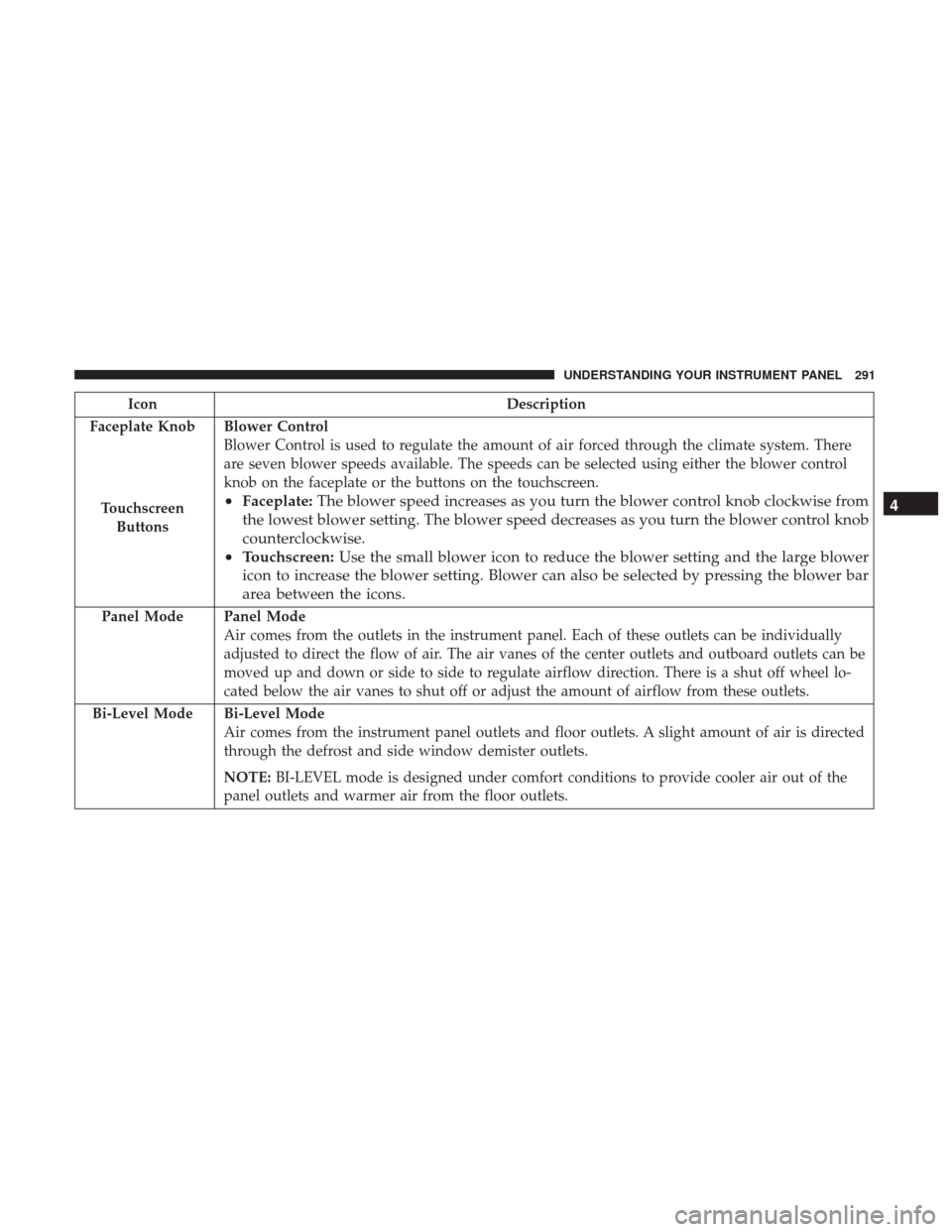
IconDescription
Faceplate Knob
Touchscreen Buttons
Blower Control
Blower Control is used to regulate the amount of air forced through the climate system. There
are seven blower speeds available. The speeds can be selected using either the blower control
knob on the faceplate or the buttons on the touchscreen.
• Faceplate: The blower speed increases as you turn the blower control knob clockwise from
the lowest blower setting. The blower speed decreases as you turn the blower control knob
counterclockwise.
• Touchscreen: Use the small blower icon to reduce the blower setting and the large blower
icon to increase the blower setting. Blower can also be selected by pressing the blower bar
area between the icons.
Panel ModePanel Mode
Air comes from the outlets in the instrument panel. Each of these outlets can be individually
adjusted to direct the flow of air. The air vanes of the center outlets and outboard outlets can be
moved up and down or side to side to regulate airflow direction. There is a shut off wheel lo-
cated below the air vanes to shut off or adjust the amount of airflow from these outlets.
Bi-Level Mode
Bi-Level Mode
Air comes from the instrument panel outlets and floor outlets. A slight amount of air is directed
through the defrost and side window demister outlets.
NOTE: BI-LEVEL mode is designed under comfort conditions to provide cooler air out of the
panel outlets and warmer air from the floor outlets.
4
UNDERSTANDING YOUR INSTRUMENT PANEL 291
Page 313 of 542
NOTE:Your vehicle may be transmitting data as autho-
rized by the subscriber.
An included trial and/or subscription is required to take
advantage of the Uconnect Access services in the next
section of this guide. To register with Uconnect Access,
press the Apps button on the 8.4-inch touchscreen to get
started. Detailed registration instructions can be found on
the next page.
NOTE: Uconnect Access is available only on equipped
vehicles purchased within the continental United States,
Alaska and Hawaii. Services can only be used where
coverage is available; see coverage map for details.
9-1-1 Call
Security Alarm Notification
Remote Door Lock/Unlock
Stolen Vehicle Assistance
Remote Vehicle Start**
Remote Horn and Lights
Vehicle Finder
Send ‘N Go
Yelp Search
Voice Texting
Roadside Assistance Call
3G Wi-Fi Hotspot***
**If vehicle is equipped.
***Extra charges apply.
Vehicle Health Alert
Your vehicle will send you an email alert if it senses a
problem under the hood with one of your vehicles key
systems. For further information go to the Mopar Owner
Connect website moparownerconnect.com.
4
UNDERSTANDING YOUR INSTRUMENT PANEL 311
Page 314 of 542
Register (8.4/8.4 NAV)
To unlock the full potential of Uconnect Access in your
vehicle, you first need to register with Uconnect Access.
1. Push the ASSIST button on your rearview mirror.
2. Press the “Uconnect Care” button on the touchscreen.
3. A helpful Uconnect Care Agent will register your ve-hicle and handle all of the details. Signing up is easy!
Simply follow the steps above. Or,
press the “Apps” button on the touchscreen to
“Register By Web” to complete the process using your
smartphone or computer.
For further information please visit DriveUconnect.com.
Mobile App (8.4/8.4 NAV)
You’re only a few steps away from using remote com-
mands and sending a destination from your phone to your
vehicle.
Assist Button
Mobile App
312 UNDERSTANDING YOUR INSTRUMENT PANEL
Page 315 of 542
To use the Uconnect Access Mobile App:
•Once you have registered your Uconnect Access ser-
vices, download the Uconnect Access app to your mo-
bile device. Use your Owner Account login and pass-
word to open the app.
• Once on the “Remote” screen, you can begin using
Remote Door Lock/Unlock, Remote Vehicle Start, and
activate your horn and lights remotely, if equipped.
• Press the “Location” button on the bottom menu bar of
the app to bring up a map to locate your vehicle or send
a location to your Uconnect Navigation using Vehicle
Finder and Send ‘n Go , if equipped.
• Press the “Settings” side menu in the upper left corner of
the app to bring up app settingsVoice Texting (8.4/8.4 NAV)
1. To send a message, push the Phone button. After the
beep, say the following command: “Send messageto
John Smith.”
2. Listen to the prompt. After the beep, dictate the message you would like to send. Wait for Uconnect to process
your message.
3. The Uconnect system will repeat your message and provide a variety of options to add to, delete, send or
hear the message again. After the beep, tell Uconnect
what you’d like to do. For instance, if you’re happy with
your message, after the beep, say: “Send.”
You must be registered with Uconnect Access and have a
compatible MAP – enabled smartphone to use your voice
to send a personalized text message. For details about
MAP, visit UconnectPhone.com.4
UNDERSTANDING YOUR INSTRUMENT PANEL 313
Page 323 of 542

STARTING AND OPERATING
CONTENTS
�STARTING PROCEDURES .................325
▫ Normal Starting ....................... .325
▫ Automatic Transmission ..................325
▫ Keyless Enter-N-Go — Ignition .............326
▫ Normal Starting ....................... .326
▫ Extreme Cold Weather (Below –20°F or 29°C) . .327
▫ If Engine Fails To Start ..................327
▫ After Starting ......................... .328
� ENGINE BLOCK HEATER — IF EQUIPPED .....329
� AUTOMATIC TRANSMISSION ..............329
▫ Key Ignition Park Interlock ................330
▫ Brake/Transmission Shift Interlock System . . . .331
▫ Six–Speed Automatic Transmission — If
Equipped ........................... .331�
POWER TAKE OFF OPERATION — IF EQUIPPED
(CHASSIS CAB ONLY) ....................340
▫ Stationary Mode ...................... .340
▫ Mobile Mode ......................... .341
� FOUR-WHEEL DRIVE OPERATION — IF
EQUIPPED ........................... .342
▫ Manually Shifted Transfer Case — If Equipped . .342
▫ Electronically Shifted Transfer Case
(Four-Position Switch) — If Equipped ........346
� LIMITED-SLIP DIFFERENTIAL ..............350
� DRIVING ON SLIPPERY SURFACES ..........351
▫ Acceleration .......................... .351
▫ Traction ............................. .351
� DRIVING THROUGH WATER ..............352
▫ Flowing/Rising Water ...................352
5

