Page 1 of 671
CLICK HERE to view the
2017 Nissan Titan Diesel Owner's
Manual and Maintenance Information Supplement
Page 2 of 671
Welcome to the growing family of new NISSAN
owners. This vehicle is delivered to you with
confidence. It was produced using the latest
techniques and strict quality control.
This manual was prepared to help you under-
stand the operation and maintenance of your
vehicle so that you may enjoy many miles (kilome-
ters) of driving pleasure. Please read through this
manual before operating your vehicle.
A separate Warranty Information Booklet
explains details about the warranties cov-
ering your vehicle. The “Maintenance and
schedules” section of this manual explains
details about maintaining and servicing
your vehicle. Additionally, a separate Cus-
tomer Care/Lemon Law Booklet (U.S. only)
will explain how to resolve any concerns
you may have with your vehicle, and clarify
your rights under your state’s lemon law.
A NISSAN dealership knows your vehicle best.
When you require any service or have any ques-
tions, they will be glad to assist you with the
extensive resources available to them.In addition to factory-installed options, your ve-
hicle may also be equipped with additional ac-
cessories installed prior to delivery. It is recom-
mended that you visit a NISSAN dealer for details
concerning the particular accessories with which
you vehicle is equipped. It is important that you
familiarize yourself with all disclosures, warnings,
cautions and instructions concerning proper use
of such accessories prior to operating the vehicle
and/or accessory. It is recommended that you
visit a NISSAN dealer for details concerning the
particular accessories with which your vehicle is
equipped.
Before driving your vehicle, please read this
Owner’s Manual carefully. This will ensure famil-
iarity with controls and maintenance require-
ments assisting you in the safe operation of your
vehicle.
Page 119 of 671
To return to the main menu selections, scroll to
“EXIT” and press ENTER.
Engine oil
The engine oil menu item allows the user to set a
maintenance reminder at a specific interval. To
set the reminder, press the ENTER button when
“ENGINE OIL” is shown. Using the
Page 133 of 671
Malfunction Indicator Light(MIL) (yellow) (For Gas
engines only)
If this indicator light comes on steady or blinks
while the engine is running, it may indicate a
potential emission control malfunction.
If this indicator light comes on steady for 20 sec-
onds and then blinks for 10 seconds when the
engine is not running, it indicates that the vehicle
is not ready for an emission control system
inspection/maintenance test. For additional infor-
mation, refer to “Readiness for
inspection/maintenance (I/M) test” in the “Tech-
nical and consumer information” section of this
manual. Operation
The MIL will come on in one of two ways:
● MIL on steady — An emission control system
malfunction has been detected. Check the
fuel-filler cap. If the LOOSE FUEL CAP
warning message (if so equipped) is dis-
played in the odometer, and the fuel-filler
cap is loose or missing, tighten or install the
cap and continue to drive the vehicle.
The
Page 141 of 671
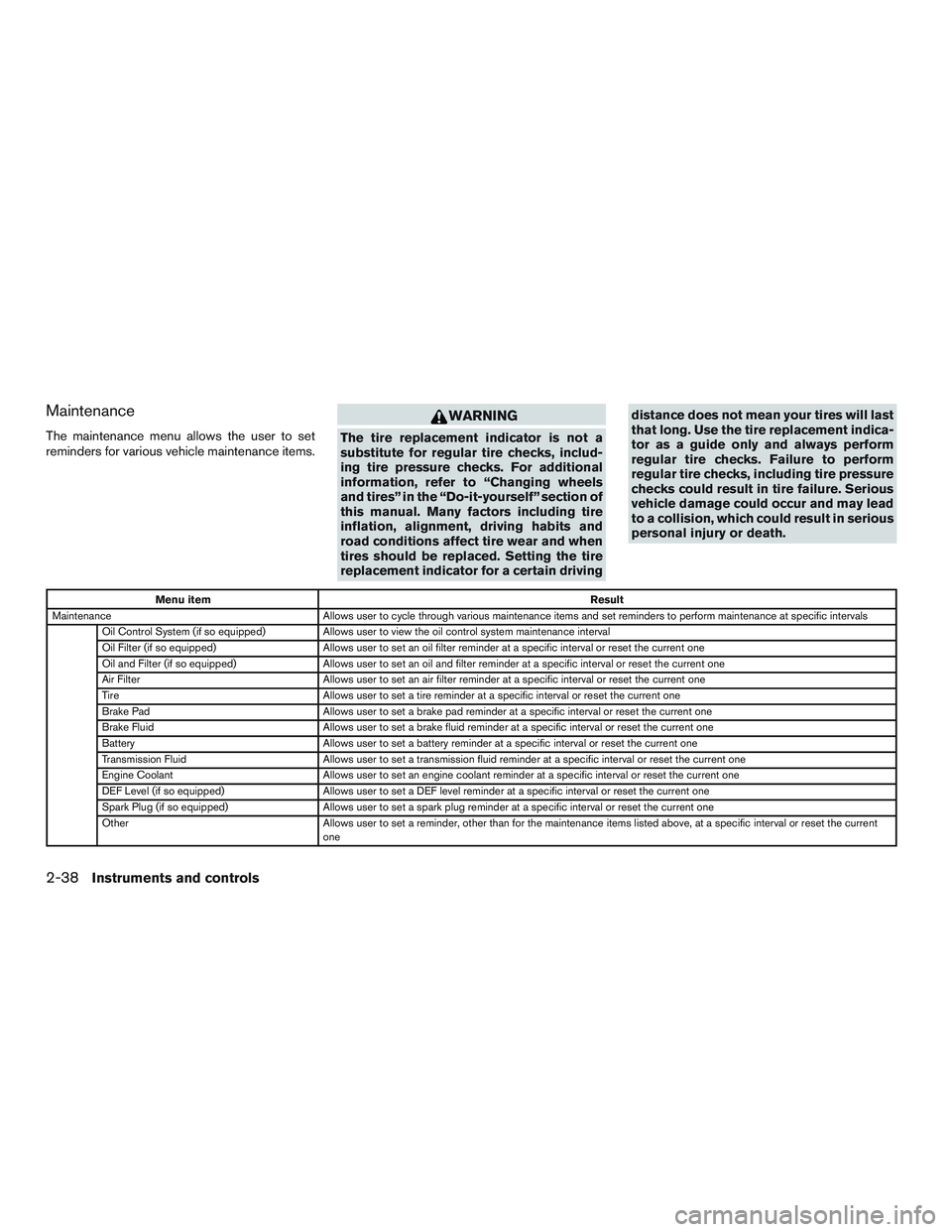
Maintenance
The maintenance menu allows the user to set
reminders for various vehicle maintenance items.
Page 252 of 671
The following are operating limitations and do not
represent a system malfunction:● When the temperature is extremely high or
low, the screen may not clearly display ob-
jects.
● When strong light directly shines on the
camera, objects may not be displayed
clearly.
● Vertical lines may be seen in objects on the
screen. This is due to strong reflected light
from the bumper.
● The screen may flicker under fluorescent
light.
● The colors of objects on the RearView Moni-
tor may differ somewhat from the actual
color of objects.
● Objects on the monitor may not be clear in a
dark environment.
● There may be a delay when switching be-
tween views.
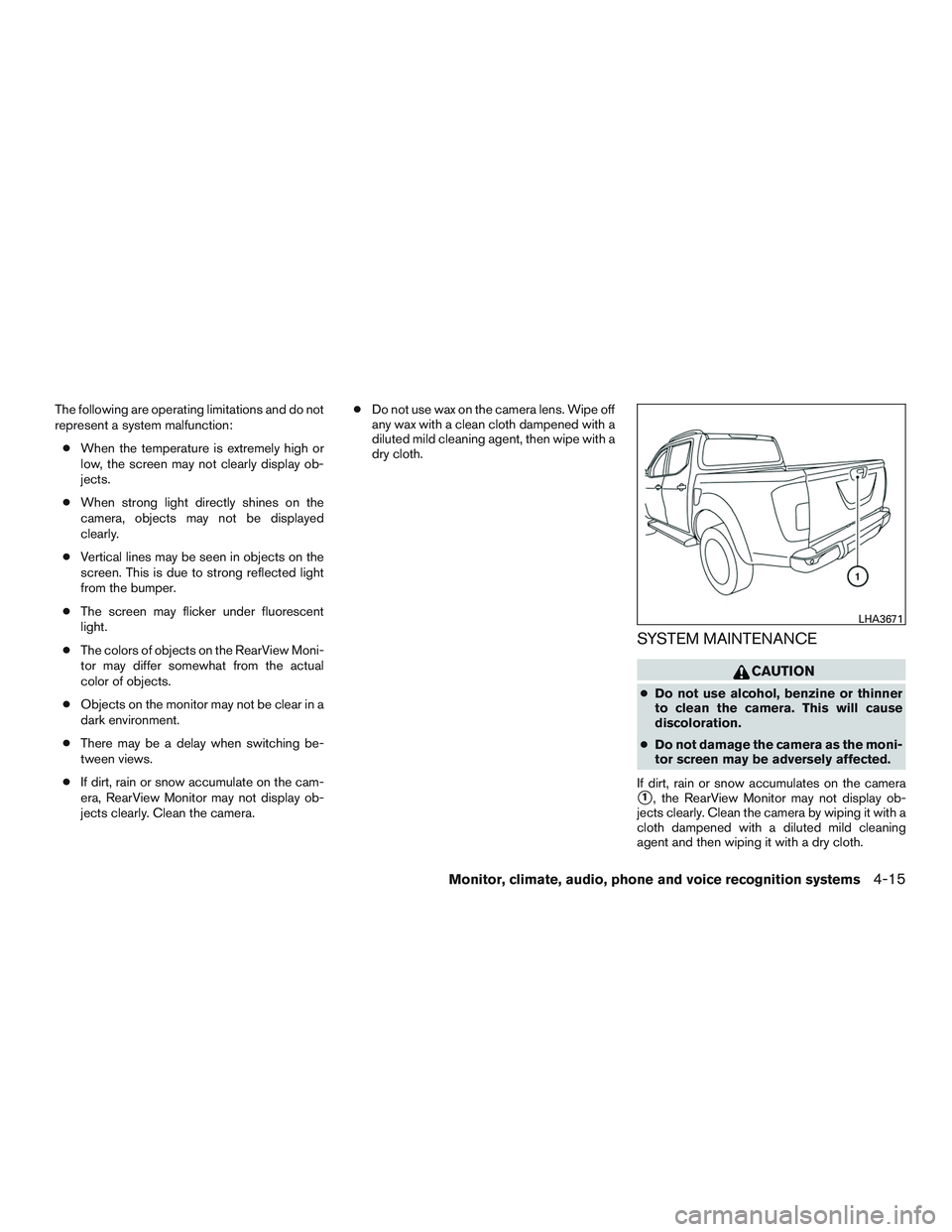
● If dirt, rain or snow accumulate on the cam-
era, RearView Monitor may not display ob-
jects clearly. Clean the camera. ●
Do not use wax on the camera lens. Wipe off
any wax with a clean cloth dampened with a
diluted mild cleaning agent, then wipe with a
dry cloth.
SYSTEM MAINTENANCE
Page 264 of 671
Page 269 of 671