Page 107 of 671
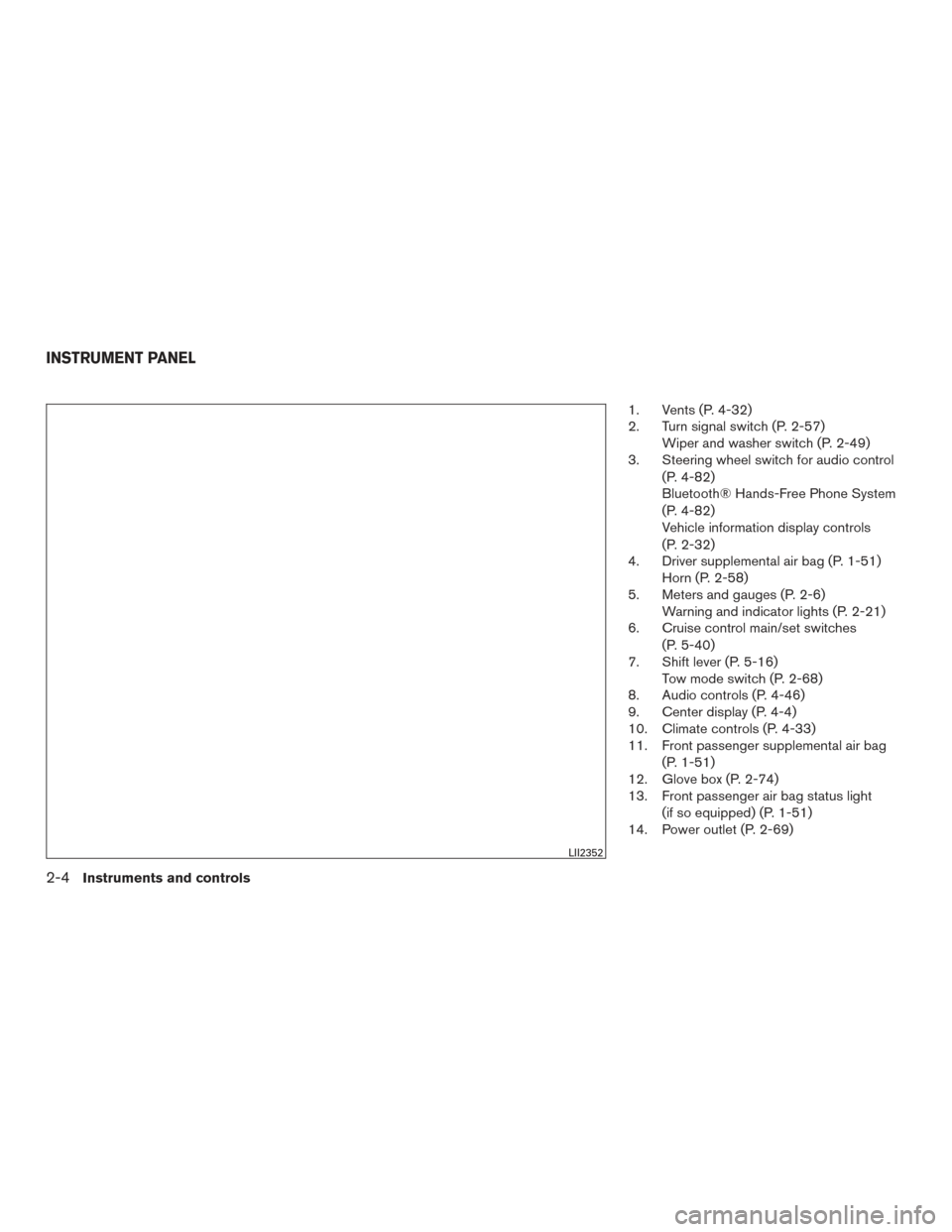
1. Vents (P. 4-32)
2. Turn signal switch (P. 2-57)Wiper and washer switch (P. 2-49)
3. Steering wheel switch for audio control
(P. 4-82)
Bluetooth® Hands-Free Phone System
(P. 4-82)
Vehicle information display controls
(P. 2-32)
4. Driver supplemental air bag (P. 1-51) Horn (P. 2-58)
5. Meters and gauges (P. 2-6) Warning and indicator lights (P. 2-21)
6. Cruise control main/set switches
(P. 5-40)
7. Shift lever (P. 5-16) Tow mode switch (P. 2-68)
8. Audio controls (P. 4-46)
9. Center display (P. 4-4)
10. Climate controls (P. 4-33)
11. Front passenger supplemental air bag
(P. 1-51)
12. Glove box (P. 2-74)
13. Front passenger air bag status light
(if so equipped) (P. 1-51)
14. Power outlet (P. 2-69)
LII2352
INSTRUMENT PANEL
2-4Instruments and controls
Page 108 of 671
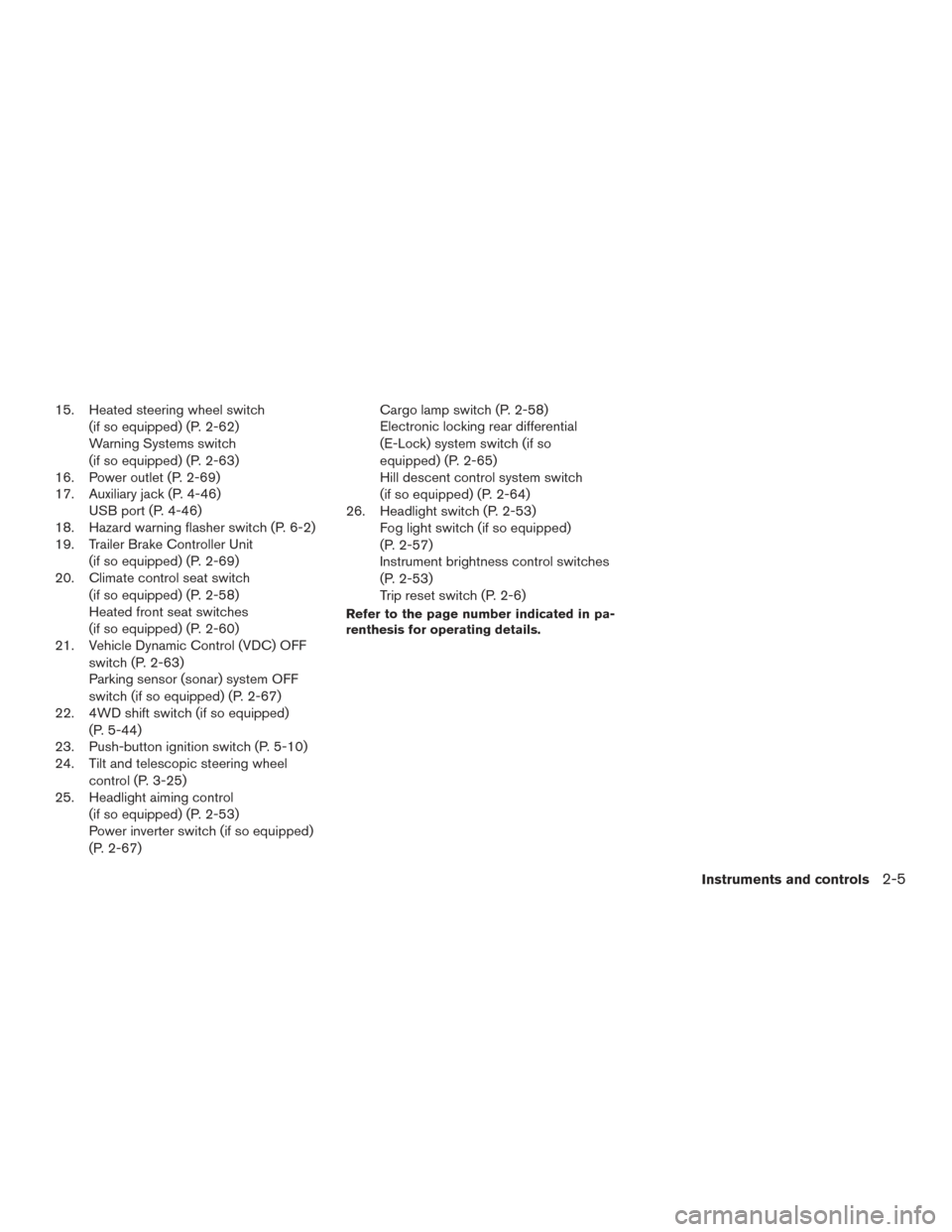
15. Heated steering wheel switch(if so equipped) (P. 2-62)
Warning Systems switch
(if so equipped) (P. 2-63)
16. Power outlet (P. 2-69)
17. Auxiliary jack (P. 4-46) USB port (P. 4-46)
18. Hazard warning flasher switch (P. 6-2)
19. Trailer Brake Controller Unit
(if so equipped) (P. 2-69)
20. Climate control seat switch
(if so equipped) (P. 2-58)
Heated front seat switches
(if so equipped) (P. 2-60)
21. Vehicle Dynamic Control (VDC) OFF
switch (P. 2-63)
Parking sensor (sonar) system OFF
switch (if so equipped) (P. 2-67)
22. 4WD shift switch (if so equipped)
(P. 5-44)
23. Push-button ignition switch (P. 5-10)
24. Tilt and telescopic steering wheel
control (P. 3-25)
25. Headlight aiming control
(if so equipped) (P. 2-53)
Power inverter switch (if so equipped)
(P. 2-67) Cargo lamp switch (P. 2-58)
Electronic locking rear differential
(E-Lock) system switch (if so
equipped) (P. 2-65)
Hill descent control system switch
(if so equipped) (P. 2-64)
26. Headlight switch (P. 2-53) Fog light switch (if so equipped)
(P. 2-57)
Instrument brightness control switches
(P. 2-53)
Trip reset switch (P. 2-6)
Refer to the page number indicated in pa-
renthesis for operating details.
Instruments and controls2-5
Page 109 of 671
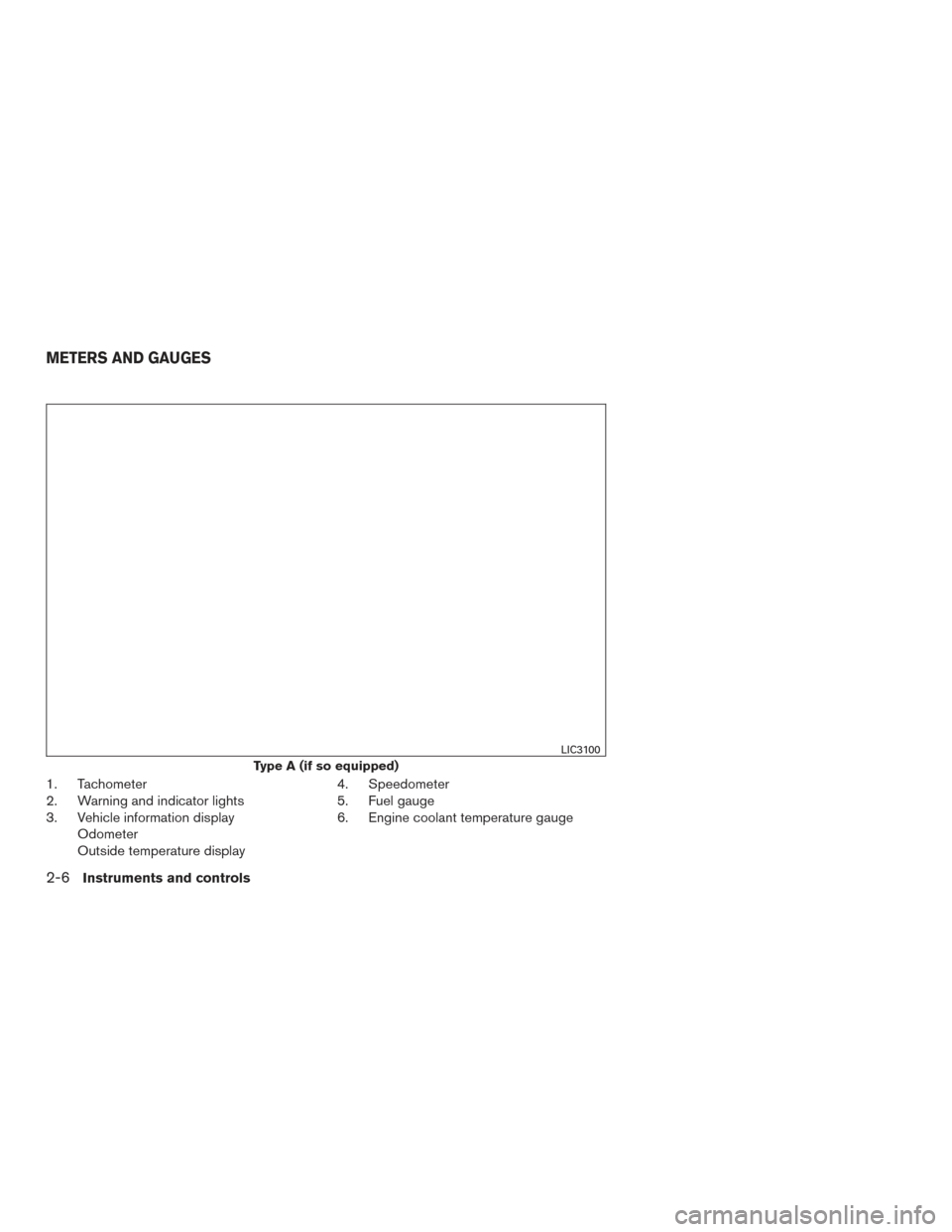
1. Tachometer
2. Warning and indicator lights
3. Vehicle information displayOdometer
Outside temperature display 4. Speedometer
5. Fuel gauge
6. Engine coolant temperature gauge
Type A (if so equipped)
LIC3100
METERS AND GAUGES
2-6Instruments and controls
Page 110 of 671
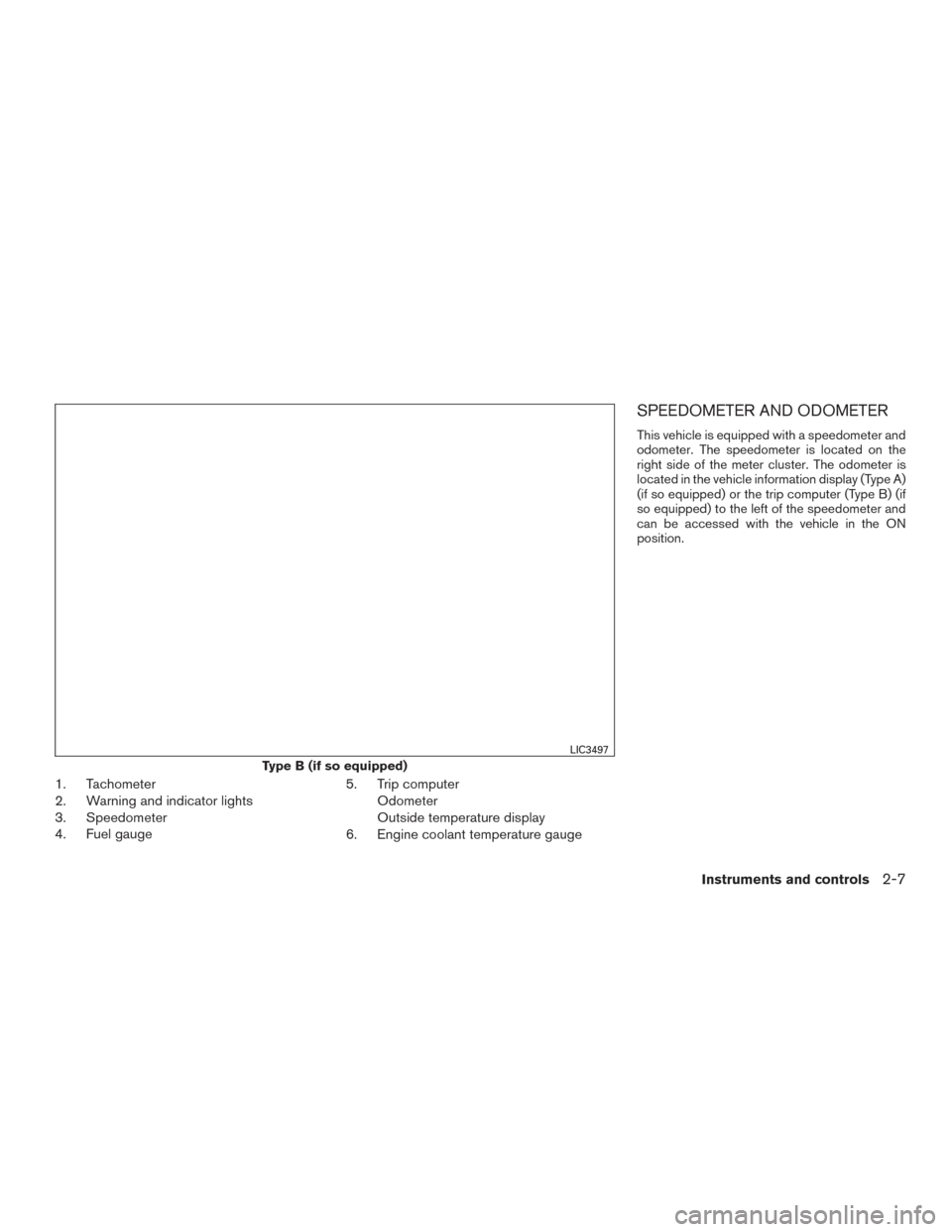
1. Tachometer
2. Warning and indicator lights
3. Speedometer
4. Fuel gauge5. Trip computer
Odometer
Outside temperature display
6. Engine coolant temperature gauge
SPEEDOMETER AND ODOMETER
This vehicle is equipped with a speedometer and
odometer. The speedometer is located on the
right side of the meter cluster. The odometer is
located in the vehicle information display (Type A)
(if so equipped) or the trip computer (Type B) (if
so equipped) to the left of the speedometer and
can be accessed with the vehicle in the ON
position.
Type B (if so equipped)
LIC3497
Instruments and controls2-7
Page 113 of 671
CAUTION
If the gauge indicates coolant tempera-
ture near the hot (H) end of the normal
range, reduce vehicle speed to decrease
temperature. If the gauge is over the nor-
mal range, stop the vehicle as soon as
safely possible. If the engine is over-
heated, continued operation of the vehicle
may seriously damage the engine. For ad-
ditional information, refer to “If your ve-
hicle overheats” in the “In case of emer-
gency” section of this manual for
immediate action required.
FUEL GAUGE
The gauge indicates theapproximatefuel level
in the tank.
The gauge may move slightly during braking,
turning, acceleration, or going up or down hills.
The gauge needle returns to 0 (Empty) after the
ignition switch is placed in the OFF position.
The low fuel warning light comes on when the
amount of fuel in the tank is getting low.
Refill the fuel tank before the gauge regis-
ters 0 (Empty) . The
indicates that the fuel-filler door is
located on the driver’s side of the vehicle.
CAUTION
● If the vehicle runs out of fuel, theMalfunction Indicator Light (MIL) may
come on. Refuel as soon as possible.
After a few driving trips. the
light
should turn off. If the light remains on
after a few driving trips, have the vehicle
inspected. It is recommended that you
visit a NISSAN dealer for this service.
● For additional information, refer to
“Malfunction Indicator Light (MIL)” in
this section.
LIC2222
2-10Instruments and controls
Page 119 of 671
To return to the main menu selections, scroll to
“EXIT” and press ENTER.
Engine oil
The engine oil menu item allows the user to set a
maintenance reminder at a specific interval. To
set the reminder, press the ENTER button when
“ENGINE OIL” is shown. Using the
but-
tons, set the desired interval to receive a mainte-
nance reminder.
To reset the mileage, press and hold the ENTER
button for approximately 1 second.
To return to the main menu selections, scroll to
“EXIT” and press ENTER.
For additional information, refer to “Maintenance
schedules” in the “Maintenance and schedules”
section of this manual.
Oil filter
The oil filter menu item allows the user to set a
maintenance reminder at a specific interval. To
set the reminder, press the ENTER button when
“OIL FILTER” is shown. Using the
but-
tons, set the desired interval to receive a mainte-
nance reminder.
To reset the mileage, press and hold the ENTER
button for approximately 1 second.
To return to the main menu selections, scroll to
“EXIT” and press ENTER. For additional information, refer to “Maintenance
schedules” in the “Maintenance and schedules”
section of this manual.
Rotation
The rotation menu item allows the user to set a
maintenance reminder at a specific interval. To
set the reminder, press the ENTER button when
“ROTATION” is shown. Using the
but-
tons, set the desired interval to receive a mainte-
nance reminder.
To reset the mileage, press and hold the ENTER
button for approximately 1 second.
To return to the main menu selections, scroll to
“EXIT” and press ENTER.
For additional information, refer to “Maintenance
schedules” in the “Maintenance and schedules”
section of this manual.
WARNING
The tire replacement indicator is not a
substitute for regular tire checks, includ-
ing tire pressure checks. For additional
information, refer to “Changing wheels
and tires” in the “Do-it-yourself” section of
this manual. Many factors including tire
inflation, alignment, driving habits and
road conditions affect tire wear and when
tires should be replaced. Setting the tire
replacement indicator for a certain driving
distance does not mean your tires will last
that long. Use the tire replacement indica-
tor as a guide only and always perform
regular tire checks. Failure to perform
regular tire checks, including tire pressure
checks could result in tire failure. Serious
vehicle damage could occur and may lead
to a collision, which could result in serious
personal injury or death.
Other
The other menu item allows the user to set a
maintenance reminder at a specific interval to
check various other maintenance items (ie. air
filter, brakes, coolant) . To set the reminder, press
the ENTER button when “OTHER” is shown.
Using the
buttons, set the desired inter-
val to receive a maintenance reminder.
2-16Instruments and controls
Page 120 of 671
To reset the mileage, press and hold the ENTER
button for approximately 1 second.
To return to the main menu selections, scroll to
“EXIT” and press ENTER.
For additional information, refer to “Maintenance
schedules” in the “Maintenance and schedules”
section of this manual.
Units
The units menu item allows the user to change
the trip computer units to US or METRIC. To
select the units, press the ENTER button when
desired unit is shown.
To return to the main menu selections, scroll to
“EXIT” and press ENTER.
4WD error
The “4WD ERROR” message appears in the
center of the trip computer when there is a mal-
function with the 4–wheel drive system. For ad-
ditional information, refer to “4–Wheel Drive
(4WD) warning light” in this section.
4WD tires
The “4WD TIRES” message appears in the cen-
ter of the trip computer when there is a large
difference in wheel rotation. If this messages
appears, switch the vehicle into 2WD mode. For
additional information, refer to “Using 4–Wheel
Drive (4WD)” in the “Starting and driving” section
of this manual.
LIC3544LIC3545
Instruments and controls2-17
Page 124 of 671
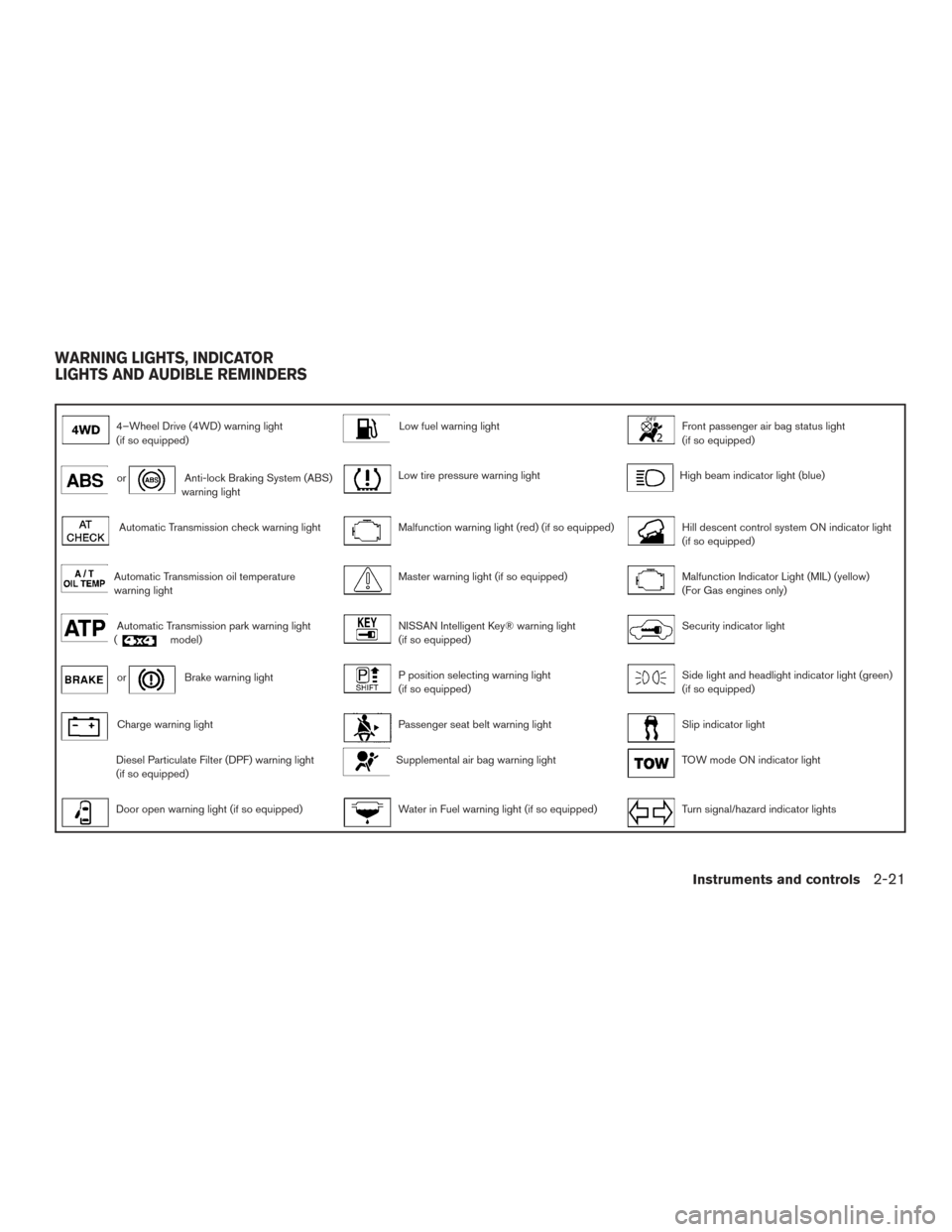
4–Wheel Drive (4WD) warning light
(if so equipped)Low fuel warning lightFront passenger air bag status light
(if so equipped)
orAnti-lock Braking System (ABS)
warning lightLow tire pressure warning lightHigh beam indicator light (blue)
Automatic Transmission check warning lightMalfunction warning light (red) (if so equipped)Hill descent control system ON indicator light
(if so equipped)
Automatic Transmission oil temperature
warning lightMaster warning light (if so equipped)Malfunction Indicator Light (MIL) (yellow)
(For Gas engines only)
Automatic Transmission park warning light
(model)NISSAN Intelligent Key® warning light
(if so equipped)Security indicator light
orBrake warning lightP position selecting warning light
(if so equipped)Side light and headlight indicator light (green)
(if so equipped)
Charge warning lightPassenger seat belt warning lightSlip indicator light
Diesel Particulate Filter (DPF) warning light
(if so equipped)Supplemental air bag warning lightTOW mode ON indicator light
Door open warning light (if so equipped)Water in Fuel warning light (if so equipped)Turn signal/hazard indicator lights
WARNING LIGHTS, INDICATOR
LIGHTS AND AUDIBLE REMINDERS
Instruments and controls2-21