2017 NISSAN TITAN warning lights
[x] Cancel search: warning lightsPage 109 of 671
1. Tachometer
2. Warning and indicator lights
3. Vehicle information displayOdometer
Outside temperature display 4. Speedometer
5. Fuel gauge
6. Engine coolant temperature gauge
Type A (if so equipped)
LIC3100
METERS AND GAUGES
2-6Instruments and controls
Page 110 of 671
1. Tachometer
2. Warning and indicator lights
3. Speedometer
4. Fuel gauge5. Trip computer
Odometer
Outside temperature display
6. Engine coolant temperature gauge
SPEEDOMETER AND ODOMETER
This vehicle is equipped with a speedometer and
odometer. The speedometer is located on the
right side of the meter cluster. The odometer is
located in the vehicle information display (Type A)
(if so equipped) or the trip computer (Type B) (if
so equipped) to the left of the speedometer and
can be accessed with the vehicle in the ON
position.
Type B (if so equipped)
LIC3497
Instruments and controls2-7
Page 124 of 671
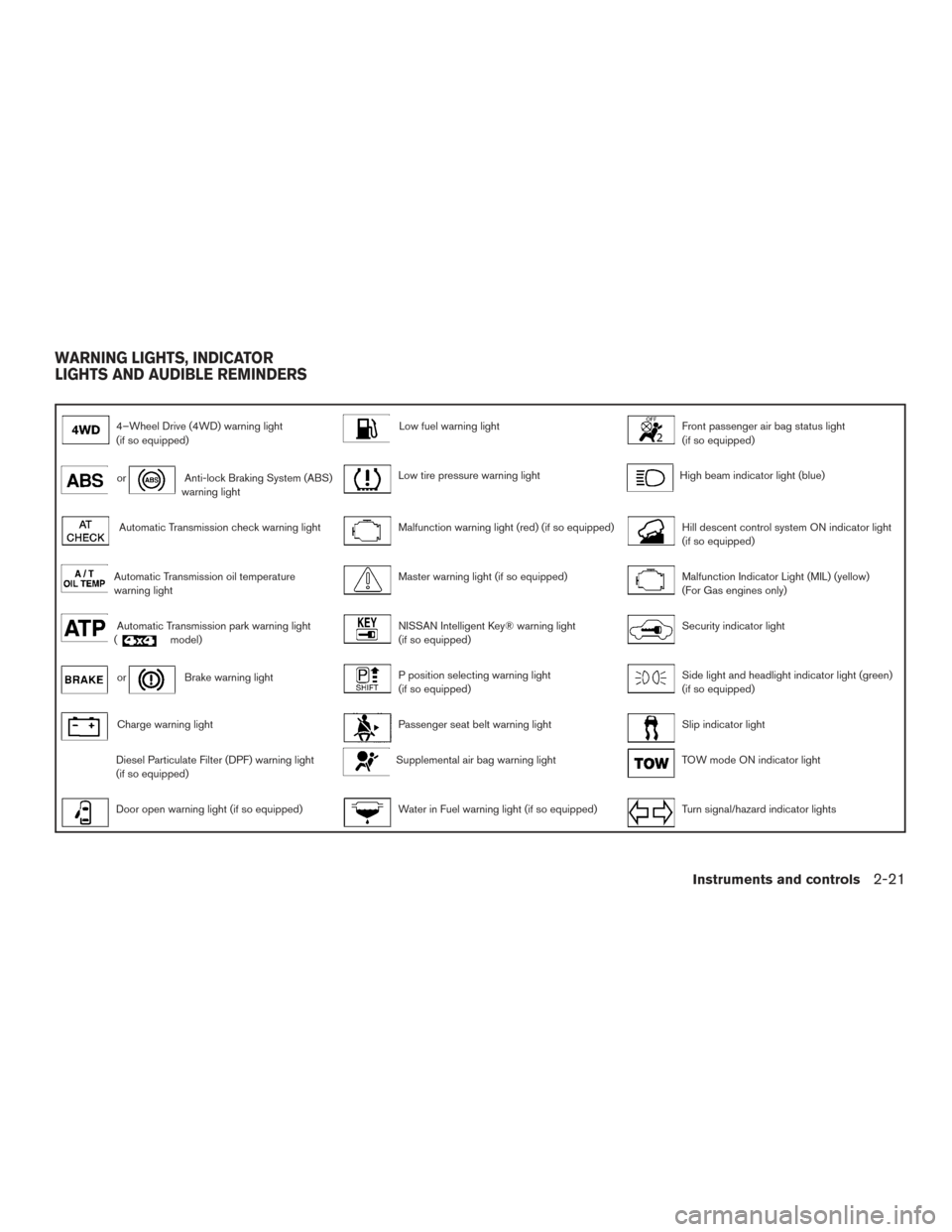
4–Wheel Drive (4WD) warning light
(if so equipped)Low fuel warning lightFront passenger air bag status light
(if so equipped)
orAnti-lock Braking System (ABS)
warning lightLow tire pressure warning lightHigh beam indicator light (blue)
Automatic Transmission check warning lightMalfunction warning light (red) (if so equipped)Hill descent control system ON indicator light
(if so equipped)
Automatic Transmission oil temperature
warning lightMaster warning light (if so equipped)Malfunction Indicator Light (MIL) (yellow)
(For Gas engines only)
Automatic Transmission park warning light
(model)NISSAN Intelligent Key® warning light
(if so equipped)Security indicator light
orBrake warning lightP position selecting warning light
(if so equipped)Side light and headlight indicator light (green)
(if so equipped)
Charge warning lightPassenger seat belt warning lightSlip indicator light
Diesel Particulate Filter (DPF) warning light
(if so equipped)Supplemental air bag warning lightTOW mode ON indicator light
Door open warning light (if so equipped)Water in Fuel warning light (if so equipped)Turn signal/hazard indicator lights
WARNING LIGHTS, INDICATOR
LIGHTS AND AUDIBLE REMINDERS
Instruments and controls2-21
Page 125 of 671
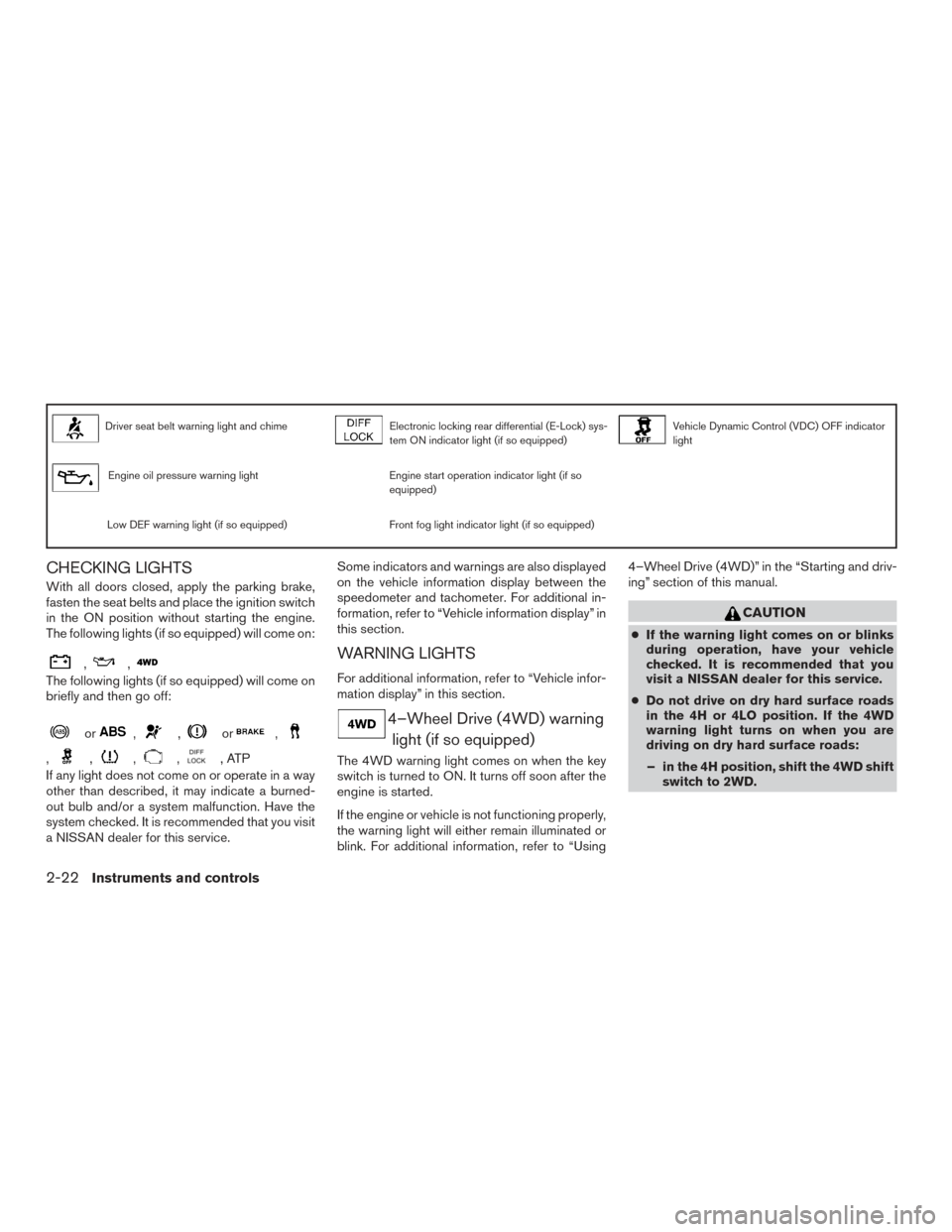
Driver seat belt warning light and chimeElectronic locking rear differential (E-Lock) sys-
tem ON indicator light (if so equipped)Vehicle Dynamic Control (VDC) OFF indicator
light
Engine oil pressure warning lightEngine start operation indicator light (if so
equipped)
Low DEF warning light (if so equipped)Front fog light indicator light (if so equipped)
CHECKING LIGHTS
With all doors closed, apply the parking brake,
fasten the seat belts and place the ignition switch
in the ON position without starting the engine.
The following lights (if so equipped) will come on:
,,
The following lights (if so equipped) will come on
briefly and then go off:
or,,or,
,,,,,ATP
If any light does not come on or operate in a way
other than described, it may indicate a burned-
out bulb and/or a system malfunction. Have the
system checked. It is recommended that you visit
a NISSAN dealer for this service. Some indicators and warnings are also displayed
on the vehicle information display between the
speedometer and tachometer. For additional in-
formation, refer to “Vehicle information display” in
this section.
WARNING LIGHTS
For additional information, refer to “Vehicle infor-
mation display” in this section.
4–Wheel Drive (4WD) warning
light (if so equipped)
The 4WD warning light comes on when the key
switch is turned to ON. It turns off soon after the
engine is started.
If the engine or vehicle is not functioning properly,
the warning light will either remain illuminated or
blink. For additional information, refer to “Using 4–Wheel Drive (4WD)” in the “Starting and driv-
ing” section of this manual.
CAUTION
●
If the warning light comes on or blinks
during operation, have your vehicle
checked. It is recommended that you
visit a NISSAN dealer for this service.
● Do not drive on dry hard surface roads
in the 4H or 4LO position. If the 4WD
warning light turns on when you are
driving on dry hard surface roads:
– in the 4H position, shift the 4WD shift switch to 2WD.
2-22Instruments and controls
Page 134 of 671
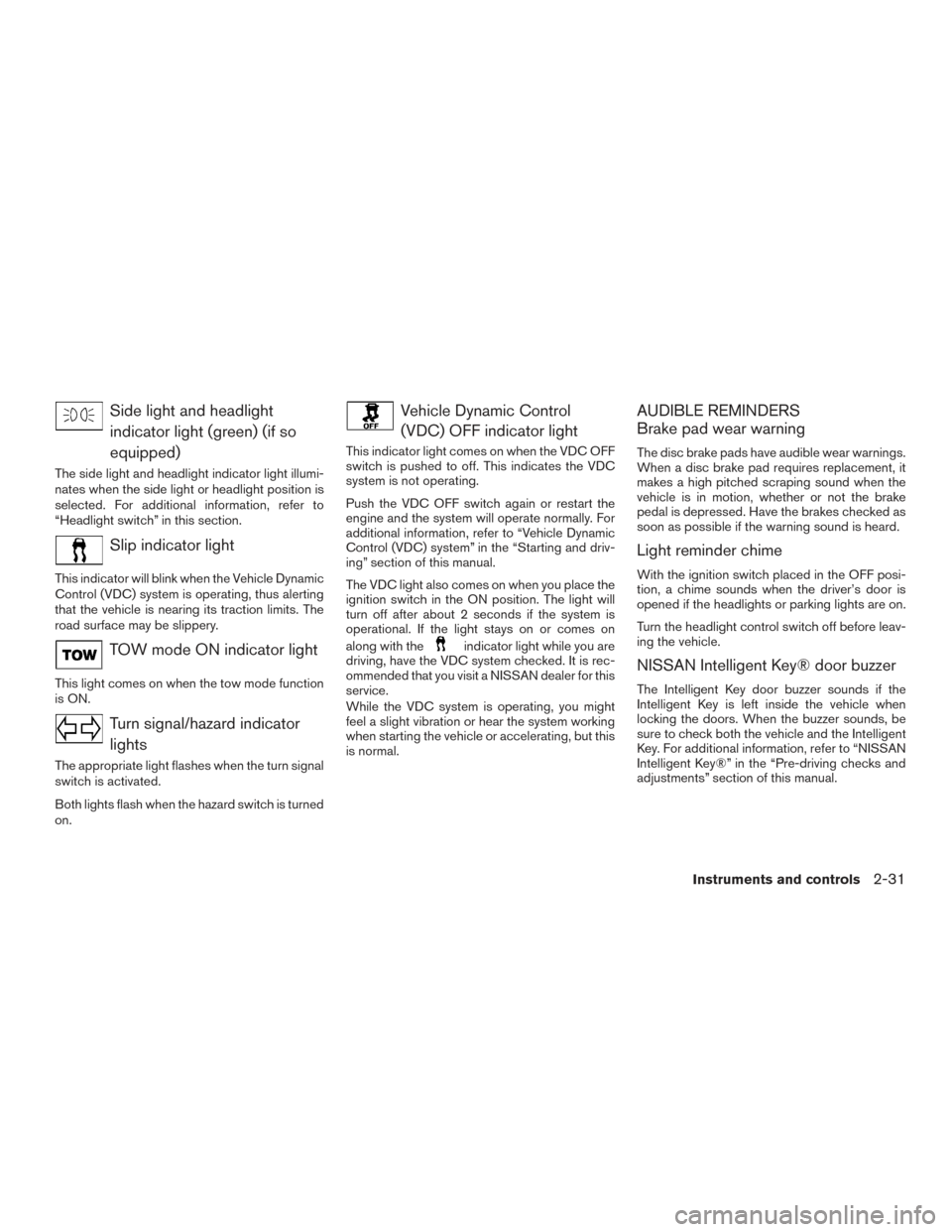
Side light and headlightindicator light (green) (if so
equipped)
The side light and headlight indicator light illumi-
nates when the side light or headlight position is
selected. For additional information, refer to
“Headlight switch” in this section.
Slip indicator light
This indicator will blink when the Vehicle Dynamic
Control (VDC) system is operating, thus alerting
that the vehicle is nearing its traction limits. The
road surface may be slippery.
TOW mode ON indicator light
This light comes on when the tow mode function
is ON.
Turn signal/hazard indicatorlights
The appropriate light flashes when the turn signal
switch is activated.
Both lights flash when the hazard switch is turned
on.
Vehicle Dynamic Control(VDC) OFF indicator light
This indicator light comes on when the VDC OFF
switch is pushed to off. This indicates the VDC
system is not operating.
Push the VDC OFF switch again or restart the
engine and the system will operate normally. For
additional information, refer to “Vehicle Dynamic
Control (VDC) system” in the “Starting and driv-
ing” section of this manual.
The VDC light also comes on when you place the
ignition switch in the ON position. The light will
turn off after about 2 seconds if the system is
operational. If the light stays on or comes on
along with the
indicator light while you are
driving, have the VDC system checked. It is rec-
ommended that you visit a NISSAN dealer for this
service.
While the VDC system is operating, you might
feel a slight vibration or hear the system working
when starting the vehicle or accelerating, but this
is normal.
AUDIBLE REMINDERS
Brake pad wear warning
The disc brake pads have audible wear warnings.
When a disc brake pad requires replacement, it
makes a high pitched scraping sound when the
vehicle is in motion, whether or not the brake
pedal is depressed. Have the brakes checked as
soon as possible if the warning sound is heard.
Light reminder chime
With the ignition switch placed in the OFF posi-
tion, a chime sounds when the driver’s door is
opened if the headlights or parking lights are on.
Turn the headlight control switch off before leav-
ing the vehicle.
NISSAN Intelligent Key® door buzzer
The Intelligent Key door buzzer sounds if the
Intelligent Key is left inside the vehicle when
locking the doors. When the buzzer sounds, be
sure to check both the vehicle and the Intelligent
Key. For additional information, refer to “NISSAN
Intelligent Key®” in the “Pre-driving checks and
adjustments” section of this manual.
Instruments and controls2-31
Page 144 of 671
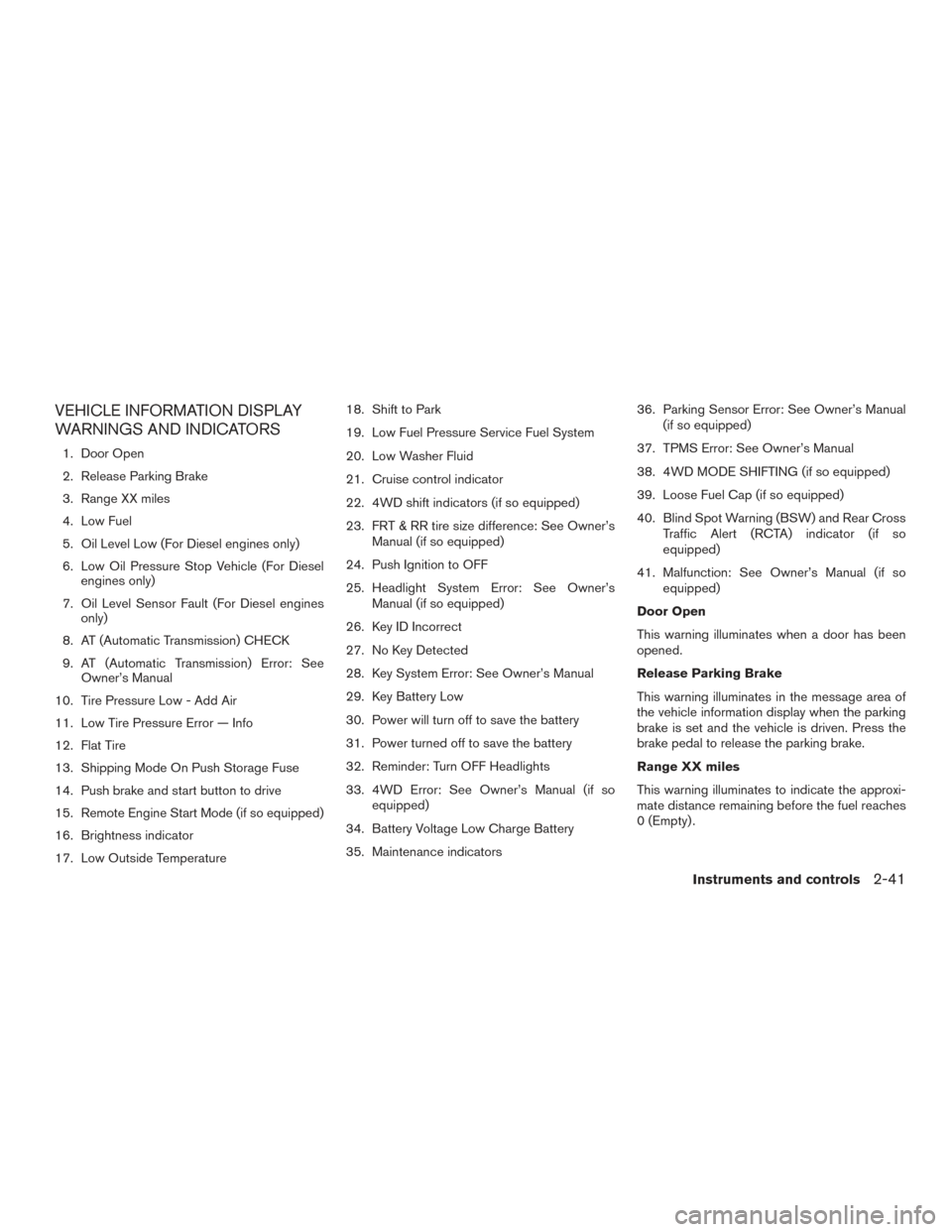
VEHICLE INFORMATION DISPLAY
WARNINGS AND INDICATORS
1. Door Open
2. Release Parking Brake
3. Range XX miles
4. Low Fuel
5. Oil Level Low (For Diesel engines only)
6. Low Oil Pressure Stop Vehicle (For Dieselengines only)
7. Oil Level Sensor Fault (For Diesel engines only)
8. AT (Automatic Transmission) CHECK
9. AT (Automatic Transmission) Error: See Owner’s Manual
10. Tire Pressure Low - Add Air
11. Low Tire Pressure Error — Info
12. Flat Tire
13. Shipping Mode On Push Storage Fuse
14. Push brake and start button to drive
15. Remote Engine Start Mode (if so equipped)
16. Brightness indicator
17. Low Outside Temperature 18. Shift to Park
19. Low Fuel Pressure Service Fuel System
20. Low Washer Fluid
21. Cruise control indicator
22. 4WD shift indicators (if so equipped)
23. FRT & RR tire size difference: See Owner’s
Manual (if so equipped)
24. Push Ignition to OFF
25. Headlight System Error: See Owner’s Manual (if so equipped)
26. Key ID Incorrect
27. No Key Detected
28. Key System Error: See Owner’s Manual
29. Key Battery Low
30. Power will turn off to save the battery
31. Power turned off to save the battery
32. Reminder: Turn OFF Headlights
33. 4WD Error: See Owner’s Manual (if so equipped)
34. Battery Voltage Low Charge Battery
35. Maintenance indicators 36. Parking Sensor Error: See Owner’s Manual
(if so equipped)
37. TPMS Error: See Owner’s Manual
38. 4WD MODE SHIFTING (if so equipped)
39. Loose Fuel Cap (if so equipped)
40. Blind Spot Warning (BSW) and Rear Cross Traffic Alert (RCTA) indicator (if so
equipped)
41. Malfunction: See Owner’s Manual (if so equipped)
Door Open
This warning illuminates when a door has been
opened.
Release Parking Brake
This warning illuminates in the message area of
the vehicle information display when the parking
brake is set and the vehicle is driven. Press the
brake pedal to release the parking brake.
Range XX miles
This warning illuminates to indicate the approxi-
mate distance remaining before the fuel reaches
0 (Empty) .
Instruments and controls2-41
Page 147 of 671
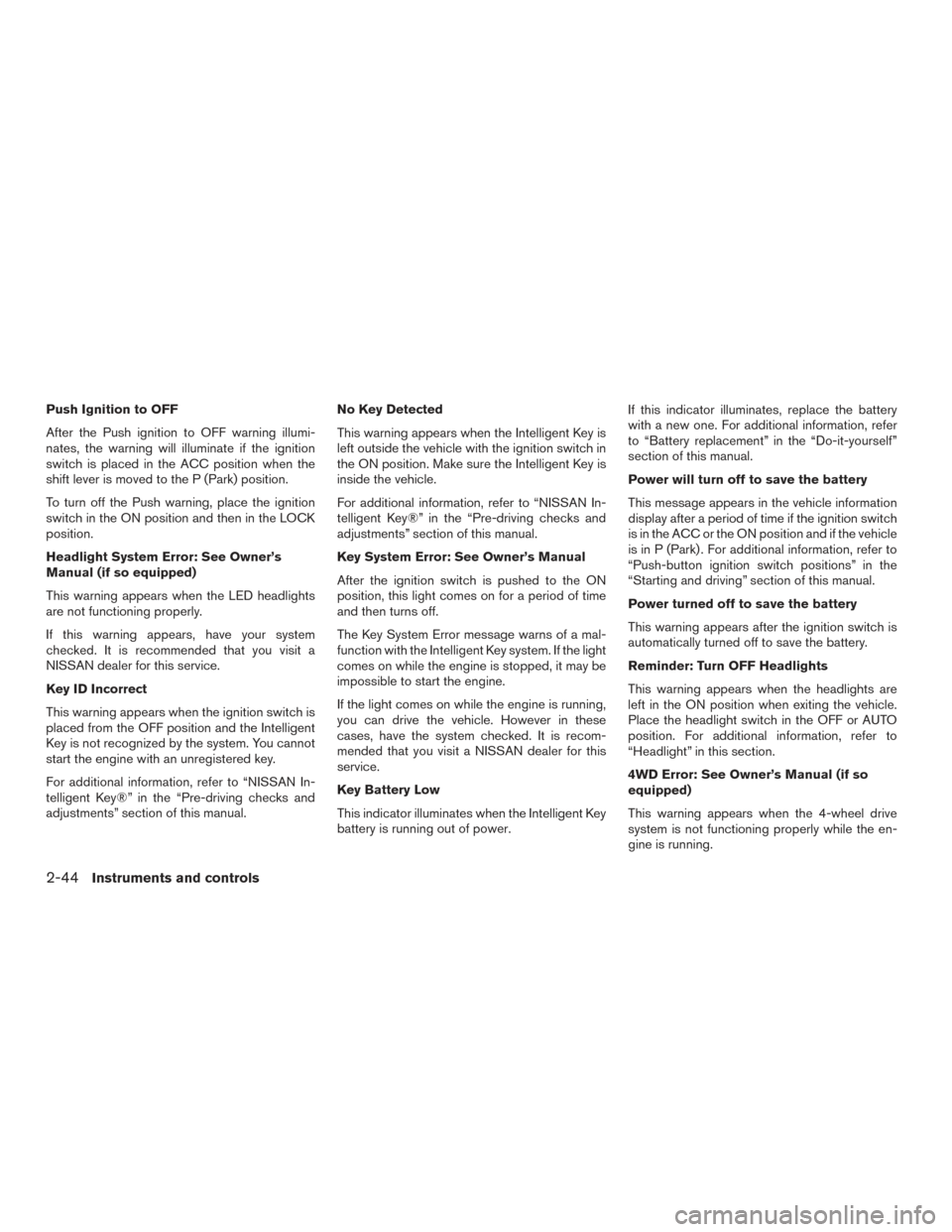
Push Ignition to OFF
After the Push ignition to OFF warning illumi-
nates, the warning will illuminate if the ignition
switch is placed in the ACC position when the
shift lever is moved to the P (Park) position.
To turn off the Push warning, place the ignition
switch in the ON position and then in the LOCK
position.
Headlight System Error: See Owner’s
Manual (if so equipped)
This warning appears when the LED headlights
are not functioning properly.
If this warning appears, have your system
checked. It is recommended that you visit a
NISSAN dealer for this service.
Key ID Incorrect
This warning appears when the ignition switch is
placed from the OFF position and the Intelligent
Key is not recognized by the system. You cannot
start the engine with an unregistered key.
For additional information, refer to “NISSAN In-
telligent Key®” in the “Pre-driving checks and
adjustments” section of this manual.No Key Detected
This warning appears when the Intelligent Key is
left outside the vehicle with the ignition switch in
the ON position. Make sure the Intelligent Key is
inside the vehicle.
For additional information, refer to “NISSAN In-
telligent Key®” in the “Pre-driving checks and
adjustments” section of this manual.
Key System Error: See Owner’s Manual
After the ignition switch is pushed to the ON
position, this light comes on for a period of time
and then turns off.
The Key System Error message warns of a mal-
function with the Intelligent Key system. If the light
comes on while the engine is stopped, it may be
impossible to start the engine.
If the light comes on while the engine is running,
you can drive the vehicle. However in these
cases, have the system checked. It is recom-
mended that you visit a NISSAN dealer for this
service.
Key Battery Low
This indicator illuminates when the Intelligent Key
battery is running out of power.If this indicator illuminates, replace the battery
with a new one. For additional information, refer
to “Battery replacement” in the “Do-it-yourself”
section of this manual.
Power will turn off to save the battery
This message appears in the vehicle information
display after a period of time if the ignition switch
is in the ACC or the ON position and if the vehicle
is in P (Park) . For additional information, refer to
“Push-button ignition switch positions” in the
“Starting and driving” section of this manual.
Power turned off to save the battery
This warning appears after the ignition switch is
automatically turned off to save the battery.
Reminder: Turn OFF Headlights
This warning appears when the headlights are
left in the ON position when exiting the vehicle.
Place the headlight switch in the OFF or AUTO
position. For additional information, refer to
“Headlight” in this section.
4WD Error: See Owner’s Manual (if so
equipped)
This warning appears when the 4-wheel drive
system is not functioning properly while the en-
gine is running.
2-44Instruments and controls
Page 159 of 671
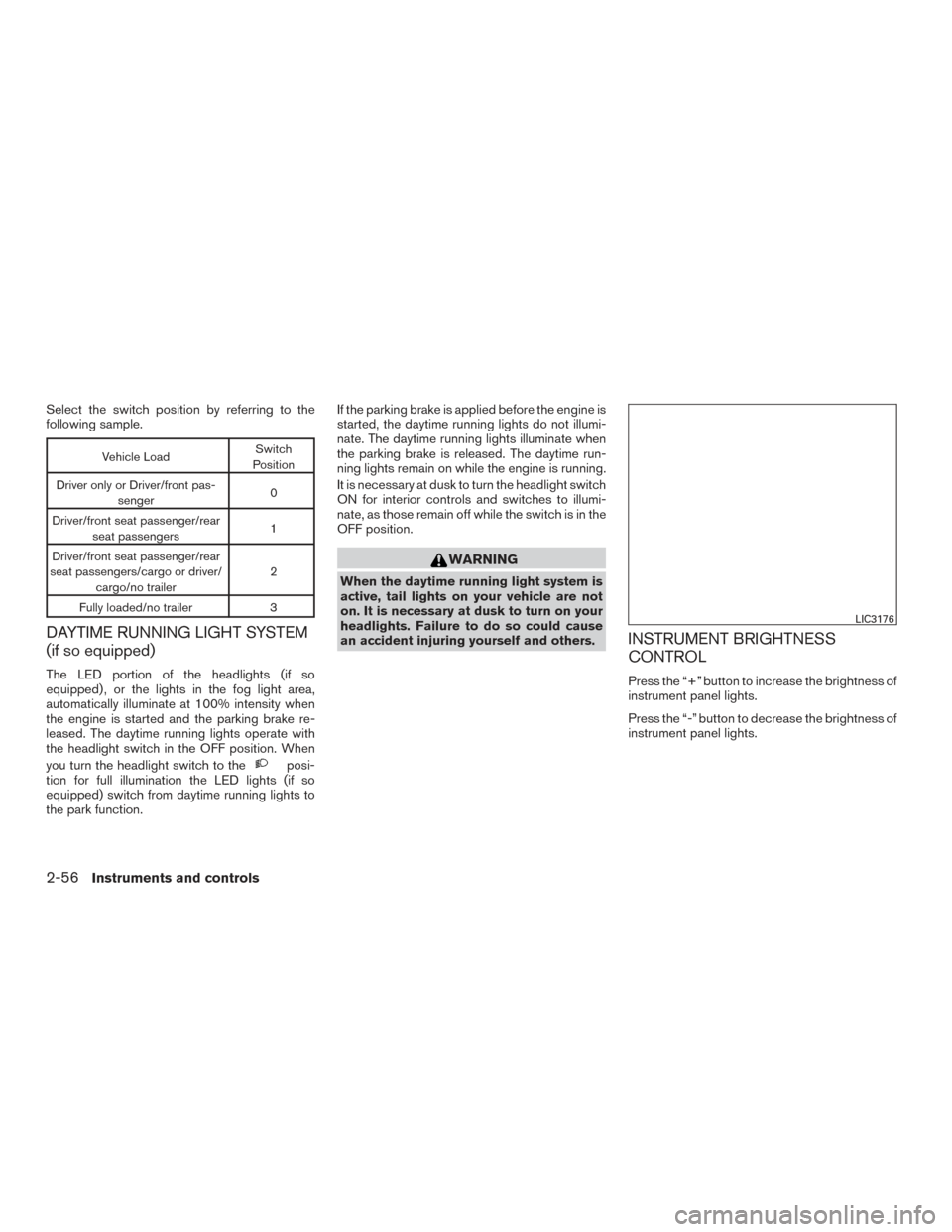
Select the switch position by referring to the
following sample.
Vehicle LoadSwitch
Position
Driver only or Driver/front pas- senger 0
Driver/front seat passenger/rear seat passengers 1
Driver/front seat passenger/rear
seat passengers/cargo or driver/ cargo/no trailer 2
Fully loaded/no trailer 3
DAYTIME RUNNING LIGHT SYSTEM
(if so equipped)
The LED portion of the headlights (if so
equipped) , or the lights in the fog light area,
automatically illuminate at 100% intensity when
the engine is started and the parking brake re-
leased. The daytime running lights operate with
the headlight switch in the OFF position. When
you turn the headlight switch to the
posi-
tion for full illumination the LED lights (if so
equipped) switch from daytime running lights to
the park function. If the parking brake is applied before the engine is
started, the daytime running lights do not illumi-
nate. The daytime running lights illuminate when
the parking brake is released. The daytime run-
ning lights remain on while the engine is running.
It is necessary at dusk to turn the headlight switch
ON for interior controls and switches to illumi-
nate, as those remain off while the switch is in the
OFF position.
WARNING
When the daytime running light system is
active, tail lights on your vehicle are not
on. It is necessary at dusk to turn on your
headlights. Failure to do so could cause
an accident injuring yourself and others.
INSTRUMENT BRIGHTNESS
CONTROL
Press the “+” button to increase the brightness of
instrument panel lights.
Press the “-” button to decrease the brightness of
instrument panel lights.
LIC3176
2-56Instruments and controls