2017 NISSAN ROGUE turn signal
[x] Cancel search: turn signalPage 345 of 547
HOW TO ENABLE/DISABLE THE
LDP SYSTEM
Perform the following steps to enable or disable
the LDP system.1. Press the
button until “Settings” dis-
plays in the vehicle information display and
then press the OK button. Use the
button to select “Driver Assistance”. Then
press the OK button.
2. Select “Driving Aids” and press the OK but- ton.
3. To set the LDP system to on or off, use the
buttons to navigate in the menu
and use the OK button to select or change
an item:
● Select “Lane” and press the OK button.
– To turn on the assistance system, use the OK button to check the box for “Assist.”
LDP SYSTEM LIMITATIONS
WARNING
Listed below are the system limitations for
the LDP system. Failure to follow the
warnings and instructions for proper use
of the LDP system could result in serious
injury or death. ●
The LDP system may activate if you
change lanes without first activating
your turn signal or, for example, if a
construction zone directs traffic to
cross an existing lane marker. If this
occurs you may need to apply corrective
steering to complete your lane change.
● Because the LDP may not activate un-
der the road, weather, and lane marker
conditions described in this section, it
may not activate every time your vehicle
begins to leave its lane and you will
need to apply corrective steering.
● When the LDP system is operating,
avoid excessive or sudden steering ma-
neuvers. Otherwise, you could lose con-
trol of the vehicle.
● The LDP system will not operate at
speeds below approximately 37 mph
(60 km/h) or if it cannot detect lane
markers.
● Do not use the LDP system under the
following conditions as it may not func-
tion properly:
– During bad weather (rain, fog, snow, etc.) . – When driving on slippery roads, such
as on ice or snow.
– When driving on winding or uneven roads.
– When there is a lane closure due to road repairs.
– When driving in a makeshift or tem- porary lane.
– When driving on roads where the lane width is too narrow.
– When driving without normal tire conditions (for example, tire wear,
low tire pressure, installation of
spare tire, tire chains, non-standard
wheels) .
– When the vehicle is equipped with nonoriginal brake parts or suspen-
sion parts.
– When you are towing a trailer or other vehicle.
5-34Starting and driving
Page 346 of 547
– On roads where there are multipleparallel lane markers; lane markers
that are faded or not painted clearly;
yellow painted lane markers; non-
standard lane markers; or lane mark-
ers covered with water, dirt, snow,
etc.
– On roads where discontinued lane markers are still detectable.
– On roads where there are sharp curves.
– On roads where there are sharply contrasting objects, such as shad-
ows, snow, water, wheel ruts, seams
or lines remaining after road repairs.
(The LDP system could detect these
items as lane markers.)
– On roads where the traveling lane merges or separates.
– When the vehicle’s traveling direc- tion does not align with the lane
marker.
– When traveling close to the vehicle in front of you, which obstructs the lane
camera unit detection range. – When rain, snow or dirt adheres to
the windshield in front of the lane
camera unit.
– When the headlights are not bright due to dirt on the lens or if the aiming
is not adjusted properly.
– When strong light enters the lane camera unit. (For example, the light
directly shines on the front of the
vehicle at sunrise or sunset.)
– When a sudden change in brightness occurs. (For example, when the ve-
hicle enters or exits a tunnel or under
a bridge.)
● Excessive noise will interfere with the
warning chime sound, and the chime
may not be heard.
While the LDP system is operating, you may hear
a sound of brake operation. This is normal and
indicates that the LDP system is operating prop-
erly.SYSTEM TEMPORARILY
UNAVAILABLE
Condition A:
The warning and assist functions of the LDP
system are not designed to work under the fol-
lowing conditions: ● When you operate the lane change signal
and change the traveling lanes in the direc-
tion of the signal. (The LDP system will be
deactivated for approximately 2 seconds af-
ter the lane change signal is turned off.)
● When the vehicle speed lowers to less than
approximately 37 mph (60 km/h).
After the above conditions have finished and the
necessary operating conditions are satisfied, the
warning and assist functions will resume.
Condition B:
The assist function of the LDP system is not
designed to work under the following conditions
(warning is still functional): ● When the brake pedal is depressed.
● When the steering wheel is turned as far as
necessary for the vehicle to change lanes.
● When the vehicle is accelerated during LDP
system operation.
Starting and driving5-35
Page 350 of 547
1. Side BSW/RCTA Indicator Light
2. BSW OFF switch
BSW SYSTEM OPERATION
The BSW system operates above approximately
20 mph (32 km/h).
If the radar sensors detect a vehicle in the detec-
tion zone, the side BSW/RCTA indicator light (1)
illuminates. If the turn signal is then activated, the
system chimes (twice) , the side BSW/RCTA in-
dicator light flashes, and the BSW/RCTA indica-
tor illuminates (yellow) in the vehicle information
display. The side BSW/RCTA indicator light con-
tinues to flash until the detected vehicle leaves
the detection zone.
The side BSW/RCTA indicator light illuminates
for a few seconds when the ignition switch is
placed in the ON position.
The brightness of the side BSW/RCTA indicator
light is adjusted automatically depending on the
brightness of the ambient light.
If a vehicle comes into the detection zone after
the driver activates the turn signal, then only the
side BSW/RCTA indicator light flashes and no
chime sounds. For additional information, refer to
“BSW driving situations” in this section.The BSW system automatically turns on every
time the engine/motor is started, as long as it is
activated using the settings menu on the vehicle
information display.
Push the warning systems switch to turn off the
BSW system. The BSW indicator light will turn
off.
Starting and driving5-39
Page 353 of 547
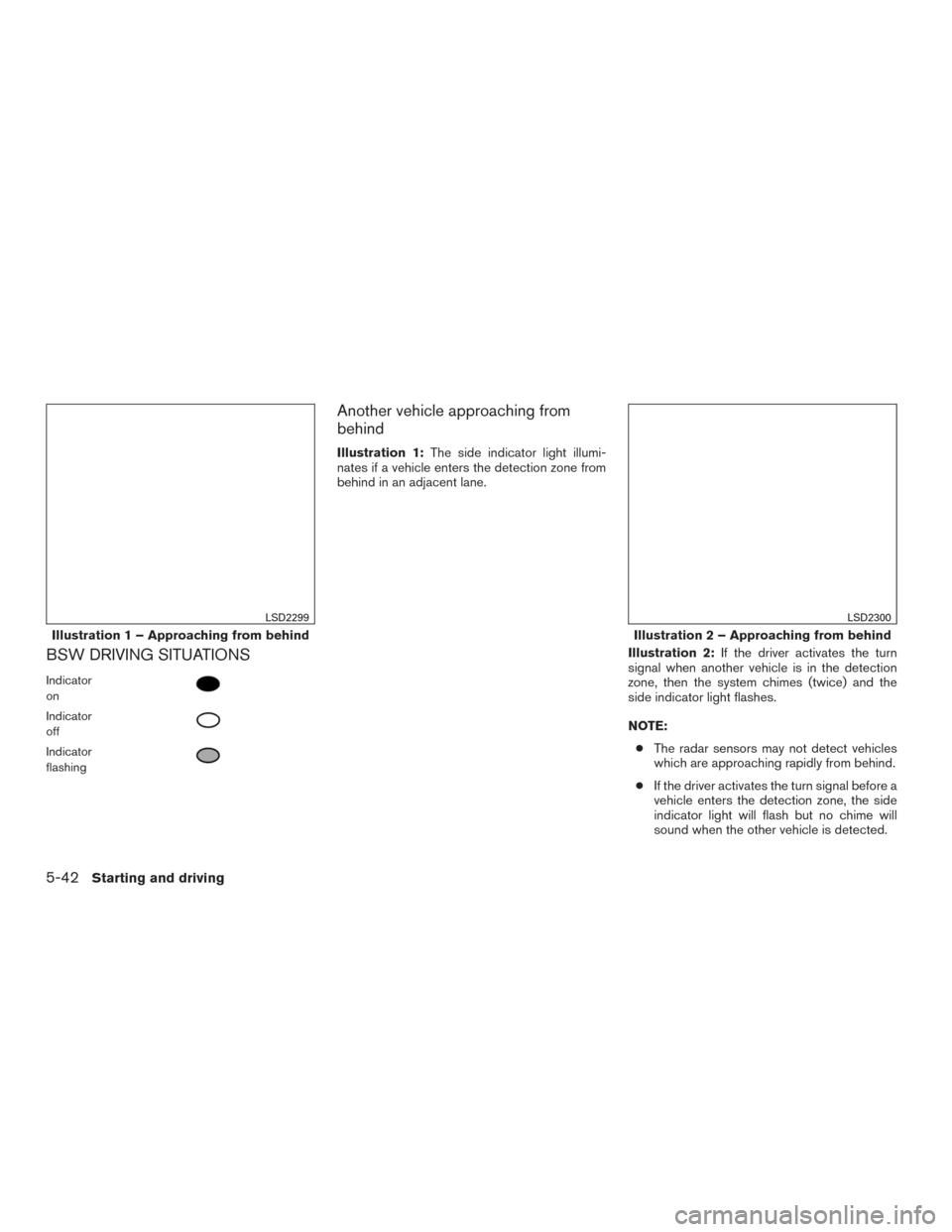
BSW DRIVING SITUATIONS
Indicator
on
Indicator
off
Indicator
flashing
Another vehicle approaching from
behind
Illustration 1:The side indicator light illumi-
nates if a vehicle enters the detection zone from
behind in an adjacent lane.
Illustration 2:If the driver activates the turn
signal when another vehicle is in the detection
zone, then the system chimes (twice) and the
side indicator light flashes.
NOTE:
● The radar sensors may not detect vehicles
which are approaching rapidly from behind.
● If the driver activates the turn signal before a
vehicle enters the detection zone, the side
indicator light will flash but no chime will
sound when the other vehicle is detected.
Illustration 1 – Approaching from behind
LSD2299
Illustration 2 – Approaching from behind
LSD2300
5-42Starting and driving
Page 354 of 547
Overtaking another vehicle
Illustration 3:The side indicator light illumi-
nates if you overtake a vehicle and that vehicle
stays in the detection zone for approximately
2 seconds. Illustration 4:
If the driver activates the turn
signal while another vehicle is in the detection
zone, then the system chimes (twice) and the
side indicator light flashes.
NOTE:
● When overtaking several vehicles in a row,
the vehicles after the first vehicle may not be
detected if they are traveling close together.
● The radar sensors may not detect slower
moving vehicles if they are passed quickly. ●
If the driver activates the turn signal before a
vehicle enters the detection zone, the side
indicator light will flash but no chime will
sound when the other vehicle is detected. .
Illustration 3 – Overtaking another vehicle
LSD2302
Illustration 4 – Overtaking another vehicle
LSD2303
Starting and driving5-43
Page 355 of 547
Entering from the side
Illustration 5:The side indicator light illuminates
if a vehicle enters the detection zone from either
side.Illustration 6:If the driver activates the turn sig-
nal while another vehicle is in the detection zone,
then the system chimes (twice) and the side
indicator light flashes.NOTE:
● If the driver activates the turn signal before a
vehicle enters the detection zone, the side
indicator light will flash but no chime will
sound when the other vehicle is detected.
● The radar sensors may not detect a vehicle
which is traveling at about the same speed
as your vehicle when it enters the detection
zone.
Illustration 5 – Entering from the side
LSD2305
Illustration 6 – Entering from the side
LSD2308
5-44Starting and driving
Page 379 of 547
Approach warning
If your vehicle comes closer to the vehicle ahead
due to rapid deceleration of that vehicle or if
another vehicle cuts in, the system warns the
driver with the chime and ICC system display.
Decelerate by depressing the brake pedal to
maintain a safe vehicle distance if:● The chime sounds.
● The vehicle ahead detection indicator blinks.
The warning chime may not sound in some cases
when there is a short distance between vehicles.
Some examples are: ● When the vehicles are traveling at the same
speed and the distance between vehicles is
not changing.
● When the vehicle ahead is traveling faster
and the distance between vehicles is in-
creasing.
● When a vehicle cuts in near your vehicle.
The warning chime will not sound when: ● The vehicle approaches other vehicles that
are parked or moving slowly.
● The accelerator pedal is depressed, overrid-
ing the system. NOTE:
The approach warning chime may sound
and the system display may blink when the
ICC sensor detects objects on the side of
the vehicle or on the side of the road. This
may cause the ICC system to decelerate or
accelerate the vehicle. The ICC sensor may
detect these objects when the vehicle is
driven on winding roads, narrow roads, hilly
roads, or when entering or exiting a curve.
In these cases you will have to manually
control the proper distance ahead of your
vehicle.
Also, the sensor sensitivity can be affected by
vehicle operation (steering maneuver or driving
position in the lane) or traffic or vehicle condition
(for example, if a vehicle is being driven with some
damage) .
Automatic cancellation
A chime sounds under the following conditions
and the control is automatically canceled:
● When the vehicle ahead is not detected and
your vehicle is traveling below the speed of
15 mph (24 km/h)
● When the system judges the vehicle is at a
standstill ●
When the shift lever is not in the D (Drive)
position or Manual mode
● When the parking brake system is applied
● When the VDC system is turned off
● When ABS or VDC operates
● When distance measurement becomes im-
paired due to adhesion of dirt or obstruction
to the sensor
● When a wheel slips
● When the radar signal is temporarily inter-
rupted
VEHICLE-TO-VEHICLE DISTANCE
CONTROL MODE LIMITATIONS
WARNING
Listed below are the system limitations for
the ICC system. Failure to operate the
vehicle in accordance with these system
limitations could result in serious injury or
death.
● The ICC system is primarily intended for
use on straight, dry, open roads with
light traffic. It is not advisable to use the
ICC system in city traffic or congested
areas.
5-68Starting and driving
Page 380 of 547
●The ICC system will not adapt automati-
cally to road conditions. This system
should be used in evenly flowing traffic.
Do not use the system on roads with
sharp curves, or on icy roads, in heavy
rain or in fog.
● As there is a performance limit to the
distance control function, never rely
solely on the ICC system. This system
does not correct careless, inattentive or
absentminded driving, or overcome
poor visibility in rain, fog, or other bad
weather. Decelerate the vehicle speed
by depressing the brake pedal, depend-
ing on the distance to the vehicle ahead
and the surrounding circumstances in
order to maintain a safe distance be-
tween vehicles.
● If the vehicle ahead comes to a stop, the
vehicle decelerates to a standstill
within the limitations of the system. The
system will cancel once it judges that
the vehicle has come to a standstill and
sound a warning chime. To prevent the
vehicle from moving, the driver must
depress the brake pedal. ●
Always pay attention to the operation of
the vehicle and be ready to manually
control the proper following distance.
The ICC system may not be able to
maintain the selected distance between
vehicles (following distance) or se-
lected vehicle speed under some
circumstances.
● The system may not detect the vehicle
in front of you in certain road or weather
conditions. To avoid accidents, never
use the ICC system under the following
conditions:
– On roads where the traffic is heavy or there are sharp curves
– On slippery road surfaces such as on ice or snow, etc.
– During bad weather (rain, fog, snow, etc.)
– When rain, snow or dirt adhere to the bumper around the distance sensor
– On steep downhill roads (the vehicle may go beyond the set vehicle speed
and frequent braking may result in
overheating the brakes)
– On repeated uphill and downhill roads – When traffic conditions make it diffi-
cult to keep a proper distance be-
tween vehicles because of frequent
acceleration or deceleration
– Interference by other radar sources.
● Do not use the ICC system if you are
towing a trailer. The system may not
detect a vehicle ahead.
● In some road or traffic conditions, a
vehicle or object can unexpectedly
come into the sensor detection zone
and cause automatic braking. Always
stay alert and avoid using the ICC sys-
tem where not recommended in this
warning section.
The radar sensor will not detect the following
objects: ● Stationary and slow moving vehicles
● Pedestrians or objects in the roadway
● Oncoming vehicles in the same lane
● Motorcycles traveling offset in the travel lane
The sensor generally detects the signals returned
from the vehicle ahead. Therefore, if the sensor
cannot detect the reflection from the vehicle
ahead, the ICC system may not maintain the
selected distance.
Starting and driving5-69