Page 129 of 466
The rear seats are warmed by built-in heaters.
The switches are located on the rear of the front
center console and can be operated indepen-
dently of each other.1. Start the engine.
2. Push the LO or HI position of the switch, as desired. The indicator light in the switch will
illuminate.
The heater is controlled by a thermostat,
automatically turning the heater on and off.
The indicator light will remain on as long as
the switch is on. 3. When the seat is warmed or before you
leave the vehicle, be sure to turn the switch
off.
The heated steering wheel system is designed to
operate only when the surface temperature of the
steering wheel is below 68°F (20°C) .
Push the heated steering wheel switch to warm
the steering wheel after the engine starts. The
indicator light will come on.
If the surface temperature of the steering wheel is
below 68°F (20°C) , the system will heat the
steering wheel and cycle off and on to maintain a
temperature above 68°F (20°C) . The indicator
light will remain on as long as the system is on.
Push the switch again to turn the heated steering
wheel system off manually. The indicator light will
go off.
LIC3475LIC3476
HEATED STEERING WHEEL SWITCH
(if so equipped)
2-40Instruments and controls
Page 130 of 466
NOTE:
If the surface temperature of the steering
wheel is above 68°F (20°C) when the switch
is turned on, the system will not heat the
steering wheel. This is not a malfunction.The vehicle should be driven with the VDC sys-
tem on for most driving conditions.
If the vehicle is stuck in mud or snow, the VDC
system reduces the engine output to reduce
wheel spin. The engine speed will be reduced
even if the accelerator is depressed to the floor. If
maximum engine power is needed to free a stuck
vehicle, turn the VDC system off.
To turn off the VDC system, push the VDC OFF
switch. The
indicator will come on.Push the VDC OFF switch again or restart the
engine to turn on the system. For additional infor-
mation, refer to “Vehicle Dynamic Control (VDC)
system” in the “Starting and driving” section of
this manual.
LIC3344
VEHICLE DYNAMIC CONTROL (VDC)
OFF SWITCH
Instruments and controls2-41
Page 133 of 466
The extended storage switch is used when ship-
ping the vehicle. It is located in the fuse panel to
the left of the steering wheel on the instrument
panel. If any electrical equipment does not oper-
ate, ensure the extended storage switch is
pushed fully in place, as shown.FRONT-DOOR POCKETSPulled position
LIC3266
Pushed position
LIC3268LIC3671
STORAGE
2-44Instruments and controls
Page 153 of 466
3 Pre-driving checks and adjustments
Keys .............................................3-2NISSAN Intelligent Key® . .......................3-2
NISSAN Vehicle Immobilizer System keys .........3-4
Doors ............................................3-5
Locking with key ................................3-5
Locking with inside lock knob ....................3-6
Locking with power door lock switch . . . ..........3-6
Automatic door locks ...........................3-7
Child safety rear door lock .......................3-7
NISSAN Intelligent Key® ...........................3-7
Operating range ................................3-8
Door locks/unlocks precaution ...................3-9
NISSAN Intelligent Key® Operation .............3-10
How to use the remote keyless entry
function ...................................... 3-12
Warning signals ............................... 3-16
Troubleshooting guide ......................... 3-16
Remote Engine Start (if so equipped) ...............3-18
Remote engine start operating range . . . .........3-18
Remote starting the vehicle .....................3-18
Extending engine run time ......................3-19
Canceling a remote start .......................3-19
Conditions the remote start will not work .........3-20 Hood
........................................... 3-21
Liftgate .......................................... 3-21
Operating the manual liftgate
(if so equipped) ............................... 3-22
Operating the power liftgate (if so equipped) .....3-22
Power liftgate main switch (if so equipped) .......3-25
Liftgate release ................................ 3-25
Liftgate position setting ........................ 3-26
Fuel-filler door ................................... 3-27
Opener operation .............................. 3-27
Fuel-filler cap ................................. 3-27
Steering wheel ................................... 3-29
Manual operation (if so equipped) ...............3-30
Automatic operation (if so equipped)............. 3-30
Sun visors ....................................... 3-31
Vanity mirrors ................................. 3-32
Card holder ................................... 3-32
Mirrors .......................................... 3-32
Manual
anti-glare rearview mirror
(if so equipped) ............................... 3-32
Automatic Anti-glare rearview mirror
(if so equipped) ............................... 3-33
Outside mirrors ............................... 3-33
Automatic drive positioner (if so equipped) ..........3-35
Page 182 of 466
LOOSE FUEL CAP warning
The LOOSE FUEL CAP warning message ap-
pears in the vehicle information display when the
fuel-filler cap is not tightened correctly after the
vehicle has been refueled. It may take a few
driving trips for the message to be displayed. To
turn off the warning message, perform the follow-
ing:1. Remove and install the fuel-filler cap as soon as possible. For additional information, refer
to “Fuel-filler cap” in this section.
2. Tighten the fuel-filler cap until it clicks. 3. Press the
button on the steering
wheel for about one second to turn off the
LOOSE FUEL CAP warning message after
tightening the fuel-filler cap.WARNING
● Do not adjust the steering wheel while
driving. You could lose control of your
vehicle and cause an accident.
● Do not adjust the steering wheel any
closer to you than is necessary for
proper steering operation and comfort.
The driver’s air bag inflates with great
force. If you are unrestrained, leaning
forward, sitting sideways or out of posi-
tion in any way, you are at greater risk of
injury or death in a crash. You may also
receive serious or fatal injuries from the
air bag if you are up against it when it
inflates. Always sit back against the
seatback and as far away as practical
from the steering wheel. Always use the
seat belts.
LPD2298
STEERING WHEEL
Pre-driving checks and adjustments3-29
Page 183 of 466
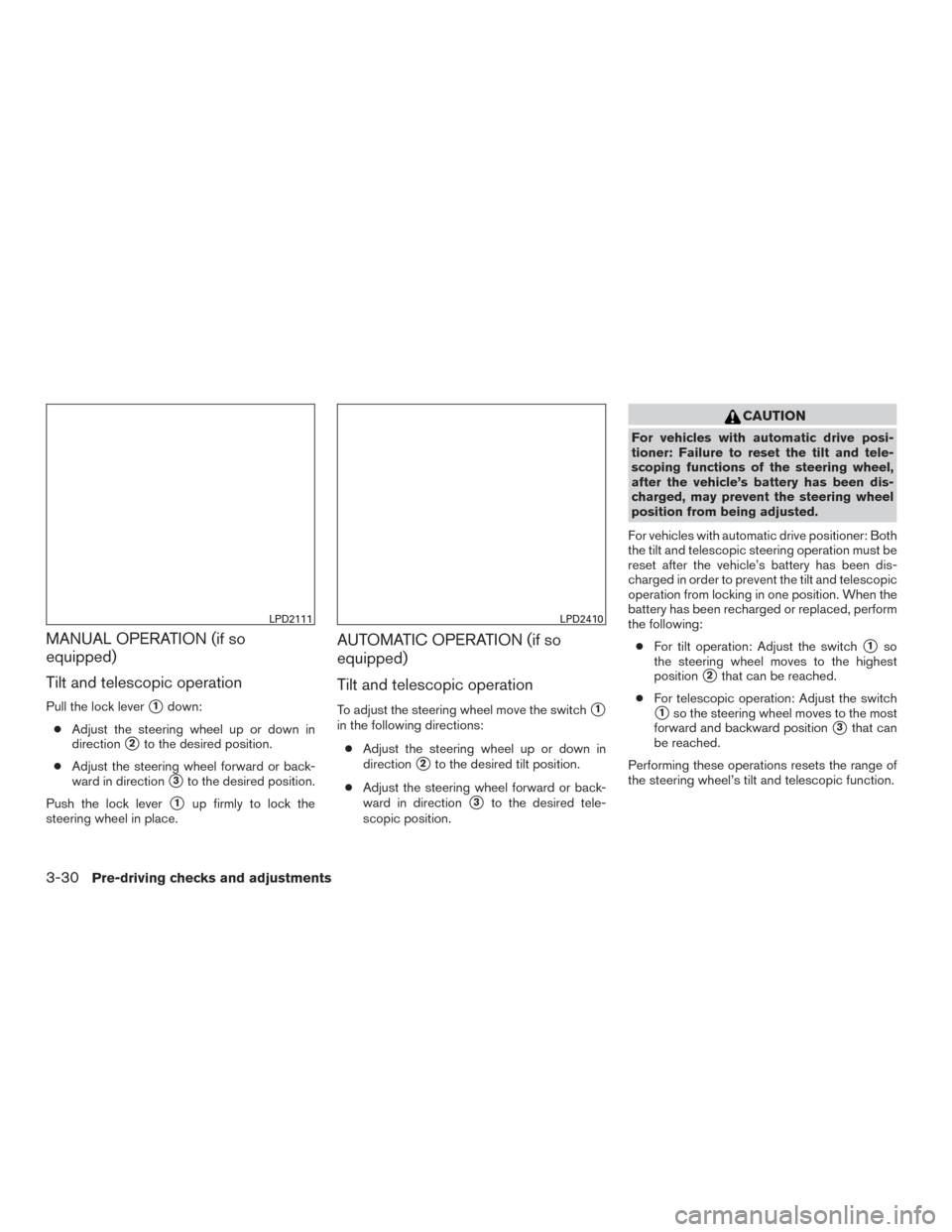
MANUAL OPERATION (if so
equipped)
Tilt and telescopic operation
Pull the lock lever�1down:
● Adjust the steering wheel up or down in
direction
�2to the desired position.
● Adjust the steering wheel forward or back-
ward in direction
�3to the desired position.
Push the lock lever
�1up firmly to lock the
steering wheel in place.
AUTOMATIC OPERATION (if so
equipped)
Tilt and telescopic operation
To adjust the steering wheel move the switch�1
in the following directions:
● Adjust the steering wheel up or down in
direction
�2to the desired tilt position.
● Adjust the steering wheel forward or back-
ward in direction
�3to the desired tele-
scopic position.
CAUTION
For vehicles with automatic drive posi-
tioner: Failure to reset the tilt and tele-
scoping functions of the steering wheel,
after the vehicle’s battery has been dis-
charged, may prevent the steering wheel
position from being adjusted.
For vehicles with automatic drive positioner: Both
the tilt and telescopic steering operation must be
reset after the vehicle’s battery has been dis-
charged in order to prevent the tilt and telescopic
operation from locking in one position. When the
battery has been recharged or replaced, perform
the following: ● For tilt operation: Adjust the switch
�1so
the steering wheel moves to the highest
position
�2that can be reached.
● For telescopic operation: Adjust the switch
�1so the steering wheel moves to the most
forward and backward position
�3that can
be reached.
Performing these operations resets the range of
the steering wheel’s tilt and telescopic function.
LPD2111LPD2410
3-30Pre-driving checks and adjustments
Page 184 of 466
Entry/Exit function
The automatic drive positioner system will make
the steering wheel move up automatically when
the driver’s door is opened and the ignition
switch is in the LOCK position. This lets the driver
get into and out of the seat more easily. The
steering wheel moves back into position when
the driver’s door is closed and the ignition switch
is pushed.
For additional information, refer to “Automatic
drive positioner” in this section.1. To block glare from the front, swing down
�1
the main sun visor.
2. To block glare from the side, remove the main sun visor from the center mount and
swing the visor to the side
�2.
3. To extend
�3the sun visor, slide in or out as
needed.
CAUTION
● Do not store the sun visor before return-
ing the extension to its original
position.
● Do not pull the extension sun visor
forcedly downward.
WPD0344
SUN VISORS
Pre-driving checks and adjustments3-31
Page 188 of 466
The automatic drive positioner system has three
features:● Memory storage function (Key-link)
● Memory storage function (Switch)
● Entry/exit function
Key-link, when enabled, automatically retains the
driver’s last seat, automatic steering wheel, and
outside mirror positions for that specific key
when the ignition is turned from ON to OFF.
Each memory switch button (1 or 2) on the driv-
er’s door can also store one additional position
which is independent of the key-linked position.
MEMORY STORAGE FUNCTION
(Key-Link)
Use the following process to setup key-link:
1. Unlock the vehicle with the desired Intelli- gent Key while the ignition is OFF.
2. Place the ignition in the ON position.
3. Within the “Settings” menu of the vehicle information display, select “Key-Linked Set-
tings” and press the OK button on the steer-
ing switch. 4. While in the menu, press the OK button on
the steering switch to turn the system
ON/OFF.
Once step 4 is completed, every time the ignition
is switched from ON to OFF, the memory posi-
tions of the driver’s seat, automatic steering
wheel (if so equipped) and the outside mirrors
are linked to the Intelligent Key.
Follow the same procedure if you want to
link the 2nd, 3rd or 4th Intelligent Key.
NOTE:
If new memory positions are set prior to
turning the ignition from ON to OFF, the
previously linked memory positions for the
respective key will be overwritten by new
positions.
Recalling Intelligent Key Memory
Positions
If the “Key-Linked Settings” are enabled in the
vehicle information display for that particular key,
every time you enter the vehicle the driver’s seat,
automatic steering wheel (if so equipped) , and
outside mirrors will automatically move to the
driver’s last position of the respective Intelligent
Key.
LPD2432
AUTOMATIC DRIVE POSITIONER (if
so equipped)
Pre-driving checks and adjustments3-35