24
NAVIGATION SYSTEM (if so equipped)
Your Navigation System can calculate a route from your current location to a preferred destination. The real-time map display and turn-by-turn voice
guidance will lead you along the route.
The Navigation System will continually update your vehicle’s position. If you have deviated from the original route, it will recalculate the route from your
current location.
To help promote safe driving, some functions cannot be operated or have limited operation when the vehicle speed is above 5 mph (8 km/h). The on-
screen text and keys for these restricted functions will be grayed-out or muted
and cannot be selected while driving. These functions will become available
again when the vehicle speed is reduced to 5 mph (8 km/h). Voice commands
may be available for some of the restricted functions. For more information,
refer to the “Heater, air conditioner, audio and phone systems (section 4)” of your
Owner’s Manual.
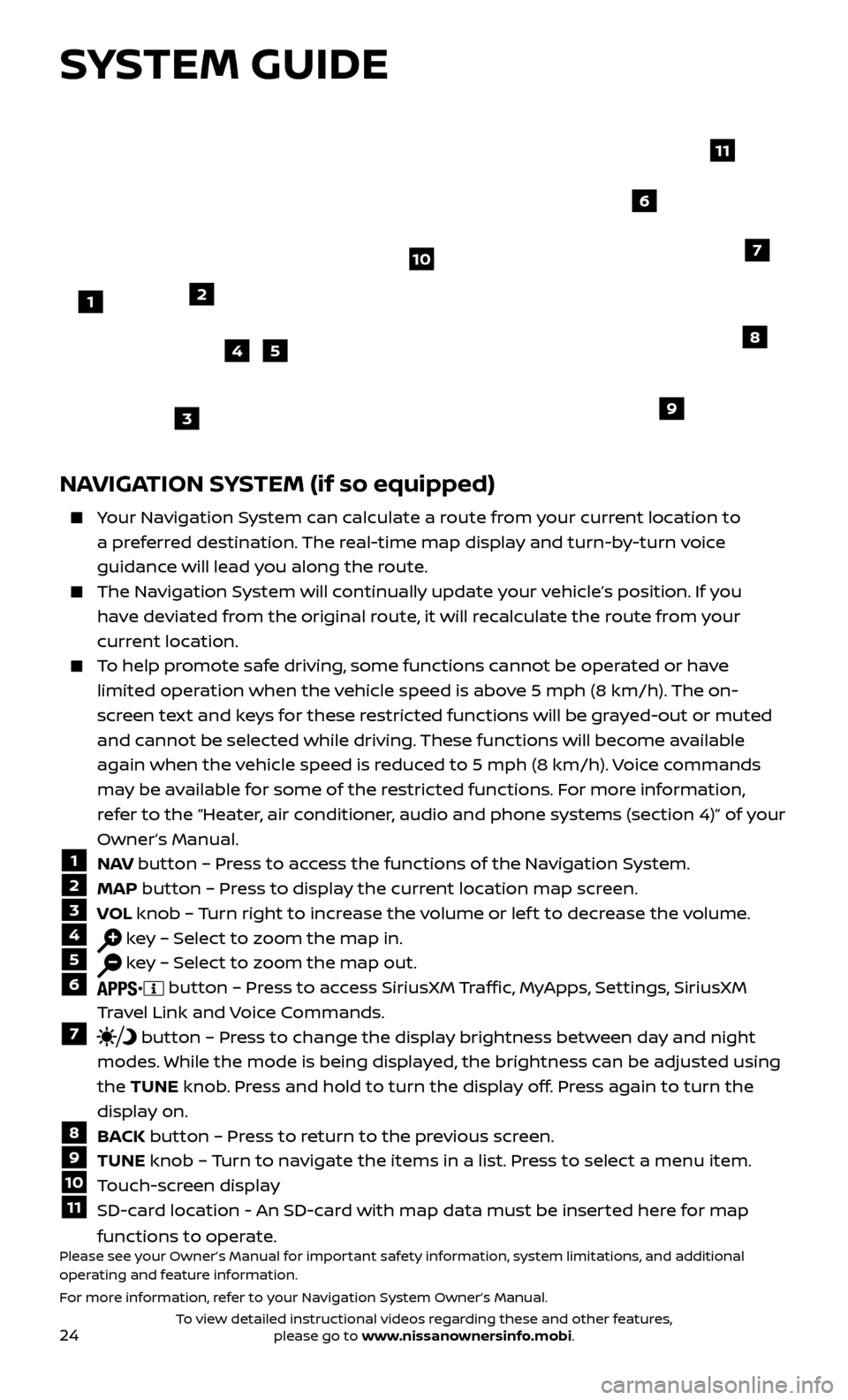
1 N AV button – Press to access the functions of the Navigation System.2 MAP
button – Press to display the current location map screen.3 VOL knob – Turn right to increase the volume or lef t to decrease the volume.4 key – Select to zoom the map in.5 key – Select to zoom the map out.6 button – Press to access SiriusXM Traffic, MyApps, Settings, SiriusXM
Travel Link and Voice Commands.
7 button – Press to change the display brightness between day and night
modes. While the mode is being displayed, the brightness can be adjusted using
the TUNE knob. Press and hold to turn the display off. Press again to turn the
display on.
8 BACK button – Press to return to the previous screen.9 TUNE knob – Turn to navigate the items in a list. Press to select a menu item.10 Touch-screen display11 SD-card location - An SD-card with map data must be inserted here for map
functions to operate.
Please see your Owner’s Manual for important safety information, system limitations, and additional
operating and feature information.
For more information, refer to your Navigation System Owner’s Manual.
1
10
8
9
45
3
6
7
2
11
SYSTEM GUIDE
To view detailed instructional videos regarding these and other features, please go to www.nissanownersinfo.mobi.