Page 187 of 318
For further information on the automatic locking
feature, see ( Y
page 76).
Activating/deactivating the acoustic
locking verification signal If you switch on the Acoustic Lock function, an
acoustic signal sounds when you lock the vehi-
cle. X
Press the Y or e button on the steering
wheel to select the Sett. menu.X
Press the d or c button to select the
Vehicle submenu.X
Press v to confirm.X
Press the d or c button to select the
Acoustic Lock function.
If the Acoustic Lock function is activated,
the multifunction display shows the 7
symbol in orange. X
Press the v button to save the setting.
Convenience
Switching the fold-in mirrors when lock-
ing feature on/off This function is only available in Canada.
This function is only available when the vehicle is
equipped with the electrical fold-in function.
When you activate the Auto. Mirror Folding
function, the exterior mirrors are folded in when
the vehicle is locked. If you unlock the vehicle
and then open the driver's or front-passenger
door, the exterior mirrors fold out again.
If you have switched on the Auto. Mirror
Folding function and you fold in the exterior
mirrors using the button on the door
( Y
page 96), they will not fold out automatically.
The exterior mirrors can then only be folded out
using the button on the door. X
Press the Y or e button on the steering
wheel to select the Sett. menu.X
Press the d or c button to select the
Convenience submenu.X
Press v to confirm.X
Press the d or c button to select the
Auto. Mirror Folding function.
If the Auto. Mirror Folding function is
switched on, the multifunction display shows
the exterior mirror in orange. X
Press the v button to save the setting. Restoring the factory settings X
Press the Y or e button on the steering
wheel to select the Sett. menu.X
Press the d or c button to select the
Factory Setting submenu.X
Press v to confirm.
The Reset All Settings? function
appears. X
Press the d or c button to select No or
Yes . X
Press the v button to confirm the selec-
tion.
If you have selected Yes
, the multifunction
display shows a confirmation message.
For safety reasons, the Daytime Running
Lights function in the Light submenu is only
reset if the vehicle is stationary.
AMG menu (Mercedes-AMG vehicles)
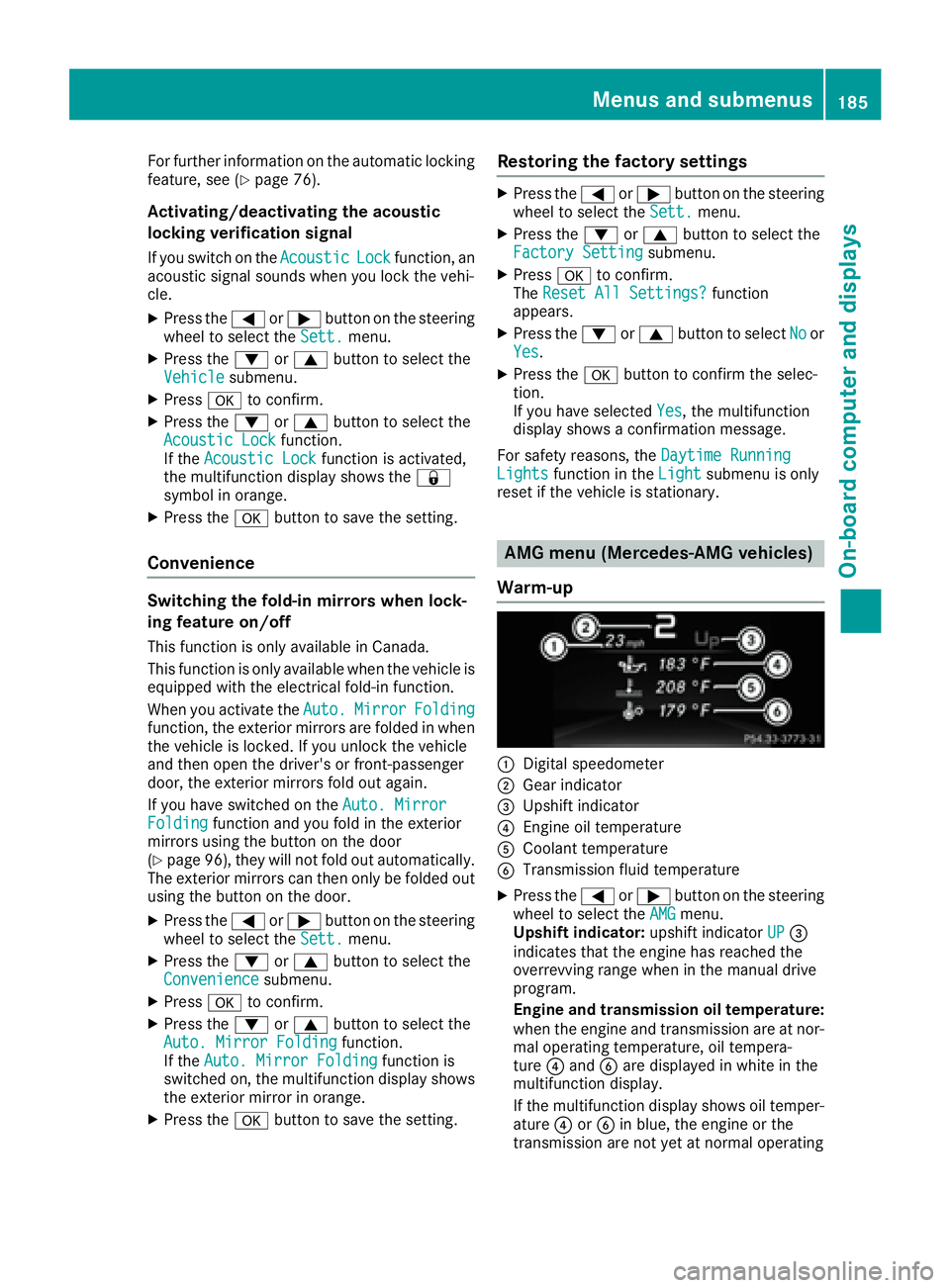
Warm-up
C
Digital speedometer D
Gear indicator
Page 189 of 318
X
Press the 8 button on the steering wheel.X
Confirm Yes with v .
The RACETIMER interrupts timing if you stop the
vehicle and turn the SmartKey to position 1 in
the ignition lock. If you turn the key to position 3
and then press v to confirm Start , timing is
continued.
Resetting the current lap X
Stop the RACETIMER. X
Press the Y or e button to select
Reset Lap .X
Press v to reset the lap time to "0".
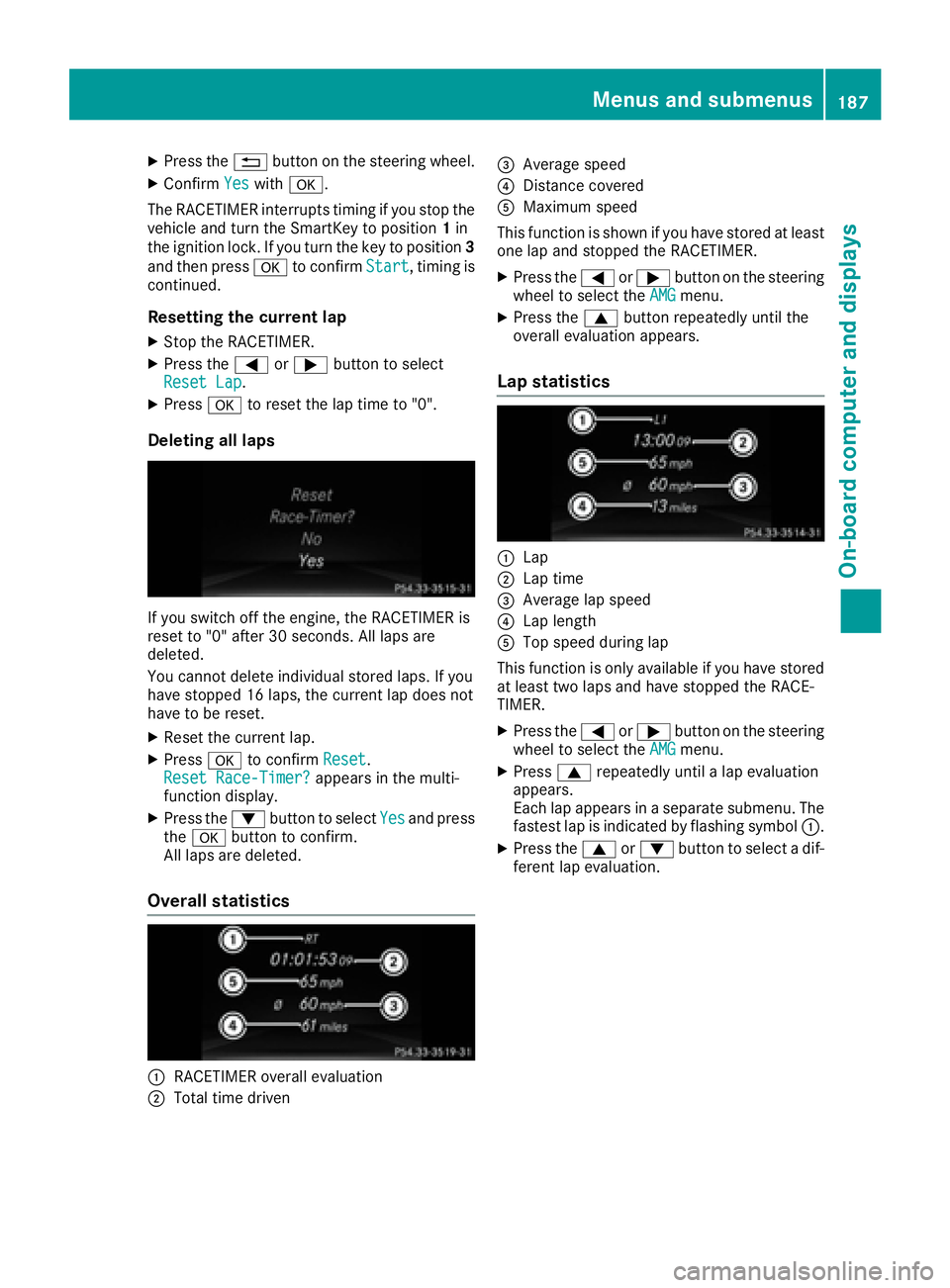
Deleting all laps
If you switch off the engine, the RACETIMER is
reset to "0" after 30 seconds. All laps are
deleted.
You cannot delete individual stored laps. If you
have stopped 16 laps, the current lap does not
have to be reset. X
Reset the current lap. X
Press v to confirm Reset .
Reset Race-Timer? appears in the multi-
function display. X
Press the d button to select Yes and press
the v button to confirm.
All laps are deleted.
Overall statistics
C
RACETIMER overall evaluation
D
Total time driven
Page 190 of 318
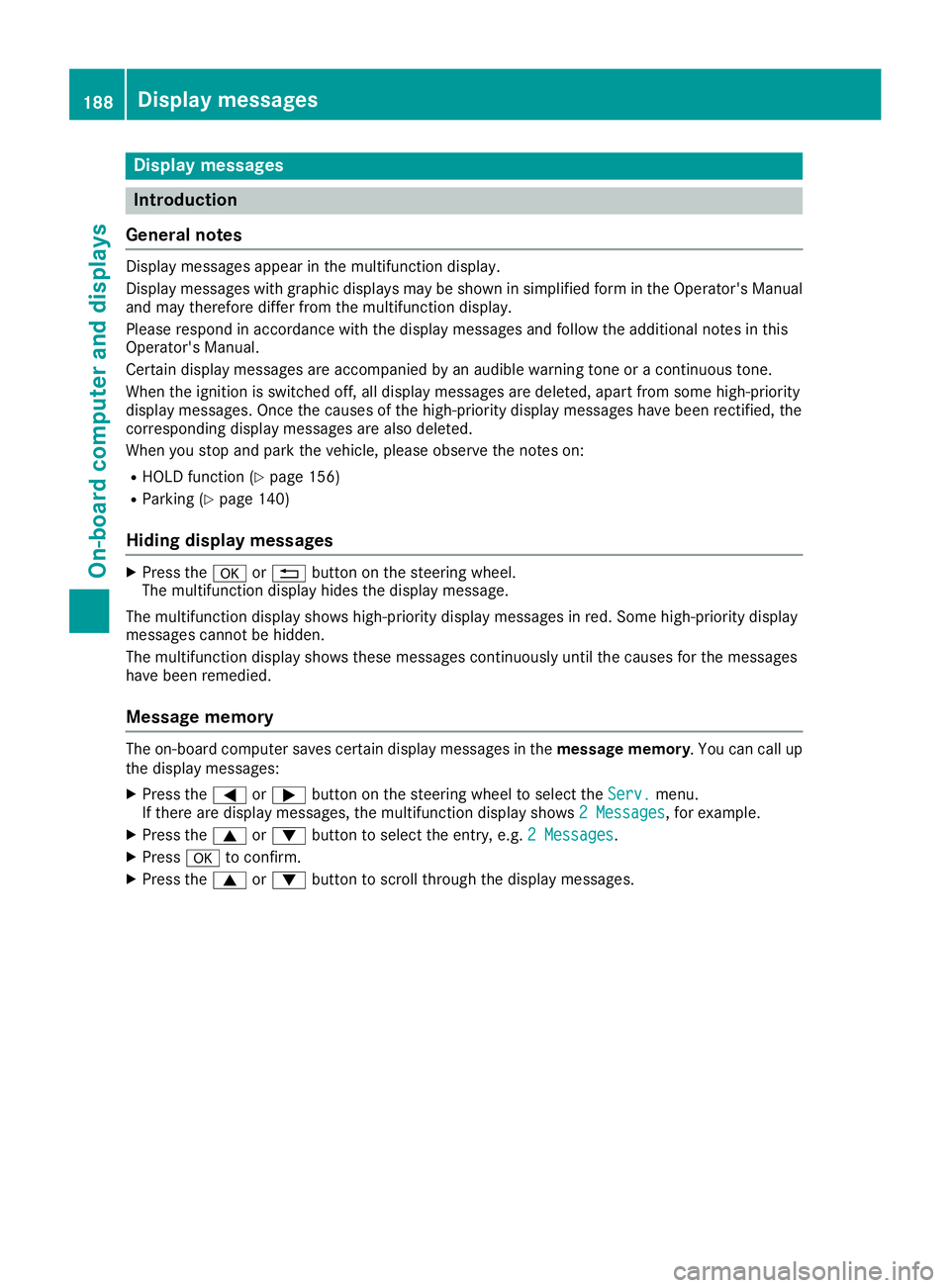
Display messages
Introduction
General notes Display messages appear in th e multifunction display.
Display messages wit h graphi c displays may be shown in simplified form in th e Operator's Manual
and may therefore diffe r from th e multifunction display.
Please respon d in accordance wit h th e display messages and follow th e additional note s in this
Operator's Manual.
Certain display messages are accompanied by an audible warnin g tone or a continuous tone .
Whe n th e ignition is switched off, all display messages are deleted, apar t from som e high-priorit y
display messages. Once th e causes of th e high-priorit y display messages hav e bee n rectified, th e
correspondin g display messages are also deleted.
Whe n you stop and par k th e vehicle, please observ e th e note s on :R
HOLD function ( Y
page 156)R
Parking ( Y
page 140)
Hiding display messages X
Press th e v or 8 butto n on th e steerin g wheel.
The multifunction display hide s th e display message.
The multifunction display shows high-priorit y display messages in red . Some high-priorit y display
messages canno t be hidden .
The multifunction display shows these messages continuously until th e causes fo r th e messages
hav e bee n remedied.
Message memory The on-boar d compute r saves certain display messages in th e message memory . You can cal l up
th e display messages: X
Press th e Y or e butto n on th e steerin g whee l to selec t th e Serv. menu.
If there are display messages, th e multifunction display shows 2 Messages , fo r example.X
Press th e c or d butto n to selec t th e entry, e.g. 2 Messages .X
Press v to confirm .X
Press th e c or d butto n to scroll through th e display messages.188
Display messages
On-board computer and displays
Page 191 of 318
Safety systems Display messages
Possible causes/consequences and P Solutions
%
Page 192 of 318
Display messages
Possible causes/consequences and P Solutions
Page 193 of 318
Display messages
Possible causes/consequences and P Solutions
z %
Page 194 of 318
Display messages
Possible causes/consequences and P Solutions
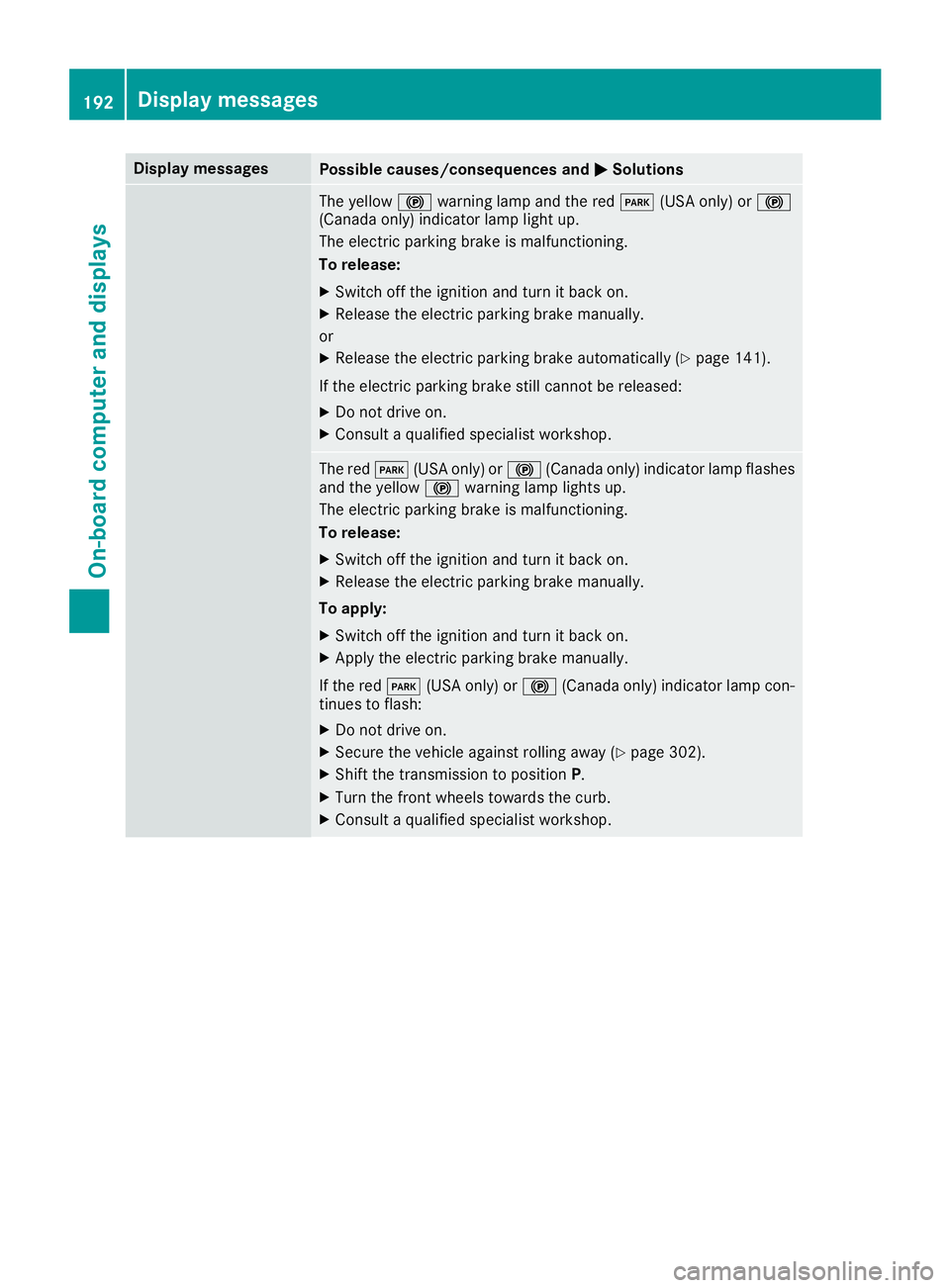
The yellow $ warning lamp and th e red I (US A only) or $
(Canada only) indicator lamp ligh t up.
The electric parking brak e is malfunctioning .
To release: X
Switc h off th e ignition and tur n it bac k on .X
Releas e th e electric parking brak e manually.
or X
Releas e th e electric parking brak e automatically ( Y
page 141).
If th e electric parking brak e still canno t be released:X
Do no t drive on .X
Consult a qualified specialist workshop .
The red I (US A only) or $ (Canada only) indicator lamp flashes
and th e yellow $ warning lamp lights up.
The electric parking brak e is malfunctioning .
To release: X
Switc h off th e ignition and tur n it bac k on .X
Releas e th e electric parking brak e manually.
To apply : X
Switc h off th e ignition and tur n it bac k on .X
Apply th e electric parking brak e manually.
If th e red I (US A only) or $ (Canada only) indicator lamp con-
tinue s to flash: X
Do no t drive on .X
Secur e th e vehicl e against rollin g away ( Y
page 302).X
Shift th e transmission to position P .X
Turn th e fron t wheels toward s th e curb.X
Consult a qualified specialist workshop .192
Display messages
On-board computer and displays
Page 195 of 318
Display messages
Possible causes/consequences and P Solutions
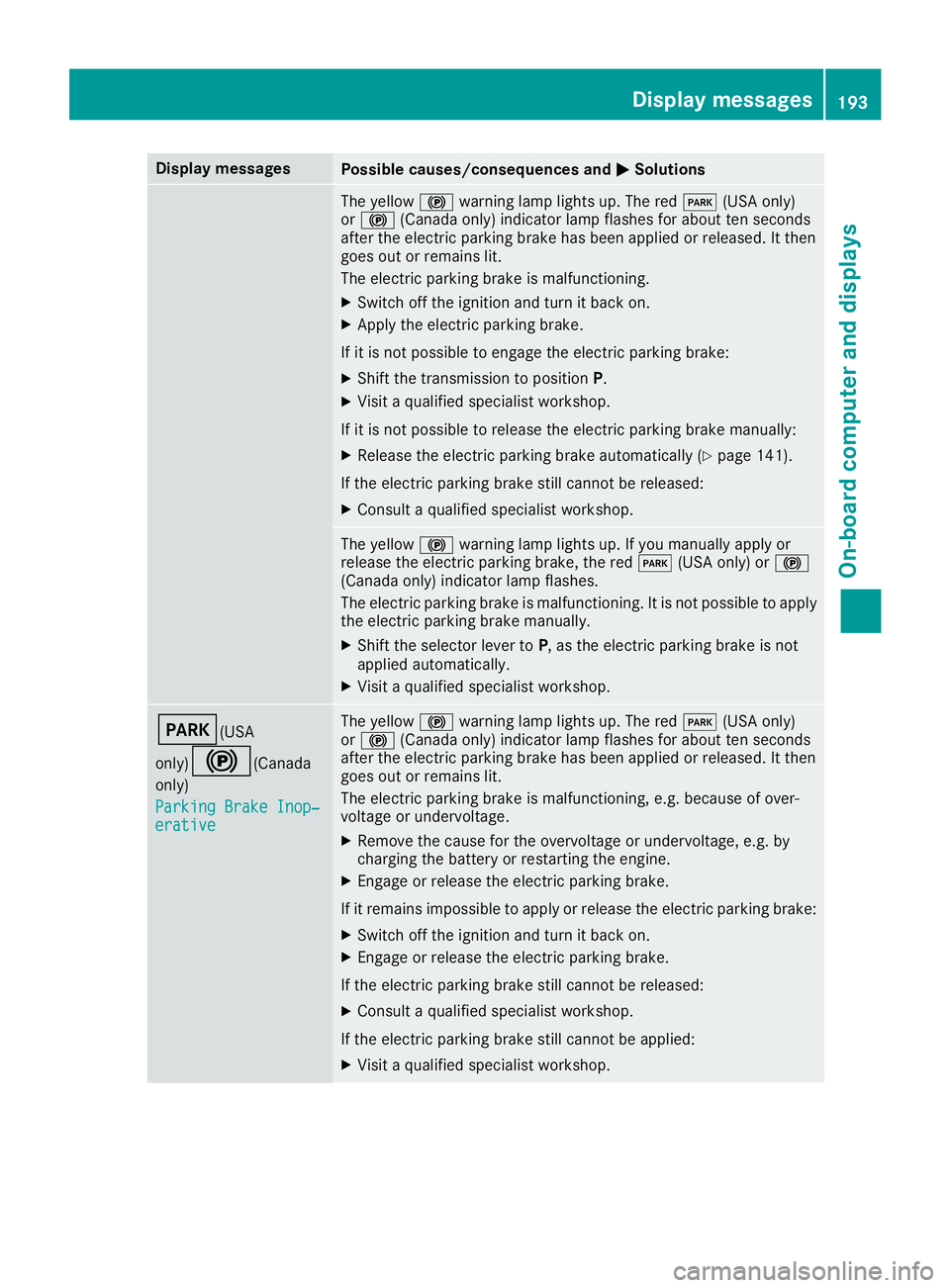
The yellow $ warning lamp lights up. The red I (US A only)
or $ (Canada only) indicator lamp flashes for about te n seconds
after th e electric parking brak e has been applie d or released. It then
goe s out or remain s lit .
The electric parking brak e is malfunctioning .X
Switc h off th e ignition and tur n it bac k on .X
Apply th e electric parking brake.
If it is no t possibl e to engage th e electric parking brake:X
Shift th e transmission to position P .X
Visit a qualified specialist workshop .
If it is no t possibl e to release th e electric parking brak e manually:X
Releas e th e electric parking brak e automatically ( Y
page 141).
If th e electric parking brak e still canno t be released:X
Consult a qualified specialist workshop .
The yellow $ warning lamp lights up. If you manually apply or
release th e electric parking brake, th e red I (US A only) or $
(Canada only) indicator lamp flashes .
The electric parking brak e is malfunctioning . It is no t possibl e to apply
th e electric parking brak e manually.X
Shift th e selector lever to P , as th e electric parking brak e is no t
applie d automatically. X
Visit a qualified specialist workshop .
I (USA
only)
$ ( Canada
only)
Parkin g Brake Inop‐
erativ e The yellow $ warning lamp lights up. The red I (US A only)
or $ (Canada only) indicator lamp flashes for about te n seconds
after th e electric parking brak e has been applie d or released. It then
goe s out or remain s lit .
The electric parking brak e is malfunctioning , e.g. because of over-
voltag e or undervoltage. X
Remove th e caus e for th e overvoltage or undervoltage, e.g. by
charging th e battery or restarting th e engine.X
Engage or release th e electric parking brake.
If it remain s impossible to apply or release th e electric parking brake:X
Switc h off th e ignition and tur n it bac k on .X
Engage or release th e electric parking brake.
If th e electric parking brak e still canno t be released:X
Consult a qualified specialist workshop .
If th e electric parking brak e still canno t be applied:X
Visit a qualified specialist workshop .Display messages 19 3
On-board computer and displays Z