2017 MERCEDES-BENZ CLA-Class interior lighting
[x] Cancel search: interior lightingPage 4 of 318

Index....................................................... 4
Digital Operator's Manual..................22
Introduction .......................................... .22
Operation ............................................... 22
Introduction ......................................... 23
Protecting the environment ...................2 3
Genuine Mercedes-Benz parts .............. .23
Operator's Manual ................................. 24
Service and vehicle operation ................2 4
Operating safety .................................... 26
QR codes for the rescue card ................2 8
Data stored in the vehicle ...................... 28
Information on copyright ....................... 30
At a glance ........................................... 31
Cockpit .................................................. 31
Instrument cluster ................................. 32
Multifunction steering wheel ................. 33
Center console ...................................... 34
Door control panel ................................. 37
Overhead control panel .........................3 8
Safety................................................... 39
Panic alarm ............................................ 39
Occupant safety .................................... 39
Children in the vehicle ........................... 53
Pets in the vehicle ................................. 59
Driving safety systems ........................... 60
Protection against theft .........................6 7
Opening and closing...........................69
SmartKey ............................................... 69
Doors ..................................................... 75
Trunk ..................................................... 77
Side windows ......................................... 80
Panorama roof with power tilt/sliding
panel ...................................................... 84
Seats, steering wheel and mirrors ....89
Correct driver's seat position ............... .89
Seats ..................................................... 89
Steering wheel ....................................... 94 Mirrors ................................................... 95
Memory function ................................... 97
Lights and windshield wipers
............99
Exterior lighting ..................................... 99
Interior lighting .................................... 102
Replacing bulbs ................................... 103
Windshield wipers ................................ 106
Climate control ................................. 109
Overview of climate control systems ... 109
Operating the climate control sys-
tems .................................................... 114
Air vents .............................................. 119
Driving and parking ..........................120
Notes on breaking-in a new vehicle ..... 120
Driving ................................................. 120
DYNAMIC SELECT button (all vehicles
except Mercedes-AMG vehicles) ......... 127
DYNAMIC SELECT controller
(Mercedes-AMG vehicles) .................... 128
Automatic transmission ....................... 129
Refueling ............................................. 137
Parking ................................................ 140
Driving tips .......................................... 143
Driving systems ................................... 148
On-board computer and displays ....174
Important safety notes ........................ 174
Displays and operation ........................ 174
Menus and submenus ......................... 177
Display messages ................................ 188
Warning and indicator lamps in the
instrument cluster ............................... 216
Multimedia system ...........................227
General notes ...................................... 227
Important safety notes ........................ 227
Function restrictions ............................ 227
Operating system ................................ 228
Stowage and features ......................233
Loading guidelines ............................... 233
Stowage areas ..................................... 233
2Contents
Page 13 of 318
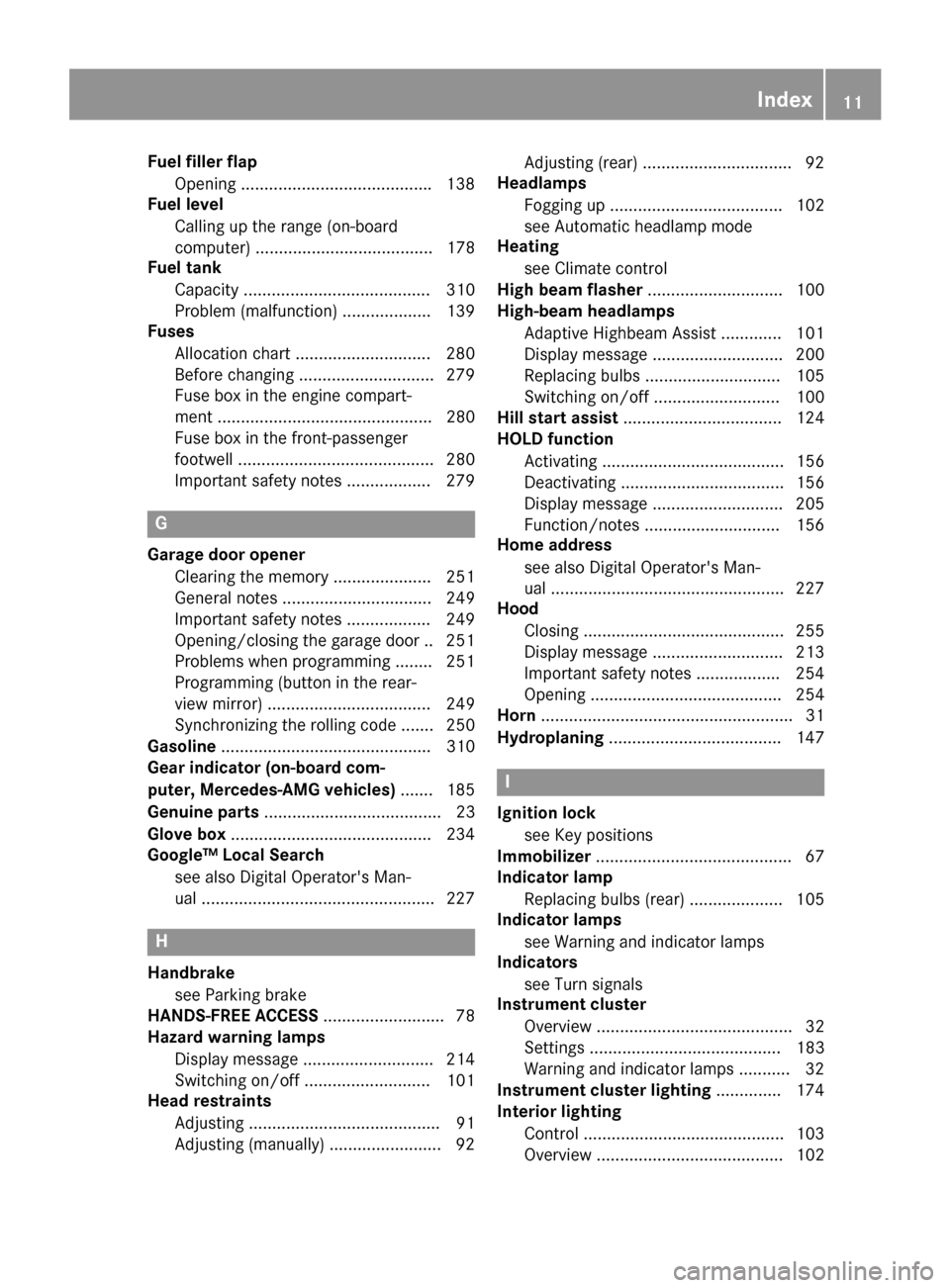
Fuel filler flapOpening ........................................ .138
Fuel level
Calling up the range (on-board
computer) ...................................... 178
Fuel tank
Capacity ........................................ 310
Problem (malfunction) ................... 139
Fuses
Allocation chart .............................2 80
Before changing .............................2 79
Fuse box in the engine compart-
ment .............................................. 280
Fuse box in the front-passenger
footwell .......................................... 280
Important safety notes .................. 279
G
Garage door opener
Clearing the memory ..................... 251
General notes ................................ 249
Important safety notes .................. 249
Opening/closing the garage door .. 251
Problems when programming ........2 51
Programming (button in the rear-
view mirror) ................................... 249
Synchronizing the rolling code ....... 250
Gasoline ............................................. 310
Gear indicator (on-board com-
puter, Mercedes-AMG vehicles) ....... 185
Genuine parts ...................................... 23
Glove box ...........................................2 34
Google™ Local Search
see also Digital Operator's Man-
ual ..................................................2 27
H
Handbrake
see Parking brake
HANDS-FREE ACCESS .......................... 78
Hazard warning lamps
Display message ............................ 214
Switching on/off ........................... 101
Head restraints
Adjusting ......................................... 91
Adjusting (manually) ........................ 92 Adjusting (rear) ................................ 92
Headlamps
Fogging up ..................................... 102
see Automatic headlamp mode
Heating
see Climate control
High beam flasher .............................1 00
High-beam headlamps
Adaptive Highbeam Assist ............. 101
Display message ............................ 200
Replacing bulbs .............................1 05
Switching on/off ........................... 100
Hill start assist .................................. 124
HOLD function
Activating ....................................... 156
Deactivating ................................... 156
Display message ............................ 205
Function/notes .............................1 56
Home address
see also Digital Operator's Man-
ual ..................................................2 27
Hood
Closing ...........................................2 55
Display message ............................ 213
Important safety notes .................. 254
Opening ......................................... 254
Horn ...................................................... 31
Hydroplaning ..................................... 147
I
Ignition lock
see Key positions
Immobilizer .......................................... 67
Indicator lamp
Replacing bulbs (rear) .................... 105
Indicator lamps
see Warning and indicator lamps
Indicators
see Turn signals
Instrument cluster
Overview .......................................... 32
Settings ......................................... 183
Warning and indicator lamps ........... 32
Instrument cluster lighting .............. 174
Interior lighting
Control ...........................................1 03
Overview ........................................ 102
Index11
Page 40 of 318

Overhead control panel
FunctionPage
:uSwitches the rear com-
partment interior lighting
on/off
102
;p Switches the right-
hand reading lamp on/off102
=| Switches the front inte-
rior lighting/automatic inte-
rior lighting control off
102
?ï MB Info call button
(mbrace system)244
ARear-view mirror96
BSets the compass252
CButtons for the garage door
opener249
FunctionPage
DF Roadside assistance
call button (mbrace system)244
EG SOS button (mbrace
system)243
FEyeglasses compartment234
G3 Opens/closes the pan-
orama roof with power tilt/
sliding panel with roller sun-
blinds
85
Hc Switches the front inte-
rior lighting on102
Ip Switches the left-hand
reading lamp on/off102
38Overhead control panel
At a glance
Page 76 of 318

ProblemPossible causes/consequences andMSolutions
KEYLESS-GO is malfunctioning.
XLock/unlock the vehicle using the remote control function of the
SmartKey.
XHave the vehicle and SmartKey checked at a qualified specialist
workshop.
If the vehicle can also not be locked/unlocked using the remote con-
trol function:
XUnlock (Ypage 76) or lock (Ypage 76) the vehicle using the
mechanical key.
XHave the vehicle and SmartKey checked at a qualified specialist
workshop.
The engine cannot be
started using the Smart-
Key.The on-board voltage is too low.
XSwitch off non-essential consumers, e.g. seat heating or interior
lighting, and try to start the engine again.
If this does not work:
XCheck the starter battery and charge it if necessary (Ypage 273).
or
XJump-start the vehicle (Ypage 273).
or
XConsult a qualified specialist workshop.
The engine cannot be
started using the Start/
Stop button. The Smart-
Key is in the vehicle.The vehicle is locked.
XUnlock the vehicle and try to start the vehicle again.
The SmartKey battery is discharged or nearly discharged.
XCheck the SmartKey battery (Ypage 72) and replace it if necessary
(Ypage 72).
If this does not work:
XStart your vehicle with the SmartKey in the ignition lock.
There is interference from a powerful source of radio waves.
XStart your vehicle with the SmartKey in the ignition lock.
You have lost a Smart-
Key.XHave the SmartKey deactivated at a qualified specialist workshop.
XReport the loss immediately to the vehicle insurers.
XIf necessary, have the locks changed as well.
You have lost the
mechanical key.XReport the loss immediately to the vehicle insurers.
XIf necessary, have the locks changed as well.
74SmartKey
Opening and closing
Page 96 of 318

Problems with the seat heating
ProblemPossible causes/consequences andMSolutions
The seat heating has
switched off prematurely
or cannot be switched
on.The on-board voltage is too low because too many electrical consum-
ers are switched on.
XSwitch off electrical consumers that you do not need, such as the
rear window defroster or interior lighting.
Once the battery is sufficiently charged, the seat heating will switch
back on automatically.
Steering wheel
Important safety notes
GWARNING
You could lose control of your vehicle if you do the following while driving:
Radjust the driver's seat, head restraint,
steering wheel or mirrors
Rfasten the seat belt
There is a risk of an accident.
Adjust the driver's seat, head restraint, steer-
ing wheel and mirror and fasten your seat belt before starting the engine.
GWARNING
Children could injure themselves if they
adjust the steering wheel. There is a risk of
injury.
When leaving the vehicle, always take the
SmartKey with you and lock the vehicle. Never
leave children unsupervised in the vehicle.
Adjusting the steering wheel
GWARNING
If the steering wheel is unlocked while the
vehicle is in motion, it could change position
unexpectedly. This could cause you to lose
control of the vehicle. There is a risk of an
accident.
Before starting off, make sure the steering
wheel is locked. Never unlock the steering
wheel while the vehicle is in motion.
:Release lever
;Adjusts the steering wheel height
=Adjusts the steering wheel position (fore-
and-aft adjustment)
XPush release lever :down completely.
The steering column is unlocked.
XAdjust the steering wheel to the desired posi-
tion.
XPush release lever :up completely.
The steering column is locked.
XCheck if the steering column is locked. When
doing so, try to push the steering wheel up or down or try to move it in the fore-and-aft
direction.
94Steering wheel
Seats, steering wheel and mirrors
Page 99 of 318

The rear-view mirror and the exterior mirror on
the driver's side automatically go into anti-glare
mode if:
Rthe ignition is switched on and
Rincident light from headlamps strikes the sen-
sor in the rear-view mirror
The mirrors do not go into anti-glare mode if
reverse gear is engaged or if the interior lighting
is switched on.
Parking position for the exterior mir-
ror on the front-passenger side
Setting and storing the parking position
You can set the front-passenger side exterior
mirror such that you can see the rear wheel on
that side as soon as you engage reverse gear.
You can store this position.
:Button for the driver's side exterior mirror
;Button for the front-passenger side exterior
mirror
=Button for the exterior mirror setting
?Memory button M
XMake sure that the vehicle is stationary.
XTurn the SmartKey to position 2in the ignition
lock (Ypage 121).
XPress button ;.
XEngage reverse gear.
The exterior mirror on the front-passenger
side moves to the default parking position.
XUse button=to adjust the exterior mirror to
a position that allows you to see the rear
wheel and the curb.
The parking position is stored.
iIf you shift the transmission to another posi-
tion, the front-passenger side exterior mirror
returns to the driving position.
Calling up a stored parking position set-
ting
XTurn the SmartKey to position 2in the ignition
lock (Ypage 121).
XAdjust the front-passenger side exterior mir-
ror using the corresponding button
(
Ypage 95).
XEngage reverse gear.
The exterior mirror on the front-passenger
side moves to the stored parking position.
The exterior mirror on the front-passenger side
moves back to its original position:
Ras soon as you exceed a speed of 9 mph
(15 km/h)
Rabout ten seconds after you have disengaged
reverse gear
Rwhen you use button :to select the exterior
mirror on the driver's side
Memory function
Important safety notes
GWARNING
If you use the memory function on the driver's side while driving, you could lose control of
the vehicle as a result of the adjustments
being made. There is a risk of an accident.
Only use the memory function on the driver's
side when the vehicle is stationary.
GWARNING
When the memory function adjusts the seat,
you and other vehicle occupants – particularly
children – could become trapped. There is a
risk of injury.
While the memory function is making adjust-
ments, make sure that no one has any body
parts in the sweep of the seat. If somebody
becomes trapped, immediately release the
memory function position button. The adjust-
ment process is stopped.
GWARNING
Children could become trapped if they acti-
vate the memory function, particularly when
unattended. There is a risk of injury.
Memory function97
Seats, steering wheel and mirrors
Z
Page 104 of 318

Switching Adaptive Highbeam Assist
on/off
XTo switch on:turn the light switch to Ã.
XPress the combination switch beyond the
pressure point in the direction of arrow :.
The _ indicator lamp in the multifunction
display lights up when it is dark and the light
sensor activates the low-beam headlamps.
If you are driving at speeds above approx-
imately 19 mph (30 km/h) and no other road
users are detected:
The high-beam headlamps are switched on
automatically. The Kindicator lamp in the
instrument cluster also lights up.
If you are driving at speeds below approx-
imately 16 mph (25 km/h) or other road users have been detected or the roads are ade-
quately lit:
The high-beam headlamps are switched off
automatically. The Kindicator lamp in the
instrument cluster goes out. The _indi-
cator lamp in the multifunction display
remains lit.
XTo switch off:move the combination switch
back to its normal position.
The _ indicator lamp in the multifunction
display goes out.
Headlamps fogged up on the inside
Certain climatic and physical conditions may
cause moisture to form in the headlamp. This
moisture does not affect the functionality of the
headlamp.
Interior lighting
Overview of interior lighting
Front overhead control panel
:p Switches the left-hand front reading
lamp on or off
;c Switches the front interior lighting on
=vSwitches the rear interior lighting on or
off
?| Switches the front interior lighting/
automatic interior lighting control off
Ap Switches the right-hand front reading
lamp on or off
BSwitches the automatic interior lighting con-
trol on
Rear compartment control panel
:p Switches the left-hand reading lamp
on/off
;p Switches the right-hand reading lamp
on/off
102Interior lighting
Lights and windshield wipers
Page 105 of 318

Interior lighting control
General notes
In order to preven tth evehicle's battery from
discharging ,th einterio rlighting function sare
automatically deactivated after som etime
except when th eSmartKey is in position 2in th e
ignition lock.
The color and brightness for th eambien tlighting
may be set via th emultimedia system; see th e
separat eoperating instructions.
Automatic interior lighting control
XTo switch on: set theswitch to center posi-
tion B.
XTo switch off :set th eswitch to th e|
position .
The interio rlighting automatically switches on if
you:
Runlock th evehicl e
Ropenadoor
Rremove th eSmartKey from th eignition loc k
The interio rligh tis activated for ashort while
when th eSmartKey is remove dfrom th eignition
lock. This delaye dswitch-off can be adjusted via
th emultimedia system; see th eseparat eoper -
ating instructions.
Replacing bulbs
Important safety notes
GWARNIN G
Bulbs, lamp sand connectors can get ver yhot
when operating .If you chang e abulb, you
could burn yourself on these components.
Ther eis aris kof injury.
Allow these component sto cool down before
changing abulb.
Do no tuse abulb if it has been dropped or if it s
glass tub ehas been scratched.
The bulb may explod eif
Ryou touch it
Rit is hot
Ryou dro pit
Ryou scratch it . Use bulbs only in closed lamp
sthat hav ebeen
designed for this purpose .Only instal lspar e
bulbs of th esam etyp eand th especifie dvolt-
age.
Mark son th eglass tub ereduce th eservic elife
of th ebulbs .Do no ttouch th eglass tub ewit h
your bare hands. If necessary, clean th eglass
tub ewhen cold wit halcohol or spirit and rub it
off wit h alint-free cloth .
Protect bulbs from moisture during operation .
Do no tallow bulbs to come int ocontact wit h
liquids.
Replac eonly th ebulbs listed (
Ypage 103).
Hav eth ebulbs that you canno tchang eyourself
replace dat aqualified specialist workshop.
If you require assistanc ereplacing bulbs ,con-
sult aqualified specialist workshop.
If th ene wbulb still does no tligh tup, consult a
qualified specialist workshop.
Headlamps and lights are an important aspect of
vehicl esafety. You must therefor emak esur e
tha
t these function correctl yat all times .Hav e
th eheadlamp setting checke dregularly.
Vehicles with LED headlamps: theligh tclus -
ters of your vehicl eare equipped wit hLE Dligh t
bulbs .Do no treplace th ebulbs yourself .Con -
tac t a qualified specialist workshop whic hhas
th enecessar yspecialist knowledge and tools to
carry out th ewor krequired.
Overview of bulb types
You can replace th efollowin gbulbs .The bulb
typ ecan be foun din th elegend .
Replacing bulbs103
Lights and windshield wipers
Z