2017 MAZDA MX5 MIATA transmission
[x] Cancel search: transmissionPage 247 of 568

5 –25 Interior Features
Audio System
*Some models.NOTE
If not operated for several seconds, the
display returns to the previous display. To
reset bass, treble, fade, and balance, press
the menu button (
) for 2 seconds.
The unit will beep and “CLEAR” will be
displayed.
ALC (Automatic volume adjustment)
The automatic level control (ALC)
changes the audio volume automatically
according to the vehicle speed. The faster
the vehicle speed, the higher the volume
increases. ALC has ALC OFF and ALC
LEVEL 1 to 7 modes. At ALC LEVEL 7,
the amount that the volume can increase
is at the maximum. Select the mode
according to the driving conditions.
BEEP (Audio operation sound)
The setting for the operation sound when
pressing and holding a button can be
changed. The initial setting is ON. Set to
OFF to mute the operation sound.
BT SETUP mode *
Music and other audio such as voice data
recorded on portable audio devices and
mobile phones available on the market
which are equipped with the Bluetooth ®
transmission function can be listened to
via wireless transmission over the vehicle's
speakers. Using the BT SETUP mode,
these devices can be programmed to the
Bluetooth ®
unit or changed (page 5-77 ).
12Hr 24Hr (12 Hr/24 Hr time
adjustment)
Rotating the audio control dial switches
the display between 12 and 24-hour clock
time (page 5-26 ).
MX-5_8FR4-EA-16J_Edition1.indb 25 2016/08/11 20:29:12
Page 281 of 568

5 –59 Interior Features
Audio System
WARNING Do not allow the connection plug cord
to get tangled with the parking brake or
the shift lever (manual transmission)/
selector lever (automatic transmission):
Allowing the plug cord to become
tangled with the parking brake or the
shift lever (manual transmission)/
selector lever (automatic transmission)
is dangerous as it could interfere with
driving, resulting in an accident.
CAUTION Do not place objects or apply force to
the auxiliary jack/USB port with the
plug connected.
NOTE
Insert the plug into the auxiliary jack/
USB port securely.
Insert or pull out the plug with the plug
perpendicular to the auxiliary jack/USB
port hole.
Insert or remove the plug by holding its
base. How to use AUX mode (Type A) 1. Switch the ignition to ACC or ON.
2. Press the power/volume dial to turn the
audio system on.
3. Press the media button ( ) of the
audio unit to change to the AUX mode.
NOTE
When the device is not connected to the
auxiliary jack, the mode does not switch
to the AUX mode.
Adjust the audio volume using the
portable audio device or audio unit.
Audio adjustments other than audio
volume can only be done using the
portable audio device.
If the connection plug is pulled out from
the auxiliary jack while in AUX mode,
noise may occur.
MX-5_8FR4-EA-16J_Edition1.indb 59 2016/08/11 20:29:19
Page 296 of 568
5 –74 Interior Features
Bluetooth ®
Bluetooth ®
Bluetooth ®
Hands-Free outline
When a Bluetooth ®
device (mobile phone) is connected to the vehicle's Bluetooth ®
unit via
radio wave transmission, a call can be made or received by pressing the talk button, pick-
up button, or hang-up button on the audio remote control switch, or by operating the center
display. For example, even if a device (mobile phone) is in your coat pocket, a call can be
made without taking the device (mobile phone) out and operating it directly.
Bluetooth ®
audio outline
When a portable audio unit equipped with the Bluetooth ®
communication function is paired
to the vehicle, you can listen to music stored on the paired portable audio device from the
vehicle's speakers. It is not necessary to connect the portable audio device to the vehicle's
external input terminal. After programming, operate the vehicle audio control panel to play/
stop the audio.
NOTE
For your safety, a device can be paired only when the vehicle is parked. If the vehicle
starts to move, the pairing procedure will end. Park the vehicle in a safe place before
pairing.
The communication range of a Bluetooth ®
equipped device is about 10 meters (32 ft) or
less.
Basic audio operation is available using voice commands even if Bluetooth ®
is not
connected.
For safety reasons, operation of the center display is disabled while the vehicle is being
driven. However, items not displayed in gray can be operated using the commander
switch while the vehicle is being driven.
MX-5_8FR4-EA-16J_Edition1.indb 74 2016/08/11 20:29:21
Page 325 of 568
![MAZDA MX5 MIATA 2017 Owners Manual 5 –103 Interior Features
Bluetooth ®
Making calls using the phonebook
1. Press the talk button with a short press.
2. Say: [Beep] “Call”
3. Prompt: “Name please.”
4. Say: [Beep]](/manual-img/28/59019/w960_59019-324.png "MAZDA MX5 MIATA 2017 Owners Manual 5 –103 Interior Features
Bluetooth ®
Making calls using the phonebook
1. Press the talk button with a short press.
2. Say: [Beep] “Call”
3. Prompt: “Name please.”
4. Say: [Beep]")
5 –103 Interior Features
Bluetooth ®
Making calls using the phonebook
1. Press the talk button with a short press.
2. Say: [Beep] “Call”
3. Prompt: “Name please.”
4. Say: [Beep] “XXXXX... (Ex. “John's
phone”)” (Say a voice tag registered in
the phonebook.)
5. Prompt: “Calling XXXXX... (Ex.
“John's phone”) XXXX (Ex. “at
home”). Is this correct?” (Voice tag and
phone number location registered in
phonebook).
6. Say: [Beep] “Yes”
7. Prompt: “Dialing”
Redialing function
1. Press the talk button with a short press.
2. Say: [Beep] “Redial”
3. Prompt: “Dialing”
Ending the current call
Press the hang-up button during the call.
DTMF (Dual Tone Multi-
Frequency Signal) TransmissionThis function is used when transmitting
DTMF via the user's voice. The receiver
of a DTMF transmission is generally a
home telephone answering machine or
a company's automated guidance call
center (When you send tone signals
back according to the voice guidance
recording).
1. Press the talk button with a short press.
2. Say: [Beep] “XXXX... send” (Say
DTMF code)
3. Prompt: “Sending XXXX... (DTMF
code)” Bluetooth ®
Hands-Free
(Type B) Making a Call Phonebook Usage
Telephone calls can be made by saying
the contact name in the downloaded
phonebook or the name of a person whose
phone number has been registered in the
Bluetooth ®
Hands-Free. Refer to Import
contact (Download Phonebook).
1. Press the talk button.
2. Wait for the beep sound.
3. Say: “Call XXXXX... (Ex. “John”)
Mobile”.
4. Follow the voice guidance to place the
call.
Screen operation
1. Select the icon on the home screen
to display the Communication screen.
2. Select to display the contact
list.
3. Select the contact you would like
to call to display the details for the
contact.
4. Select the desired phone number to
make the call.
Import contact (Download Phonebook)
Phonebook data from your device (Mobile
phone) can be sent and registered to your
Bluetooth ®
Hands-Free phonebook using
Bluetooth ®
.
MX-5_8FR4-EA-16J_Edition1.indb 103 2016/08/11 20:29:28
Page 329 of 568
5 –107 Interior Features
Bluetooth ®
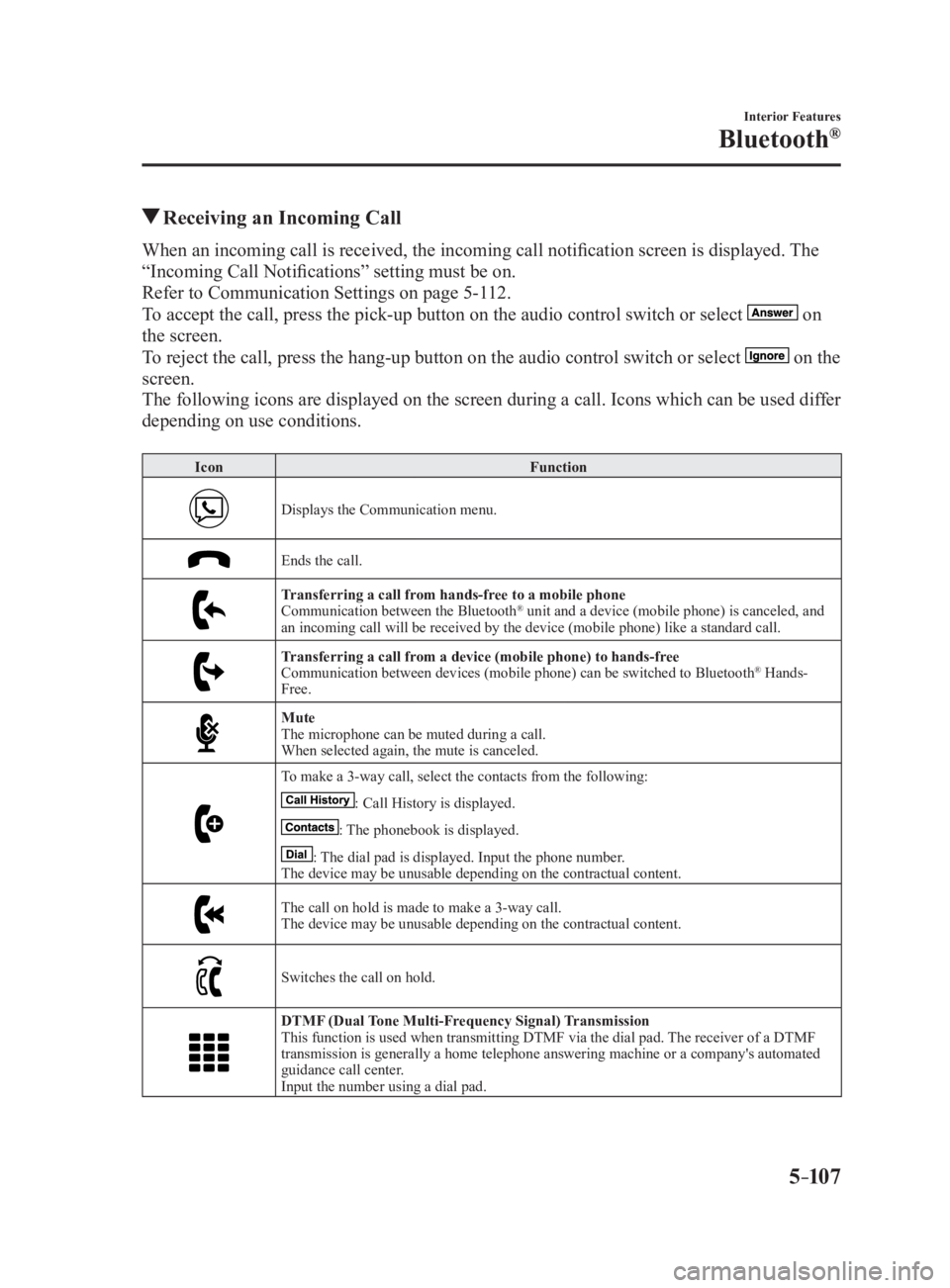
Receiving an Incoming CallWhen an incoming call is received, the incoming call notificatio n screen is displayed. The
“Incoming Call Notifications” setting must be on.
Refer to Communication Settings on page 5-112 .
To accept the call, press the pick-up button on the audio control switch or select
on
the screen.
To reject the call, press the hang-up button on the audio control switch or select
on the
screen.
The following icons are displayed on the screen during a call. Icons which can be used differ
depending on use conditions. Icon Function
Displays the Communication menu.
Ends the call.
Transferring a call from hands-free to a mobile phone
Communication between the Bluetooth ®
unit and a device (mobile phone) is canceled, and
an incoming call will be received by the device (mobile phone) like a standard call.
Transferring a call from a device (mobile phone) to hands-free
Communication between devices (mobile phone) can be switched to Bluetooth ®
Hands-
Free.
Mute
The microphone can be muted during a call.
When selected again, the mute is canceled.
To make a 3-way call, select the contacts from the following:
: Call History is displayed.
: The phonebook is displayed.
: The dial pad is displayed. Input the phone number.
The device may be unusable depending on the contractual content.
The call on hold is made to make a 3-way call.
The device may be unusable depending on the contractual content.
Switches the call on hold.
DTMF (Dual Tone Multi-Frequency Signal) Transmission
This function is used when transmitting DTMF via the dial pad. The receiver of a DTMF
transmission is generally a home telephone answering machine or a company's automated
guidance call center.
Input the number using a dial pad.
MX-5_8FR4-EA-16J_Edition1.indb 107 2016/08/11 20:29:29
Page 367 of 568

6 –5 Maintenance and Care
Scheduled Maintenance Schedule 1U.S.A. and Puerto Rico residents - Engine oil flexible maintenance interval
Use when the maintenance monitor for “Oil Change” is set to “Flexible”. For details,
see maintenance monitor. (page 6-20 )Maintenance Interval Number of months or kilometers (miles), whichever comes first.
Months 12 24 36 48 60 72 84 96
×1000 km 16 32 48 64 80 96 11 2 128
×1000 miles 10 20 30 40 50 60 70 80
ENGINE
Drive belts I I
Engine oil & filter *1
Replace when wrench indicator light is ON. (Max interval: 12
months/16,000 km (10,000 miles))
COOLING SYSTEM
Engine coolant *2
Replace at first 192,000 km (120,000 miles) or 10 years; after
that, every 96,000 km (60,000 miles) or 5 years.
FUEL SYSTEM
Air filter Replace when any equivalent timing of replacing engine oil.
(Max interval: 36 months/60,000 km (37,500 miles))
Fuel lines and hoses *3
I I I I
Hoses and tubes for emission *3
I I
IGNITION SYSTEM
Spark plugs Replace every 120,000 km (75,000 miles).
CHASSIS and BODY
Brake lines, hoses and connections I I I I
Disc brakes I I I I I I I I
Manual transmission oil Replace every 96,000 km (60,000 miles) or 4 years.
Tire (Rotation) *4
Rotate when any equivalent timing of replacing engine oil.
(Max interval: 8,000 km (5,000 miles))
Steering operation and linkages I I I I
Front and rear suspension, ball joints and wheel
bearing axial play I I I I
Rear differential oil *5
Driveshaft dust boots I I I I
Bolts and nuts on chassis and body T T T T
Exhaust system and heat shields I I
Emergency flat tire repair kit (if installed) *6
Inspect annually.
MX-5_8FR4-EA-16J_Edition1.indb 5 2016/08/11 20:29:37
Page 369 of 568

6 –7 Maintenance and Care
Scheduled MaintenanceU.S.A. and Puerto Rico residents - Fixed maintenance interval
Use when the maintenance monitor for “Oil Change” is set to “Fixed”. For details, see
maintenance monitor. (page 6-20 )Maintenance Interval Number of months or kilometers (miles), whichever comes first.
Months 6 12 18 24 30 36 42 48
×1000 km 12 24 36 48 60 72 84 96
×1000 miles 7.5 15 22.5 30 37.5 45 52.5 60
ENGINE
Drive belts I
Engine oil & filter R R R R R R R R
COOLING SYSTEM
Engine coolant *1
Replace at first 192,000 km (120,000 miles) or 10 years; after
that, every 96,000 km (60,000 miles) or 5 years.
FUEL SYSTEM
Air filter R
Fuel lines and hoses *2
I I
Hoses and tubes for emission *2
I
IGNITION SYSTEM
Spark plugs Replace every 120,000 km (75,000 miles).
CHASSIS and BODY
Brake lines, hoses and connections I I
Disc brakes I I I I
Manual transmission oil R
Tire (Rotation) *3*4
Rotate every 12,000 km (7,500 miles).
Steering operation and linkages I I
Front and rear suspension, ball joints and wheel
bearing axial play I I
Rear differential oil *5
Driveshaft dust boots I I
Bolts and nuts on chassis and body T T
Exhaust system and heat shields Inspect every 72,000 km (45,000 miles) or 5 years.
Emergency flat tire repair kit (if installed) *6
Inspect annually.
Chart symbols:
I: Inspect: Inspect and clean, repair, adjust, fill up, or replace if necessary.
R: Replace
T: Tighten
MX-5_8FR4-EA-16J_Edition1.indb 7 2016/08/11 20:29:38
Page 371 of 568

6 –9 Maintenance and Care
Scheduled Maintenance Schedule 2U.S.A. and Puerto Rico residents - Severe driving conditions maintenance interval Maintenance Interval Number of months or kilometers (miles), whichever comes first.
Months 6 12 18 24 30 36 42 48 54 60 66 72
×1000 km 8 16 24 32 40 48 56 64 72 80 88 96
×1000 miles 5 10 15 20 25 30 35 40 45 50 55 60
ENGINE
Drive belts I I
Engine oil & filter Flexible *1
Replace when wrench indicator light is ON. (Max interval: 12
months/16,000 km (10,000 miles))
Fixed R R R R R R R R R R R R
COOLING SYSTEM
Engine coolant *2
Replace at first 192,000 km (120,000 miles) or 10 years; after
that, every 96,000 km (60,000 miles) or 5 years.
Engine coolant level I I I I I I I I I I I I
FUEL SYSTEM
Air filter *3
Replace when any equivalent timing of replacing engine oil.
(Max interval: 36 months or 60,000 km (37,500 miles))
Fuel lines and hoses *4
I I I
Hoses and tubes for emission *4
I
IGNITION SYSTEM
Spark plugs Replace every 120,000 km (75,000 miles).
ELECTRICAL SYSTEM
Function of all lights I I I I I I I I I I I I
CHASSIS and BODY
Brake lines, hoses and connections I I I
Brake and clutch fluid level I I I I I I I I I I I I
Disc brakes I I I I
I I
Manual transmission oil Replace every 48,000 km (30,000 miles) or 2 years.
Tire (Rotation) *5
Rotate when any equivalent timing of replacing engine oil.
(Max interval: 8,000 km (5,000 miles))
Tire inflation pressure and tire wear *5
I I I I I I I I I I I I
Steering operation and linkages I I I
Front and rear suspension, ball joints and wheel
bearing axial play I I I
Rear differential oil *6
Driveshaft dust boots I I I
Bolts and nuts on chassis and body T T T
Exhaust system and heat shields Inspect every 72,000 km (45,000 miles) or 5 years.
MX-5_8FR4-EA-16J_Edition1.indb 9 2016/08/11 20:29:38