Page 132 of 568
4 –18 When Driving
Instrument Cluster and Display
*Some models.Multi-information Display and INFO Switch *
INFO switchMulti-information Display
The multi-information display indicates the following information.
Odometer
Trip meter
Engine coolant temperature gauge
Fuel gauge
Outside temperature
Distance-to-empty
Average fuel economy
Current fuel economy
Maintenance Monitor
Lane Departure Warning System (LDWS) Display
Cruise Control Display
Compass Display
Roof Operation Display
Warning message
MX-5_8FR4-EA-16J_Edition1.indb 18 2016/08/11 20:28:45
Page 138 of 568

4 –24 When Driving
Instrument Cluster and Display
*Some models.NOTE
If any of the INFO switch is pressed
while a message is displayed, it will no
longer be displayed the next time the
ignition is switched ON.
After the vehicle is serviced and the
remaining time/distance is reset, the
message for the next maintenance
period will be displayed when the
remaining distance or time to the next
maintenance period approaches 0
(displays when engine is started).
If there are multiple messages, they are
displayed according to their order.
If OFF is set for Messages, messages
are not displayed.
Lane Departure Warning System
(LDWS) Display *
Displays the system status.
Refer to Lane Departure Warning on page
4-83 .
Cruise Control Set Vehicle Speed
Display
The vehicle speed preset using the cruise
control is displayed. Compass Display The direction the vehicle is moving is
displayed in one of the eight cardinal
directions while the vehicle is being
driven. Display Direction
N North
S South
E East
W West
NE Northeast
NW Northwest
SE Southeast
SW Southwest
Roof Operation Display Displays the roof operation status.
Refer to Operation Indication on page
3-42 .
MX-5_8FR4-EA-16J_Edition1.indb 24 2016/08/11 20:28:47
Page 263 of 568

5 –41 Interior Features
Audio SystemAudio sound adjustment
Select the icon on the home screen to
display the Settings screen.
Select the
tab to select the item you
would like to change. Indication Setting value
Bass
(Low pitch sound) Side: Low pitch
enhancement
Side: Low pitch
reduction
Treble
(Treble sound) Side: Treble
enhancement
Side: Treble reduction
Fade
(Front/Rear volume
balance) Front: Front speaker
volume
enhancement
Rear: Rear speaker
volume
enhancement
Balance
(Left/right volume
balance) Right: Right speaker
volume
enhancement
Left: Left speaker
volume
enhancement
ALC *1
(Automatic volume
adjustment) Off—Adjustment at
seven levels
Bose ®
AudioPilot *2
(Automatic volume
adjustment) On/Off
Beep
(Audio operation sound) On/Off
*1 Standard audio
*2 Bose ®
Sound System
ALC (Automatic volume adjustment)
The automatic level control (ALC) is a
feature that automatically adjusts audio
volume and sound quality according to
the vehicle speed. The volume increases
in accordance with the increase in vehicle
speed, and decreases as vehicle speed
decreases. Bose ®
AudioPilot (Automatic volume
adjustment)
When driving, background noise can
interfere with enjoying music.
AudioPilot ® *3
noise compensation
technology continuously adjusts the music
to compensate for background noise and
vehicle speed.
It reacts only to sustained noise sources
and not intermittent ones, such as speed
bumps.
An enhanced DSP algorithm allows faster
and more effective compensation for
unusual situations, such as driving on a
very rough road or at high speeds.
In addition, a system is equipped which
switches the audio to the optimum
acoustics corresponding to the opening
and closing of the soft top/roof.
The acoustic switching function is linked
to the operation of the top lock lever/
retractable fastback switch and audio
playback is muted for about 1 second
while switching.
*3 AudioPilot ®
is a registered trademark of
Bose Corporation.
MX-5_8FR4-EA-16J_Edition1.indb 41 2016/08/11 20:29:15
Page 428 of 568

6 –66 Maintenance and Care
Appearance Care Convertible Top (Retractable
Fastback) MaintenanceWashing
To help protect the retractable fastback's
finish, use a soft cloth or sponge to wash
it.
Insects, tar, tree sap, bird droppings,
industrial fallout, and similar deposits can
damage the finish if they are not removed
immediately. When prompt washing with
plain water is ineffective use a mild soap
made for use on vehicles.
CAUTION
Do not use an automatic car wash.
Do not spray water directly on the
area where the window glass and the
retractable fastback meet. This would
probably cause water to enter the cabin.
Do not use strong soap, chemical
detergents, or hot water, and do not
wash the retractable fastback in direct
sunlight or when the surface is warm.
Thoroughly rinse with lukewarm or cold
water. Do not allow soap to dry on the
finish.
Waxing
Wax the retractable fastback when water
no longer beads on the paint. Always wash
and dry it before waxing.
CAUTION
Wiping off dust or dirt with a dry cloth
will scratch the finish.
Do not use abrasive wax. This may
damage the protective coating and
discolor or deteriorate the paint. NOTE
A spot remover to remove oil, tar, and
similar materials will usually also take off
the wax. Rewax these areas.
Drainage outlet cleaning procedure
There are drainage outlets on the left and
right of the lower side of the rear window. Rear roof Drainage
outlet
Rear window
NOTE
If leaves or other foreign matter block
the drainage outlets, water may enter the
cabin. Clean the drainage outlets at least
once a year.
MX-5_8FR4-EA-16J_Edition1.indb 66 2016/08/11 20:29:52
Page 429 of 568

6 –67 Maintenance and Care
Appearance Care1. Continue pressing the retractable
fastback switch in the open direction
until the rear roof is raised up from the
fully closed position.
Refer to Opening the Roof on page
3 - 45 .
2. Remove your finger from the
retractable fastback switch after the
rear roof is raised up.
3. Make sure the drainage outlets are
visible.
Drainage
outlet
Rear roof links
4. Switch the ignition OFF.
WARNING Verify that the ignition is switched off:
Closing the roof with the ignition
not switched off is dangerous as the
motors could turn on suddenly and
cause injury resulting from hands
or fingers being pinched in the
mechanism. 5. Remove leaves and other foreign
matter accumulated in the drainage
outlet.
CAUTION When cleaning the drainage outlets,
be careful not to touch the roof links
or the framework of the rear roof.
Otherwise, you could get injured.
Roof links Rear roof
6. After cleaning is finished, continue
pressing the retractable fastback switch
in the close direction to close the rear
roof.
Refer to Closing the Roof on page
3 - 45 .
MX-5_8FR4-EA-16J_Edition1.indb 67 2016/08/11 20:29:53
Page 435 of 568
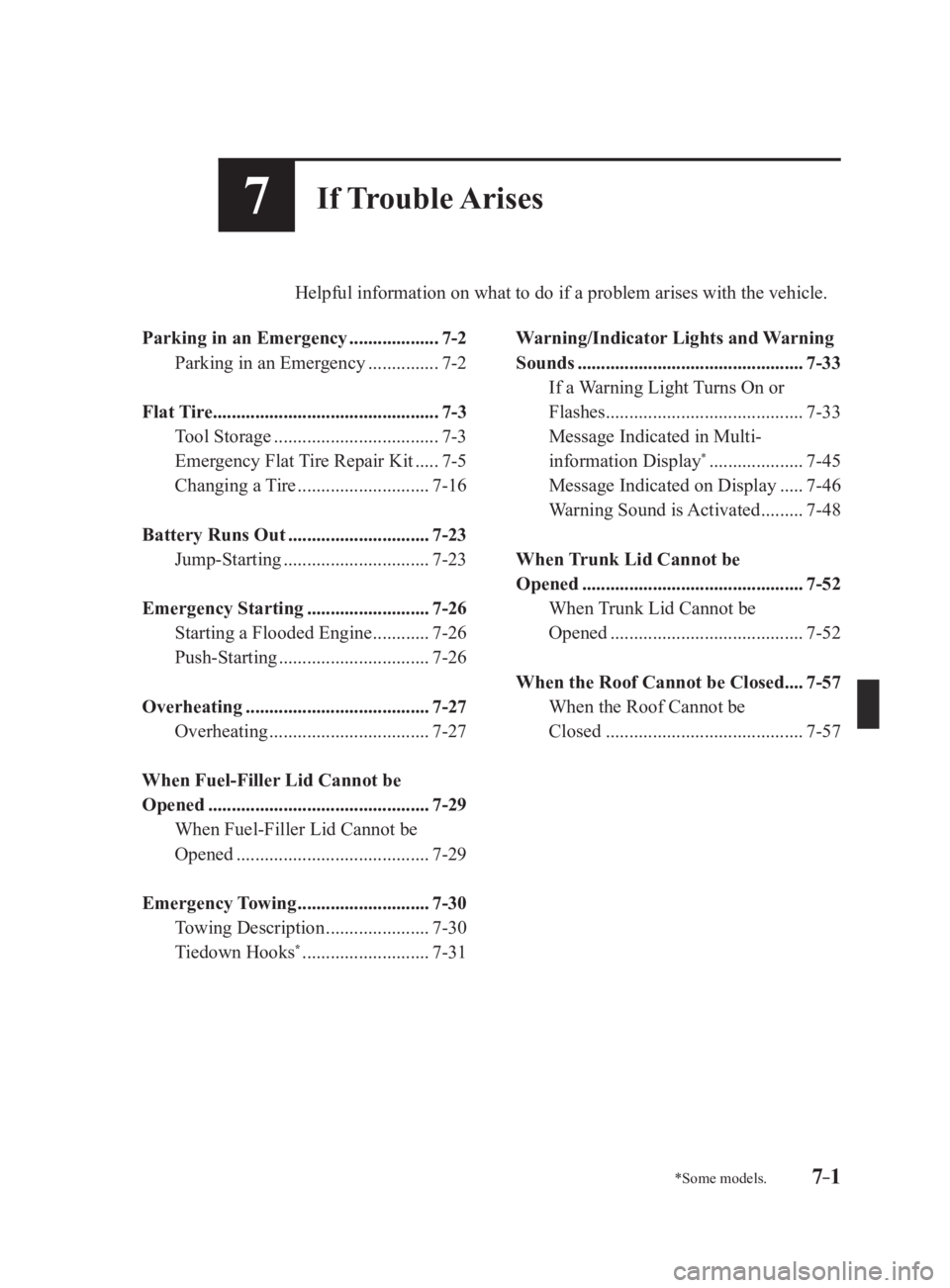
7 –1 *Some models.7 If Trouble Arises Helpful information on what to do if a problem arises with the vehicle.
Parking in an Emergency ................... 7-2
Parking in an Emergency
............... 7-2
Flat Tire ................................................ 7-3
Tool Storage
................................... 7-3
Emergency Flat Tire Repair Kit
..... 7-5
Changing a Tire
............................ 7-16
Battery Runs Out .............................. 7-23
Jump-Starting
............................... 7-23
Emergency Starting .......................... 7-26
Starting a Flooded Engine
............ 7-26
Push-Starting
................................ 7-26
Overheating ....................................... 7-27
Overheating
.................................. 7-27
When Fuel-Filler Lid Cannot be
Opened ............................................... 7-29
When Fuel-Filler Lid Cannot be
Opened
......................................... 7-29
Emergency Towing ............................ 7-30
Towing Description
...................... 7-30
Tiedown Hooks *
........................... 7-31 Warning/Indicator Lights and Warning
Sounds
................................................ 7-33
If a Warning Light Turns On or
Flashes
.......................................... 7-33
Message Indicated in Multi-
information Display *
.................... 7-45
Message Indicated on Display
..... 7-46
Warning Sound is Activated
......... 7-48
When Trunk Lid Cannot be
Opened
............................................... 7-52
When Trunk Lid Cannot be
Opened
......................................... 7-52
When the Roof Cannot be Closed .... 7-57
When the Roof Cannot be
Closed
.......................................... 7-57
MX-5_8FR4-EA-16J_Edition1.indb 1 2016/08/11 20:29:55
Page 487 of 568

7 –53 If Trouble Arises
When Trunk Lid Cannot be Opened6. Pull out the cap and open the trunk lid.
After performing this emergency
measure, have the vehicle inspected at
an Authorized Mazda Dealer as soon as
possible.
CAUTION Do not pull the screw when pulling the
cap. Otherwise, the screw may fall off
and become lost. Retractable fastback model
CAUTION Do not touch the linkage and gears. If
sharp edges and gears are touched, it
could cause injury.
Roof operates electrically
1. Remove the antenna if it is installed.
Refer to Antenna on page 5-13 .
2. Start the engine.
3. Continue pressing the retractable
fastback switch in the open direction
until the rear roof is completely open.
Refer to Opening the Roof on page
3-45 . Multi-information
display indication
NOTE
Stop operating the switch before the front
roof opens. If the switch is continuously
pressed, the front roof opens and the
following procedures cannot be performed.
4. Switch the ignition OFF.
MX-5_8FR4-EA-16J_Edition1.indb 53 2016/08/11 20:30:07
Page 488 of 568
7 –54 If Trouble Arises
When Trunk Lid Cannot be Opened 5. Remove the fasteners on the right side
of the vehicle.
6. Push the stopper rubber through the
cover on the right side of the vehicle
while slightly lifting the cover up.
C ove r
Stopper Rubber
7. Lift up the cover from the outside of
the vehicle.
8. Insert your hand beneath the lifted
cover and loosen the cap screws until
they spin freely.
NOTE
At this point, do not pull out the cap. If
the cap is pulled out, the trunk lock will
release but the rear roof will not operate
electrically.
9. Start the engine.
10. Continue pressing the retractable
fastback switch in the close direction
until the rear roof is completely closed.
Refer to Closing the Roof on page
3-45 .
Multi-information
display indication
11. Switch the ignition OFF.
MX-5_8FR4-EA-16J_Edition1.indb 54 2016/08/11 20:30:07

