2017 LINCOLN MKZ Egr
[x] Cancel search: EgrPage 387 of 564

Specification
Name
ESB-M1C93-B
Multi-purpose grease:
Motorcraft® Multi-Purpose Grease Spray
XL-5-A
--
Lock cylinders (U.S. and Mexico):
Penetrating and Lock Lubricant
XL-1
--
Lock cylinders (Canada):
Penetrating Fluid
CXC-51-A
If you use oil and fluids that do not meet the
defined specification and viscosity grade,
this may lead to:
• Component damage which is not
covered by the vehicle warranty.
• Longer engine cranking periods.
• Increased emission levels.
• Reduced engine performance.
• Reduced fuel economy.
• Degraded brake performance. We recommend Motorcraft motor oil for your
vehicle. If Motorcraft oil is not available, use
motor oils of the recommended viscosity
grade that meet API SN requirements and
display the API Certification Mark for gasoline
engines. Do not use oil labeled with API SN
service category unless the label also
displays the API certification mark.
384
MKZ (CC9) Canada/United States of America, enUSA, First Printing Capacities and SpecificationsE142732
Page 388 of 564

An oil that displays this symbol conforms to
current engine, emission system and fuel
economy performance standards of the
International Lubricants Specification
Advisory Committee (ILSAC).
Do not use supplemental engine oil additives
because they are unnecessary and could
lead to engine damage that may not be
covered by your vehicle warranty.
Note:
Ford recommends using DOT 4 Low
Viscosity (LV) High Performance Brake Fluid
or equivalent meeting WSS-M6C65-A2. Use
of any fluid other than the recommended
fluid may cause degraded brake
performance and not meet the Ford
performance standards. Keep brake fluid
clean and dry. Contamination with dirt,
water, petroleum products or other materials
may result in brake system damage and
possible failure.
Note: Automatic transmissions that require
MERCON LV transmission fluid should only
use MERCON LV transmission fluid. The use
of any other fluid may cause transmission
damage.
385
MKZ (CC9) Canada/United States of America, enUSA, First Printing Capacities and Specifications
Page 393 of 564
GENERAL INFORMATION
WARNING
Driving while distracted can result in
loss of vehicle control, crash and injury.
We strongly recommend that you use
extreme caution when using any device that
may take your focus off the road. Your
primary responsibility is the safe operation
of your vehicle. We recommend against the
use of any hand-held device while driving
and encourage the use of voice-operated
systems when possible. Make sure you are
aware of all applicable local laws that may
affect the use of electronic devices while
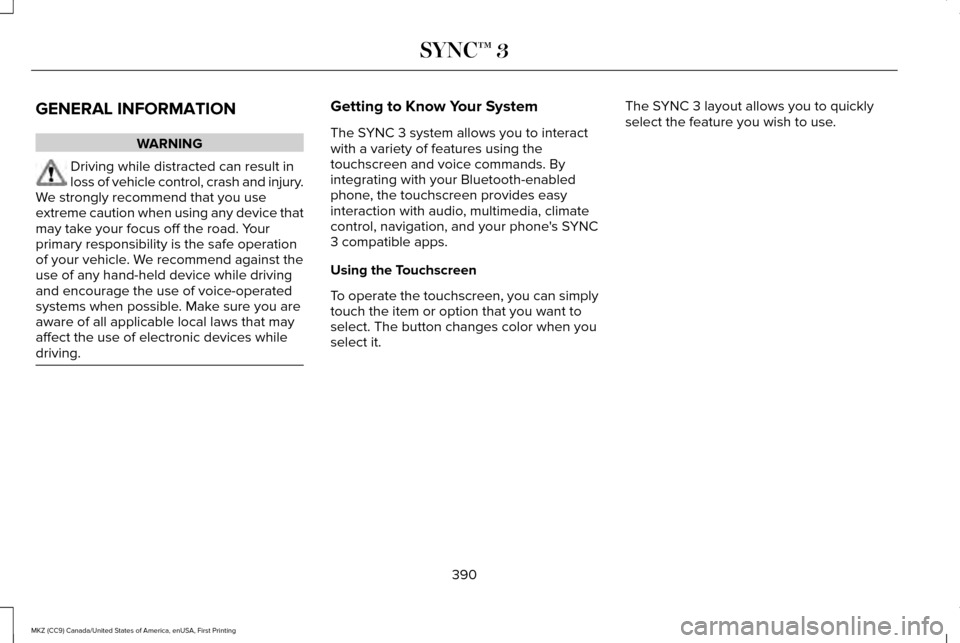
driving. Getting to Know Your System
The SYNC 3 system allows you to interact
with a variety of features using the
touchscreen and voice commands. By
integrating with your Bluetooth-enabled
phone, the touchscreen provides easy
interaction with audio, multimedia, climate
control, navigation, and your phone's SYNC
3 compatible apps.
Using the Touchscreen
To operate the touchscreen, you can simply
touch the item or option that you want to
select. The button changes color when you
select it.
The SYNC 3 layout allows you to quickly
select the feature you wish to use.
390
MKZ (CC9) Canada/United States of America, enUSA, First Printing SYNC™ 3
Page 414 of 564
Description
Voice command
Play Audiobook ___ For USB audio only, you can say the name of an artist, album, or a genre to
browse by that selection. Your system must finish indexing before this option
is available. For example you can say "Browse The Beatles" or "Browse folk".
Browse ___
* This option may not be available in all markets or may require a subscription.
Climate Voice Commands
You can control the temperature of the
vehicle using voice commands. ___ is a dynamic listing, meaning that for
climate voice commands it can be the
desired degrees for the temperature setting.
To adjust the temperature, say: Description
Voice command
Adjust the temperature between 59.0°F (15°C)-86.0°F (30°C).
Climate Set Temperature ___
Climate Help
Phone Voice Commands
Pairing a Phone
You can use voice commands to connect
your Bluetooth-enabled phone to the system. 411
MKZ (CC9) Canada/United States of America, enUSA, First Printing SYNC™ 3
Page 447 of 564
NAVIGATION
Your navigation system is comprised of two
main features, destination mode and map
mode.
Map Mode
Map mode shows advanced viewing
comprised of 2D city maps, 3D landmarks
and 3D city models (when available). 2D city
maps show detailed outlines of buildings,
visible land use, landscape features, and
detailed railroad infrastructure for the most
essential cities around the globe.
3D landmarks appear as clear, visible objects
that are typically recognizable and have a
certain tourism value.
3D city models are complete 3D models of
entire city areas including navigable roads,
parks, rivers and rendered buildings. 3D
landmarks and city models appear in 3D map
mode only. Coverage of these varies and
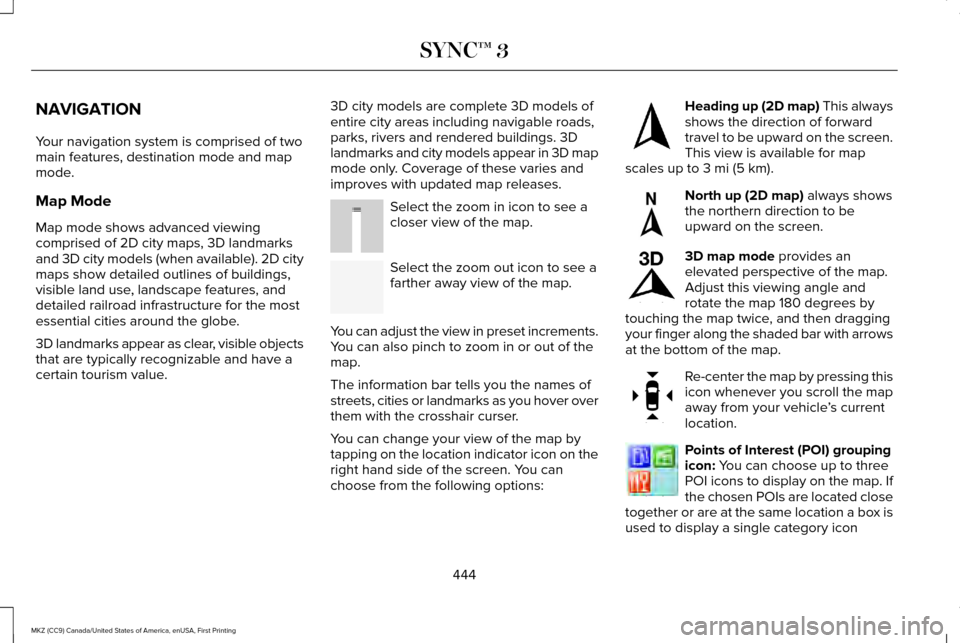
improves with updated map releases. Select the zoom in icon to see a
closer view of the map.
Select the zoom out icon to see a
farther away view of the map.
You can adjust the view in preset increments.
You can also pinch to zoom in or out of the
map.
The information bar tells you the names of
streets, cities or landmarks as you hover over
them with the crosshair curser.
You can change your view of the map by
tapping on the location indicator icon on the
right hand side of the screen. You can
choose from the following options: Heading up (2D map) This always
shows the direction of forward
travel to be upward on the screen.
This view is available for map
scales up to
3 mi (5 km). North up (2D map)
always shows
the northern direction to be
upward on the screen. 3D map mode
provides an
elevated perspective of the map.
Adjust this viewing angle and
rotate the map 180 degrees by
touching the map twice, and then dragging
your finger along the shaded bar with arrows
at the bottom of the map. Re-center the map by pressing this
icon whenever you scroll the map
away from your vehicle
’s current
location. Points of Interest (POI) grouping
icon:
You can choose up to three
POI icons to display on the map. If
the chosen POIs are located close
together or are at the same location a box is
used to display a single category icon
444
MKZ (CC9) Canada/United States of America, enUSA, First Printing SYNC™ 3E207752 E207753 E207750 E207749 E207748 E207751 E207754
Page 557 of 564

Engine Oil Check..........................................301
Adding Engine Oil..............................................302
Engine Oil Dipstick - 2.0L............................301
Engine Oil Dipstick - 3.0L............................301
Engine Specifications - 2.0L......................367 Drivebelt Routing................................................368
Engine Specifications - 3.0L......................368 Drivebelt Routing................................................369
Entertainment.................................................419 AM/FM Radio........................................................421
Apps.......................................................................432
Bluetooth Stereo or USB..................................430
CD (If equipped)..................................................429
HD Radio ™ Information (If Available)..............425
SIRIUS® Satellite Radio (If Activated)..............421
Sources.................................................................420
Supported Media Players, Formats and Metadata Information....................................432
USB Ports.............................................................432
Environment......................................................16
EPB See: Electric Parking Brake..............................189
Essential Towing Checks...........................252 Before Towing a Trailer.....................................253
Hitches..................................................................252
Launching or Retrieving a Boat or Personal
Watercraft (PWC)............................................253
Safety Chains......................................................252 Trailer Brakes......................................................252
Trailer Lamps.......................................................252
When Towing a Trailer.......................................253
Event Data Recording See: Data Recording..............................................9
Export Unique Options...................................14
Exterior Mirrors
................................................94
Auto-Dimming Feature........................................96
Auto-Folding Mirrors............................................95
Blind Spot Monitor................................................97
Fold-Away Exterior Mirrors.................................
95
Heated Exterior Mirrors.......................................96
Integrated Blind Spot Mirrors............................96
Lincoln Welcome Mat..........................................96
Memory Mirrors.....................................................96
Power Exterior Mirrors.........................................94
Signal Indicator Mirrors.......................................
96
F
Fastening the Seatbelts................................35 Rear Inflatable Seatbelt.......................................37
Seatbelt Locking Modes.....................................36
Using Seatbelts During Pregnancy..................35
Flat Tire Inflation See: Tire Sealant and Inflator Kit....................330
Floor Mats
.......................................................257 Front Parking Aid
.........................................200
Obstacle Distance Indicator.............................201
Front Passenger Sensing System...............47
Fuel and Refueling
........................................164
Fuel Consumption.........................................169
Calculating Fuel Economy................................170
Filling the Tank.....................................................169
Fuel Filter
.........................................................312
Fuel Quality.....................................................165
Choosing the Right Fuel....................................165
Fuel Shutoff...................................................260
Fuses...............................................................275
Fuse Specification Chart
............................275
Passenger Compartment Fuse Panel...........287
Power Distribution Box.....................................275
G
Garage Door Opener See: Universal Garage Door Opener..............151
Gauges..............................................................101 Engine Coolant Temperature Gauge.............103
Fuel Gauge...........................................................102
Information Display.............................................102
General Information on Radio Frequencies...................................................54
Intelligent Access..................................................54
554
MKZ (CC9) Canada/United States of America, enUSA, First Printing Index