2017 HYUNDAI ELANTRA SE service
[x] Cancel search: servicePage 279 of 586
4-27
Multimedia System
4
Information
Turn on the car ignition before using
this device. Do not operate the audio
system for long periods of time with
the ignition turned off as such opera-
tions may lead to battery discharge. Do not subject the device to
severe shock or impact. Direct
pressure onto the front side of
the monitor may cause damage
to the LCD or touch screen.
When cleaning the device, make sure to turn off the device and
use a dry and smooth cloth.
Never use rough materials,
chemical cloths, or solvents
(alcohol, benzene, thinners, etc.)
as such materials may damage
the device panel or cause
color/quality deterioration.
Do not place beverages close to the audio system. Spilling bever-
ages may lead to system mal-
function.
Placing the audio system within an electromagnetic environment
may result in noise interference.
Information
In case of product malfunction, please
contact your dealer or vehicle service
center.
Information
- Using the USB Devices
• To use an external USB device, make sure the device is not connect-
ed when starting up the vehicle.
Connect the device after starting up.
• If you start the engine when the USB device is connected, it may
damage the USB device. (USB flash-
drives are very sensitive to electric
shock.)
• If the engine is started up or turned off while the external USB device is
connected, the external USB device
may not work.
• The System may not play unauthen- ticated MP3 or WMA files.
1) It can only play MP3 files with the compression rate between 8Kbps ~
320Kbps.
2) It can only play WMA music files with the compression rate between
8Kbps ~ 320Kbps.
• Take precautions for static electricity when connecting or disconnecting
the external USB device.
(Continued)
i
i
NOTICEi
Page 283 of 586
4-31
Multimedia System
4
(Continued)
• Before using Bluetooth
®Wireless
Technology related features of the
audio system, refer your phone’s
User’s Manual for phone-side
Bluetooth
®Wireless Technology
operations.
• The phone must be paired to the audio system to use Bluetooth
®
Wireless Technology related fea-
tures.
• Pairing and connecting a Bluetooth
®
Wireless Technology enabled mobile
phone will work only when the
Bluetooth
®Wireless Technology
option within your mobile phone
has been turned on. (Methods of
turning on the Bluetooth
®Wireless
Technology enabled feature may
differ depending on the mobile
phone.)
• Do not use a cellular phone or per- form Bluetooth
®Wireless Technology
settings (e.g. pairing a phone) while
driving.
(Continued)(Continued)
• Even if the phone supports
Bluetooth
®Wireless Technology, the
phone will not be found during
device searches if the phone has
been set to hidden state or the
Bluetooth
®Wireless Technology
power is turned off. Disable the hid-
den state or turn on the Bluetooth
®
Wireless Technology power prior to
searching/connecting with the car
audio system.
• You will not be able to use the hands-free feature when your phone
(in the car) is outside of the cellular
service area (e.g. in a tunnel, in an
underground location, in a moun-
tainous area, etc.).
• If the cellular phone signal is poor or the vehicle’s interior noise is too
loud, it may be difficult to hear the
other person’s voice during a call.
• Do not place the phone near or inside metallic objects, otherwise
communications with Bluetooth
®
Wireless Technology system or cel-
lular service stations can be dis-
turbed.
(Continued)(Continued)
• Placing the audio system within an
electromagnetic environment may
result in noise interference.
• Some cellular phones or other devices may cause interference noise
or a malfunction to the audio sys-
tem. In this case, storing the device
in a different location may resolve
the condition.
• While a phone is connected through Bluetooth
®Wireless Technology
your phone may discharge quicker
than usual for additional Bluetooth
®
Wireless Technology-related opera-
tions.
• If Priority is set upon vehicle igni- tion (IGN/ACC ON), the Bluetooth
®
Wireless Technology phone will be
automatically connected. Even if
you are outside, the Bluetooth
®
Wireless Technology phone will be
automatically connected once you
are in the vicinity of the vehicle. If
you do not want to automatically
connect yourBluetooth
®Wireless
Technology phone, try the following.
(Continued)
Page 287 of 586
4-35
Multimedia System
4
SiriusXM®Satellite Radio
information (if equipped)
Satellite Radio channels :
Enjoy SiriusXM Satellite Radio with a
3-month trial subscription to the
SiriusXM Select package. You’ll get
over 140 channels, including com-
mercial-free music, plus all your
favorite sports, exclusive talk, enter-
tainment, and a selection of premium
programming. For more information
and a complete list of SiriusXM
channels, visit siriusxm.com in the
United States, siriusxm.ca in
Canada, or call SiriusXM at 1-888-
539-7474.
Satellite Radio reception factors :
To receive the satellite signal, your
vehicle has been equipped with a
satellite radio antenna located on the
roof of your vehicle. The vehicle roof
provides the best location for an
unobstructed, open view of the sky, a
requirement of a satellite radio sys-
tem. Like AM/FM, there are several
factors that can affect satellite radio
reception performance :
Antenna obstructions : For optimal
reception performance, keep the
antenna clear of snow and ice
build-up and keep luggage and
other material as far away from the
antenna as possible.
Terrain : Hills, mountains, tall build- ings, bridges, tunnels, freeway
overpasses, parking garages,
dense tree foliage and thunder-
storms can interfere with your
reception.
SiriusXM Satellite Radio service :
SiriusXM is a subscription-based
satellite radio service that broad-
casts music, sports, news and enter-
tainment programming to radio
receivers, which are available for
installation in motor vehicles or facto-
ry installed, as well as for the home,
portable and wireless devices, and
through an Internet connection on a
personal computer.
Vehicles that are equipped with a
factory installed SiriusXM Satellite
Radio system include :
Hardware and an introductory trialsubscription term, which begins on
the date of sale or lease of the
vehicle.
For a small upgrade fee, access to SiriusXM music channels, and
other select channels over the
Internet using any computer con-
nected to the Internet (U.S. cus-
tomers only).
For information on extended sub-
scription terms, contact SiriusXM
at 1-888-539-7474.
Page 288 of 586
NOTE :
SiriusXM services require a sub-
scription sold separately, or as a
package, by Sirius XM Radio Inc. If
you decide to continue service
after your trial, the subscription
plan you choose will automatical-
ly renew thereafter and you will be
charged according to your chosen
payment method at then-current
rates. Fees and taxes apply. To
cancel you must call SiriusXM at
1-866-635-2349. See SiriusXM
Customer Agreement for com-
plete terms at www.siriusxm.com.
SiriusXM U.S. satellite and data
services are available only in the
48 contiguous states, DC and
Puerto Rico (with coverage limita-
tions). SiriusXM satellite service is
also available in Canada; see
www.siriusxm.ca. All fees and pro-
gramming subject to change.
Sirius, XM and all related marks
and logos are trademarks of Sirius
XM Radio Inc.
4-36
Multimedia System
Page 318 of 586
![HYUNDAI ELANTRA SE 2017 Owners Manual 4-66
Multimedia System
Language
This menu is used to set the display
and voice recognition language.
Select [Language]
The system will reboot after the lan-
guage is changed.
Language support by regi](/manual-img/35/56090/w960_56090-317.png "HYUNDAI ELANTRA SE 2017 Owners Manual 4-66
Multimedia System
Language
This menu is used to set the display
and voice recognition language.
Select [Language]
The system will reboot after the lan-
guage is changed.
Language support by regi")
4-66
Multimedia System
Language
This menu is used to set the display
and voice recognition language.
Select [Language]
The system will reboot after the lan-
guage is changed.
Language support by regionEnglish, Français, Español iPod
®is a registered trademark of
Apple Inc. iPod®mobile digital
device sold separately. The
Bluetooth
®word mark and logos
are registered trademarks owned
by Bluetooth
®SIG, Inc. and any
use of such marks by Hyundai is
under license. SiriusXM services
require a subscription sold sepa-
rately, or as a package, by Sirius
XM Radio Inc. If you decide to con-
tinue service after your trial, the
subscription plan you choose will
automatically renew thereafter
and you will be charged according
to your chosen payment method
at then-current rates. Fees and
taxes apply. To cancel you must
call SiriusXM at 1-866-635-2349.
See SiriusXM Customer Agreement
for complete terms at www.sir-
iusxm.com. SiriusXM U.S. satellite
and data services are available
only in the 48 contiguous states,
DC and Puerto Rico (with cover-
age limitations). SiriusXM satellite
service is also available in
Canada; see www.siriusxm.ca. All
fees and programming subject to
change. Sirius, XM and all related marks
and logos are trademarks of Sirius
XM Radio Inc. Android™ is a
trademark of Google, Inc.
BlackBerry is a registered trade-
mark of Research In Motion
Limited (RIM). All other marks,
channel names and logos are the
property of their respective own-
ers. All rights reserved.
Page 418 of 586
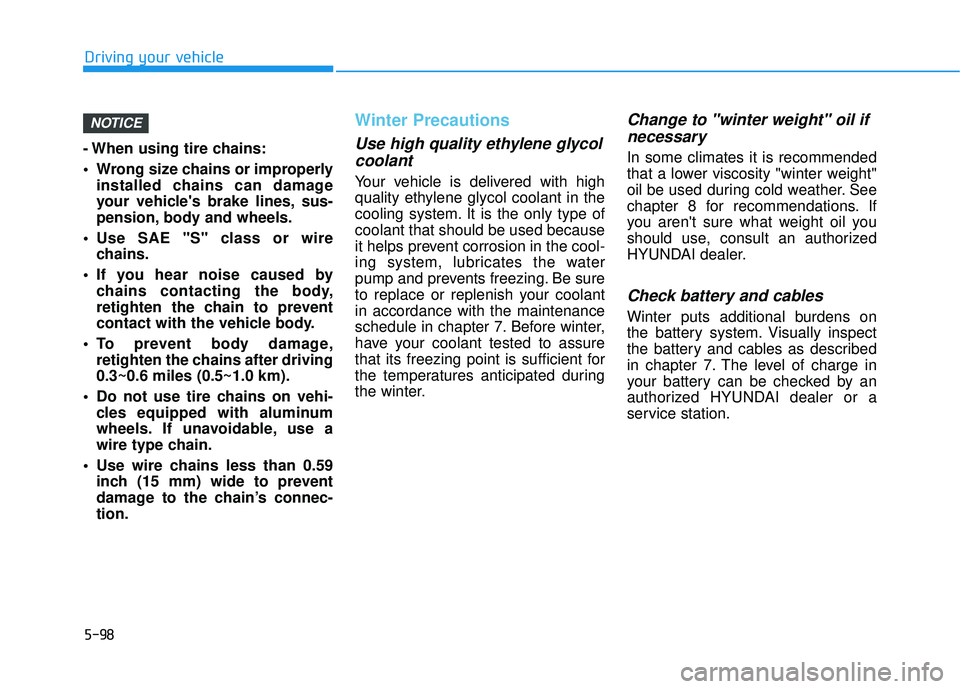
5-98
Driving your vehicle
- When using tire chains:
Wrong size chains or improperly installed chains can damage
your vehicle's brake lines, sus-
pension, body and wheels.
Use SAE "S" class or wire chains.
If you hear noise caused by chains contacting the body,
retighten the chain to prevent
contact with the vehicle body.
To prevent body damage, retighten the chains after driving
0.3~0.6 miles (0.5~1.0 km).
Do not use tire chains on vehi- cles equipped with aluminum
wheels. If unavoidable, use a
wire type chain.
Use wire chains less than 0.59 inch (15 mm) wide to prevent
damage to the chain’s connec-
tion.
Winter Precautions
Use high quality ethylene glycolcoolant
Your vehicle is delivered with high
quality ethylene glycol coolant in the
cooling system. It is the only type of
coolant that should be used because
it helps prevent corrosion in the cool-
ing system, lubricates the water
pump and prevents freezing. Be sure
to replace or replenish your coolant
in accordance with the maintenance
schedule in chapter 7. Before winter,
have your coolant tested to assure
that its freezing point is sufficient for
the temperatures anticipated during
the winter.
Change to "winter weight" oil ifnecessary
In some climates it is recommended
that a lower viscosity "winter weight"
oil be used during cold weather. See
chapter 8 for recommendations. If
you aren't sure what weight oil you
should use, consult an authorized
HYUNDAI dealer.
Check battery and cables
Winter puts additional burdens on
the battery system. Visually inspect
the battery and cables as described
in chapter 7. The level of charge in
your battery can be checked by an
authorized HYUNDAI dealer or a
service station.
NOTICE
Page 426 of 586
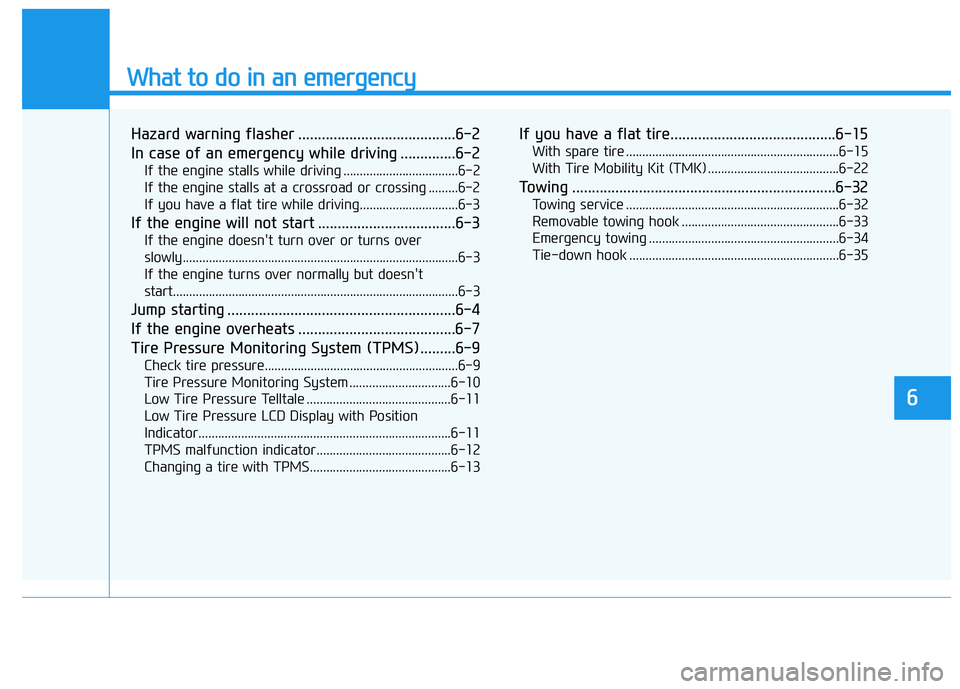
What to do in an emergency
6
Hazard warning flasher ........................................6-2
In case of an emergency while driving ..............6-2
If the engine stalls while driving ...................................6-2
If the engine stalls at a crossroad or crossing .........6-2
If you have a flat tire while driving..............................6-3
If the engine will not start ...................................6-3
If the engine doesn't turn over or turns over
slowly........................................................................\
............6-3
If the engine turns over normally but doesn't
start.....................................................................\
..................6-3
Jump starting ..........................................................6-4
If the engine overheats ........................................6-7
Tire Pressure Monitoring System (TPMS).........6-9
Check tire pressure...........................................................6-9
Tire Pressure Monitoring System ...............................6-10
Low Tire Pressure Telltale ............................................6-11
Low Tire Pressure LCD Display with Position
Indicator........................................................................\
.....6-11
TPMS malfunction indicator.........................................6-12
Changing a tire with TPMS...........................................6-13
If you have a flat tire..........................................6-15
With spare tire .................................................................6-15
With Tire Mobility Kit (TMK) ........................................6-22
Towing ...................................................................6-32
Towing service .................................................................6-32
Removable towing hook ................................................6-33
Emergency towing ..........................................................6-34
Tie-down hook ................................................................6-35
Page 429 of 586
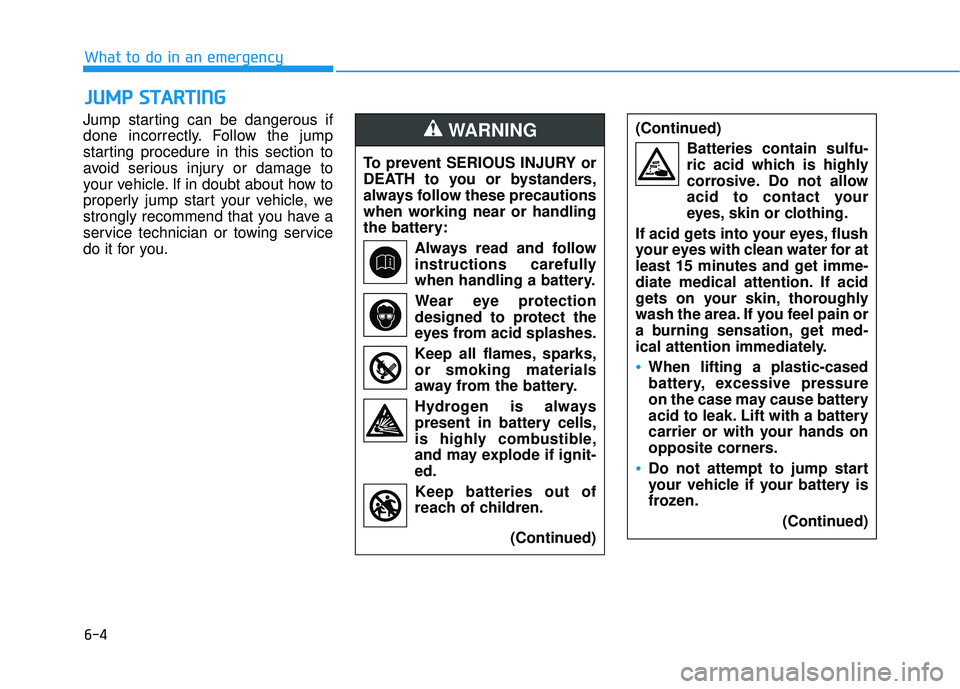
6-4
What to do in an emergency
Jump starting can be dangerous if
done incorrectly. Follow the jump
starting procedure in this section to
avoid serious injury or damage to
your vehicle. If in doubt about how to
properly jump start your vehicle, we
strongly recommend that you have a
service technician or towing service
do it for you.
J J U
U M
M P
P
S
S T
T A
A R
RT
TI
IN
N G
G
To prevent SERIOUS INJURY or
DEATH to you or bystanders,
always follow these precautions
when working near or handling
the battery:
Always read and follow
instructions carefully
when handling a battery.Wear eye protection
designed to protect the
eyes from acid splashes.
Keep all flames, sparks,
or smoking materials
away from the battery.
Hydrogen is always present in battery cells,
is highly combustible,
and may explode if ignit-
ed.
Keep batteries out of
reach of children.
(Continued)
WARNING (Continued)Batteries contain sulfu-
ric acid which is highly
corrosive. Do not allow
acid to contact your
eyes, skin or clothing.
If acid gets into your eyes, flush
your eyes with clean water for at
least 15 minutes and get imme-
diate medical attention. If acid
gets on your skin, thoroughly
wash the area. If you feel pain or
a burning sensation, get med-
ical attention immediately.
•When lifting a plastic-cased
battery, excessive pressure
on the case may cause battery
acid to leak. Lift with a battery
carrier or with your hands on
opposite corners.
Do not attempt to jump start
your vehicle if your battery is
frozen. (Continued)