Page 149 of 586
3-55
Convenient features of your vehicle
3
Smart Trunk (if equipped)
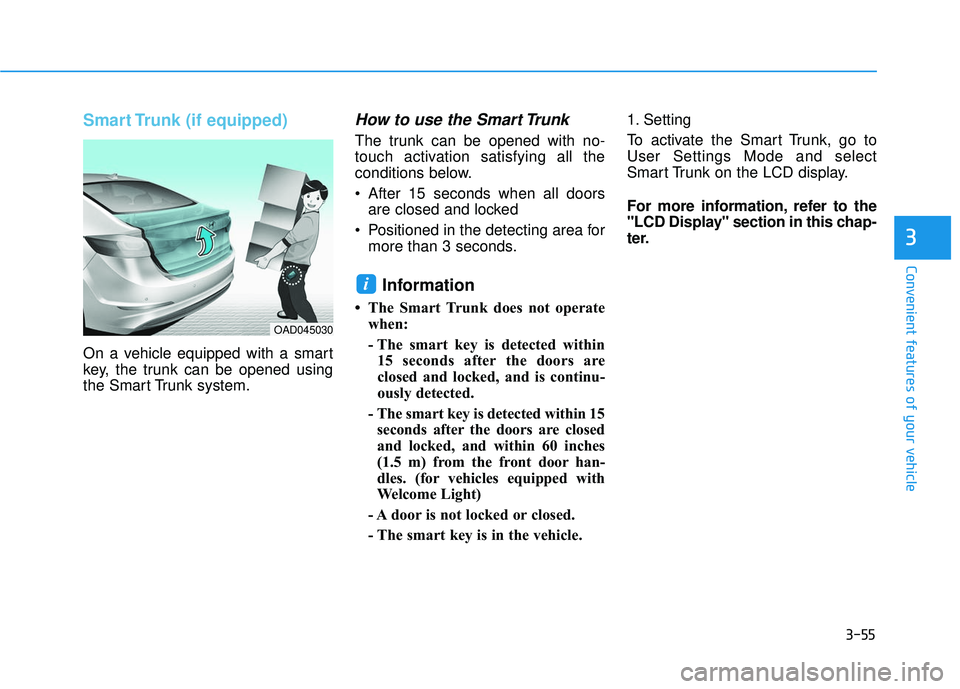
On a vehicle equipped with a smart
key, the trunk can be opened using
the Smart Trunk system.
How to use the Smart Trunk
The trunk can be opened with no-
touch activation satisfying all the
conditions below.
After 15 seconds when all doorsare closed and locked
Positioned in the detecting area for more than 3 seconds.
Information
• The Smart Trunk does not operatewhen:
- The smart key is detected within15 seconds after the doors are
closed and locked, and is continu-
ously detected.
- The smart key is detected within 15 seconds after the doors are closed
and locked, and within 60 inches
(1.5 m) from the front door han-
dles. (for vehicles equipped with
Welcome Light)
- A door is not locked or closed.
- The smart key is in the vehicle. 1. Setting
To activate the Smart Trunk, go to
User Settings Mode and select
Smart Trunk on the LCD display.
For more information, refer to the
"LCD Display" section in this chap-
ter.
i
OAD045030
Page 155 of 586
3-61
Convenient features of your vehicle
3
I
IN
N S
ST
T R
R U
U M
M E
EN
N T
T
C
C L
LU
U S
ST
T E
ER
R
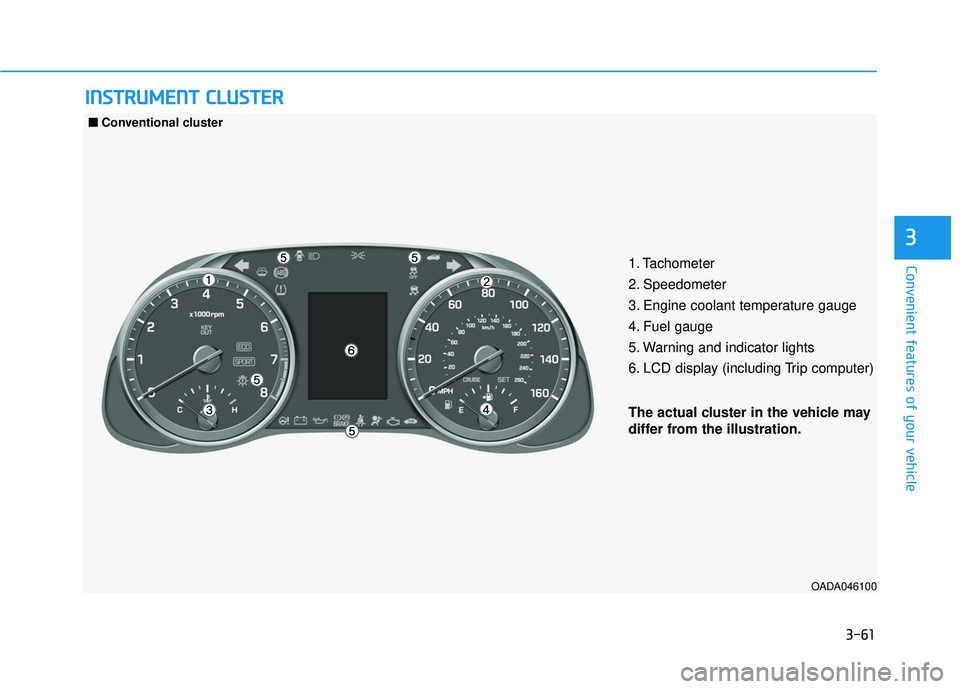
1. Tachometer
2. Speedometer
3. Engine coolant temperature gauge
4. Fuel gauge
5. Warning and indicator lights
6. LCD display (including Trip computer)
OADA046100
■
■
Conventional cluster
The actual cluster in the vehicle may
differ from the illustration.
Page 156 of 586
3-62
Convenient features of your vehicle
OADA046101/OADA046102
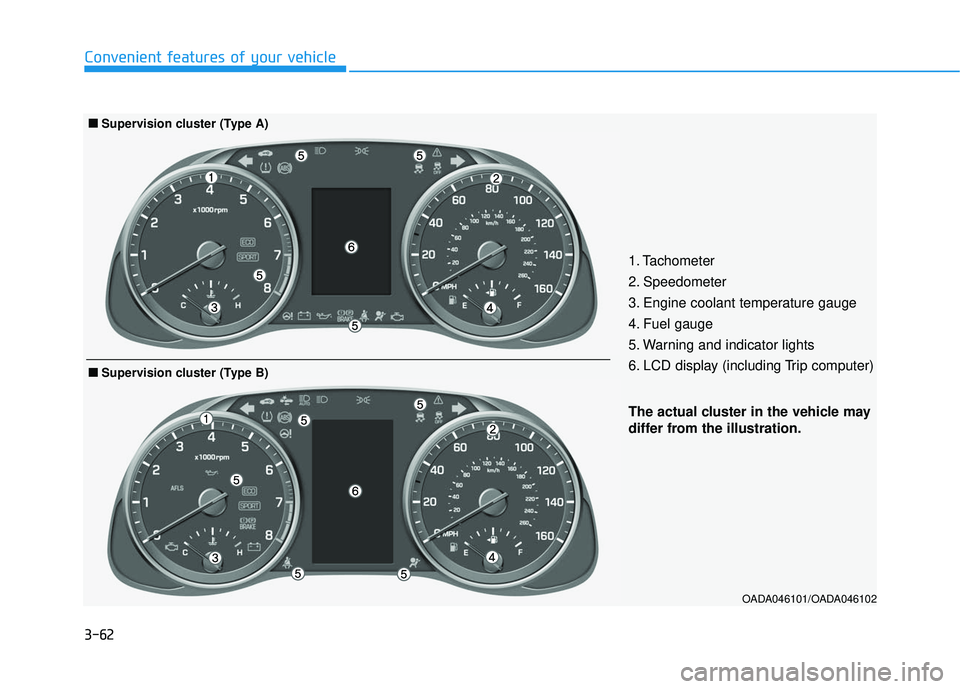
The actual cluster in the vehicle may
differ from the illustration.
■
■Supervision cluster (Type B)
1. Tachometer
2. Speedometer
3. Engine coolant temperature gauge
4. Fuel gauge
5. Warning and indicator lights
6. LCD display (including Trip computer)
■ ■Supervision cluster (Type A)
Page 157 of 586
3-63
Convenient features of your vehicle
3
Instrument Cluster Control
Adjusting instrument clusterillumination
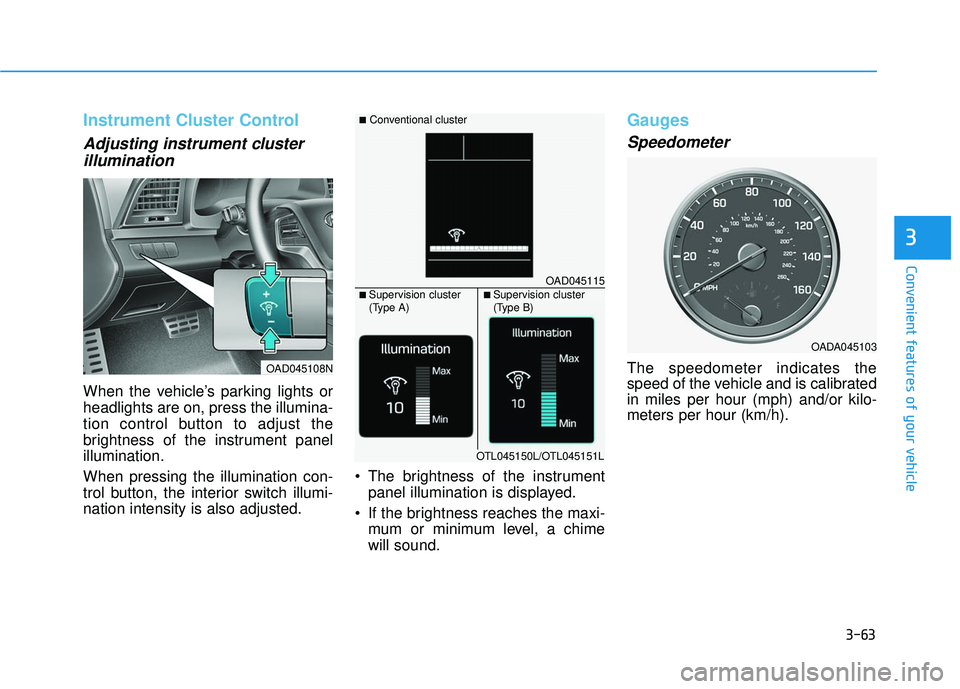
When the vehicle’s parking lights or
headlights are on, press the illumina-
tion control button to adjust the
brightness of the instrument panel
illumination.
When pressing the illumination con-
trol button, the interior switch illumi-
nation intensity is also adjusted. The brightness of the instrument
panel illumination is displayed.
If the brightness reaches the maxi- mum or minimum level, a chime
will sound.
Gauges
Speedometer
The speedometer indicates the
speed of the vehicle and is calibrated
in miles per hour (mph) and/or kilo-
meters per hour (km/h).
OADA045103
OAD045108N
OAD045115
■Conventional cluster
■ Supervision cluster
(Type A)■ Supervision cluster
(Type B)
OTL045150L/OTL045151L
Page 160 of 586
3-66
Convenient features of your vehicle
Outside temperature gauge
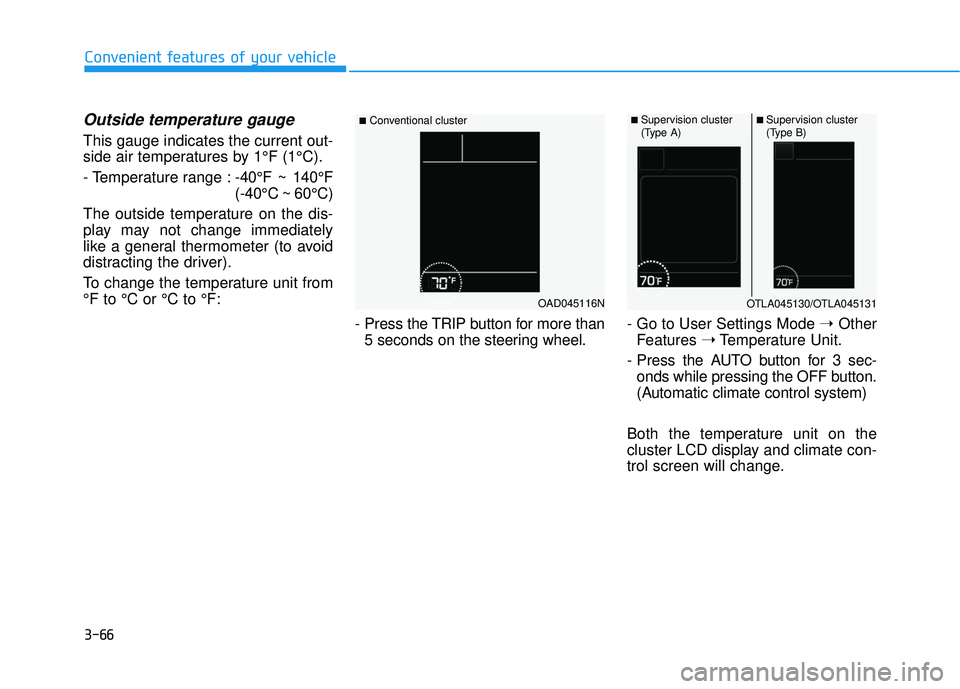
This gauge indicates the current out-
side air temperatures by 1°F (1°C).
- Temperature range :-40°F ~ 140°F
(-40°C ~ 60°C)
The outside temperature on the dis-
play may not change immediately
like a general thermometer (to avoid
distracting the driver).
To change the temperature unit from
°F to °C or °C to °F:
- Press the TRIP button for more than5 seconds on the steering wheel. - Go to User Settings Mode
➝Other
Features ➝Temperature Unit.
- Press the AUTO button for 3 sec- onds while pressing the OFF button.
(Automatic climate control system)
Both the temperature unit on the
cluster LCD display and climate con-
trol screen will change.
OAD045116N
■Conventional cluster■ Supervision cluster
(Type A)■ Supervision cluster
(Type B)
OTLA045130/OTLA045131
Page 161 of 586
3-67
Convenient features of your vehicle
3
Transmission shift indicator
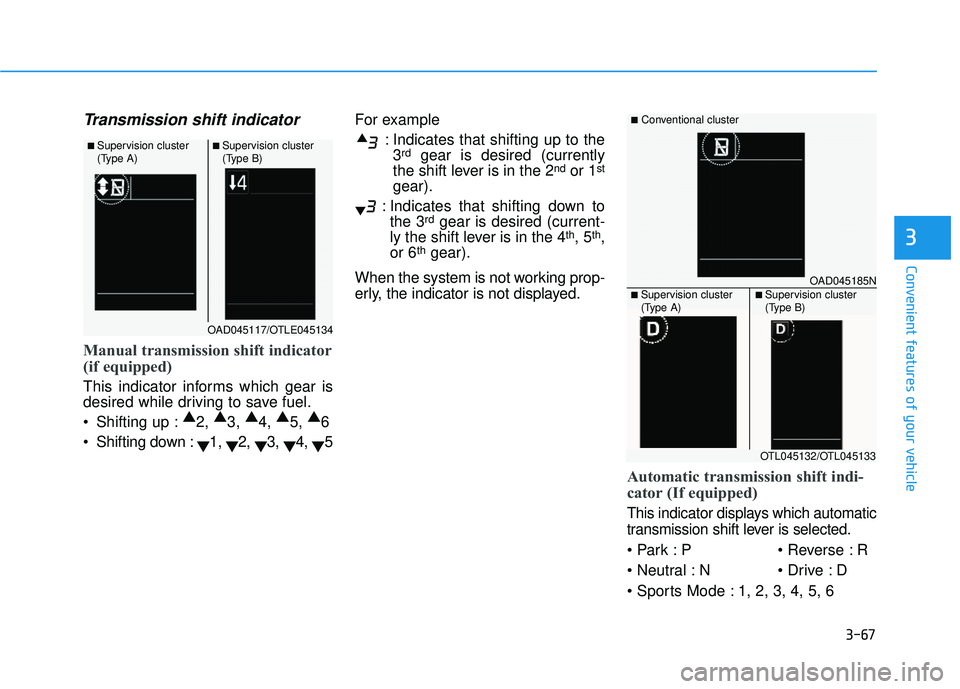
Manual transmission shift indicator
(if equipped)
This indicator informs which gear is
desired while driving to save fuel.
Shifting up :▲
2, ▲
3, ▲
4, ▲
5, ▲
6
Shifting down : ▼1,
▼2,
▼3,
▼4,
▼5 For example
: Indicates that shifting up to the3
rdgear is desired (currently
the shift lever is in the 2ndor 1st
gear).
: Indicates that shifting down to the 3
rdgear is desired (current-
ly the shift lever is in the 4th, 5th,
or 6thgear).
When the system is not working prop-
erly, the indicator is not displayed.
Automatic transmission shift indi-
cator (If equipped)
This indicator displays which automatic
transmission shift lever is selected.
P R
N D
1, 2, 3, 4, 5, 6
OAD045117/OTLE045134
■ Supervision cluster
(Type A)■ Supervision cluster
(Type B)
OAD045185N
■Conventional cluster
■ Supervision cluster
(Type A)■ Supervision cluster
(Type B)
OTL045132/OTL045133
Page 162 of 586
3-68
Convenient features of your vehicle
Shift indicator pop-up
(if equipped)
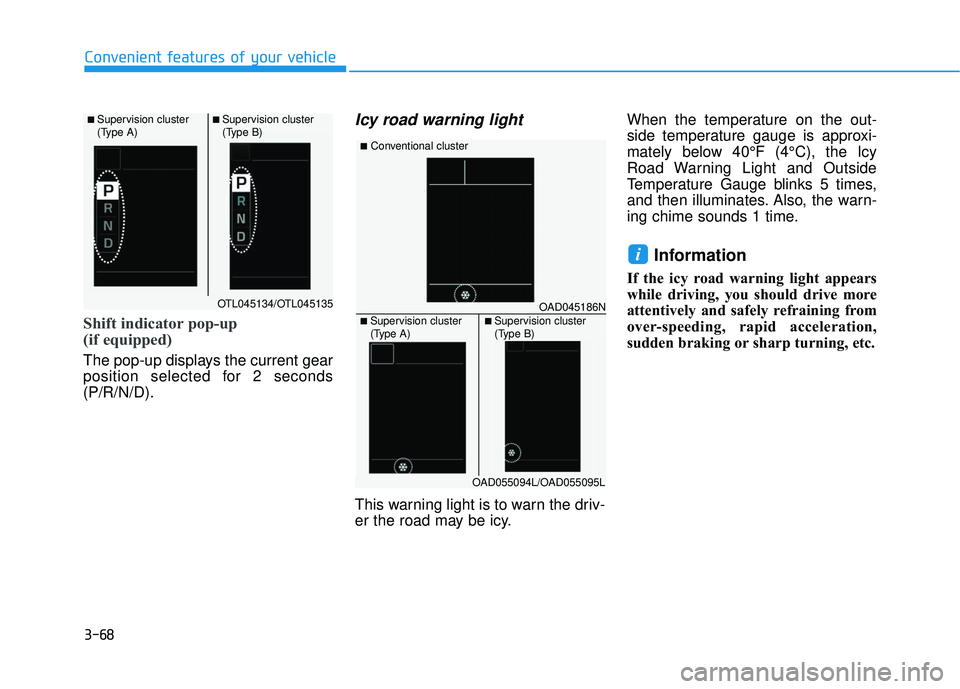
The pop-up displays the current gear
position selected for 2 seconds
(P/R/N/D).
Icy road warning light
This warning light is to warn the driv-
er the road may be icy.When the temperature on the out-
side temperature gauge is approxi-
mately below 40°F (4°C), the Icy
Road Warning Light and Outside
Temperature Gauge blinks 5 times,
and then illuminates. Also, the warn-
ing chime sounds 1 time.
Information
If the icy road warning light appears
while driving, you should drive more
attentively and safely refraining from
over-speeding, rapid acceleration,
sudden braking or sharp turning, etc.
i
OTL045134/OTL045135
■ Supervision cluster
(Type A)■ Supervision cluster
(Type B)
OAD045186N
■Conventional cluster
■ Supervision cluster
(Type A)■ Supervision cluster
(Type B)
OAD055094L/OAD055095L
Page 168 of 586
3-74
Convenient features of your vehicle
Low Fuel LevelWarning Light
This warning light illuminates:
When the fuel tank is nearly empty.
Add fuel as soon as possible.
- Low Fuel Level
Driving with the Low Fuel Level
warning light on or with the fuel
level below "E" can cause the
engine to misfire and damage the
catalytic converter.
Low Tire PressureWarning Light
This warning light illuminates:
Once you turn the ignition switch or
the Engine Start/Stop button to the
ON position.
- It illuminates for approximately 3seconds and then goes off.
When one or more of your tires are significantly underinflated (The
location of each underinflated tire
is displayed on the supervision
cluster LCD display).
For more information, refer to
"Tire Pressure Monitoring System
(TPMS)" in chapter 6.
This warning light remains ON
after blinking for approximately 60
seconds, or repeatedly blinks ON
and OFF in 3 second intervals:
When there is a malfunction with the
TPMS.
In this case, have your vehicle inspect-
ed by an authorized HYUNDAI dealer.
For more information, refer to
"Tire Pressure Monitoring System
(TPMS)" in chapter 6.
NOTICE
Safe Stopping
The TPMS cannot alert you to
severe and sudden tire damage
caused by external factors.
If you notice any vehicle insta-
bility, immediately take your
foot off the accelerator pedal,
apply the brakes gradually with
light force, and slowly move to
a safe position off the road.
WARNING