2017 FORD POLICE INTERCEPTOR UTILITY ignition
[x] Cancel search: ignitionPage 270 of 360

1. Make sure to switch on your phone's
Bluetooth feature before starting the
search. See your device's manual if
necessary.
2. Press the PHONE button. When the
audio display indicates there is no
paired phone, select the option to add.
3. When a message to begin pairing appears in the audio display, search for
SYNC on your phone to start the pairing
process.
4. When prompted on your cell phone ’s
display, confirm that the PIN provided
by SYNC matches the PIN displayed
on your cell phone. Your phone is now
paired and the display indicates that
the pairing was successful. If you are
prompted to enter a PIN on your device,
enter the PIN displayed on the screen.
The display indicates when the pairing
is successful.
Depending on your phone's capability and
your market, the system may prompt you
with questions, such as setting the current
phone as the primary phone (the phone
SYNC automatically tries to connect with
first upon vehicle start-up) and
downloading your phonebook.
Using Voice Commands Make sure to switch on your
phone's Bluetooth feature
before starting the search. See
your device's manual if necessary. Press the voice and when prompted
say: Action and Descrip-
tion
Voice Command
Follow the instruc-
tions on the audio
display.
(pair ([Bluetooth]
device | phone |
Bluetooth audio) |
add phone)
You can say any of the voice commands
that appear within open and close brackets
that are separated by |. For example,
where; (what's | what is) appears you say;
what's or what is.
The commands that have [ ] around the
word means that the word is optional.
Depending on your phone's capability and
your market, the system may prompt you
with questions, such as setting the current
phone as the primary phone (the phone
SYNC automatically tries to connect with
first upon vehicle start-up) and
downloading your phonebook.
Pairing Subsequent Phones
Note: Make sure to switch on the ignition
and the radio. Shift the transmission into
park (P) for automatic transmission or first
gear for manual transmission.
Note: To scroll through the menus, press
the up and down arrows on your audio
system.
1. Make sure to switch on your phone's Bluetooth feature before starting the
search. See your device's manual if
necessary.
2. Press the
PHONE button.
3. Select the option for Bluetooth Devices.
4. Press the
OK button.
267
Police Interceptor (TUB) Canada/United States of America, Police, enUSA, First Printing SYNC™
(If Equipped)E142599
Page 279 of 360

Description and action
Menu Item
2. When a message to begin pairing appears in the audio
display, search for SYNC on your phone. See your phone's
manual if necessary.
3. When prompted on your cell phone ’s display, confirm
that the PIN provided by SYNC matches the PIN displayed
on your cell phone. Skip the next step. If you are prompted
to enter a PIN on your device, it does not support Secure
Simple Pairing. To pair, enter the PIN displayed on the
screen. The display indicates when the pairing is
successful.
4. When the option to set the phone as primary appears,
select either yes or no.
5. SYNC may prompt you with more cell phone options.
Your cell phone may also prompt you to give SYNC
permission to access information. For more information
on your cell phone ’s capability, see your cell phone ’s
manual and visit the website.
Select the delete option and confirm when the system
asks to delete the selected device. After deleting a phone
from the list, you have to repeat the pairing process to pair
it again.
Delete
The system attempts to connect with the primary cellular
phone each time you switch on the ignition. When you
select a cellular phone as primary, it appears first in the
list, marked with an asterisk. Set a previously paired phone
as master by selecting the master option and confirming
it as the primary.
Master
Connect a previously connected phone. You can only have
one phone connected at a time to use the phone's func-
tionality. When you connect another phone, the previous
phone disconnects from the telephone services. The
system allows you to use different Bluetooth devices for
the cellular phone functionality and the Bluetooth audio
music playback feature at the same time.
Conn.
Disconnects the selected cellular phone. Select this option
and confirm when asked. After disconnecting a phone,
you can reconnect it again without repeating the full pairing
process.
Discon.
System Settings
1. Press the MENU button. 2. Select the SYNC settings option, and
then press the
OK button.
276
Police Interceptor (TUB) Canada/United States of America, Police, enUSA, First Printing SYNC™
(If Equipped)
Page 301 of 360

AppLink issues
Possible solution(s)
Possible cause(s)
Issue
login on the app on the
phone before using them with AppLink. Also, some may have a "Ford SYNC"
setting, so check the app's
settings menu on the phone.
Closing and restarting apps may help SYNC find the
application if you cannot
discover it inside the vehicle. On an Android device, if
apps have an "Exit' or 'Quit'
Sometime apps do not
properly close and re-open their connection to SYNC, over ignition cycles, for example.
My phone is connected, my
app(s) are running, but I still cannot find any apps. option, select that then
restart the app. If the app
does not have that option, you can also manually
"Force Close" the app by
going to the phone's settings
menu, selecting 'Apps.' then finding the particular app
and choosing 'Force stop.' Don't forget to restart the
app afterwards, then select "Find New Apps" on SYNC.
On an iPhone with iOS7+, to force close an app, doubletab the home button then
swipe up on the app to close it. Tab the home button
again, then select the app again to restart it. After a
few seconds, the app should then appear in SYNC'sMobile App's Menu.
Reset the Bluetooth on your phone by turning it off and
then turning Bluetooth back
on. If you are in your vehicle, SYNC should be able to
automatically re-connect to your phone if you press the "Phone" button.
There is a Bluetooth bug on
some order versions of theAndroid operating systemthat may cause apps that
were found on your previous
vehicle drive to not be found
again if you have not turned off Bluetooth.
My Android phone is
connected, my app(s) are running, I restarted them,but I still cannot find any apps.
298
Police Interceptor (TUB) Canada/United States of America, Police, enUSA, First Printing SYNC™ (If Equipped)
Page 352 of 360

A
A/C
See: Climate Control.......................................... 90
About This Manual...........................................7
ABS See: Brakes............................................................ 123
ABS driving hints See: Hints on Driving With Anti-Lock
Brakes................................................................. 123
Accessories See: Replacement Parts
Recommendation............................................ 12
Adjusting the Headlamps.........................196 Vertical Aim Adjustment................................. 196
Adjusting the Pedals
.....................................59
Adjusting the Steering Wheel....................57
Airbag Disposal..............................................48
Air Conditioning See: Climate Control.......................................... 90
Air Filter See: Changing the Engine Air Filter............203
Alarm See: Anti-Theft Alarm........................................ 56
All-Wheel Drive..............................................116
Anti-Theft Alarm
............................................56
Alarm System........................................................ 56
Arming the Alarm................................................. 56
Disarming the Alarm........................................... 56
Triggering the Alarm........................................... 56
Appendices....................................................322
Audible Warnings and Indicators
.............75
Automatic Transmission Warning
Chime................................................................... 76
Headlamps On Warning Chime...................... 76
Key in Ignition Warning Chime......................... 75
Parking Brake On Warning Chime.................. 76
Audio Control
...................................................57
Media........................................................................\
58
Seek, Next or Previous....................................... 58
Type One.................................................................. 57
Type Two.................................................................. 57
Audio System
................................................253
General Information......................................... 253
Audio Unit - Vehicles With: AM/FM/CD/ SYNC.............................................................254 Autolamps........................................................63
Windshield Wiper Activated
Headlamps........................................................ 64
Automatic Transmission
.............................114
If Your Vehicle Gets Stuck In Mud or
Snow.................................................................... 114
Understanding the Positions of Your Automatic Transmission.............................. 114
Automatic Transmission Fluid Check.............................................................190
Adding Transmission Fluid .............................. 191
Checking the Transmission Fluid Level.....................................................................191
Auxiliary Power Points.................................98 12 Volt DC Power Point...................................... 98
Locations................................................................ 98
AWD See: All-Wheel Drive.......................................... 116
B
Battery See: Changing the 12V Battery...................... 193
Blind Spot Information System...............135 Switching the System Off and On................137
System Errors........................................................ 137
Using the System................................................ 135
Bonnet Lock See: Opening and Closing the Hood............181
Booster Seats
..................................................23
Types of Booster Seats...................................... 24
Brake Fluid Check.........................................192
Brakes................................................................123 General Information........................................... 123
Breaking-In......................................................155
Bulb Specification Chart
..........................200
C
Cabin Air Filter.................................................92
California Proposition 65..............................11
Capacities and Specifications - 3.5L Ecoboost™.................................................244
Specifications..................................................... 245
Capacities and Specifications - 3.7L.................................................................248
Specifications..................................................... 249
Capacities and Specifications................239
349
Police Interceptor (TUB) Canada/United States of America, Police, enUSA, First Printing Index
Page 355 of 360

Getting Assistance Outside the U.S. and
Canada..........................................................167
Getting the Services You Need...............164 Away From Home.............................................. 164
H
Handbrake See: Parking Brake.............................................. 124
Hazard Warning Flashers..........................159
Headlamp Adjusting See: Adjusting the Headlamps..................... 196
Headlamp Removal See: Removing a Headlamp........................... 197
Head Restraints
..............................................93
Adjusting the Head Restraint.......................... 94
Tilting Head Restraints ..................................... 94
Heated Windows and Mirrors....................92 Heated Exterior Mirror........................................ 92
Heated Rear Window.......................................... 92
Heating See: Climate Control.......................................... 90
Hints on Controlling the Interior Climate.............................................................91
Cooling the Interior Quickly............................... 91
General Hints.......................................................... 91
Heating the Interior Quickly............................... 91
Maximum Cooling Performance in Instrument Panel or Instrument Panel
and Footwell Positions................................. 92
Recommended Settings for Cooling ............91
Recommended Settings for Heating.............91
Side Window Defogging in Cold Weather.............................................................. 92
Vehicle Stationary for Extended Periods During Extreme High Ambient
Temperatures.................................................... 91
Hints on Driving With Anti-Lock Brakes.............................................................123
Hood Lock See: Opening and Closing the Hood............181
I
Ignition Switch
..............................................100
In California (U.S. Only).............................165
Information Display Control......................58 Information Displays
......................................77
General Information............................................. 77
Information Messages.................................80 AdvanceTrac ™....................................................... 81
Alarm........................................................................\
. 81
AWD........................................................................\
... 81
Battery and Charging System......................... 82
Blind Spot Information and Cross Traffic Alert System...................................................... 82
Brake System......................................................... 83
Doors and Locks................................................... 83
Engine....................................................................... 84
Fuel........................................................................\
.... 84
Keys and Intelligent Access............................. 84
Lane Keeping System......................................... 85
Maintenance.......................................................... 86
Park Aid................................................................... 86
Park Brake............................................................... 87
Police Engine Idle feature.................................. 87
Power Steering...................................................... 87
Seats........................................................................\
. 87
Starting System.................................................... 88
Tire Pressure Monitoring System................... 88
Traction Control................................................... 88
Transmission......................................................... 89
Installing Child Restraints.............................17 Child Seats............................................................... 17
Using Lap and Shoulder Belts.......................... 18
Using Lower Anchors and Tethers for CHildren (LATCH)........................................... 20
Using Tether Straps............................................. 22
Instrument Cluster..........................................71
Instrument Lighting Dimmer.....................64
Interior Lamps.................................................65 Dome Lamp........................................................... 65
Dome Task Lamp................................................. 66
Front Map Lamps................................................. 65
Rear Interior Lamp............................................... 66
Interior Mirror
...................................................69
Auto-Dimming Mirror......................................... 69
Introduction.........................................................7
J
Jump Starting the Vehicle
.........................160
Connecting the Jumper Cables.................... 160
Jump Starting........................................................ 161
Preparing Your Vehicle..................................... 160
352
Police Interceptor (TUB) Canada/United States of America, Police, enUSA, First Printing Index
Page 358 of 360
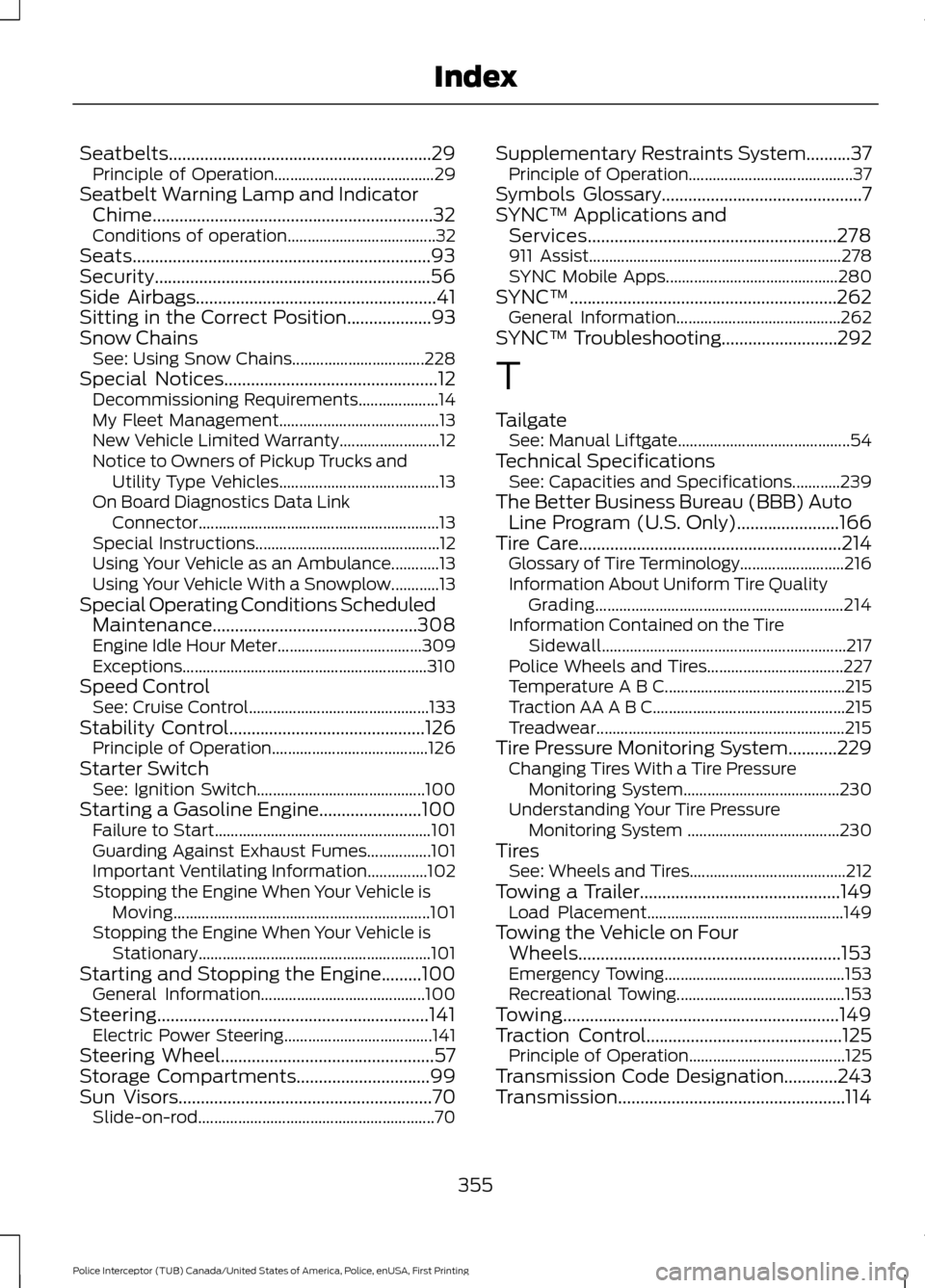
Seatbelts...........................................................29
Principle of Operation........................................ 29
Seatbelt Warning Lamp and Indicator Chime...............................................................32
Conditions of operation..................................... 32
Seats...................................................................93
Security..............................................................56
Side Airbags......................................................41
Sitting in the Correct Position...................93
Snow Chains See: Using Snow Chains................................. 228
Special Notices................................................12 Decommissioning Requirements.................... 14
My Fleet Management........................................ 13
New Vehicle Limited Warranty......................... 12
Notice to Owners of Pickup Trucks and Utility Type Vehicles........................................ 13
On Board Diagnostics Data Link Connector............................................................ 13
Special Instructions.............................................. 12
Using Your Vehicle as an Ambulance............13
Using Your Vehicle With a Snowplow............13
Special Operating Conditions Scheduled Maintenance..............................................308
Engine Idle Hour Meter.................................... 309
Exceptions............................................................. 310
Speed Control See: Cruise Control............................................. 133
Stability Control
............................................126
Principle of Operation....................................... 126
Starter Switch See: Ignition Switch.......................................... 100
Starting a Gasoline Engine.......................100 Failure to Start...................................................... 101
Guarding Against Exhaust Fumes................101
Important Ventilating Information...............102
Stopping the Engine When Your Vehicle is Moving................................................................ 101
Stopping the Engine When Your Vehicle is Stationary.......................................................... 101
Starting and Stopping the Engine.........100 General Information......................................... 100
Steering
.............................................................141
Electric Power Steering..................................... 141
Steering Wheel................................................57
Storage Compartments
..............................99
Sun Visors.........................................................70
Slide-on-rod........................................................... 70Supplementary Restraints System..........37
Principle of Operation......................................... 37
Symbols Glossary
.............................................7
SYNC™ Applications and Services........................................................278
911 Assist............................................................... 278
SYNC Mobile Apps........................................... 280
SYNC™
............................................................262
General Information......................................... 262
SYNC™ Troubleshooting
..........................292
T
Tailgate See: Manual Liftgate........................................... 54
Technical Specifications See: Capacities and Specifications............239
The Better Business Bureau (BBB) Auto Line Program (U.S. Only).......................166
Tire Care
...........................................................214
Glossary of Tire Terminology.......................... 216
Information About Uniform Tire Quality Grading.............................................................. 214
Information Contained on the Tire Sidewall............................................................. 217
Police Wheels and Tires.................................. 227
Temperature A B C............................................. 215
Traction AA A B C................................................ 215
Treadwear.............................................................. 215
Tire Pressure Monitoring System
...........229
Changing Tires With a Tire Pressure
Monitoring System....................................... 230
Understanding Your Tire Pressure Monitoring System ...................................... 230
Tires See: Wheels and Tires....................................... 212
Towing a Trailer.............................................149 Load Placement................................................. 149
Towing the Vehicle on Four Wheels...........................................................153
Emergency Towing............................................. 153
Recreational Towing.......................................... 153
Towing..............................................................149
Traction Control
............................................125
Principle of Operation....................................... 125
Transmission Code Designation............243
Transmission...................................................114
355
Police Interceptor (TUB) Canada/United States of America, Police, enUSA, First Printing Index