2017 FORD F450 SUPER DUTY traction control
[x] Cancel search: traction controlPage 381 of 642
The traction grades, from highestto lowest are AA, A, B, and C. Thegrades represent the tire’s abilityto stop on wet pavement asmeasured under controlledconditions on specifiedgovernment test surfaces ofasphalt and concrete. A tiremarked C may have poor tractionperformance.
Temperature A B C
WARNING
The temperature grade forthis tire is established for atire that is properly inflated andnot overloaded. Excessive speed,underinflation, or excessiveloading, either separately or incombination, can cause heat
buildup and possible tire failure.
The temperature grades are A(the highest), B and C,representing the tire’s resistanceto the generation of heat and itsability to dissipate heat whentested under controlled conditionson a specified indoor laboratorytest wheel. Sustained hightemperature can cause thematerial of the tire to degenerateand reduce tire life, and excessivetemperature can lead to suddentire failure. The grade Ccorresponds to a level ofperformance which all passengercar tires must meet under the
Federal Motor Vehicle SafetyStandard No. 139. Grades B and Arepresent higher levels ofperformance on the laboratorytest wheel than the minimumrequired by law.
Glossary of Tire Terminology
*Tire label: A label showing theoriginal equipment tire sizes,recommended inflation pressureand the maximum weight thevehicle can carry.
*Tire Identification Number(TIN): A number on the sidewallof each tire providing informationabout the tire brand andmanufacturing plant, tire size anddate of manufacture. Also referredto as DOT code.
*Inflation pressure: A measureof the amount of air in a tire.
*Standard load: A class ofP-metric or Metric tires designedto carry a maximum load at setpressure. For example: ForP-metric tires 35 psi (2.4 bar) andfor Metric tires 36 psi (2.5 bar).Increasing the inflation pressurebeyond this pressure will notincrease the tire’s load carryingcapability.
*Extra load: A class of P-metricor Metric tires designed to carry aheavier maximum load at 42 psi(2.9 bar). Increasing the inflationpressure beyond this pressure willnot increase the tire’s loadcarrying capability.
378
Super Duty (TFE) Canada/United States of America, enUSA, Edition date: 201710, Second Printing
Wheels and Tires
Page 384 of 642
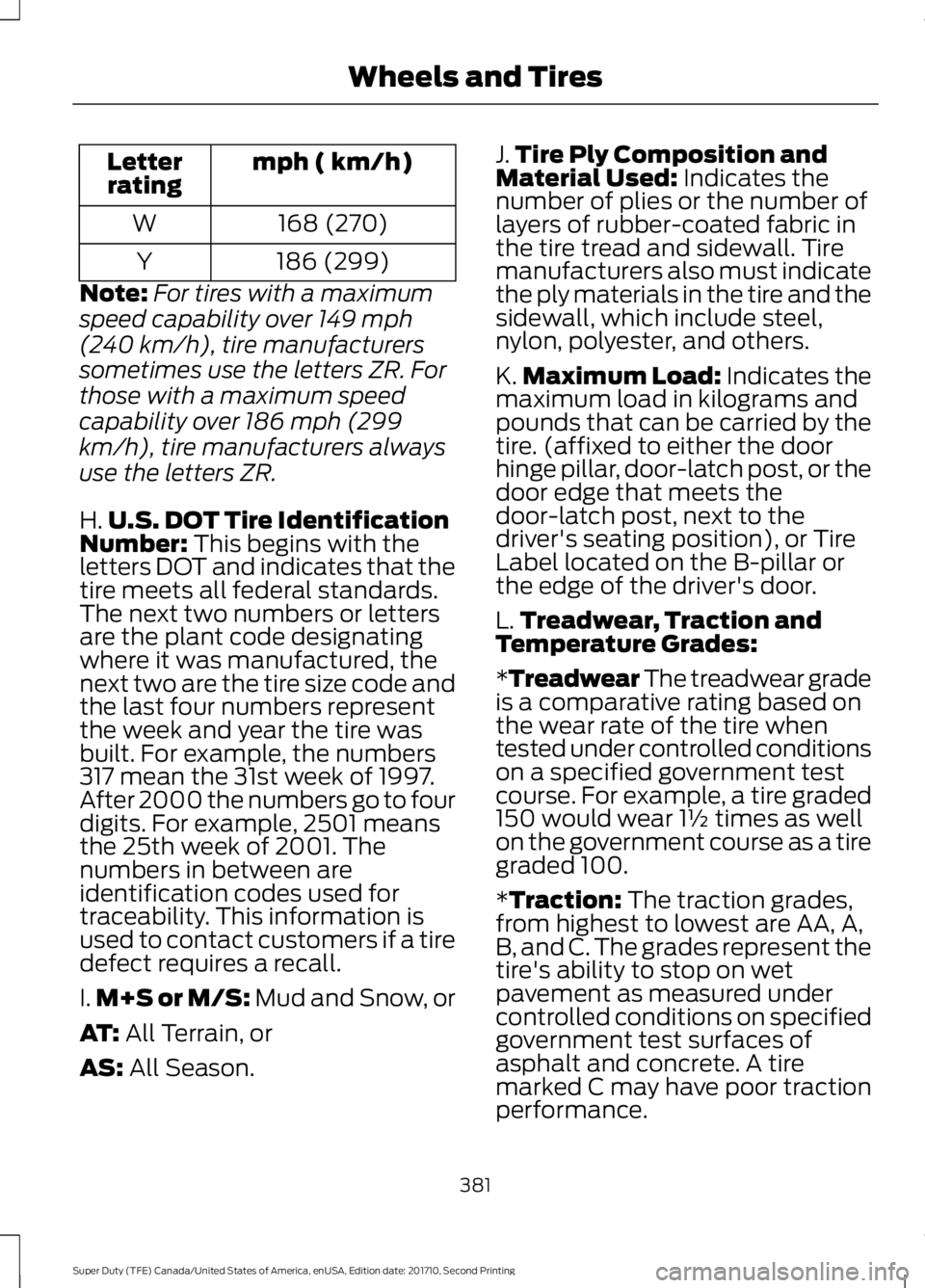
mph ( km/h)Letterrating
168 (270)W
186 (299)Y
Note:For tires with a maximum
speed capability over 149 mph
(240 km/h), tire manufacturers
sometimes use the letters ZR. For
those with a maximum speed
capability over 186 mph (299
km/h), tire manufacturers always
use the letters ZR.
H.U.S. DOT Tire IdentificationNumber: This begins with theletters DOT and indicates that thetire meets all federal standards.The next two numbers or lettersare the plant code designatingwhere it was manufactured, thenext two are the tire size code andthe last four numbers representthe week and year the tire wasbuilt. For example, the numbers317 mean the 31st week of 1997.After 2000 the numbers go to fourdigits. For example, 2501 meansthe 25th week of 2001. Thenumbers in between areidentification codes used fortraceability. This information isused to contact customers if a tiredefect requires a recall.
I.M+S or M/S: Mud and Snow, or
AT: All Terrain, or
AS: All Season.
J.Tire Ply Composition andMaterial Used: Indicates thenumber of plies or the number oflayers of rubber-coated fabric inthe tire tread and sidewall. Tiremanufacturers also must indicatethe ply materials in the tire and thesidewall, which include steel,nylon, polyester, and others.
K.Maximum Load: Indicates themaximum load in kilograms andpounds that can be carried by thetire. (affixed to either the doorhinge pillar, door-latch post, or thedoor edge that meets thedoor-latch post, next to thedriver's seating position), or TireLabel located on the B-pillar orthe edge of the driver's door.
L.Treadwear, Traction andTemperature Grades:
*Treadwear The treadwear gradeis a comparative rating based onthe wear rate of the tire whentested under controlled conditionson a specified government testcourse. For example, a tire graded150 would wear 1½ times as wellon the government course as a tiregraded 100.
*Traction: The traction grades,from highest to lowest are AA, A,B, and C. The grades represent thetire's ability to stop on wetpavement as measured undercontrolled conditions on specifiedgovernment test surfaces ofasphalt and concrete. A tire
marked C may have poor tractionperformance.
381
Super Duty (TFE) Canada/United States of America, enUSA, Edition date: 201710, Second Printing
Wheels and Tires
Page 397 of 642
USING SNOW CHAINS
WARNING
Snow tires must be the same size,load index, speed rating as thoseoriginally provided by Ford. Use ofany tire or wheel not recommended byFord can affect the safety andperformance of your vehicle, which couldresult in an increased risk of loss of vehiclecontrol, vehicle rollover, personal injury anddeath. Additionally, the use ofnon-recommended tires and wheels couldcause steering, suspension, axle, transfercase or power transfer unit failure.
Note:Do not use snow chains on vehicleswith 20 inch wheels and tires.
The tires on your vehicle have all-weathertreads to provide traction in rain and snow.However, in some climates, you may needto use snow tires and cables. If you needto use cables, it is recommended that steelwheels (of the same size andspecifications) be used, as cables may chipaluminum wheels.
Note:The suspension insulation andbumpers will help prevent vehicle damage.Do not remove these components from yourvehicle when using snow tires and chains.
Follow these guidelines when using snowtires and chains:
•If possible, avoid fully loading yourvehicle
•Use only SAE Class S chains.
•Install chains securely, verifying thatthe chains do not touch any wiring,brake lines or fuel lines.
•Drive cautiously. If you hear the chainsrub or bang against your vehicle, stopand retighten the chains. If this doesnot work, remove the chains to preventdamage to your vehicle.
•Remove the tire chains when they areno longer needed. Do not use tirechains on dry roads.
If you have any questions regarding snowchains or cables, please contact yourauthorized dealer.
TIRE PRESSURE MONITORING
SYSTEM
Vehicle Tire Pressure MonitoringSystem
WARNING
The tire pressure monitoring systemis not a substitute for manuallychecking tire pressures. You shouldperiodically check tire pressures using apressure gauge. Failure to correctlymaintain tire pressures could increase therisk of tire failure, loss of control, vehiclerollover and personal injury.
Each tire, including the spare (ifprovided), should be checkedmonthly when cold and inflatedto the inflation pressure recommended bythe vehicle manufacturer on the vehicleplacard or tire inflation pressure label. (Ifyour vehicle has tires of a different sizethan the size indicated on the vehicleplacard or tire inflation pressure label, youshould determine the proper tire inflationpressure for those tires.)
394
Super Duty (TFE) Canada/United States of America, enUSA, Edition date: 201710, Second Printing
Wheels and Tires
Page 593 of 642
specification WSL-M2C192-A, part numberXY-75W140-QL, or equivalent. Add frictionmodifier XL-3 (EST-M2C118-A) orequivalent for complete refill ofTraction-Lok rear axles. See Capacitiesand Specifications (page 415).
Additional Axle Maintenance for DualRear Wheels
Change rear axle fluid every 250,000 miles(400,000 kilometers) under normal drivingconditions on all commercial applications.When operating your vehicle at or nearmaximum gross vehicle weights, changethe rear axle fluid every 60,000 miles(96,000 kilometers). In addition, followthis 60,000 mile (96,000 kilometer)schedule when operating your vehicleunder the special operating conditionswhere noted.
California Fuel Filter Replacement
If you register your vehicle in California, theCalifornia Air Resources Board hasdetermined that the failure to perform thismaintenance item does not nullify theemission warranty or limit recall liabilitybefore the completion of your vehicle'suseful life. Ford Motor Company, however,urges you to have all recommendedmaintenance services performed at thespecified intervals and to record all vehicleservice.
Hot Climate Oil Change Intervals
Vehicles operating in the Middle East,North Africa, Sub-Saharan Africa orlocations with similar climates using anAmerican Petroleum Institute (API)Certified for Gasoline Engines (Certificationmark) oil of SM or SN quality, the normaloil change interval is 3000 miles (5000kilometers).
If the available API SM or SN oils are notavailable, then the oil change interval is1800 miles (3000 kilometers).
Engine Air Filter and Cabin Air FilterReplacement
The life of the engine air filter and cabin airfilter is dependent on exposure to dustyand dirty conditions. Vehicles operated inthese conditions require frequentinspection and replacement of the engineair filter and cabin air filter.
Diesel Particulate Filter
The filter may need to be removed for ashcleaning at approximately 120000 miles(192000 kilometers) or greater (actualmileage can vary greatly depending uponengine and vehicle operating conditions)and replaced with a new orremanufactured (ash cleaned) part. Thefilter may need to be replaced atapproximately 250000 miles (400000kilometers) depending upon engine andvehicle operating conditions. In both cases,the engine control system sets a servicelight (wrench icon) to inform you to bringyour vehicle to the dealer for service. Ifthere are any issues with the oxidationcatalyst or particulate filter system, aservice light (wrench or engine icon) setsby the engine control system to inform youto bring your vehicle into a dealer forservice.
590
Super Duty (TFE) Canada/United States of America, enUSA, Edition date: 201710, Second Printing
Scheduled Maintenance
Page 607 of 642
TRADEMARKS: This EULA does not grantyou any rights in connection with anytrademarks or service marks of FORDMOTOR COMPANY, its affiliates, and thirdparty software and service providers.
PRODUCT SUPPORT: Please refer toFORD MOTOR COMPANY instructionsprovided in the documentation for theDEVICES product support, such as thevehicle owner guide.
Should you have any questions concerningthis EULA, or if you desire to contact FORDMOTOR COMPANY for any other reason,please refer to the address provided in thedocumentation for the DEVICES.
No Liability for Certain Damages:EXCEPT AS PROHIBITED BY LAW, FORDMOTOR COMPANY, ANY THIRD PARTYSOFTWARE OR SERVICES SUPPLIERS,AND THEIR AFFILIATES SHALL HAVE NOLIABILITY FOR ANY INDIRECT, SPECIAL,CONSEQUENTIAL OR INCIDENTALDAMAGES ARISING FROM OR INCONNECTION WITH THE USE ORPERFORMANCE OF THE SOFTWARE. THISLIMITATION SHALL APPLY EVEN IF ANYREMEDY FAILS OF ITS ESSENTIALPURPOSE. THERE ARE NO WARRANTIESOTHER THAN THOSE THAT MAY BEEXPRESSLY PROVIDED FOR YOUR NEWVEHICLE.
SYNC® Automotive Important SafetyInformation Read and followinstructions:
•Before using your SYNC® system, readand follow all instructions and safetyinformation provided in this end usermanual ("Owner Guide".) Notfollowing precautions found in theOwner Guide can lead to an accidentor other serious injuries.
General Operation
•Voice Command Control: Certainfunctions within the SYNC® systemmay be accomplished using voicecommands. Using voice commandswhile driving helps you to operate thesystem without removing your handsfrom the wheel or eyes from the road.
•Prolonged Views of Screen: Do notaccess any function requiring aprolonged view of the screen while youare driving. Pull over in a safe and legalmanner before attempting to access afunction of the system requiringprolonged attention.
•Volume Setting: Do not raise thevolume excessively. Keep the volumeat a level where you can still hearoutside traffic and emergency signalswhile driving. Driving while unable tohear these sounds could cause anaccident.
•Navigation Features: Any navigationfeatures included in the system areintended to provide turn by turninstructions to get you to a desireddestination. Please make certain allpersons using this system carefullyread and follow instructions and safetyinformation fully.
•Distraction Hazard: Any navigationfeatures may require manual(non-verbal) setup. Attempting toperform such set-up or insert datawhile driving can distract your attentionand could cause an accident or otherserious injury. Stop the vehicle in a safeand legal manner before attemptingthese operations.
•Let Your Judgment Prevail: Anynavigation features are provided onlyas an aid. Make your driving decisionsbased on your observations of localconditions and existing trafficregulations. Any such feature is not a
604
Super Duty (TFE) Canada/United States of America, enUSA, Edition date: 201710, Second Printing
Appendices
Page 635 of 642
Getting Assistance Outside the U.S. andCanada.........................................................308Getting the Services You Need..............305Away From Home.............................................305Global Opening..............................................96Opening the Windows.......................................96
H
HandbrakeSee: Parking Brake.............................................222Hazard Flashers...........................................298HDCSee: Using Hill Descent Control...................229Headlamp AdjustingSee: Adjusting the Headlamps.....................349Head Restraints.............................................152Adjusting the Head Restraint.........................153Heated Exterior Mirrors................................151Heated Seats.................................................160Rear Heated Seats.............................................160Heated Steering Wheel................................82Heated Windows and Mirrors..................150Heated Exterior Mirrors....................................150Heated Rear Window........................................150HeatingSee: Climate Control.........................................145Hill Start Assist.............................................223Switching the System On and Off...............224Using Hill Start Assist.......................................223Hints on Controlling the InteriorClimate..........................................................148Cooling the Interior Quickly............................149General Hints.......................................................148Heating the Interior Quickly............................149Recommended Settings for Cooling..........150Recommended Settings for Heating..........149Side Window Defogging in ColdWeather............................................................150Hints on Driving With Anti-LockBrakes............................................................222Home Screen................................................504Hood LockSee: Opening and Closing the Hood...........322
I
Ignition Switch................................................173
In California (U.S. Only)............................306Information Display Control.......................82Information Displays.....................................111General Information............................................111Information Messages................................1284WD.........................................................................144Active Park............................................................128Adaptive Cruise Control...................................129Adaptive Steering...............................................129AdvanceTrac and Traction Control..............130Airbag......................................................................130Alarm and Security............................................130Automatic Engine Shutdown..........................131Battery and Charging System.........................131Blind Spot Information and Cross TrafficAlert System....................................................132Collision Warning System................................133Diesel Messages..................................................133Doors and Locks..................................................135Driver Alert............................................................136Drivetrain................................................................136Engine.....................................................................136Fuel...........................................................................137Keys and Intelligent Access.............................137Lane Keeping System.......................................138Maintenance........................................................138MyKey......................................................................139Off Road.................................................................139Park Aid..................................................................140Park Brake.............................................................140Power Steering.....................................................141Remote Start.........................................................141Seats.........................................................................141Starting System ..................................................142Tire Pressure Monitoring System..................142Trailer.......................................................................142Installing Child Restraints............................18Child Seats...............................................................18Combining Seatbelt and LATCH LowerAnchors for Attaching Child SafetySeats.....................................................................27Front Seat Tether Strap Attachment(Regular Cab)...................................................28Rear Seat Tether Strap Attachment (CrewCab and Super Cab)......................................29Use of Inboard Lower Anchors from theOutboard Seating Positions (CenterSeating Use) ....................................................26
632
Super Duty (TFE) Canada/United States of America, enUSA, Edition date: 201710, Second Printing
Index
Page 640 of 642
Information About Uniform Tire QualityGrading..............................................................377Information Contained on the TireSidewall............................................................379Temperature A B C............................................378Traction AA A B C...............................................377Treadwear.............................................................377Tire Pressure Monitoring System..........394Trailer Tire Pressure MonitoringSystem..............................................................401Vehicle Tire Pressure MonitoringSystem..............................................................394TiresSee: Wheels and Tires......................................374Towing a Trailer............................................268Load Placement................................................268Towing Points...............................................303Towing the Vehicle on FourWheels.........................................................289Emergency Towing...........................................289Recreational Towing........................................289Towing.............................................................268Traction Control............................................225Principle of Operation......................................225Trailer Reversing Aids.................................269Principle of Operation......................................269Setting Up Trailer Reverse Guidance.........269Trailer Reverse Guidance................................269Troubleshooting..................................................273Using Trailer Reverse Guidance....................272Trailer Sway Control....................................277Transfer Case Fluid Check........................343Transmission Code Designation.............421Transmission.................................................205TransmissionSee: Transmission.............................................205Transporting the Vehicle...........................302
U
Under Hood Overview - 6.2L...................323Under Hood Overview - 6.7LDiesel.............................................................324F-Super Duty.......................................................324Scheduled Maintenance.................................325Under Hood Overview - 6.8L..................326Under Seat Storage.....................................170Rear Under Seat Storage.................................170
Universal Garage Door Opener...............164HomeLink Wireless Control System...........164USB Port.........................................................454Using Adaptive Cruise Control...............240Blocked Sensor...................................................245Changing the Set Speed.................................243Detection Issues.................................................244Disengaging the System.................................243Following a Vehicle............................................241Hilly Condition and Trailer TowUsage................................................................244Low Speed Automatic Cancellation..........244Overriding the System.....................................243Resuming the Set Speed................................243Setting a Speed...................................................241Setting the Gap Distance................................242Switching the System Off..............................244Switching the System On................................241Switching to Normal Cruise Control...........246System Not Available.......................................245Using Cruise Control...................................239Switching Cruise Control Off........................240Switching Cruise Control On.........................239Using Four-Wheel Drive.............................2104WD Indicator Lights..........................................211Driving Off-Road With Truck and UtilityVehicles.............................................................214Electronic Shift-On-the-Fly (ESOF) 4WDsystem...............................................................210How Your Vehicle Differs From OtherVehicles.............................................................214Manual Shift On Stop (MSOS) 4WDsystem...............................................................210Using a Manual Shift On Stop (MSOS)4WD system.....................................................211Using the Electronic Shift on the Fly 4WDsystem................................................................213Using Hill Descent Control.......................229Hill descent modes...........................................229Using MyKey With Remote StartSystems..........................................................63Using Power Running Boards....................78Automatic Power Deploy..................................78Automatic Power Stow......................................78Bounce-back..........................................................79Enabling and Disabling......................................78Manual Power Deploy........................................78Using Snow Chains.....................................394
637
Super Duty (TFE) Canada/United States of America, enUSA, Edition date: 201710, Second Printing
Index
Page 641 of 642
Using Stability Control...............................227AdvanceTrac® with Roll Stability Control™(RSC®)..............................................................227Using SYNC™ With Your MediaPlayer.............................................................476Accessing Your USB Song Library..............480Bluetooth Devices and SystemSettings............................................................482Connecting Your Digital Media Player to theUSB Port...........................................................476Media Menu Features.......................................479Media Voice Commands.................................477USB 2.....................................................................482Voice Commands for Audio Sources.........483Using SYNC™ With Your Phone............459Accessing Features through the PhoneMenu.................................................................464Accessing Your Phone Settings....................467Bluetooth Devices.............................................468Making Calls........................................................463Pairing a Phone for the First Time..............460Pairing Subsequent Phones...........................461Phone Options during an Active Call.........463Phone Voice Commands.................................461Receiving Calls...................................................463System Settings................................................469Text Messaging..................................................465Using Traction Control...............................225Switching the System Off...............................225System Indicator Lights andMessages.........................................................225Using Voice Recognition............................457Audio Voice Commands.................................506Climate Voice Commands.............................507Initiating a Voice Session................................457Mobile App Voice Commands.....................509Navigation Voice Commands.......................508Phone Voice Commands................................507SiriusXM Traffic and Travel Link VoiceCommands......................................................510System Interaction and Feedback..............458Voice Settings Commands.............................510Utilizing the Mediation/ArbitrationProgram (Canada Only)........................308
V
Vehicle Care...................................................364General Information.........................................364Vehicle Certification Label........................421Vehicle Identification Number...............420Vehicle Storage..............................................371Battery....................................................................372Body.........................................................................371Brakes.....................................................................372Cooling system....................................................372Engine.....................................................................372Fuel system..........................................................372General....................................................................371Miscellaneous......................................................372Removing Vehicle From Storage..................372Tires.........................................................................372VentilationSee: Climate Control.........................................145VINSee: Vehicle Identification Number............420Voice Control...................................................82
W
Warning Lamps and Indicators...............1054X2..........................................................................1094X4 HIGH..............................................................1094X4 LOW...............................................................109Adaptive Cruise Control...................................105Adaptive Steering..............................................106Anti-Lock Braking System..............................106Automatic High Beam......................................106Battery....................................................................106Blind Spot Monitor............................................106Brake System.......................................................106Check Fuel Cap...................................................106Cruise Control.......................................................107Diesel Engine Brake...........................................109Diesel Exhaust Fluid..........................................109Direction Indicator..............................................107Door Ajar................................................................107Electronic Locking Differential.......................107Engine Coolant Temperature.........................107Engine Oil...............................................................107Fasten Seatbelt...................................................107Front Airbag..........................................................107Front Fog Lamps.................................................107
638
Super Duty (TFE) Canada/United States of America, enUSA, Edition date: 201710, Second Printing
Index