Page 143 of 350
3. Briefly push and release theMENUbutton to
select the displayed submenu option and to open
the relevant setup menu.
4. Push and release the UPorDOWNarrow
button (by single pushes) to select the new setting
for this submenu option.
5. Briefly push and release the MENUbutton to
store the new setting and go back to the previ-
ously selected submenu option.
6. Push and hold the MENUbutton to return to the
main menu (short hold) or the main screen (longer
hold).
Oil Change Message Reset
Your vehicle is equipped with an engine oil change
indicator system. The “Change Engine Oil” message
will appear in the Instrument Cluster Display for ap-
proximately 5 seconds after a single chime has sounded
to indicate the next scheduled oil change interval. The
engine oil change indicator system is duty cycle based,
which means the engine oil change interval may fluc-
tuate, dependent upon your personal driving style.
Unless reset, this message will continue to display each
time you turn the ignition switch to the ON/RUN position. To turn off the message temporarily, push and
release the
MENU
button. To reset the oil change
indicator system (after performing the scheduled
maintenance), refer to the following procedure.
1. Turn the ignition switch to the ON position. (do not start the engine.)
2. Fully push the accelerator pedal slowly, three times within 10 seconds.
3. Turn the ignition switch to the OFF/LOCK position.
NOTE: If the indicator message illuminates when you
start the vehicle, the oil change indicator system did not
reset. If necessary, repeat this procedure.
Trip Computer
The Trip Computer is located in the instrument cluster.
It features a driver-interactive display (displays infor-
mation such as trip information, range, fuel consump-
tion, average speed, and travel time).
Trip Button
The TRIP button, located on the right steering column
stalk, can be used to display and to reset the previously
described values.
4
UNDERSTANDING YOUR INSTRUMENT PANEL 141
Page 156 of 350
After pressing “Custom” on the touchscreen, you may
select from one of the below menu items:
Setting NameSelectable Options
Fuel Consumption MPG (US)MPG (UK) L/100 km km/L
Temperature °C °F
Pressure psi kPa
Voice
Setting Name Selectable Options
Voice Response Length Brief Long
Show Command List AlwaysWith Help Never
Clock & Date
After pressing the “Clock & Date” button on the touch-
screen, the following settings will be available:
Setting Name Selectable Options
Set Time and Format 12 hour24 hour
NOTE: Press the corresponding arrow above and below the current time to adjust, then select “AM” or “PM.”
154 UNDERSTANDING YOUR INSTRUMENT PANEL
Page 158 of 350
Lights
After pressing the “Lights” button on the touchscreen,
the following settings will be available.
Setting NameSelectable Options
Daytime Running Lights OnOff
Doors & Locks
After pressing the “Doors & Locks” button on the
touchscreen, the following setting will be available.
Setting Name Selectable Options
Auto Door Locks OnOff
NOTE: When the “Auto Door Locks” feature is selected, all doors will lock automatically when the vehicle
reaches a speed of 12 mph (20 km/h).
Remote Door Unlock/Door Unlock DriverAll
NOTE: When “Driver” is selected, only the driver ’s door will unlock on the first push of the key fob UNLOCK
button, you must push the key fob UNLOCK button twice to unlock the passenger ’s doors. When “All” is
selected, all of the doors will unlock on the first press of the key fob UNLOCK button.
156 UNDERSTANDING YOUR INSTRUMENT PANEL
Page 162 of 350
Restore Settings
After pressing the “Restore Settings” button on the
touchscreen, the following settings will be available:
Setting NameSelectable Options
Restore Settings Ye sN o
NOTE: When the “Restore Settings” feature is selected it will reset the Display, Clock, Audio, and Radio Set-
tings to their default settings. To restore the settings to their default setting, press the Restore Settings button. A
pop-up will appear asking �Are you sure you want to reset your settings to default?” Once the settings are re-
stored, a pop up appears stating �settings reset to default�.
Clear Personal Data
After pressing the “Clear Personal Data Settings” but-
ton on the touchscreen, the following settings will be
available:
Setting Name Selectable Options
Clear Personal Data Ye sN o
NOTE: When this feature is selected, it will remove personal data including Bluetooth devices and presets. To
remove personal information, press the “Clear Personal Data” button and a pop-up will appear asking �Are you
sure you want to clear all personal data?” Once the data has been cleared, a pop up appears stating �Personal
data cleared”.
160 UNDERSTANDING YOUR INSTRUMENT PANEL
Page 171 of 350
IconDescription
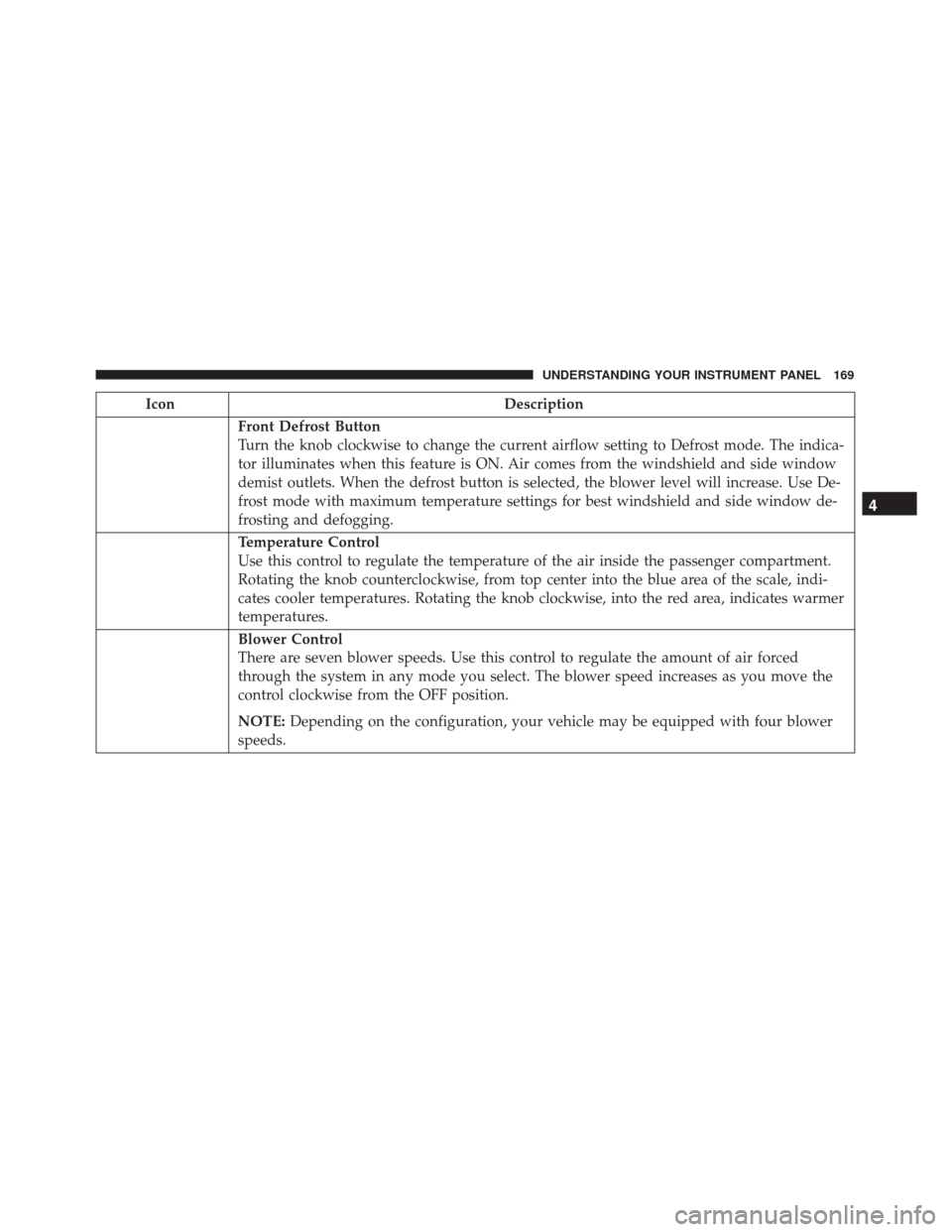
Front Defrost Button
Turn the knob clockwise to change the current airflow setting to Defrost mode. The indica-
tor illuminates when this feature is ON. Air comes from the windshield and side window
demist outlets. When the defrost button is selected, the blower level will increase. Use De-
frost mode with maximum temperature settings for best windshield and side window de-
frosting and defogging.
Temperature Control
Use this control to regulate the temperature of the air inside the passenger compartment.
Rotating the knob counterclockwise, from top center into the blue area of the scale, indi-
cates cooler temperatures. Rotating the knob clockwise, into the red area, indicates warmer
temperatures.
Blower Control
There are seven blower speeds. Use this control to regulate the amount of air forced
through the system in any mode you select. The blower speed increases as you move the
control clockwise from the OFF position.
NOTE:Depending on the configuration, your vehicle may be equipped with four blower
speeds.
4
UNDERSTANDING YOUR INSTRUMENT PANEL 169
Page 172 of 350
IconDescription
Panel Mode
Bi-Level Mode
Floor Mode
Mix Mode
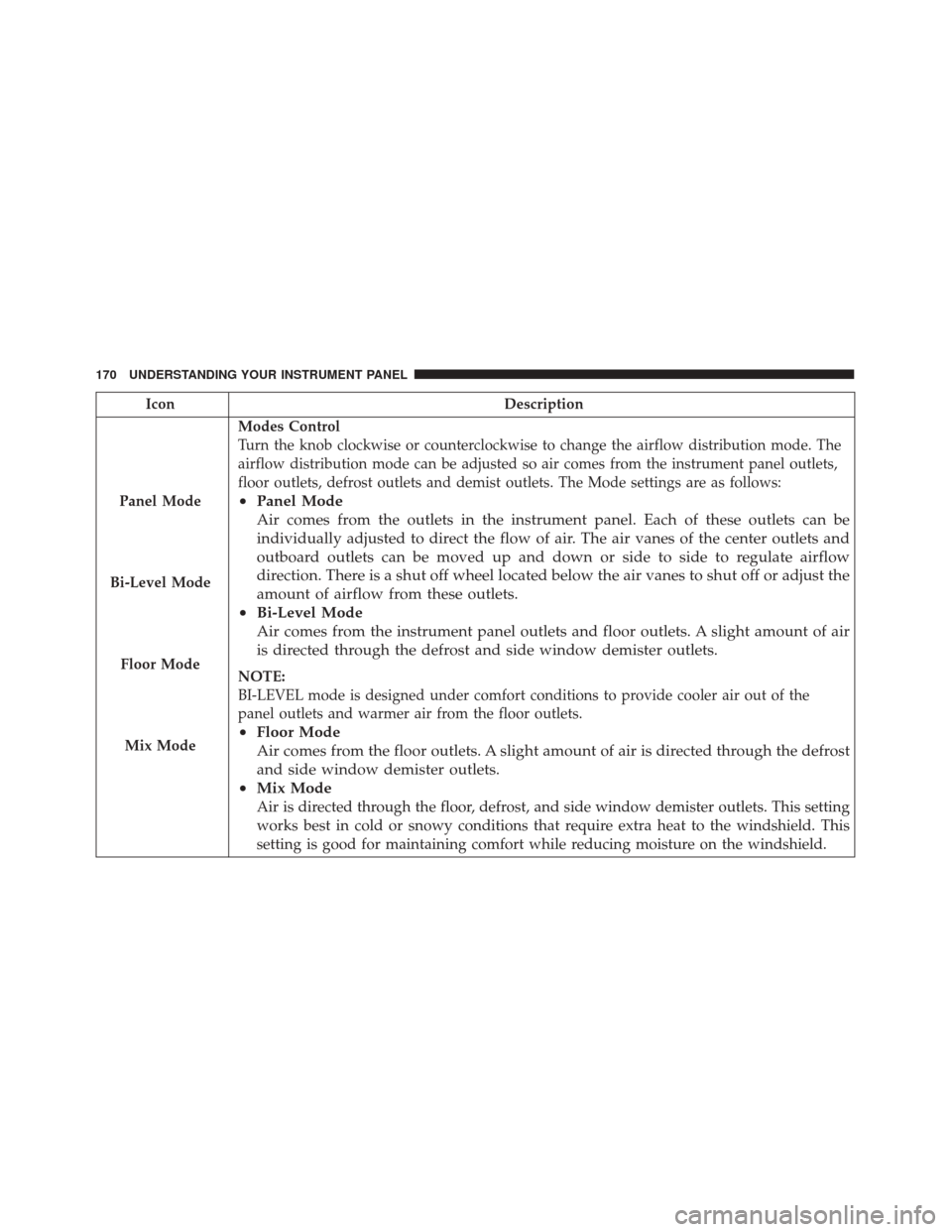
Modes Control
Turn the knob clockwise or counterclockwise to change the airflow distribution mode. The
airflow distribution mode can be adjusted so air comes from the instrument panel outlets,
floor outlets, defrost outlets and demist outlets. The Mode settings are as follows:
• Panel Mode
Air comes from the outlets in the instrument panel. Each of these outlets can be
individually adjusted to direct the flow of air. The air vanes of the center outlets and
outboard outlets can be moved up and down or side to side to regulate airflow
direction. There is a shut off wheel located below the air vanes to shut off or adjust the
amount of airflow from these outlets.
• Bi-Level Mode
Air comes from the instrument panel outlets and floor outlets. A slight amount of air
is directed through the defrost and side window demister outlets.
NOTE:
BI-LEVEL mode is designed under comfort conditions to provide cooler air out of the
panel outlets and warmer air from the floor outlets.
•Floor Mode
Air comes from the floor outlets. A slight amount of air is directed through the defrost
and side window demister outlets.
• Mix Mode
Air is directed through the floor, defrost, and side window demister outlets. This setting
works best in cold or snowy conditions that require extra heat to the windshield. This
setting is good for maintaining comfort while reducing moisture on the windshield.
170 UNDERSTANDING YOUR INSTRUMENT PANEL
Page 183 of 350

STARTING AND OPERATING
CONTENTS
�STARTING PROCEDURES ...............184
▫ Manual Transmission — If Equipped ......184
▫ Automatic Transmission — If Equipped . . . .184
▫ Normal Starting ..................... .184
▫ Cold Weather Operation ...............185
▫ Extended Park Starting .................185
▫ If Engine Fails To Start ................186
▫ After Starting ...................... .186
�
MANUAL TRANSMISSION — IF EQUIPPED . .186
▫ Five-Speed Manual Transmission .........186
▫ Recommended Shift Speeds .............188
▫ Downshifting ...................... .189
� AUTOMATIC TRANSMISSION —
IF EQUIPPED ....................... .189▫
Key Ignition Park Interlock ..............190
▫ Brake/Transmission Shift Interlock System . .190
▫ Six-Speed Automatic Transmission ........190
▫ Gear Ranges ....................... .192
� AUTOSTICK ........................ .196
▫ Operation ......................... .196
� DRIVING ON SLIPPERY SURFACES ........197
▫ Acceleration ....................... .197
▫ Traction .......................... .197
� DRIVING THROUGH WATER ............198
▫ Flowing/Rising Water .................198
▫ Shallow Standing Water ................198
� POWER STEERING ....................199
� PARKING BRAKE .....................200
5
Page 184 of 350
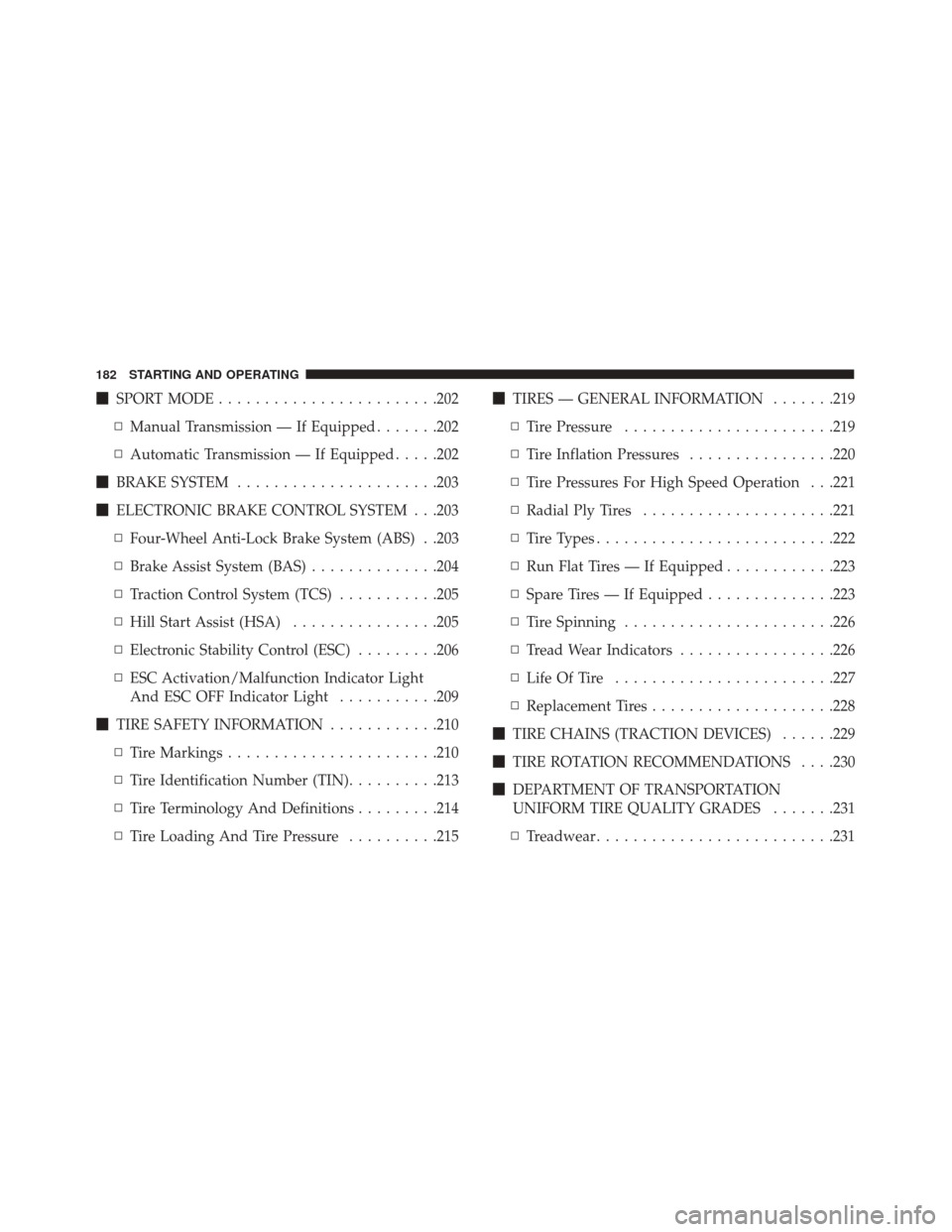
�SPORT MODE ....................... .202
▫ Manual Transmission — If Equipped .......202
▫ Automatic Transmission — If Equipped .....202
� BRAKE SYSTEM ..................... .203
� ELECTRONIC BRAKE CONTROL SYSTEM . . .203
▫ Four-Wheel Anti-Lock Brake System (ABS) . .203
▫ Brake Assist System (BAS) ..............204
▫ Traction Control System (TCS) ...........205
▫ Hill Start Assist (HSA) ................205
▫ Electronic Stability Control (ESC) .........206
▫ ESC Activation/Malfunction Indicator Light
And ESC OFF Indicator Light ...........209
� TIRE SAFETY INFORMATION ............210
▫ Tire Markings ...................... .210
▫ Tire Identification Number (TIN) ..........213
▫ Tire Terminology And Definitions .........214
▫ Tire Loading And Tire Pressure ..........215�
TIRES — GENERAL INFORMATION .......219
▫ Tire Pressure ...................... .219
▫ Tire Inflation Pressures ................220
▫ Tire Pressures For High Speed Operation . . .221
▫ Radial Ply Tires .....................221
▫ Tire Types ......................... .222
▫ Run Flat Tires — If Equipped ............223
▫ Spare Tires — If Equipped ..............223
▫ Tire Spinning ...................... .226
▫ Tread Wear Indicators .................226
▫ Life Of Tire ....................... .227
▫ Replacement
Tires ....................228
� TIRE CHAINS (TRACTION DEVICES) ......229
� TIRE ROTATION RECOMMENDATIONS . . . .230
� DEPARTMENT OF TRANSPORTATION
UNIFORM TIRE QUALITY GRADES .......231
▫ Treadwear ......................... .231
182 STARTING AND OPERATING

