Page 91 of 350
NOTE:The windshield wipers/washers will only op-
erate with the ignition in the ON/RUN position.
Rear Windshield Washer Operation
Push the windshield wiper/washer lever toward the
instrument panel to activate the rear washer. Push and
hold the lever for more than a half second and the
wipers will activate automatically for three cycles after
the lever is released.
TILT STEERING COLUMN — IF EQUIPPED
This feature allows you to tilt the steering column
upward or downward. The tilt control lever is located
on the left-side of the steering column, below the turn
signal controls.
Push down on the lever to unlock the column. With one
hand firmly on the steering wheel, move the steering
column up or down as desired. Push the lever up to
lock the column firmly in place.
Rear Wiper Operation
Tilt Control Lever
3
UNDERSTANDING THE FEATURES OF YOUR VEHICLE 89
Page 92 of 350
WARNING!
Do not adjust the steering column while driving.
Adjusting the steering column while driving or
driving with the steering column unlocked, could
cause the driver to lose control of the vehicle.
Failure to follow this warning may result in serious
injury or death.
ELECTRONIC SPEED CONTROL
When engaged, the Electronic Speed Control takes over
accelerator operations at speeds greater than 25 mph
(40 km/h).
The Electronic Speed Control buttons are located on the
right side of the steering wheel.NOTE:
In order to ensure proper operation, the Elec-
tronic Speed Control system has been designed to shut
down if multiple Speed Control functions are operated
at the same time. If this occurs, the Electronic Speed
Control system can be reactivated by pushing the
Electronic Speed Control ON/OFF button and resetting
the desired vehicle set speed.
Electronic Speed Control Buttons
90 UNDERSTANDING THE FEATURES OF YOUR VEHICLE
Page 100 of 350
POWER SUNROOF — IF EQUIPPED
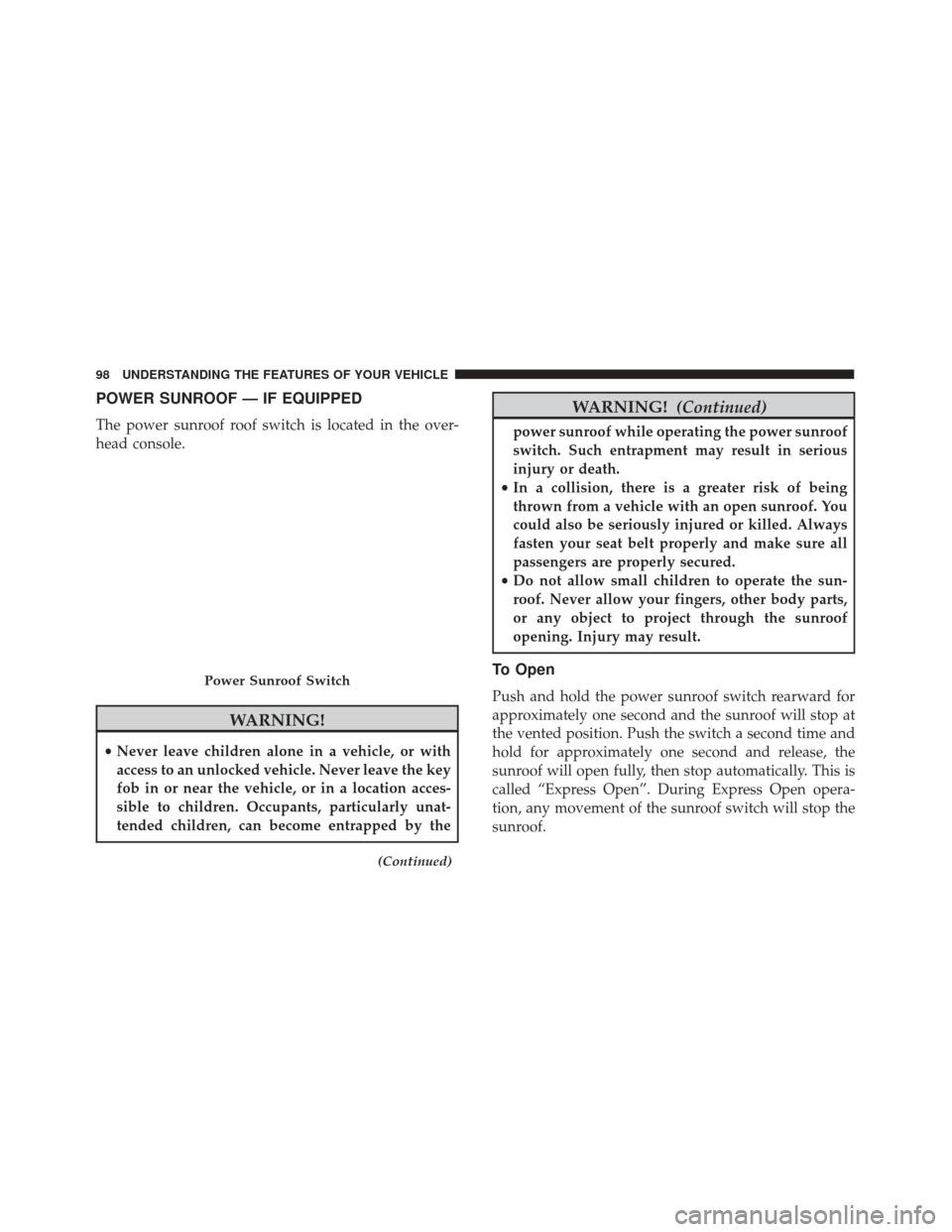
The power sunroof roof switch is located in the over-
head console.
WARNING!
•Never leave children alone in a vehicle, or with
access to an unlocked vehicle. Never leave the key
fob in or near the vehicle, or in a location acces-
sible to children. Occupants, particularly unat-
tended children, can become entrapped by the
(Continued)
WARNING! (Continued)
power sunroof while operating the power sunroof
switch. Such entrapment may result in serious
injury or death.
• In a collision, there is a greater risk of being
thrown from a vehicle with an open sunroof. You
could also be seriously injured or killed. Always
fasten your seat belt properly and make sure all
passengers are properly secured.
• Do not allow small children to operate the sun-
roof. Never allow your fingers, other body parts,
or any object to project through the sunroof
opening. Injury may result.
To Open
Push and hold the power sunroof switch rearward for
approximately one second and the sunroof will stop at
the vented position. Push the switch a second time and
hold for approximately one second and release, the
sunroof will open fully, then stop automatically. This is
called “Express Open”. During Express Open opera-
tion, any movement of the sunroof switch will stop the
sunroof.
Power Sunroof Switch
98 UNDERSTANDING THE FEATURES OF YOUR VEHICLE
Page 121 of 350

Electric Power Steering Fail Warning Light — If Equipped
Red TelltaleLight What It Means
Electric Power Steering Fail Warning — If Equipped
This light is used to manage the electrical warning of the EPS (Power Steering System).
Refer to “Power Steering” in “Starting And Operating” for further information.
Brake Warning Light
Red Telltale
Light What It Means
United States
Canada
Brake Warning Light
This light monitors various brake functions, including brake fluid level and parking brake ap-
plication. If the brake light turns on it may indicate that the parking brake is applied, that the
brake fluid level is low, or that there is a problem with the anti-lock brake system reservoir.
If the light remains on when the parking brake has been disengaged, and the fluid level is
at the full mark on the master cylinder reservoir, it indicates a possible brake hydraulic sys-
tem malfunction or that a problem with the Brake Booster has been detected by the Anti-
Lock Brake System (ABS) / Electronic Stability Control (ESC) system. In this case, the light
will remain on until the condition has been corrected. If the problem is related to the Brake
Booster, the ABS pump will run when applying the brake, and a brake pedal pulsation may
be felt during each stop.
NOTE:
Brake Warning Light may illuminate due to excessive wear to brake pads.
4
UNDERSTANDING YOUR INSTRUMENT PANEL 119
Page 122 of 350

The dual brake system provides a reserve braking
capacity in the event of a failure to a portion of the
hydraulic system. A leak in either half of the dual brake
system is indicated by the Brake Warning Light, which
will turn on when the brake fluid level in the master
cylinder has dropped below a specified level.
The light will remain on until the cause is corrected.
NOTE:The light may flash momentarily during sharp
cornering maneuvers, which change fluid level condi-
tions. The vehicle should have service performed, and
the brake fluid level checked.
If brake failure is indicated, immediate repair is neces-
sary.
WARNING!
Driving a vehicle with the red brake light on is
dangerous. Part of the brake system may have
failed. It will take longer to stop the vehicle. You
could have a collision. Have the vehicle checked
immediately. Vehicles equipped with the Anti-Lock Brake System
(ABS) are also equipped with Electronic Brake Force
Distribution (EBD). In the event of an EBD failure, the
Brake Warning Light will turn on along with the ABS
Light. Immediate repair to the ABS system is required.
Operation of the Brake Warning Light can be checked
by placing the ignition in the ON/RUN position. The
light should illuminate for approximately two seconds.
The light should then turn off unless the parking brake
is applied or a brake fault is detected. If the light does
not illuminate, have the light inspected by an autho-
rized dealer.
The light also will turn on when the parking brake is
applied with the ignition placed in the ON/RUN posi-
tion.
NOTE:
This light shows only that the parking brake is
applied. It does not show the degree of brake applica-
tion.
120 UNDERSTANDING YOUR INSTRUMENT PANEL
Page 134 of 350

CAUTION!
Failure to follow these cautions can cause damage
to the heating elements:
•Use care when washing the inside of the rear
window. Do not use abrasive window cleaners on
the interior surface of the window. Use a soft
(Continued)
CAUTION! (Continued)
cloth and a mild washing solution, wiping paral-
lel to the heating elements. Labels can be peeled
off after soaking with warm water.
• Do not use scrapers, sharp instruments, or abra-
sive window cleaners on the interior surface of
the window.
• Keep all objects a safe distance from the window.
Anti-Lock Brake (ABS) Indicator Light
Yellow Telltale
Light What It Means
Anti-Lock Brake (ABS) Indicator Light
After the ignition is turned on, the Anti-Lock Brake System (ABS) light illuminates to indi-
cate function check at vehicle startup. If the light remains on after startup or comes on and
stays on at road speeds, it may indicate that the ABS has detected a malfunction or has be-
come inoperative. The system reverts to standard non-anti-lock brakes.
If both the Brake Warning Light and the ABS Warning Light are on, see an authorized
dealer immediately. Refer to “Anti-Lock Brake System” in “Starting And Operating” for fur-
ther information.
132 UNDERSTANDING YOUR INSTRUMENT PANEL
Page 137 of 350

Glow Plug Light — If Equipped
Yellow TelltaleLight What It Means
Glow Plug Light — If Equipped
This vehicle will inhibit engine cranking when the ambient temperature is less than –22° F
(–30° C) and the oil temperature sensor reading indicates an engine block heater has not
been used. The Glow Plug light will flash during in cold weather for up to 10 seconds.
If equipped with a block heater harness the message
�Plug In Engine Heater�, will be dis-
played in the instrument cluster when the ambient temperature is below 5°F (-15° C) at the
time the engine is shut off as a reminder to avoid possible crank delays at the next cold
start.
Green Telltale Indicator Lights
Turn Signal Indicator Lights
Green Tell- tale Light What It Means
Turn Signal Indicator Lights
The instrument cluster arrow will flash independently for the LEFT or RIGHT turn signal as
selected, as well as the exterior turn signal lamp(s) (front and rear) as selected when the multi-
function lever is moved down (LEFT) or up (RIGHT).
4
UNDERSTANDING YOUR INSTRUMENT PANEL 135
Page 141 of 350
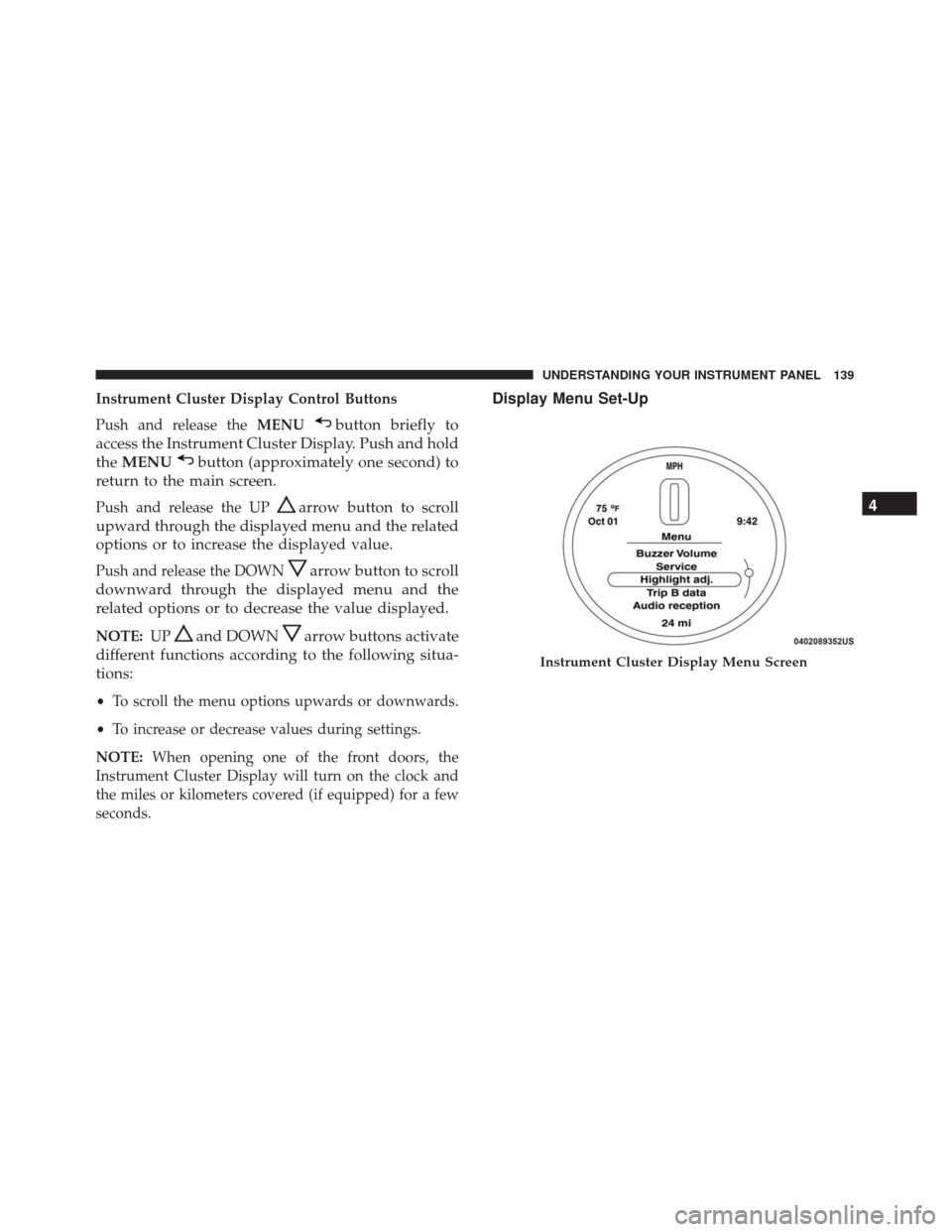
Instrument Cluster Display Control Buttons
Push and release theMENU
button briefly to
access the Instrument Cluster Display. Push and hold
the MENU
button (approximately one second) to
return to the main screen.
Push and release the UParrow button to scroll
upward through the displayed menu and the related
options or to increase the displayed value.
Push and release the DOWNarrow button to scroll
downward through the displayed menu and the
related options or to decrease the value displayed.
NOTE: UPand DOWNarrow buttons activate
different functions according to the following situa-
tions:
• To scroll the menu options upwards or downwards.
• To increase or decrease values during settings.
NOTE: When opening one of the front doors, the
Instrument Cluster Display will turn on the clock and
the miles or kilometers covered (if equipped) for a few
seconds.
Display Menu Set-Up
Instrument Cluster Display Menu Screen
4
UNDERSTANDING YOUR INSTRUMENT PANEL 139