Page 394 of 442
128
Audio and Telematics
Transversal-Citroen_en_Chap02_RCC-2-2-0_ed01-2016
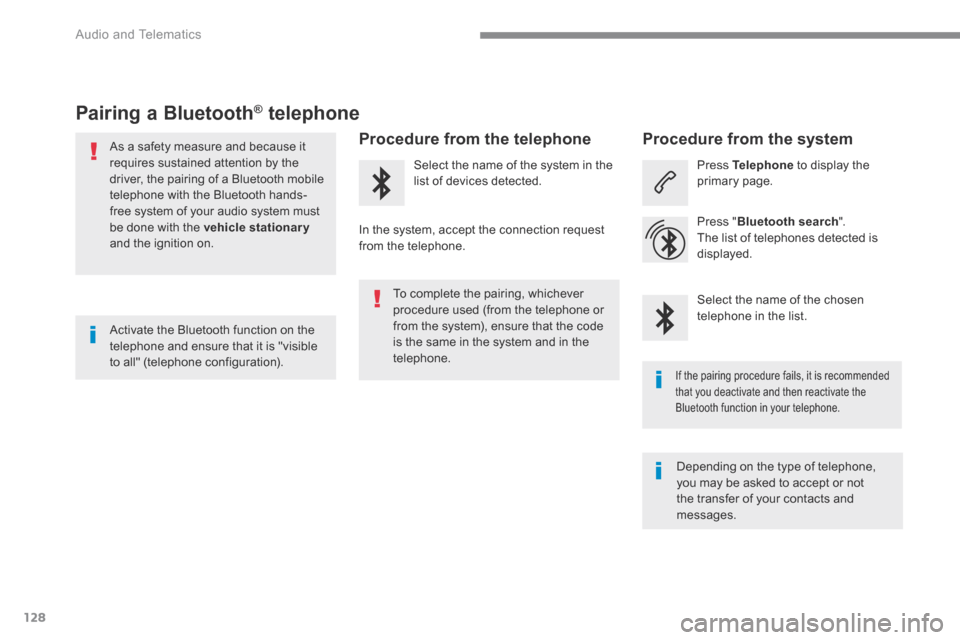
Pairing a Bluetooth ®Pairing a Bluetooth ®Pairing a Bluetooth telephone ® telephone ®
As a safety measure and because it requires sustained attention by the driver, the pairing of a Bluetooth mobile telephone with the Bluetooth hands-free system of your audio system must
be done with the vehicle stationaryand the ignition on.
Procedure from the telephone
Select the name of the system in the list of devices detected.
In the system, accept the connection request from the telephone.
Procedure from the system
Press Telephone to display the primary page.
Press " Bluetooth search ".
The list of telephones detected is displayed.
If the pairing procedure fails, it is recommended that you deactivate and then reactivate the Bluetooth function in your telephone.
Depending on the type of telephone, you may be asked to accept or not the transfer of your contacts and messages.
Select the name of the chosen telephone in the list. Activate the Bluetooth function on the telephone and ensure that it is "visible to all" (telephone configuration).
To complete the pairing, whichever procedure used (from the telephone or from the system), ensure that the code is the same in the system and in the telephone.
Page 395 of 442

129
.
1
Audio and Telematics
Transversal-Citroen_en_Chap02_RCC-2-2-0_ed01-2016
Press Telephone to display the primary page.
Press " Bluetooth connection " to display the list of paired devices.
On return to the vehicle, if the last telephone connected is present again, it is automatically recognised and within about 30 seconds of switching on the ignition, the connection is established without any action on your part (Bluetooth activated). The services available depend on the network, the SIM card and the compatibility of the Bluetooth devices used. Check in your telephone's manual and with your service provider for the services available to you.
The ability of the system to connect with just one profile depends on the telephone. All three profiles may connect by default.
Go to the Brand's website for more information (compatibility, additional help, ...).
To modify the connection profile :
Automatic reconnection
Press the "details" button of a paired device.
Press the " PHONE " button to go to the secondary page.
Press " OK " to confirm.
Select one or more profiles.
The profiles compatible with the system are HFP, OPP, PBAP, A2DP, AVRCP, MAP and PAN.
The system offers to connect the telephone with 3 profiles: - " Telephone " (hands-free kit, telephone only), - " Streaming " (wireless playing of the audio files on the telephone), - " Internet data ".
Page 396 of 442

130
1
Audio and Telematics
Transversal-Citroen_en_Chap02_RCC-2-2-0_ed01-2016
Receiving a call
An incoming call is announced by a ring and a superimposed display in the screen.
Make a short press on the steering mounted PHONE button to accept an incoming call.
Make a long press
on the steering mounted PHONEbutton to reject the call.
Or
And
Press " End call ".
Press on the name of the telephone chosen in the list to disconnect it. Press again to connect it.
Press the basket at the top right of the screen to display a basket
alongside the telephone chosen.
Press the basket alongside the telephone chosen to delete it.
Managing paired telephones
This function allows the connection or disconnection of a peripheral device as well as the deletion of a pairing.
Press Telephone to display the primary page.
Press the " PHONE " button to go to the secondary page.
Press " Bluetooth connection " to display the list of paired peripheral devices.
Deleting a telephone
Using the telephone is not recommended while driving. Park the vehicle. Make the call using the steering
mounted controls.
Making a call
Calling a new number
Press Telephone to display the primary page.
Enter the phone number using the digital keypad.
Press " Call " to start the call.
Page 397 of 442
131
.
4
3
5
Audio and Telematics
Transversal-Citroen_en_Chap02_RCC-2-2-0_ed01-2016
on the steering mounted button.
Calling a contact Setting the ringtone
Press Telephone to display the primary page.
Or make a long press
on the steering mounted PHONEbutton.
Press " Contacts ".
Select the desired contact from the list offered.
Press " Call ".
Calling a recently used number
Press Telephone to display the primary page.
Make a long press
Press " Recent calls ".
Select the desired contact from the list offered.
It is always possible to make a call directly from the telephone; as a safety measure, first park the vehicle.
Or
Press Telephone to display the primary page.
Press " Ring volume " to display the volume bar.
Press the arrows or move the cursor to set the ring volume.
Press the " OPTIONS " button to go to the secondary page.
Page 398 of 442
132
3412
Audio and Telematics
Transversal-Citroen_en_Chap02_RCC-2-2-0_ed01-2016
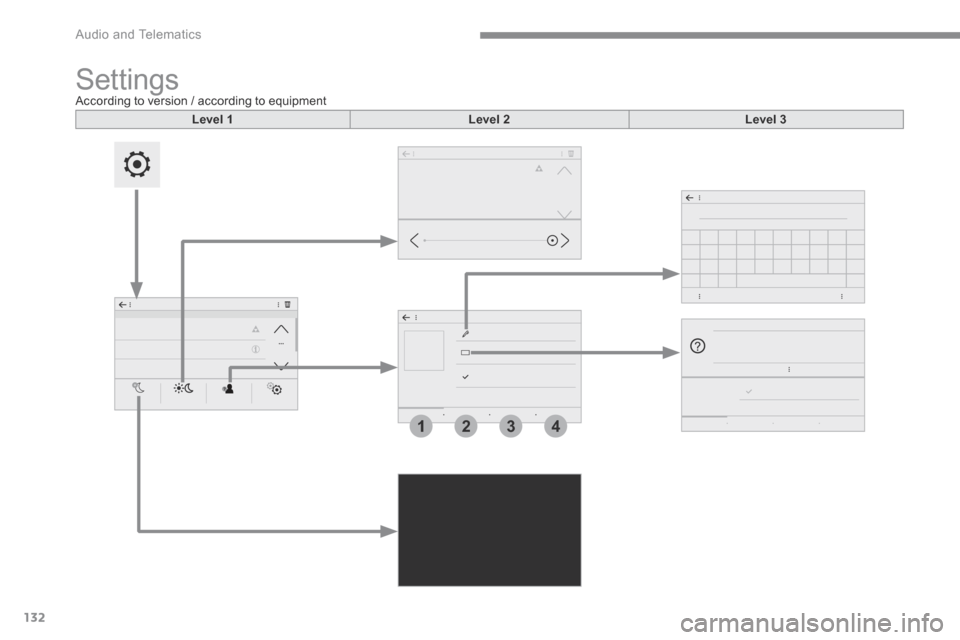
S e t t i n g s According to version / according to equipment
Level 1Level 2Level 3
Page 399 of 442
133
.
1
2
3
4
Audio and Telematics
Transversal-Citroen_en_Chap02_RCC-2-2-0_ed01-2016
Level 1Level 2Level 3Comments
Settings
BrightnessAmbience Move the cursor to adjust the brightness of the screen and/or of the instrument panel.
Settings
Profiles
Profile 1
Select a profile.
Profile 2
Profile 3
Common profile
Name:Profile name modification Configure the profiles.
Reset the profileYes / No
Profile activated Activate/deactivate the profile selected.
Save the settings.
Settings
Dark
Function which switches off the lit display. Pressing the screen reactivates it.
Page 400 of 442
134
Audio and Telematics
Transversal-Citroen_en_Chap02_RCC-2-2-0_ed01-2016
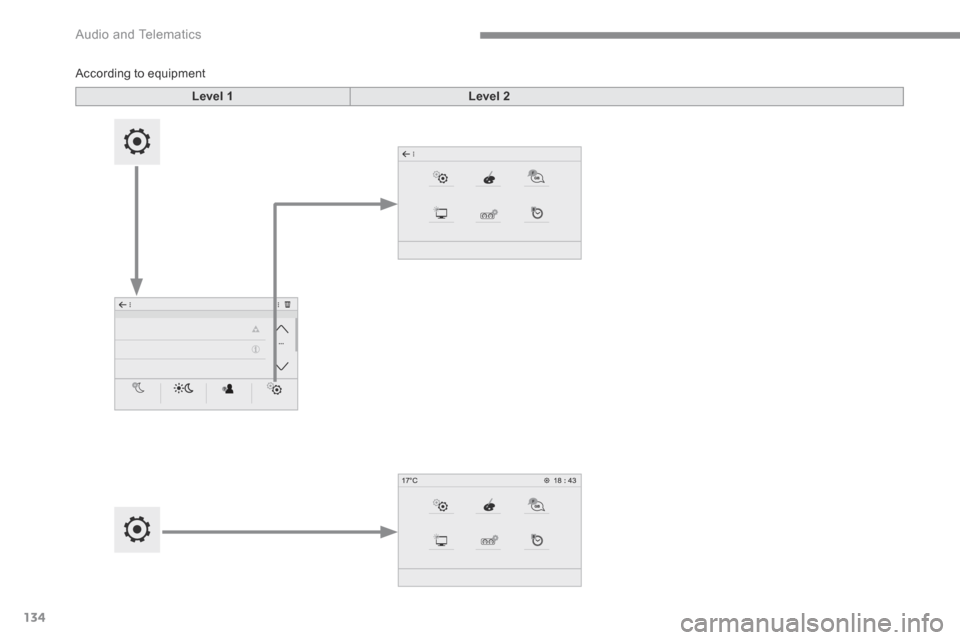
According to equipment
Level 1Level 2
Page 401 of 442
135
.
Audio and Telematics
Transversal-Citroen_en_Chap02_RCC-2-2-0_ed01-2016
Level 1Level 2Comments
Settings
Configuration
System configuration Configure certain system parameters.
Ambience Select an ambience for the screen integrated in the system.
Language Select the display language for the the screen and/or the instrument panel.
Screen configuration Set the configuration of the screen and/or the instrument panel.
Customization Configure the instrument panel for a personalised display.
Date and time Set the date and time and select the display format.