Page 164 of 828
NOTE:If “Unlock All Doors 1st Press”’ is programmed
in Uconnect Settings, all doors will unlock with a Passive
Entry handle activation. If ‘Unlock Driver Door 1st Press”
is programmed in Uconnect Settings, only the liftgate
will unlock. Refer to “Uconnect Settings” in “Multime-
dia” for further information.
Closing
To Close The Vehicle
Grasp the liftgate closing handle and initiate lowering the
liftgate. Release the handle when the liftgate takes over
the closing effort.
The liftgate can also be closed using the Rear Power
Liftgate button (If Equipped), located in the upper left
trim in the liftgate opening. Pushing button will only
close the liftgate. This button cannot be used to open the
liftgate. To Lock The Vehicle
With a valid Passive Entry RKE Key Fob within 3 ft (1 m)
of the liftgate, pushing the passive entry lock button
located to the right of the outside handle will lock the
vehicle.
Rear Power Liftgate Switch
162 GETTING TO KNOW YOUR VEHICLE
Page 166 of 828
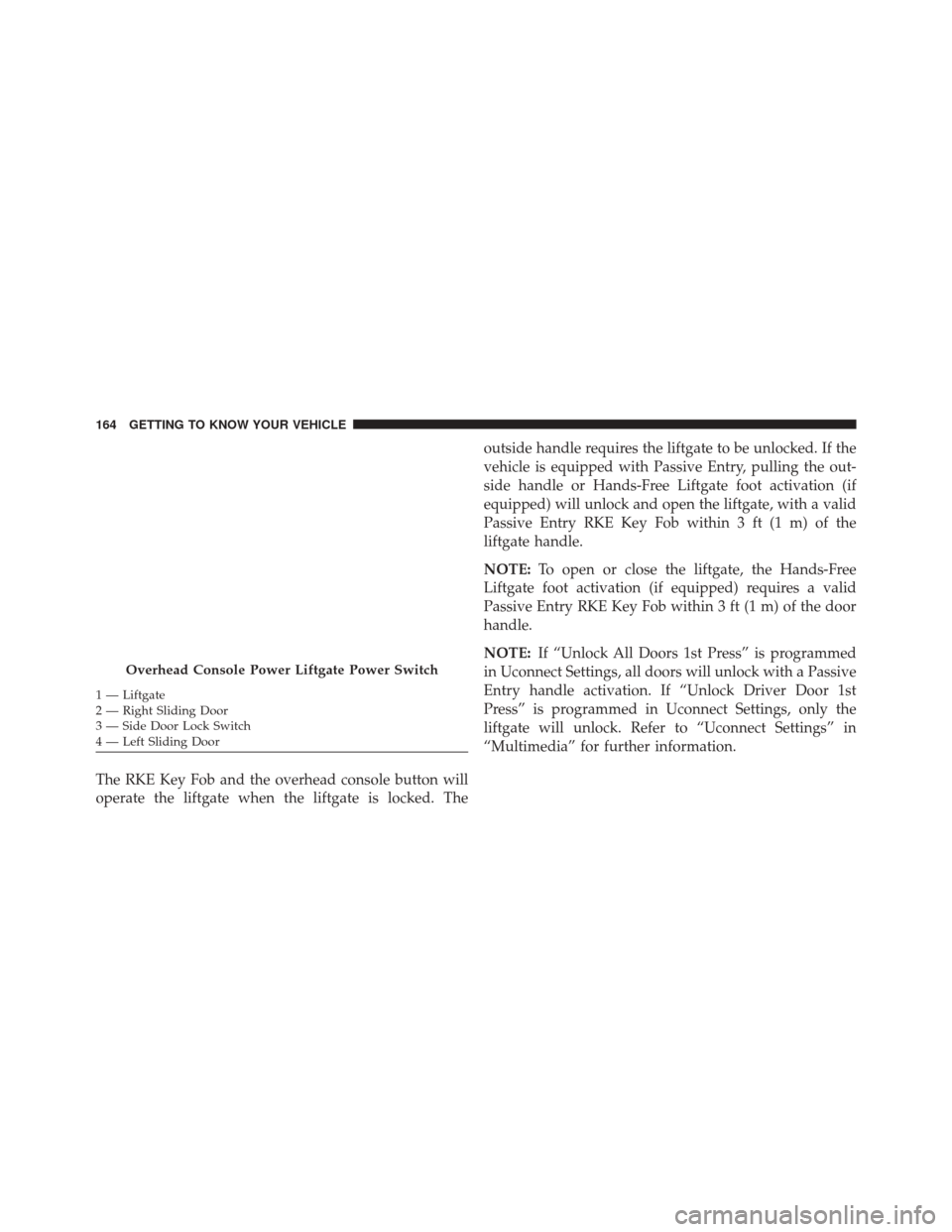
The RKE Key Fob and the overhead console button will
operate the liftgate when the liftgate is locked. Theoutside handle requires the liftgate to be unlocked. If the
vehicle is equipped with Passive Entry, pulling the out-
side handle or Hands-Free Liftgate foot activation (if
equipped) will unlock and open the liftgate, with a valid
Passive Entry RKE Key Fob within 3 ft (1 m) of the
liftgate handle.
NOTE:
To open or close the liftgate, the Hands-Free
Liftgate foot activation (if equipped) requires a valid
Passive Entry RKE Key Fob within 3 ft (1 m) of the door
handle.
NOTE: If “Unlock All Doors 1st Press” is programmed
in Uconnect Settings, all doors will unlock with a Passive
Entry handle activation. If “Unlock Driver Door 1st
Press” is programmed in Uconnect Settings, only the
liftgate will unlock. Refer to “Uconnect Settings” in
“Multimedia” for further information.
Overhead Console Power Liftgate Power Switch
1 — Liftgate
2 — Right Sliding Door
3 — Side Door Lock Switch
4 — Left Sliding Door 164 GETTING TO KNOW YOUR VEHICLE
Page 167 of 828
NOTE:Tones are sounded and the turn signals are
flashed with liftgate movements. These alerts can be
turned on or off in Uconnect Settings. Refer to “Uconnect
Settings” in “Multimedia” for further information.
Lock The Vehicle
With a valid Passive Entry RKE Key Fob within 3 ft (1 m)
of the liftgate, pushing the passive entry lock button
located to the right of the outside handle will lock the
vehicle.Hands-Free Liftgate — If Equipped
To open or close the liftgate using hands-free activation,
use a gentle straight forward and back kicking motion
under the vehicle activation zone in the general location
Hands-Free Liftgate Activation Zone
3
GETTING TO KNOW YOUR VEHICLE 165
Page 174 of 828
To Remove And Empty The Debris Bin
To access and remove the debris bin, open the lower
access panel by pulling outward on the finger grip area of
the door. For debris bin removal, twist the (color) release
knob counterclockwise and pull the bin towards you.
Remove the filter and dump the debris in the proper
collection bin. Lightly tap the filter on the collection bin
to remove any collected debris from the filter pleats.
Reverse the procedure to reinstall.
NOTE:The filter must be properly installed in the debris
bin before installing the debris bin in the vehicle.
Vacuum Troubleshooting
•If an object(s) become lodged in the hose, first try fully
extending the hose in a straight line while the vacuum
motor is on. If this does not work, then remove the
hose and try to shake it out.
Debris Bin Release Knob
172 GETTING TO KNOW YOUR VEHICLE
Page 184 of 828

2. Push and hold the desired HomeLink button until theindicator light begins to flash after 20 seconds. Do not
release the button.
3. Without releasing the button proceed with “Canadian/Gate Operator Programming” step 2 and
follow all remaining steps.
Using HomeLink
To operate, push and release the programmed HomeLink
button. Activation will now occur for the programmed
device (i.e. garage door opener, gate operator, security
system, entry door lock, home/office lighting, etc.) The
hand-held transmitter of the device may also be used at
any time.
Security
It is advised to erase all channels before you sell or turn
in your vehicle. To do this, push and hold the two outside buttons for 20
seconds until the orange indicator flashes. Note that all
channels will be erased. Individual channels cannot be
erased.
The HomeLink Universal Transceiver is disabled when
the Vehicle Security Alarm is active.
Troubleshooting Tips
If you are having trouble programming HomeLink, here
are some of the most common solutions:
•
Replace the battery in the Garage Door Opener hand-
held transmitter.
• Push the LEARN button on the Garage Door Opener
to complete the training for a Rolling Code.
• Did you unplug the device for programming and
remember to plug it back in?
182 GETTING TO KNOW YOUR VEHICLE
Page 190 of 828
Second Row Floor Storage Bins
The area below the load floor, located in front of the
second row seats, is available for storage.1. To access the storage bin with front seats in the
rearward position, place the lock rod in the unlocked
position so the load floor can fold upwards towards
the seatback.
In Floor Storage LocationLock Rod
188 GETTING TO KNOW YOUR VEHICLE
Page 191 of 828
NOTE:•Push the lock rod inward for the locked position.
• Pull outward on the lock rod for the unlocked
position.
2. Pull the latch located near the second row seat to open the floor panel.
CAUTION!
The storage bin cover must lay flat and be locked to
avoid damage from contact with the front seat tracks,
which have minimal clearance to the cover. If the
(Continued)
Floor Latch
3
GETTING TO KNOW YOUR VEHICLE 189
Page 193 of 828
WARNING!(Continued)
•Do not operate the storage bin covers while the
vehicle is in motion.
• Do not use a storage bin latch as a tie down.
CAUTION!
The storage bin cover must lay flat and be locked to
avoid damage from contact with the front seat tracks,
which have minimal clearance to the cover. If the
storage bin cover is left in the open position, front
seat adjustment may damage the cover.
Seat Storage Bin Cover Emergency Release Lever
As a security measure, the Seat Storage Bin Cover has an
Emergency Release Lever built into the latching mecha-
nism. NOTE:
In the event of an individual being locked inside
the storage bin, the storage bin cover can be opened from
inside of the bin by pushing on the glow-in-the-dark
lever attached to the storage bin cover latching mecha-
nism.
Storage Bin Cover Emergency Release Lever
3
GETTING TO KNOW YOUR VEHICLE 191