Page 126 of 539

To activate the delay feature, place the ignition in the OFF
position while the headlights are still on. Then, turn off the
headlights within 45 seconds. The delay interval begins
when the headlight switch is turned off.
If you turn the headlights or parking lights on, or place the
ignition in ACC or RUN, the system will cancel the delay.
If you turn the headlights off before the ignition, they will
turn off in the normal manner.
NOTE:
•The lights must be turned off within 45 seconds of
placing the ignition in the OFF position to activate this
feature.
• The headlight delay time is programmable using the
Uconnect System, refer to “Uconnect Settings” in “Un-
derstanding Your Instrument Panel” for further informa-
tion.
Automatic High Beam Headlamp Control — If
Equipped
The Automatic High Beam Headlamp Control system
provides increased forward lighting at night by automat-
ing high beam control through the use of a digital camera
mounted on the windshield. This camera detects vehicle specific light and automatically switches from high beams
to low beams until the approaching vehicle is out of view.
NOTE:
•
The Automatic High Beam Headlamp Control can be
turned on or off using the Uconnect System. Refer to
“Uconnect Settings” in “Understanding Your Instrument
Panel” for further information.
• Broken, muddy, or obstructed headlights and taillights
of vehicles in the field of view will cause headlights to
remain on longer (closer to the vehicle). Also, dirt, film,
and other obstructions on the windshield or camera lens
will cause the system to function improperly.
• To opt out of the Advanced Auto High-Beam Sensitivity
Control (default) and enter Reduced High-Beam Sensi-
tivity Control (not recommended), toggle highbeam
lever 6 full on/off cycles within 10 seconds of ignition
ON. System will return to default setting upon ignition
off.
If the windshield or Automatic High Beam Headlamp
Control mirror is replaced, the mirror must be re-aimed to
ensure proper performance. See your local authorized
dealer.
124 UNDERSTANDING THE FEATURES OF YOUR VEHICLE
Page 127 of 539

To Activate
1. Turn the headlight switch to the AUTO headlight posi-tion.
2. Push the multifunction lever away from you (toward front of vehicle) to engage the high beam mode.
NOTE: This system will not activate until the vehicle is at
or above 15 mph (24 km/h).
To Deactivate
1. Pull the multifunction lever toward you (or rearward in vehicle) to manually deactivate the system (normal
operation of low beams).
2. Push back on the multifunction lever to reactivate the system.
Daytime Running Lights — If Equipped
The Daytime Running Lights come on whenever the en-
gine is running, and the transmission is not in the PARK
position. The lights will remain on until the ignition is
switched to the OFF or ACC position or the parking brake
is engaged. The headlight switch must be used for normal
nighttime driving. NOTE:
If allowed by law in the country in which the
vehicle was purchased the Daytime Running Lights can be
turned on and off using the Uconnect System, refer to
“Uconnect Settings” in “Understanding Your Instrument
Panel” for further information.
Lights-On Reminder
If the headlights or parking lights are on after the ignition
is placed in the OFF position, a chime will sound to alert
the driver when the driver’s door is opened.
Fog Lights — If Equipped
The front fog light switch is built into the headlight switch.
3
UNDERSTANDING THE FEATURES OF YOUR VEHICLE 125
Page 128 of 539
To activate the front fog lights, turn on the parking
lights or the low beam headlights and push the
headlight switch. To turn off the front fog lights, either
push the headlight switch a second time or turn off the
headlight switch.
An indicator light in the instrument cluster illuminates
when the fog lights are turned on.
NOTE: The fog lights will operate with the low beam
headlights or parking lights on. However, selecting the
high beam headlights will turn off the fog lights.
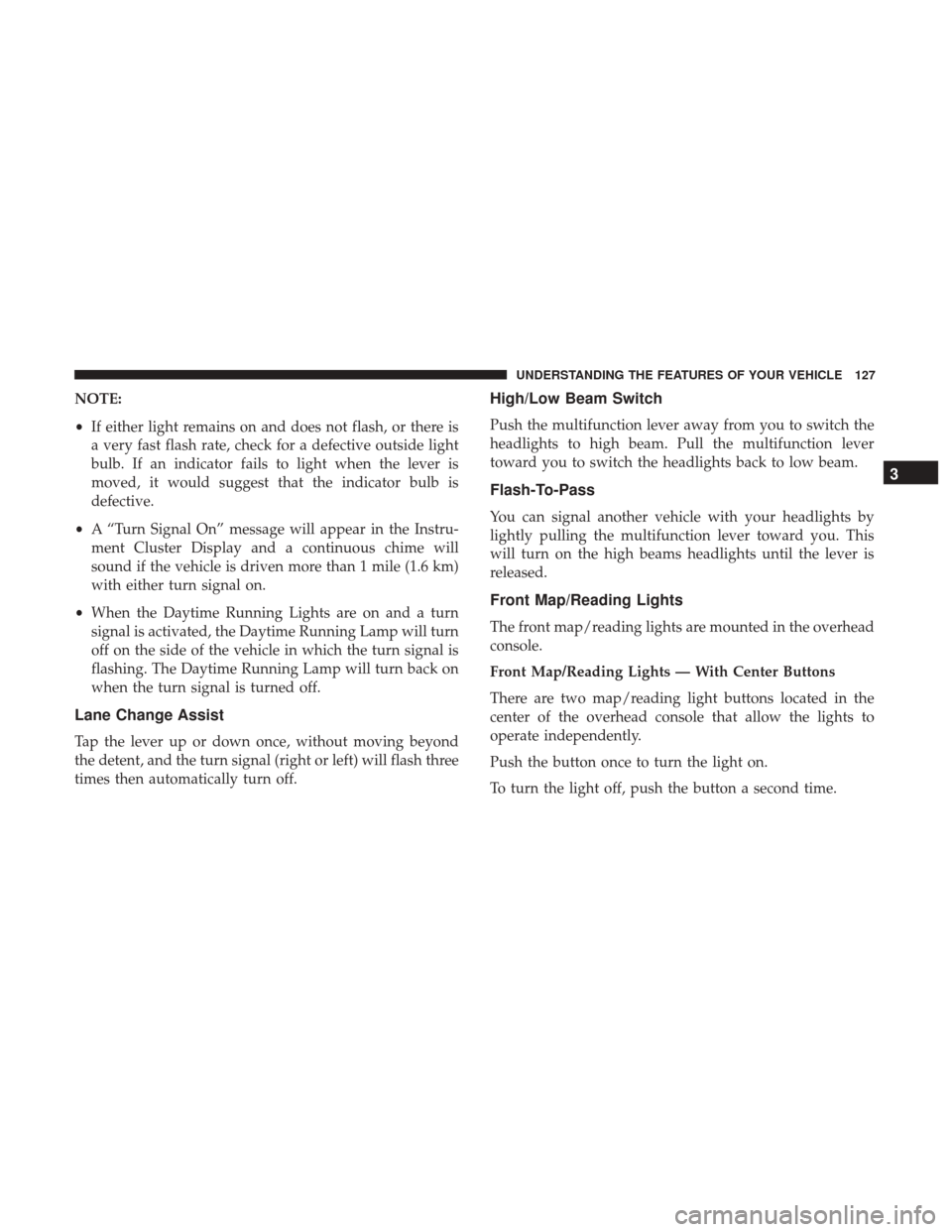
Multifunction Lever
The multifunction lever controls the operation of the turn
signals, headlight beam selection and passing lights. The
multifunction lever is located on the left side of the steering
column.
Turn Signals
Move the multifunction lever up or down and the arrows
on each side of the instrument cluster flash to show proper
operation of the front and rear turn signal lights.
Fog Light Switch
Multifunction Lever
126 UNDERSTANDING THE FEATURES OF YOUR VEHICLE
Page 129 of 539
NOTE:
•If either light remains on and does not flash, or there is
a very fast flash rate, check for a defective outside light
bulb. If an indicator fails to light when the lever is
moved, it would suggest that the indicator bulb is
defective.
• A “Turn Signal On” message will appear in the Instru-
ment Cluster Display and a continuous chime will
sound if the vehicle is driven more than 1 mile (1.6 km)
with either turn signal on.
• When the Daytime Running Lights are on and a turn
signal is activated, the Daytime Running Lamp will turn
off on the side of the vehicle in which the turn signal is
flashing. The Daytime Running Lamp will turn back on
when the turn signal is turned off.
Lane Change Assist
Tap the lever up or down once, without moving beyond
the detent, and the turn signal (right or left) will flash three
times then automatically turn off.
High/Low Beam Switch
Push the multifunction lever away from you to switch the
headlights to high beam. Pull the multifunction lever
toward you to switch the headlights back to low beam.
Flash-To-Pass
You can signal another vehicle with your headlights by
lightly pulling the multifunction lever toward you. This
will turn on the high beams headlights until the lever is
released.
Front Map/Reading Lights
The front map/reading lights are mounted in the overhead
console.
Front Map/Reading Lights — With Center Buttons
There are two map/reading light buttons located in the
center of the overhead console that allow the lights to
operate independently.
Push the button once to turn the light on.
To turn the light off, push the button a second time.
3
UNDERSTANDING THE FEATURES OF YOUR VEHICLE 127
Page 130 of 539
Front Map/Reading Lights — With Push Lenses
The two map/reading lights can be operated indepen-
dently by pushing the lenses.
Push the lens once to turn the light on.
To turn the light off, push the lens a second time.NOTE:
The lights also turn on when a door is opened. The
lights will also turn on when the UNLOCK button on the
key fob is pushed.
Interior Lights
The interior lights come on when a door is opened.
To protect the battery, the interior lights will turn off
automatically 10 minutes after the ignition is moved to the
LOCK position. This will occur if the interior lights were
switched on manually or are on because a door is open.
The Battery Protection also includes the glove compart-
ment light and the trunk light. To restore interior light
Front Map/Reading Lights Center ButtonsFront Map/Reading Lights Push Lenses
128 UNDERSTANDING THE FEATURES OF YOUR VEHICLE
Page 131 of 539
operation after automatic battery protection is enabled
(Lights OFF), either place the ignition in the ON/RUN
position or cycle the light switch.
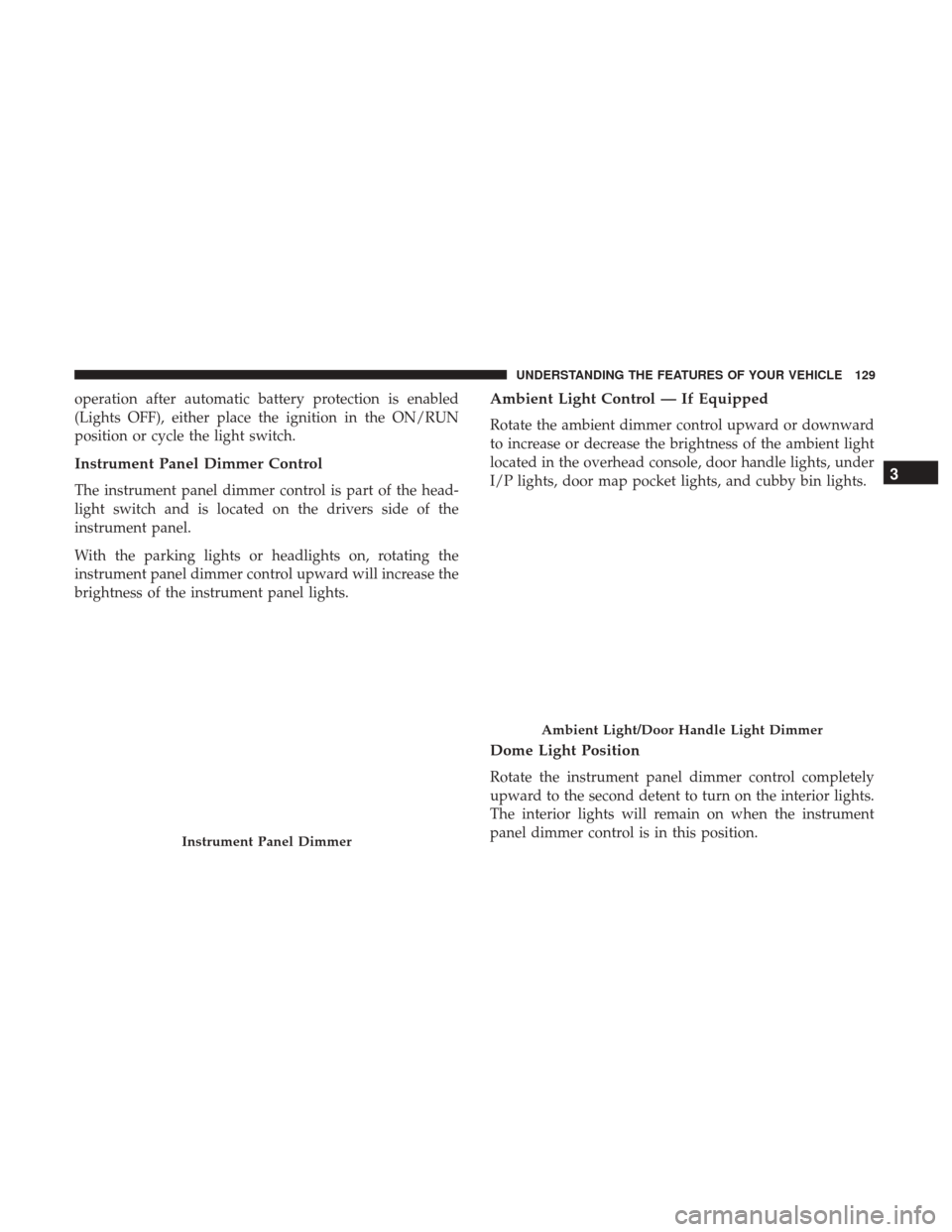
Instrument Panel Dimmer Control
The instrument panel dimmer control is part of the head-
light switch and is located on the drivers side of the
instrument panel.
With the parking lights or headlights on, rotating the
instrument panel dimmer control upward will increase the
brightness of the instrument panel lights.
Ambient Light Control — If Equipped
Rotate the ambient dimmer control upward or downward
to increase or decrease the brightness of the ambient light
located in the overhead console, door handle lights, under
I/P lights, door map pocket lights, and cubby bin lights.
Dome Light Position
Rotate the instrument panel dimmer control completely
upward to the second detent to turn on the interior lights.
The interior lights will remain on when the instrument
panel dimmer control is in this position.
Instrument Panel Dimmer
Ambient Light/Door Handle Light Dimmer
3
UNDERSTANDING THE FEATURES OF YOUR VEHICLE 129
Page 132 of 539
Interior Light Defeat (OFF)
Rotate the instrument panel dimmer control to the extreme
bottom OFF position. The interior lights will remain off
when the doors are open.
Parade Mode (Daytime Brightness Feature)
Rotate the instrument panel dimmer control upward to the
first detent. This feature brightens all text displays such as
the odometer, Instrument Cluster Display, and radio when
the position lights or headlights are on.
Battery Saver Feature
To protect the battery, the interior lights will turn off
automatically 10 minutes after the ignition switch is moved
to the LOCK position. This will occur if the interior lights
were switched on manually or are on because a door is
open.
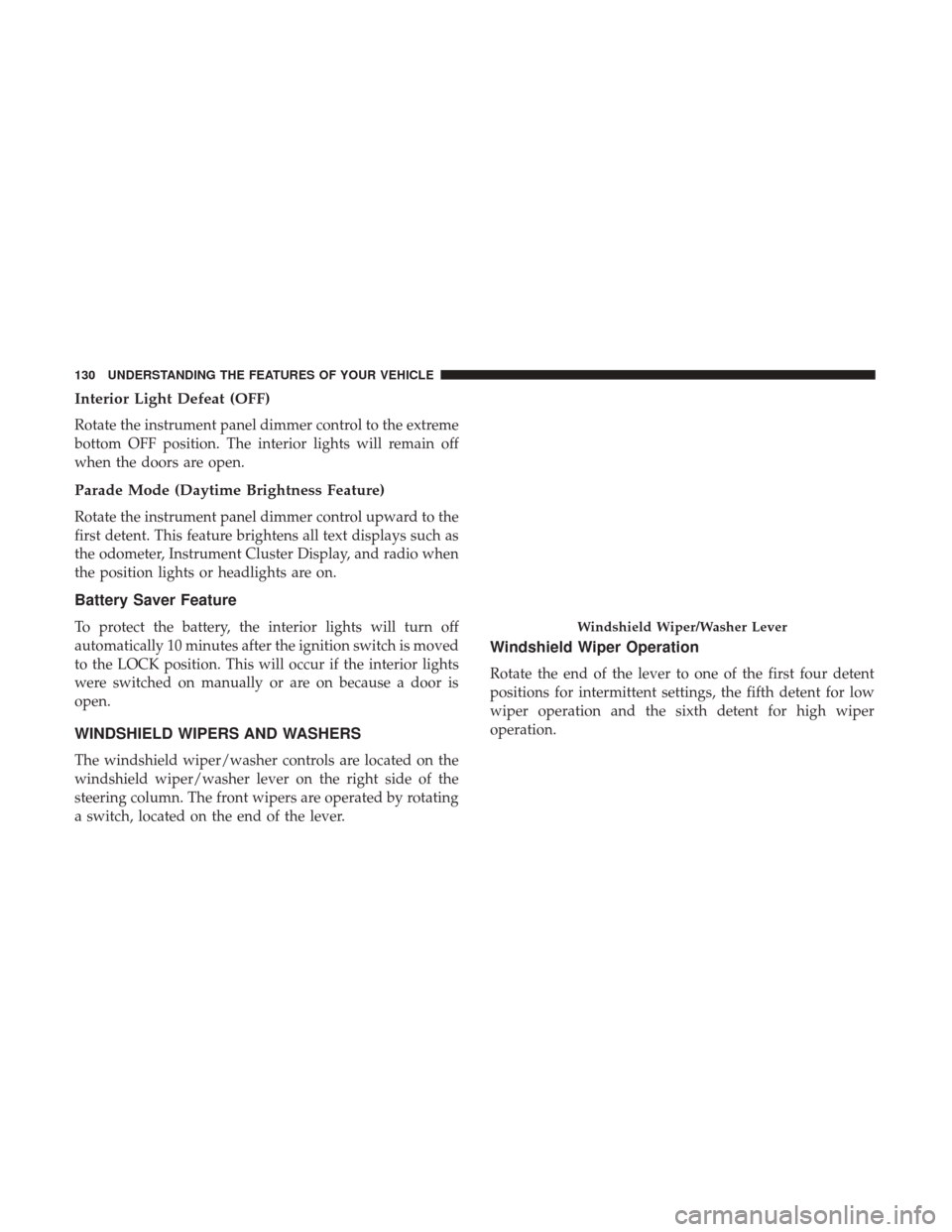
WINDSHIELD WIPERS AND WASHERS
The windshield wiper/washer controls are located on the
windshield wiper/washer lever on the right side of the
steering column. The front wipers are operated by rotating
a switch, located on the end of the lever.
Windshield Wiper Operation
Rotate the end of the lever to one of the first four detent
positions for intermittent settings, the fifth detent for low
wiper operation and the sixth detent for high wiper
operation.
Windshield Wiper/Washer Lever
130 UNDERSTANDING THE FEATURES OF YOUR VEHICLE
Page 151 of 539

Vehicle Indicator” icon, and the system will adjust the
vehicle speed automatically to maintain the distance set-
ting, regardless of the set speed.
The vehicle will then maintain the set distance until:
•The vehicle ahead accelerates to a speed above the set
speed.
• The vehicle ahead moves out of your lane or view of the
sensor.
• The distance setting is changed.
• The system disengages. (Refer to the information on
ACC Activation).
The maximum braking applied by ACC is limited; how-
ever, the driver can always apply the brakes manually, if
necessary.
NOTE: The brake lights will illuminate whenever the ACC
system applies the brakes.
A Proximity Warning will alert the driver if ACC predicts
that its maximum braking level is not sufficient to maintain
the set distance. If this occurs, a visual alert “BRAKE” will
flash in the Instrument Cluster Display and a chime will
sound while ACC continues to apply its maximum braking
capacity. NOTE:
The “Brake!” Screen in the Instrument Cluster
Display is a warning for the driver to take action and does
not necessarily mean that the Forward Collision Warning
system is applying the brakes autonomously.
Overtake Aid
When driving with ACC engaged and following a vehicle,
the system will provide an additional acceleration up to the
ACC set speed to assist in passing the vehicle. This
additional acceleration is triggered when the driver utilizes
the left turn signal and will only be active when passing on
the left hand side.
Brake Alert
3
UNDERSTANDING THE FEATURES OF YOUR VEHICLE 149

