Page 267 of 539
Service Adaptive Cruise Control Light
Yellow TelltaleLight What It Means
Service Adaptive Cruise Control Light
This light will turn on when ACC is not operating and needs service. For further information,
refer to “Adaptive Cruise Control (ACC)” in “Understanding The Features Of Your Vehicle.”
Green Telltale Indicator Lights
Park/Headlight ON Indicator Light
Green Telltale
Light What It Means
Park/Headlight ON Indicator Light
This indicator will illuminate when the park lights or headlights are turned on.
Front Fog Indicator Light — If Equipped
Green Telltale
Light What It Means
Front Fog Indicator Light — If Equipped
This indicator will illuminate when the front fog lights are on.
4
UNDERSTANDING YOUR INSTRUMENT PANEL 265
Page 270 of 539
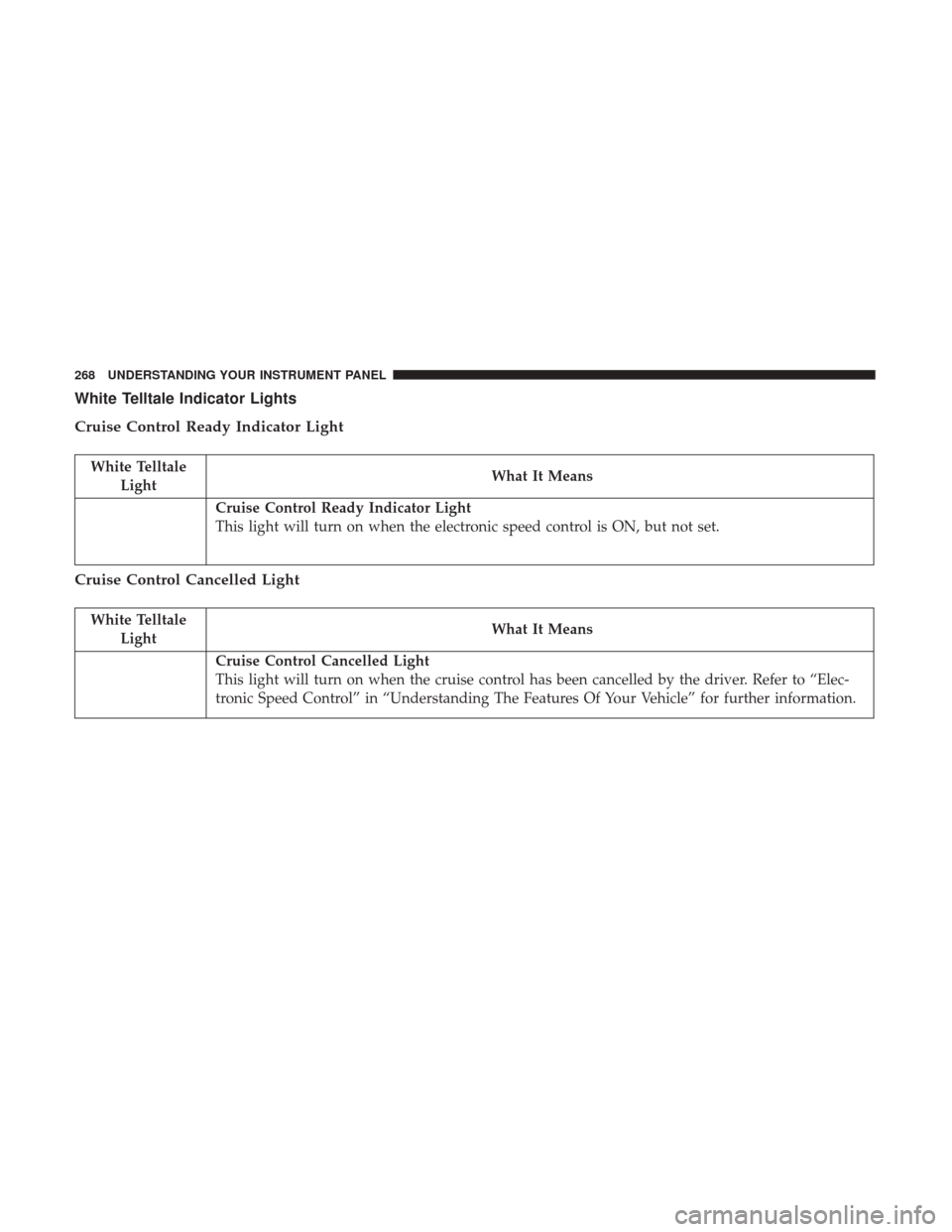
White Telltale Indicator Lights
Cruise Control Ready Indicator Light
White TelltaleLight What It Means
Cruise Control Ready Indicator Light
This light will turn on when the electronic speed control is ON, but not set.
Cruise Control Cancelled Light
White Telltale
Light What It Means
Cruise Control Cancelled Light
This light will turn on when the cruise control has been cancelled by the driver. Refer to “Elec-
tronic Speed Control” in “Understanding The Features Of Your Vehicle” for further information.
268 UNDERSTANDING YOUR INSTRUMENT PANEL
Page 271 of 539
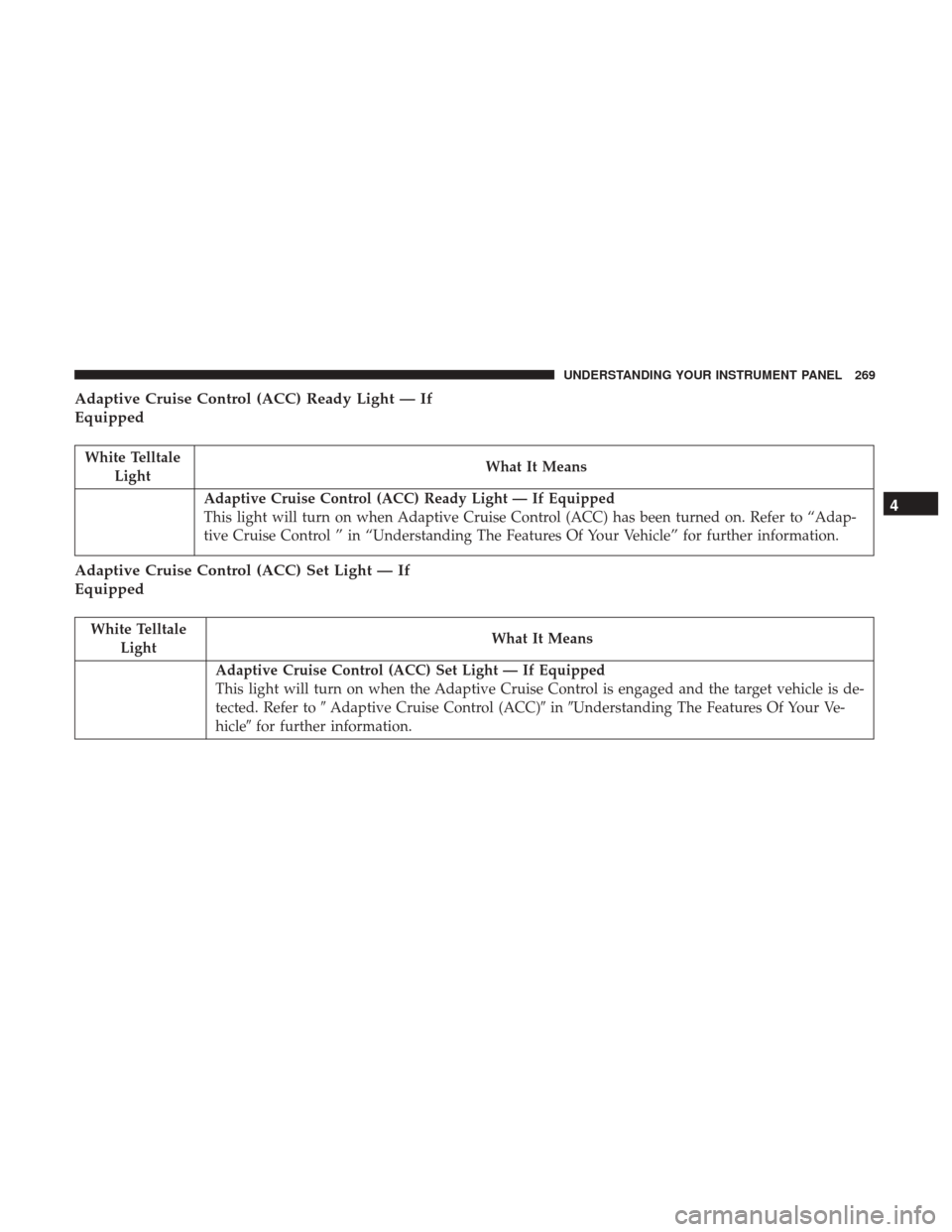
Adaptive Cruise Control (ACC) Ready Light — If
Equipped
White TelltaleLight What It Means
Adaptive Cruise Control (ACC) Ready Light — If Equipped
This light will turn on when Adaptive Cruise Control (ACC) has been turned on. Refer to “Adap-
tive Cruise Control ” in “Understanding The Features Of Your Vehicle” for further information.
Adaptive Cruise Control (ACC) Set Light — If
Equipped
White Telltale
Light What It Means
Adaptive Cruise Control (ACC) Set Light — If Equipped
This light will turn on when the Adaptive Cruise Control is engaged and the target vehicle is de-
tected. Refer to
�Adaptive Cruise Control (ACC)� in�Understanding The Features Of Your Ve-
hicle� for further information.
4
UNDERSTANDING YOUR INSTRUMENT PANEL 269
Page 272 of 539
Adaptive Cruise Control (ACC) Distance Ready
Display Light — If Equipped
White TelltaleLight What It Means
Adaptive Cruise Control (ACC) Distance Setting Display Light — If Equipped
This light will turn on when the Adaptive Cruise Control (ACC) is ready, but not set. Refer to
“Adaptive Cruise Control (ACC)” in “Understanding The Features Of Your Vehicle” for further
information.
Blue Telltale Indicator Lights
High Beam Indicator Light
Blue Telltale
Light What It Means
High Beam Indicator Light
This indicator shows that the high beam headlights are on. Push the multifunction control lever
away from you to switch the headlights to high beam. Pull the lever toward you to switch the
headlights back to low beam. Pull the lever toward you for a temporary high beam on,
�flash to
pass� scenario.
270 UNDERSTANDING YOUR INSTRUMENT PANEL
Page 276 of 539

3. Without pushing the brake pedal, push the ENGINESTART/STOP button once to return the ignition to the
OFF/LOCK position.
The Oil Life can also be reset through the instrument
cluster display.
Secondary Method Of Navigating To The Oil Life Screen
In The Display And Holding OK
1. Without pushing the brake pedal, push the ENGINE START/STOP button and cycle the ignition to the ON/
RUN position (do not start the engine).
2. Push and release the DOWN
arrow button to scroll
downward through the main menu to “Vehicle Info.”
3. Push and release the RIGHTarrow button to access
the “Oil Life” screen.
4. Push and hold the OKbutton to reset the Oil Life.
5. Push and release the UP
arrow button to exit the
screen.
NOTE: If the indicator message illuminates when you
start the vehicle, the oil change indicator system did not
reset. If necessary, repeat this procedure.
Instrument Cluster Display Messages
• Front Seatbelts Unbuckled
• Driver Seatbelt Unbuckled
• Passenger Seatbelt Unbuckled
• Service Airbag System
• Traction Control Off
• Washer Fluid Low
• Oil Pressure Low
• Oil Change Due
• Fuel Low
• Service Antilock Brake System
• Service Electronic Throttle Control
• Service Power Steering
• Cruise Off
• Cruise Ready
• Cruise Set To XXX MPH
• Cruise Set To XXX KM/H
274 UNDERSTANDING YOUR INSTRUMENT PANEL
Page 279 of 539

Coolant Temperature
Transmission Temperature – Automatic Transmission
Only
Oil Temperature
Oil Life
Battery Voltage
Driver Assist
Push and release theUPorDOWNarrow button
until the Vehicle Info menu displays in the Instrument
Cluster Display.
Adaptive Cruise Control (ACC) Menu — If Equipped
The Instrument Cluster Display displays the current ACC
system settings. The information displayed depends on
ACC system status.
Push the ACC ON/OFF button (located on the steering
wheel) until one of the following displays in the informa-
tion display:
Adaptive Cruise Control Off
When ACC is deactivated, the display will read “Adaptive
Cruise Control Off.” Adaptive Cruise Control Ready
When ACC is activated but the vehicle speed setting has
not been selected, the display will read “Adaptive Cruise
Control Ready.”
Push the SET + or the SET- button (located on the steering
wheel) and the following will display in the information
display:
ACC SET
When ACC is set, the set speed will display in the
instrument cluster.
The ACC screen may display once again if any ACC
activity occurs, which may include any of the following:
•
Distance Setting Change
• System Cancel
• Driver Override
• System Off
• ACC Proximity Warning
• ACC Unavailable Warning
4
UNDERSTANDING YOUR INSTRUMENT PANEL 277
Page 280 of 539

•The Instrument Cluster Display will return to the last
display selected after five seconds of no ACC display
activity.
For further information, refer to “Adaptive Cruise Control
(ACC) — If Equipped” in “Understanding The Features Of
Your Vehicle.”
LaneSense Menu — If Equipped
The Instrument Cluster Display displays the current La-
neSense system settings. The information displayed de-
pends on LaneSense system status and the conditions that
need to be met. For further information, refer to “La-
neSense — If Equipped” in “Understanding The Features
Of Your Vehicle.”
Fuel Economy
Push and release the UPorDOWNarrow button
until the Fuel Economy Menu item is highlighted in the
Instrument Cluster Display.
• There are two sub menu pages, one with Current value
displayed and one without the Current Value displayed:
– Current Fuel Economy (MPG, L/100 km)
– Range To Empty (miles or km)
– Average Fuel Economy (MPG, L/100 km) – The Max and Min values will correspond to the
particular engine requirements
• Lower end of gauge will be displayed in an amber color
and turn green as Fuel Economy improves.
• Hold OKto reset average fuel economy information.
Trip Info
Push and release the UPorDOWNarrow button
until the Trip Menu item is highlighted in the Instru-
ment Cluster Display (Toggle LEFT
orRIGHTar-
row button to select Trip A or Trip B). The Trip infor-
mation will display the following:
• Distance
• Average Fuel Economy
• Elapsed Time
Hold the OKbutton to reset feature information.
Audio
Push and release the UPorDOWNarrow button
until the Audio Menu displays in the Instrument Cluster
Display.
278 UNDERSTANDING YOUR INSTRUMENT PANEL
Page 522 of 539

About Your Brakes........................ .364
Adaptive Cruise Control (ACC) (Cruise Control) . . . .139
Adding Engine Coolant (Antifreeze) .............466
Additives, Fuel ........................... .402
Adjust Down ................................ .109
Forward .............................. .108
Rearward ............................. .108
Up.................................. .109
AirBag ..................................48 Air Bag Operation .........................50
Air Bag Warning Light ...................51, 64
Driver Knee Air Bag .......................58
Enhanced Accident Response ..............63, 445
Event Data Recorder (EDR) .................445
FrontAirBag ............................51
If A Deployment Occurs ....................62
Knee Impact Bolsters .......................57
Maintaining Your Air Bag System ..............65
Redundant Air Bag Warning Light .............65
Side Air Bags ............................58
Transporting Pets .........................81
Air Bag Light ....................... .64, 83, 248
Air Bag Maintenance .........................65
Air Cleaner, Engine (Engine Air Cleaner Filter) ......457Air Conditioner Maintenance
..................458
Air Conditioning Filter ...................320, 459
Air Conditioning, Operating Tips ............319, 321
Air Conditioning Refrigerant ...............458, 459
Air Conditioning System ..................318, 458
Air Filter ............................... .457
Air Pressure, Tires ......................... .384
Alarm Arm The System ..........................14
Disarm The System ........................15
Rearming The System ......................14
Tamper Alert ............................16
Vehicle Security Alarm .....................14
Alarm, Panic ...............................19
Alarm (Security Alarm) ..................... .250
All Wheel Drive (AWD) ..................... .356
Alterations/Modifications, Vehicle ................6
Antifreeze (Engine Coolant) ................466, 500
Disposal .............................. .468
Anti-Lock
Brake System (ABS) .................365
Anti-Lock Warning Light .....................262
Appearance Care .......................... .472
Assist, Hill Start .......................... .367
Auto Down Power Windows ...................33
Automatic Door Locks ........................26
520 INDEX