Page 232 of 539
WARNING!
To avoid serious injury or death:
•Do not insert any objects into the receptacles.
• Do not touch with wet hands.
• Close the lid when not in use.
• If this outlet is mishandled, it may cause an electric
shock and failure.
CUPHOLDERS
Front Seat Cupholders
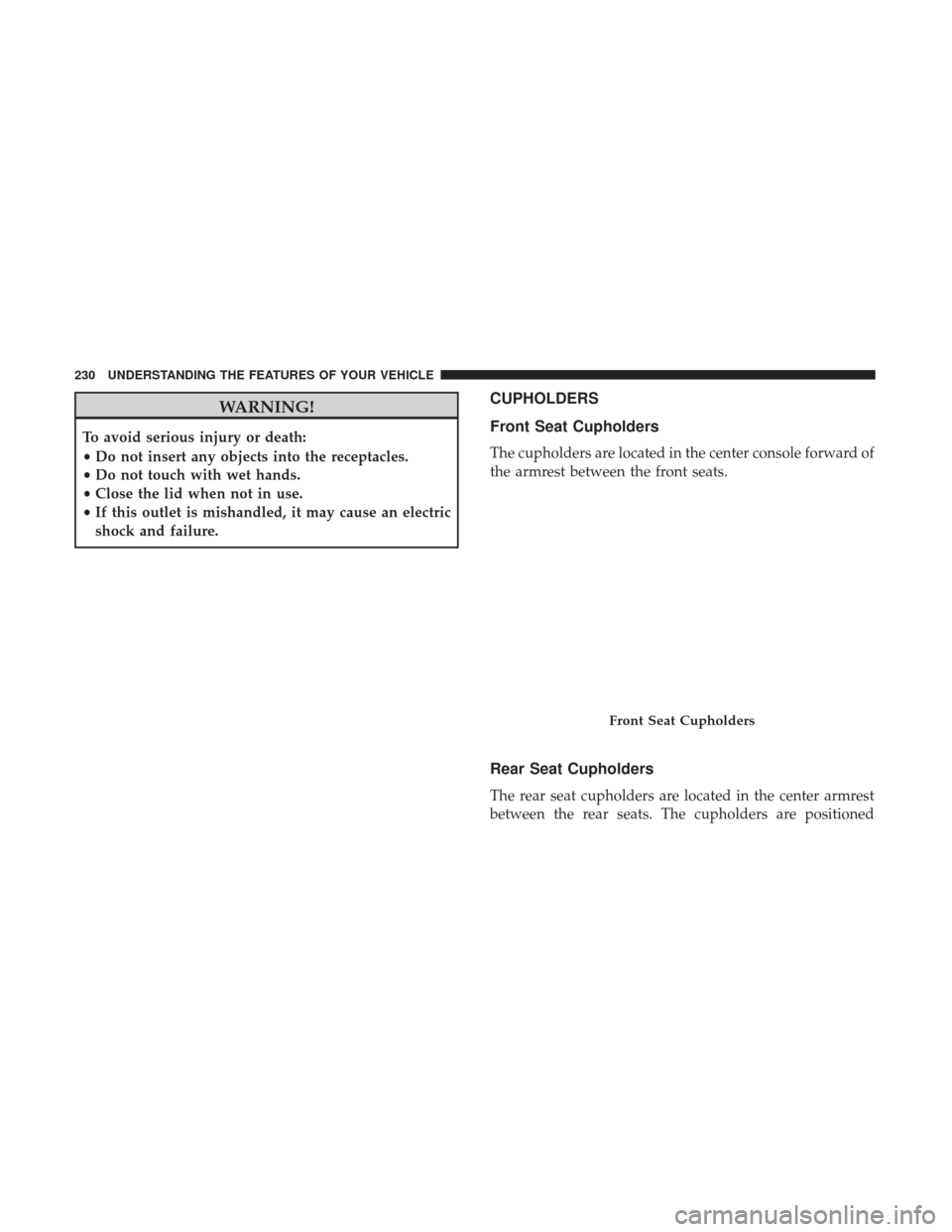
The cupholders are located in the center console forward of
the armrest between the front seats.
Rear Seat Cupholders
The rear seat cupholders are located in the center armrest
between the rear seats. The cupholders are positioned
Front Seat Cupholders
230 UNDERSTANDING THE FEATURES OF YOUR VEHICLE
Page 234 of 539
Console Features
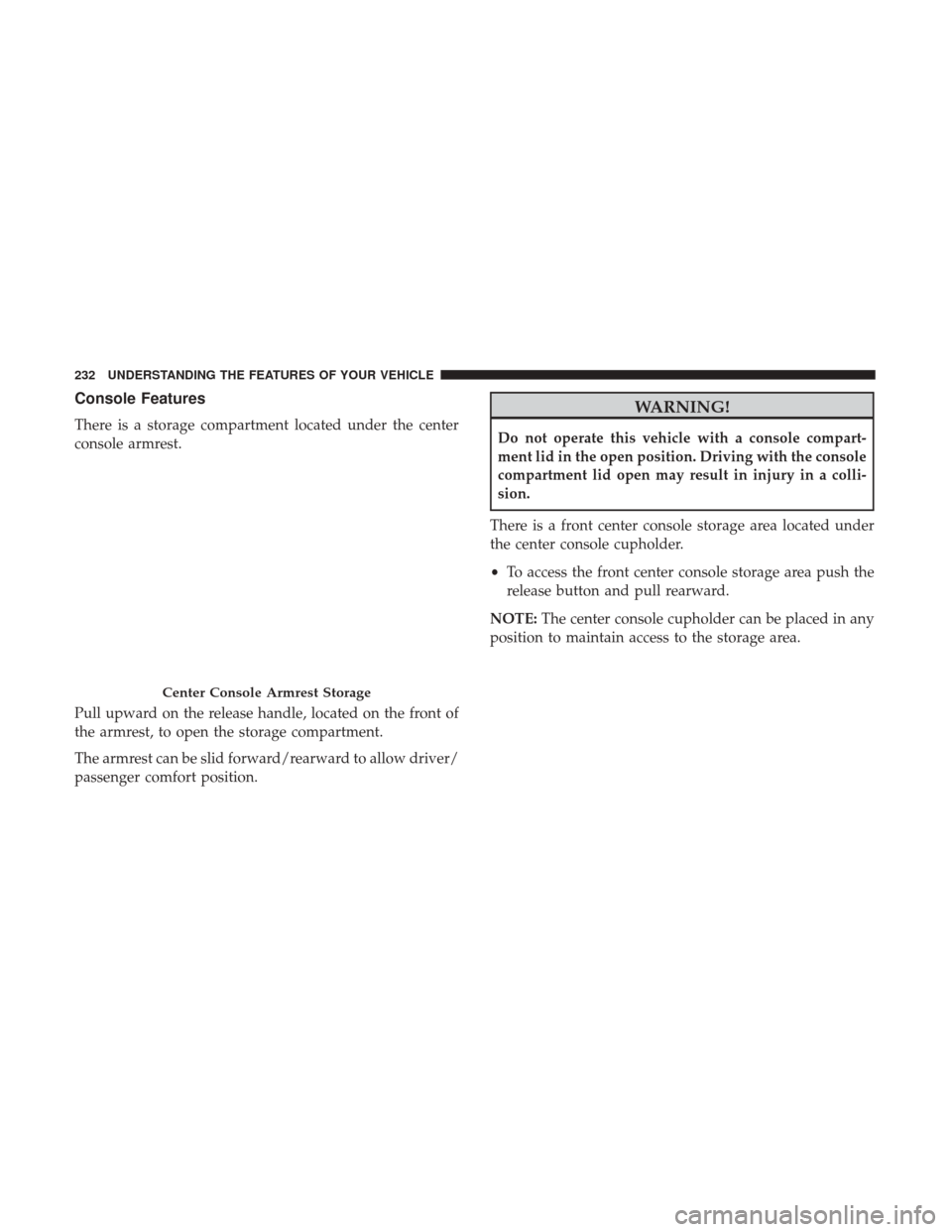
There is a storage compartment located under the center
console armrest.
Pull upward on the release handle, located on the front of
the armrest, to open the storage compartment.
The armrest can be slid forward/rearward to allow driver/
passenger comfort position.
WARNING!
Do not operate this vehicle with a console compart-
ment lid in the open position. Driving with the console
compartment lid open may result in injury in a colli-
sion.
There is a front center console storage area located under
the center console cupholder.
• To access the front center console storage area push the
release button and pull rearward.
NOTE: The center console cupholder can be placed in any
position to maintain access to the storage area.
Center Console Armrest Storage
232 UNDERSTANDING THE FEATURES OF YOUR VEHICLE
Page 239 of 539
NOTE:You may experience deformation in the seat cush-
ion from the seat belt buckles if the seats are left folded for
an extended period of time. This is normal and by simply
opening the seats to the open position, over time the seat
cushion will return to its normal shape.
When the seatback is folded to the upright position, make
sure it is latched by strongly pulling on the top of the
seatback above the seat strap.
WARNING!
• Be certain that the seatback is securely locked into
position. If the seatback is not securely locked into
position, the seat will not provide the proper stabil-
ity for child seats and/or passengers. An improperly
latched seat could cause serious injury.
• The cargo area in the rear of the vehicle (with the rear
seatbacks in the locked-up or folded down position)
should not be used as a play area by children when
the vehicle is in motion. They could be seriously
injured in a collision. Children should be seated and
using the proper restraint system.
• To help protect against personal injury, passengers
should not be seated in the rear cargo area. The rear
cargo space is intended for load carrying purposes
only, not for passengers, who should sit in seats and
use seat belts.
(Continued)
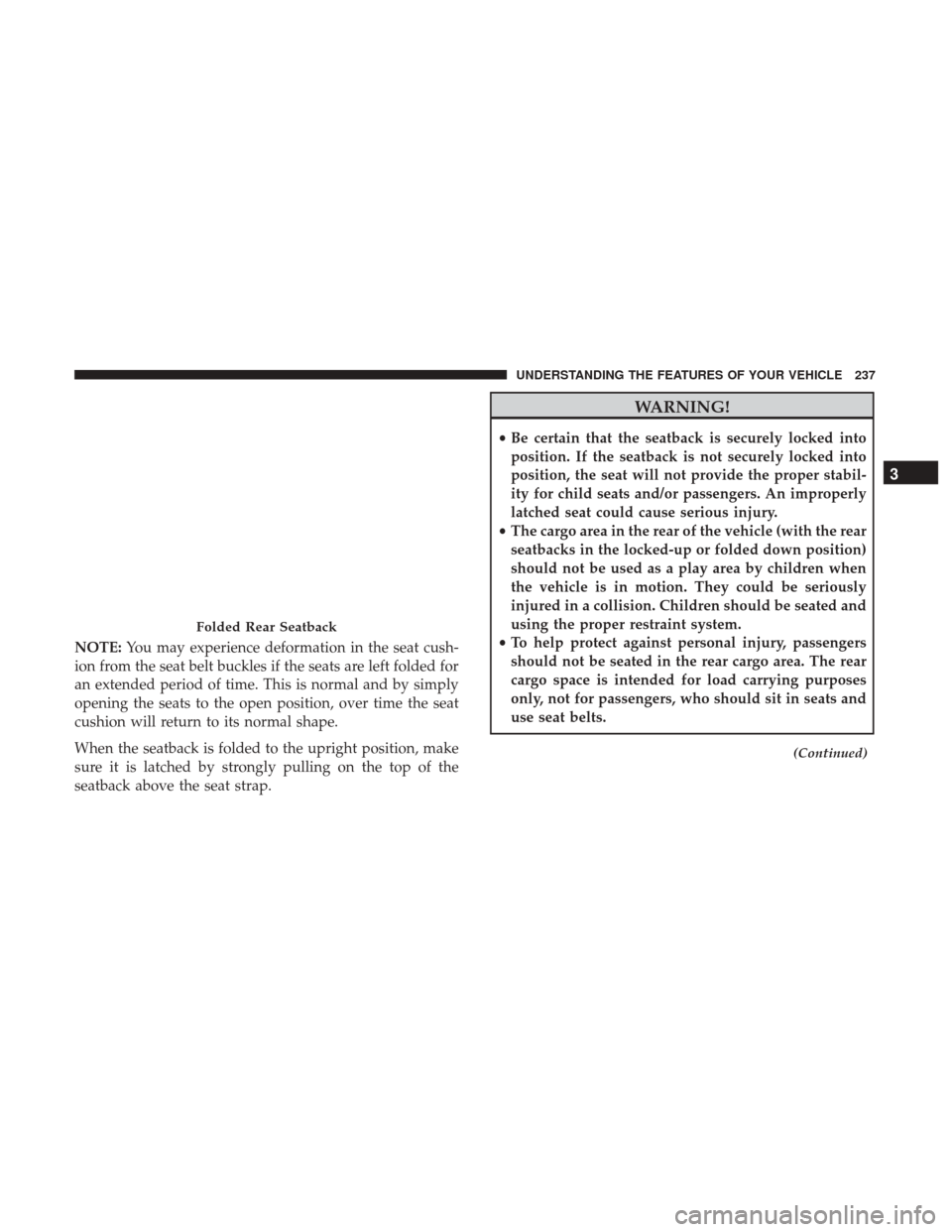
Folded Rear Seatback
3
UNDERSTANDING THE FEATURES OF YOUR VEHICLE 237
Page 240 of 539
WARNING!(Continued)
The weight and position of cargo and passengers can
change the vehicle center of gravity and vehicle han-
dling. To avoid loss of control resulting in personal
injury, follow these guidelines for loading your ve-
hicle:
•Always place cargo evenly on the cargo floor. Put
heavier objects as low and as far forward as possible.
• Place as much cargo as possible in front of the rear
axle. Too much weight or improperly placed weight
over or behind the rear axle can cause the rear of the
vehicle to sway.
• Do not pile luggage or cargo higher than the top of
the seatback. This could impair visibility or become
a dangerous projectile in a sudden stop or collision.
Cargo Net Hooks
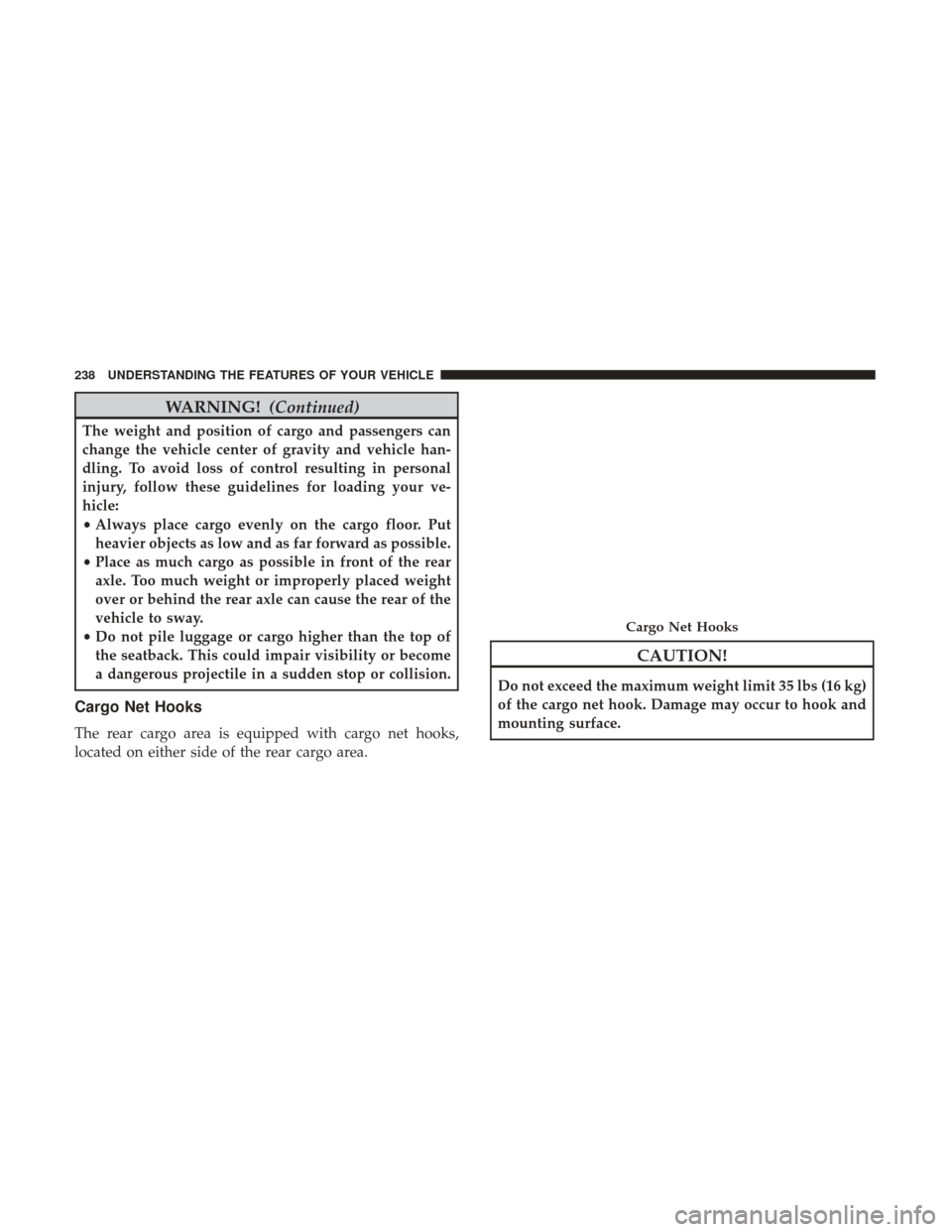
The rear cargo area is equipped with cargo net hooks,
located on either side of the rear cargo area.
CAUTION!
Do not exceed the maximum weight limit 35 lbs (16 kg)
of the cargo net hook. Damage may occur to hook and
mounting surface.
Cargo Net Hooks
238 UNDERSTANDING THE FEATURES OF YOUR VEHICLE
Page 243 of 539

UNDERSTANDING YOUR INSTRUMENT PANEL
CONTENTS
�INSTRUMENT PANEL FEATURES ...........243
� INSTRUMENT CLUSTER ..................244
� WARNING AND INDICATOR LIGHTS ........247
▫ Red Telltale Indicator Lights ...............247
▫ Yellow Telltale Indicator Lights .............256
▫ Green Telltale Indicator Lights ..............265
▫ White Telltale Indicator Lights ..............268
▫ Blue Telltale Indicator Lights ...............270
� INSTRUMENT CLUSTER DISPLAY ...........271
▫ Instrument Cluster Display Location
and Controls ......................... .271
▫ Oil Change Reset ..................... .273
▫ Instrument Cluster Display Messages ........274
▫ Instrument Cluster Display Menu Items .......276�
CYBERSECURITY ....................... .282
� UCONNECT SETTINGS ...................284
▫ Buttons On The Faceplate .................285
▫ Buttons On The Touchscreen ...............285
▫ Customer Programmable Features/
Personal Settings —
Uconnect 5.0/8.4/8.4 NAV Settings ..........285
� UCONNECT RADIOS — IF EQUIPPED ........303
� USB PORT AND AUX JACK — IF EQUIPPED . . . .303
� STEERING WHEEL AUDIO CONTROLS — IF
EQUIPPED ........................... .304
▫ Radio Operation ....................... .304
▫ Media Mode ......................... .304
� RADIO OPERATION AND MOBILE DEVICES . . .305
▫ Regulatory And Safety Information ..........3054
Page 248 of 539

1. Tachometer•Indicates the engine speed in revolutions per minute
(RPM x 1000).
2. Instrument Cluster Display •When the appropriate conditions exist, this display
shows the Instrument Cluster Display messages. Refer
to “Instrument Cluster Display” in “Understanding
Your Instrument Panel” for further information.
3. Speedometer •Indicates vehicle speed.
4. Fuel Gauge •The fuel gauge shows the level of fuel in the fuel tank
when the ignition switch is in the ON/RUN position.
•
The fuel pump symbol points to the side of the
vehicle where the fuel door is located.
5. Temperature Gauge
•The temperature gauge shows engine coolant tem-
perature. Any reading within the normal range indi-
cates that the engine cooling system is operating
satisfactorily. •
The gauge pointer will likely indicate a higher tem-
perature when driving in hot weather or up mountain
grades. It should not be allowed to exceed the upper
limits of the normal operating range.
WARNING!
A hot engine cooling system is dangerous. You or
others could be badly burned by steam or boiling
coolant. You may want to call an authorized dealer for
service if your vehicle overheats. If you decide to look
under the hood yourself, see “Maintaining Your Ve-
hicle”. Follow the warnings under the Cooling System
Pressure Cap paragraph.
CAUTION!
Driving with a hot engine cooling system could dam-
age your vehicle. If the temperature gauge reads “H”
pull over and stop the vehicle. Idle the vehicle with the
air conditioner turned off until the pointer drops back
into the normal range. If the pointer remains on the
“H”, turn the engine off immediately and call an
authorized dealer for service.
246 UNDERSTANDING YOUR INSTRUMENT PANEL
Page 249 of 539

WARNING AND INDICATOR LIGHTS
IMPORTANT:The warning / indicator lights switch on in
the instrument panel together with a dedicated message
and/or acoustic signal when applicable. These indications
are indicative and precautionary and as such must not be
considered as exhaustive and/or alternative to the
information contained in the Owner ’s Manual, which you
are advised to read carefully in all cases. Always refer to
the information in this chapter in the event of a failure
indication. All active telltales will display first if applicable. The
system check menu may appear different based upon
equipment options and current vehicle status. Some tell-
tales are optional and may not appear.
Red Telltale Indicator Lights
Seat Belt Reminder Warning Light
Red Telltale
Light What It Means
Seat Belt Reminder Warning Light
When the ignition is first placed in the ON/RUN position, if the driver ’s seat belt is unbuckled, a
chime will sound and the light will turn on. When driving, if the driver or front passenger seat
belt remains unbuckled, the Seat Belt Reminder Light will flash or remain on continuously and a
chime will sound. Refer to “Occupant Restraints” in “Things To Know Before Starting Your Ve-
hicle” for further information.
4
UNDERSTANDING YOUR INSTRUMENT PANEL 247
Page 250 of 539
Air Bag Warning Light
Red TelltaleLight What It Means
Air Bag Warning Light
This light will turn on for four to eight seconds as a bulb check when the ignition is placed in the
ON/RUN position. If the light is either not on during startup, stays on, or turns on while driv-
ing, have the system inspected at an authorized dealer as soon as possible. This light will illumi-
nate with a single chime when a fault with the Air Bag Warning Light has been detected, it will
stay on until the fault is cleared. If the light comes on intermittently or remains on while driving,
have an authorized dealer service the vehicle immediately.
248 UNDERSTANDING YOUR INSTRUMENT PANEL