Page 268 of 539
Stop/Start Active Indicator Light — If Equipped
Green TelltaleLight What It Means
Stop/Start Active Indicator Light — If Equipped
This telltale will illuminate when the Stop/Start function is in “Autostop” mode.
LaneSense Indicator Light — If Equipped
Green Telltale
Light What It Means
LaneSense Indicator Light — If Equipped
The LaneSense indicator is solid green when both lane markings have been detected and the sys-
tem is “armed” to provide visual warnings in the Instrument Cluster and a torque warning in
the steering wheel if an unintentional lane departure occurs. Refer to “LaneSense — If
Equipped�
in “Understanding The Features Of Your Vehicle” for further information.
266 UNDERSTANDING YOUR INSTRUMENT PANEL
Page 269 of 539
Turn Signal Indicator Lights
Green TelltaleLight What It Means
Turn Signal Indicator Lights
The instrument cluster directional arrow will flash independently for the LEFT or RIGHT turn
signal as selected, as well as the exterior turn signal lamp(s) (front and rear) as selected when the
multifunction lever is moved down (LEFT) or up (RIGHT).
NOTE:
•A continuous chime will sound if the vehicle is driven more than 1 mile (1.6 km) with either
turn signal on.
•Check for an inoperative outside light bulb if either indicator flashes at a rapid rate.
Electronic Speed Control SET Indicator Light
Green Telltale
Light What It Means
Electronic Speed Control SET Indicator Light
This light will turn on when the electronic speed control is SET. Refer to “Electronic Speed Con-
trol” in “Understanding The Features Of Your Vehicle” for further information.
4
UNDERSTANDING YOUR INSTRUMENT PANEL 267
Page 270 of 539
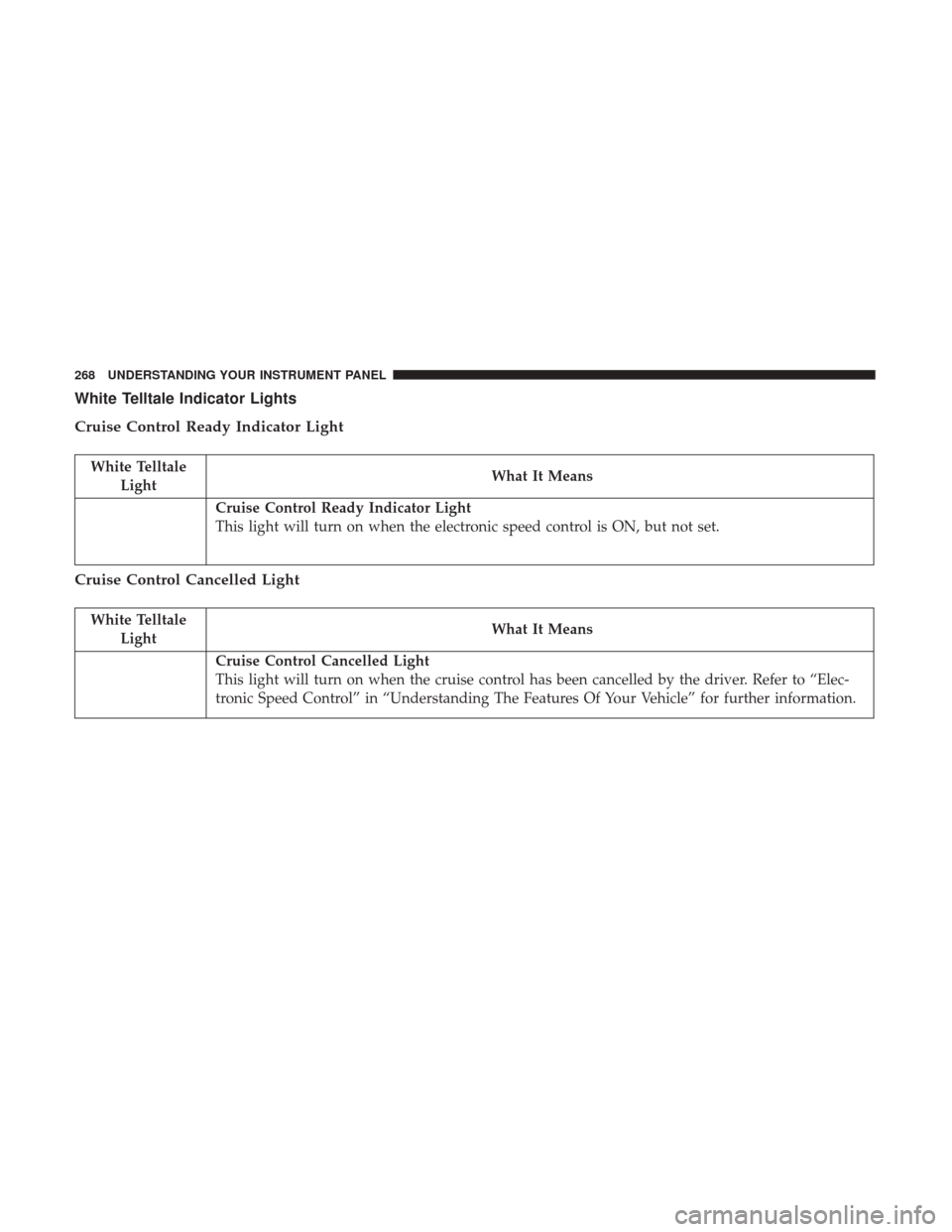
White Telltale Indicator Lights
Cruise Control Ready Indicator Light
White TelltaleLight What It Means
Cruise Control Ready Indicator Light
This light will turn on when the electronic speed control is ON, but not set.
Cruise Control Cancelled Light
White Telltale
Light What It Means
Cruise Control Cancelled Light
This light will turn on when the cruise control has been cancelled by the driver. Refer to “Elec-
tronic Speed Control” in “Understanding The Features Of Your Vehicle” for further information.
268 UNDERSTANDING YOUR INSTRUMENT PANEL
Page 271 of 539
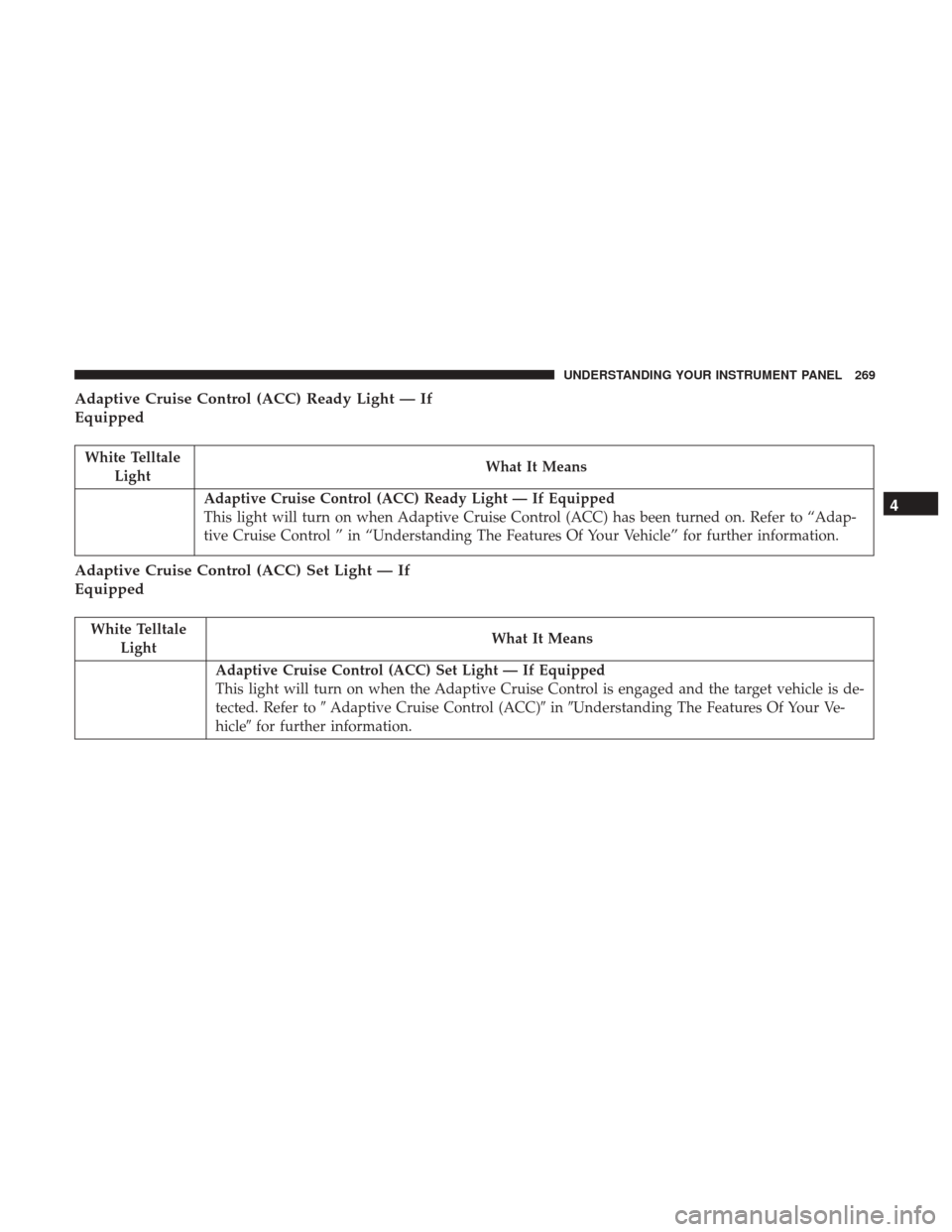
Adaptive Cruise Control (ACC) Ready Light — If
Equipped
White TelltaleLight What It Means
Adaptive Cruise Control (ACC) Ready Light — If Equipped
This light will turn on when Adaptive Cruise Control (ACC) has been turned on. Refer to “Adap-
tive Cruise Control ” in “Understanding The Features Of Your Vehicle” for further information.
Adaptive Cruise Control (ACC) Set Light — If
Equipped
White Telltale
Light What It Means
Adaptive Cruise Control (ACC) Set Light — If Equipped
This light will turn on when the Adaptive Cruise Control is engaged and the target vehicle is de-
tected. Refer to
�Adaptive Cruise Control (ACC)� in�Understanding The Features Of Your Ve-
hicle� for further information.
4
UNDERSTANDING YOUR INSTRUMENT PANEL 269
Page 272 of 539
Adaptive Cruise Control (ACC) Distance Ready
Display Light — If Equipped
White TelltaleLight What It Means
Adaptive Cruise Control (ACC) Distance Setting Display Light — If Equipped
This light will turn on when the Adaptive Cruise Control (ACC) is ready, but not set. Refer to
“Adaptive Cruise Control (ACC)” in “Understanding The Features Of Your Vehicle” for further
information.
Blue Telltale Indicator Lights
High Beam Indicator Light
Blue Telltale
Light What It Means
High Beam Indicator Light
This indicator shows that the high beam headlights are on. Push the multifunction control lever
away from you to switch the headlights to high beam. Pull the lever toward you to switch the
headlights back to low beam. Pull the lever toward you for a temporary high beam on,
�flash to
pass� scenario.
270 UNDERSTANDING YOUR INSTRUMENT PANEL
Page 277 of 539

•Tire Pressure Screen With Low Tire(s) “Inflate Tire to
XX”
• Service Tire Pressure System
• Parking Brake Engaged
• Brake Fluid Low
• Service Electronic Braking System
• Engine Temperature Hot
• Battery Voltage Low
• Service Electronic Throttle Control
• Lights On
• Right Turn Signal Light Out
• Left Turn Signal Light Out
• Turn Signal On
• Vehicle Not in Park
• Key in Ignition
• Key in Ignition Lights On
• Remote Start Active Key to Run •
Remote Start Active Push Start Button
• Remote Start Aborted Fuel Low
• Remote Start Aborted Too Cold
• Remote Start Aborted Door Open
• Remote Start Aborted Hood Open
• Remote Start Aborted Trunk Open
• Remote Start Aborted Time Expired
• Remote Start Disabled Start to Reset
• Service Airbag Warning Light
• Door Open
• Doors Open
• Gear Not Available
• Shift Not Allowed
• Shift to Neutral then Drive or Reverse
• Transmission Getting Hot Push Brake
• Trans. Hot Stop Safely Shift to Park Wait to Cool
• Service Transmission
4
UNDERSTANDING YOUR INSTRUMENT PANEL 275
Page 280 of 539

•The Instrument Cluster Display will return to the last
display selected after five seconds of no ACC display
activity.
For further information, refer to “Adaptive Cruise Control
(ACC) — If Equipped” in “Understanding The Features Of
Your Vehicle.”
LaneSense Menu — If Equipped
The Instrument Cluster Display displays the current La-
neSense system settings. The information displayed de-
pends on LaneSense system status and the conditions that
need to be met. For further information, refer to “La-
neSense — If Equipped” in “Understanding The Features
Of Your Vehicle.”
Fuel Economy
Push and release the UPorDOWNarrow button
until the Fuel Economy Menu item is highlighted in the
Instrument Cluster Display.
• There are two sub menu pages, one with Current value
displayed and one without the Current Value displayed:
– Current Fuel Economy (MPG, L/100 km)
– Range To Empty (miles or km)
– Average Fuel Economy (MPG, L/100 km) – The Max and Min values will correspond to the
particular engine requirements
• Lower end of gauge will be displayed in an amber color
and turn green as Fuel Economy improves.
• Hold OKto reset average fuel economy information.
Trip Info
Push and release the UPorDOWNarrow button
until the Trip Menu item is highlighted in the Instru-
ment Cluster Display (Toggle LEFT
orRIGHTar-
row button to select Trip A or Trip B). The Trip infor-
mation will display the following:
• Distance
• Average Fuel Economy
• Elapsed Time
Hold the OKbutton to reset feature information.
Audio
Push and release the UPorDOWNarrow button
until the Audio Menu displays in the Instrument Cluster
Display.
278 UNDERSTANDING YOUR INSTRUMENT PANEL
Page 283 of 539

SettingsTranslation
Message Submenu
7 Rear ParksenseVolume Rear
Parksense Vol Low, Med, High
8 Rear ParksenseBraking Parksense
Braking On/Off
9 Blind Spot Alert Blind Spot
Alert Off, Lights Only,
Lights & Chime
10 Lanesense Warning Lanesense
Alert Early, Med, Late
11 Lanesense Strength Lanesense
Force Low, Med, High
12 Hill Start Assist Hill Start Asst On, Off
13 Auto Lock Doors Auto Lock
Doors On, Off
14 Auto Unlock Doors Auto Unlock
Doors On, Off
15 Passive Entry Passive Entry On, OffSettings
Translation
Message Submenu
16 Remote Unlock
Sequence Remote
Unlock Driver Door, All
Doors
17 Key Fob Linked ToMemory Key In
Memory On, Off
18 Remote Start ComfortSystem Rmt Start
Comfort Off, Remote
Starts Only, All Starts
19 Sound Horn With
Remote Start Horn W/Rmt
Start On, Off
20 Sound Horn With
Remote Lock Horn W/Rmt
Lock Off, 1st Press,
2nd Press
21 Flash Lights With Lock Lights
W/Lock On, Off
22 Daytime RunningLights Daytime
Lights On, Off
4
UNDERSTANDING YOUR INSTRUMENT PANEL 281