2017 Alfa Romeo Giulia change time
[x] Cancel search: change timePage 103 of 268

Rear View
The system detects vehicles coming
from the rear part of your vehicle on
both sides and entering the rear
detection area with a difference in
speed of less than 31 mph (50 km/h)
with relation to your vehicle.
Overtaking Vehicles
If another vehicle is overtaken slowly,
with a difference in speed of less than
approximately 15 mph (25 km/h) and
the vehicle stays in the blind spot for
approximately 1.5 seconds, the
warning light on the door mirror of the
corresponding side lights up.
If the difference in speed between the
two vehicles is greater than
approximately 15 mph (25 km/h), the
warning light does not light up.
Rear Cross Path Detection (RCP)
System
This system helps the driver during
reverse maneuvers in the case of
reduced visibility.
The RCP system monitors the rear
detection areas on both sides of the
vehicle to detect objects moving
towards the sides of the vehicle, with a
minimum speed between approximately
1 mph (1 km/h) and 2 mph (3 km/h)
and objects moving at a maximum
speed of 21 mph (35 km/h), in areas
such as parking lots.
The system activation is signaled to the
driver by a visual and acoustic warning.Note:
If the sensors are covered by
objects or vehicles, the system will not
warn the driver.
Warning!
Rear Cross Path Detection (RCP) is not a
back up aid system. It is intended to be
used to help a driver detect an oncoming
vehicle in a parking lot situation. Drivers
must be careful when backing up, even
when using RCP. Always check carefully
behind your vehicle, look behind you, and
be sure to check for pedestrians, animals,
other vehicles, obstructions, and blind
spots before backing up. Failure to do so
can result in serious injury or death.
Operating Mode
The system may be activated/
deactivated via the Connect system. To
access the function, select the following
items on the main menu in sequence:
"Settings", "Safety" and "Blind Spot
Alert".
"Blind Spot Alert", "Visual" Mode
When the system is enabled, a visual
warning is sent to the door mirror on
the side of the detected object.
The visual warning on the mirror will
blink if the driver switches on the
direction indicators, thus indicating the
intention to change lane.
The warning will be fixed if the driver
stays in the same lane. "Blind Spot Alert" Function
Deactivation
When the system is deactivated ("Blind
Spot Alert" mode off), the BSM or RCP
systems will not emit either acoustic or
visual warnings.
The BSM system will store the
operating mode running when the
engine was stopped. Each time the
engine is started, the operating mode
stored previously will be recalled and
used.
General Information
This vehicle has systems that operate
on radio frequency that comply with
Part 15 of the Federal Communications
Commission (FCC) rules and with
Industry Canada Standards RSS-
GEN/210/220/310.
Operation is subject to the following
two conditions:
1. The device may not cause harmful
interference.
2. The device must accept any
interference received, including
interference that may cause undesired
operation of the device.
Changes or modifications to any of
these systems by other than an
authorized service facility could void
authorization to use this equipment.
101
Page 105 of 268
Only Warning: the system, if active,
does not provide limited braking, but
guarantees automatic braking or
additional assistance in braking stage,
where the driver does not brake at all or
not sufficiently in the event of a potential
frontal impact. The visual and audible
warnings are deactivated, and will not
be provided.
Disable: the system does not
provide visual and audible warnings,
limited braking, automatic braking or
additional assistance in braking stage.
The system will therefore provide no
indication of a possible accident.
Activation/Deactivation
The Forward Collision Warning system
is activated whenever the engine is
started regardless of what is shown on
the Connect system.
Following a deactivation, the system will
not warn the driver about the possible
collision with the preceding vehicle,
regardless of the setting selected with
the Connect system.
Note: Each time the engine is started,
the system is activated regardless of
what setting was selected when it was
previously switched off.
This function is not active at a speed
lower than 4 mph (7 km/h) or higher
than 124 mph (200 km/h). The system is active when:
The engine is started.
Is active (on) in the Connect system.
The ignition is in the ON position.
The vehicle speed is between 4 mph
(7 km/h) and 124 mph (200 km/h).
The front seat belts are fastened.
The "Alfa DNA Pro" selector is not in
RACE position (where present).
Changing The System Sensitivity
The sensitivity of the system can be
changed through the Connect system
menu, choosing from one of the
following three options: "Near", "Med"
or "Far". Refer to the description in the
“Connect System Supplement” for how
to change the settings.
The pre-set option is "Med". With this
setting, the system warns the driver of a
possible collision with the vehicle in
front when that vehicle is at a standard
distance, between that of the other two
settings.
With the system sensitivity set to "Far",
the system will warn the driver of a
possible collision with the vehicle in
front when that vehicle is at a greater
distance, thus providing the possibility
of acting on the brakes more lightly and
gradually. This setting provides the
drivers with the maximum possible
reaction time to prevent a potential
accident. With the option set to "Near", the
system will alert the driver of a possible
collision with the vehicle in front when
that vehicle is close. This setting offers
the driver a lower reaction time
compared to the "Med" and "Far"
settings, in the event of a potential
collision, but permits more dynamic
driving of the vehicle.
The system sensitivity setting is kept in
the memory when the engine is
switched off.
System Limited Operation Signal
If the dedicated message is displayed,
a condition limiting the system
operation may have occurred. The
possible reasons of this limitation are
something blocking the camera view or
a fault.
If an obstruction is signaled, clean the
area of the windshield indicated in.
Although the vehicle can still be driven
in normal conditions, the system may
be not completely available.
When the conditions limiting the system
functions end, this will go back to
normal and complete operation. Should
the fault persist, contact an authorized
dealer.
System Failure Signaling
If the system switches off and a
dedicated message is shown on the
display, it means that there is a fault on
the system.
103
Page 106 of 268

In this case, it is still possible to drive
the vehicle, but you are advised to
contact an authorized dealer as soon
as possible.
Radar Indication Not Available
If conditions are such that the radar
cannot detect obstacles correctly, the
system is deactivated and a dedicated
message appears on the display. This
generally occurs in the event of poor
visibility, such as when it is snowing or
raining heavily.
The system can also be temporarily
dimmed due to obstructions such as
mud, dirt or ice on the bumper. In such
cases, a dedicated message will be
shown on the display and the system
will be deactivated. This message can
sometimes appear in conditions of high
reflectivity (e.g. tunnels with reflective
tiles or ice or snow). When the
conditions limiting the system functions
end, this will go back to normal and
complete operation.
In certain particular cases, this
dedicated message could be displayed
when the radar is not detecting any
vehicles or objects within its view range.
If atmospheric conditions are not the
real reason behind this message, check
if the sensor is dirty. It could be
necessary to clean or remove any
obstructions in the area.
If the message appears often, even in
the absence of atmospheric conditions
such as snow, rain, mud or otherobstructions, contact an authorized
dealer for a sensor alignment check.
In the absence of visible obstructions,
manually removing the decorative cover
trim and cleaning the radar surface
could be required. Have this operation
performed at an authorized dealer.
Note:
It is recommended that you do
not install devices, accessories or
aerodynamic attachments in front of the
sensor or darken it in any way, as this
can compromise the correct functioning
of the system.
Frontal Collision Alarm With Active
Braking — If Equipped
If this function is selected, the brakes
are operated to reduce the speed of the
vehicle in the event of potential frontal
impact.
This function applies an additional
braking pressure if the braking pressure
applied by the driver does not suffice to
prevent potential frontal impact.
The function is active with speed above
4 mph (7 km/h).
Driving In Special Conditions
In certain driving conditions, such as,
for example:
Driving close to a bend.
The vehicle ahead is leaving a
roundabout.
Vehicles with small dimensions
and/or not aligned in the driving lane.
Lane change by other vehicles.
Vehicles travelling at right angles to
the vehicle.
System intervention might be
unexpected or delayed. The driver must
therefore be very careful, keeping
control of the vehicle to drive in
complete safety.
Note: In particularly complex traffic
conditions, the driver can deactivate the
system manually through the Connect
system.
Driving Close To A Bend
When entering or leaving a wide bend,
the system may detect a vehicle in front
you, but not driving on the same driving
lane. In cases such as these, the
system may intervene.
06016S0005EMDriving Around Wide Curves
104
SAFETY
Page 160 of 268

While the accelerator pedal is pressed,
the system will not be able to control
the distance between the vehicle and
the one ahead. In this case, the speed
will be determined only by the position
of the accelerator pedal.
The system will return to normal
operation as soon as the accelerator
pedal is released.
The systemcannotbe set:
When pressing the brake pedal.
When the brakes are overheated.
When the electric park brake has
been operated.
When either P (PARK), R (REVERSE)
or N (NEUTRAL) is engaged.
When the engine rpm is above a
maximum threshold.
When the vehicle speed is not within
the operational speed range.
When the ESC (or ABS or other
stability control systems) are operating
or have just operated.
When the ESC system is off.
When the Forward Collision Warning
Plus system (if equipped) is braking
automatically.
In the event of system failure.
When the engine is off.
In case of obstruction of the radar
sensor (in this case the bumper area
where it is located must be cleaned).
If the system is set, the conditions
described above also cause a
cancellation or deactivation of the
system. These situations may vary
according to the conditions.
Note:
The system will not be deactivated
when speeds higher than those set are
reached by pressing the accelerator
pedal above 110 mph (180 km/h). In
these situations, the system may not
work correctly and it is recommended
to deactivate it.
Changing Speed
Increasing speed
Once the system has been activated,
you can increase the speed by lifting
the SET switch. Each time it is
operated, the speed increases by
1 mph.
By holding the button up, the set speed
will increase in increments of five mph
until the button is released. Then, the
new speed will be set.
Decreasing speed
Once the system has been activated,
you can decrease the speed by
lowering the SET switch. Each time it is
operated, the speed decreases by
1 mph. By holding the button down, the set
speed will decrease in increments of
five mph until the button is released.
Then, the new speed will be set.
Note:
Moving the SET switch allows you
to adjust the speed according to the
selected unit of measurement ("US" or
"metric") set on the Connect system
(see dedicated supplement).
When the unit of measurement is
set to metric, holding the SET switch
the speed will change in 10 km/h
increments.
By keeping the accelerator pedal
depressed, the vehicle can continue to
accelerate beyond the set speed. In this
case, use the SET switch to set the
speed to the vehicle’s current speed.
When you push the SET button to
reduce the speed, the braking system
intervenes automatically if the engine
brake does not slow the vehicle down
sufficiently to reach the set speed. The
device holds the set speed uphill and
downhill; however a slight variation is
entirely normal, particularly on slight
inclines.
The transmission could change to a
lower gear when driving downhill, or
when accelerating. This is normal and
necessary to maintain the set speed.
The system will disable while driving
if the brakes overheat.
158
STARTING AND OPERATING
Page 162 of 268
The setting is 4 (maximum) the first time
the system is used. After the distance
has been modified by the driver, the
new distance will be stored also after
the system is deactivated and
reactivated.
To Decrease The Distance
Push and release the distance button to
decrease the distance setting. The
distance setting decreases by one bar
(shorter) every time the button is
pushed.
The set speed is held if there are no
vehicles ahead. Once the shortest
distance has been selected, the next
push of the button will set the
maximum distance.
If a slower vehicle is detected in the
same lane, the vehicle icon on the
display illuminates from grey to white.
The system automatically adjusts thevehicle’s speed to keep the set
distance, independently of the set
speed.
The vehicle holds the set distance until:
The vehicle ahead accelerates to a
speed higher than the set speed.
The vehicle ahead leaves the lane or
the detection field of the Adaptive
Cruise Control system sensor.
The distance setting is changed.
The Adaptive Cruise Control system
is deactivated/paused.
Warning!
The maximum breaking applied by the
system is limited. The driver may apply the
brakes in all cases if needed.
If the system predicts that the braking
level is insufficient to hold the set distance,
either “BRAKE!” or a dedicated message is
displayed to warn the driver of approaching
the vehicle ahead. An acoustic signal is
also emitted. In this case, it is advised to
brake immediately as necessary to hold a
safe distance from the vehicle ahead.
The driver is responsible for ensuring
that there are no pedestrians, other
vehicles or objectives along the direction of
the vehicle. Failure to comply with these
precautions may cause serious accidents
and injuries.
The driver is fully responsible for holding
a safe distance from the vehicle ahead
respecting the highway code in force in the
respective country.
“Stop And Go” Function
The “Stop and Go” operating strategy
allows you to maintain a safe distance
from the vehicle ahead until the vehicle
has completely stopped. It will also
restart the vehicle automatically if the
vehicle ahead drives away within two
seconds, otherwise it is necessary to
press the accelerator pedal or push the
RES button to restart.
Warning!
When the ACC system is resumed, the
driver must ensure that there are no
pedestrians, vehicles or objects in the path
of the vehicle. Failure to follow these
warnings can result in a collision and death
or serious personal injury.
GUID-07146S0015EMDistance Button
160
STARTING AND OPERATING
Page 163 of 268
Deactivation
The system is deactivated and the set
speed is canceled if:
Thebutton on the Active Cruise
Control is pushed (with the system
enabled or paused).
The ignition is in STOP mode.
RACE mode is activated.
The system is canceled (the set speed
and distance are stored):
When the system is paused (Refer to
the “Activation / Deactivation” section).
When the conditions shown in the
“Setting The Desired Speed” section
occur.
Limited Operation
Warning
If the dedicated message is shown on
the display, a condition limiting the
Adaptive Cruise Control operation may
have occurred.
This could be due to an obstruction of
the vehicles sensor or camera. It could
also be due to a fault in the system. If
an obstruction is detected, clean the
area of the windshield opposite the
interior rear view mirror, where the
camera is located, as well as the area
of the front bumper where the sensor is
located. Then check that the message
has disappeared. When the conditions limiting the system
functions end, normal operation will
resume.
Should the fault persist, contact an
authorized dealer.
Precautions While
Driving
The system may not work correctly in
some driving conditions (see below):
the driver must control the vehicle at all
times.
Vehicle Not Aligned
The system may not detect a vehicle
travelling in the same lane, in the same
direction, but is not aligned. It also may
not detect a vehicle which is cutting in
from a side lane. Sufficient distance
from the vehicles ahead may not be
guaranteed in these cases.
The non-aligned vehicle can weave in
and out of the driving lane causing the
vehicle to brake or accelerate
unexpectedly.
Steering And Curves
Driving on curves with the system set
could limit speed and acceleration to
guarantee vehicle stability, even if no
vehicles are detected ahead.
When leaving the curve, the system
resets the previously set speed.
Note:
In cases of narrow curves, the
performance of the system could be
limited. In this case, it is advisable to
deactivate the system.
Using The System On Slopes
When driving on roads with a variable
incline, the system may not detect the
presence of a vehicle in the lane.
System performance could be limited
according to speed, load, traffic
conditions and steep slopes.
Lane Change
The system may not detect the
presence of a vehicle until it is fully in
your lane.
GUID-07146S0011EMSteering And Curves
161
Page 164 of 268
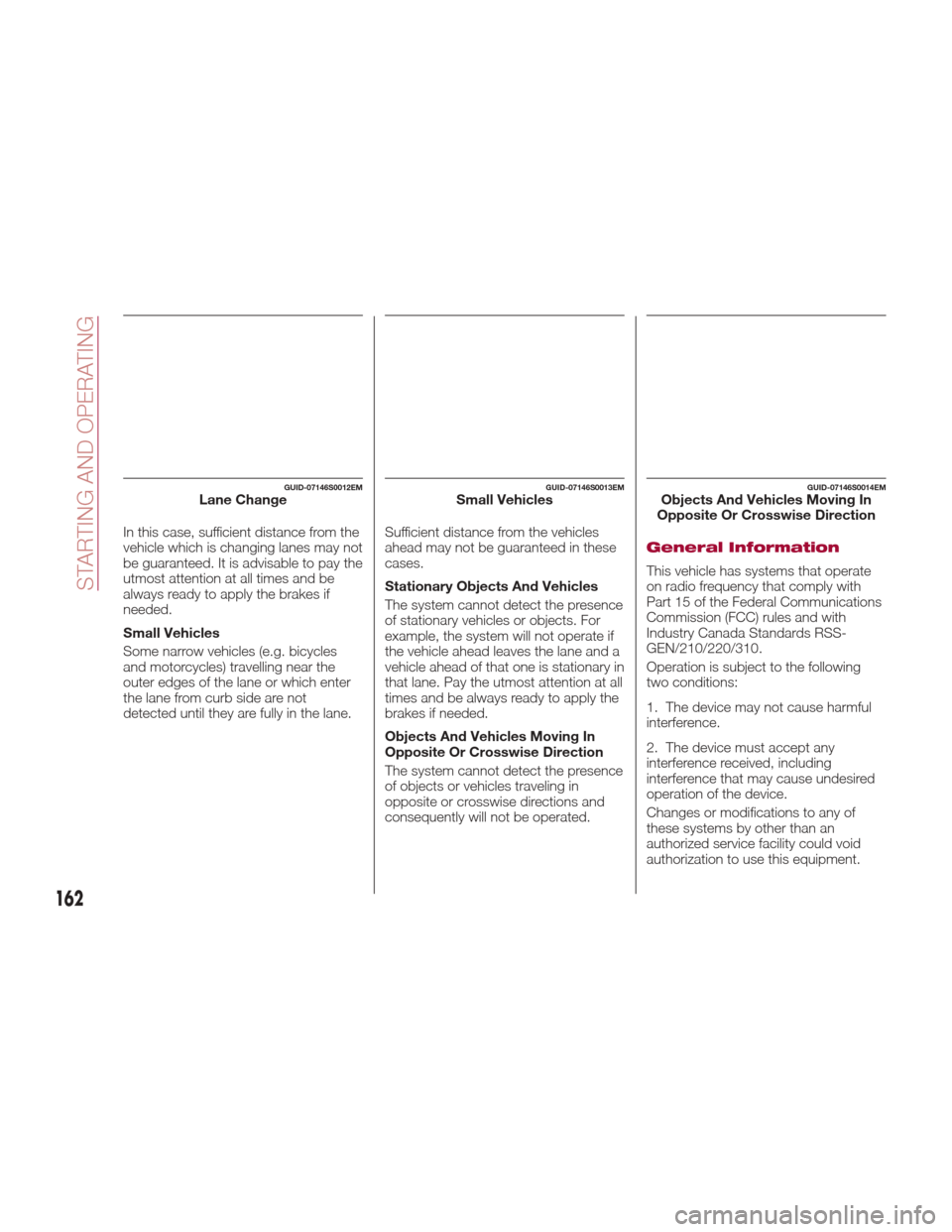
In this case, sufficient distance from the
vehicle which is changing lanes may not
be guaranteed. It is advisable to pay the
utmost attention at all times and be
always ready to apply the brakes if
needed.
Small Vehicles
Some narrow vehicles (e.g. bicycles
and motorcycles) travelling near the
outer edges of the lane or which enter
the lane from curb side are not
detected until they are fully in the lane.Sufficient distance from the vehicles
ahead may not be guaranteed in these
cases.
Stationary Objects And Vehicles
The system cannot detect the presence
of stationary vehicles or objects. For
example, the system will not operate if
the vehicle ahead leaves the lane and a
vehicle ahead of that one is stationary in
that lane. Pay the utmost attention at all
times and be always ready to apply the
brakes if needed.
Objects And Vehicles Moving In
Opposite Or Crosswise Direction
The system cannot detect the presence
of objects or vehicles traveling in
opposite or crosswise directions and
consequently will not be operated.General Information
This vehicle has systems that operate
on radio frequency that comply with
Part 15 of the Federal Communications
Commission (FCC) rules and with
Industry Canada Standards RSS-
GEN/210/220/310.
Operation is subject to the following
two conditions:
1. The device may not cause harmful
interference.
2. The device must accept any
interference received, including
interference that may cause undesired
operation of the device.
Changes or modifications to any of
these systems by other than an
authorized service facility could void
authorization to use this equipment.
GUID-07146S0012EMLane ChangeGUID-07146S0013EMSmall VehiclesGUID-07146S0014EMObjects And Vehicles Moving In
Opposite Or Crosswise Direction
162
STARTING AND OPERATING
Page 165 of 268
PARKSENSE
SYSTEM — IF
EQUIPPED
Vehicles With Rear
Sensors Only
The parking sensors, located in the rear
bumper, detect obstacles while the
vehicle is in REVERSE. When an
obstacle is detected, an acoustic alert
will sound and, if equipped, visual
indications will be displayed on the
instrument cluster.
Engagement/Disengagement
To turn the system off, push the
ParkSense switch located to the left of
the headlight switch. The indicator light
within the switch will light up when the
system is turned off. Pushing the switch
a second time will turn the system back
on, and the indicator light will turn off.The indicator light within the ParkSense
switch will also be on in case of system
failure. If the switch is pushed with a
system failure, the indicator light will
flash for approximately five seconds.
The light will then stay on constantly.
System Activation/Deactivation
The system, when engaged, is
automatically activated by engaging the
REVERSE gear. It is deactivated by
engaging another gear.
Acoustic Signal
When REVERSE is engaged and there
is an obstacle behind the vehicle, an
acoustic signal with variable frequency
will sound.
The acoustic signal increases in
frequency as the distance between the
vehicle and the obstacle decreases.
The acoustic signal becomes
continuous when the distance between the vehicle and the obstacle is less than
11 inches (30 cm), and stops if the
distance increases.
The acoustic signal is constant if the
distance between the vehicle and the
obstacle is unchanged.
Note: If several obstacles are detected
by the sensors, only the nearest one is
considered.
Indication On Display
The driver can select the type of
warning they would like to be displayed
through the Connect system. To access
the function on the main menu, select in
the following order:
1. “Settings”
2. “Driver Assistance”
3. “ParkSense”
4. “Mode”
5. “Sound-Display”
Visual Indications
The system indicates the presence of
an obstacle by displaying a single arc in
the detected area, in relation to the
distance of the object and the position
of the vehicle.
If the obstacle is detected in the rear
central area, a single arc will be
displayed as the obstacle approaches,
first constant, then flashing, in addition
to an acoustic signal.
GUID-07176S0001EMRear Sensor Location
07176S0052EMParkSense System On/Off Switch
163