102Instruments and controlsTap a respective icon to confirm a
selection.
Tap 9 to return to the next higher
menu level.
Press ; to return to the homepage.
For further information, see
Infotainment manual.
Vehicle personalisation 3 106.
Graphic-Info-Display
Depending on the vehicle
configuration, the vehicle has a
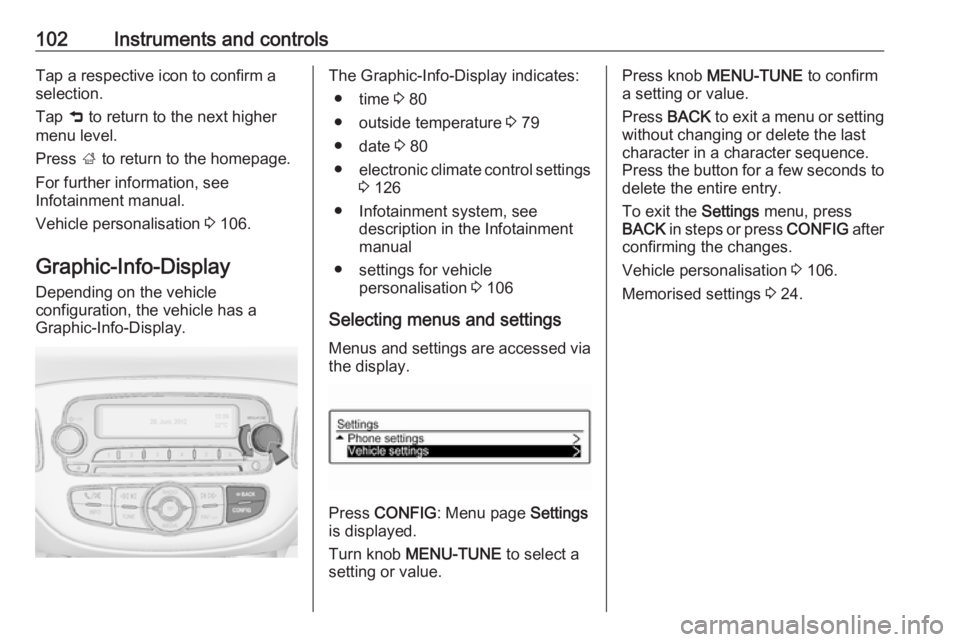
Graphic-Info-Display.The Graphic-Info-Display indicates:
● time 3 80
● outside temperature 3 79
● date 3 80
● electronic climate control settings
3 126
● Infotainment system, see description in the Infotainment
manual
● settings for vehicle personalisation 3 106
Selecting menus and settings Menus and settings are accessed viathe display.
Press CONFIG : Menu page Settings
is displayed.
Turn knob MENU-TUNE to select a
setting or value.
Press knob MENU-TUNE to confirm
a setting or value.
Press BACK to exit a menu or setting
without changing or delete the last
character in a character sequence.
Press the button for a few seconds to
delete the entire entry.
To exit the Settings menu, press
BACK in steps or press CONFIG after
confirming the changes.
Vehicle personalisation 3 106.
Memorised settings 3 24.