2016 TOYOTA PRIUS ECO mode
[x] Cancel search: ECO modePage 563 of 800
PRIUS_OM_OM47A29U_(U)
5636-4. Using the other interior features
6
Interior features
■Safety Connect Services Information
●Phone calls using the vehicles Bluetooth® technology will not be possible
during Safety Connect.
● Safety Connect is available beginning Fall 2009 on select Toyota models.
Contact with the Safety Connect response center is dependent upon the
telematics device being in operative condition, cellular connection availabil-
ity, and GPS satellite signal reception, which can limit the ability to reach the
response center or receive emergency service support. Enrollment and
Telematics Subscription Service Agreement required. A variety of subscrip-
tion terms is available; charges vary by subscription term selected.
● Automatic Collision Notification, Emergency Assistance, Stolen Vehicle
Location, and Enhanced Roadside Assistance will function in the United
States, including Hawaii and Alaska, and in Canada. No Safety Connect
services will function outside of the United States in countries other than
Canada.
● Safety Connect services are not subject to section 255 of the Telecommuni-
cations Act and the device is not TTY compatible.
■ Languages
The Safety Connect response center will offer support in multiple languages.
The Safety Connect system will offer voice prompts in English and Spanish.
Please indicate your language of choice when enrolling.
■ When contacting th e response center
You may be unable to contact the response center if the network is busy.
When the power switch is turned to ON mode, the red indicator light
comes on for 2 seconds then turns off. Afterward, the green indicator
light comes on, indicating t hat the service is active.
The following indicator light patterns indicate specific system usage
conditions:
● Green indicator light on = Active service
● Green indicator light flashing = Sa fety Connect call in process
● Red indicator light (except at vehi cle start-up) = System malfunction
(contact your Toyota dealer)
● No indicator light (off) = Safety Connect service not active
Safety Connect LE D light Indicators
Page 569 of 800

5697-1. Maintenance and care
7
Maintenance and care
■Note for a smart key system
If the door handle becomes wet while the electronic key is within the ef\
fective
range, the do")
PRIUS_OM_OM47A29U_(U)
5697-1. Maintenance and care
7
Maintenance and care
■Note for a smart key system
If the door handle becomes wet while the electronic key is within the ef\
fective
range, the door may lock and unlock repeatedly. In that case, follow the fol-
lowing correction procedures to wash the vehicle:
●Place the key in a position 6 ft. (2 m) or more separate from the vehicle
while the vehicle is being washed. (Take care to ensure that the key is not
stolen.)
● Set the electronic key to battery-saving mode to disable the smart key sys-
tem. ( P. 178)
■ Aluminum wheels
●Remove any dirt immediately by using a neutral detergent. Do not use hard
brushes or abrasive cleaners. Do not use strong or harsh chemical clean-
ers.
Use the same mild detergent and wax as used on the paint.
● Do not use detergent on the wheels when they are hot, for example after
driving for long distance in the hot weather.
● Wash detergent from the wheels immediately after use.
■ Bumpers
Do not scrub with abrasive cleaners.
■ Front side windows water-repellent coating (if equipped)
●The following precautions can extend the effectiveness of the water-repel-
lent coating.
• Remove any dirt, etc. from the front side windows regularly.
• Do not allow dirt and dust to accumulate on the windows for a long
period.
Clean the windows with a soft, damp cloth as soon as possible.
• Do not use wax or glass cleaners that contain abrasives when cleaning the windows.
• Do not use any metallic objects to remove condensation build up.
● When the water-repellent performance has become insufficient, the coating
can be repaired. Contact your Toyota dealer.
Page 586 of 800
586
PRIUS_OM_OM47A29U_(U)
7-3. Do-it-yourself maintenance
Tire inflation
pressure
(P. 615)• Tire pressure gauge
• Compressed air source
Washer fluid
(P. 603)• Water or washer fluid containing antifreeze (for win-
ter use)
• Funnel (used only for adding water or washer fluid)
WARNING
The engine compartment contains many mechanisms and fluids that may
move suddenly, become hot, or become electrically energized. To avoid death
or serious injury, observe the following precautions.
■ When working on the engine compartment
●Make sure that the indicator on the power switch and the “READY” indica-
tor are both off.
● Keep hands, clothing and tools away from the moving fan.
● Be careful not to touch the engine, power control unit, radiator, exhaust
manifold, etc. right after driving as they may be hot. Oil and other fluids
may also be hot.
● Do not leave anything that may burn easily, such as paper and rags, in the
engine compartment.
● Do not smoke, cause sparks or expose an open flame to fuel. Fuel fumes
are flammable.
■ When working near the electric cooling fans or radiator grille
Be sure the power switch is off.
With the power switch in ON mode, t he electric cooling fans may automati-
cally start to run if the air conditioning is on and/or the coolant temperature
is high. ( P. 597)
■ Safety glasses
Wear safety glasses to prevent flying or falling material, fluid spray, etc.
from getting in your eyes.
ItemsParts and tools
Page 598 of 800

598
PRIUS_OM_OM47A29U_(U)
7-3. Do-it-yourself maintenance
Check the 12-volt battery as follows:
■12-volt battery exterior
Make sure that the 12-volt battery terminals are not corroded and
that there are no loose connections, cracks, or loose clamps.
Terminals
■ Before recharging
When recharging, the 12-volt battery produces hydrogen gas which is flam-
mable and explosive. Therefore, observe the following precautions before
recharging:
●If recharging with the 12-volt battery installed on the vehicle, be sure to dis-
connect the ground cable.
● Make sure the power switch on the charger is off when connecting and dis-
connecting the charger cables to the 12-volt battery.
■ After recharging/reconnecting the 12-volt battery
●Unlocking the doors using the smart key system may not be possible imme-
diately after reconnecting the 12-volt battery. If this happens, use the wire-
less remote control or the mechanical key to lock/unlock the doors.
● Start the hybrid system with the power switch in ACCESSORY mode. The
hybrid system may not start with the power switch turned off. However, the
hybrid system will operate normally from the second attempt.
● The power switch mode is recorded by the vehicle. If the 12-volt battery is
reconnected, the vehicle will return the power switch mode to the status it
was in before the 12-volt battery was disconnected. Make sure to turn off
the power before disconnect the 12-volt battery. Take extra care when con-
necting the 12-volt battery if the power switch mode prior to discharge is
unknown.
● Restart the hybrid system, depress the brake pedal, and confirm that it is
possible to shift into each shift position.
If the system will not start even after multiple attempts at all methods above,
contact your Toyota dealer.
12-volt battery
Page 613 of 800
PRIUS_OM_OM47A29U_(U)
6137-3. Do-it-yourself maintenance
7
Maintenance and care
WARNING
■When inspecting or replacing tires
Observe the following precautions to prevent accidents.
Failure to do so may cause damage to parts of the drive train as well as
dangerous handling characteristics, which may lead to an accident
resulting in death or serious injury.
●Do not mix tires of different makes, models or tread patterns.
Also, do not mix tires of remarkably different treadwear.
●Do not use tire sizes other than those recommended by Toyota.
●Do not mix differently constructed ti res (radial, bias-belted or bias-ply
tires).
●Do not mix summer, all season and snow tires.
●Do not use tires that have been used on another vehicle.
Do not use tires if you do not know how they were used previously.
■When initializing the tire pressure warning system
Do not operate the tire pressure warning reset switch without first
adjusting the tire inflation pressure to the specified level. Otherwise, the
tire pressure warning light may not come on even if the tire inflation
pressure is low, or it may come on when the tire inflation pressure is
actually normal.
Page 659 of 800
6598-2. Steps to take in an emergency
PRIUS_OM_OM47A29U_(U)
8
When trouble arises
*1: Brake system warning buzzer:When there is a possible problem that could affect braking performance,
the warning light will come on and a warning buzzer will sound.
*2: Low engine oil pressure warning buzzer: A buzzer also sounds continuously for approximately 30 seconds at maxi-
mum in addition to the low engine oil pressure warning light when the
“READY” indicator is illuminated.
*3: Open door warning buzzer: The open door warning buzzer sounds to alert one or more of the doors is
not fully closed (with the vehicle having reached a speed of 3 mph [5 km/h]).
*4: Driver’s and front passenger’s seat belt warning buzzer:
The driver’s seat belt warning buzzer sounds to alert the driver that his or
her seat belt is not fastened. Once the power switch is turned to ON mode,
the buzzer sounds for 6 seconds. If the vehicle reaches a speed of 12 mph
(20 km/h), the buzzer sounds once. If the seat belt is still unfastened after
24 seconds, the buzzer will sound intermittently for 10 seconds. Then, if
the seat belt is still unfastened, the buzzer will sound in a different tone for
20 more seconds.
The front passenger’s seat belt warning buzzer sounds to alert the front
passenger that his or her seat belt is not fastened. The buzzer sounds
once if the vehicle reaches a speed of 12 mph (20 km/h). If the seat belt is
still unfastened after 24 seconds, the buzzer will sound intermittently for 10
seconds. Then, if the seat belt is still unfastened, the buzzer will sound in a
different tone for 20 more seconds.
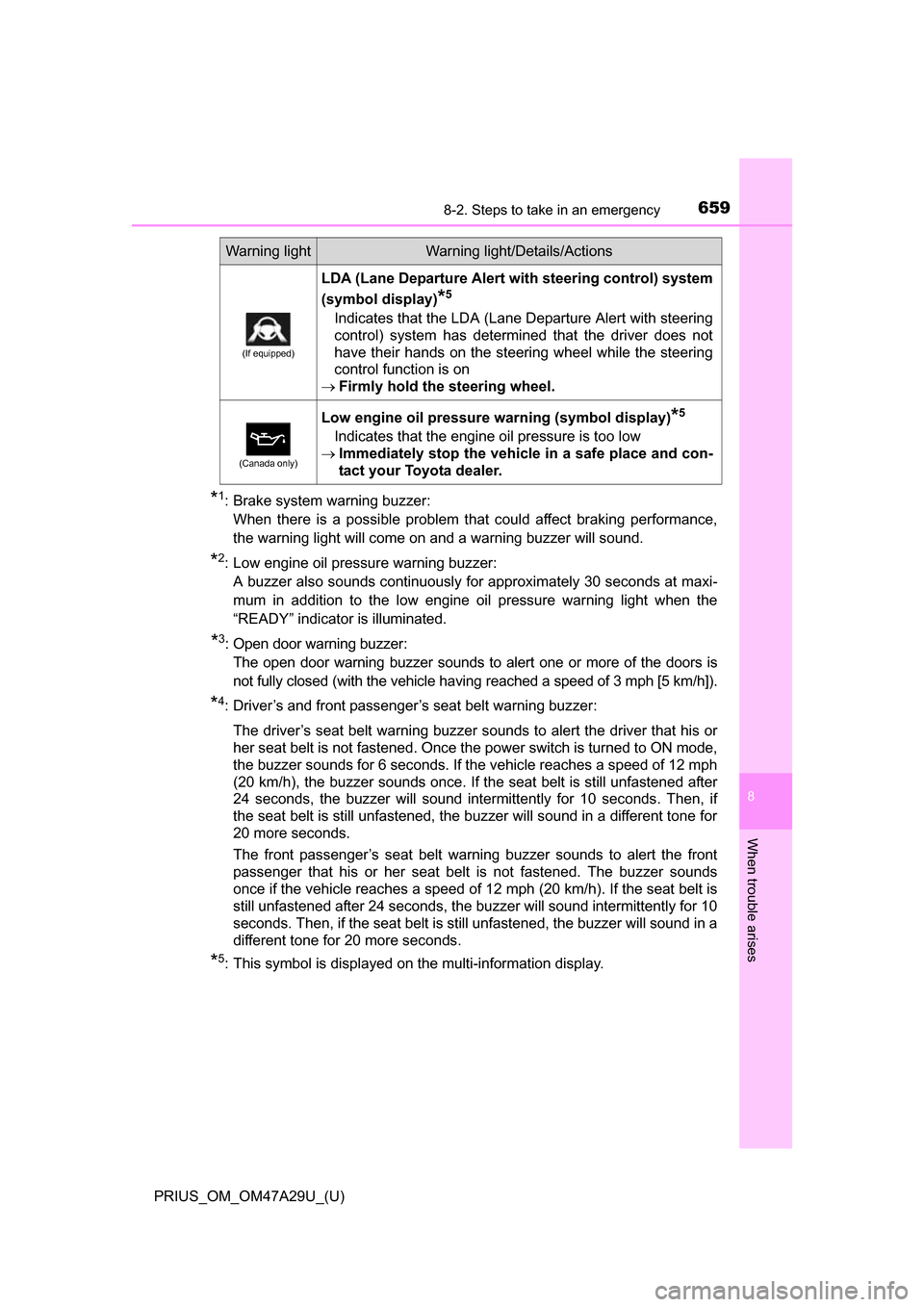
*5: This symbol is displayed on the multi-information display.
(If equipped)
LDA (Lane Departure Alert wi th steering control) system
(symbol display)
*5
Indicates that the LDA (Lane Departure Alert with steering
control) system has determined that the driver does not
have their hands on the steering wheel while the steering
control function is on
Firmly hold the steering wheel.
(Canada only)
Low engine oil pressure warning (symbol display)*5
Indicates that the engine oil pressure is too low
Immediately stop the vehicle in a safe place and con-
tact your Toyota dealer.
Warning lightWarning light/Details/Actions
Page 707 of 800
7078-2. Steps to take in an emergency
PRIUS_OM_OM47A29U_(U)
8
When trouble arises
One of the following may be the cause of the problem:
●The 12-volt battery may be discharged. ( P. 7 1 1 )
● One or both of the 12-volt batter y terminals may be disconnected.
( P. 598)
Contact your Toyota dealer if the problem cannot be repaired, or if repair
procedures are unknown.
When the hybrid system does not start, the following steps can be
used as an interim measure to st art the hybrid system if the power
switch is functioning normally.
Do not use this starting procedure except in cases of emergency.
Set the parking brake.
Turn the power switch to ACCESSORY mode.
Press and hold the power switch for about 15 seconds while
depressing the brake pedal firmly.
Even if the hybrid system can be started using the above steps, the
system may be malfunctioning. Have the vehicle inspected by your
Toyota dealer.
The interior lights and headlight s do not turn on, or the horn
does not sound.
Emergency start function
1
2
3
Page 710 of 800
7108-2. Steps to take in an emergency
PRIUS_OM_OM47A29U_(U)
■Stopping the hybrid system
Set the parking brake, shift the shift position to P and press the power switch
as you normally do when stopping the hybrid system.
■ Replacing the key battery
As the above procedure is a temporary measure, it is recommended that the
electronic key battery be replaced immediately when the battery is depleted.
( P. 628)
■ Changing power switch modes
Release the brake pedal and press the power switch in step above. The
hybrid system does not start and modes will be changed each time the switch
is pressed. ( P. 227)
■ When the electronic key does not work properly
●Make sure that the smart key system has not been deactivated in the cus-
tomization setting. If it is off, turn the function on.
(Customizable features: P. 752)
● Check if battery-saving mode is set. If it is set, cancel the function.
(P. 178)
WARNING
■ When using the mechanical key an d operating the power windows or
moon roof (if equipped)
Operate the power window or moon roof after checking to make sure that
there is no possibility of any passenger having any of their body parts
caught in the window or moon roof.
Also, do not allow children to operate the mechanical key. It is possible for
children and other passengers to get caught in the power window or moon
roof.
3