Page 222 of 490

221 2-4. Using other driving systems
2
When driving
■Turning off both TRAC and Vehicle stability control (VSC) systems
To turn the TRAC and Vehicle stability control (VSC) systems off, press and
hold for more than 3 seconds while the vehicle is stopped.
The Traction Control System OFF indicator light and the Vehicle stability
control (VSC) off indicator light will come on.
In this case, the brake LSD function remains on.
Press the button again to turn the systems back on.
■Automatic reactivation of TRAC and Vehicle stability control (VSC) sys-
tems
After turning the TRAC and Vehicle stability control (VSC) systems off, the
systems will be automatically reactivated in the following situations:
●Vehicles without a keyless access with push button start system: When
the engine switch is turned to “LOCK” position
●Vehicles with a keyless access with push button start system: When the
push-button ignition switch is turned off
●If only the TRAC system is turned off, the TRAC will turn on when vehicle
speed is more than approximately 31 mph (50 km/h).
If both the TRAC and Vehicle stability control (VSC) systems are turned
off, automatic reactivation will not occur when vehicle speed increases.
■Automatic deactivation of Vehicle stability control (VSC) SPORT mode
Vehicles without a keyless access with push button start system
When the engine switch is turned to “LOCK” position after driving in Vehicle
stability control (VSC) SPORT mode, the mode is automatically deactivated.
Vehicles with a keyless access with push button start system
When the push-button ignition switch is turned off after driving in Vehicle sta-
bility control (VSC) SPORT mode, the mode is automatically deactivated.
■Sounds and vibrations caused by the ABS, brake assist, TRAC and
Vehicle stability control (VSC) systems
●A sound may be heard from the engine compartment when the brake
pedal is depressed repeatedly, when the engine is started or just after the
vehicle begins to move. This sound does not indicate that a malfunction
has occurred in any of these systems.
Page 227 of 490

226 2-5. Driving information
WARNING
■Things that must not be carried in the trunk
The following things may cause a fire if loaded in the trunk:
●Receptacles containing gasoline
●Aerosol cans
■Storage precautions
Observe the following precautions.
Failure to do so may result in death or serious injury.
●Stow cargo and luggage in the trunk whenever possible.
●To prevent cargo and luggage from sliding forward during braking, do
not stack anything in the enlarged trunk. Keep cargo and luggage low,
as close to the floor as possible.
●When you fold down the rear seats, long items should not be placed
directly behind the front seats.
●Never allow anyone to ride in the enlarged trunk. It is not designed for
passengers. They should ride in their seats with their seatbelts prop-
erly fastened. Otherwise, they are much more likely to suffer death or
serious bodily injury, in the event of sudden braking, sudden swerving
or an accident.
●Do not place cargo or luggage in or on the following locations as the
item may get under the clutch, brake or accelerator pedal and prevent
the pedals from being depressed properly, block the driver’s vision, or
hit the driver or passengers, causing an accident:
• At the feet of the driver
• On the front passenger or rear seats (when stacking items)
• On the rear shelf
• On the instrument panel
• On the dashboard
●Secure all items in the occupant compartment, as they may shift and
injure someone during sudden braking, sudden swerving or an acci-
dent.
Page 231 of 490
230 2-5. Driving information
●Check for and remove any excess ice or snow that may have
accumulated on the exterior lights, vehicle's roof, chassis,
around the tires or on the brakes.
●Remove any snow or mud from the bottom of your shoes
before getting in the vehicle.
●If a door is opened and closed when its side window is frozen,
the window safety device will operate and the side window
open/close function linked to door operation may not operate
correctly. If this occurs, perform the following after the ice has
melted.
Open the side window until it is approximately halfway open
with the door closed.
Fully close the window by pulling the switch up to the one-
touch closing position and continue holding the switch for 1
second or more after the window fully closes.
The window position is reset and the safety device operations will
be released.
■When driving the vehicle
Accelerate the vehicle slowly, keep a safe distance between you
and the vehicle ahead, and drive at a reduced speed suitable to
road conditions.
■When parking the vehicle (in the winter time or in the cold
latitudes)
Park the vehicle and move the select lever to P (automatic trans-
mission) or shift lever to 1 or R (manual transmission) without
setting the parking brake. The parking brake may freeze up, pre-
venting it from being released. If necessary, block the wheels to
prevent inadvertent sliding or creeping.
STEP 1
STEP 2
Page 238 of 490
Interior features3
237
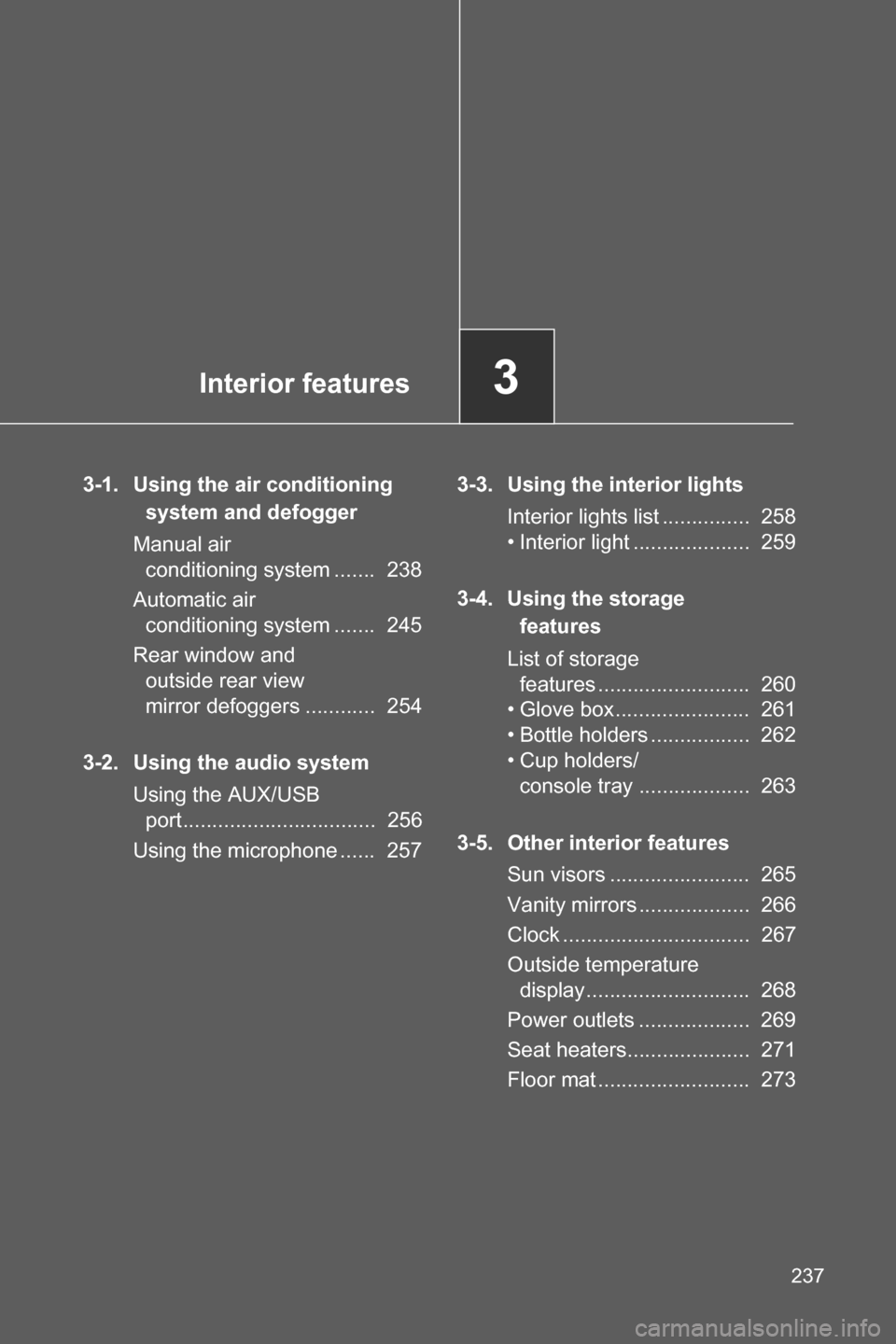
3-1. Using the air conditioning
system and defogger
Manual air
conditioning system ....... 238
Automatic air
conditioning system ....... 245
Rear window and
outside rear view
mirror defoggers ............ 254
3-2. Using the audio system
Using the AUX/USB
port................................. 256
Using the microphone ...... 2573-3. Using the interior lights
Interior lights list ............... 258
• Interior light .................... 259
3-4. Using the storage
features
List of storage
features .......................... 260
• Glove box ....................... 261
• Bottle holders ................. 262
• Cup holders/
console tray ................... 263
3-5. Other interior features
Sun visors ........................ 265
Vanity mirrors ................... 266
Clock ................................ 267
Outside temperature
display ............................ 268
Power outlets ................... 269
Seat heaters..................... 271
Floor mat .......................... 273
Page 239 of 490
238
3-1. Using the air conditioning system and defogger
Manual air conditioning system
Adjusting the settings
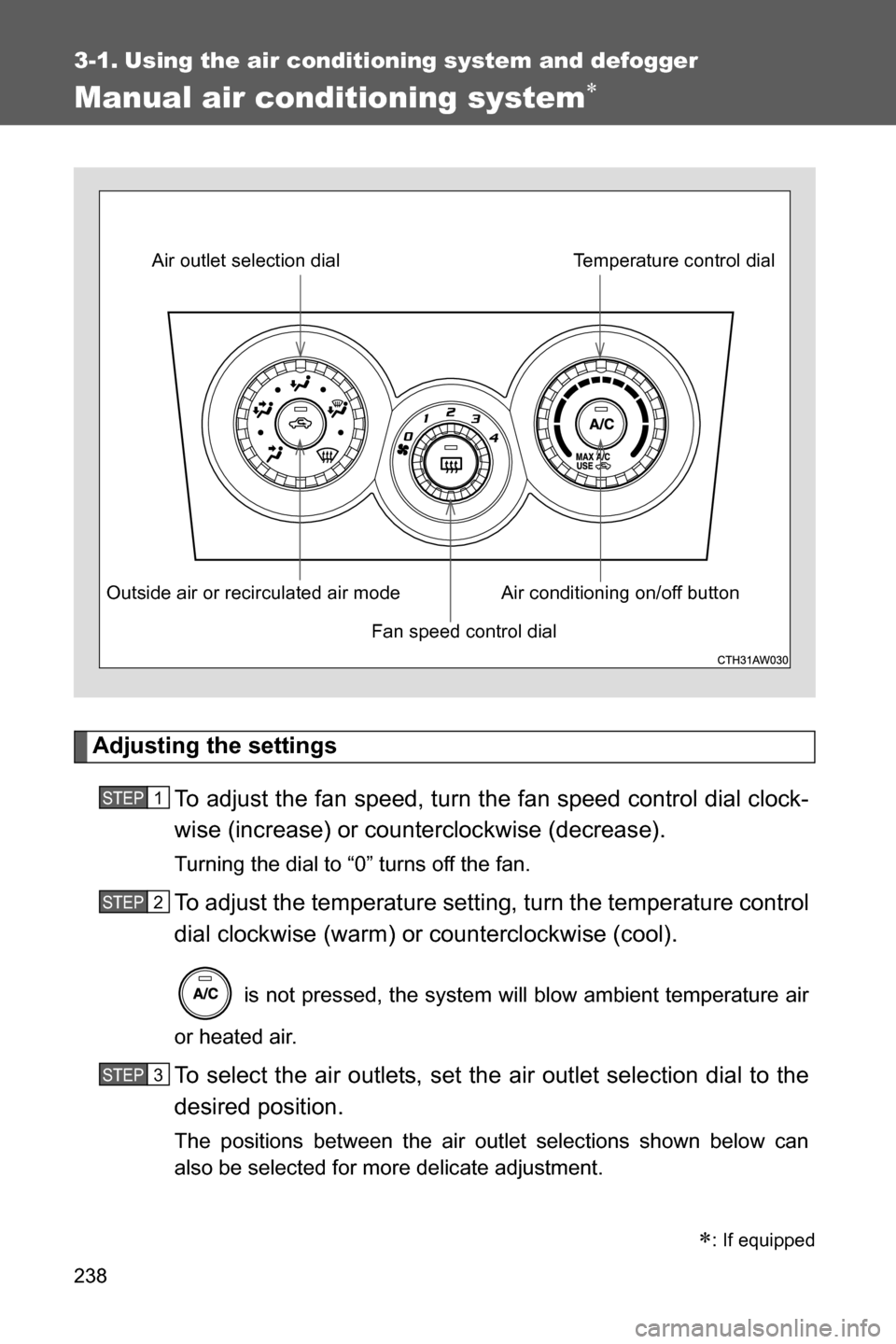
To adjust the fan speed, turn the fan speed control dial clock-
wise (increase) or counterclockwise (decrease).
Turning the dial to “0” turns off the fan.
To adjust the temperature setting, turn the temperature control
dial clockwise (warm) or counterclockwise (cool).
is not pressed, the system will blow ambient temperature air
or heated air.
To select the air outlets, set the air outlet selection dial to the
desired position.
The positions between the air outlet selections shown below can
also be selected for more delicate adjustment.
: If equipped
Fan speed control dial Air outlet selection dial
Air conditioning on/off buttonTemperature control dial
Outside air or recirculated air mode
STEP 1
STEP 2
STEP 3
Page 245 of 490
244 3-1. Using the air conditioning system and defogger
WARNING
■To prevent the windshield from fogging up
Do not set the air outlet selection dial to during cool air operation in
extremely humid weather. The difference between the temperature of the
outside air and that of the windshield can cause the outer surface of the
windshield to fog up, blocking your vision.
CAUTION
■To prevent battery discharge
Do not leave the air conditioning system on longer than necessary when the
engine is stopped.
Page 247 of 490
246 3-1. Using the air conditioning system and defogger
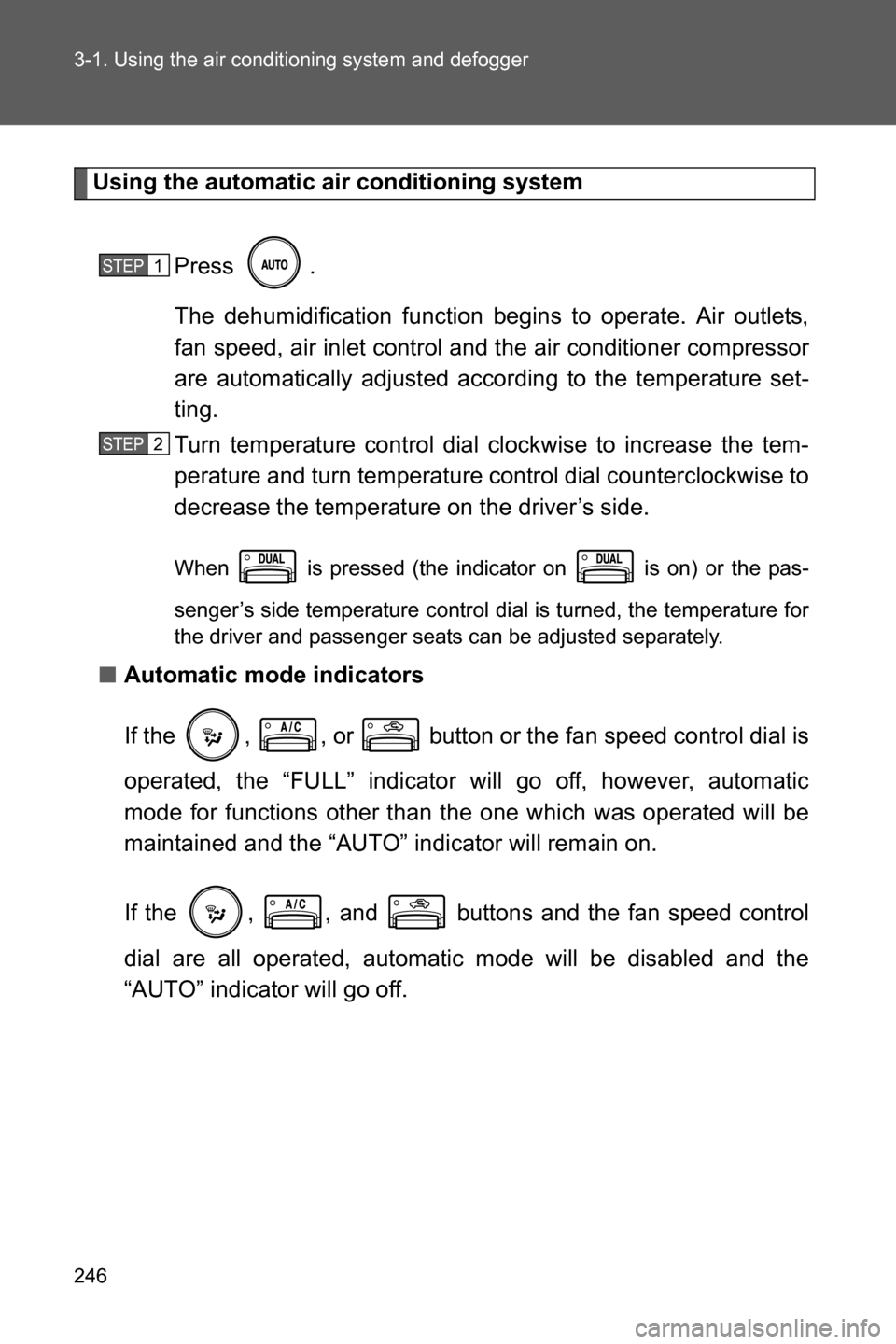
Using the automatic air conditioning system
Press .
The dehumidification function begins to operate. Air outlets,
fan speed, air inlet control and the air conditioner compressor
are automatically adjusted according to the temperature set-
ting.
Turn temperature control dial clockwise to increase the tem-
perature and turn temperature control dial counterclockwise to
decrease the temperature on the driver’s side.
When is pressed (the indicator on is on) or the pas-
senger’s side temperature control dial is turned, the temperature for
the driver and passenger seats can be adjusted separately.
■Automatic mode indicators
If the , , or button or the fan speed control dial is
operated, the “FULL” indicator will go off, however, automatic
mode for functions other than the one which was operated will be
maintained and the “AUTO” indicator will remain on.
If the , , and buttons and the fan speed control
dial are all operated, automatic mode will be disabled and the
“AUTO” indicator will go off.
STEP 1
STEP 2
Page 248 of 490
247 3-1. Using the air conditioning system and defogger
3
Interior features
Adjusting the settings manually
To adjust the fan speed, turn the fan speed control dial clock-
wise (increase) or counter-clock wise (decrease).
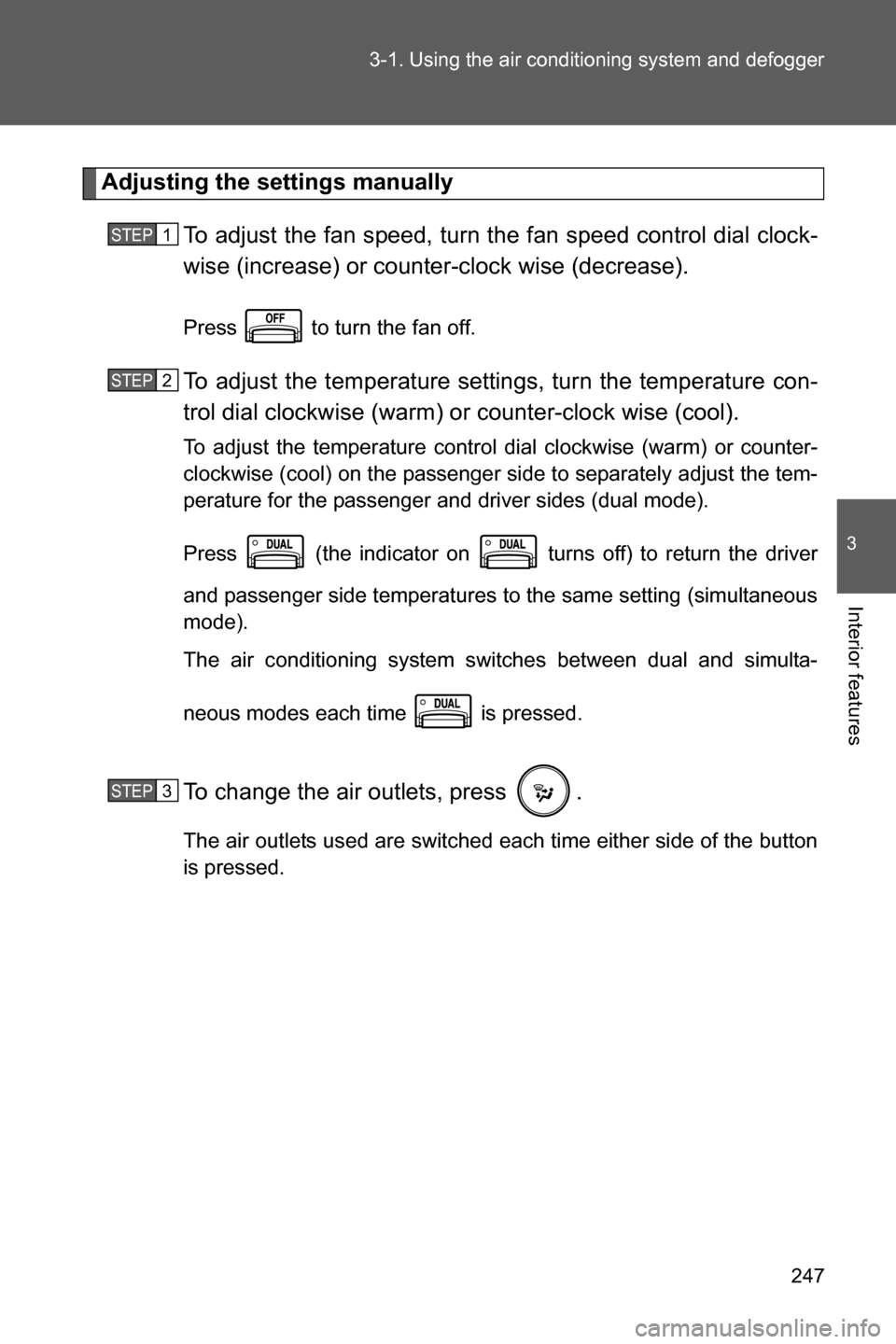
Press to turn the fan off.
To adjust the temperature settings, turn the temperature con-
trol dial clockwise (warm) or counter-clock wise (cool).
To adjust the temperature control dial clockwise (warm) or counter-
clockwise (cool) on the passenger side to separately adjust the tem-
perature for the passenger and driver sides (dual mode).
Press (the indicator on turns off) to return the driver
and passenger side temperatures to the same setting (simultaneous
mode).
The air conditioning system switches between dual and simulta-
neous modes each time is pressed.
To change the air outlets, press .
The air outlets used are switched each time either side of the button
is pressed.
STEP 1
STEP 2
STEP 3