2016 Seat Ateca wheel
[x] Cancel search: wheelPage 191 of 328

Driver assistance systems
– When the c lut
ch pedal is pressed the en-
gine will start up again. The warning lamp
will switch off.
Vehicles with an automatic gearbox
– Use the foot brake to bring the vehicle to a
st
op and keep the brake pedal pressed
down with your foot. The engine will switch
off. The warning lamp will appear in the
display.
– When you take your foot off the brake pedal
the engine w
ill start up again. The warning
lamp will switch off.
Additional information related to the auto-
matic gearbox
The engine stops when the selector lever is in
the positions P, D, N and S, in addition to
when in manual mode. With the selector lev-
er in position P, the engine will also remain
switched off when you take your foot off the
brake pedal. In order to start the engine up
again the accelerator must be pressed, or an-
other gear engaged or the brake released.
If the selector lever is placed in position R
during the stopping phase, the engine will
start up again.
Change from position D to P to prevent the
engine from accidentally starting when
changing and passing by position R. Note
● You c
an control whether the engine should
switch off or not by reducing or increasing the
brake force applied. While the vehicle re-
mains stopped, the engine will not stop if the
brake pedal is slightly pressed, in traffic jams
with frequent stopping and starting for exam-
ple. As soon as strong pressure is applied to
the brake pedal, the engine will stop.
● In vehicles with manual gearbox, during
the st
opping phases the brake pedal must re-
main depressed to prevent the vehicle from
moving.
● If the engine “stalls” in vehicles with man-
ual
gearbox, it can be directly started up
again by immediately pressing the clutch
pedal. General notes
The system can interrupt the Start-Stop mode
fr
equently
for different reasons.
The engine does not switch off
Before the stopping phase, the system veri-
fies whether certain conditions are met. The
engine does not switch off, in the following
situations for example:
● The engine has not yet reached the mini-
mum requir
ed temperature for the Start-Stop
mode. ●
The interior t
emperature selected for the air
conditioner has not yet been reached.
● The interior temperature is very high/low.
● Defrost function button activated
››
› page 42.
● The parking aid* is switched on.
● The battery is very low.
● The steering wheel is overly turned or is be-
ing t
urned.
● If there is a danger of misting.
● After engaging reverse gear.
● In case of a very steep gradient.
The indication i
s shown on the instrument
panel display, and in addition, the driver in-
formation system* shows, .
The engine starts by itself
During a stopping phase the normal Start-
Stop mode can be interrupted in the follow-
ing situations: The engine restarts by itself
without involvement from the driver.
● The interior temperature differs from the
value sel
ected on the air conditioner.
● Defrost function button activated
››
› page 42.
● The brake has been pressed several times
con
secutively.
● The battery is too low.
● High power consumption. »
189
Technical data
Advice
Operation
Emergencies
Safety
Page 192 of 328

Operation
Note
In vehicles with an automatic gearbox, if the
sel ect
or lever is placed in position D, N or S
after engaging reverse gear, the vehicle must
be driven at a speed faster than 10 km/h (6
mph) for the system to return to conditions in
which the engine can be stopped. Manually switching on/off the Start-
St
op sy
stem Fig. 169
Centre console: Start-Stop system
b utt
on If you do not wish to use the system, you can
sw
it
ch it off manually.
– To manually switch on/off the Start-Stop
sys
tem, press the button . The button
symbo l
remains lit up yellow when the sys-
tem is switched off. Note
The system is automatically switched on each
time the en gine i
s deliberately stopped dur-
ing a stopping phase. The engine will start
automatically. Driver messages on the instrument
p
anel
display Start-Stop system deactivated.
Start the engine manually
Thi s
driver message is displayed when cer-
tain conditions are not met during the stop-
ping phase and the Start-Stop system cannot
restart the engine. The engine must be star-
ted manually.
Start-Stop system: Fault! Func-
tion not available There is a fault in the Start-Stop system. Take
the vehicle to a workshop to have the fault
repaired.
Hill Descent Control (HDC) D e
scription and operation 3
V
alid for vehicles: 4Drive
Hill Descent Control limits the speed on steep
descents by automatically braking all four wheels, both when moving forward and in re-
v
er
se. As the anti-lock brake system remains
active, it prevents the wheels from locking. In
vehicles with manual transmission, the Hill
Descent Control adapts the theoretical speed
without slowing the engine below its idling
speed.
After starting the descent of a slope below
30 km/h (18 mph), speed is limited to a min-
imum of 2 km/h (1 mph) and a maximum of
30 km/h (18 mph). When appropriate, the
driver may increase or decrease the speed
within the limit by pressing the accelerator or
the brake. At this point the function is inter-
rupted and, if necessary, it is then reactiva-
ted.
Even so, it is imperative that the surface
guarantees sufficient adhesion. For this rea-
son, the Hill Descent Control will not fulfil its
function when, for example, descending a
slope with a frozen or slippery surface.
Hill Descent Control is available when the
dash panel display shows the message .
Hill Descent Control automatically intervenes
if the following conditions are met:
● The vehicle engine is running.
● The Offroad driving profile has been selec-
t
ed ›››
page 225. Driving at a speed below 30
km/h (18 mph) (the message is shown on
the dash panel display).
190
Page 200 of 328

Operation
km/h (18 and 150 mph), as well as the tem-
por ar
y distance required with regard to the
vehicle in front. The ACC function will adapt
the vehicle's cruise speed at all times, main-
taining a safe distance with the vehicle in
front.
The ACC function is based on a radar sensor
that can measure the distance to the vehicles
in front.
If the vehicle is equipped with automatic
gearbox, the ACC can brake the vehicle until
it stops completely if a vehicle in front of it
stops.
Driver intervention prompt
During driving, the ACC is subject to certain
limitations inherent in the system. In other
words, in certain circumstances the driver will
have to adjust speed him or herself, as well
as the distance from other vehicles.
In this case, the instrument panel screen will
warn you to intervene by applying the brake
and a warning tone will be heard
››› page 199. WARNING
The intelligent technology in the ACC cannot
o v
ercome the system's inherent limitations
or change the laws of physics. If used negli-
gently or involuntarily, it may cause serious
accidents and injuries. The system is not a re-
placement for driver awareness. ●
Ad apt
your speed and safe distance to the
vehicle in front of you at all times to suit visi-
bility, weather, road and traffic conditions.
● Do not use the ACC when visibility is bad,
on st
eep roads, with several bends or in slip-
pery circumstances such as snow, ice, rain or
loose gravel, or on flooded roads.
● Never use the ACC when driving off-road or
on unp
aved roads. The ACC has been de-
signed for use on paved roads only.
● The ACC does not react on approaching a
fix
ed obstacle, such as the tail of a traffic
jam, a damaged vehicle or a vehicle stopped
at the traffic lights.
● The ACC only reacts to people if a pedes-
trian monit
oring system is available. In addi-
tion, the system does not react to animals or
vehicles crossing your path or approaching
head-on down the same lane.
● If the ACC does not reduce speed sufficient-
ly, br
ake the vehicle immediately by applying
the pedal.
● If you are driving using the spare wheel,
the AC
C system could automatically switch
off during the journey. Switch off the system
when starting off.
● If the vehicle continues to move involuntar-
ily
after a driver intervention prompt, brake
the vehicle by applying the pedal.
● If the dash panel displays a dri
ver interven-
tion prompt, adjust the distance yourself.
● The driver should be ready to accelerate or
brak
e by him/herself at all times. CAUTION
If you have the sensation that the radar sen-
sor i s
damaged, disconnect the ACC. This will
avoid possible damage. If this occurs have it
adjusted.
● Repairs to the radar sensor require special-
is
t knowledge and special tools. SEAT recom-
mends visiting a SEAT dealership for this pur-
pose. Note
● If the A
CC system does not work as descri-
bed in this chapter, do not use it until it has
been checked by a specialised workshop.
SEAT recommends visiting a SEAT dealership
for this purpose.
● Maximum speed with the ACC activated is
limited t
o 210 km/h (150 mph).
● When the ACC is switched on, strange
noise
s may be heard during automatic brak-
ing cause by the braking system. 198
Page 210 of 328

Operation
Front assist
If the Fr
ont Assist notices that the driver is
not braking sufficiently in case of a collision
hazard, the system can increase braking ef-
fect and thus avert the collision when driving
at a speed of between approximately 4 km/h
(2.5 mph) and 250 km/h (156 mph). Front
assist only acts while the brake pedal is
pressed down hard. WARNING
The intelligent technology in the Front Assist
c annot
change the laws of physics. The driver
is always responsible for braking in time. If
the Front Assist issues a warning, then, de-
pending on the traffic circumstances, you
must brake immediately or dodge the obsta-
cle.
● Adapt your speed and safe distance to the
vehic
le in front of you at all times to suit visi-
bility, weather, road and traffic conditions.
● The Front Assist alone cannot avoid acci-
dents
and serious injuries.
● In complex driving situations, the Front As-
si
st may issue unnecessary warnings and in-
tervene unnecessarily in braking, such as in
traffic islands.
● If the operation of the Front Assist is im-
pair
ed, for example, by dirt or because the ra-
dar sensor has lost its settings, the system
may issue unnecessary warnings and inter-
vene inopportunely in the braking. ●
Front
Assist does not react to animals or ve-
hicles crossing your path or approaching
head-on down the same lane.
● The driver must always be ready to take
ov
er the control of the vehicle. Note
● When the Fr ont
Assist causes a braking,
the brake pedal is “harder”.
● Automatic interventions by the Front Assist
on the brak
es may be interrupted by pressing
the clutch, accelerator or moving the wheel.
● If the Front Assist does not work as descri-
bed in this
chapter (e.g. in intervenes several
times unnecessarily), switch it off. Have the
system checked by a specialised workshop.
SEAT recommends visiting a SEAT dealership. On-screen warning lamps and mes-
s
ag
es Fig. 184
On the instrument panel display:
W arnin
g indications. Distance warning
If
the s
afe distance with regard to the vehicle
in front is exceeded, the relevant warning will
appear on the instrument panel display
. WARNING
Observe the safety warnings ››
› in Warning
and c ontr
ol lamps on page 107. Note
When the Front Assist is connected, the indi-
c ation
s on the instrument panel screen may
be concealed by warnings from other func-
tions, such as an incoming call. 208
Page 214 of 328

Operation
●
Ad apt
your speed and safe distance to the
vehicle in front of you at all times to suit visi-
bility, weather, road and traffic conditions.
● The City Emergency braking function alone
cannot
prevent accidents or serious injury.
● In complex driving situations, the City
Emerg
ency braking function may issue unnec-
essary warnings and intervene inopportunely
in braking, such as in work areas or if there
are metal rails.
● If the operation of the City Emergency brak-
ing f
unction is impaired, for example, by dirt
or because the radar sensor has lost its set-
tings, the system may issue unnecessary
warnings and intervene inopportunely in the
braking.
● The City emergency braking function only
re
acts to people if the vehicle has a pedes-
trian-monitoring system. The system does
not react to animals or vehicles crossing your
path or approaching head-on in the same
lane. Note
● When the C ity
Emergency braking function
causes a braking, the brake pedal is “hard-
er”.
● Automatic interventions on the brakes by
the City
Emergency braking function may be interrupted by pressing the clutch, accelera-
t
or or mo
ving the wheel.
● The City Emergency braking function can
brak
e the vehicle until it stops completely.
However, the brake system does not halt the
vehicle permanently. Use the foot brake!
● If several inopportune intervenes occur,
swit
ch off the Front Assist and with it the City
Emergency braking function. Take it to a spe-
cialised workshop, SEAT recommends visiting
a SEAT dealership.
● If numerous unnecessary interventions oc-
cur
, the City Emergency braking function may
switch off automatically. Pedestrian Monitoring*
1) Fig. 188
On the instrument panel display:
Adv anc
e warning message. Pedestrian
Monitoring deactivated. The pedestrian monitoring system can help
pr
ev
ent accidents involving pedestrians or
reduce the consequences of an accident.
The system warns of danger of collision, pre-
pares the vehicle for emergency braking, as-
sists in the braking and brakes automatically.
If the system detects a possible collision with
a pedestrian, it warns the driver with an
acoustic signal and a message on the dash
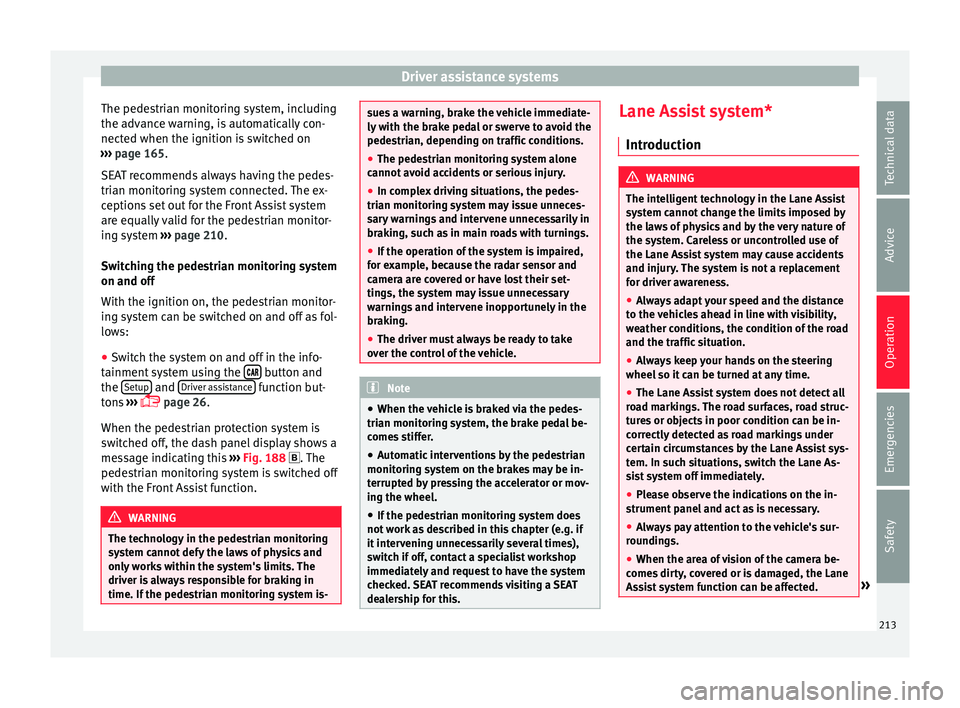
panel display ››› Fig. 188. 1)
Depending on the vehicle equipment, pedestrian
monit orin
g is not available in all countries.
212
Page 215 of 328
Driver assistance systems
The pedestrian monitoring system, including
the a dv
ance warning, is automatically con-
nected when the ignition is switched on
››› page 165.
SEAT recommends always having the pedes-
trian monitoring system connected. The ex-
ceptions set out for the Front Assist system
are equally valid for the pedestrian monitor-
ing system ››› page 210.
Switching the pedestrian monitoring system
on and off
With the ignition on, the pedestrian monitor-
ing system can be switched on and off as fol-
lows:
● Switch the system on and off in the info-
tainment
system using the button and
the Set
up and
Driv
er a
ssistance function but-
t on
s ›››
page 26.
When the pedestrian protection system is
switched off, the dash panel display shows a
message indicating this ››› Fig. 188 . The
pedestrian monitoring system is switched off
with the Front Assist function. WARNING
The technology in the pedestrian monitoring
sy s
tem cannot defy the laws of physics and
only works within the system's limits. The
driver is always responsible for braking in
time. If the pedestrian monitoring system is- sues a warning, brake the vehicle immediate-
ly
w
ith the brake pedal or swerve to avoid the
pedestrian, depending on traffic conditions.
● The pedestrian monitoring system alone
cannot
avoid accidents or serious injury.
● In complex driving situations, the pedes-
trian monit
oring system may issue unneces-
sary warnings and intervene unnecessarily in
braking, such as in main roads with turnings.
● If the operation of the system is impaired,
for e
xample, because the radar sensor and
camera are covered or have lost their set-
tings, the system may issue unnecessary
warnings and intervene inopportunely in the
braking.
● The driver must always be ready to take
ov
er the control of the vehicle. Note
● When the v
ehicle is braked via the pedes-
trian monitoring system, the brake pedal be-
comes stiffer.
● Automatic interventions by the pedestrian
monitorin
g system on the brakes may be in-
terrupted by pressing the accelerator or mov-
ing the wheel.
● If the pedestrian monitoring system does
not w
ork as described in this chapter (e.g. if
it intervening unnecessarily several times),
switch if off, contact a specialist workshop
immediately and request to have the system
checked. SEAT recommends visiting a SEAT
dealership for this. Lane Assist system*
Intr oduction WARNING
The intelligent technology in the Lane Assist
sy s
tem cannot change the limits imposed by
the laws of physics and by the very nature of
the system. Careless or uncontrolled use of
the Lane Assist system may cause accidents
and injury. The system is not a replacement
for driver awareness.
● Always adapt your speed and the distance
to the
vehicles ahead in line with visibility,
weather conditions, the condition of the road
and the traffic situation.
● Always keep your hands on the steering
wheel so it
can be turned at any time.
● The Lane Assist system does not detect all
ro
ad markings. The road surfaces, road struc-
tures or objects in poor condition can be in-
correctly detected as road markings under
certain circumstances by the Lane Assist sys-
tem. In such situations, switch the Lane As-
sist system off immediately.
● Please observe the indications on the in-
strument
panel and act as is necessary.
● Always pay attention to the vehicle's sur-
rou
ndings.
● When the area of vision of the camera be-
come
s dirty, covered or is damaged, the Lane
Assist system function can be affected. » 213
Technical data
Advice
Operation
Emergencies
Safety
Page 217 of 328
Driver assistance systems
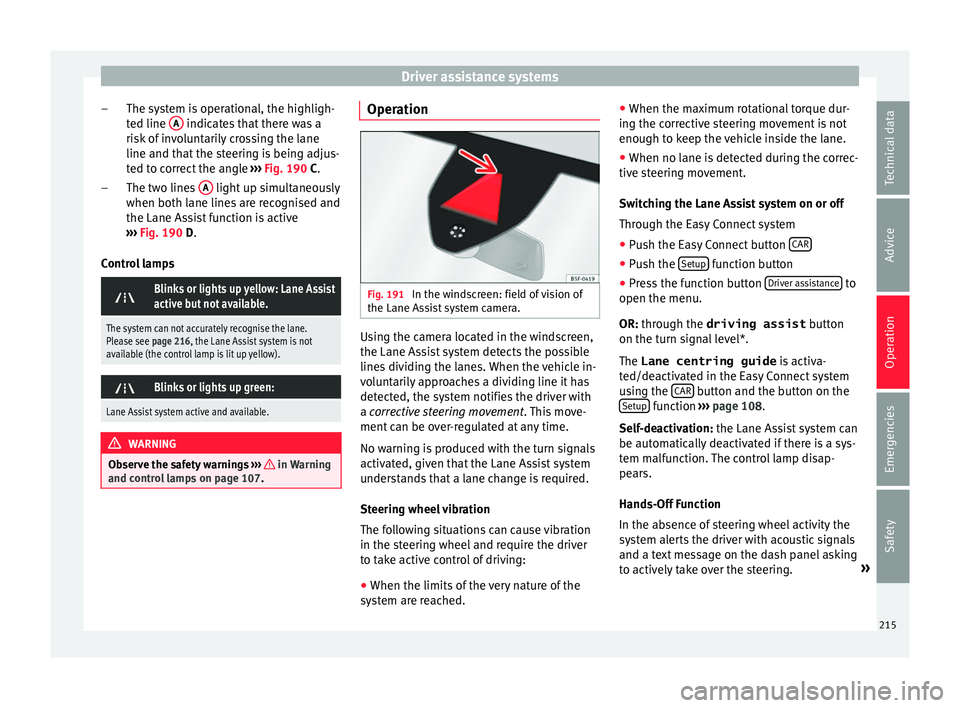
The system is operational, the highligh-
t ed line A indicates that there was a
ri sk
of involuntarily crossing the lane
line and that the steering is being adjus-
ted to correct the angle ››› Fig. 190 C.
The two lines A light up simultaneously
when both l ane line
s are recognised and
the Lane Assist function is active
››› Fig. 190 D.
Control lamps
Blinks or lights up yellow: Lane Assist
active but not available.
The system can not accurately recognise the lane.
Please see page 216, the Lane Assist system is not
available (the control lamp is lit up yellow).
Blinks or lights up green:
Lane Assist system active and available.
WARNING
Observe the safety warnings ››
› in Warning
and c ontr
ol lamps on page 107. –
–
Operation Fig. 191
In the windscreen: field of vision of
the Lane As s
ist system camera. Using the camera located in the windscreen,
the Lane As
s
ist system detects the possible
lines dividing the lanes. When the vehicle in-
voluntarily approaches a dividing line it has
detected, the system notifies the driver with
a corrective steering movement . This move-
ment can be over-regulated at any time.
No warning is produced with the turn signals
activated, given that the Lane Assist system
understands that a lane change is required.
Steering wheel vibration
The following situations can cause vibration
in the steering wheel and require the driver
to take active control of driving:
● When the limits of the very nature of the
sys
tem are reached. ●
When the max
imum rotational torque dur-
ing the corrective steering movement is not
enough to keep the vehicle inside the lane.
● When no lane is detected during the correc-
tive s
teering movement.
Switching the Lane Assist system on or off
Through the Easy Connect system
● Push the Easy Connect button CAR ●
Push the Set
up function button
● Press the function button Driv
er a
ssistance to
open the menu.
OR: thr ough the driving assist
b
utton
on the turn signal level*.
The Lane centring guide is activa-
ted/deactivated in the Easy Connect system
using the CAR button and the button on the
Set up function
››
›
page 108.
Self-deactivation: the Lane Assist system can
be automatically deactivated if there is a sys-
tem malfunction. The control lamp disap-
pears.
Hands-Off Function
In the absence of steering wheel activity the
system alerts the driver with acoustic signals
and a text message on the dash panel asking
to actively take over the steering. »
215
Technical data
Advice
Operation
Emergencies
Safety
Page 218 of 328

Operation
If the driver does not react to this, the system
al so al
erts the driver with a little shaking mo-
tion through the brakes and, if the vehicle
has it, activates the Emergency Assist func-
tion ››› page 218.
In vehicles without Emergency Assist, the
adaptive lane guidance function will be disa-
bled after the corresponding warnings to the
driver.
The lane assist system is active but it is not
available (the control lamp is lit up yellow)
● When driving at speeds below 65 km/h (38
mph).
● When the Lane Assist system does not de-
tect
the dividing lines of the road. For exam-
ple, in the event warnings indicating road
works, and snow, dirt, moisture or reflec-
tions.
● When the radius of a curve is too small.
● When no road markings can be seen.
● When the distance to the next marking to
too gr
eat.
● When the system does not detect any clear
and active s
teering movement during a long
period of time.
● Temporarily, in the event of very dynamic
drivin
g styles.
● If a turn signal is activated.
● With the stability control system (ESC) in
Spor
t mode or switched off. Side Assist PLUS
If the
vehicle is also equipped with Side As-
sist and the system is switched on, the driver
is alerted when changing lanes during a pos-
sible critical situation (level of information,
warning level) through a corrective steering
wheel intervention. This occurs even if the
turn signal is activated in the corresponding
direction. If the driver over-regulates the
steering wheel intervention, an additional
warning is given through a vibration in the
steering wheel. Note
● Bef
ore starting a journey, verify that the
field of vision of the camera is not covered
››› Fig. 191.
● Always keep the field of vision of the cam-
era c
lean. Switching off the Lane Assist system
in the f
o
llowing situations Due to the limits of the Lane Assist system,
sw
it
ch it off in the following situations:
● When more attention is required of the
driver
● When driv
ing in a sporty style
● In unfavourable weather conditions
● On roads in poor condition ●
In are
as of road works
Traffic Jam Assist De
scription and operation
› ›
›
table on page 2
Traffic Jam Assist helps the driver keep the
car within its lane and to move in convoy in
case of traffic congestion or slow traffic.
Traffic Jam Assist is an additional function of
Lane Assist ›››
page 213 and combines Lane
Assist functions with Adaptive Cruise Control
(ACC) ›››
page 197. Therefore, it is essential
that you read these two chapters carefully
and note the limitations of the systems and
the information about them.
Operation of Traffic Jam Assist
At speeds of below 60 km/h (40 mph), Traffic
Jam Assist can maintain a (temporary) dis-
tance preset by the driver with respect to the
vehicle ahead and help stay within the lane
››› .
T o do thi
s, the system automatically controls
the acceleration, brakes and steering, and
slows down the vehicle if necessary until it
stops fully before a vehicle that has stopped,
before moving off again automatically.
216