Page 187 of 338
Screen Setup
Push and release theUPorDOWNar-
row button until the Screen Setup display icon
is highlighted in the DID. Push and release the RIGHT
arrow button to enter the Screen Setup sub-
menu. The Screen Setup feature allows you to change
what information is displayed in the instrument cluster
as well as the location that information is displayed.
Settings Options
1 Upper Left
•None
• Compass
• Outside Temp.
• Time
• Range to Empty
• Average MPG (not available for CNG models)
• Current MPG (not available for CNG models)
• Trip A
• Trip B
• Trailer Trip
• Trailer Brake Gain4
UNDERSTANDING YOUR INSTRUMENT PANEL 185
Page 188 of 338
SettingsOptions
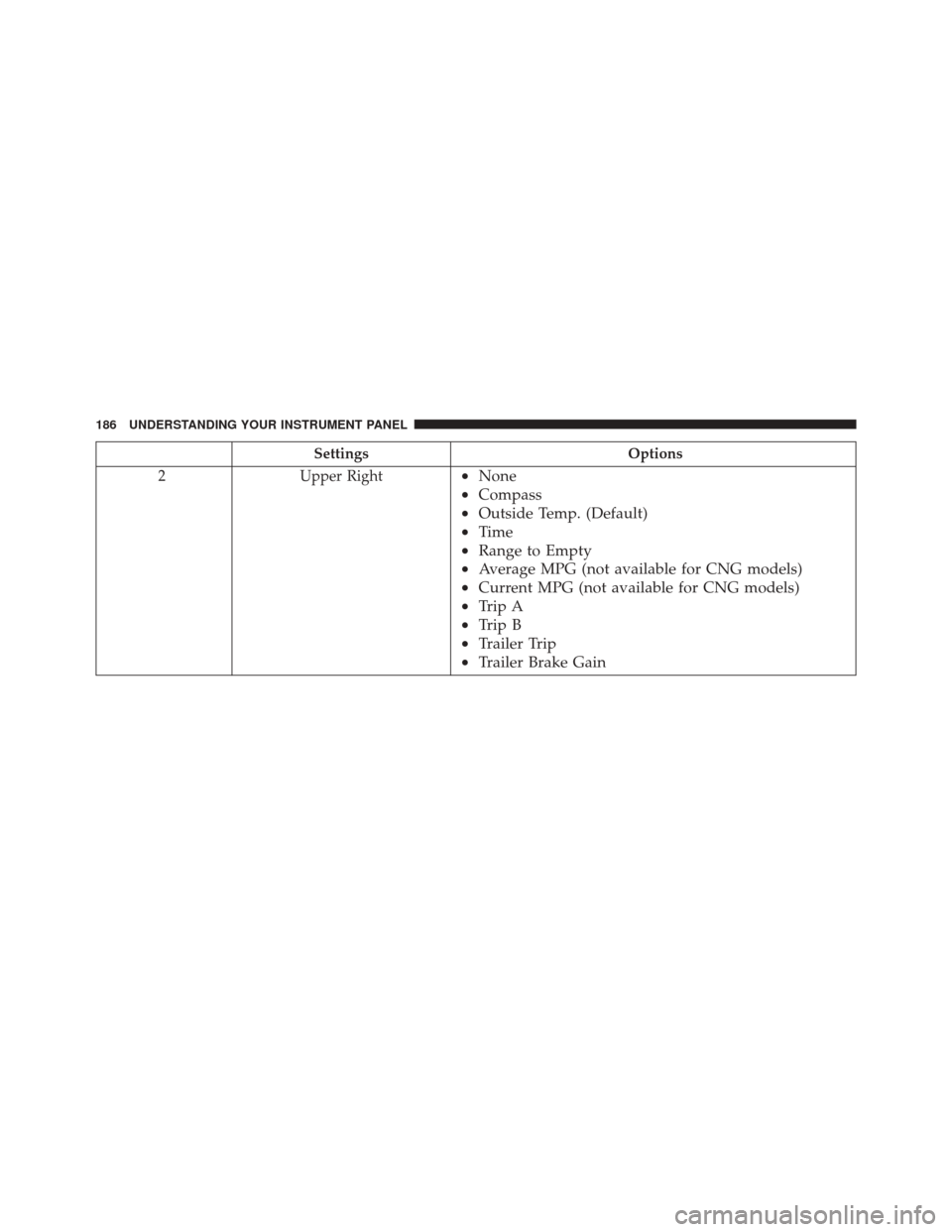
2 Upper Right
•None
• Compass
• Outside Temp. (Default)
• Time
• Range to Empty
• Average MPG (not available for CNG models)
• Current MPG (not available for CNG models)
• Trip A
• Trip B
• Trailer Trip
• Trailer Brake Gain
186 UNDERSTANDING YOUR INSTRUMENT PANEL
Page 189 of 338
SettingsOptions
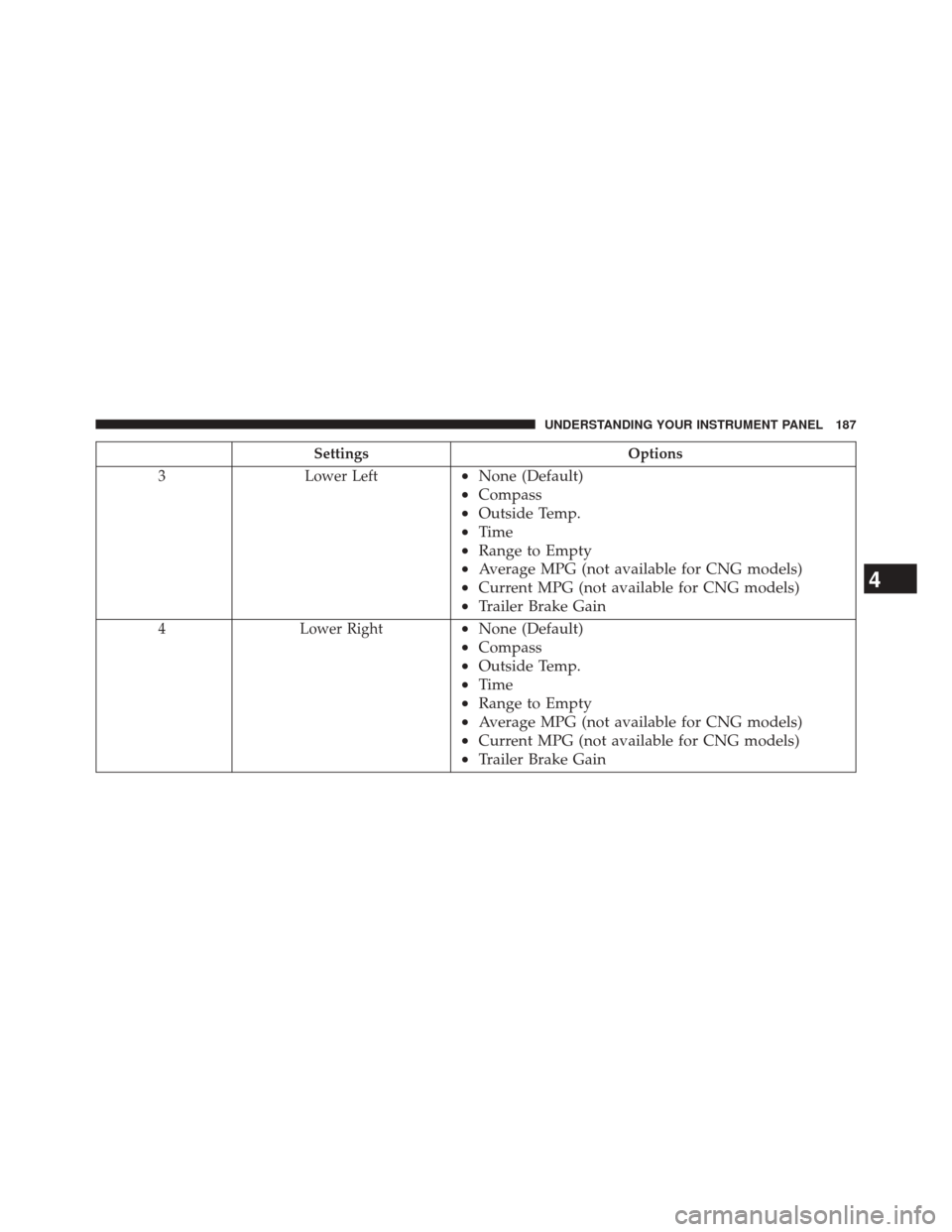
3 Lower Left
•None (Default)
• Compass
• Outside Temp.
• Time
• Range to Empty
• Average MPG (not available for CNG models)
• Current MPG (not available for CNG models)
• Trailer Brake Gain
4 Lower Right•None (Default)
• Compass
• Outside Temp.
• Time
• Range to Empty
• Average MPG (not available for CNG models)
• Current MPG (not available for CNG models)
• Trailer Brake Gain
4
UNDERSTANDING YOUR INSTRUMENT PANEL 187
Page 190 of 338
SettingsOptions
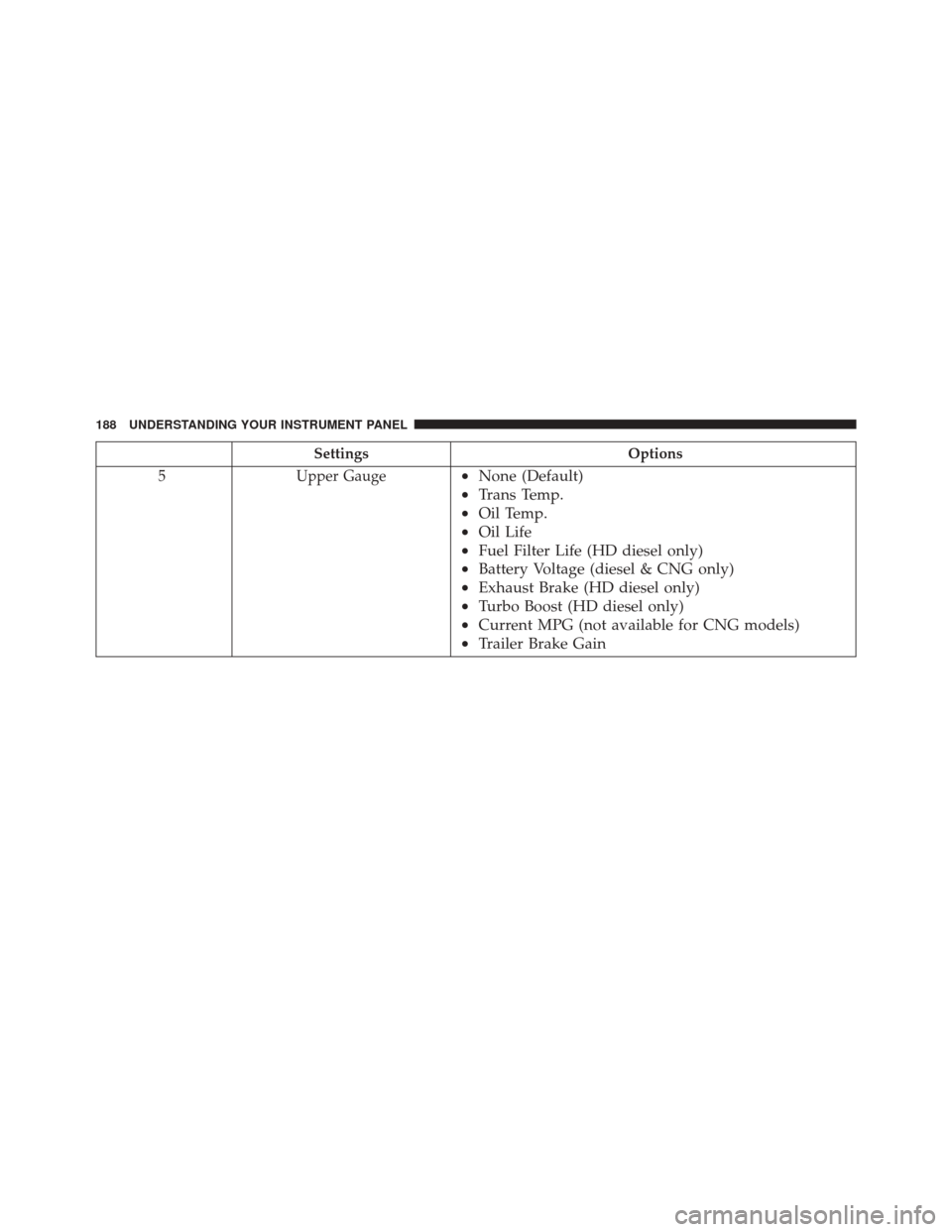
5 Upper Gauge
•None (Default)
• Trans Temp.
• Oil Temp.
• Oil Life
• Fuel Filter Life (HD diesel only)
• Battery Voltage (diesel & CNG only)
• Exhaust Brake (HD diesel only)
• Turbo Boost (HD diesel only)
• Current MPG (not available for CNG models)
• Trailer Brake Gain
188 UNDERSTANDING YOUR INSTRUMENT PANEL
Page 191 of 338
SettingsOptions
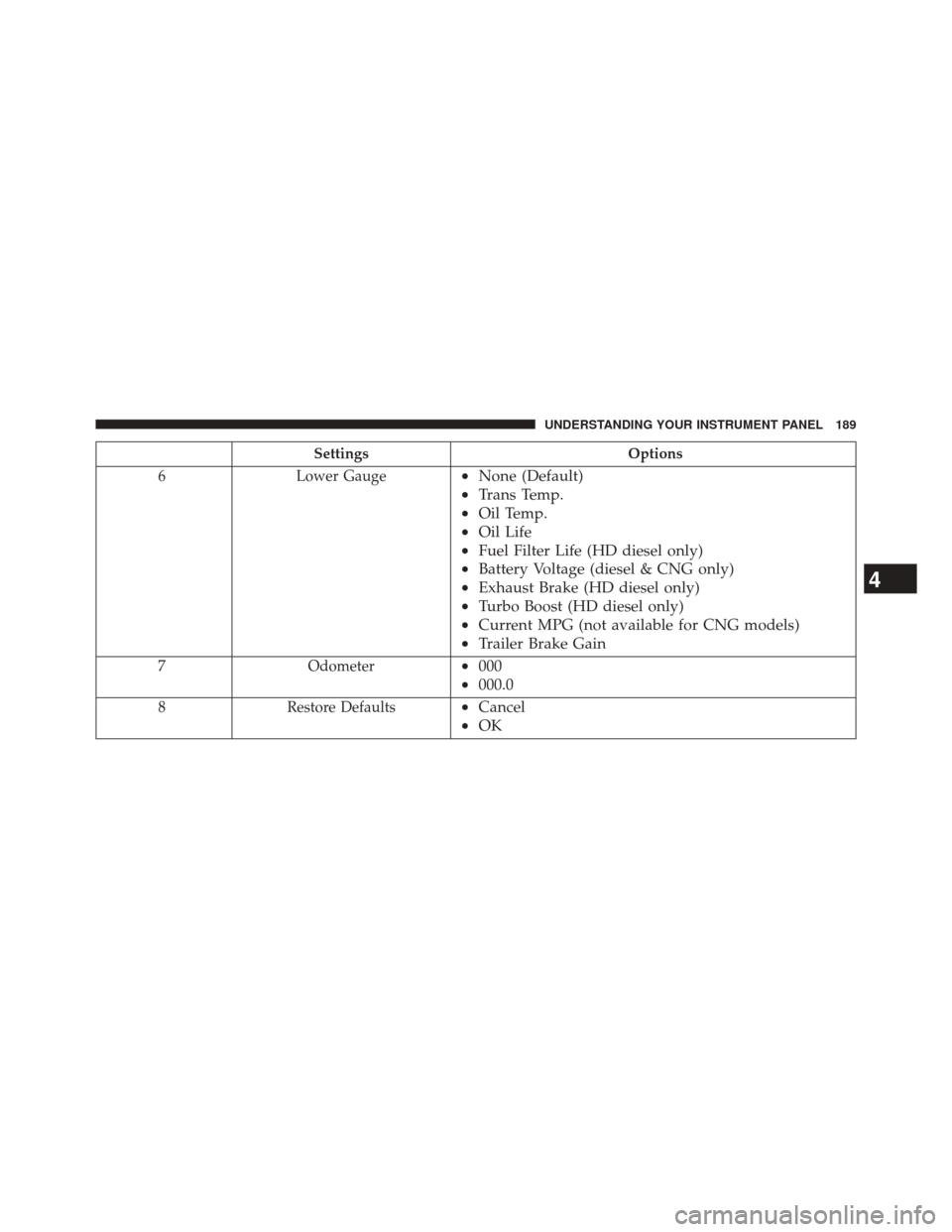
6 Lower Gauge
•None (Default)
• Trans Temp.
• Oil Temp.
• Oil Life
• Fuel Filter Life (HD diesel only)
• Battery Voltage (diesel & CNG only)
• Exhaust Brake (HD diesel only)
• Turbo Boost (HD diesel only)
• Current MPG (not available for CNG models)
• Trailer Brake Gain
7 Odometer•000
• 000.0
8 Restore Defaults•Cancel
• OK
4
UNDERSTANDING YOUR INSTRUMENT PANEL 189